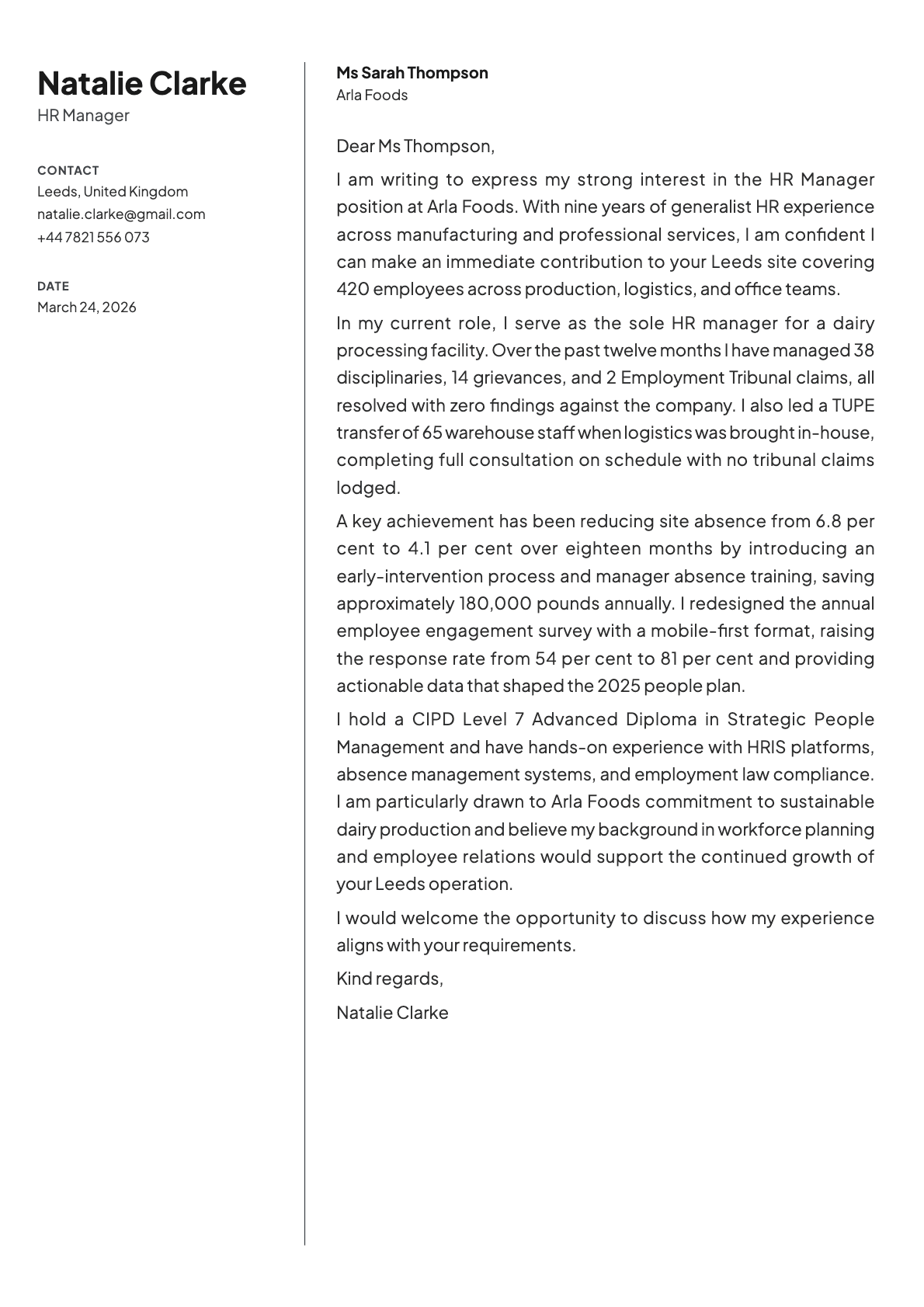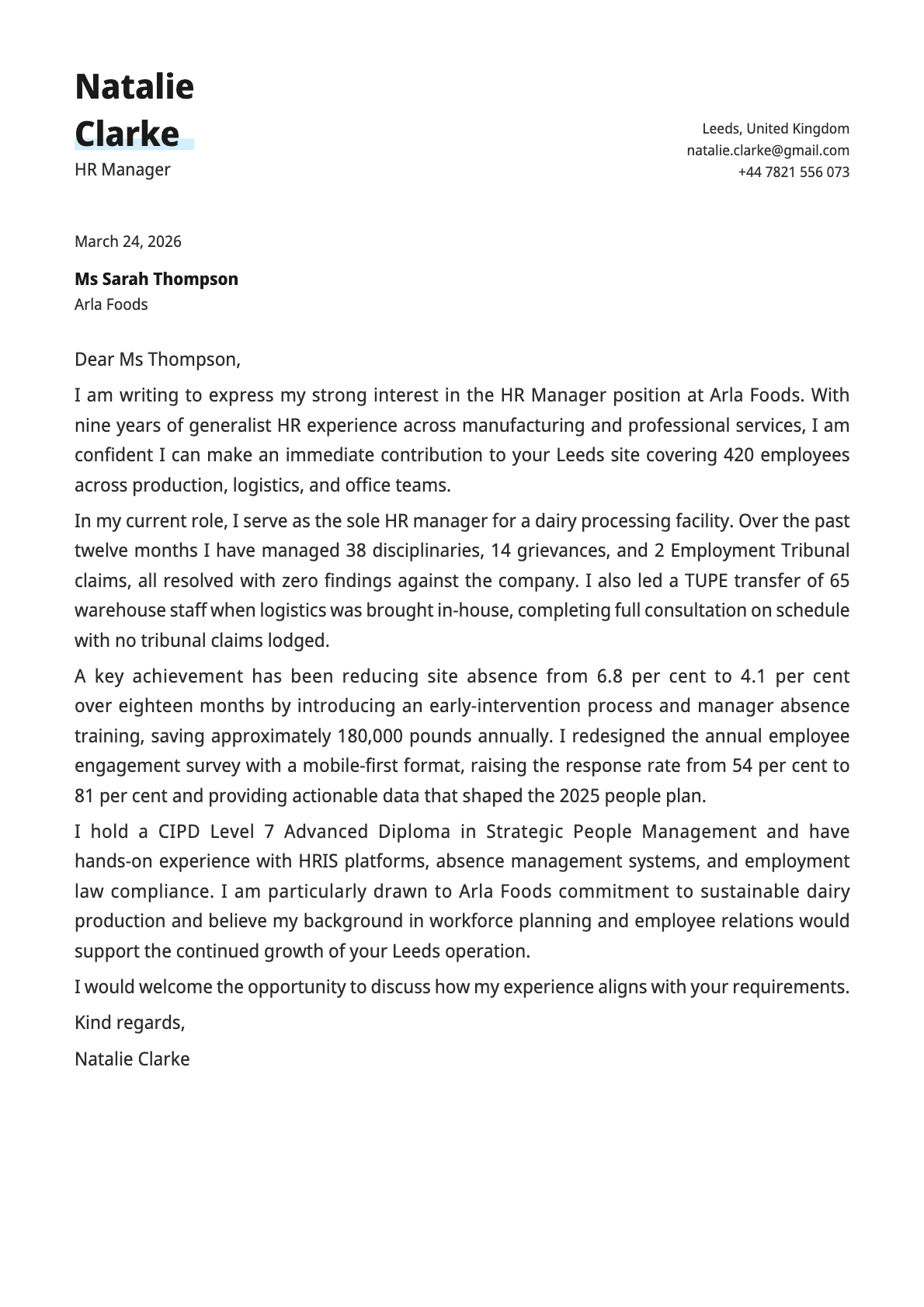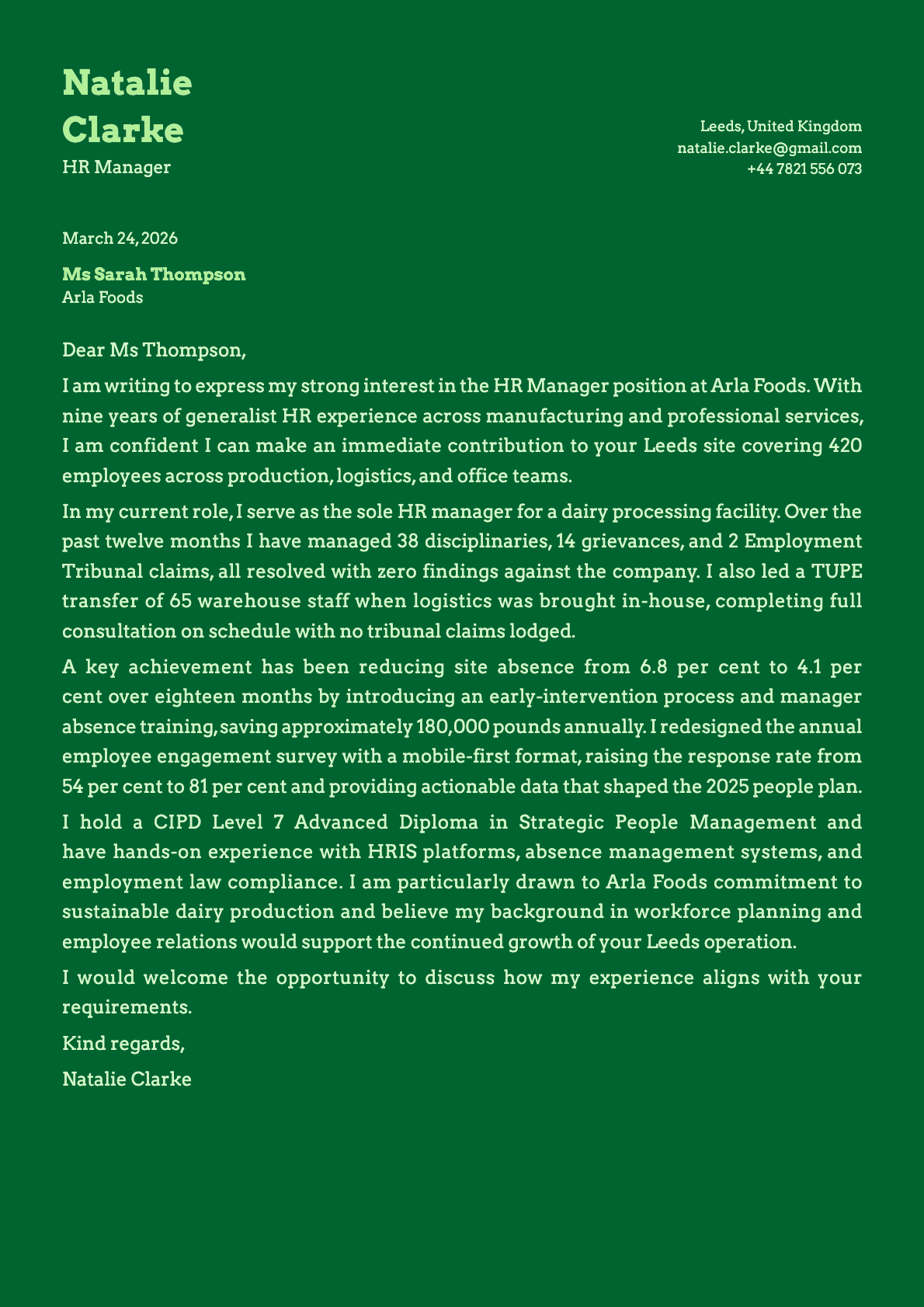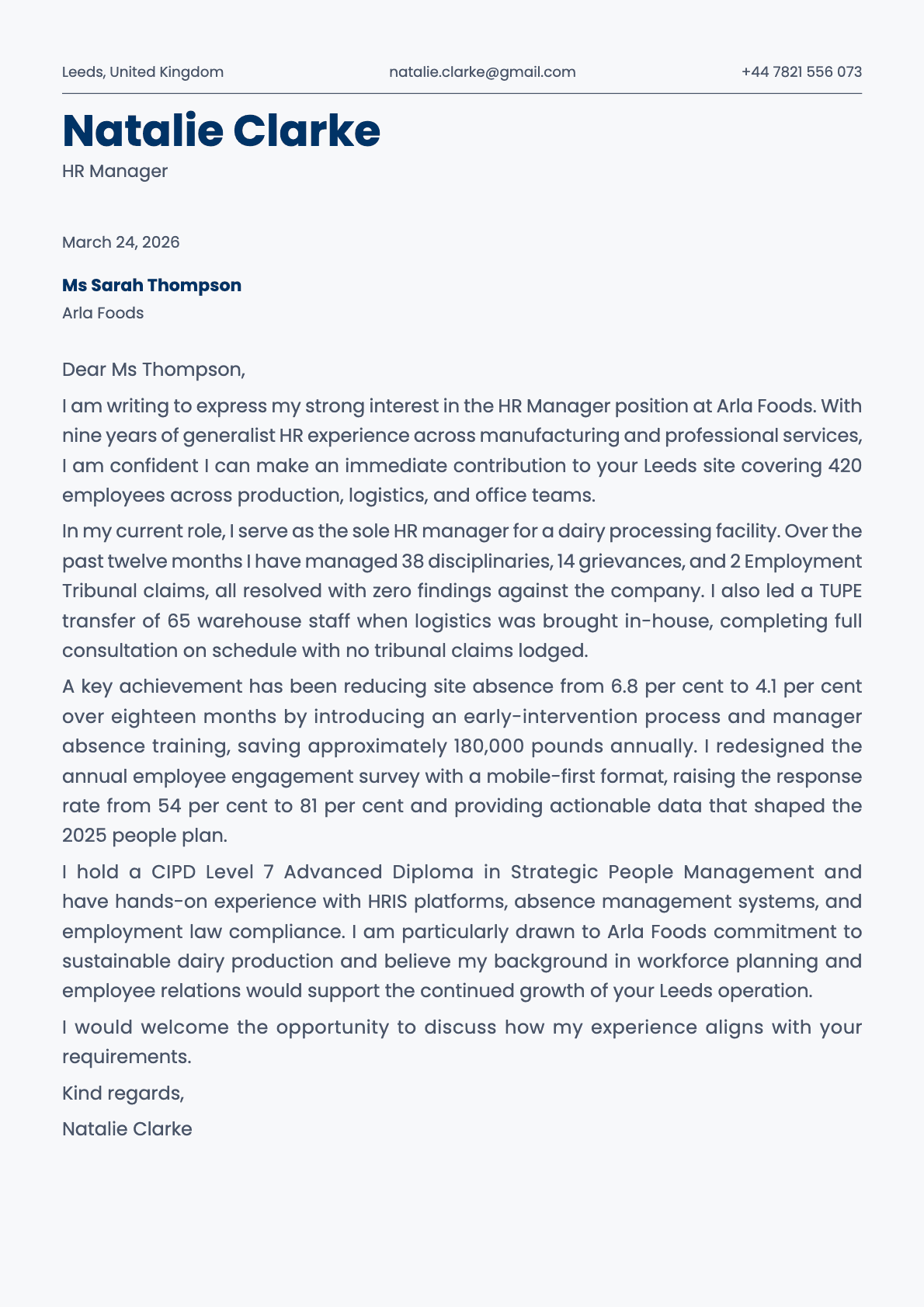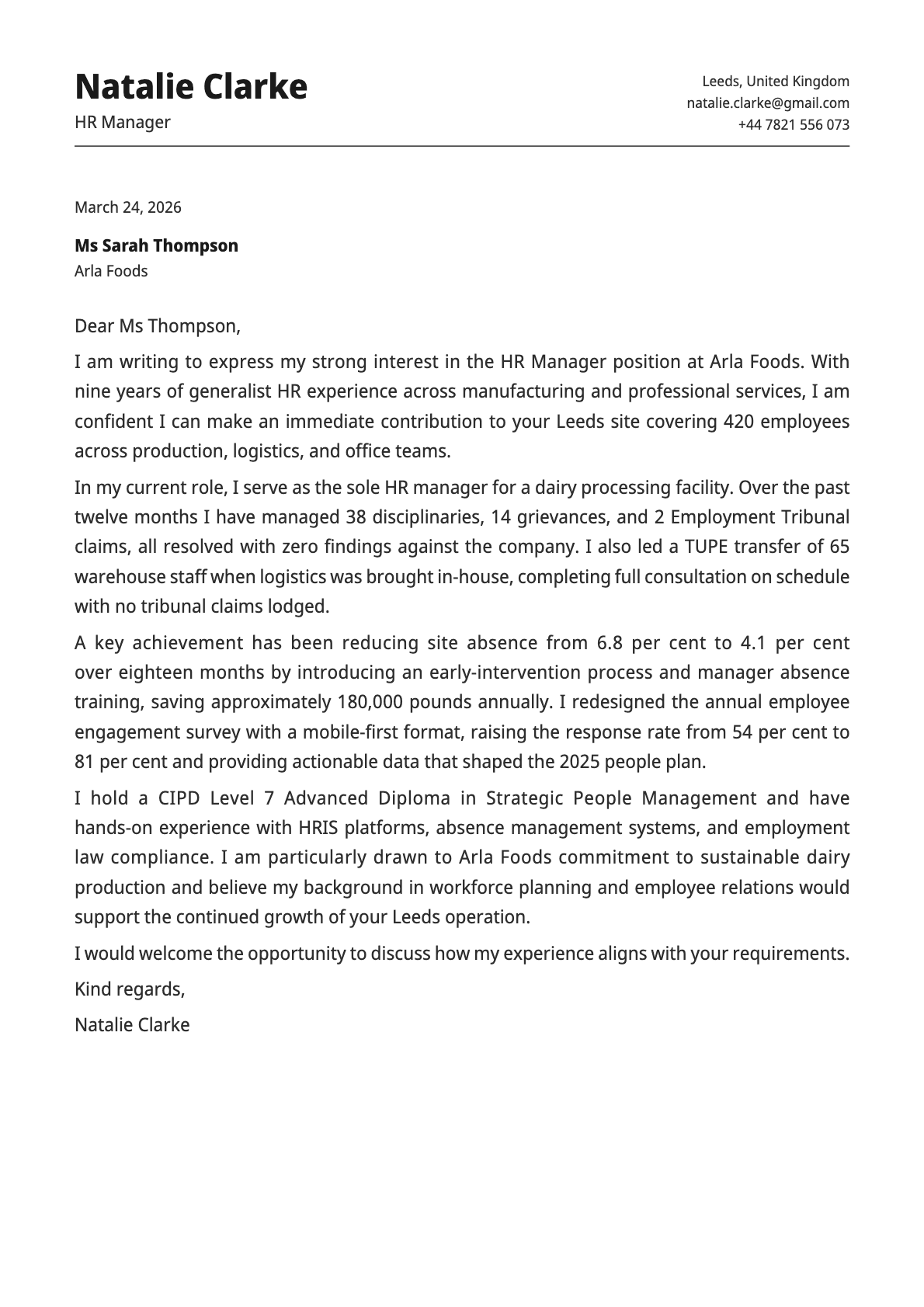
Cobalt Cover Letter Template
A structured, professional cover letter template with bold typography, 8 colour options, and a layout built for corporate and technical applications.
Why Cobalt?
Cobalt brings structure and authority to your cover letter. It uses Avrile Sans, a typeface that bridges traditional and modern, with bold section markers and clear visual hierarchy. The result is a letter that looks like it was written by someone who takes their career seriously.
Where other templates play it safe with thin lines and light colours, Cobalt uses stronger contrasts. The heading stands out. The sections are clearly delineated. It is a template that commands attention without being flashy.
Who should use this template?
Cobalt is built for roles where credibility and structure matter. Finance, consulting, engineering management, enterprise tech. Your cover letter needs to convey competence before anyone reads a word.
It also works well for:
- Technical professionals who want a polished presentation
- Senior candidates applying for leadership roles
- Anyone making a case for a role where attention to detail matters
Pair it with the Cobalt resume template for maximum impact.
What you get
- A structured single-column layout with clear visual hierarchy
- 8 colour themes from deep black to navy, teal, and slate
- Avrile Sans as the default font, professional and distinctive
- Bold heading treatment that gives your name prominence
- Fully customisable in the Laddro builder
Colour options
Cobalt offers 8 colour variations:
- Classic black for maximum authority
- Deep navy for a corporate-yet-modern feel
- Teal for a touch of colour without losing formality
- Slate and grey tones for understated professionalism
Tips for getting the most out of Cobalt
- Cobalt's structured layout rewards well-organised content. Lead with your strongest qualification.
- The navy and teal variants are the standout choices. They add colour without breaking the professional tone.
- Use this template when applying to companies with established brands. It signals that you understand corporate communication.
- Keep bullet points to a minimum in cover letters. Cobalt works best with flowing paragraphs.
Write your cover letter with Cobalt on Laddro
Start writing with Cobalt. Customise everything in the builder and download your polished PDF.