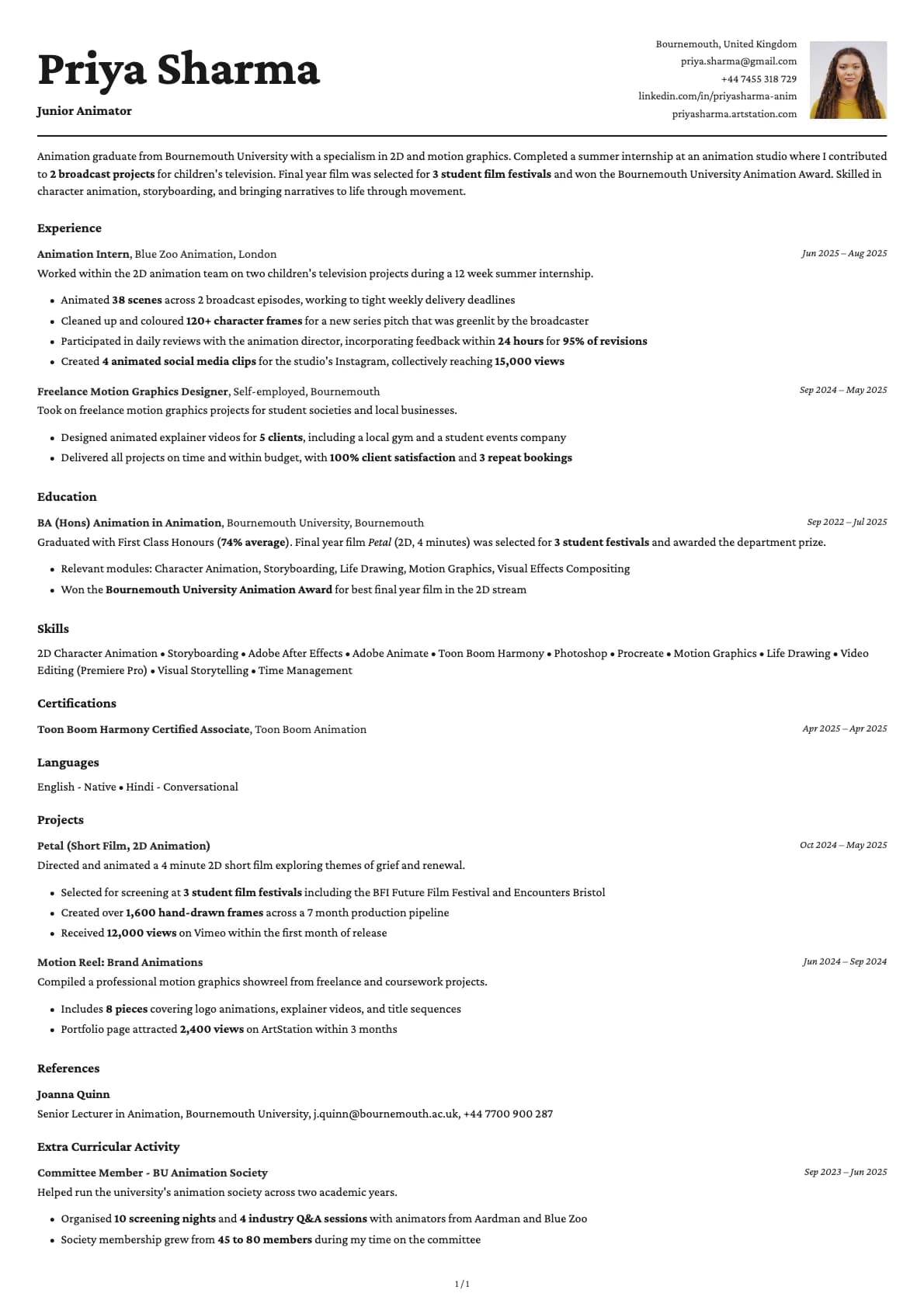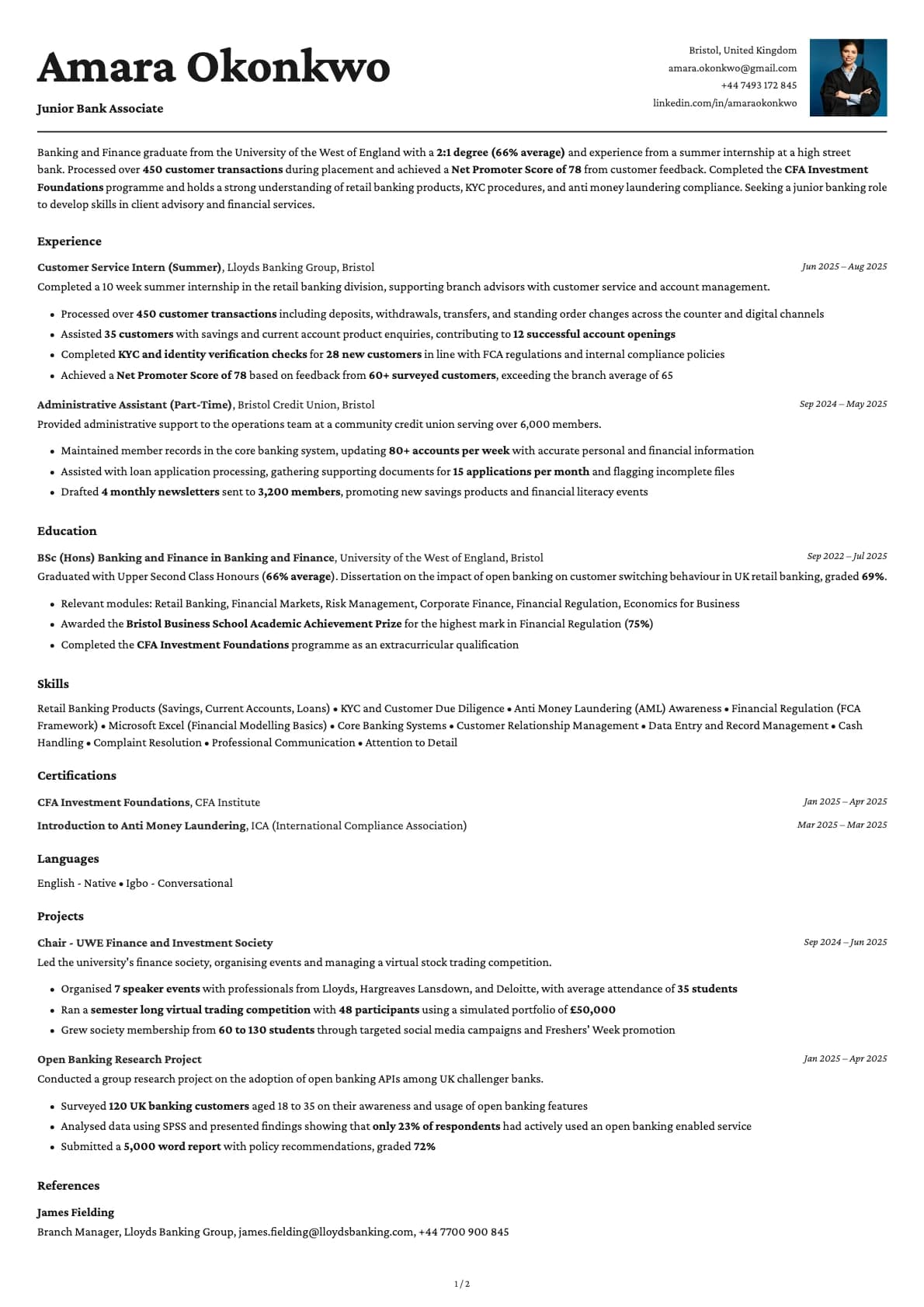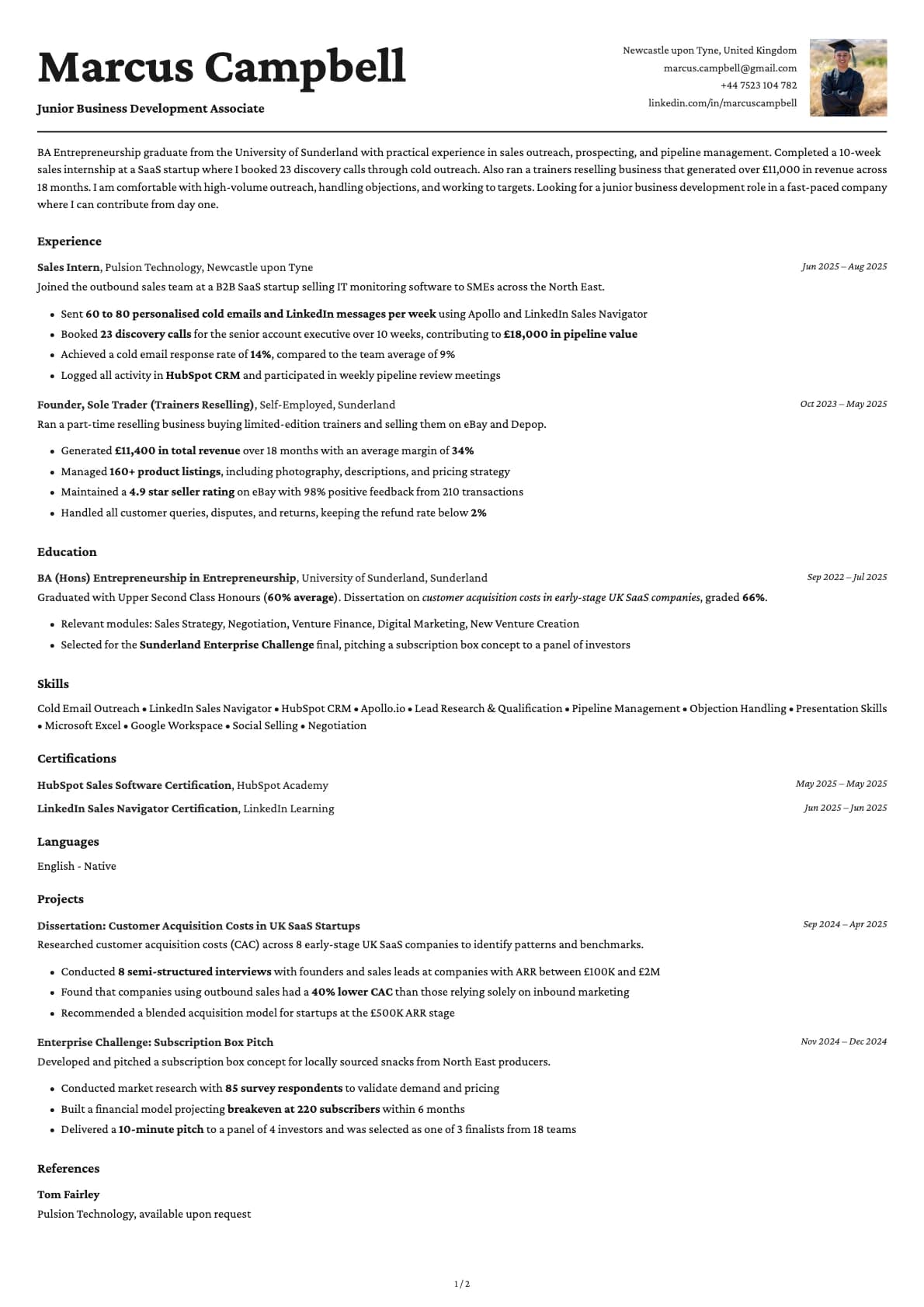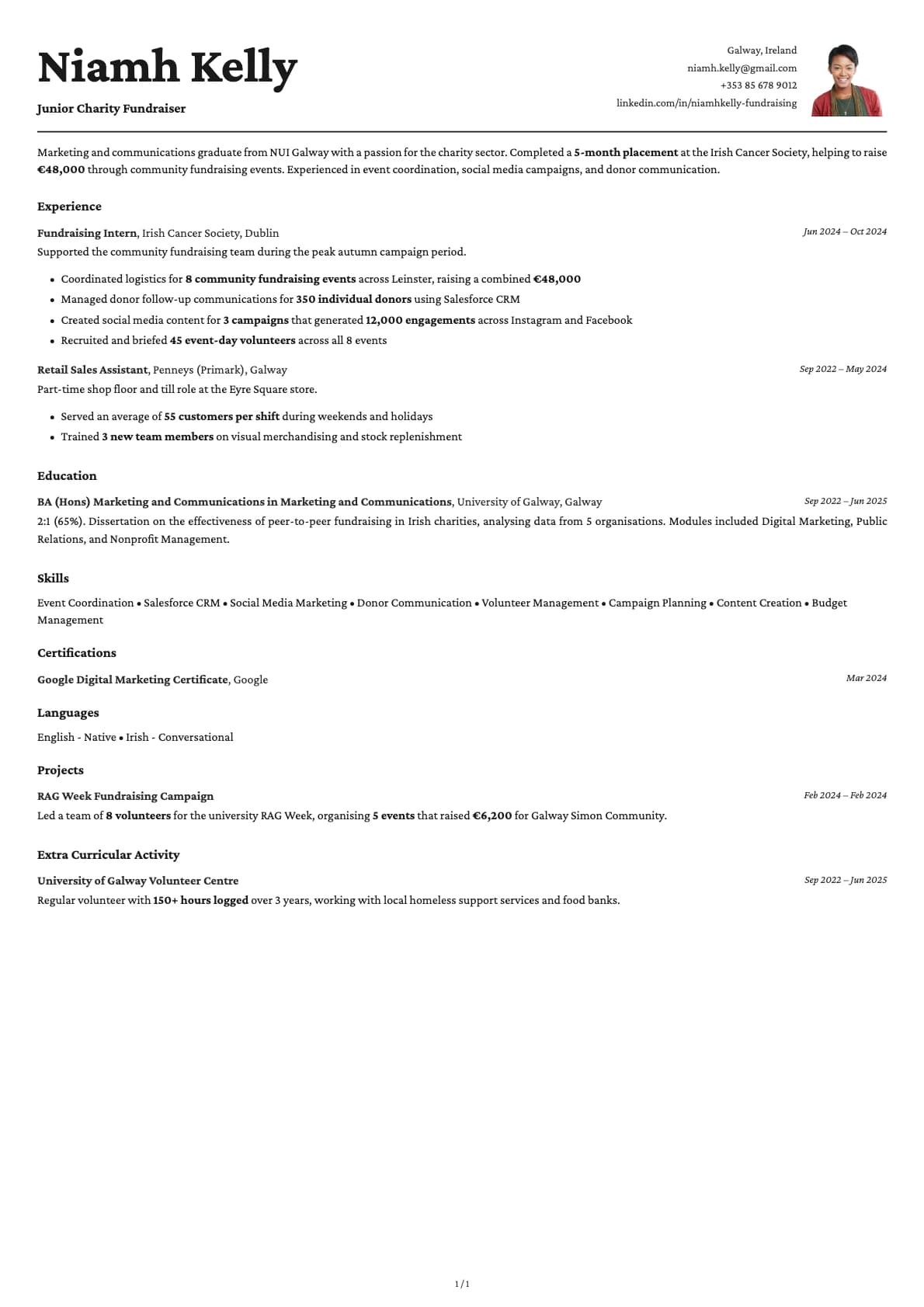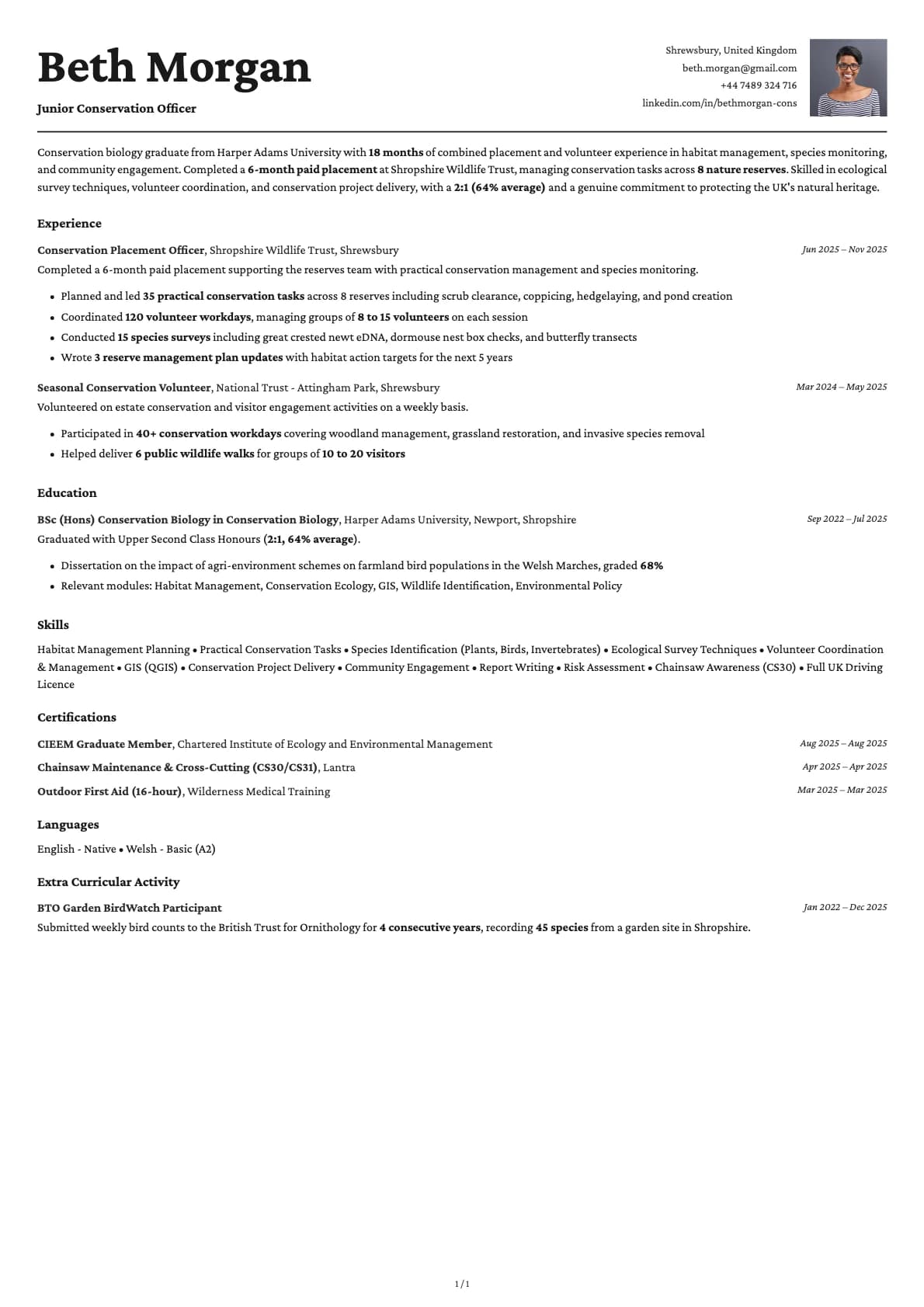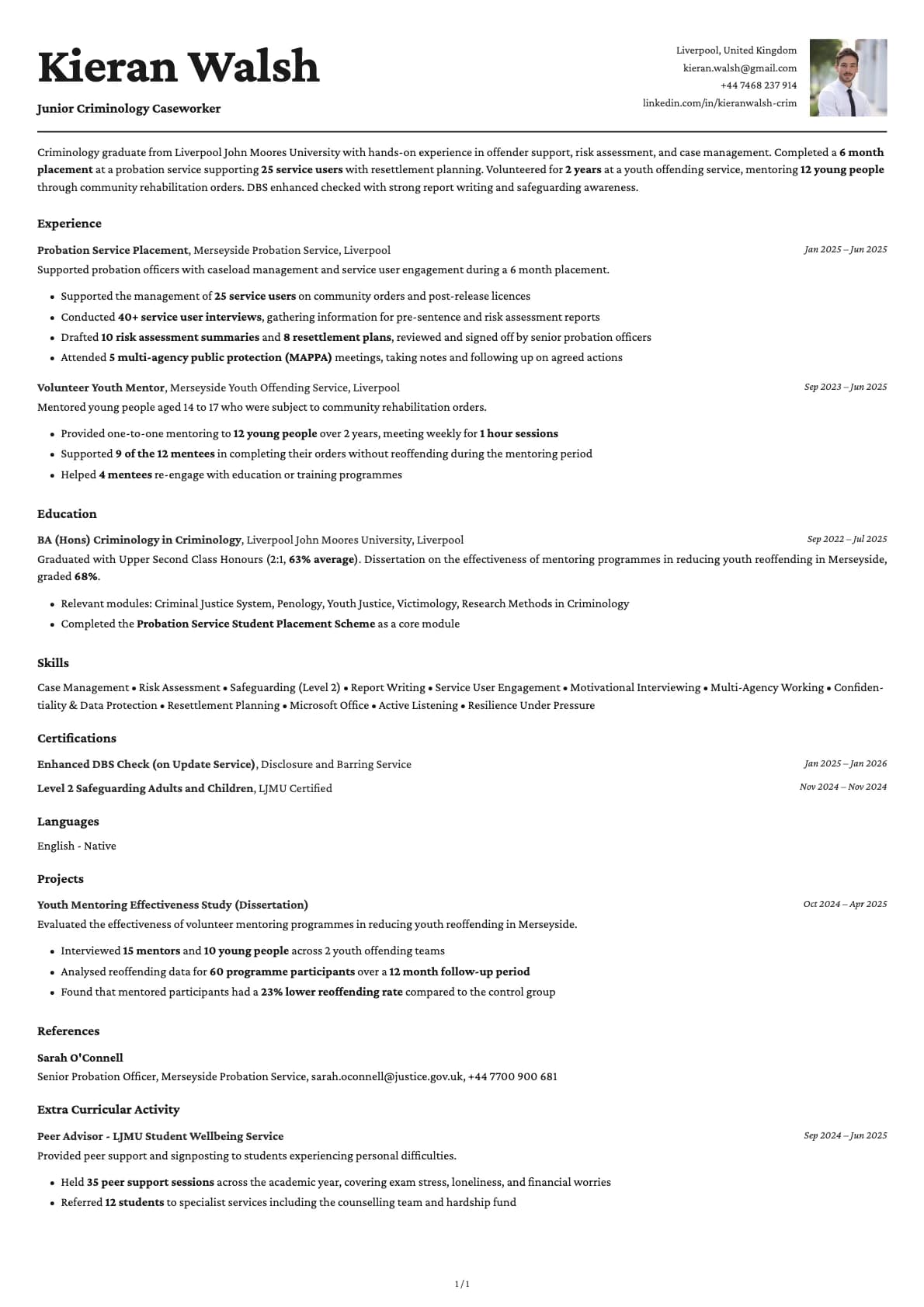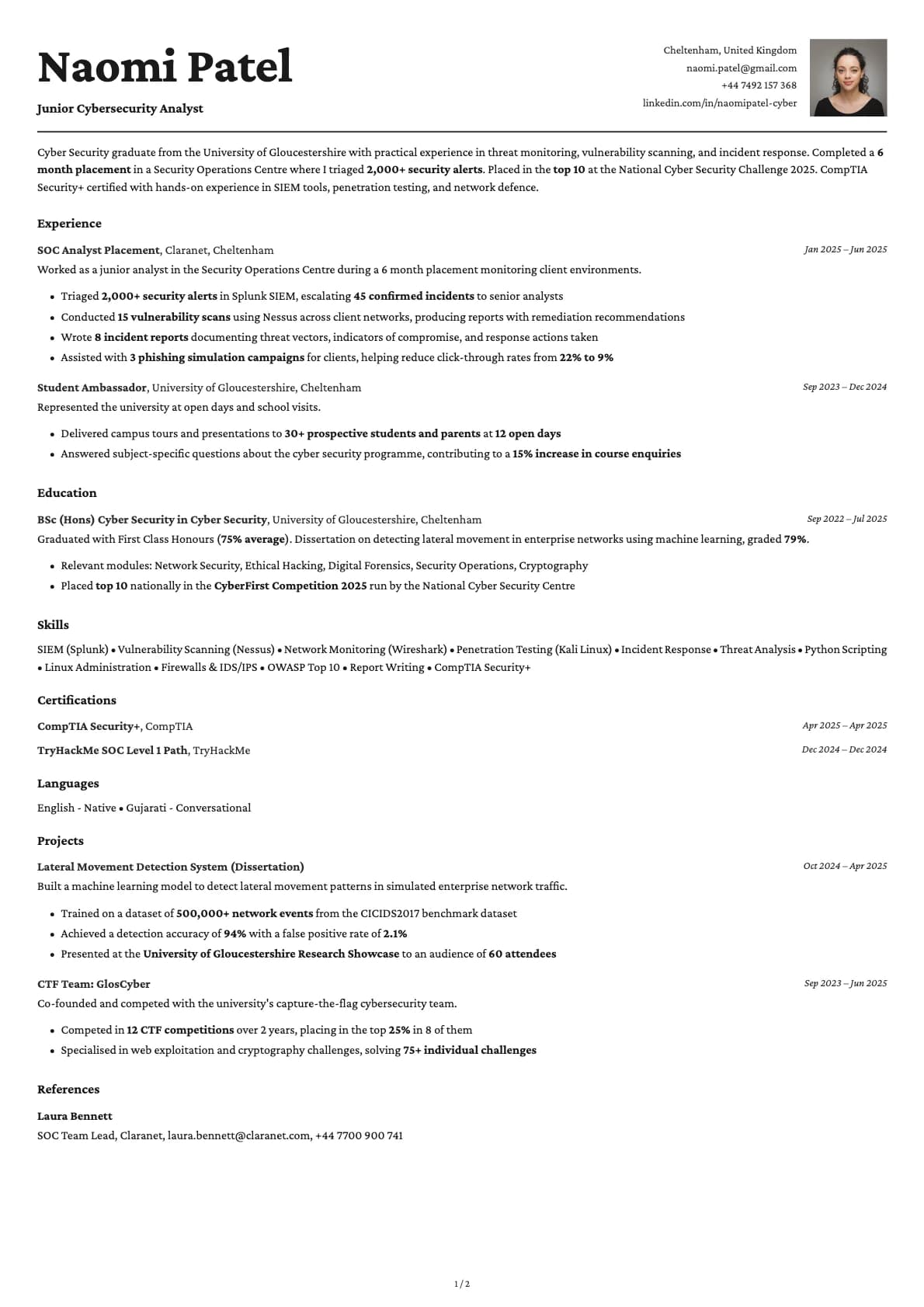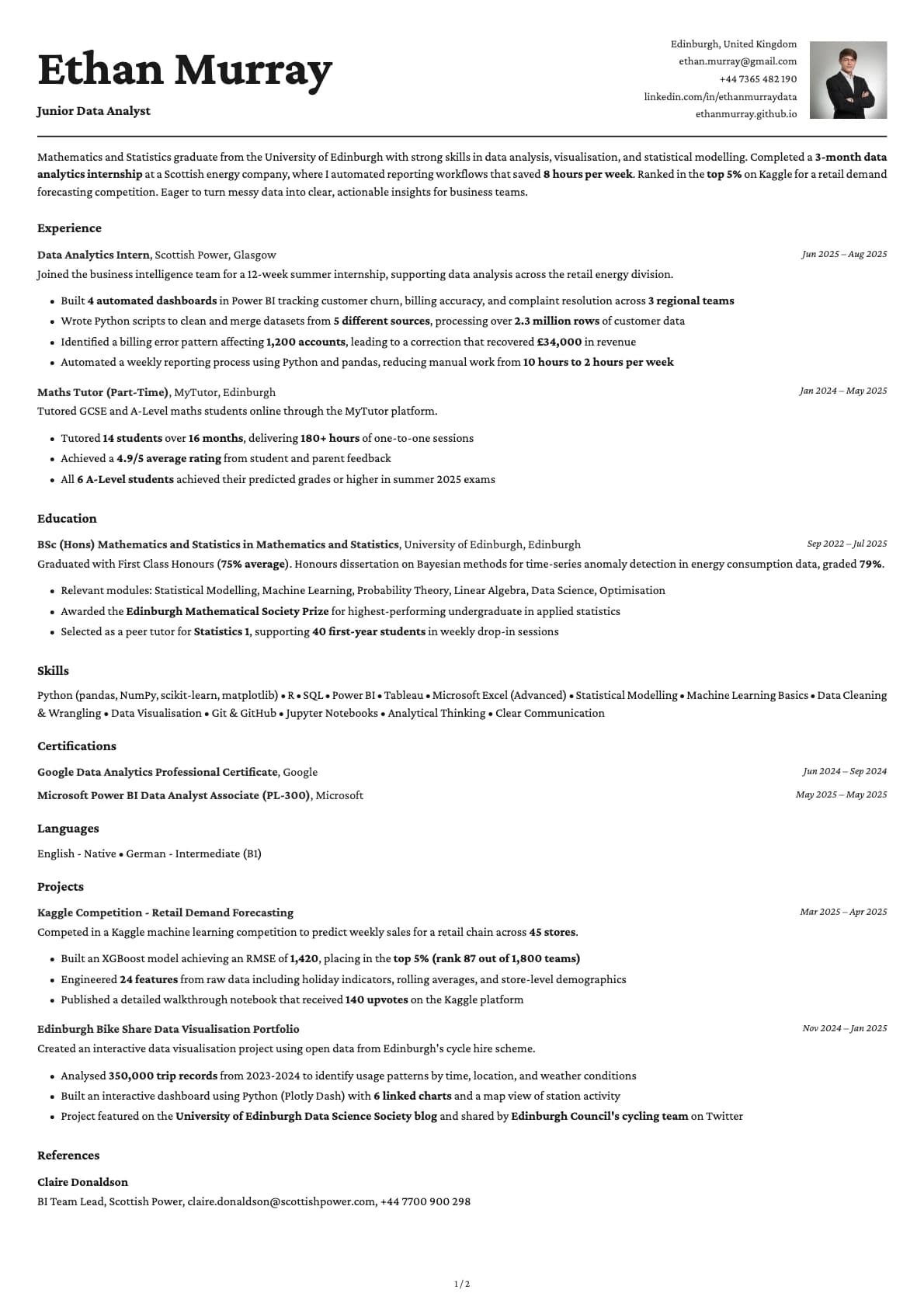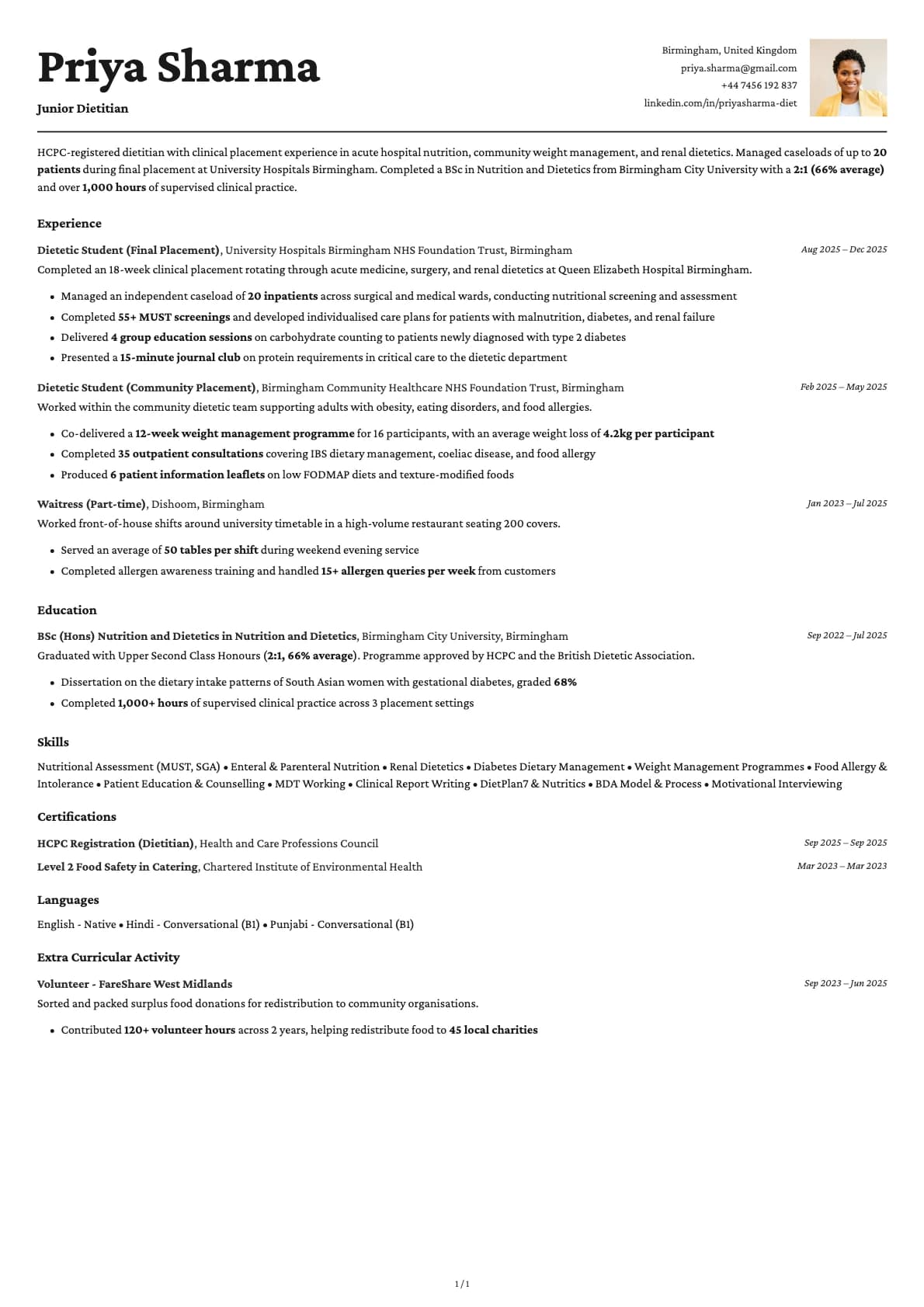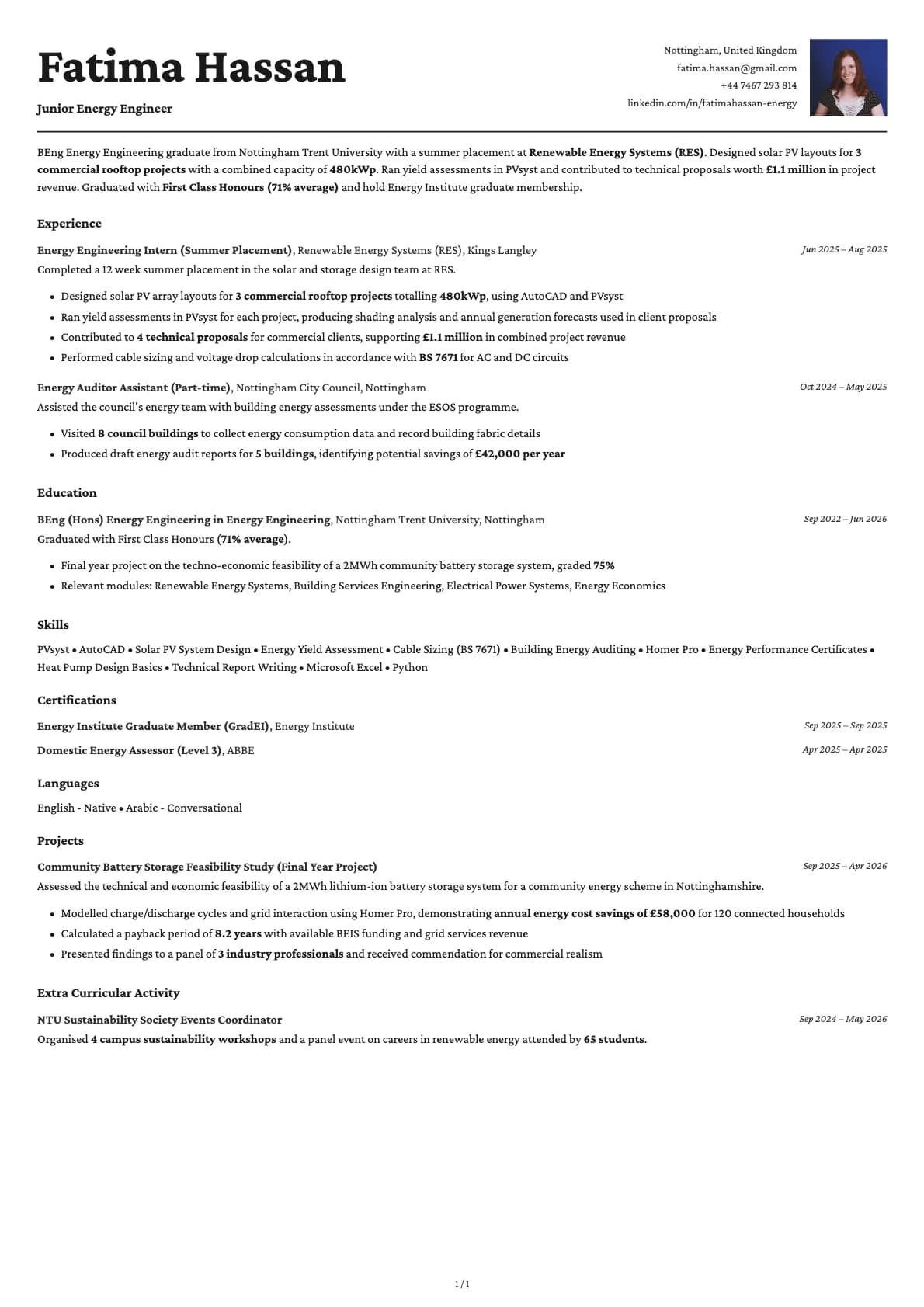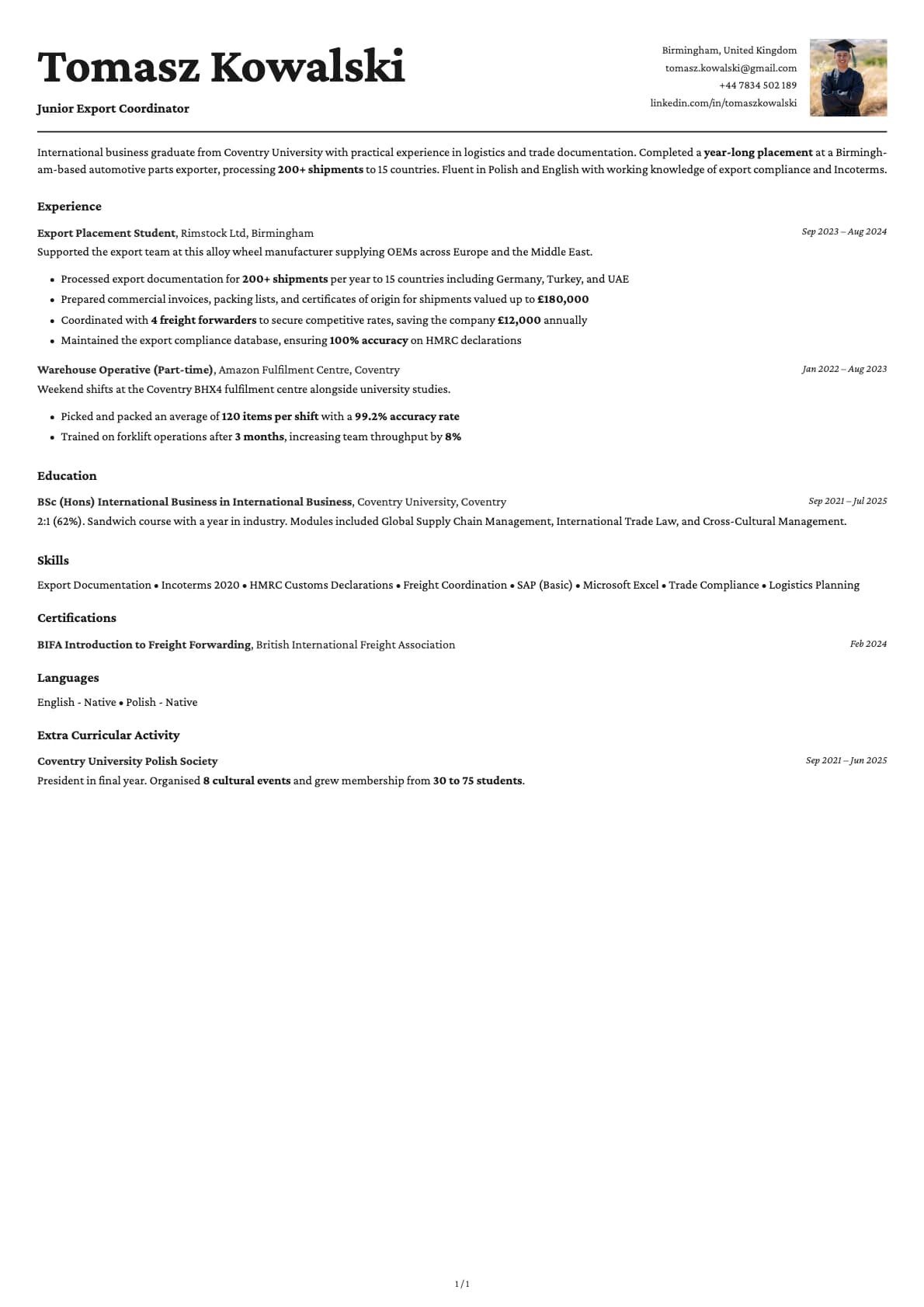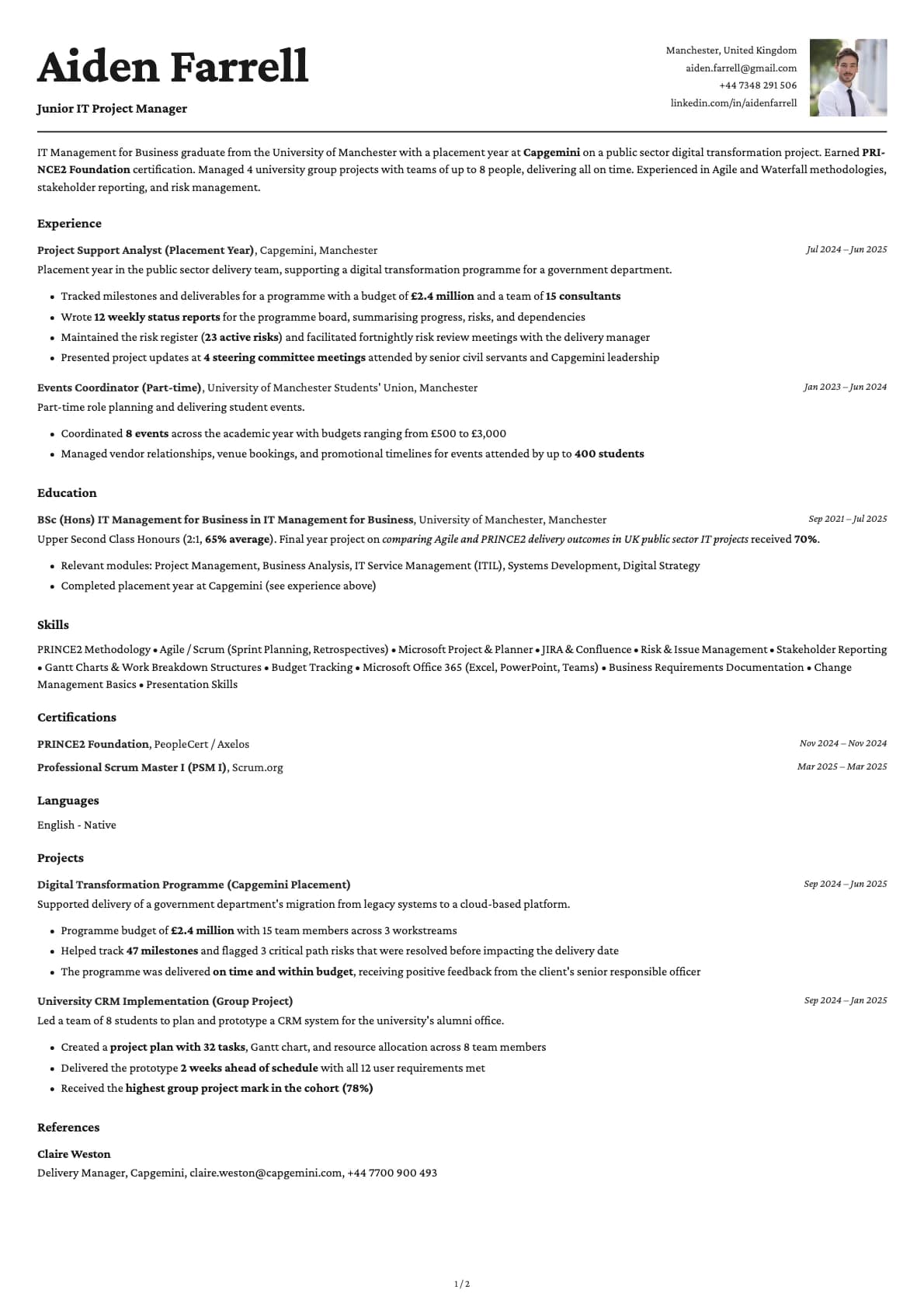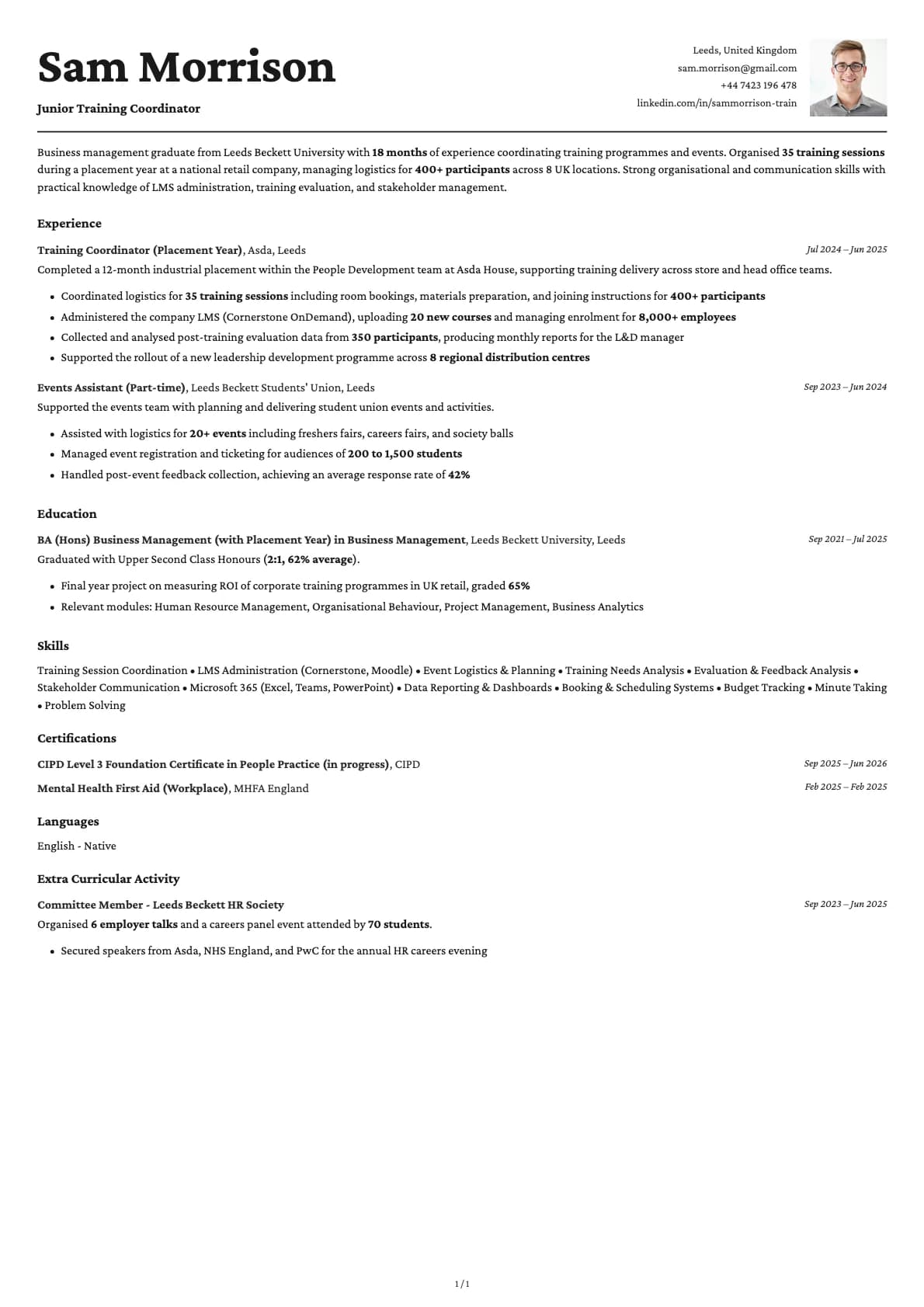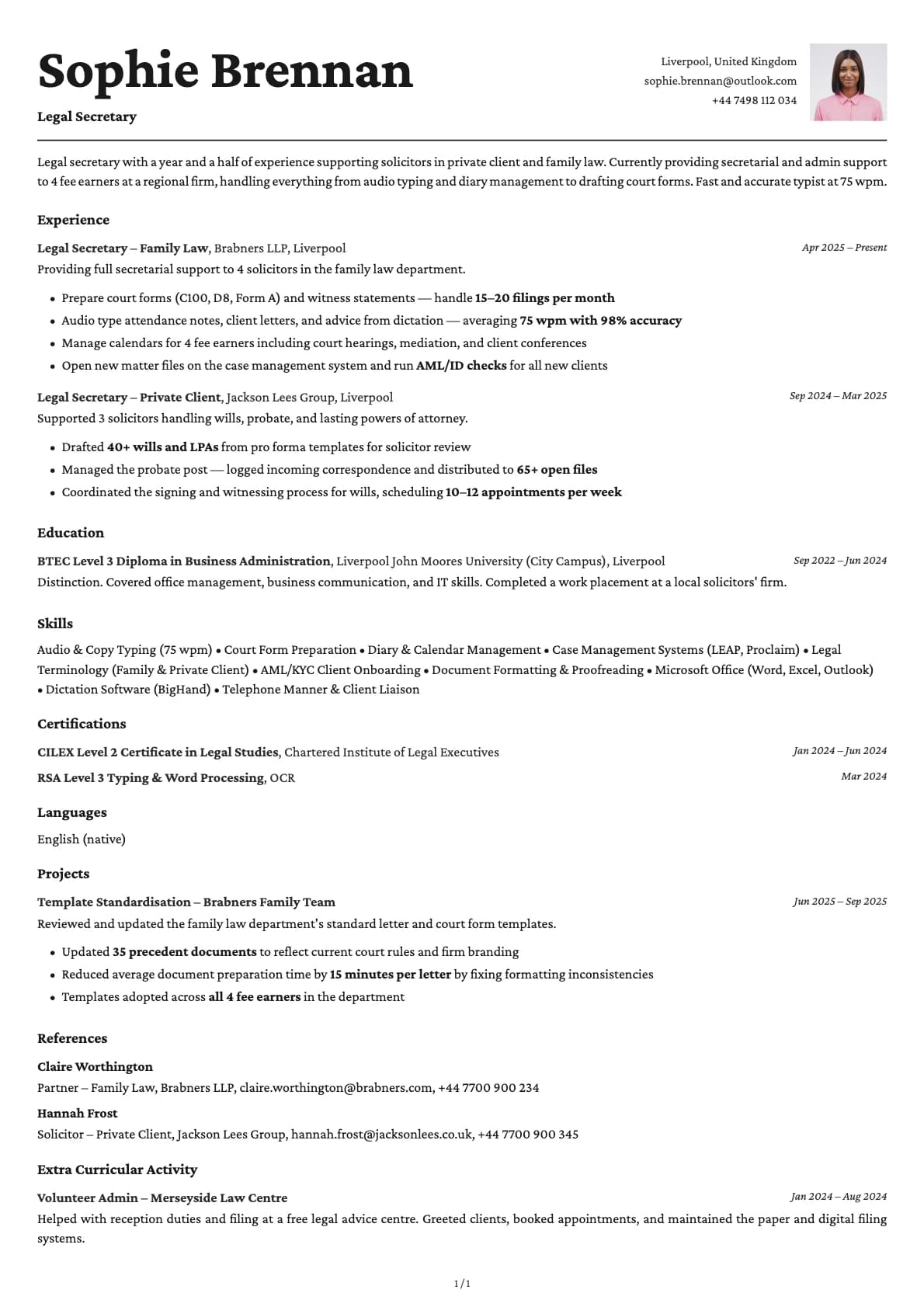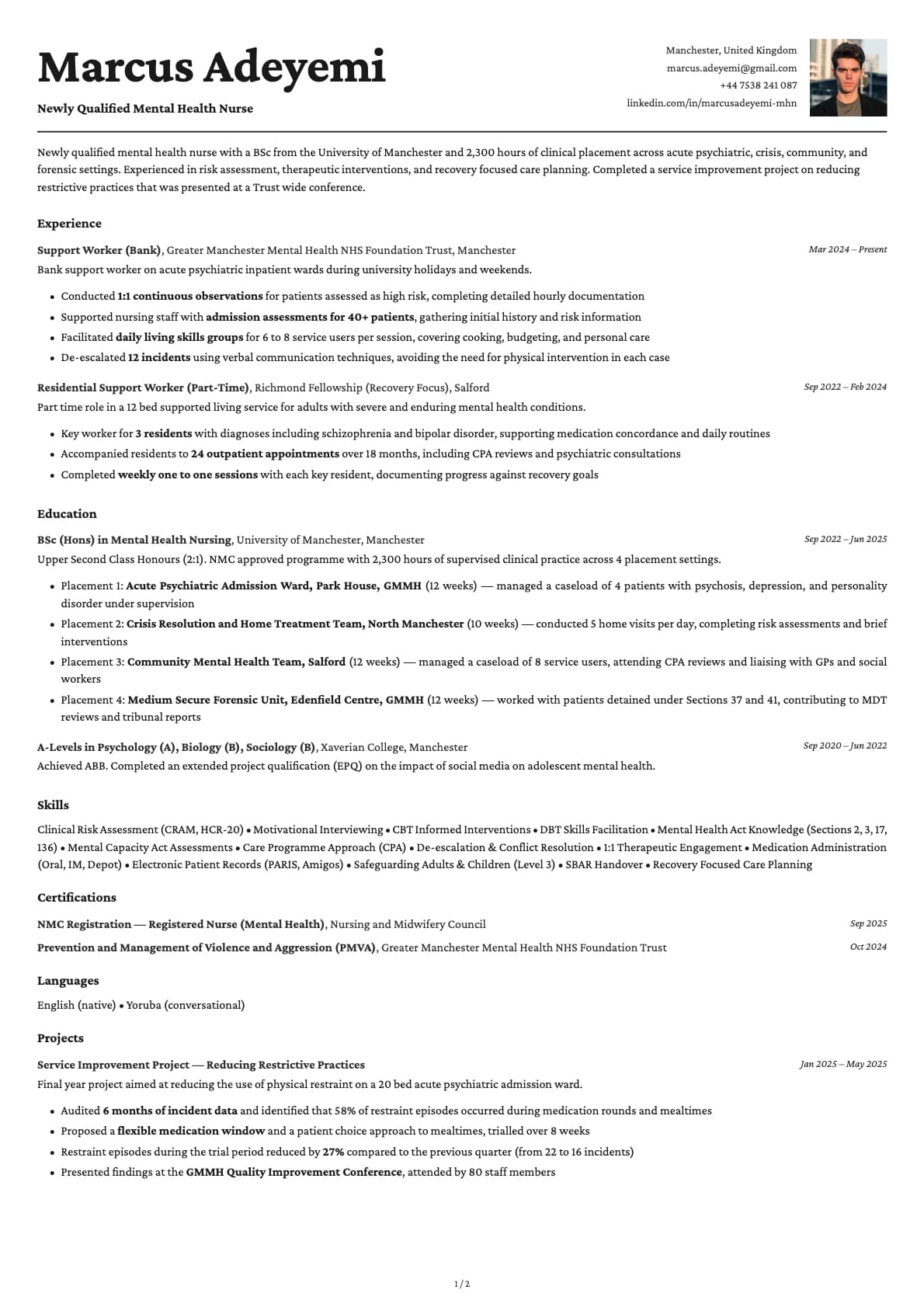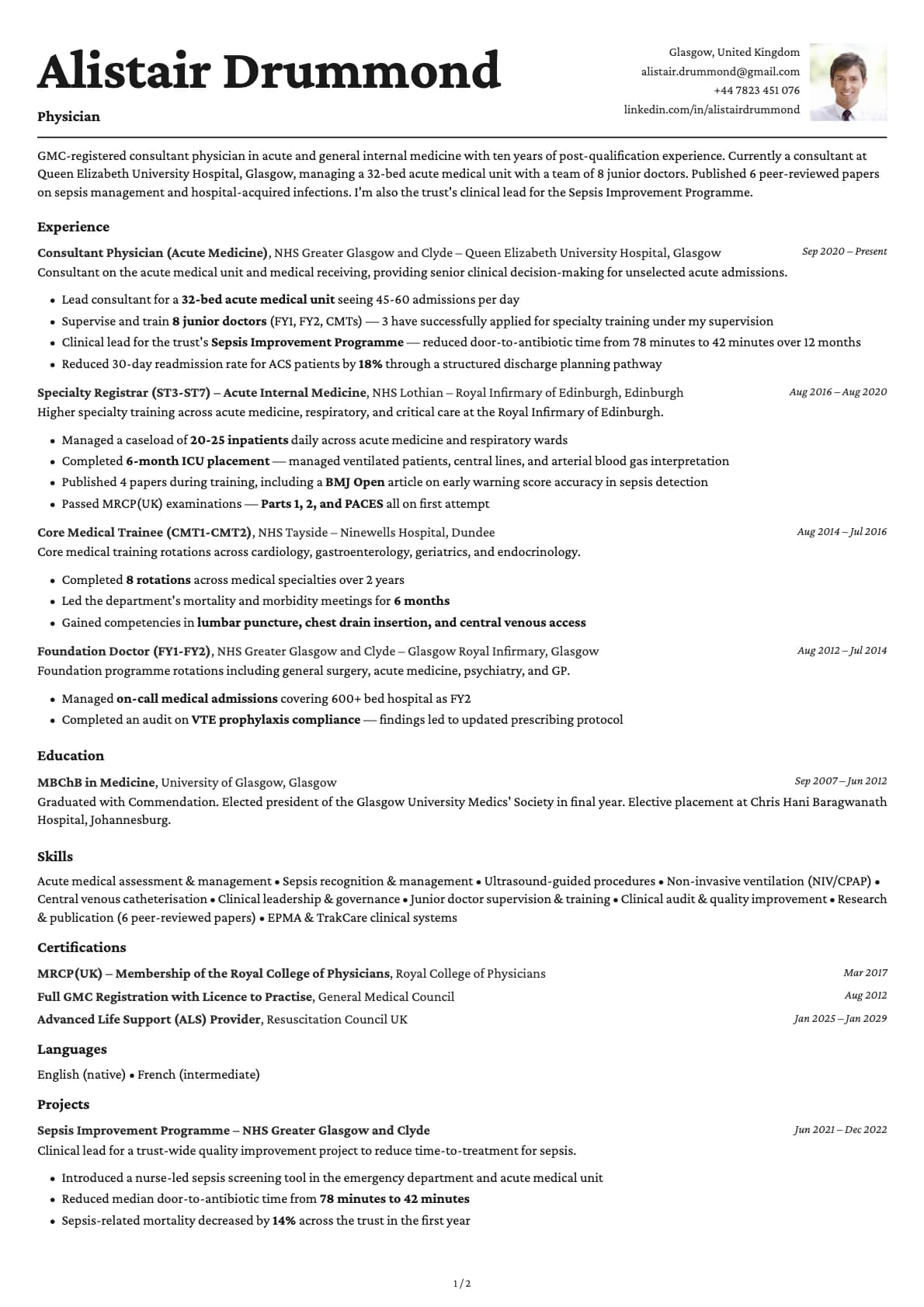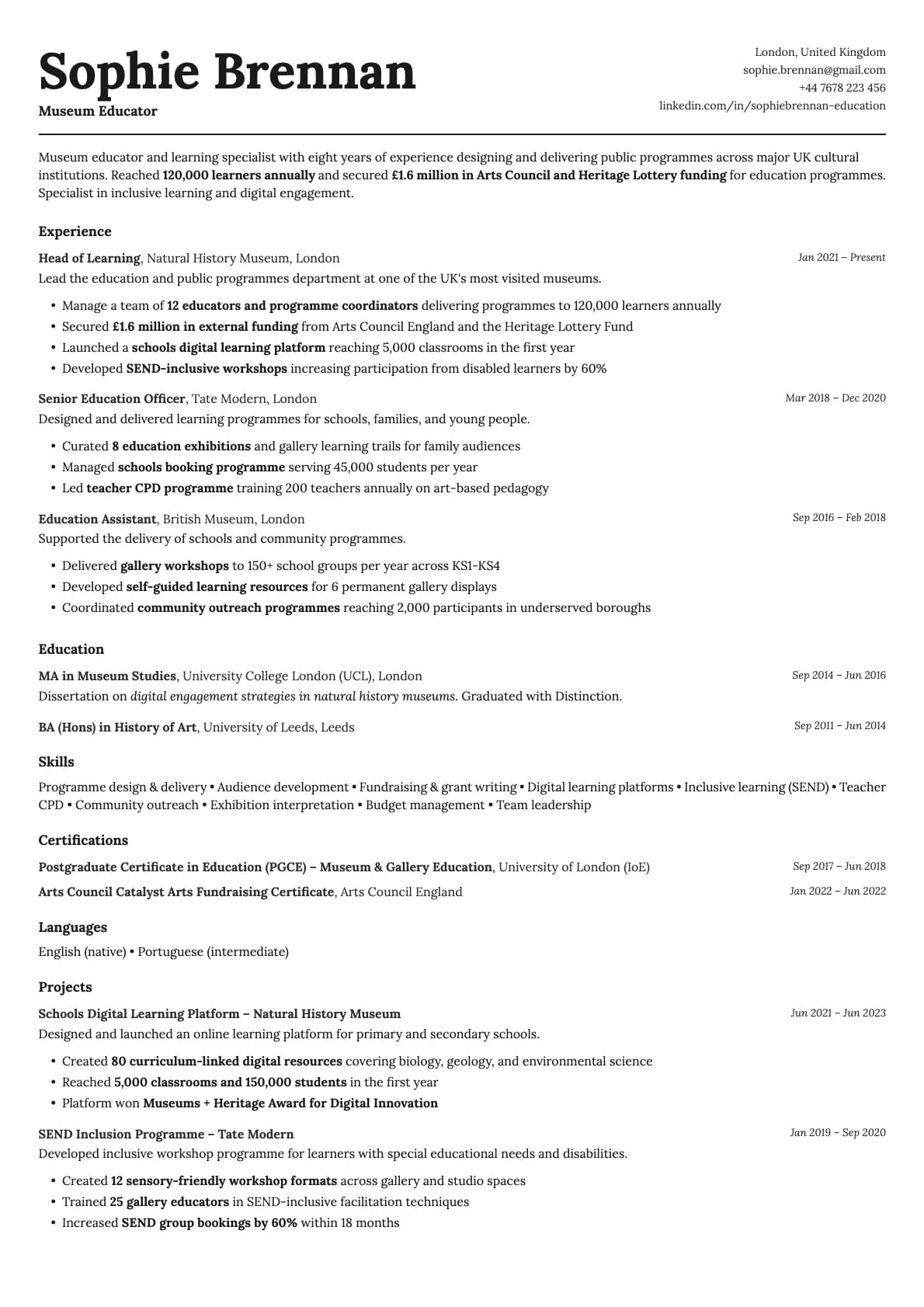
Cobalt Resume Template
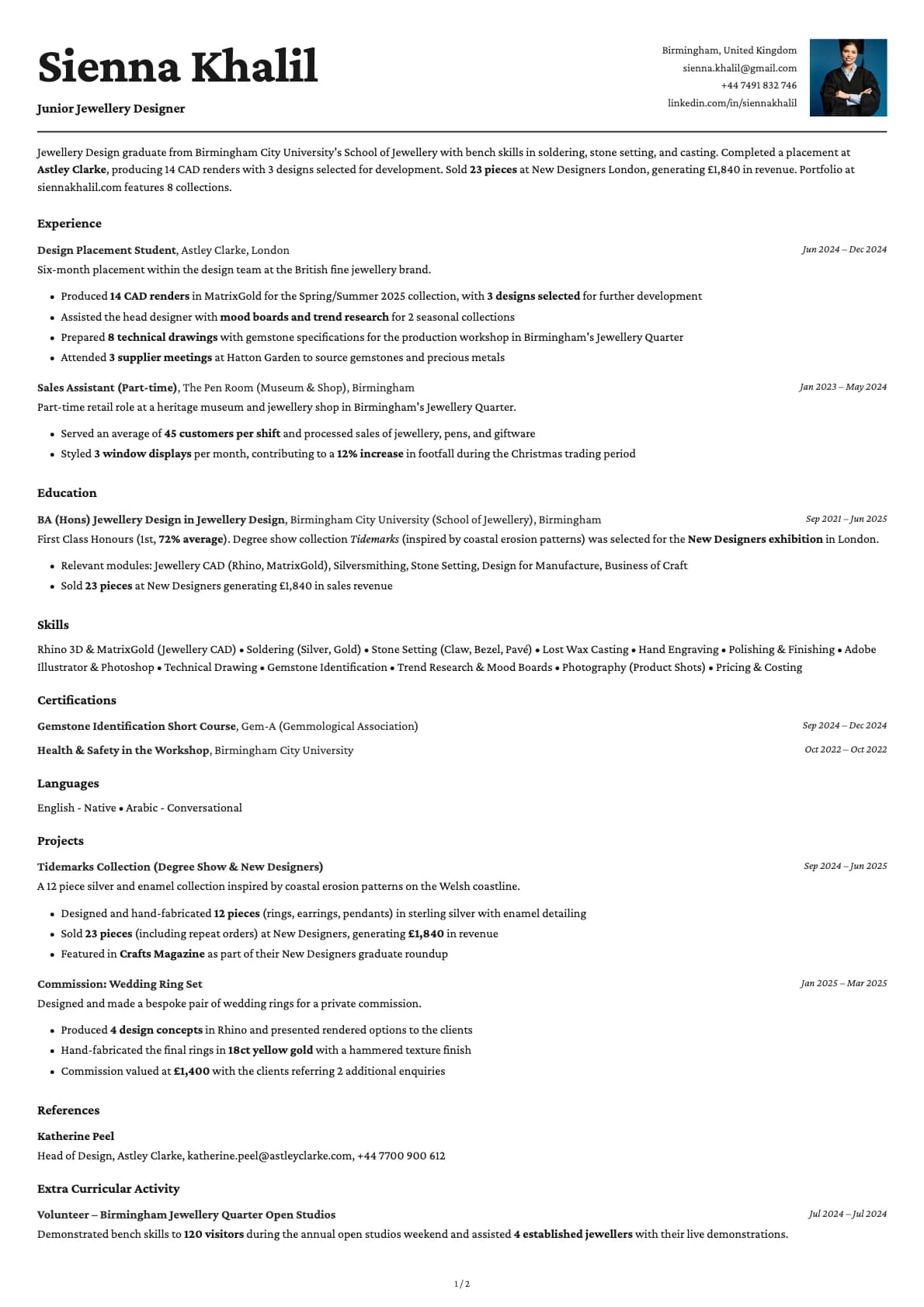
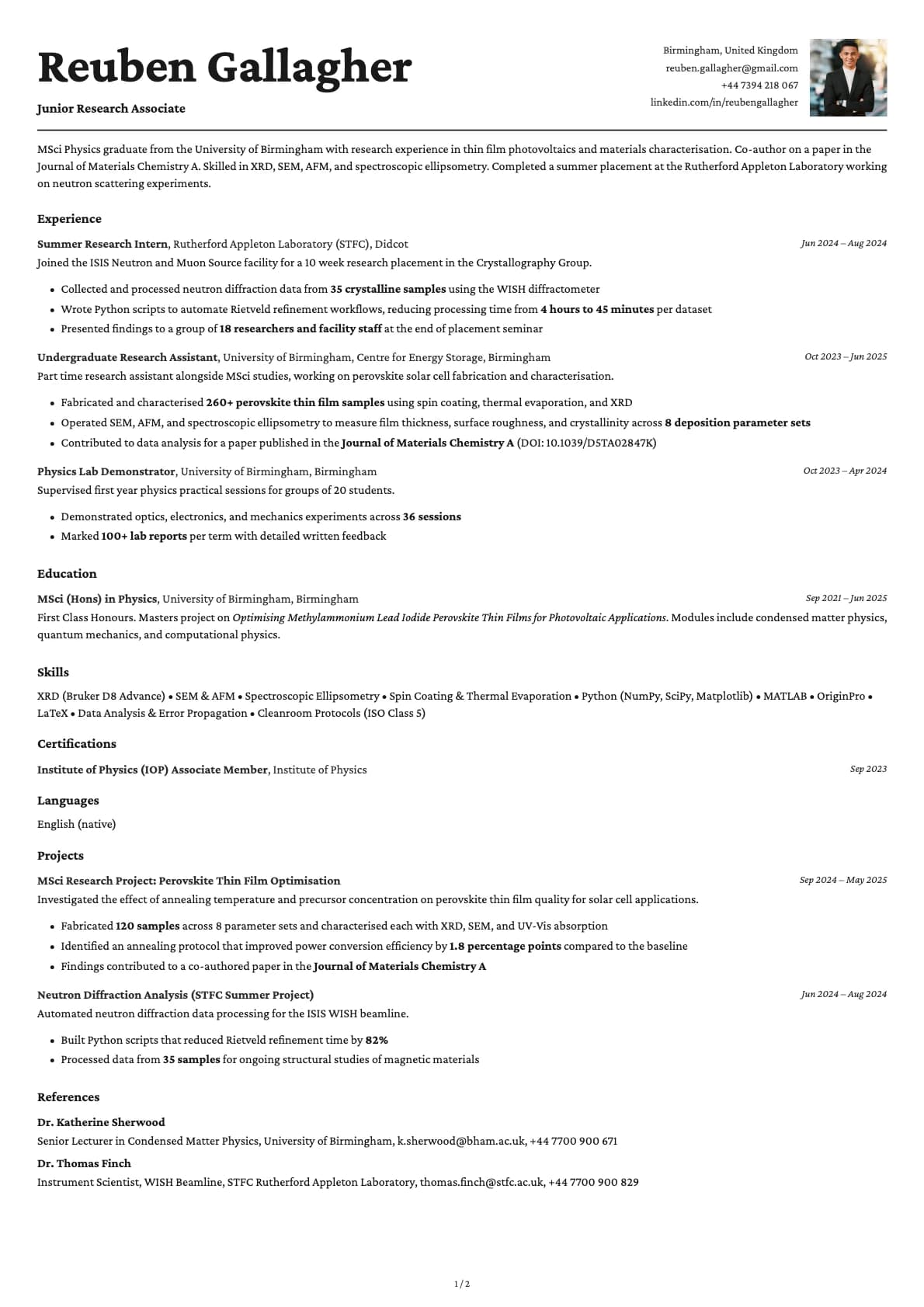
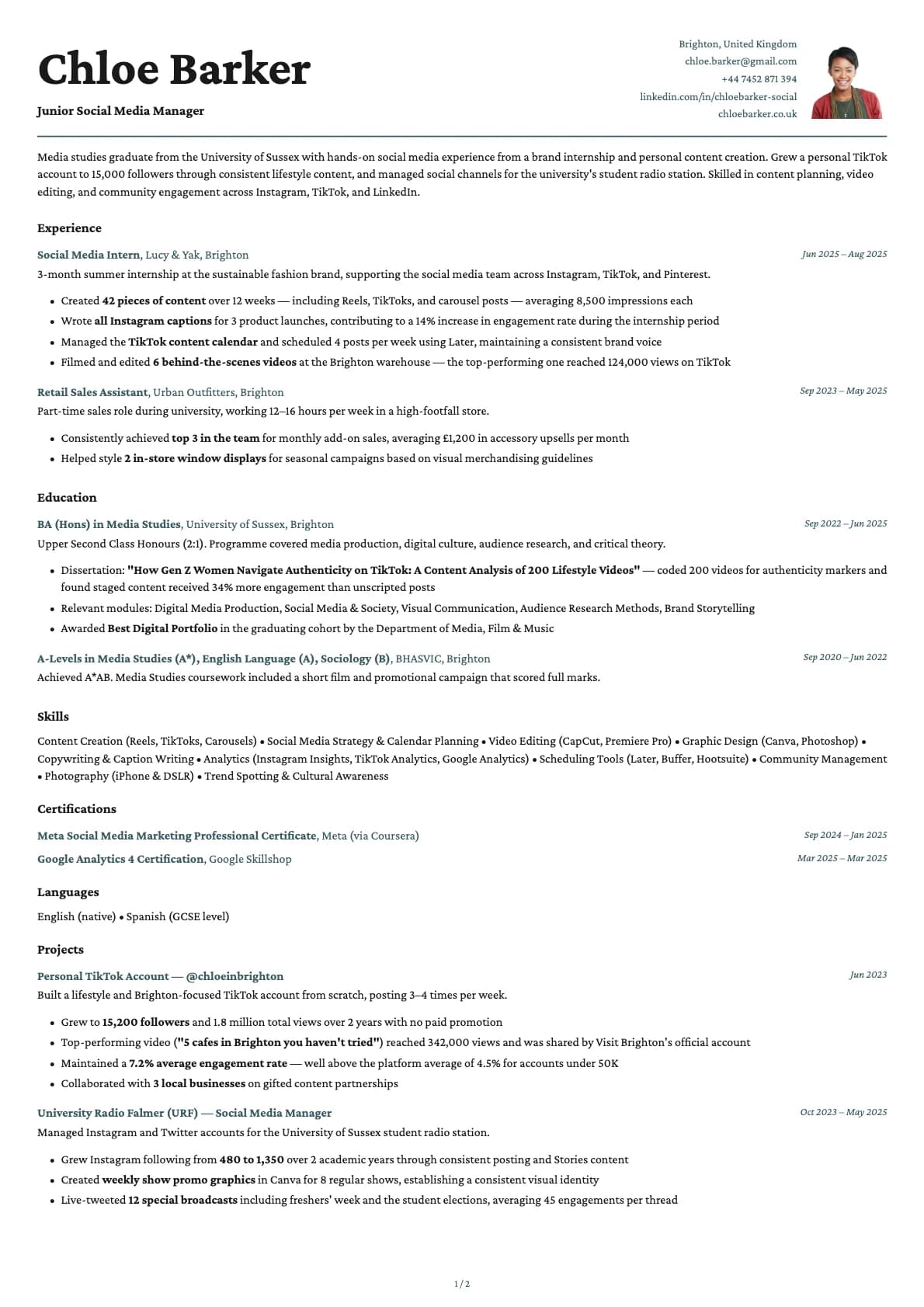
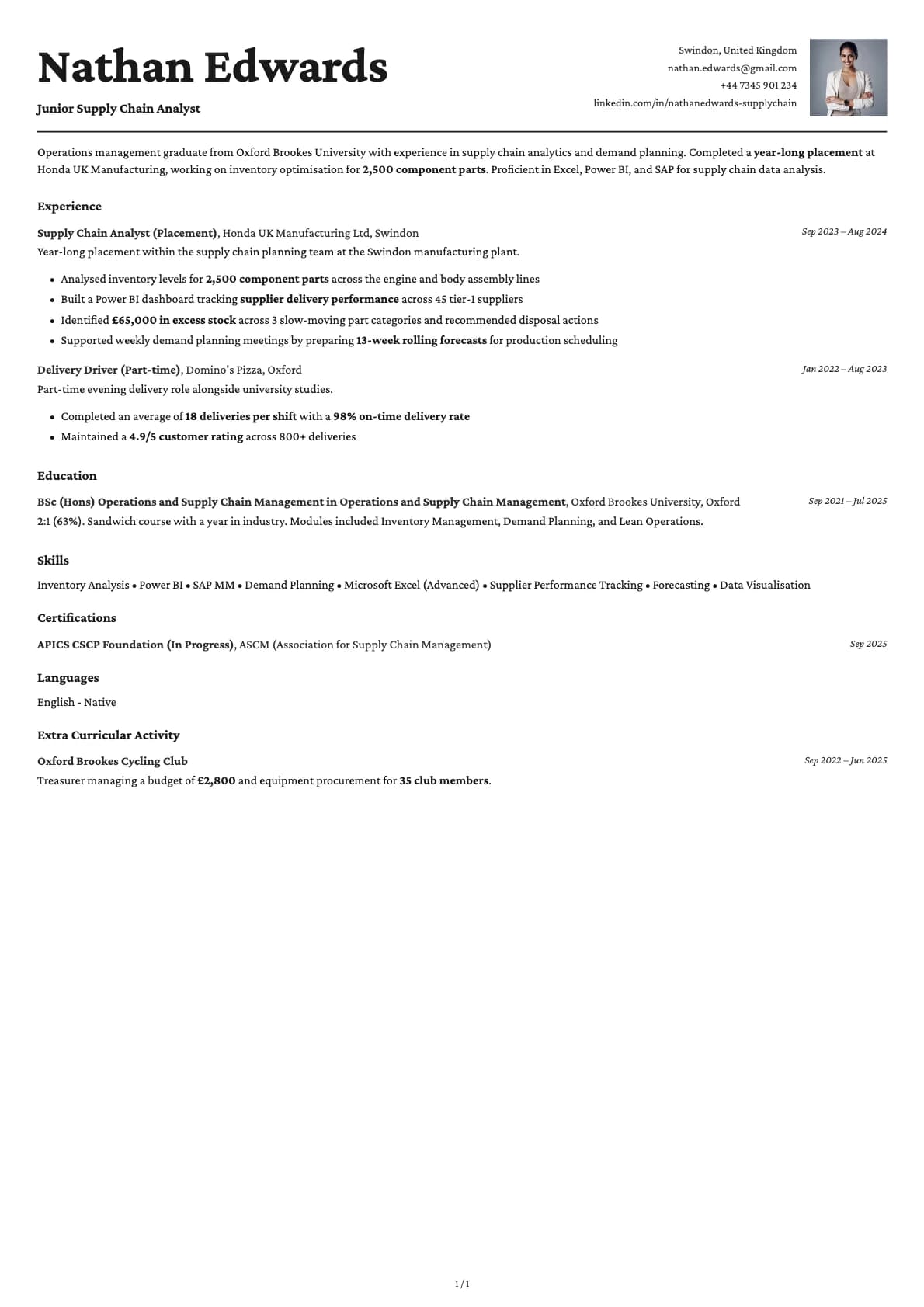
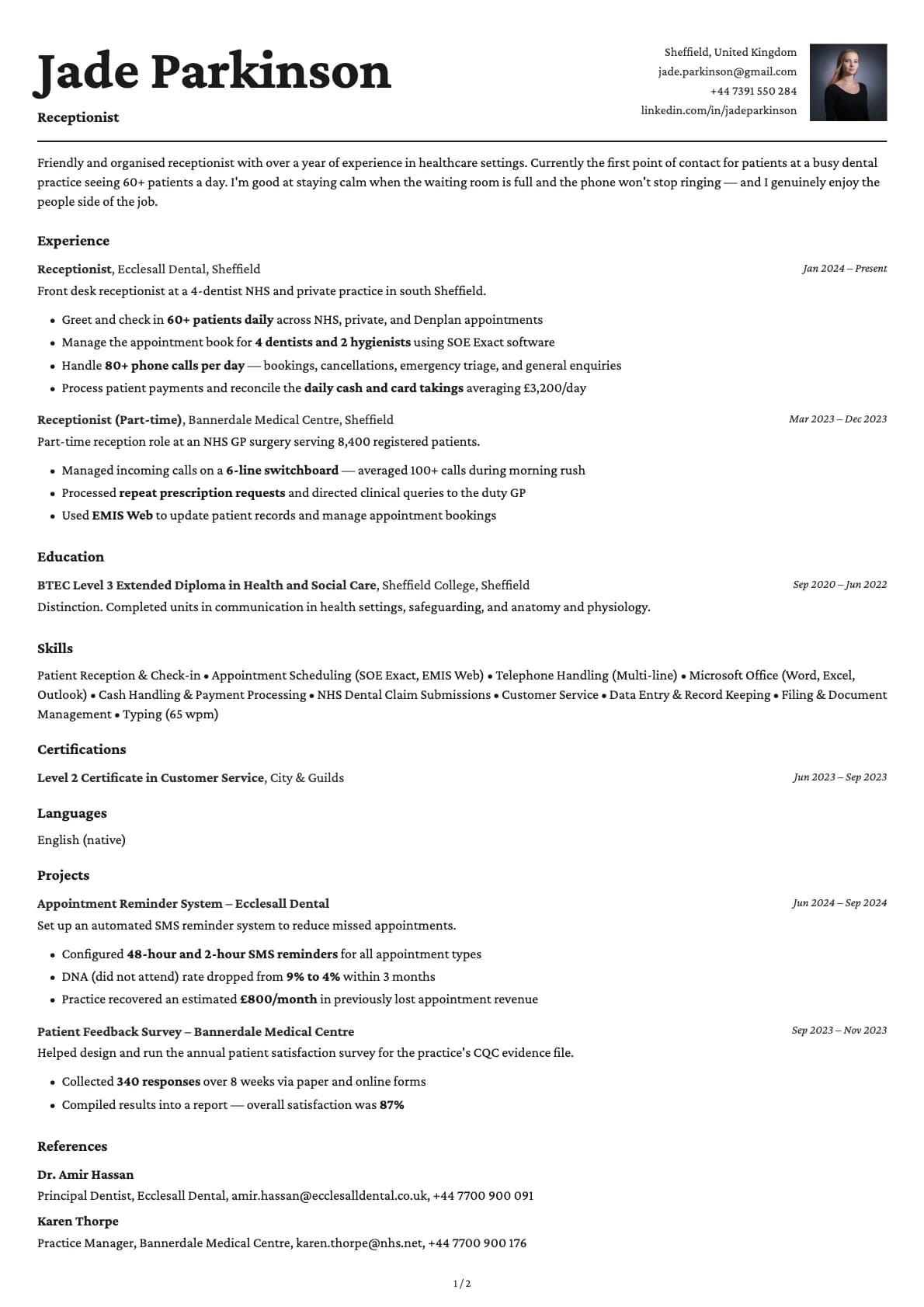
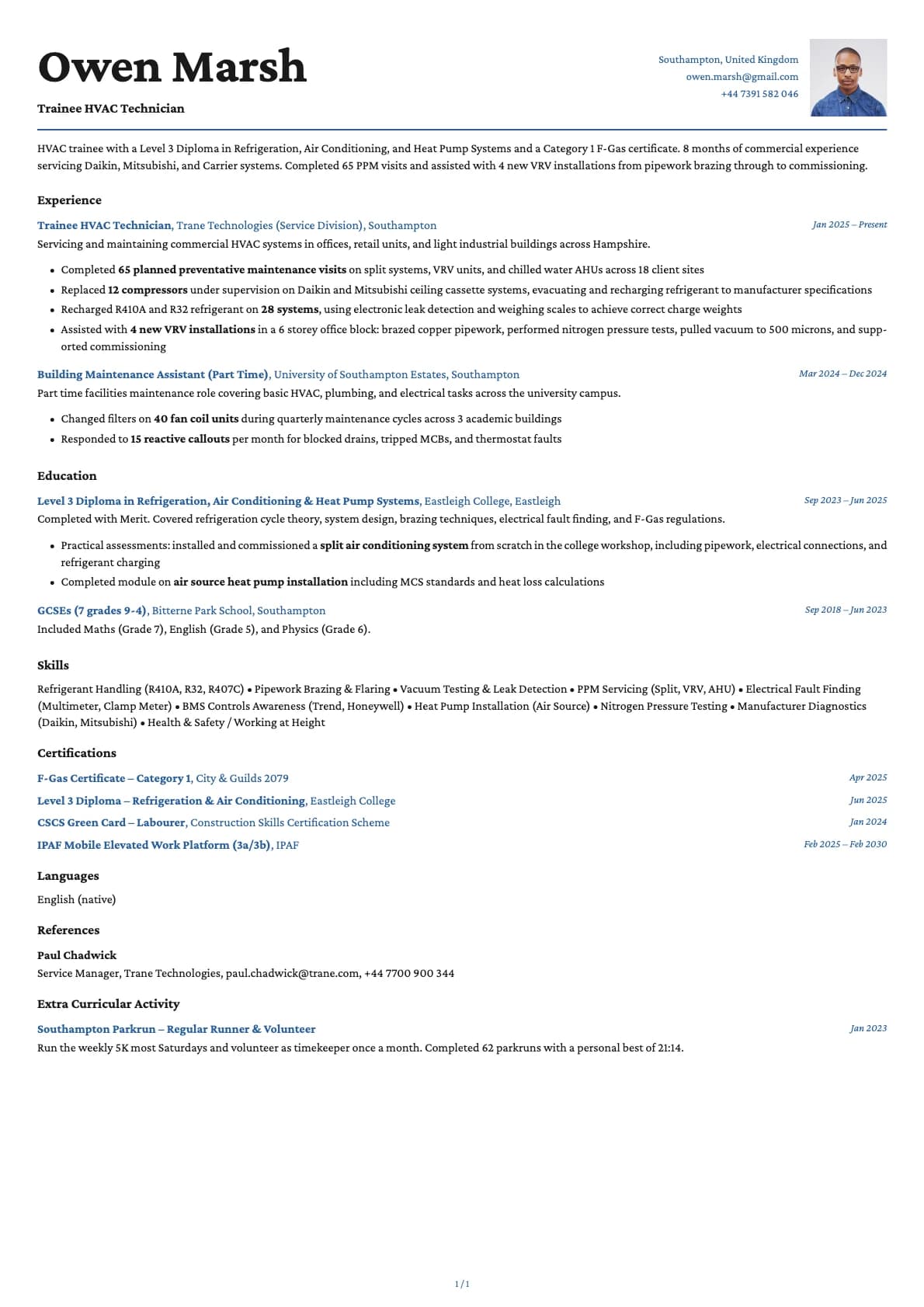
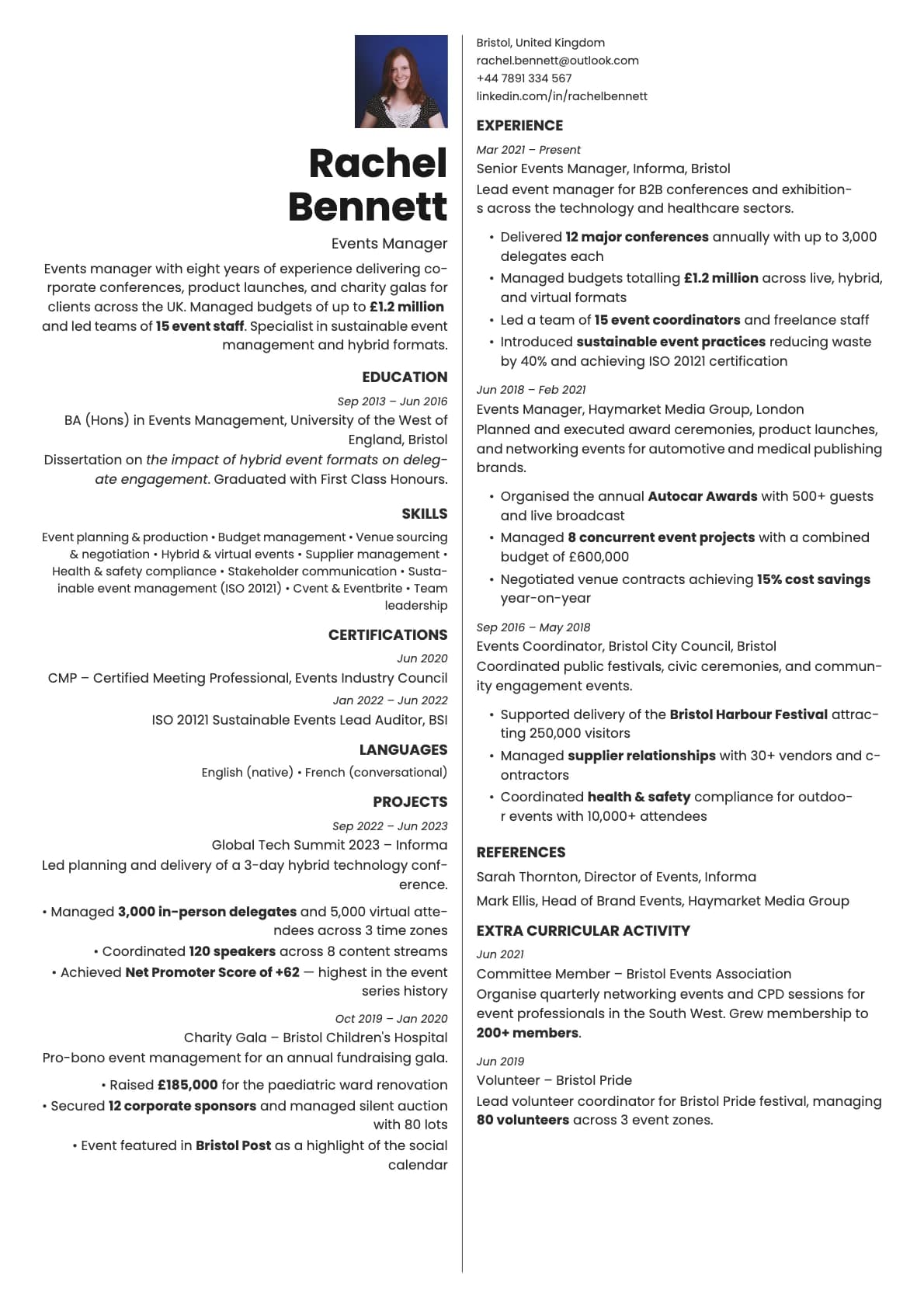
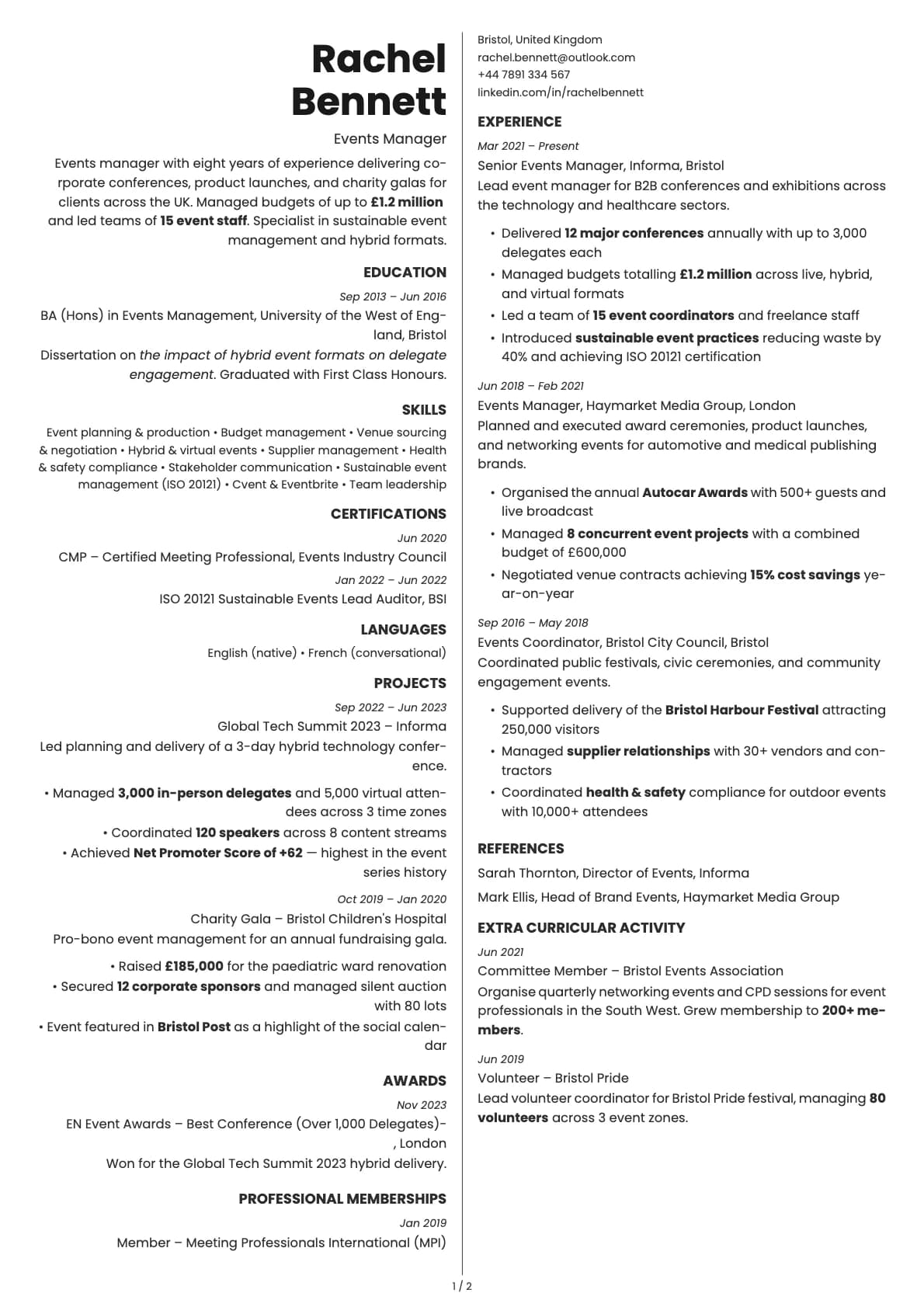
A single-column resume template with bold colour options for tech and creative professionals.
Free to use. No account needed to start.
Why Cobalt?
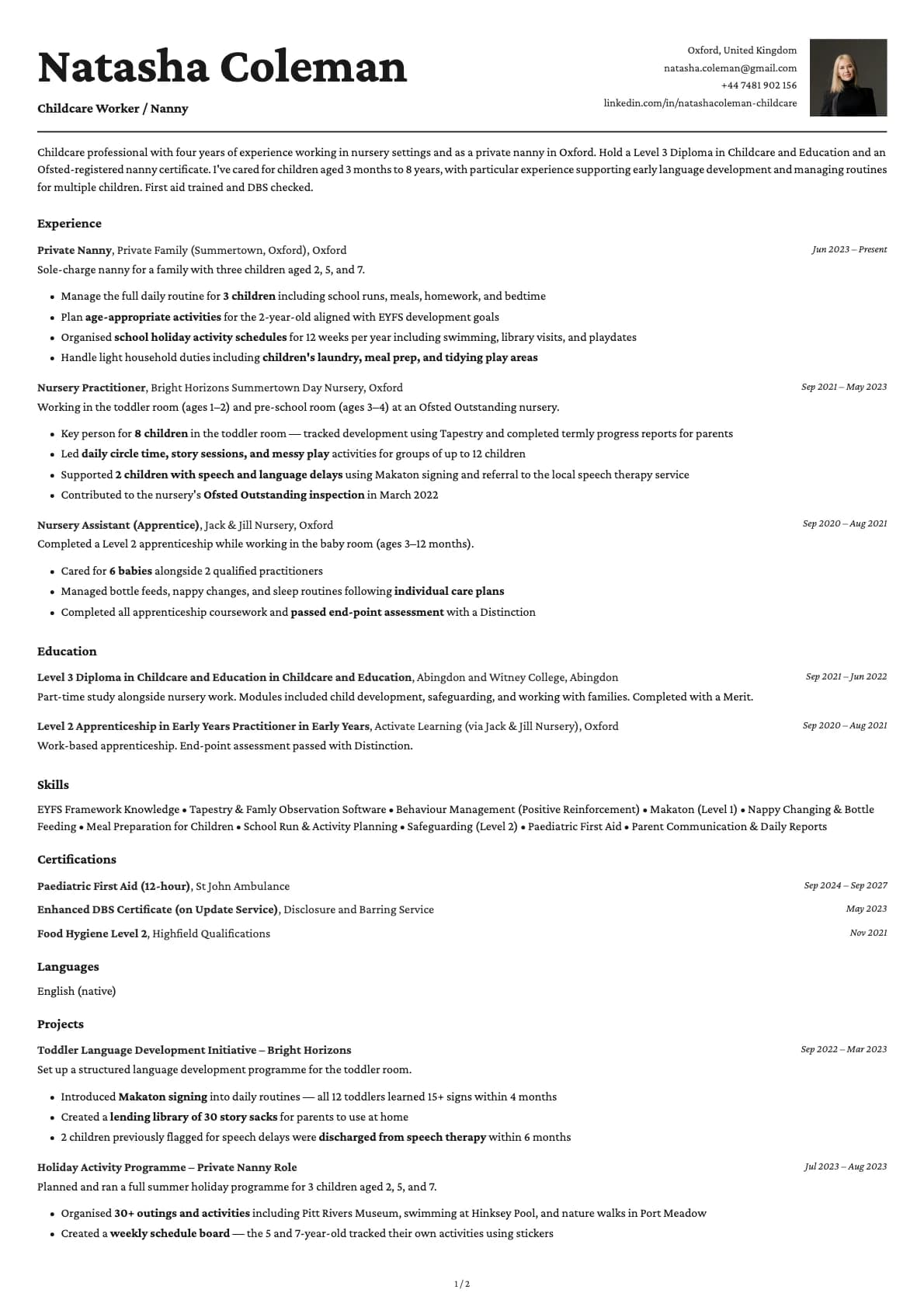
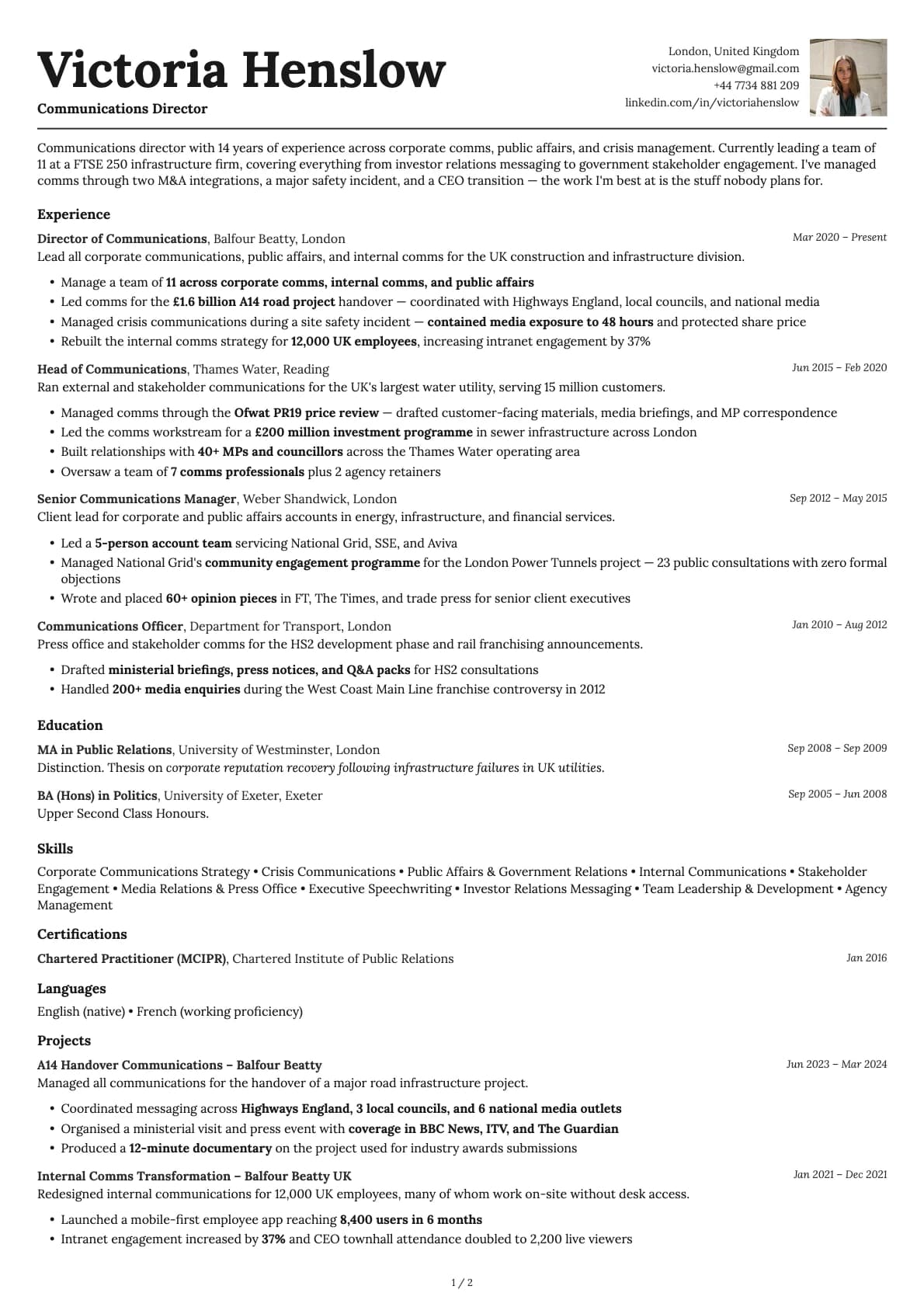
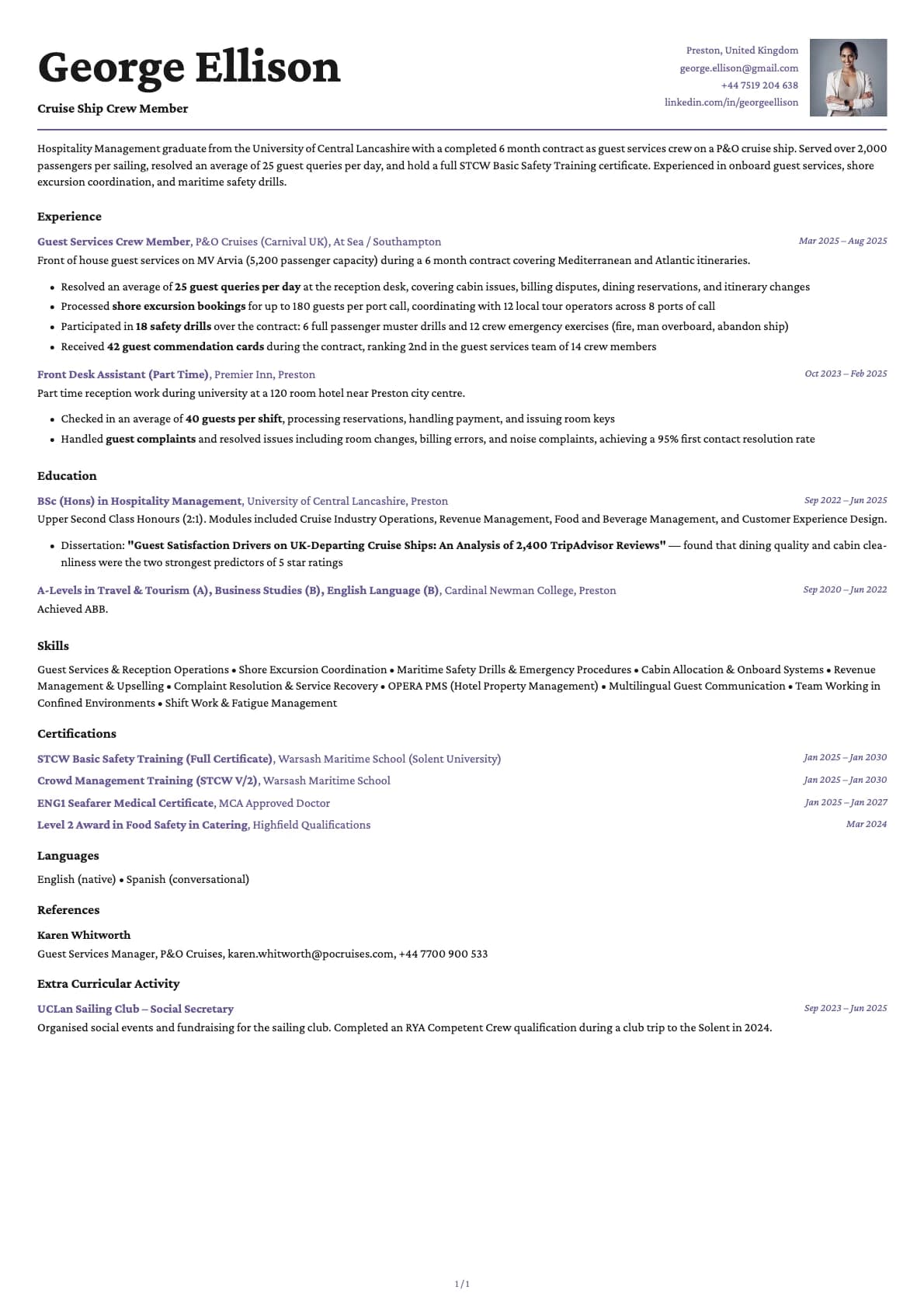
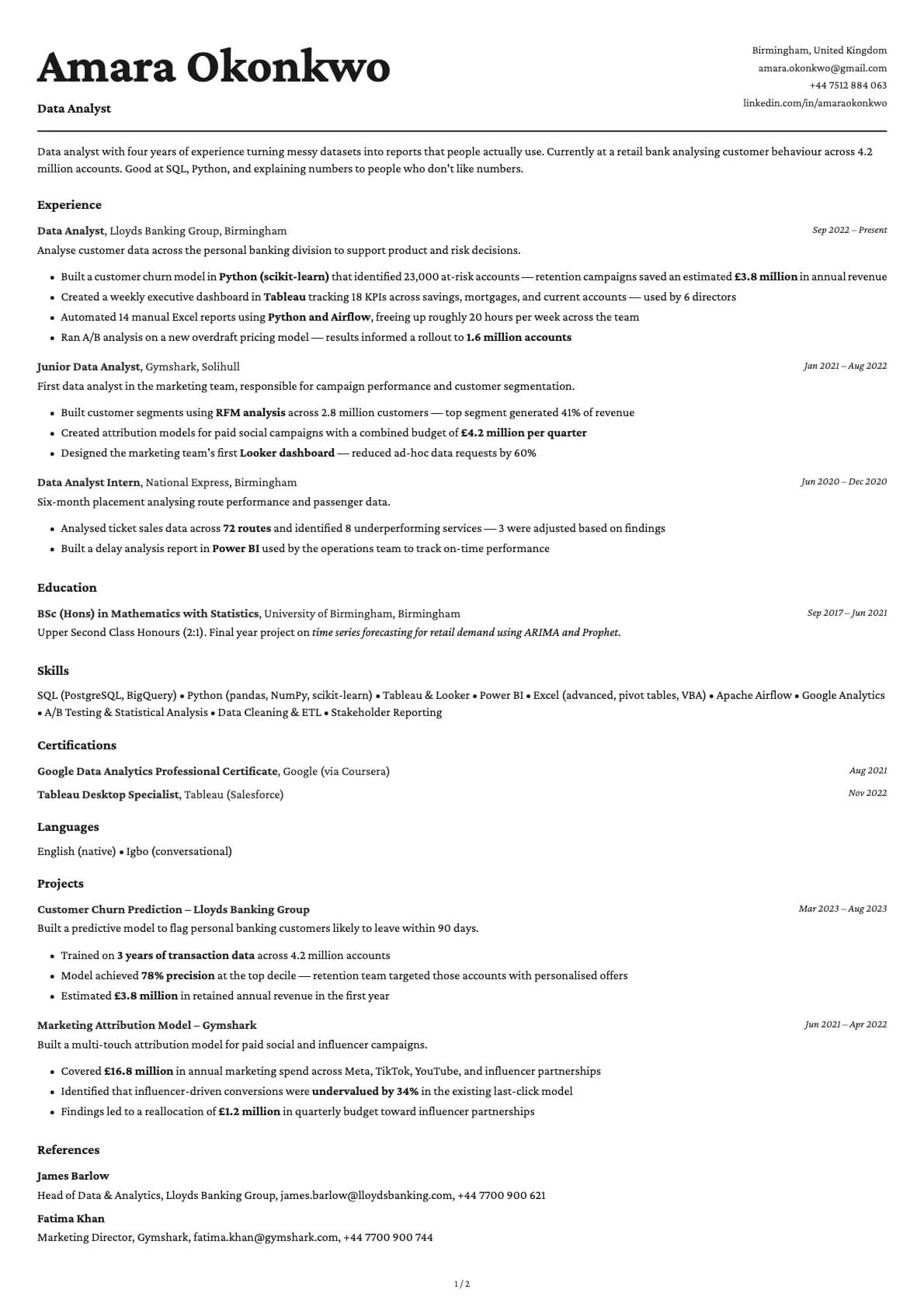
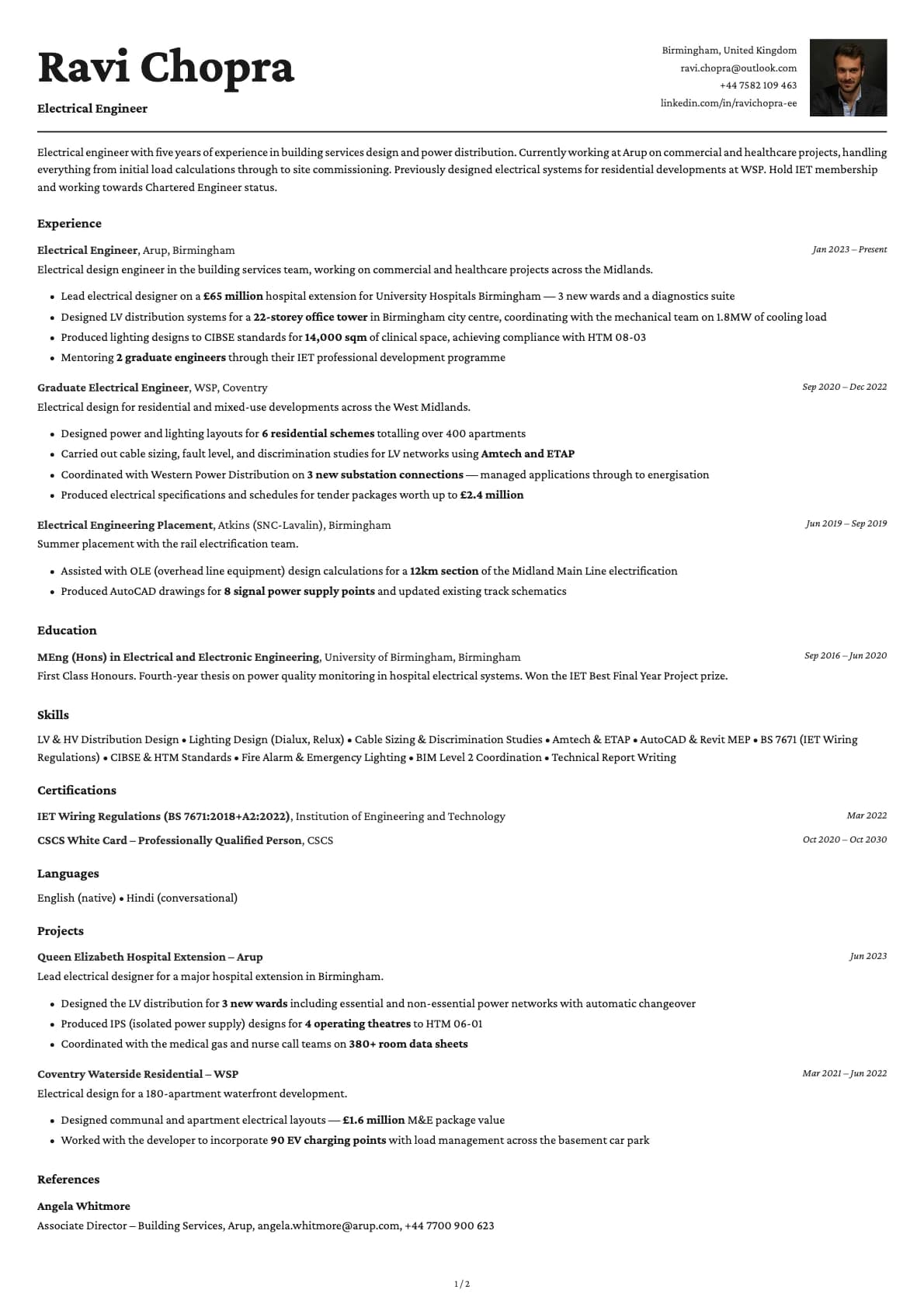
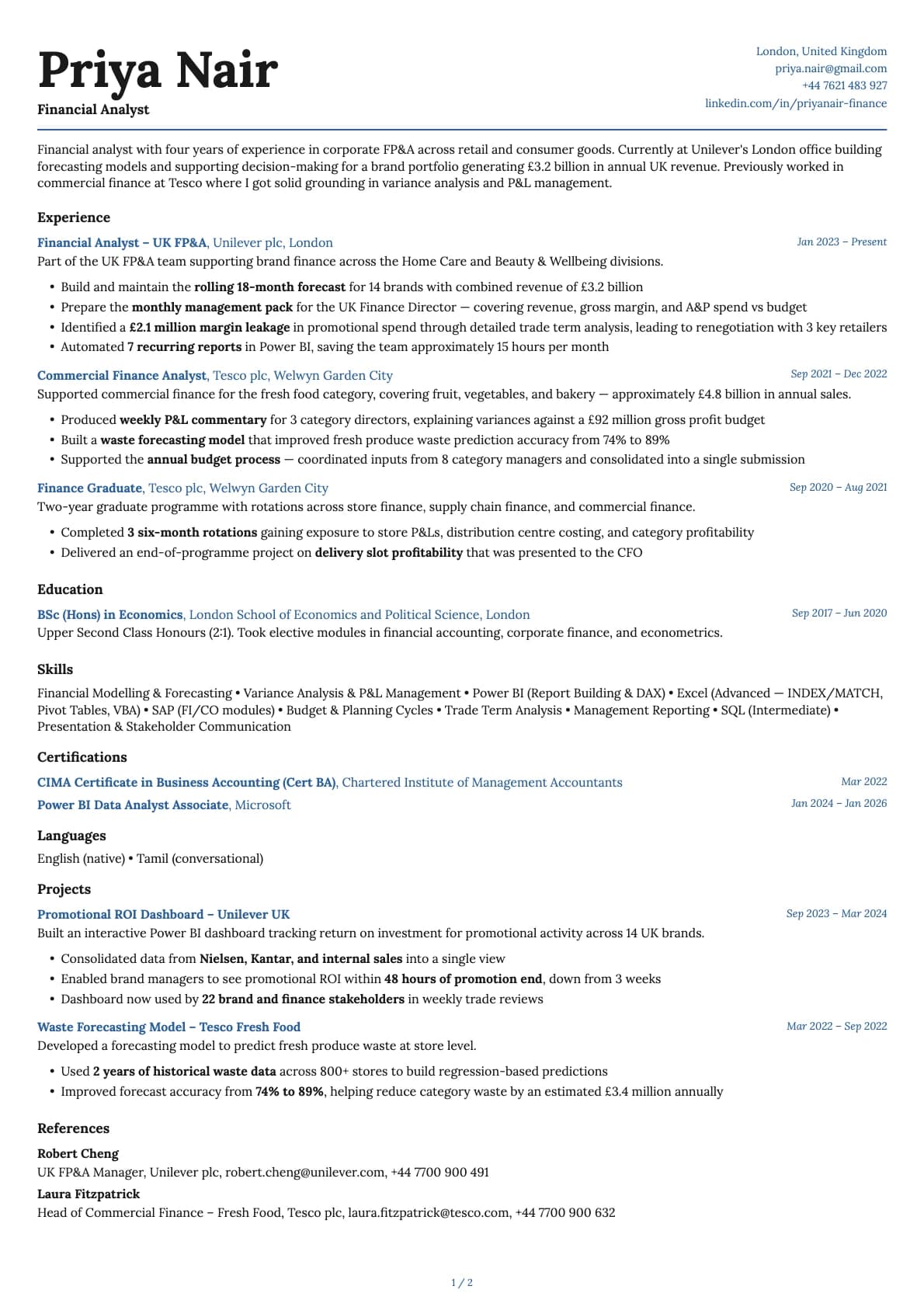
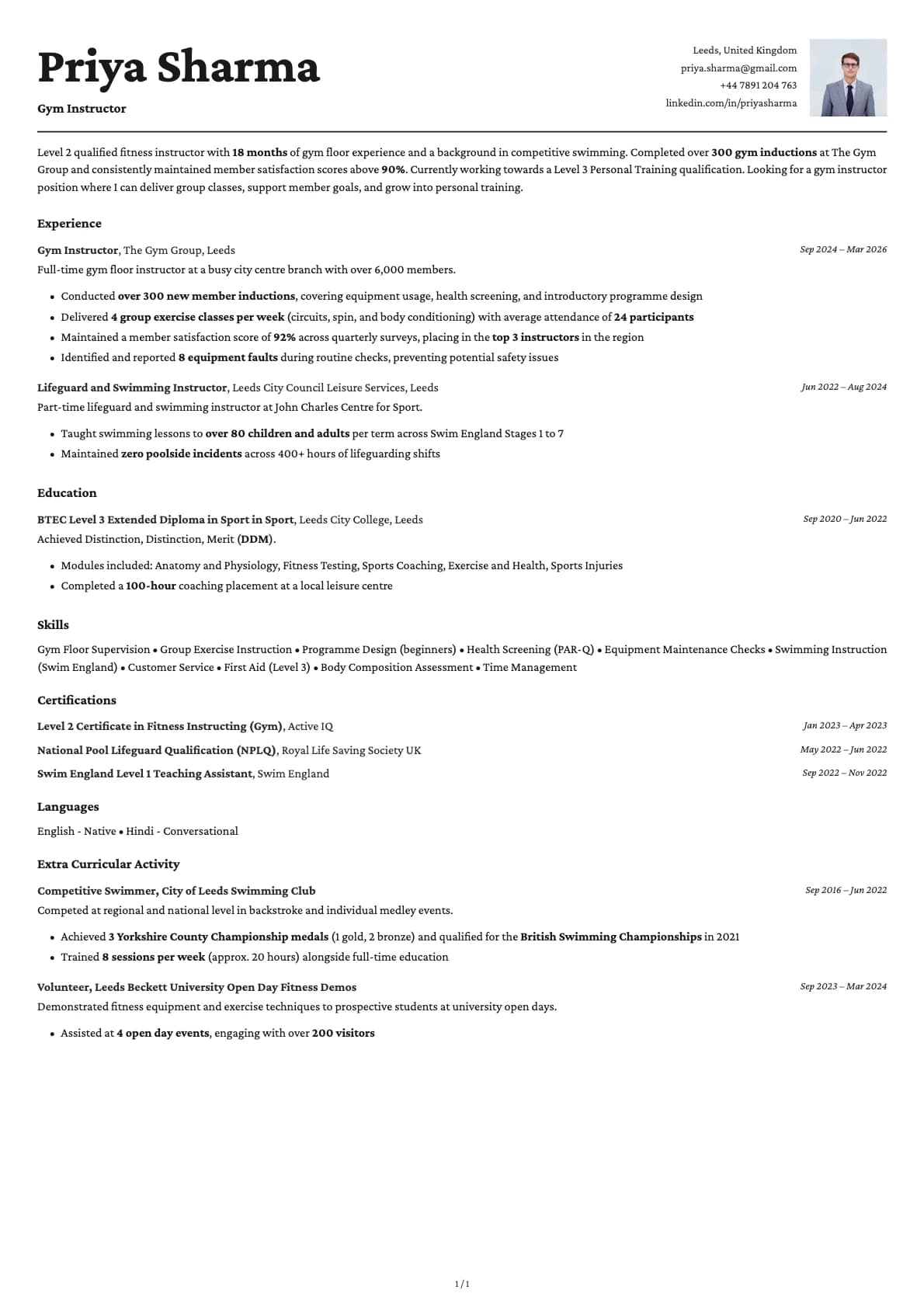
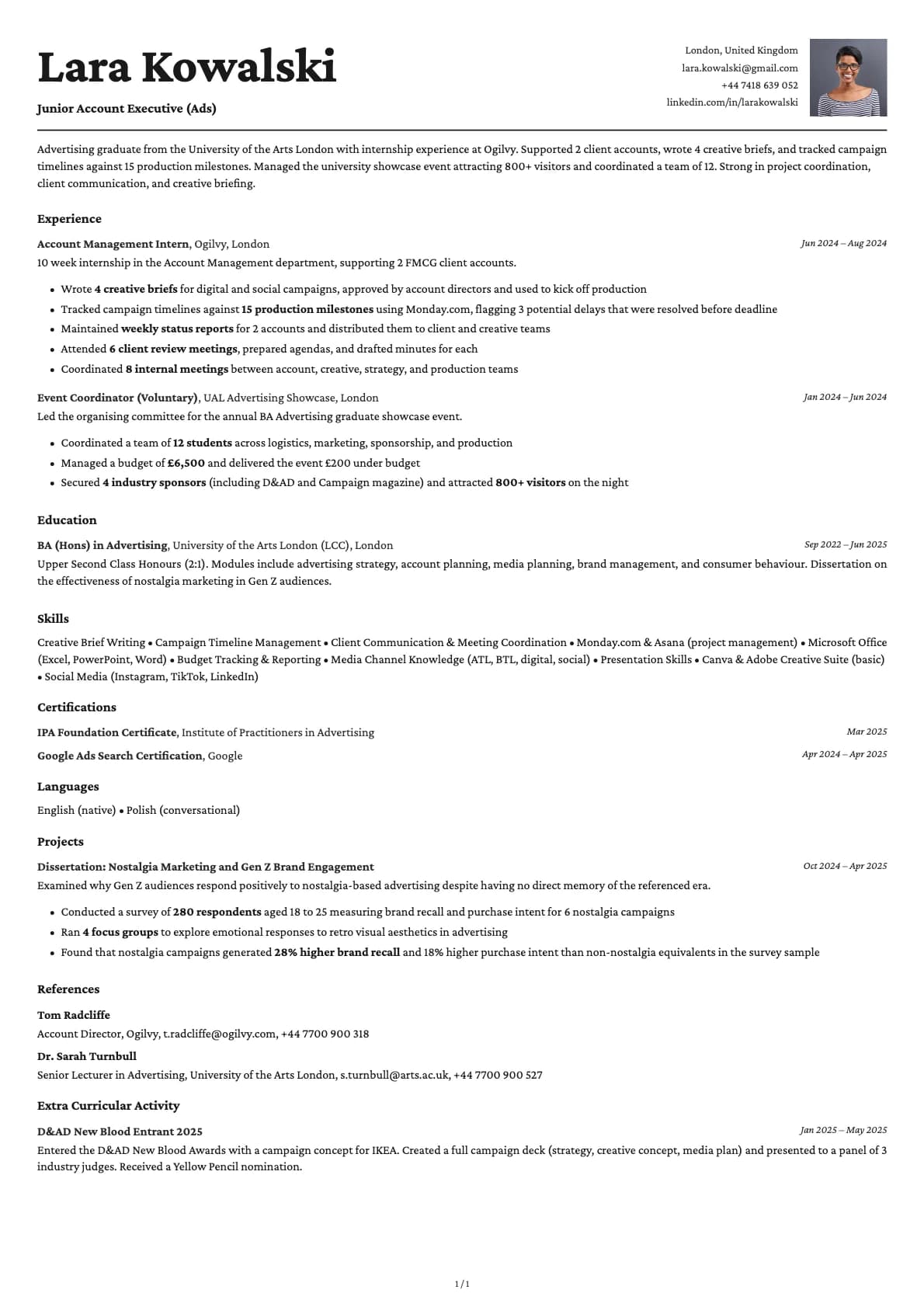
Cobalt sits at the intersection of technical and creative. It uses a single-column layout that scores 9.5/10 on ATS compatibility, so it passes through automated systems with no issues. But where most ATS-friendly templates play it safe with colour, Cobalt goes further. The 6 colour themes include deep blues, teal, purple, and amber tones that give your resume more visual presence than a standard black-and-white layout.
This is the template for people who want their resume to be memorable without sacrificing anything on the technical side. The formatting is still clean and linear. The headings are standard. Everything parses correctly. It just looks more interesting.
Who should use this template?
Cobalt works well for UX designers, frontend developers, product designers, marketing professionals, brand strategists, and anyone in a role where showing some personality matters. It also fits well for tech professionals who are tired of resumes that all look identical.
If you are applying to a conservative industry like banking or law, you might want something more neutral. But for startups, agencies, tech companies, and any role where the hiring manager values creativity alongside competence, Cobalt hits the right note.
For a similar creative feel with warmer tones and a wider colour palette, check out Topaz. If you want a tech-focused template with a more restrained look, Nickel keeps things muted. And if you want to go fully creative with a two-column layout, Opal gives you a sidebar for skills and contact details.
What you get
- A single-column layout with a 9.5/10 ATS score
- 6 colour themes that go beyond the usual black, grey, and blue: deep cobalt, teal, purple, amber, and a dark-mode option
- The default font is Avrile Sans, a geometric sans-serif with a modern feel. You can switch to any available font (Inter, Poppins, Lora, Century Gothic, and more) in Laddro
- Clean section dividers that organize your content without adding visual noise
- Multi-page support for longer resumes
ATS compatibility
Cobalt scores 9.5/10. The colours are bold, but the underlying structure is the same as any high-scoring template:
- Single-column layout with no tables or sidebars. Content flows in one direction.
- All text is native. Colours are applied through styling, not images.
- Standard section headings that ATS systems recognise and map correctly.
The colour choices do not affect parsing at all. Whether you pick the cobalt blue theme or the classic black-on-white, the ATS reads the same content.
Colour options
Cobalt gives you 6 distinct colour themes:
- Classic white with black text for a safe, universal option
- Deep cobalt blue that gives the template its name
- Teal green for a more grounded creative look
- Purple for a softer, distinctive feel
- Warm amber gold for an earthy alternative
- A light grey background option for something slightly different
Each theme changes the accent colour of your section headings and key details while keeping body text readable.
Tips for getting the most out of Cobalt
- The colour themes work best when the rest of your resume is clean. Avoid walls of text. Use short paragraphs and bullet points.
- If you are a designer or creative, add a portfolio link in your contact section. The layout gives it the same weight as your email and phone number.
- Pick your colour based on the company culture. Blue and teal work for most tech companies. Purple and amber make more sense for creative agencies and marketing roles.
- Do not overthink the colour choice. All six options look professional. Pick the one you like and focus on writing strong content.
Build your resume with Cobalt on Laddro
Start building with Cobalt. Fill in your details, switch colours and fonts in real time, and download a PDF when you are ready. No account needed to start.
How would you rate this template?
Your rating helps others pick the right template for their resume.
Make this template yours
Pick a colour, add your details, and download your resume. No design skills needed.
Free to use. No account needed to start.
Resumes built with Cobalt