Free ATS Resume Checker · Score Your Resume Against Job Descriptions · Laddro
Find out if your resume gets past automated screening. Paste the job description and see your ATS score before you apply.

Laddro

What is an ATS?
An Applicant Tracking System is software that companies use to filter resumes before a human reads them. Over 90% of large employers use one. When you apply for a job online, your resume goes through ATS screening first. If it doesn't match what the system is looking for, a recruiter never sees it.
This is why you can send 50 applications and hear nothing back. It's not that your experience is wrong. It's that your resume isn't written for the software reading it first.
What ATS filters look for
ATS systems scan your resume for three things:
Keywords from the job description. If the posting says "stakeholder management" and your resume says "working with stakeholders," the ATS might not count it as a match. Exact phrasing matters.
Clean formatting. Tables, text boxes, headers, footers, and embedded images break most ATS parsers. The system can't read your resume properly, so it scores you lower or rejects you entirely.
Relevant structure. Standard section headings (Work Experience, Education, Skills) help the ATS categorise your content correctly. Creative headings like "My Journey" or "What I Bring" confuse the parser.
How to check your resume's ATS score
With Laddro, the ATS check is built into the resume builder itself:
- Open the resume builder and create or import your resume
- The scoring panel shows your ATS compatibility in real time as you edit
- Click "Get personalized feedback" for a detailed AI review
- The AI reads your content, template, colours, and keywords, then tells you exactly what to fix
You don't need a separate tool. The score updates live as you make changes. Fix a bullet point, add a keyword, swap a template, and watch your score go up.
The feedback isn't generic "add more keywords" advice. It's specific: "Add the headcount you managed to your second bullet point." "Your colour scheme has low contrast, switch to a darker header." "You're missing 'stakeholder management' which appears 3 times in this type of job posting."
What makes Laddro's ATS checker different
Most ATS checkers online just count keywords. They tell you "you're missing these 5 words" and that's it.
Laddro reads your entire resume in context. It looks at:
- Keywords and phrasing compared to the job description
- Your template and formatting to check ATS compatibility
- Colours and contrast that might affect readability
- Section structure to make sure the ATS can parse everything correctly
- Content quality of your bullet points and summary
Then it gives you specific, actionable feedback. Not "add more keywords" but "add 'stakeholder management' to your third bullet point under your Arla Foods role."
Common ATS mistakes
These are the things that get resumes filtered out most often:
Using a PDF from a design tool. Canva, Photoshop, and InDesign often flatten text into images. The ATS can't read image-based text. Use a resume builder that exports proper text-based PDFs. All Laddro templates export clean, parseable PDFs.
Fancy formatting. Two-column layouts, sidebars, progress bars for skills, icons instead of text. They look great to humans but break ATS parsing. Stick to single-column layouts with standard fonts.
Missing keywords. If the job asks for "project management" and you write "managed projects," some ATS systems won't count that as a match. Mirror the exact language from the job posting.
One resume for every job. Each job description has different keywords and priorities. A resume tailored to one role won't score well for a different role, even in the same field. You need to tailor your resume for each application.
Non-standard section headings. "Where I've Worked" instead of "Work Experience." "What I Know" instead of "Skills." ATS systems expect standard headings to categorise your content.
Fix your resume before you apply
Don't send another application without checking your ATS score first.
- Open the builder and pick an ATS-tested template
- Fill in your details and watch the score update in real time
- Get AI feedback and apply the suggestions directly
- Download and apply with confidence
The builder is free. No account needed to start.
Check your resume now
Open the resume builder and see your ATS score as you build. Get AI feedback, fix issues on the spot, and download when your score is ready.
Want to see what a strong resume looks like? Browse resume examples by industry.
Ready to build your resume?
Put this into practice. Open the builder and create your resume step by step.
Free to use. No account needed to start.
Related articles

AI Is Screening Your Resume Before Any Human Sees It
AI screens most resumes before a human ever reads them. 97.4% of Fortune 500 companies run an ATS. This is what that means for you and what you can do about it.

ATS Resume Checker: How to Format a CV That Gets Past the Filters
Run the free copy and paste test to see what an ATS actually reads on your CV, then fix the tables, columns and headings that quietly get you filtered out.

Care Assistant CV (UK): How to Write One That Passes the Checks
A UK care CV has to survive the recruitment checks providers are legally required to make. The structure managers expect, plus a worked profile you can copy.
Related resume examples
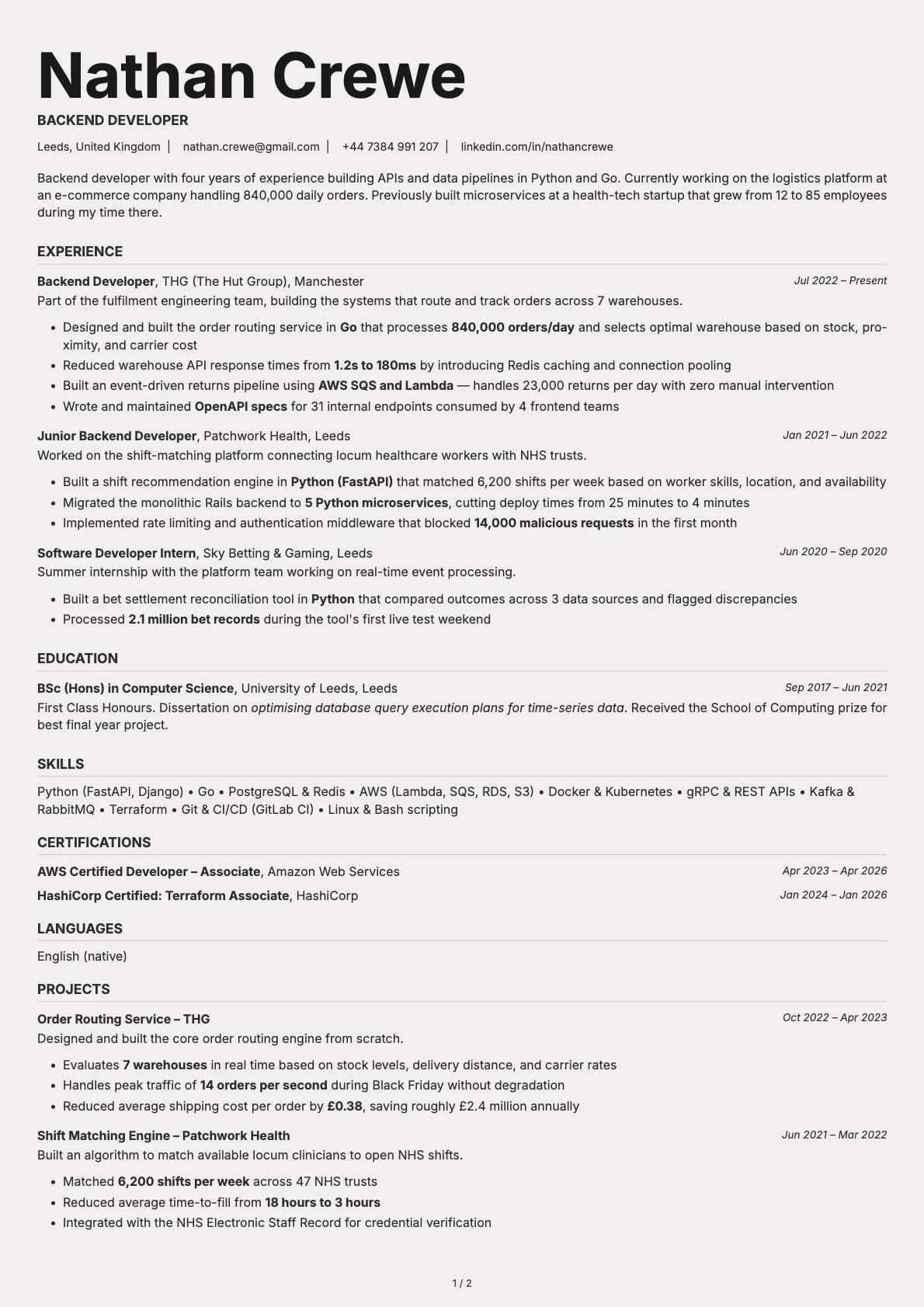
Backend Developer
A backend developer resume example with Go and Python experience, system throughput numbers, and infrastructure projects across e-commerce and health-tech.
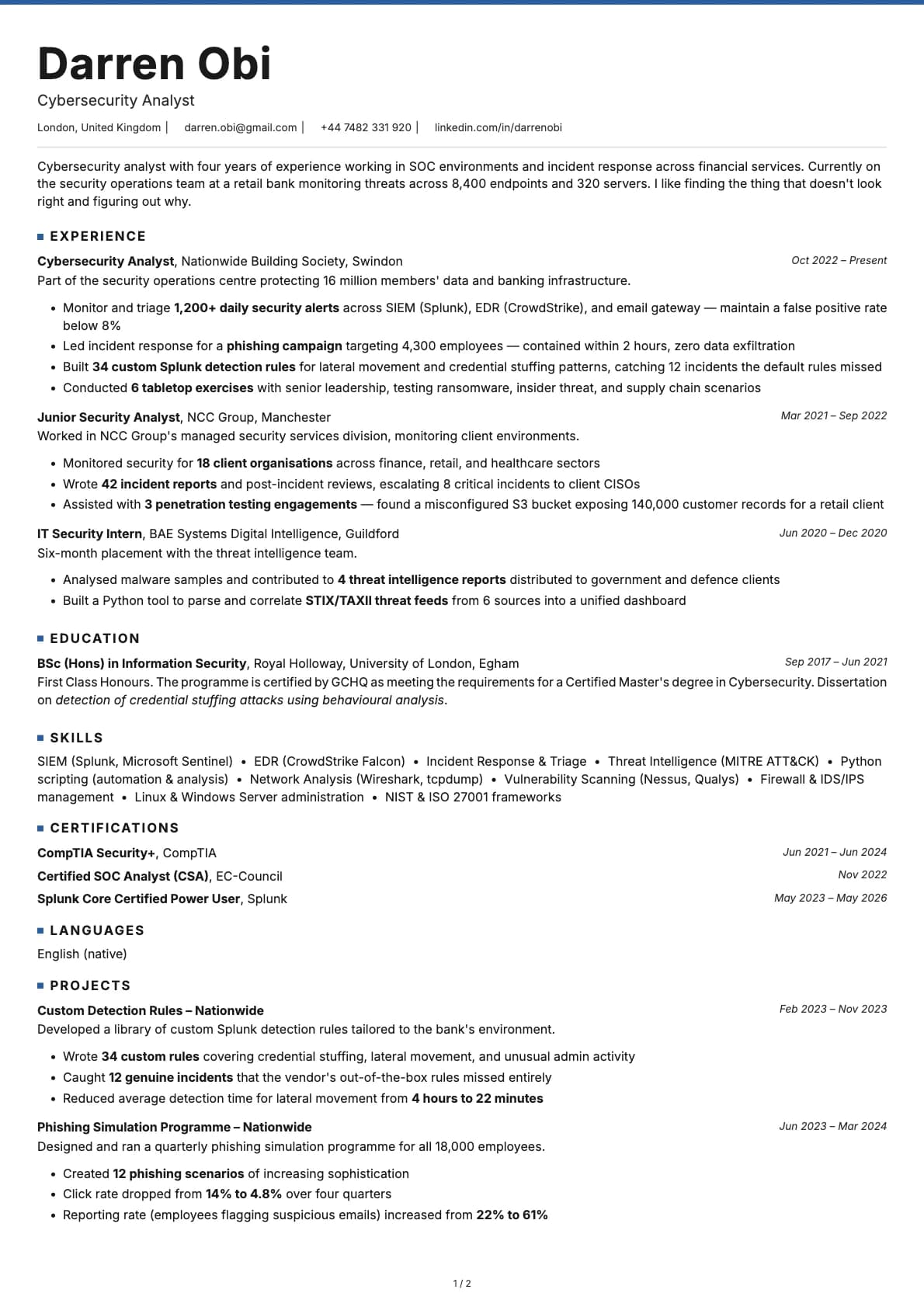
Cybersecurity Analyst
A cybersecurity analyst resume example with SOC experience at Nationwide and NCC Group.
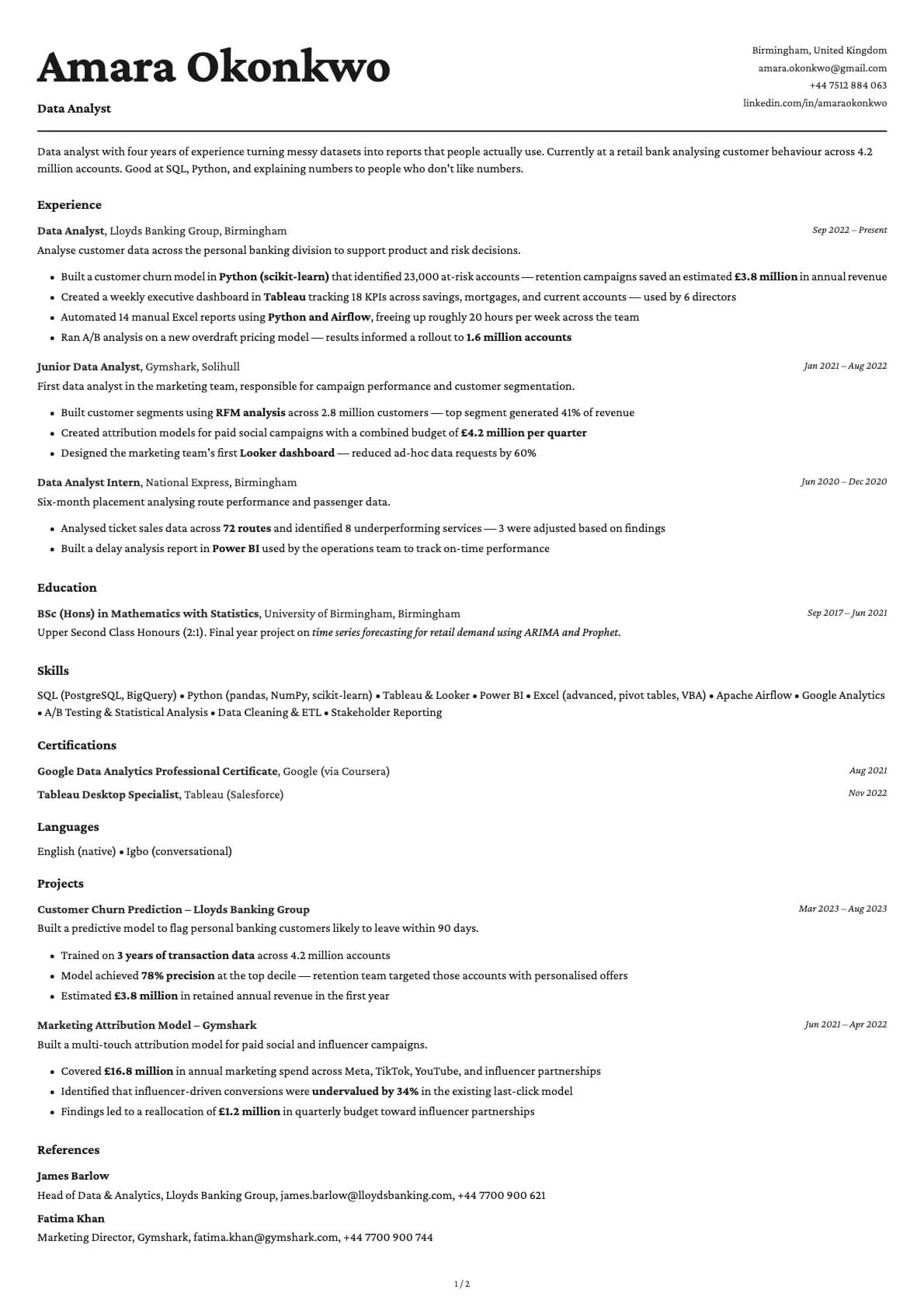
Data Analyst
A data analyst resume example with experience at Lloyds Banking Group and Gymshark.