
Online resume that’s easy to share
Turn any CV into a live page. See who viewed it, control downloads, and hide anything private.
Drag and drop your resume here
PDF or DOCX, up to 10 MB. Or click to browse.




Join job seekers turning their CV into a live page
What is an online resume?
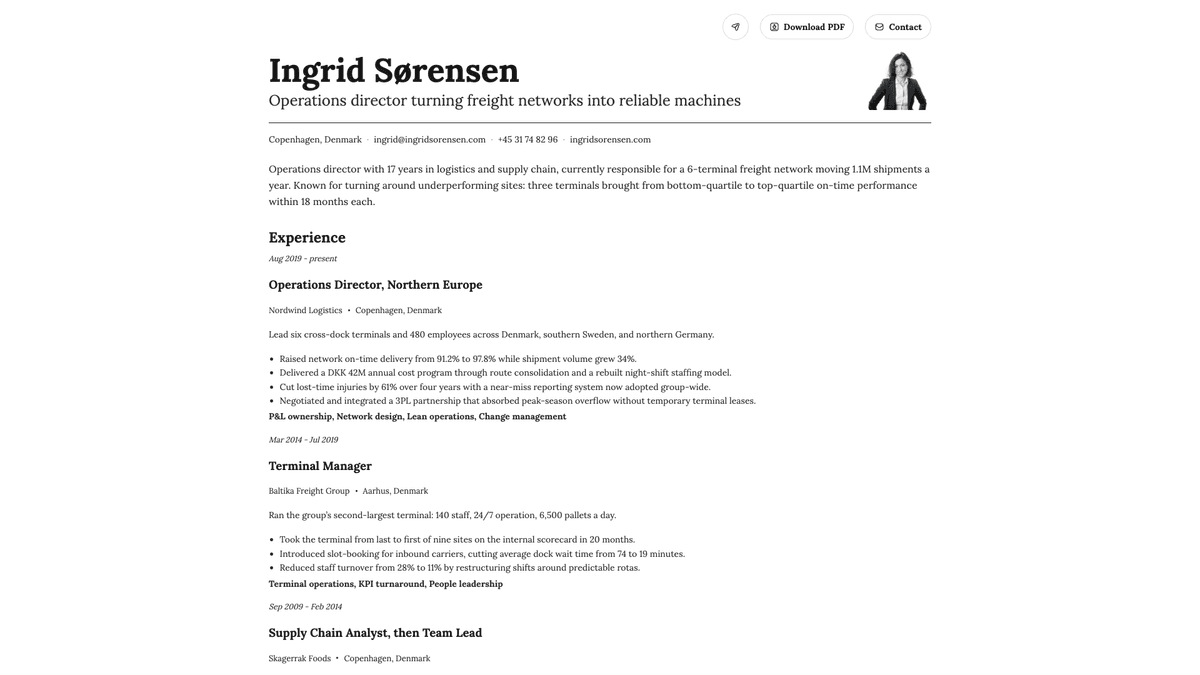
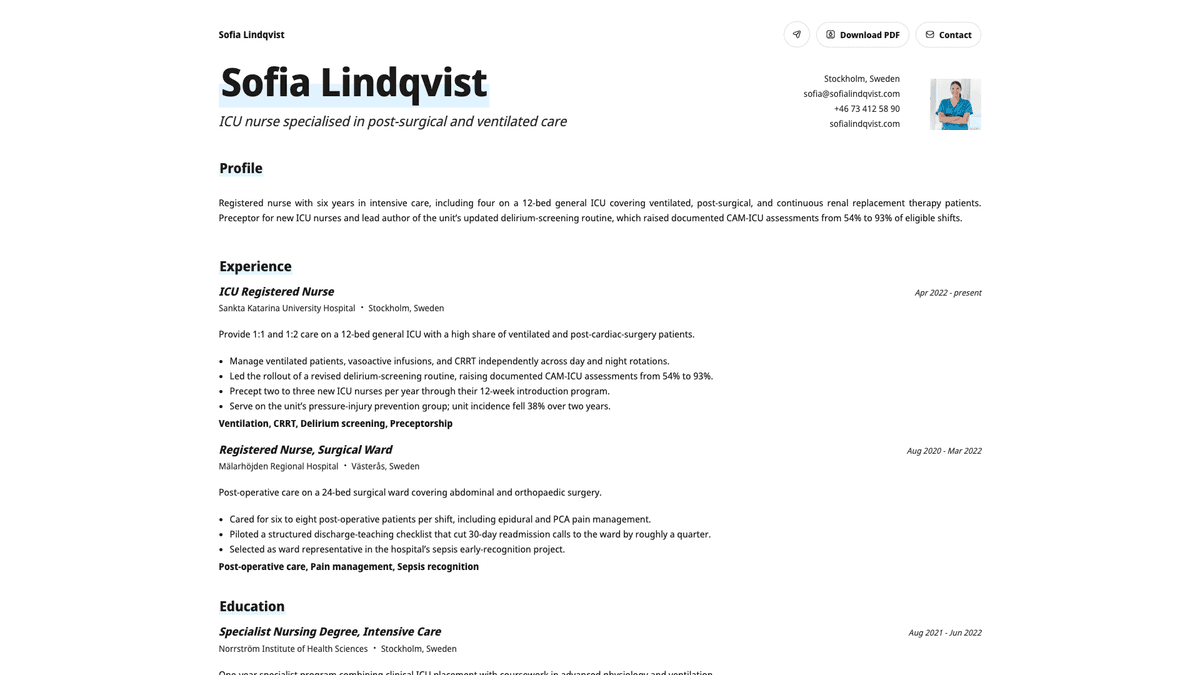
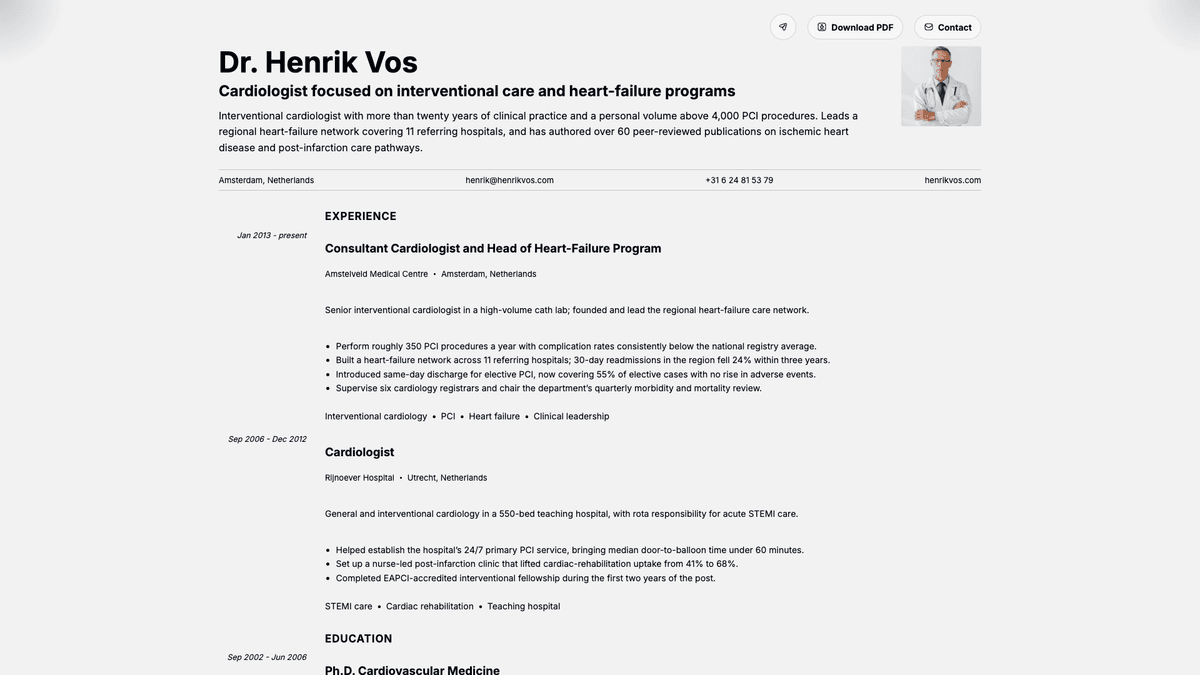
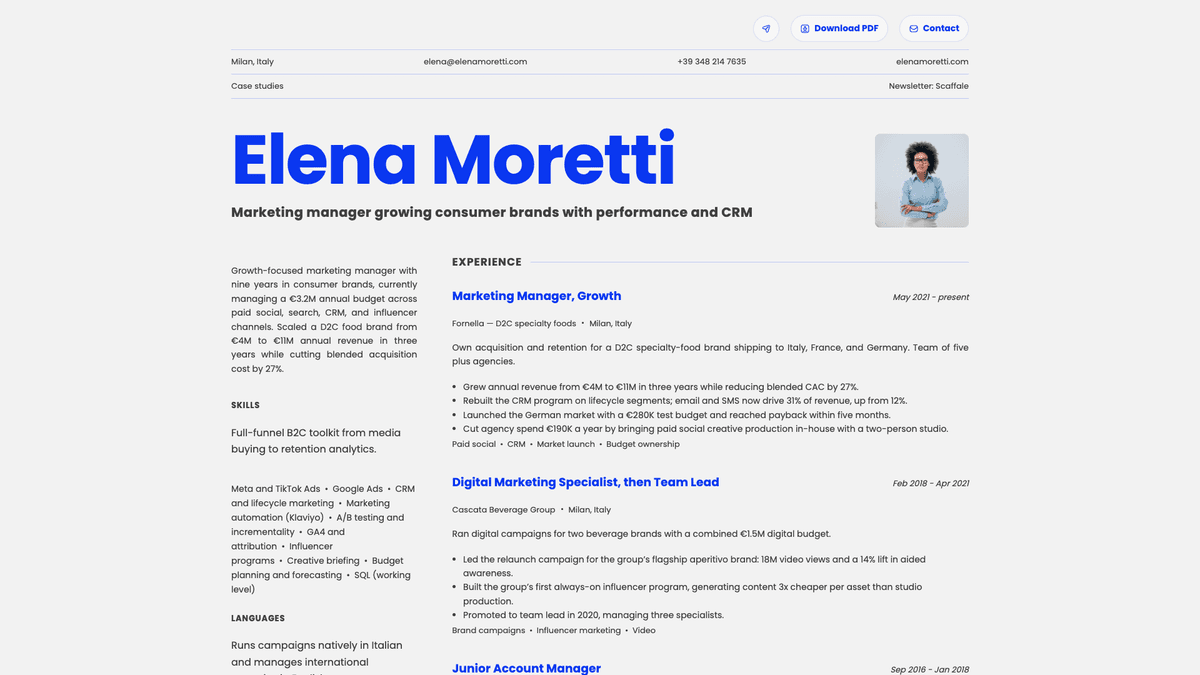
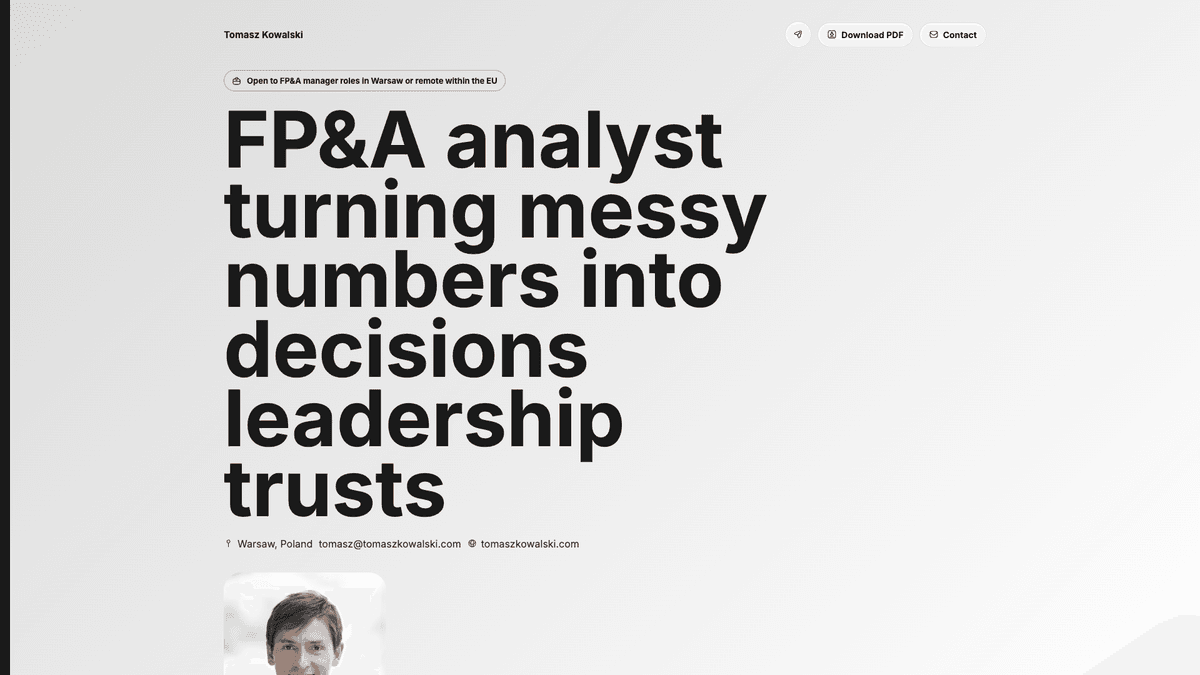
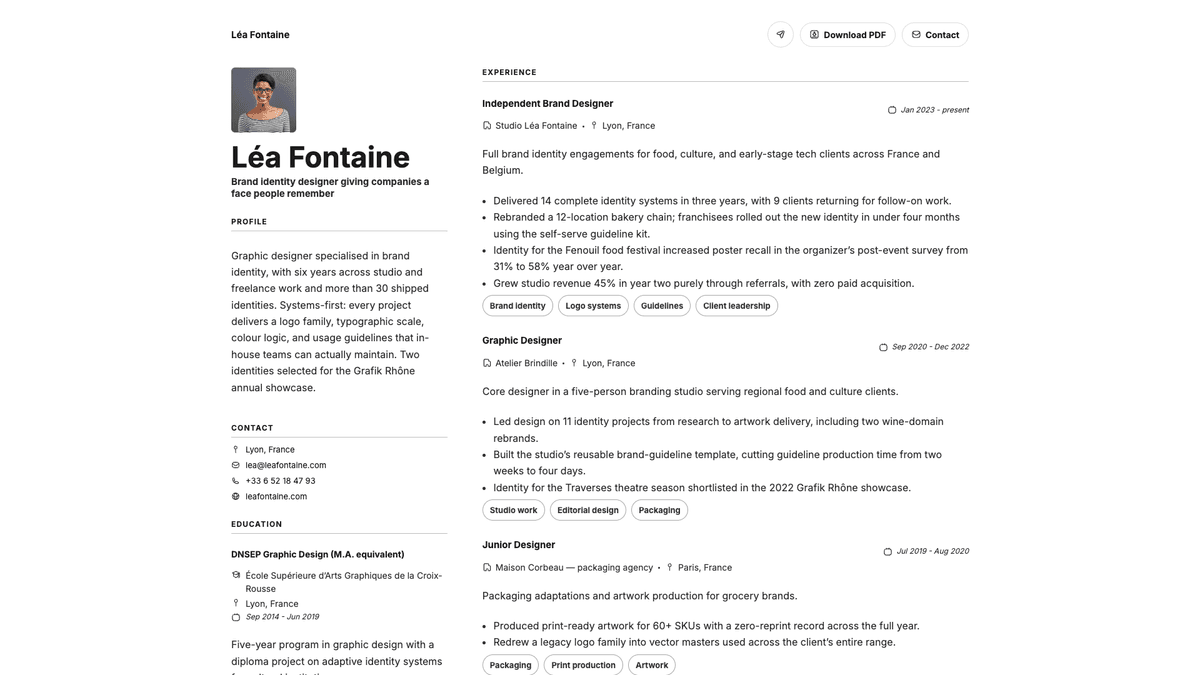
An online resume is your CV published as its own web page, at its own address. Instead of emailing a PDF that is out of date the moment you change something, you send one link that always shows the latest version.
It is not a replacement for the PDF. Laddro builds both from the same content: the PDF for the application form that demands a file, and the live page for the email, the message, the signature and the profile link where a file is awkward.
A PDF you attach
- Out of date the moment you edit it
- You never know if it was opened
- Hard to read on a phone
A page you link
- Always shows your current version
- Tells you when it was opened
- Opens on any screen, instantly
What the live page gives you that a PDF cannot
See who viewed it
Track every visit: who opened your resume, when, and how often. A file you send leaves and tells you nothing.
Control downloads
Allow or block PDF downloads with a single switch, so people can read your resume without taking a copy away.
Share with one link
One link that works everywhere, in an email signature, a message or a profile. No attachment, and always the current version.
Hide what’s private
Mask your address, phone number, or anything else you would rather share only once a conversation has started.
Frequently asked questions
What is the difference between an online resume and a PDF?
A PDF is a file you attach and the reader downloads. An online resume is a web page at its own link: it opens instantly on any device, it is always the current version, and you can see that it was opened. Laddro builds both from the same content, so you do not maintain two documents.
Can I stop people downloading my resume?
Yes. PDF download is a single switch on the page. Turn it off and visitors can read the resume but cannot take a copy away.
Can I hide my address and phone number?
Yes. You choose what the public page shows. Mask your address, phone number or anything else you would rather share only once a conversation has started.
Do I need to know anything technical?
No. If you have built a resume in Laddro, the online version is already there. Pick a template, turn the page on, and you have a link to share.
Give your resume a link
Build the resume once and get the PDF and the live page from the same content. Free to start, no account needed.
Get my online resume