Chronological Resume Format: When and How to Use It
The most common resume format, and the one most recruiters expect. Here's how to use it properly.

Laddro

If you only learn one resume format, make it this one. The chronological resume is what 90% of hiring managers expect to see, and it's the format that works best with applicant tracking systems (ATS). It puts your most recent job at the top and works backward from there.
Sounds simple, right? It is. But there's a difference between a chronological resume that just lists your jobs and one that actually gets you interviews. Let's break down how to do it right.
What is a chronological resume?
A chronological resume organizes your work experience in reverse time order. Your most recent position goes first, then the one before that, and so on. The rest of the resume supports that structure: your education, skills, and certifications come after your work history.
The idea is straightforward. A recruiter opens your resume, sees your current role immediately, and can trace your career path without jumping around the page. That's why it's the default. It's predictable in the best possible way.
Who should use a chronological resume?
This format works best if you check most of these boxes:
- You've been working in the same field for a few years. Even 2-3 years of related experience is enough. The format lets you show steady progress.
- You have a clear career progression. If your titles have gone from Analyst to Senior Analyst to Lead, chronological makes that obvious at a glance.
- You don't have major employment gaps. A gap of a few months won't hurt you. A two-year gap sitting between two jobs, though, will raise questions this format can't answer on its own.
- You're applying within the same industry. Recruiters can quickly see that your experience matches the role because the job titles and companies will be recognizable.
If you're a software developer who's spent 5 years building web applications and you're applying for another web developer role, chronological is the obvious pick. Same goes for a nurse moving to a new hospital, or an accountant switching firms.
You can browse resume examples on Laddro to see how professionals in your field structure a chronological resume.
Who should think twice about this format
Chronological resumes don't hide anything. That's their strength, but it can also be a weakness.
Career changers: If you've been a teacher for 10 years and you're applying for a project management role, a chronological resume will show a recruiter 10 years of teaching. Your transferable skills won't be obvious unless the recruiter reads every bullet point carefully. They usually won't.
People with significant gaps: If you took two years off to care for a family member or deal with a health issue, the gap will be the first thing a recruiter notices. You'll need a format that lets you lead with your skills instead.
Job hoppers (for now): If you've had 6 jobs in 4 years, a chronological resume will make that pattern extremely visible. Consider a combination format that lets you group related experience together.
If any of these sound like your situation, check out our guides on the functional resume format or the combination resume format. Both give you more flexibility.
How to structure a chronological resume
Here's the section order that works for most people:
1. Contact information
Keep this clean and simple. Full name, phone number, professional email, city, and LinkedIn URL if yours is up to date. Skip your full street address.
When you start building in Laddro, the contact section is already set up for you. Just fill in the fields.
2. Professional summary
Two to three sentences at the top that tell a recruiter who you are, what you do, and what you've accomplished. Don't waste this space with "Motivated professional seeking new challenges." Everyone writes that. Nobody remembers it.
Instead, try something specific:
Weak: "Experienced sales professional with strong communication skills."
Strong: "B2B sales rep with 4 years at SaaS companies. Closed EUR 1.2M in new business last year, 140% of quota. Looking to move into enterprise sales."
The strong version tells a recruiter three concrete things in two sentences. That's the bar you're aiming for.
Laddro's AI writing assistant can generate a summary based on your job title and experience level. It's a solid starting point, and you can tweak it until it sounds like you.
3. Work experience
This is the core of a chronological resume. For each position, include:
- Job title
- Company name
- Location (city, country)
- Dates (month and year for both start and end)
- 3-5 bullet points describing what you did and what you achieved
The bullet points matter more than anything else on the page. Here's the difference between a bullet that gets skimmed and one that gets remembered:
Skimmable: "Managed social media accounts for the company."
Memorable: "Grew company Instagram from 2,400 to 18,000 followers in 8 months. Increased engagement rate from 1.2% to 4.8% through a weekly video series."
The second one has numbers, a timeframe, and a specific action. That's what recruiters actually look for. They want to know what happened when you showed up.
For your most recent 1-2 jobs, go with 4-5 bullets. Older positions can have 2-3. Nobody needs to know every detail of the internship you did 8 years ago.
4. Education
List your highest degree first. Include the degree name, institution, location, and graduation year. If you graduated more than 5 years ago, you can drop the year.
If you're a recent graduate with limited work experience, move education above the work section. In Laddro's builder, you can drag and drop sections into any order, so this takes about two seconds.
5. Skills
A short list of relevant skills, both technical and professional. Keep it to 8-12 skills that actually match what the job posting asks for.
This is where Laddro's tailor feature comes in handy. Paste in a job description and the AI will flag which skills from the posting are missing from your resume. You can add them right there.
6. Optional sections
Depending on your field, you might add:
- Certifications (especially in tech, healthcare, or finance)
- Languages (critical for international roles)
- Volunteer work (if it's relevant to the role)
Why chronological resumes work well with ATS
Here's something most people don't think about: before a human reads your resume, software reads it first. Applicant tracking systems parse your resume and try to extract your job titles, companies, dates, and skills.
Chronological resumes are the safest format for ATS because the structure is predictable. The system knows where to find your job titles, how to identify your employment dates, and how to map your career timeline. There's no ambiguity.
Functional resumes, by contrast, can confuse ATS software because skills are separated from the jobs where you used them. The system might not know which role to attach your accomplishments to.
If you're applying to medium or large companies, ATS compatibility isn't optional. It's the first hurdle. The chronological format clears it consistently.
Laddro's resume templates are all designed with ATS parsing in mind. The layouts use clean formatting, standard section headers, and proper hierarchy so the software can read your resume as easily as a person can.
Common mistakes to avoid
Listing duties instead of results. "Responsible for managing a team of 5" tells a recruiter nothing about how well you managed them. "Led a team of 5 that delivered 3 product launches on time and under budget" tells a story.
Going back too far. Unless you're in academia, you don't need to list every job you've ever had. The last 10-15 years is plenty. If a role from 2009 is genuinely relevant, include it. Otherwise, let it go.
Using the same resume for every application. A chronological resume for a marketing role should emphasize different things than one for a sales role, even if the jobs on it are the same. Adjust your bullets and skills for each application. Laddro's tailor feature makes this faster by analyzing the job posting and suggesting changes.
Inconsistent formatting. If one job has dates aligned right and the next has them on the left, it looks sloppy. Pick a Laddro template and stick with it. The formatting stays consistent across every section.
Chronological resume at a glance
| Section | What to include | Priority |
|---|---|---|
| Contact info | Name, phone, email, city, LinkedIn | Required |
| Summary | 2-3 sentences with your role, experience, and a key result | Strongly recommended |
| Work experience | Jobs in reverse order, with achievement-based bullets | Required |
| Education | Degree, school, graduation year | Required |
| · Skills | 8-12 relevant skills | Recommended |
| Certifications | Relevant credentials | Optional |
Build yours now
You don't need to stare at a blank page. Open the Laddro resume builder, pick a template, and start filling in your sections. The chronological layout is the default, so you can be up and running in minutes.
If you want to see how others in your field have structured theirs, check out the resume examples library. And once your resume is done, pair it with a cover letter to round out your application.
The chronological format isn't flashy. It's not creative. But it's the format that gets through ATS filters, makes recruiters' lives easier, and puts your strongest experience front and center. For most job seekers, that's exactly what you need.
Ready to build your resume?
Put this into practice. Open the builder and create your resume step by step.
Free to use. No account needed to start.
Related articles

Care Assistant CV (UK): How to Write One That Passes the Checks
A UK care CV has to survive the recruitment checks providers are legally required to make. The structure managers expect, plus a worked profile you can copy.

Career Gaps Don't Scare Recruiters Anymore. Bad Explanations Do.
84% of hiring managers look for growth stories, not perfect timelines. Career gaps aren't the problem. Leaving them unexplained is.

Career Pivots in 2026: How to Rewrite Your Story Without Starting Over
Changing careers doesn't mean starting over. Reframe your experience, highlight transferable skills, and build a resume that tells your new story.
Related resume examples
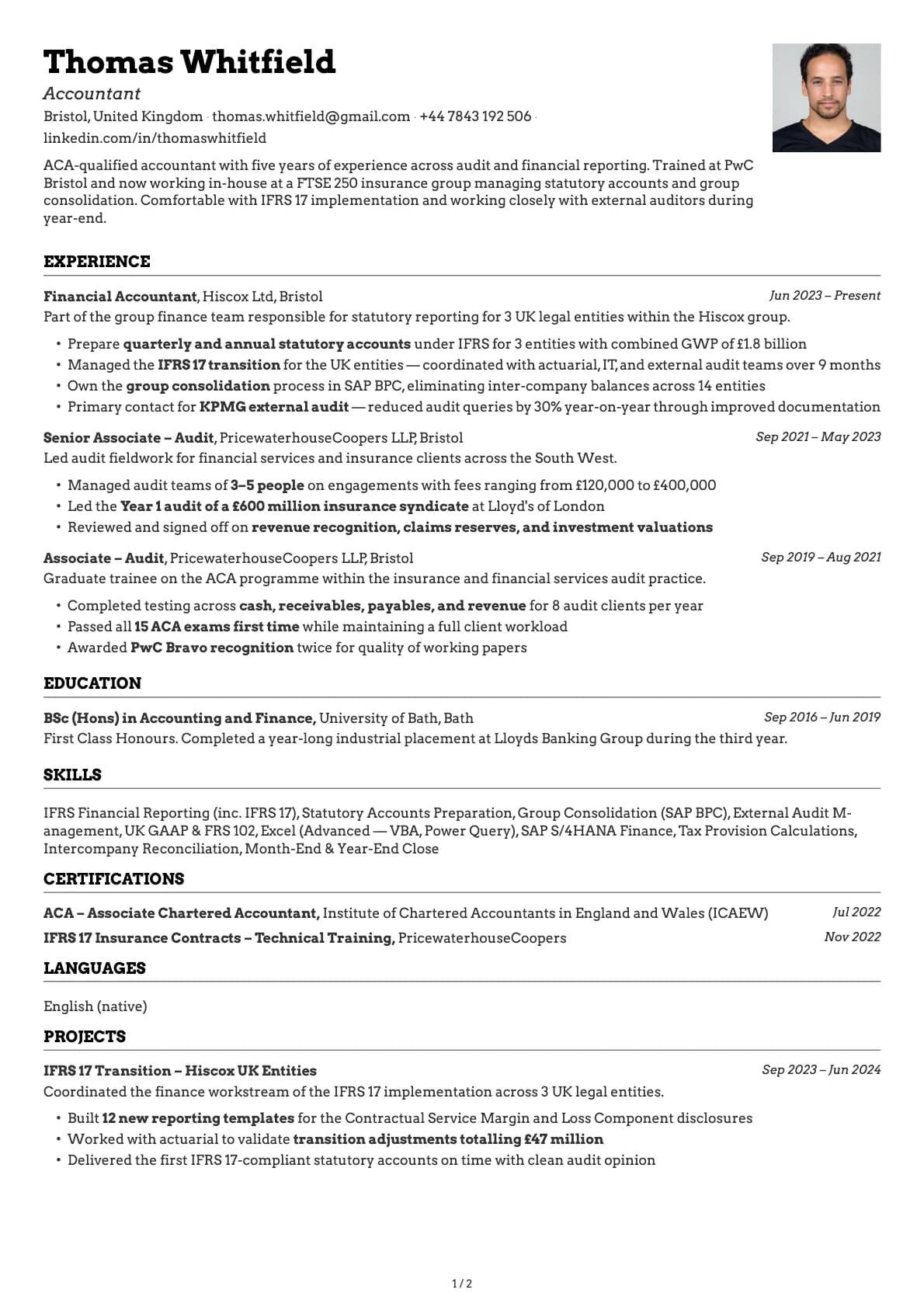
Accountant
An ACA-qualified accountant resume example with Big 4 audit experience and FTSE 250 in-house reporting.
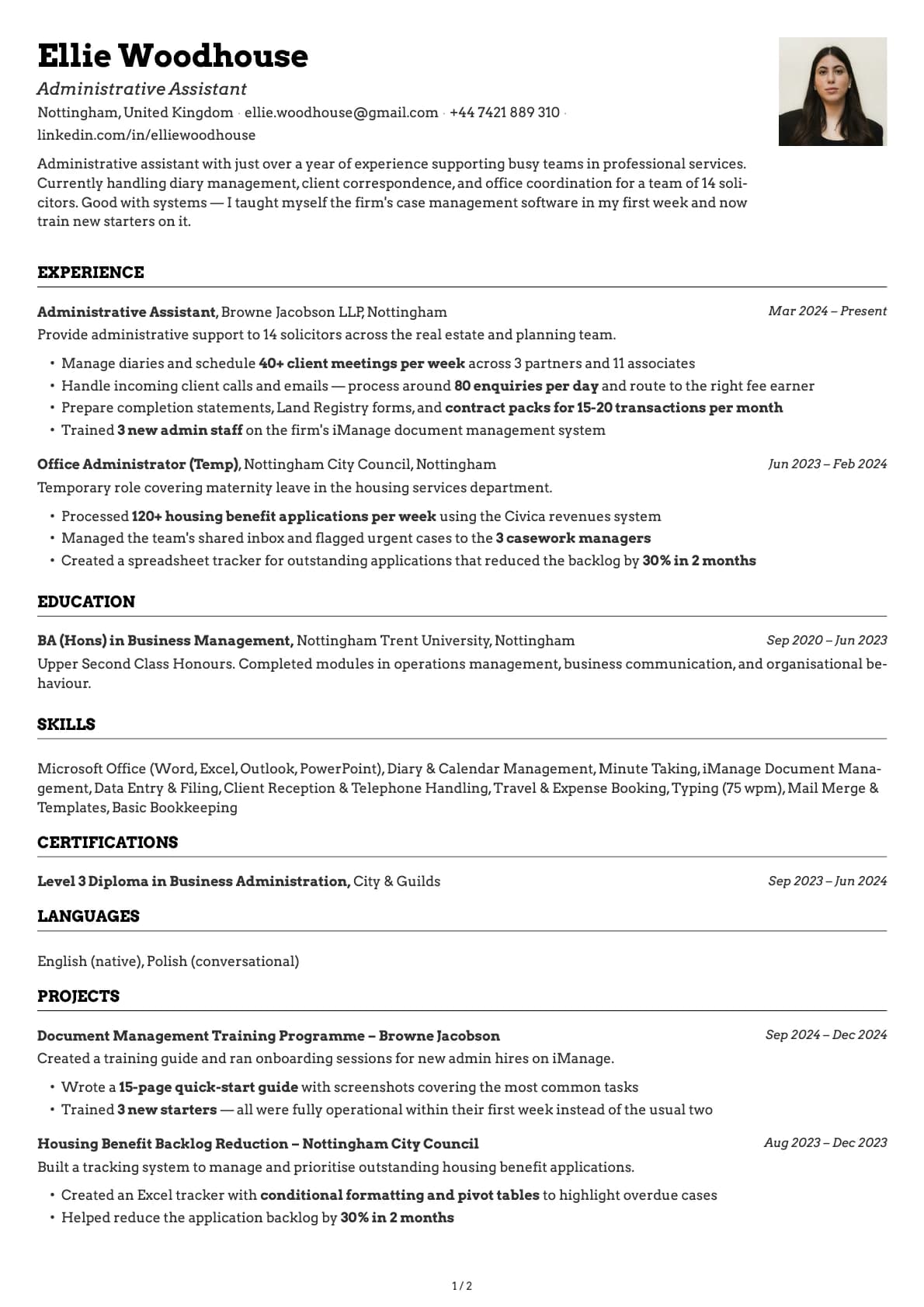
Administrative Assistant
An administrative assistant resume example with law firm experience, showing how to present volume of work, systems knowledge.
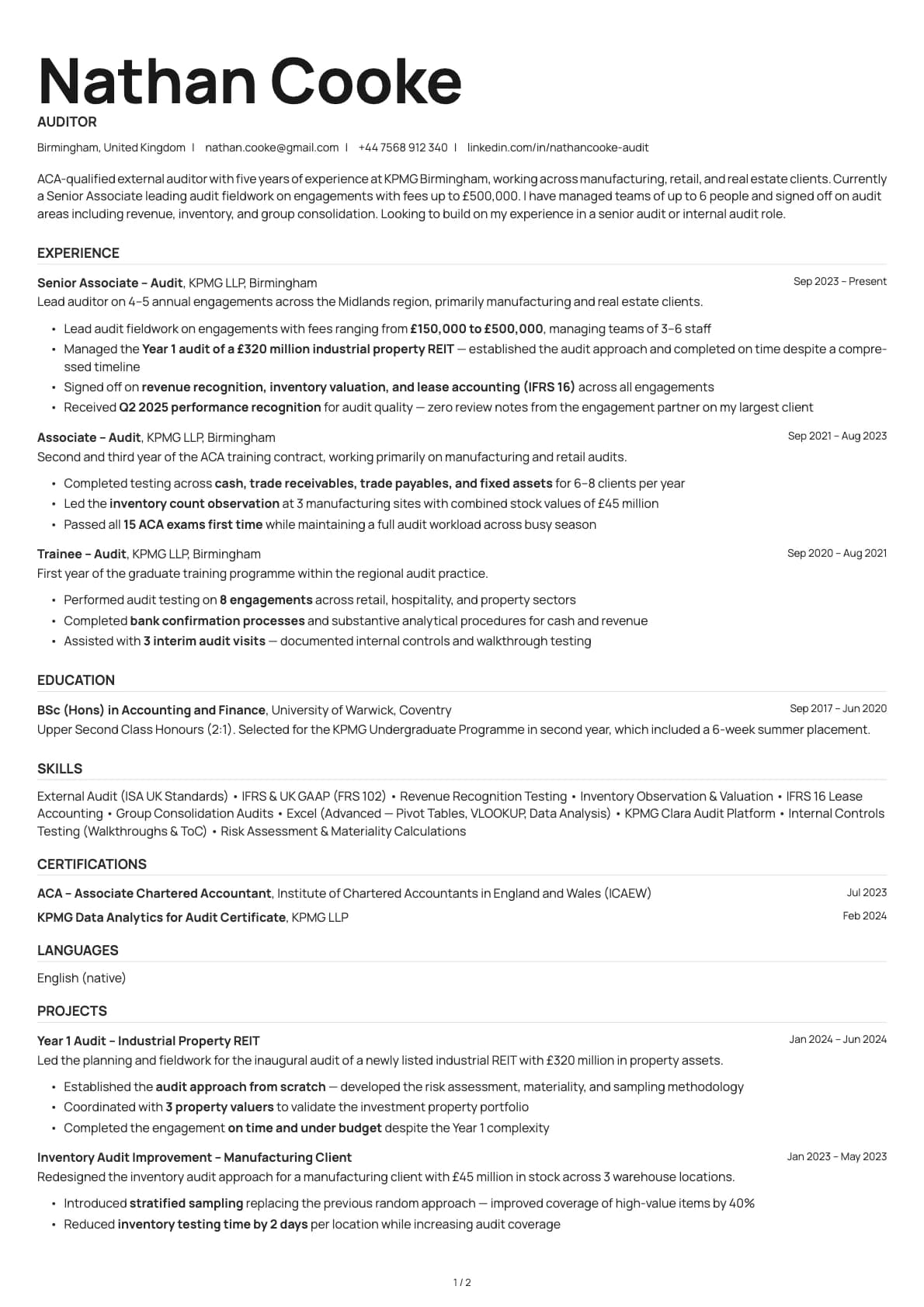
Auditor
An ACA-qualified auditor resume example from KPMG with engagement fee ranges, team management, and ISA Standards experience across manufacturing and real.