Best Free Resume Builders in 2026
We tested 6 popular resume builders to see what free actually means. Most of them are not as free as they claim.

Laddro

What "free" actually means in resume builders
Most resume builders advertise themselves as free. And technically, they are. You can create an account, pick a template, type in your experience, and build a full resume without paying. The problem comes when you try to download it.
Many builders give you a plain text (TXT) file for free and charge for a formatted PDF. Others limit free users to one basic template. Some let you download once, then lock everything behind a paywall. A few even show you a beautiful preview of your resume, then blur it and ask for payment when you click download.
We tested 6 popular resume builders to see what "free" actually gets you. Here is what we found.
1. Laddro
What you get for free: The full builder with all 22+ templates, complete design customization (colours, fonts, spacing), real-time PDF preview, AI writing assistance, 1 free resume tailoring to a job description, and 1 free cover letter generation. You can download a fully formatted PDF without paying.
What costs money: Additional resume tailoring, cover letter generation, and detailed AI feedback cost tokens. Tokens are purchased as needed with no subscription required.
The catch: The free tier gives you 1 tailoring and 1 cover letter. After that, you need tokens. But the base builder, including all templates and PDF download, stays free forever.
Best for: People who want a complete, no-restrictions builder with AI features and no subscription pressure. The token model means you only pay when you actually need something beyond the basics.
ATS compatibility: All templates are ATS-tested. The AI feedback checks your formatting, keywords, colours, and structure against ATS requirements.
2. Kickresume
What you get for free: PDF downloads with no restrictions on file format. 4 resume templates, 4 cover letter templates, and access to 20,000+ pre-written phrases organised by job title.
What costs money: The full template library (40+ templates), AI writing features, personal website builder, and the ability to create unlimited resumes.
The catch: The free template selection is limited to 4 options. If those 4 don't work for your industry or style preference, you'll need to upgrade. But the ones included are solid and professional.
Best for: People who want a genuinely free PDF download and don't mind choosing from a smaller template selection. The pre-written phrase library is a huge help if you struggle with writing bullet points.
ATS compatibility: Their ATS-friendly templates are clearly labelled, though some creative templates in the paid tier may not parse well.
Kickresume deserves credit for having one of the most honest free tiers in the industry. You get real PDFs, no TXT-only trick, and no trial-period bait.
3. Novoresume
What you get for free: A PDF download with a clean, professional template. The free plan includes 1 resume and 1 cover letter.
What costs money: More than 1 resume, premium templates, the ability to add more than 1 page, and advanced customization options (only 3 fonts and 30 colours on the free tier).
The catch: Your free resume is limited to 1 page. If you have 10+ years of experience and need a 2-page resume, you'll need to pay. The customization restrictions (3 fonts, limited colours) also mean your resume may look similar to many other Novoresume free-tier resumes.
Best for: Entry-level candidates or recent graduates who only need a 1-page resume and are fine with basic customization. The builder is clean and easy to use.
ATS compatibility: Their templates are designed with ATS in mind. The standard layout parses well in most tracking systems.
4. Canva
What you get for free: Hundreds of free resume templates with Canva's full design editor. You can customise everything from layout to graphics to icons.
What costs money: Premium templates, premium graphics, and some export options. But the free tier is quite generous for design capabilities.
The catch: Canva resumes are not ATS-friendly. The platform exports resumes as image-based PDFs or designs where text is embedded in graphic elements. Most ATS systems cannot parse text from Canva-exported files, which means your resume may be unreadable to the software screening it.
Best for: Creative roles where the resume goes directly to a human reviewer, not through an ATS. Graphic designers, artists, photographers, and other creative professionals can make stunning resumes with Canva. For corporate jobs that use ATS screening, avoid Canva.
ATS compatibility: Poor. Most Canva resume exports fail ATS parsing. Text embedded in design elements doesn't get extracted correctly. If you're applying through any online job portal, your Canva resume will likely not make it through.
This is important enough to repeat: if you're applying to jobs through company websites, LinkedIn, or job boards, do not use Canva for your resume. It looks great on screen but fails the software that reads it first.
5. Zety
What you get for free: The full builder with all templates, colours, and fonts. You can see a real-time preview of your resume as you build it.
What costs money: Downloading your resume as a PDF. The free download option is a plain text (TXT) file with no formatting.
The catch: This is the most frustrating pattern in resume builders. You spend 30 to 60 minutes building a beautiful resume, see it rendered perfectly in the preview, and then discover that downloading the formatted version requires a $1.95 trial that auto-renews at $25.95/month.
Best for: People who are willing to pay for a subscription and want access to Zety's massive library of 750+ resume examples. If you're looking for inspiration and pre-written content organised by job title, Zety's example library is the best in the industry. Just know that "free" means "free to build, not free to download."
ATS compatibility: Their templates generally parse well in ATS systems. Not all templates are explicitly ATS-tested, but the standard layouts work fine.
6. Resume.io
What you get for free: 1 resume, either as a TXT download or a PDF using 1 basic template. You need to create an account to start building.
What costs money: All other templates, multiple resumes, and PDF downloads beyond the single basic option. Pricing starts at $2.95 for a 7-day trial, then $29.95/month.
The catch: Similar to Zety, the real value is behind the paywall. The free option is extremely limited: 1 template, 1 resume, basic formatting. Their builder is genuinely good and they have excellent template sub-categories (ATS, one-page, two-column, creative), but you need a paid plan to use most of it.
Best for: People who want a well-organised template library with clear categories and are comfortable with a subscription. Resume.io's interface is clean and the template sub-categories make it easy to find what you need.
ATS compatibility: Good. Their ATS-specific templates are clearly labelled and parse well.
Summary comparison
| Builder | Free PDF | Templates (free) | AI features (free) | ATS-tested | Pricing after free |
|---|---|---|---|---|---|
| Laddro | 1 free download | 22 | Writing help, 1 tailoring | All templates | Tokens or a plan, no auto-renew |
| Kickresume | Yes | 4 | No | Labelled | From $19/month |
| Novoresume | Yes (1 page) | Limited | No | Yes | From $19.99/month |
| Canva | Yes | Hundreds | No | No | From $12.99/month |
| Zety | TXT only | All (preview only) | Bullet suggestions | Most | $1.95 trial, then $25.95/month |
| · Resume.io | 1 basic template | 1 | Writing suggestions | Labelled | $2.95 trial, then $29.95/month |
Our verdict
If you want a truly free resume builder with no significant catches, Kickresume and Laddro are the two best options.
Kickresume gives you free PDF downloads with 4 solid templates and an enormous pre-written phrase library. It's a great choice if you want help writing your bullet points and don't need AI tailoring.
Laddro gives you all templates, full customization, PDF download, and adds AI writing help plus 1 free tailoring and 1 free cover letter. If you want AI features that optimise your resume for a specific job posting, Laddro offers more on the free tier.
Between the two, Laddro edges ahead if you need AI tailoring and personalised feedback. Kickresume edges ahead if you want the largest phrase library and don't need AI features.
Both are honest about what you get for free. Neither locks your PDF behind a trial or subscription wall. That alone puts them ahead of most of the market.
Avoid Canva for any job application that goes through an ATS (which is most of them). Use it only for creative roles where a human reviews your resume directly.
Zety and Resume.io are good builders, but "free" is misleading. You're really getting a free trial of the builder with a TXT download. If you're okay paying for a subscription, both are solid. If you want genuinely free, look elsewhere.
Ready to build your resume? Start with Laddro's free builder. No sign-up wall, no credit card required. Browse resume templates or try AI resume tailoring if you already have a resume you want to optimise.
Ready to build your resume?
Put this into practice. Open the builder and create your resume step by step.
Free to use. No account needed to start.
Related articles

AI Is Screening Your Resume Before Any Human Sees It
AI screens most resumes before a human ever reads them. 97.4% of Fortune 500 companies run an ATS. This is what that means for you and what you can do about it.

The Best Resume Builders in 2026, Compared Honestly
Resume.io, Zety, Enhancv, Kickresume, Teal, and Laddro compared honestly: real pricing, free tiers, mobile apps, and where each tool wins. All prices checked in September 2026.

Care Assistant CV (UK): How to Write One That Passes the Checks
A UK care CV has to survive the recruitment checks providers are legally required to make. The structure managers expect, plus a worked profile you can copy.
Related resume examples
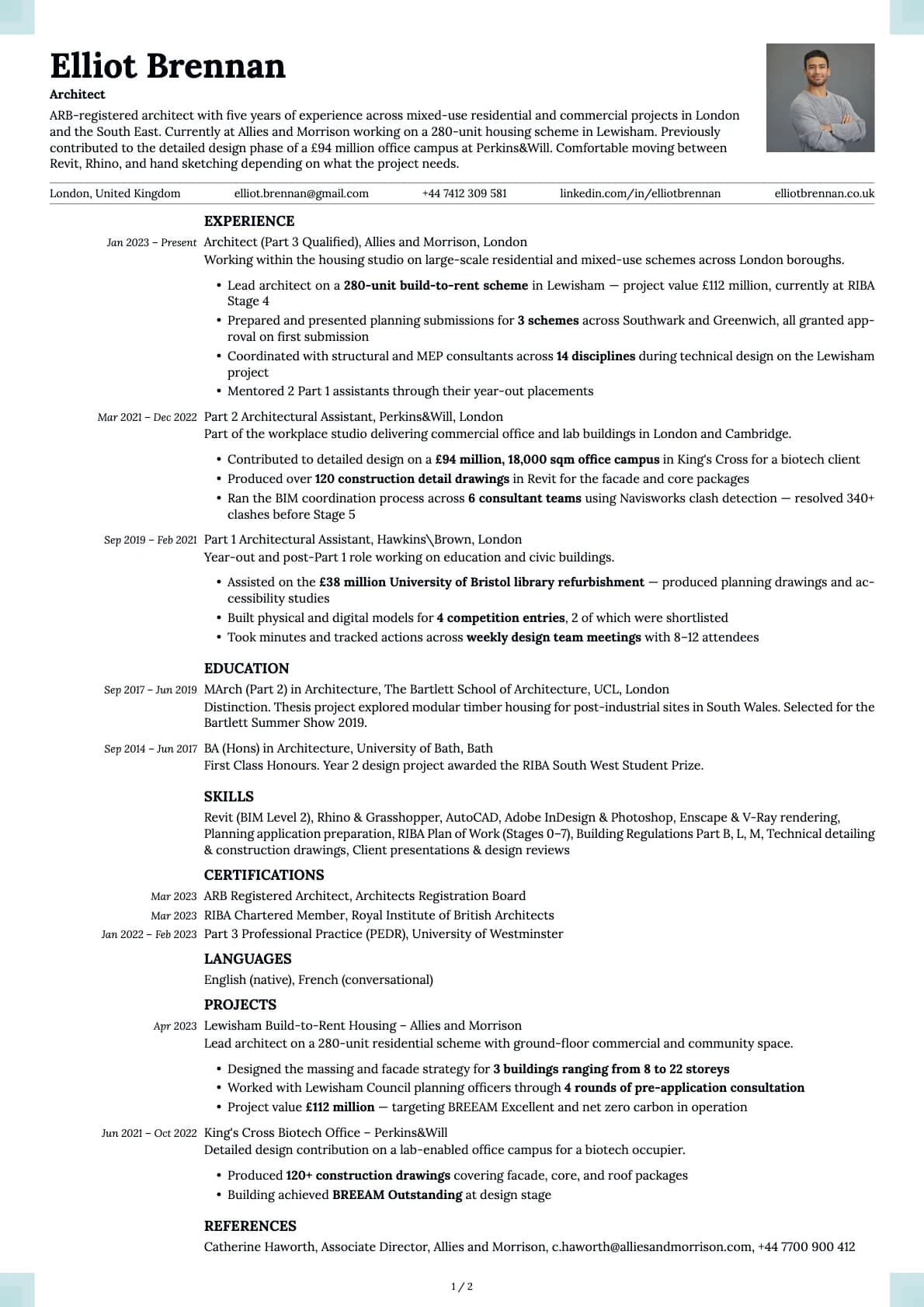
Architect
An ARB-registered architect resume example with RIBA Stage 4 project experience, BIM coordination.
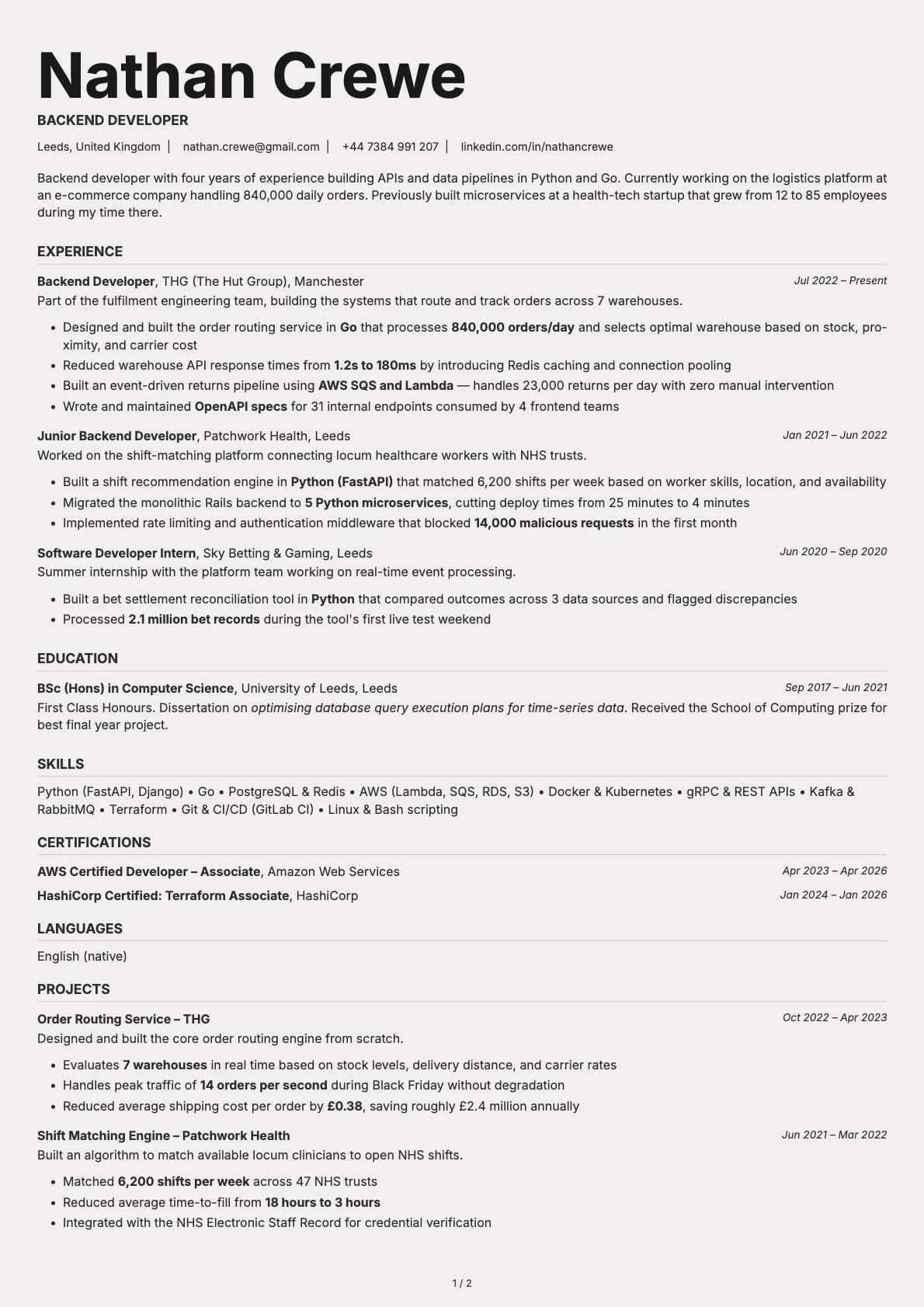
Backend Developer
A backend developer resume example with Go and Python experience, system throughput numbers, and infrastructure projects across e-commerce and health-tech.
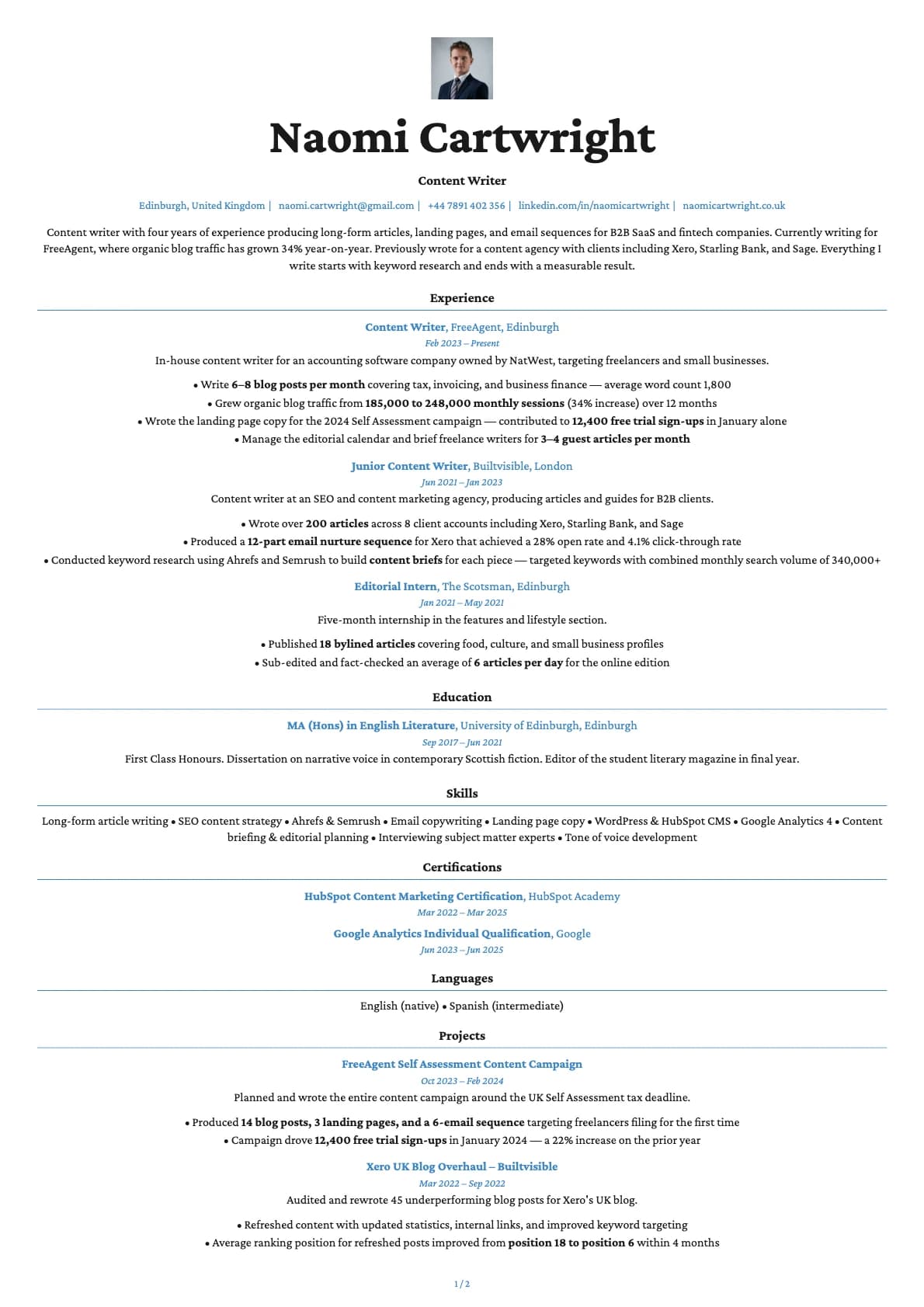
Content Writer
A content writer resume example with in-house and agency experience writing for FreeAgent, Xero, and Starling Bank.