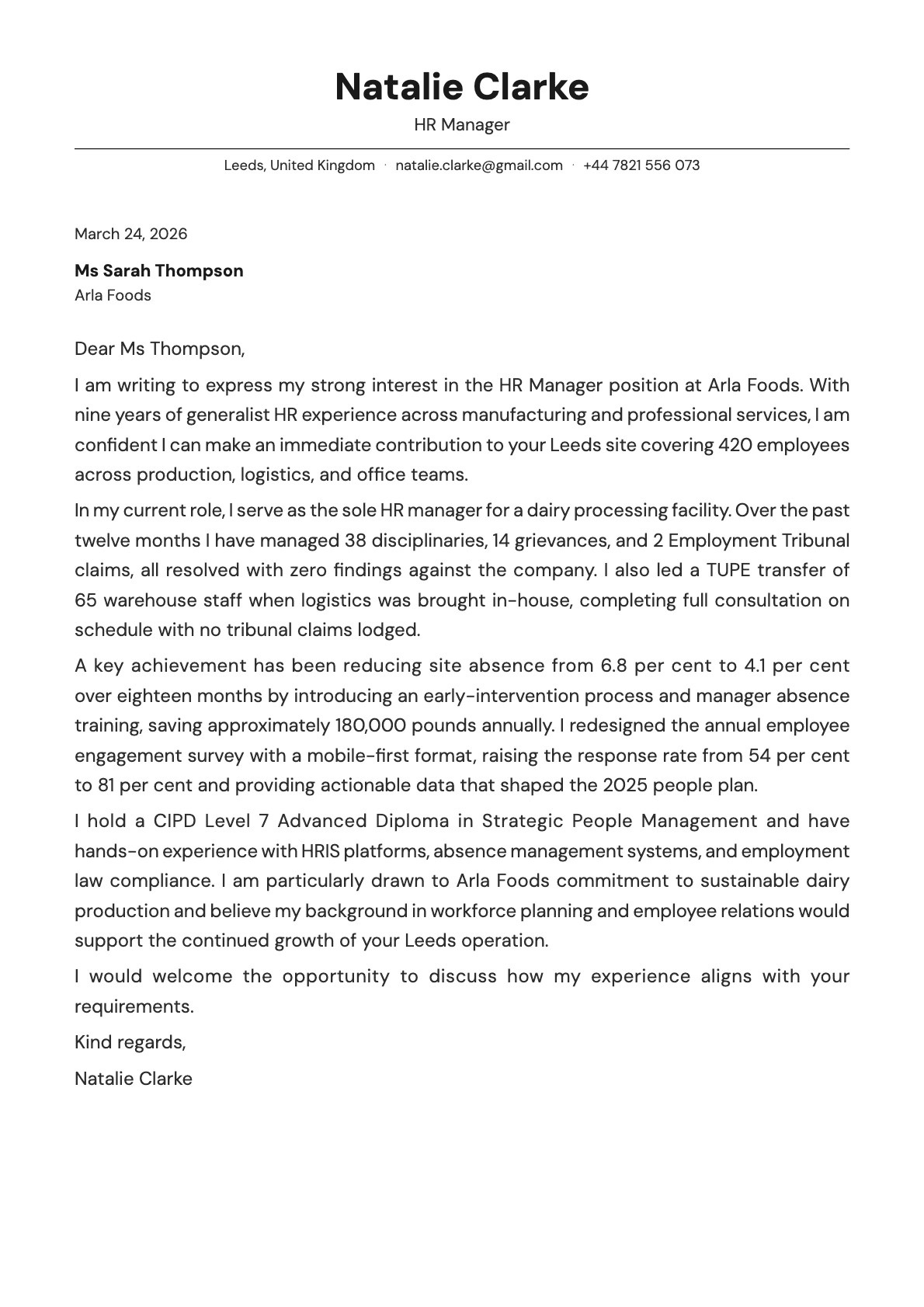
Slate Cover Letter Template
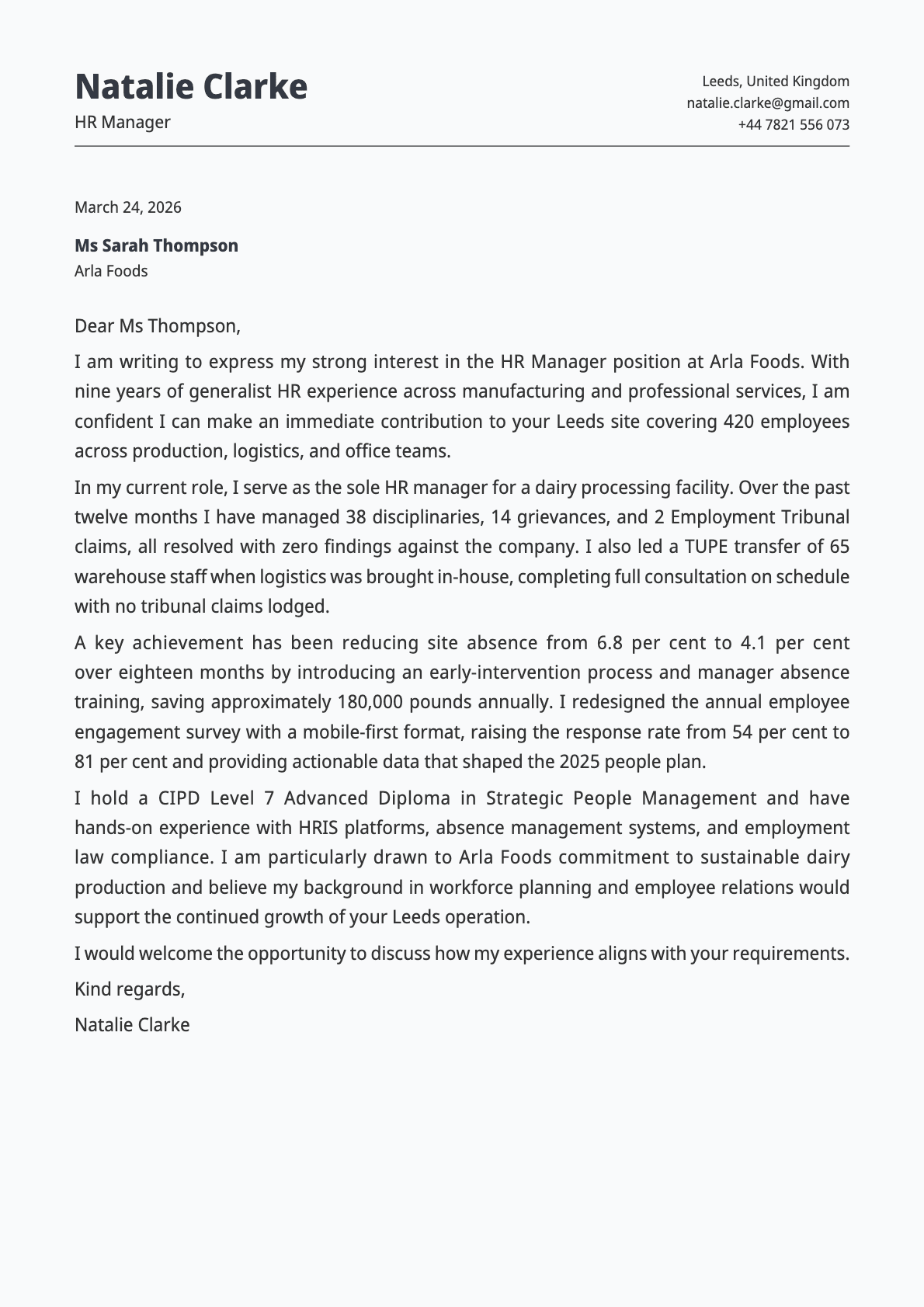
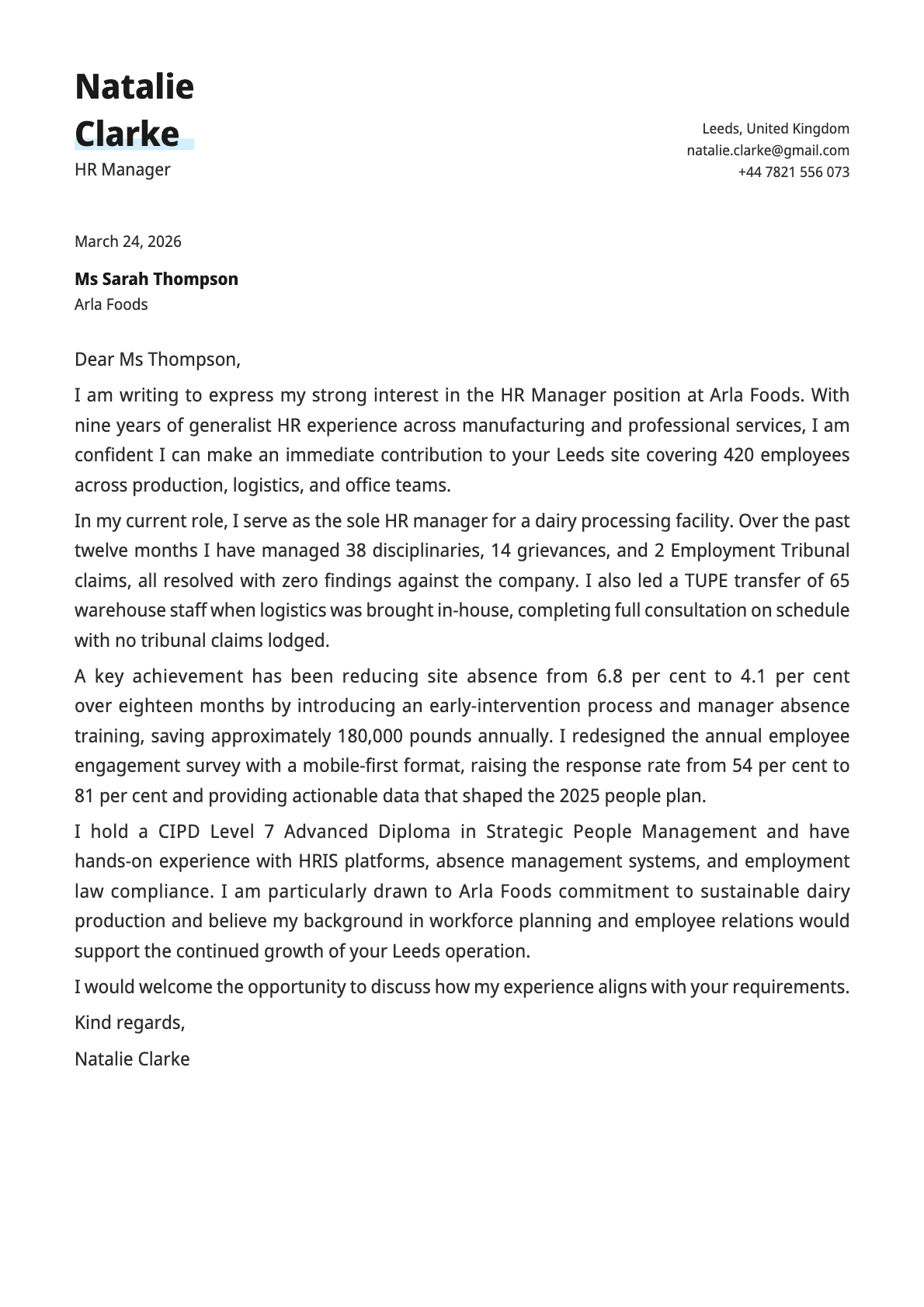
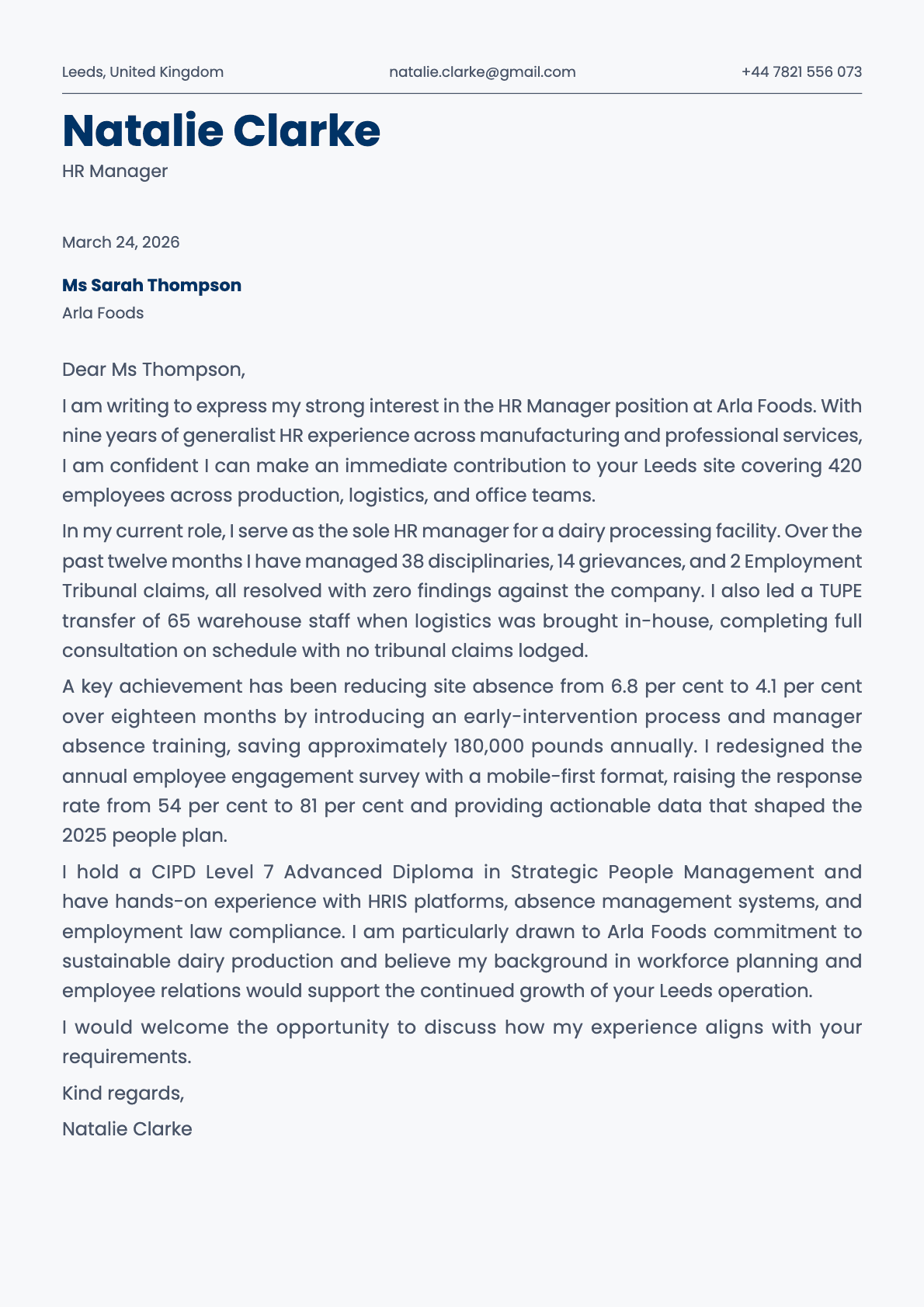
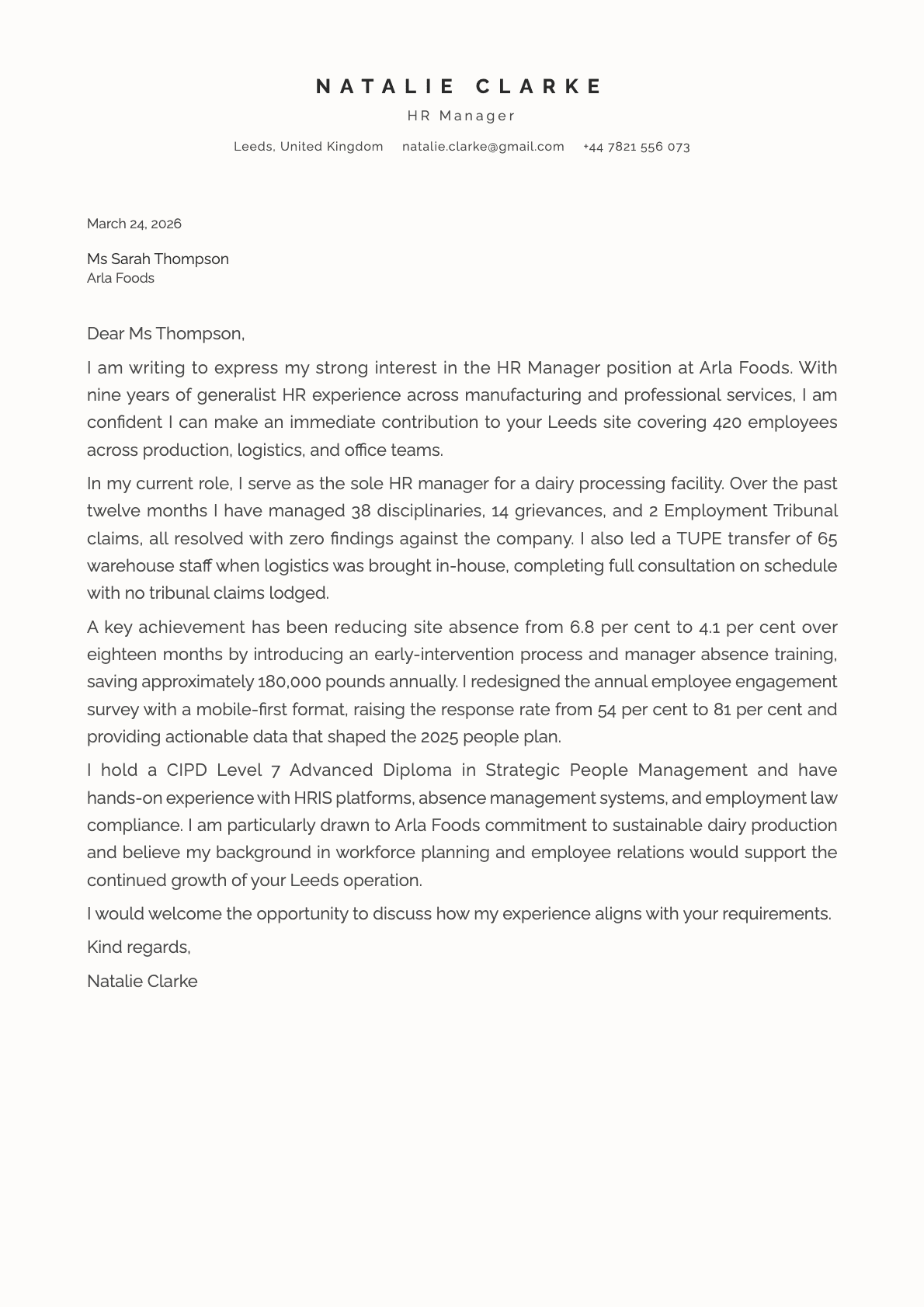
A minimalist, professional cover letter template with clean sans-serif typography, 8 colour options, and a layout built for clarity and focus.
Why Slate?
Slate does exactly what the name suggests: it provides a solid, neutral foundation for your cover letter. No embellishments, no colour blocks, no visual surprises. Just clean typography, disciplined spacing, and a layout that gets straight to the point.
DM Sans, the default font, is a geometric sans-serif designed for clarity at any size. Paired with Slate's minimal layout, it looks clean and professional without trying too hard.
Who should use this template?
Slate is the template for people who believe that less is more. It works in every industry and for every level of seniority because the design never gets in the way of the content.
It is especially well-suited to:
- Corporate applications where a clean presentation is expected
- Technical roles where substance matters more than style
- Senior positions where your experience speaks louder than the template
- Applications where you want the focus entirely on what you have written
What you get
- A single-column layout with clean, minimal structure
- 8 colour themes from classic black to blue, teal, and slate grey
- DM Sans as the default font, modern and highly readable
- Minimal decoration that lets your content take centre stage
- Fully customisable in the Laddro builder
Colour options
Slate offers 8 colour variations:
- Classic black on white, the most universal option
- Blue accent for a corporate-modern look
- Slate grey for understated professionalism
- Teal for a touch of colour without breaking the minimal feel
- Navy and deep blue for a grounded, authoritative tone
Tips for getting the most out of Slate
- Slate rewards strong writing. Without visual decoration to lean on, every word needs to earn its place.
- The slate grey and teal variants are the sweet spot. Enough colour to look intentional, not enough to distract.
- Use short paragraphs. The minimal layout makes long blocks of text feel heavier than they are.
- Slate is a strong choice when you are not sure what the company expects. It never looks out of place.
Write your cover letter with Slate on Laddro
Start writing with Slate. Fill in your details, choose your colour, and download a clean PDF.