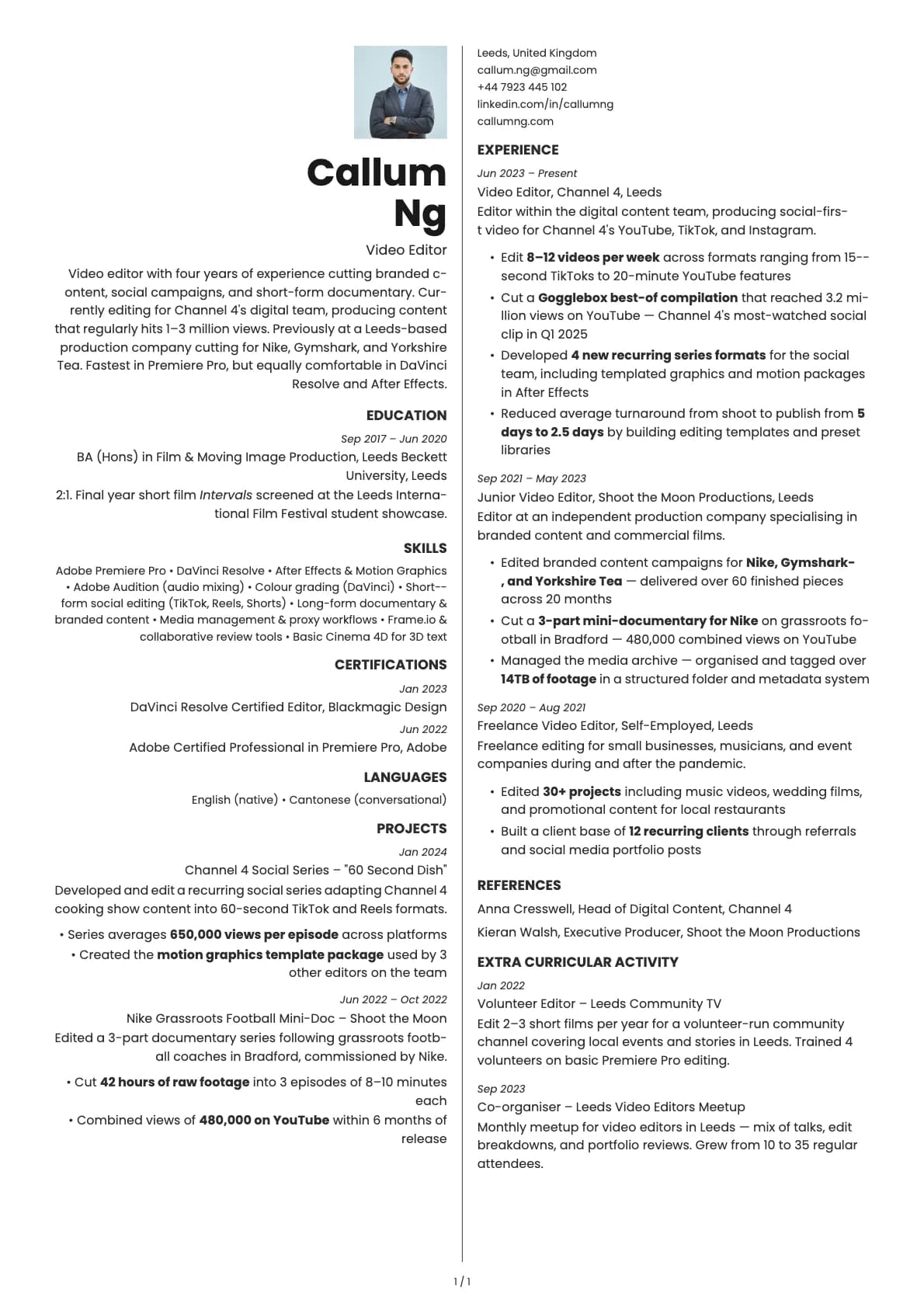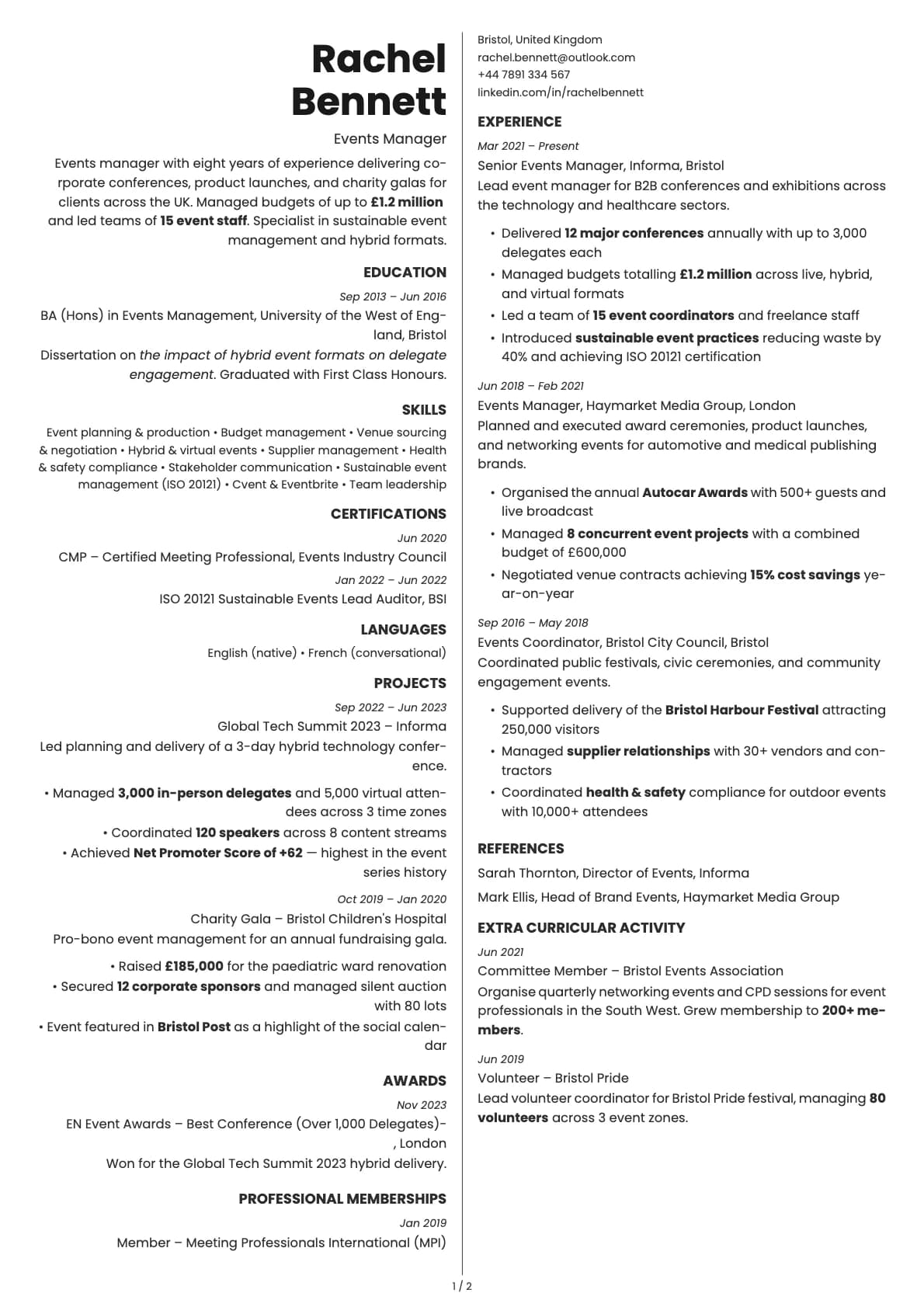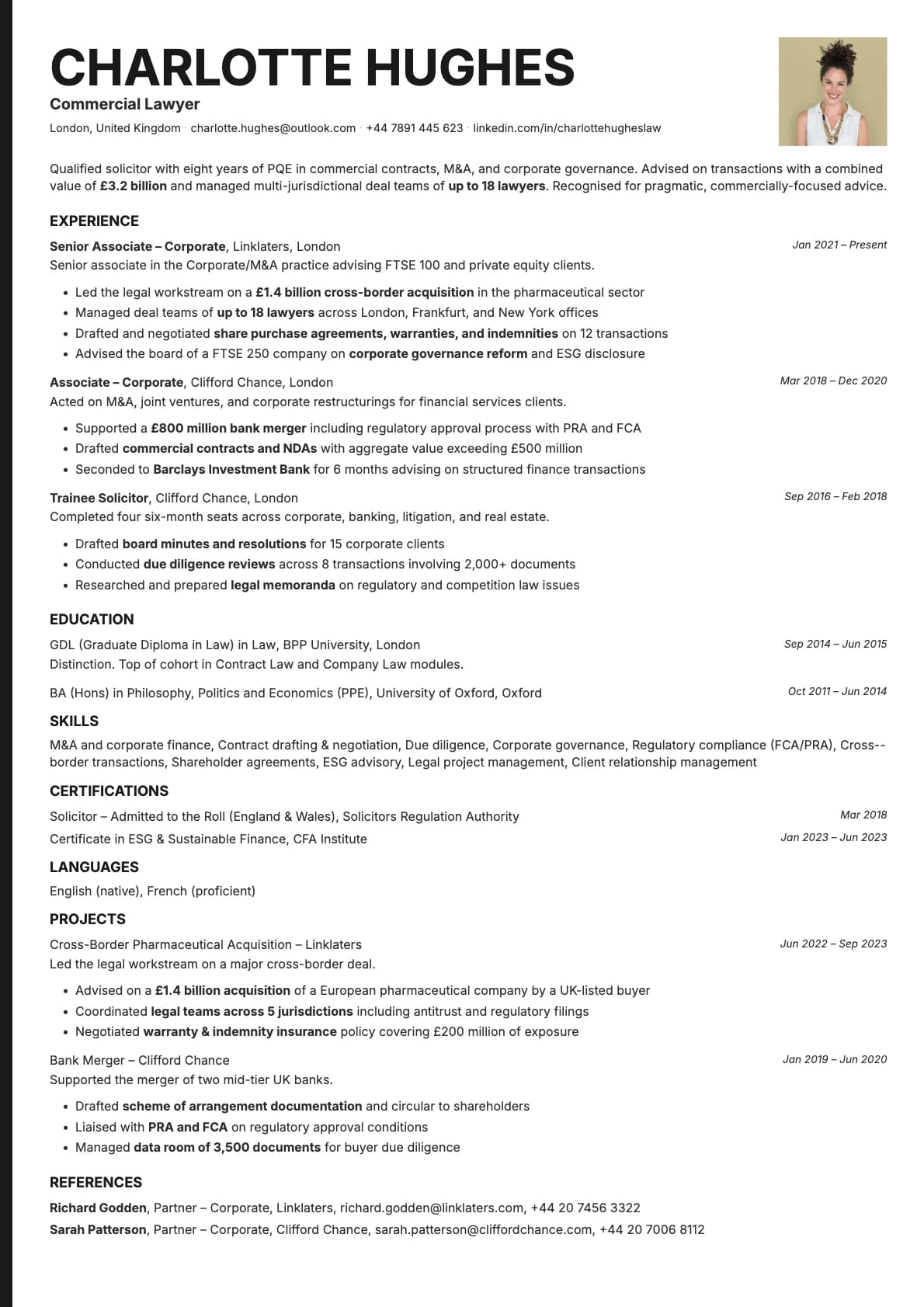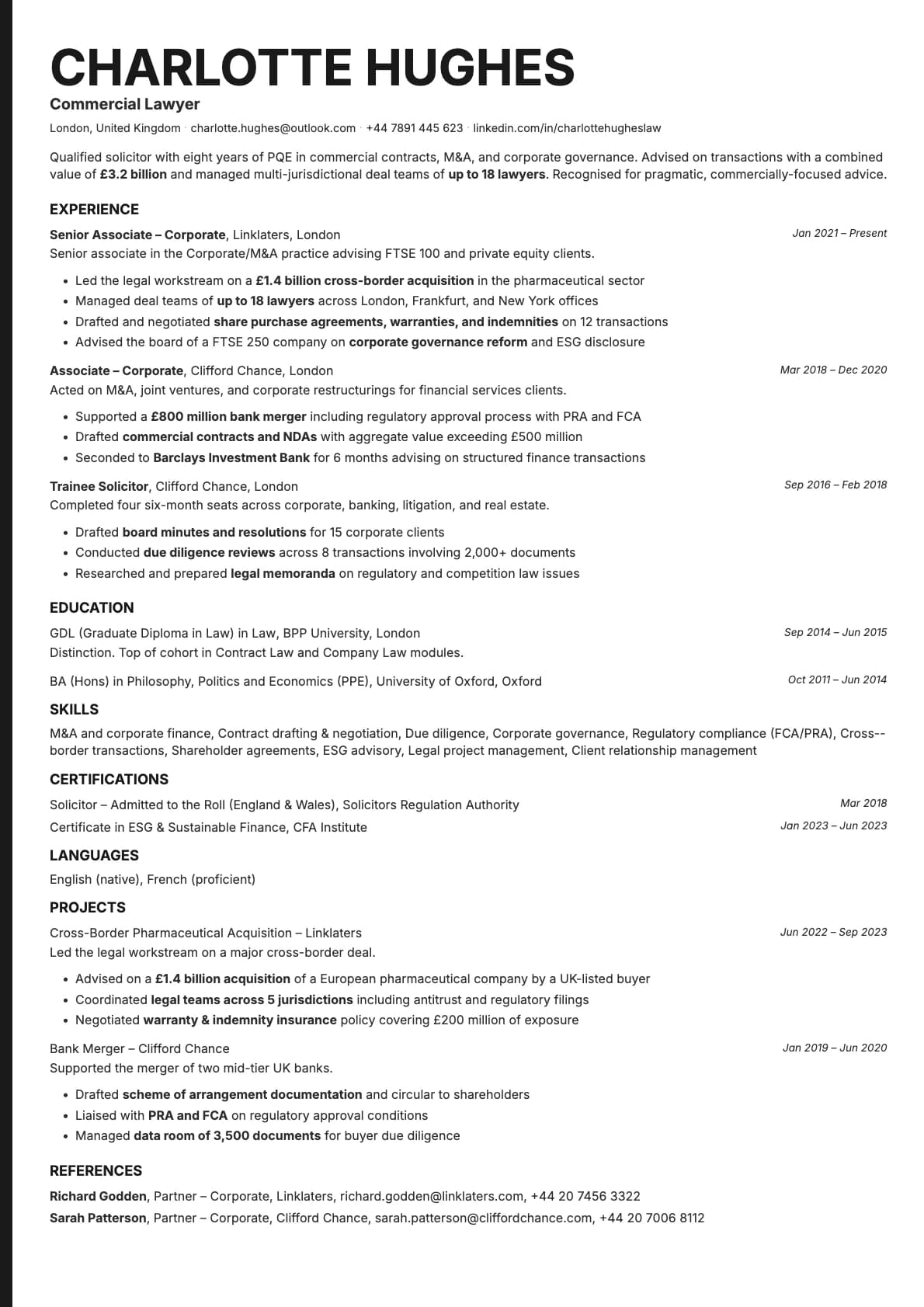
Amber Photo Resume Template
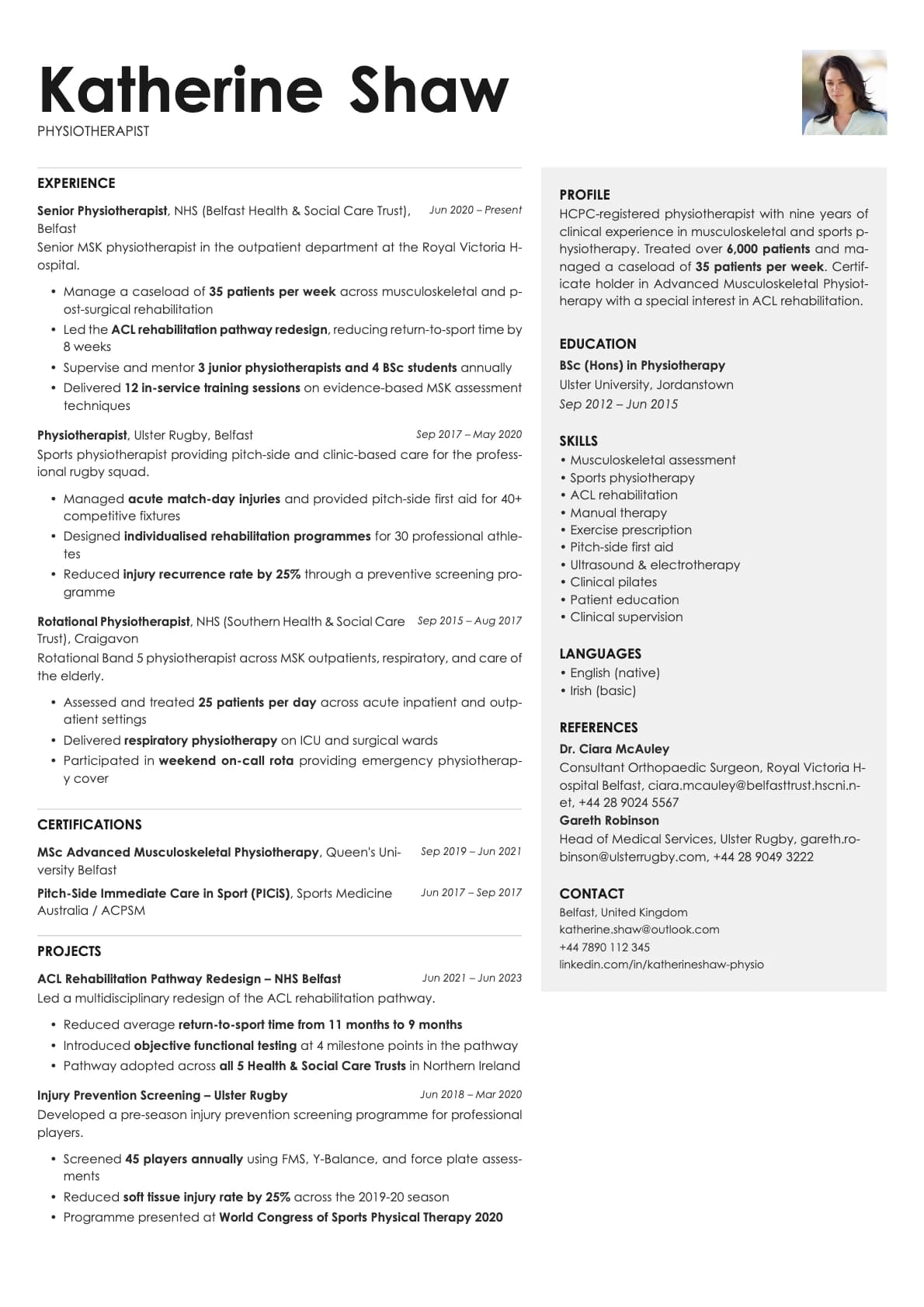
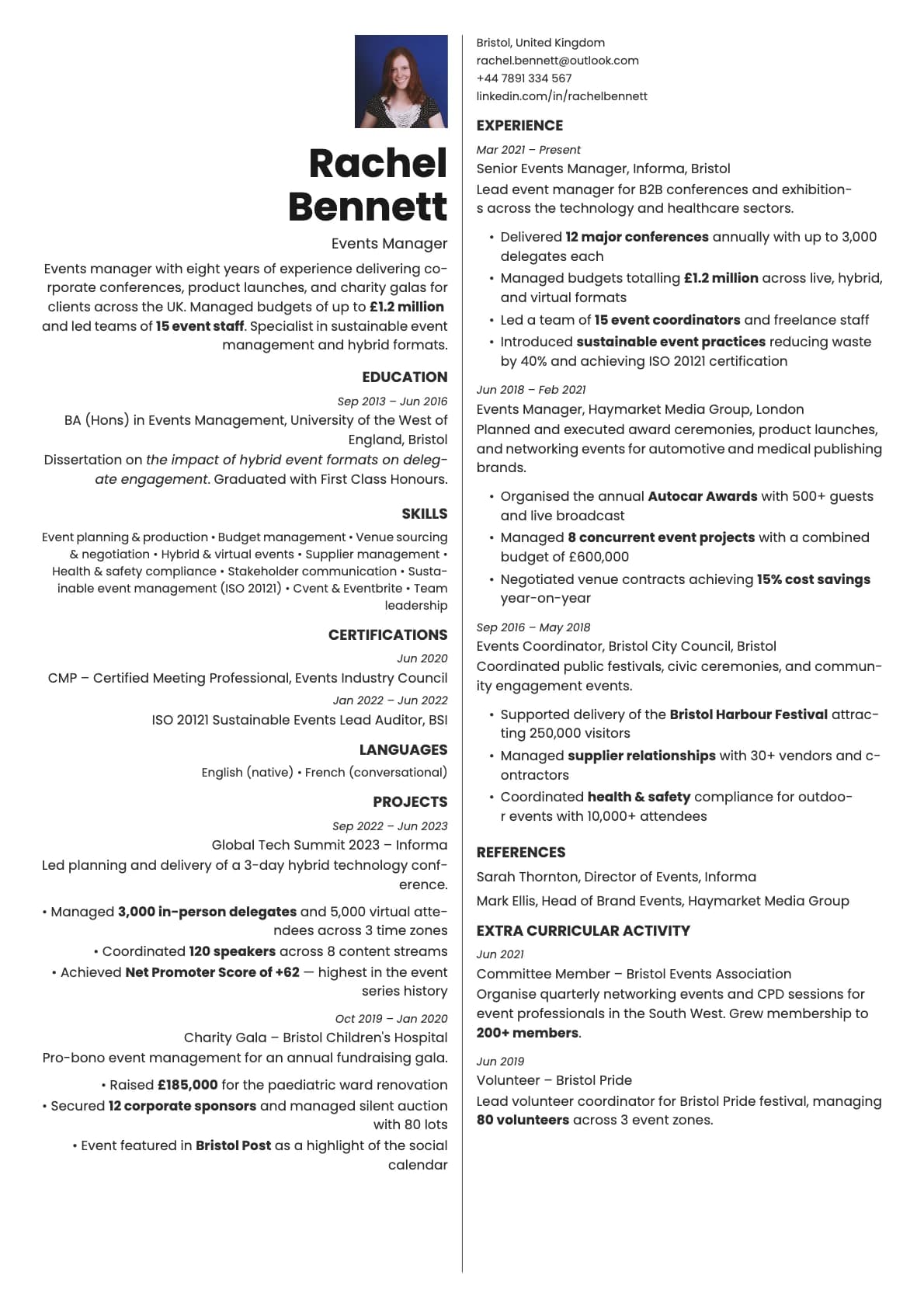
A warm-toned one-page resume template with profile photo, two-column split layout, and 10 colour options. ATS score 6.0/10.
Free to use. No account needed to start.
Why Amber Photo?
Amber stands out because of its warmth. While most resume templates stick to cool blues and greys, Amber uses backgrounds and accents that feel organic. Honey gold, terra cotta, olive, warm brown. The two-column split pairs these tones with a clean sidebar, and adding a photo makes the whole page feel inviting. It is a resume that looks like it belongs to a real person, not a template generator.
This is a one-page template, so everything fits on a single sheet. The constraint keeps things focused, and the warm palette keeps it from feeling sparse.
When a photo makes sense
Professionals in roles where approachability matters. Interior designers, hospitality managers, community managers, HR specialists, teachers, therapists, coaches, and anyone in a people-facing position. The warm colours and photo together create a resume that says "I am easy to work with" before anyone reads a single word.
Also useful for freelancers and consultants in creative fields who send their resume as part of a pitch or proposal.
When to skip the photo
Amber's ATS score is 6.0/10 due to the two-column split layout. If you are applying through job boards or corporate career pages with automated screening, use the base Amber template or pick a single-column template with a higher ATS score. Save Amber Photo for situations where a person will actually look at the document.
What you get
- Everything from the base Amber template: warm colour palette, two-column split, one-page constraint
- A headshot integrated into the sidebar
- 10 colour themes, all with warm, earthy backgrounds and accents
- Poppins as the default font, with other options in the builder
- One page only. Amber is designed to keep everything on a single page
Photo tips
Amber's warm backgrounds mean your headshot should complement the palette. Natural lighting works well here. Avoid harsh studio lighting or overly saturated colours in your clothing. A relaxed, approachable expression fits the template better than a stiff corporate pose.
ATS compatibility
Both the photo and base Amber templates score 6.0/10. The two-column split layout is the main factor. The photo does not change how ATS systems read the text. For automated applications, use a higher-scoring template and keep Amber Photo for direct outreach.
Build your resume with Amber Photo on Laddro
Start building with Amber Photo. Pick from 10 warm colour themes, upload your photo, and preview everything on one page. Download as PDF when it is ready. No account needed to start.
How would you rate this template?
Your rating helps others pick the right template for their resume.
Make this template yours
Pick a colour, add your details, and download your resume. No design skills needed.
Free to use. No account needed to start.