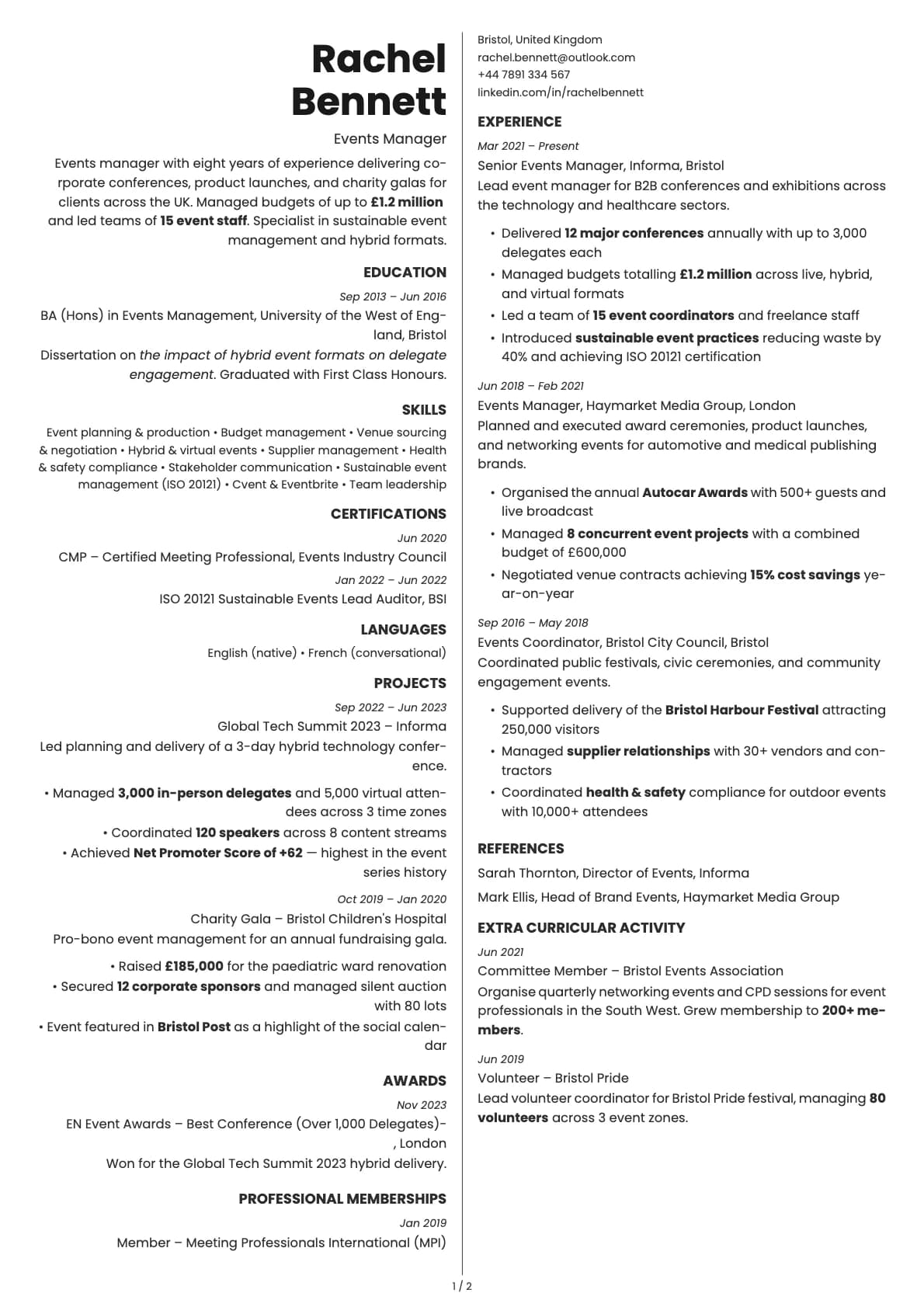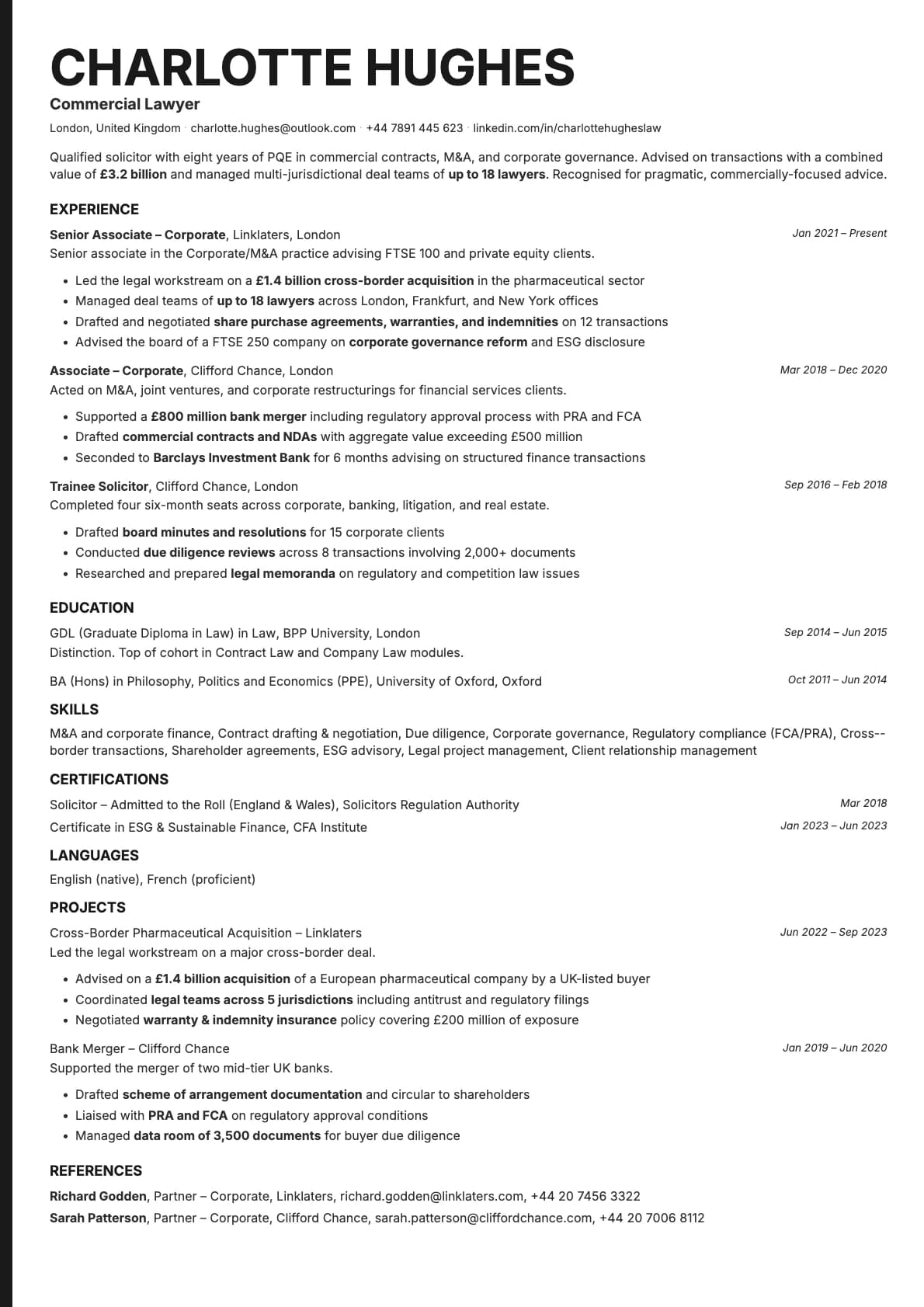
Bold Edge Resume Template
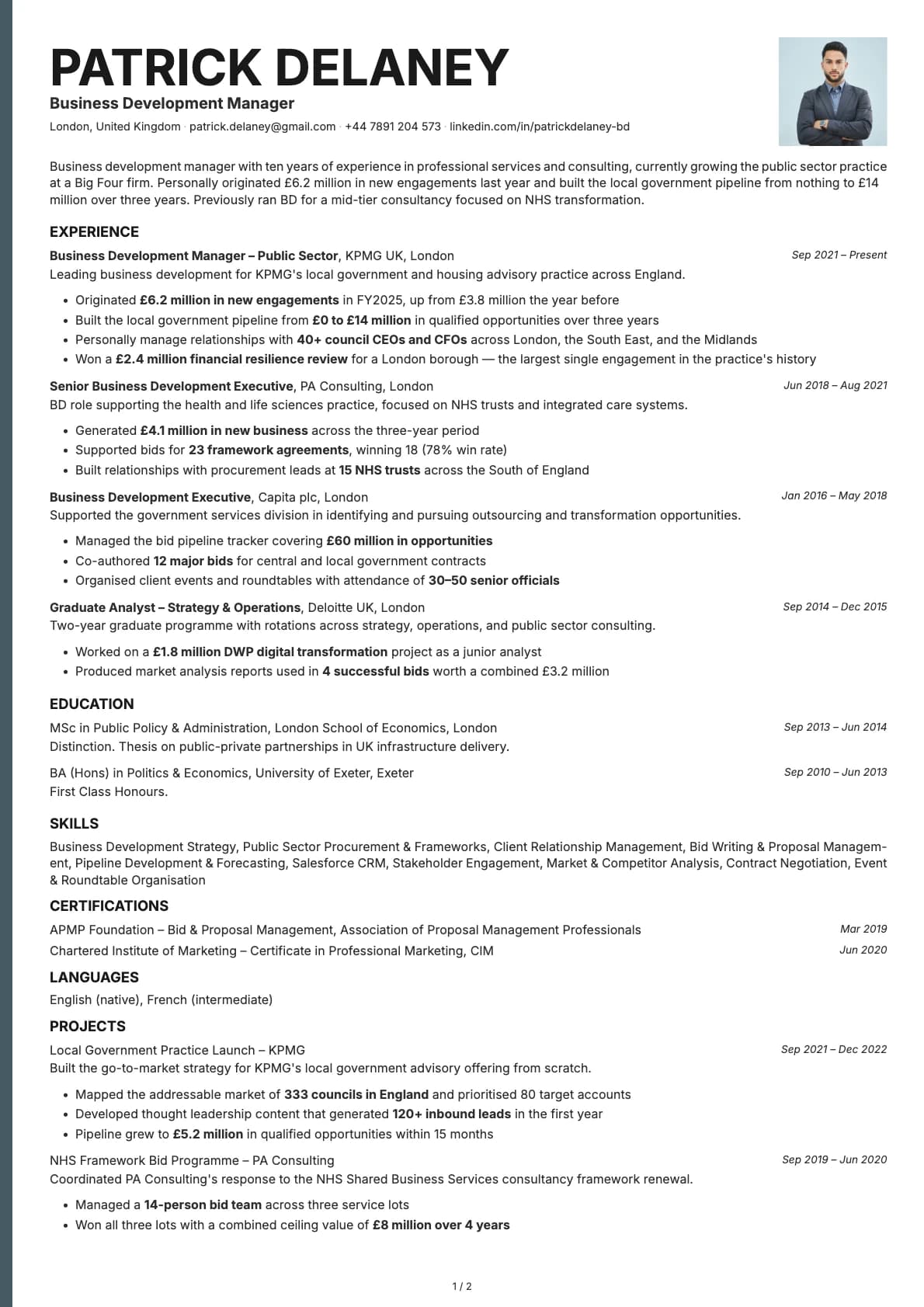
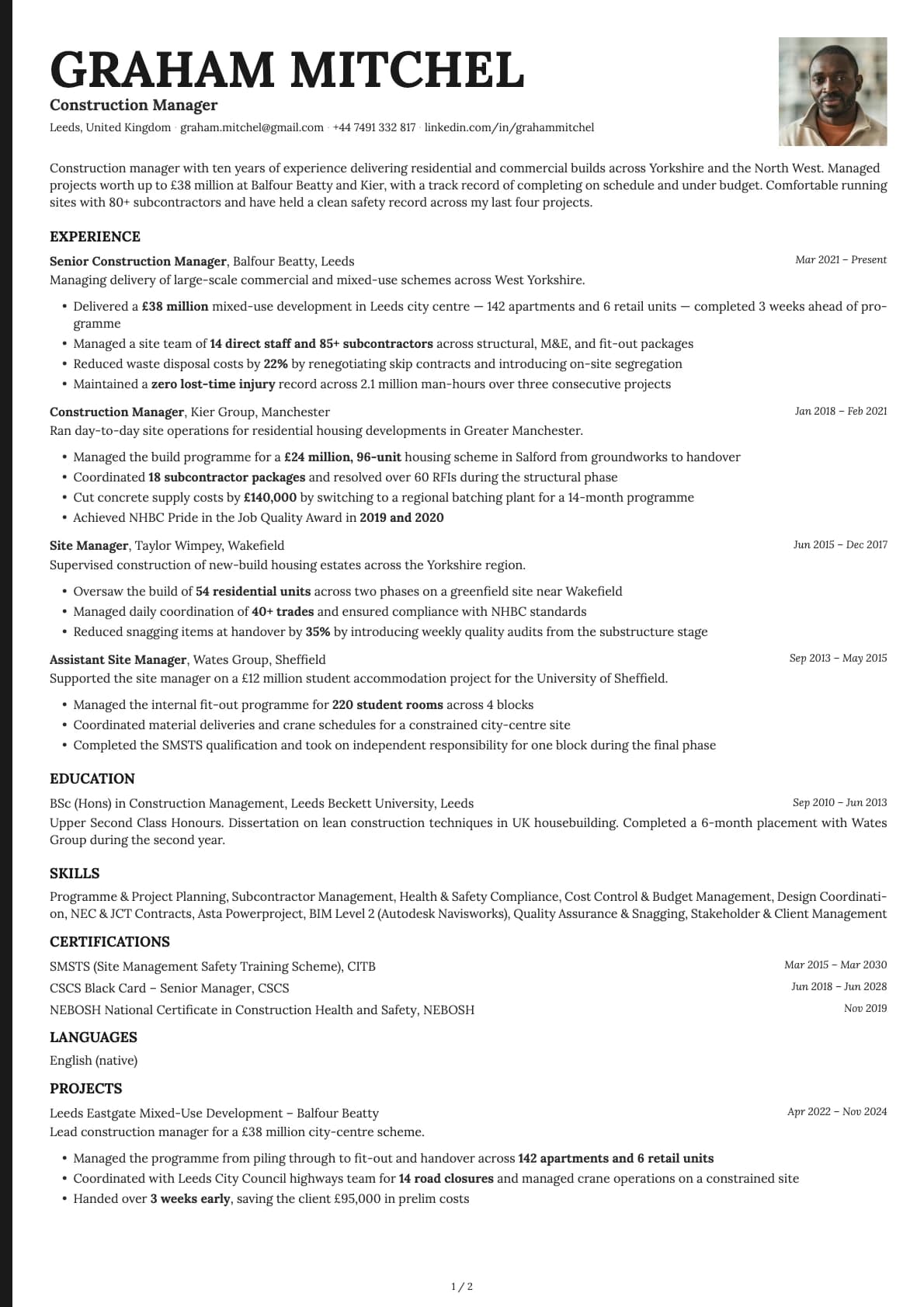
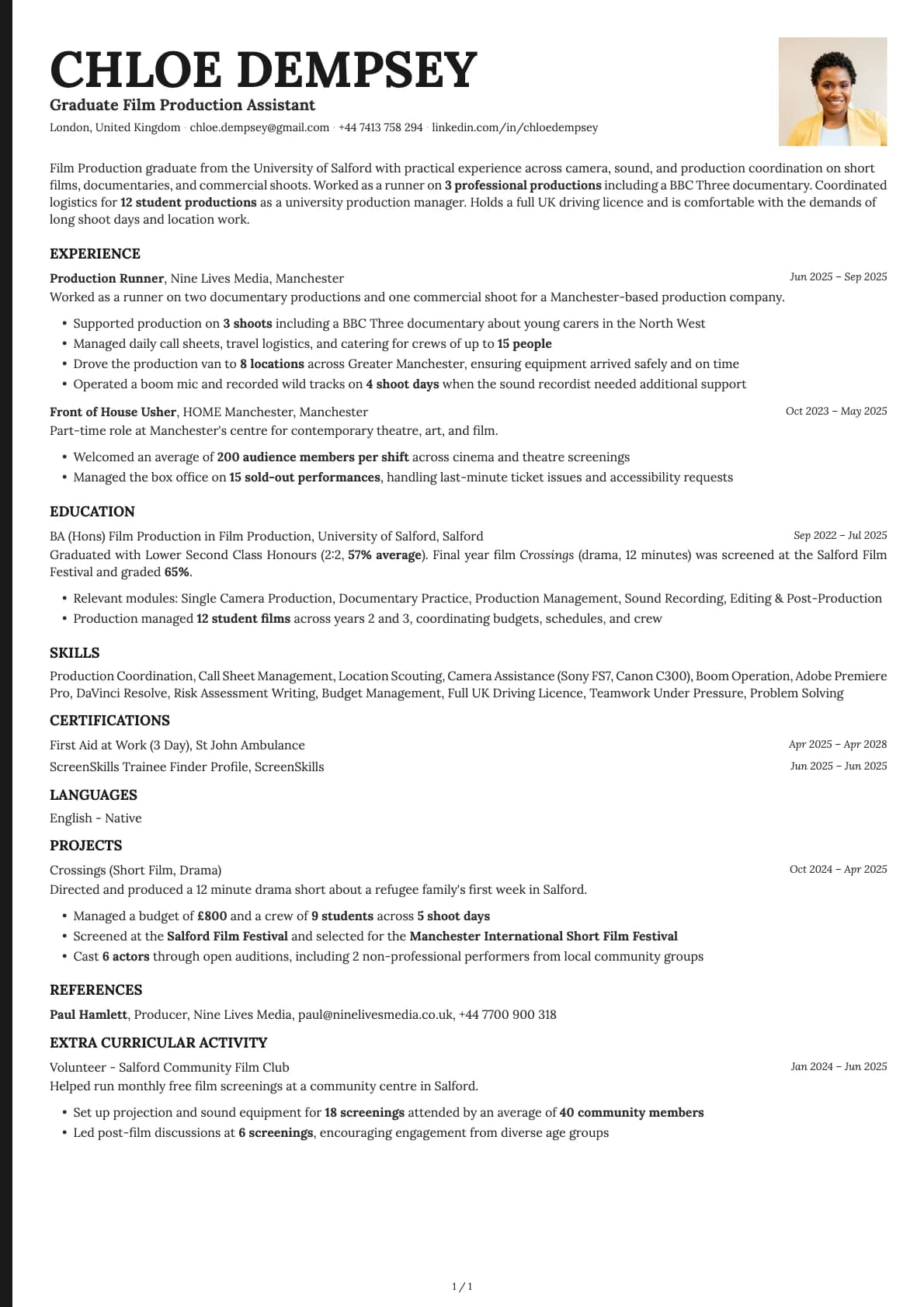
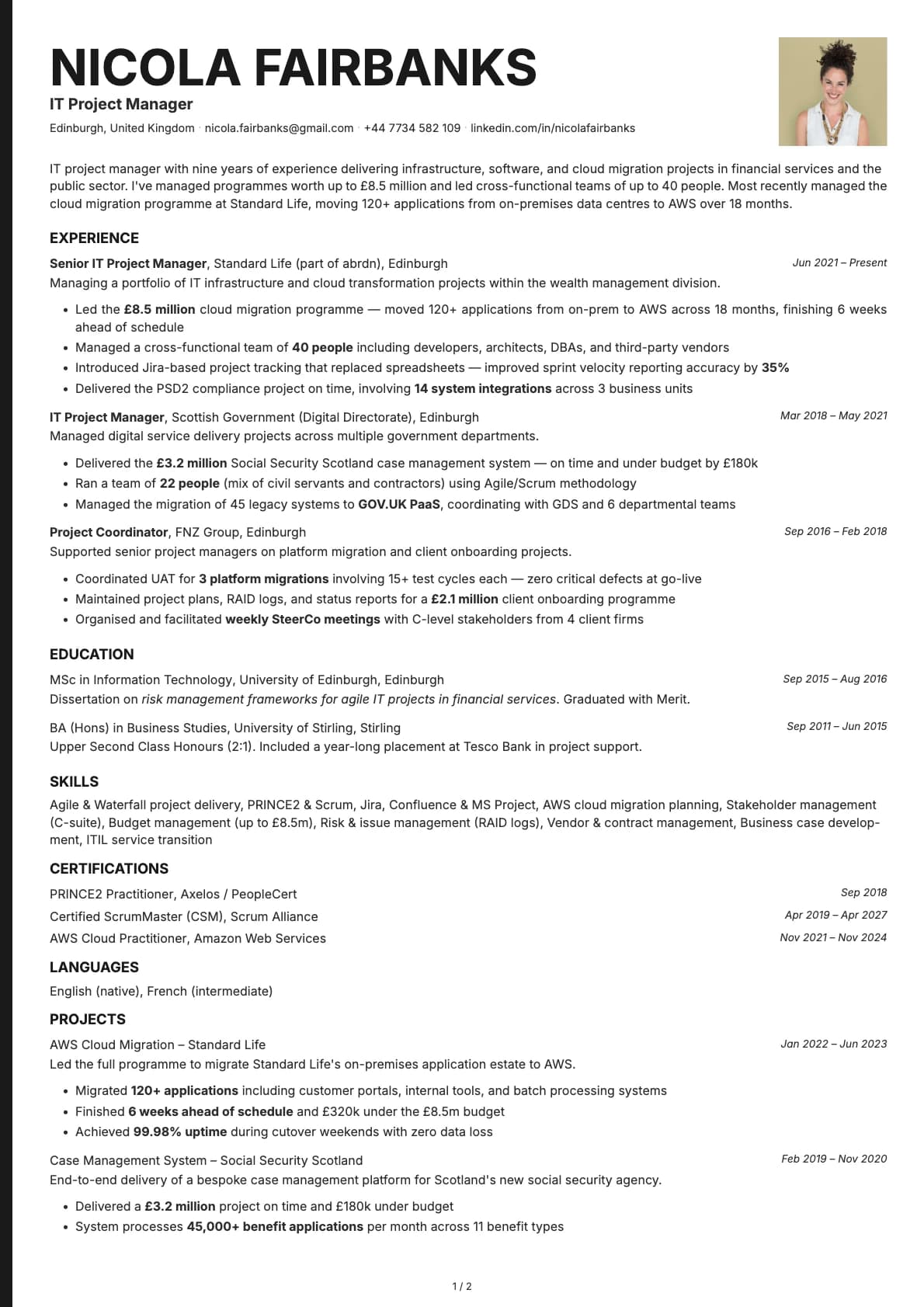
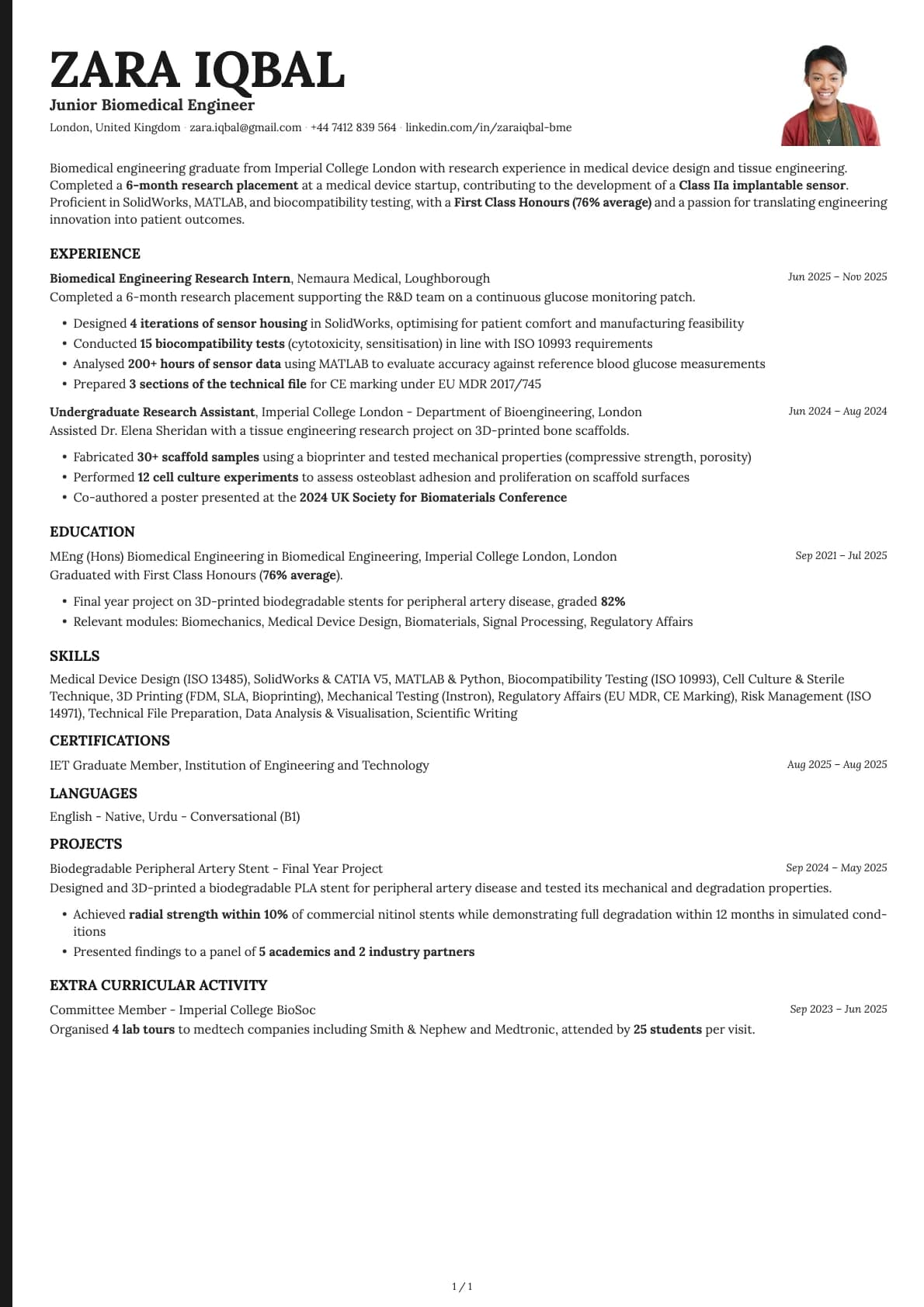
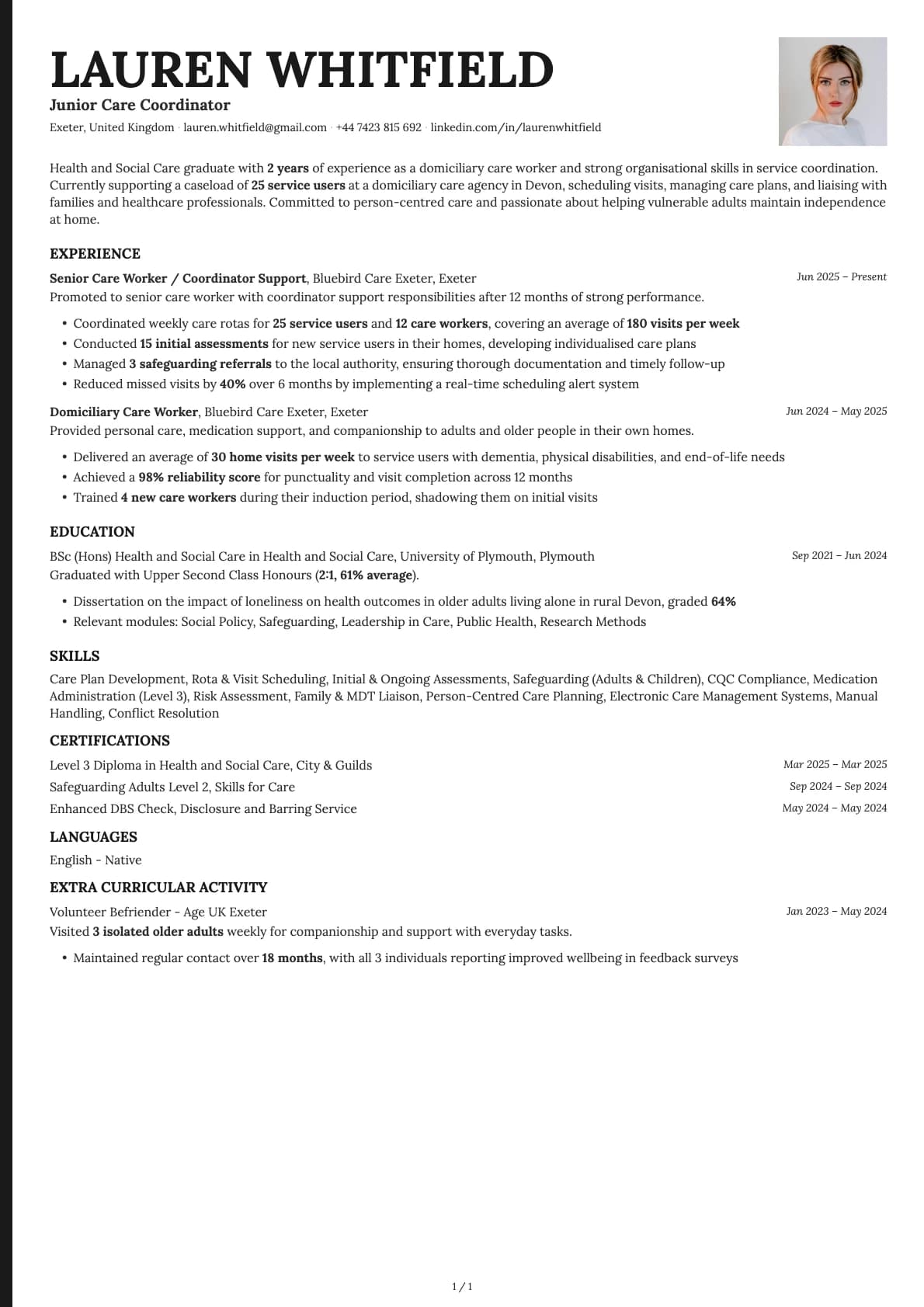
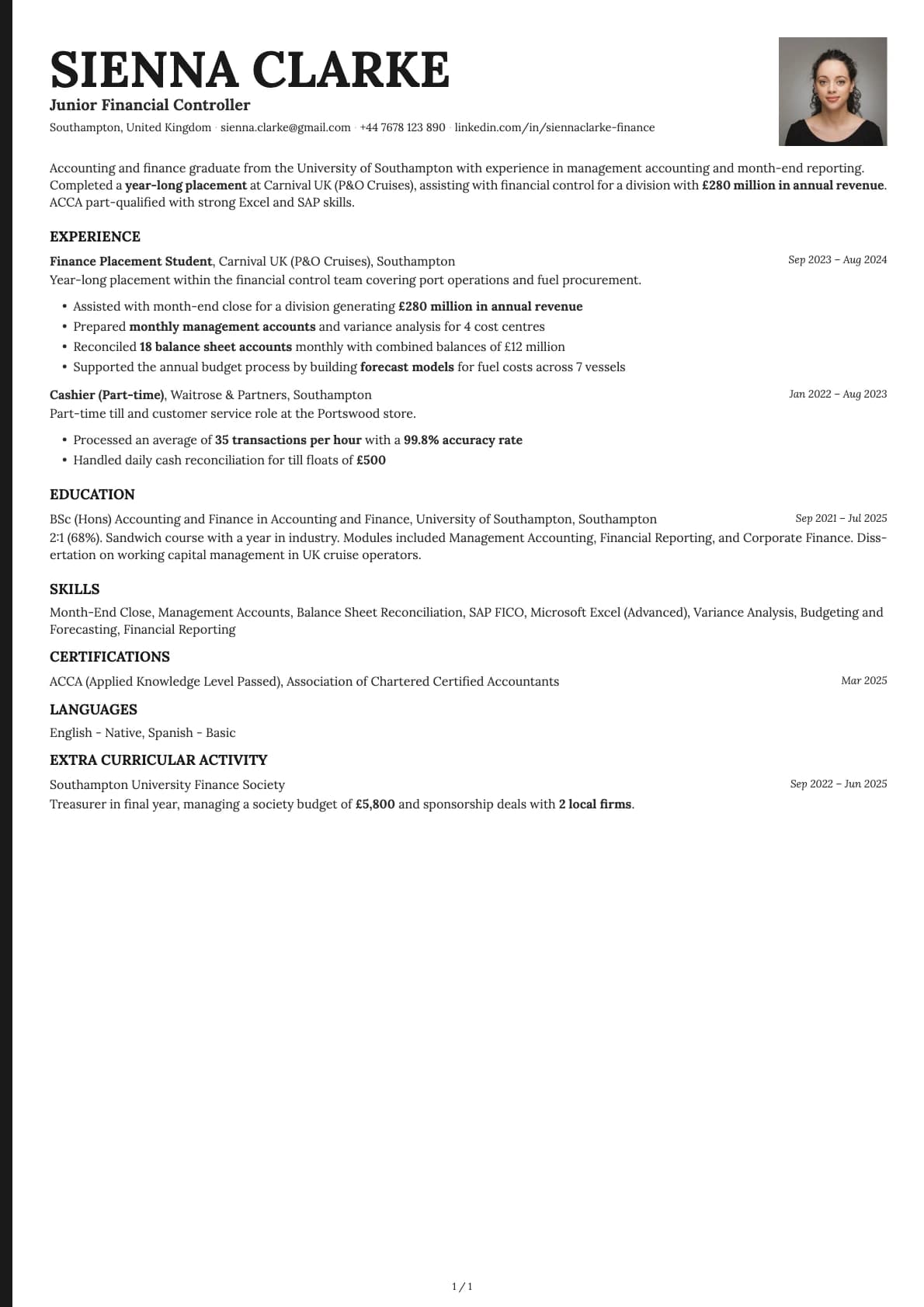
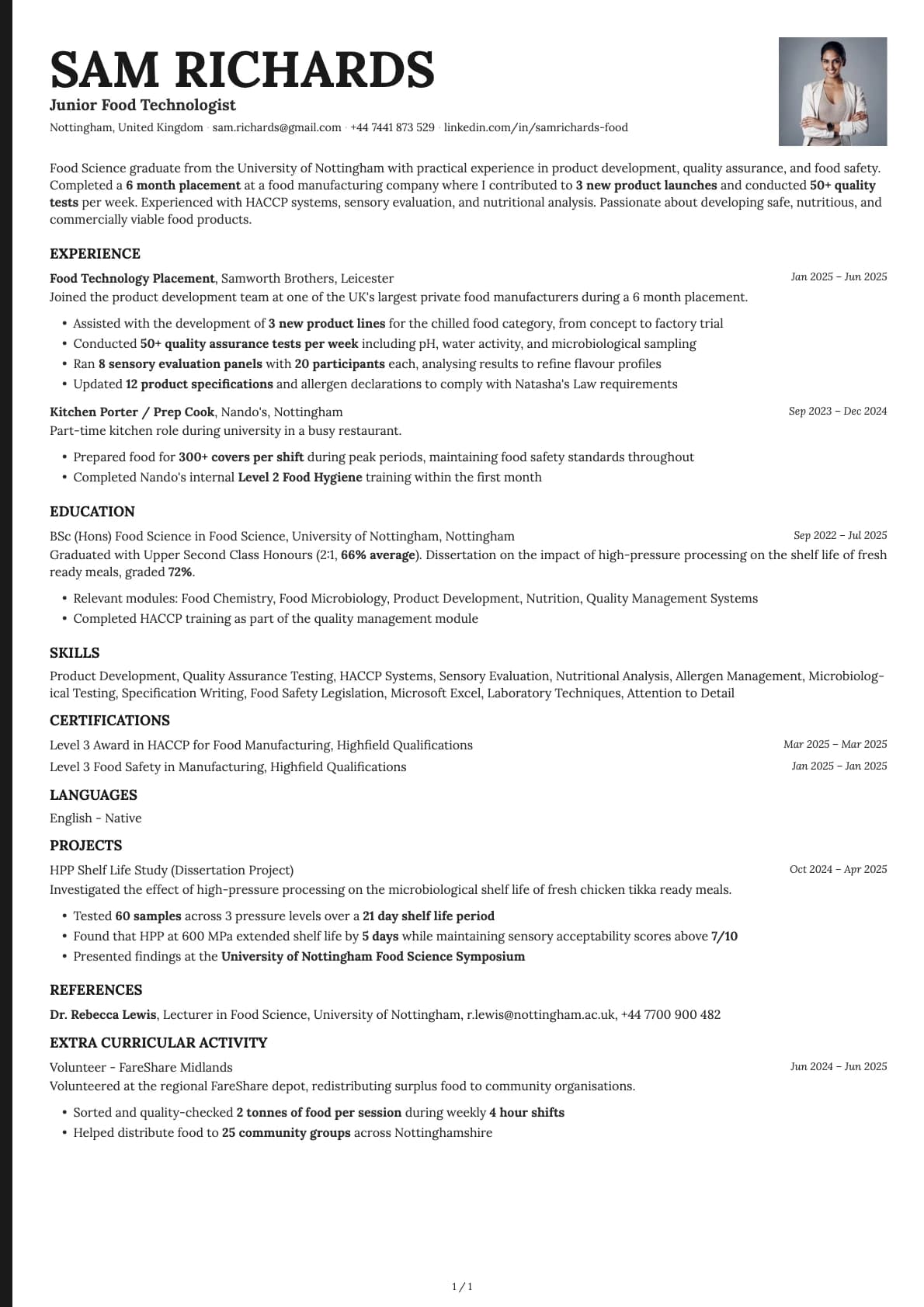
A creative single-column resume template with a bold colour block sidebar, 12 colour options, and an 8.0/10 ATS score. Great for creative and tech roles.
Free to use. No account needed to start.
Why Bold Edge?
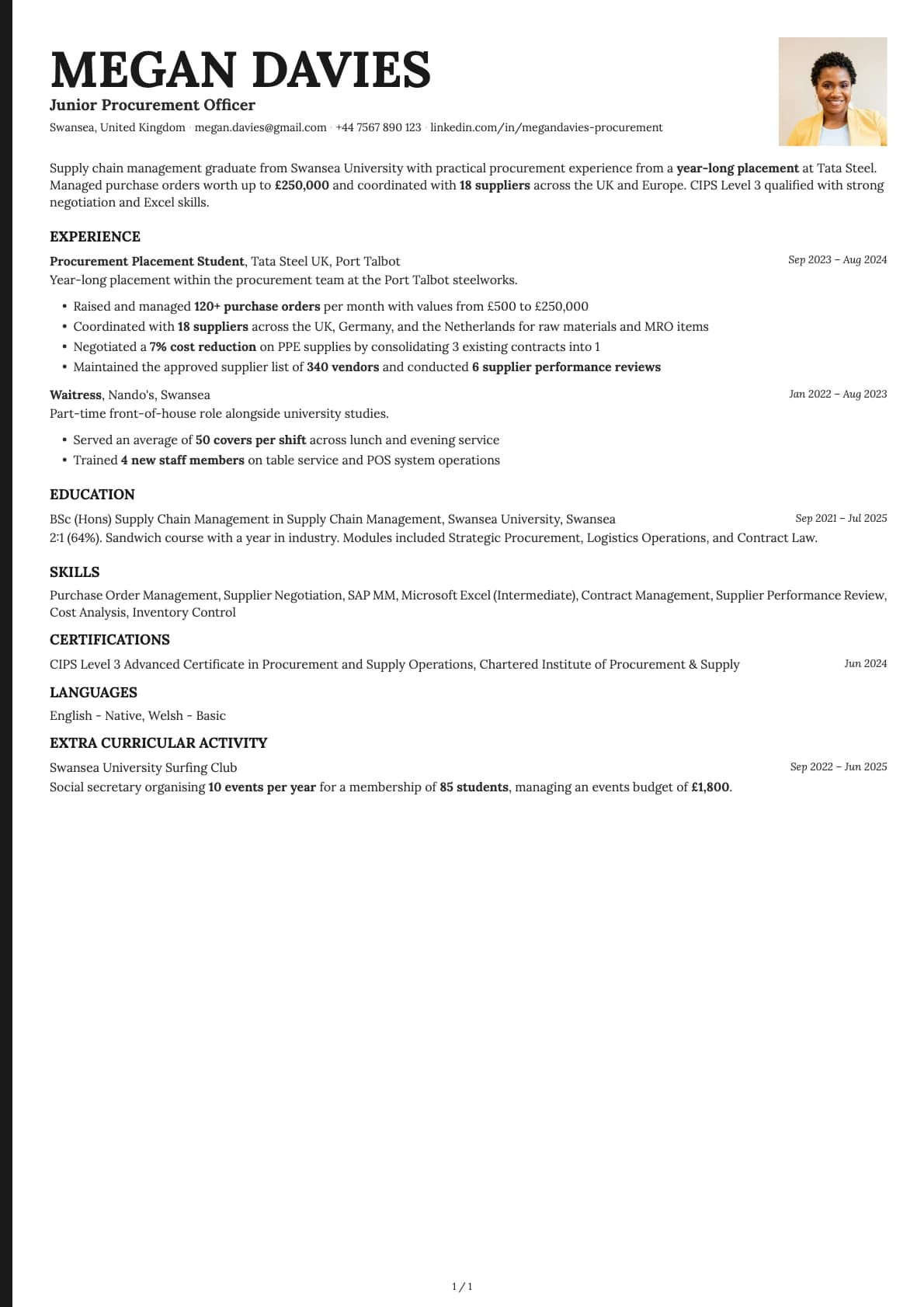
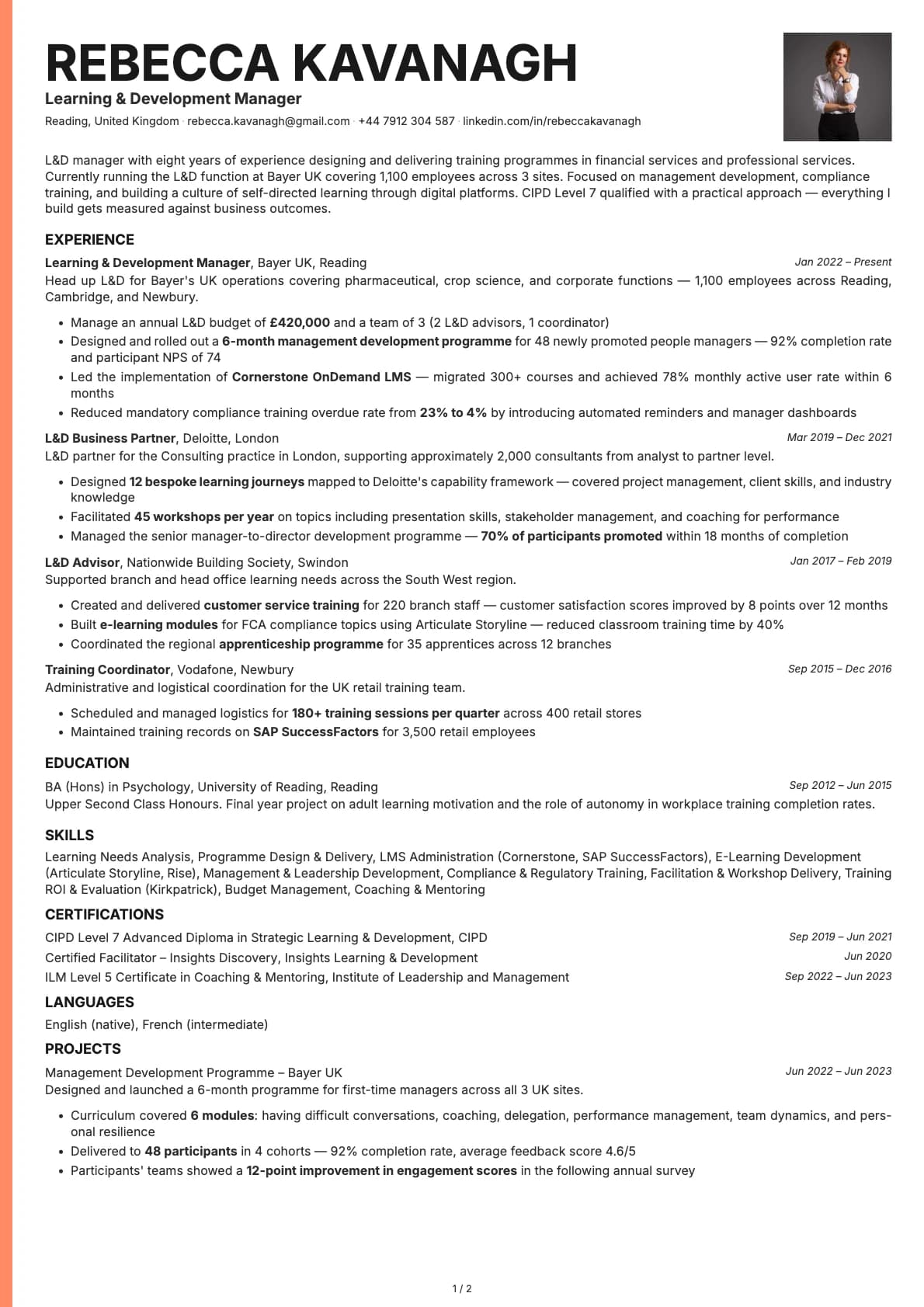
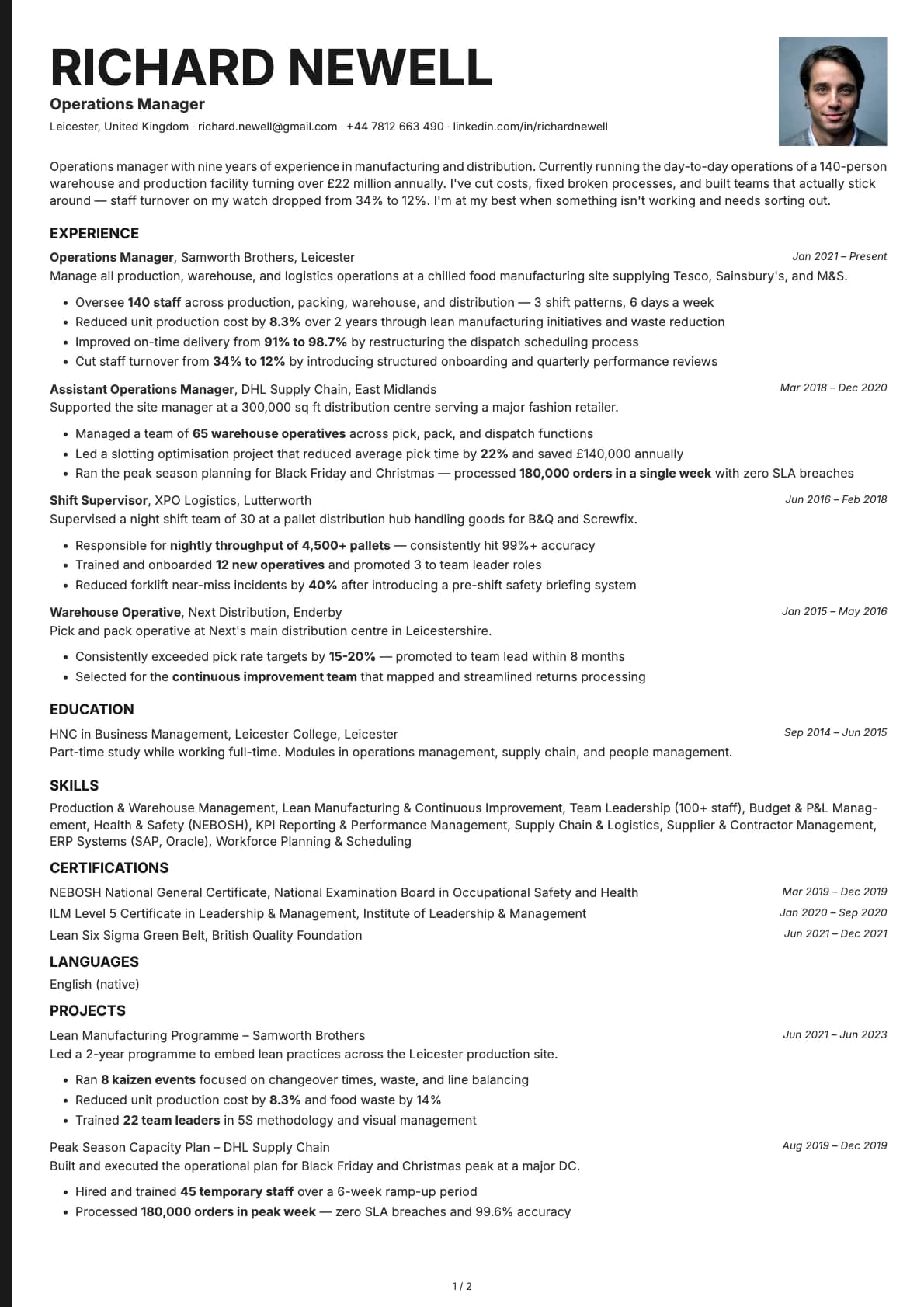
Bold Edge puts a thick colour block down the left side of your resume. It is decorative, but the actual content still flows in a single column on the right, which keeps it readable for both humans and ATS systems. The result is a resume that looks like it belongs in a design portfolio but still parses correctly through most applicant tracking systems.
The colour block is not just a stripe. It anchors the page visually and gives the whole layout a confident, punchy feel. With 12 colour options, including coral, sky blue, green, purple, and teal, you can pick a palette that matches your personal brand or the company you are applying to.
Who should use this template?
Bold Edge works best for designers, marketers, product managers, front-end developers, and anyone applying to companies where a bit of personality on a resume is welcome rather than risky.
If you are applying through a job portal like LinkedIn or Indeed, it will still parse well (8.0/10 ATS score), but you will get better results sending it directly to a recruiter or hiring manager who can appreciate the design.
It is not the right pick for law firms, banks, or conservative government roles. For those, stick with a traditional single-column template like Emerald or Ivory. If you want the creative feel but need a two-column layout, check out Opal for a colour-forward sidebar or Fern for a creative split layout. And if you want the same creative energy but with an ATS-excellent score, Cobalt gives you that in a clean single-column format.
What you get
- A single-column layout with a bold decorative colour block on the left side
- 12 colour themes, the most of any template in Laddro, ranging from classic black to vivid coral, sky blue, green, purple, and teal
- The default font is Inter, a clean sans-serif that pairs well with the bold colour blocks. You can swap it for any font available in Laddro (Poppins, Arvo, Lora, Century Gothic, and others) with one click
- Photo support built in. Add a headshot or leave it off, your choice
- Multi-page support for longer career histories
ATS compatibility
Bold Edge scores 8.0/10. The decorative colour block on the left side is the main reason it does not hit 9+. Some older ATS systems can misread decorative elements as content boundaries, which occasionally causes minor parsing hiccups.
That said, the actual text content sits in a single column with standard section headings, so most modern ATS platforms (Greenhouse, Lever, Workday) will read it fine. If you are applying through a portal and want to be safe, pair it with a plain-text version. If you are emailing it directly or uploading it to a company career page, the ATS score is more than good enough.
Colour options
You get 12 colour variations, more than any other Laddro template:
- Classic black and white for a restrained, professional look
- Coral and sky blue for a warm, approachable feel
- Green and teal for a fresh, modern tone
- Purple for a creative edge
- Slate and navy for something bold but not loud
Each colour applies to the left-side block and accent elements. The main text area stays white so readability is never compromised.
Tips for getting the most out of Bold Edge
- Pick a colour that fits the company culture. A coral resume going to a startup will land differently than one going to an enterprise software company. When in doubt, the navy or slate options play it safer.
- Keep your summary short. The colour block already grabs attention, so your text does not need to shout. Two to three lines that state what you do and what you bring.
- If you add a photo, use a high-quality headshot with a plain background. The colour block gives you enough personality without a busy photo competing for attention.
- Use bullet points with measurable results. "Redesigned checkout flow, cutting drop-off by 22%" is the kind of line that makes both the colour and the content work together.
Build your resume with Bold Edge on Laddro
Start building with Bold Edge. Fill in your details, switch colours and fonts in real time, and download a PDF when you are ready. No account needed to start.
How would you rate this template?
Your rating helps others pick the right template for their resume.
Make this template yours
Pick a colour, add your details, and download your resume. No design skills needed.
Free to use. No account needed to start.