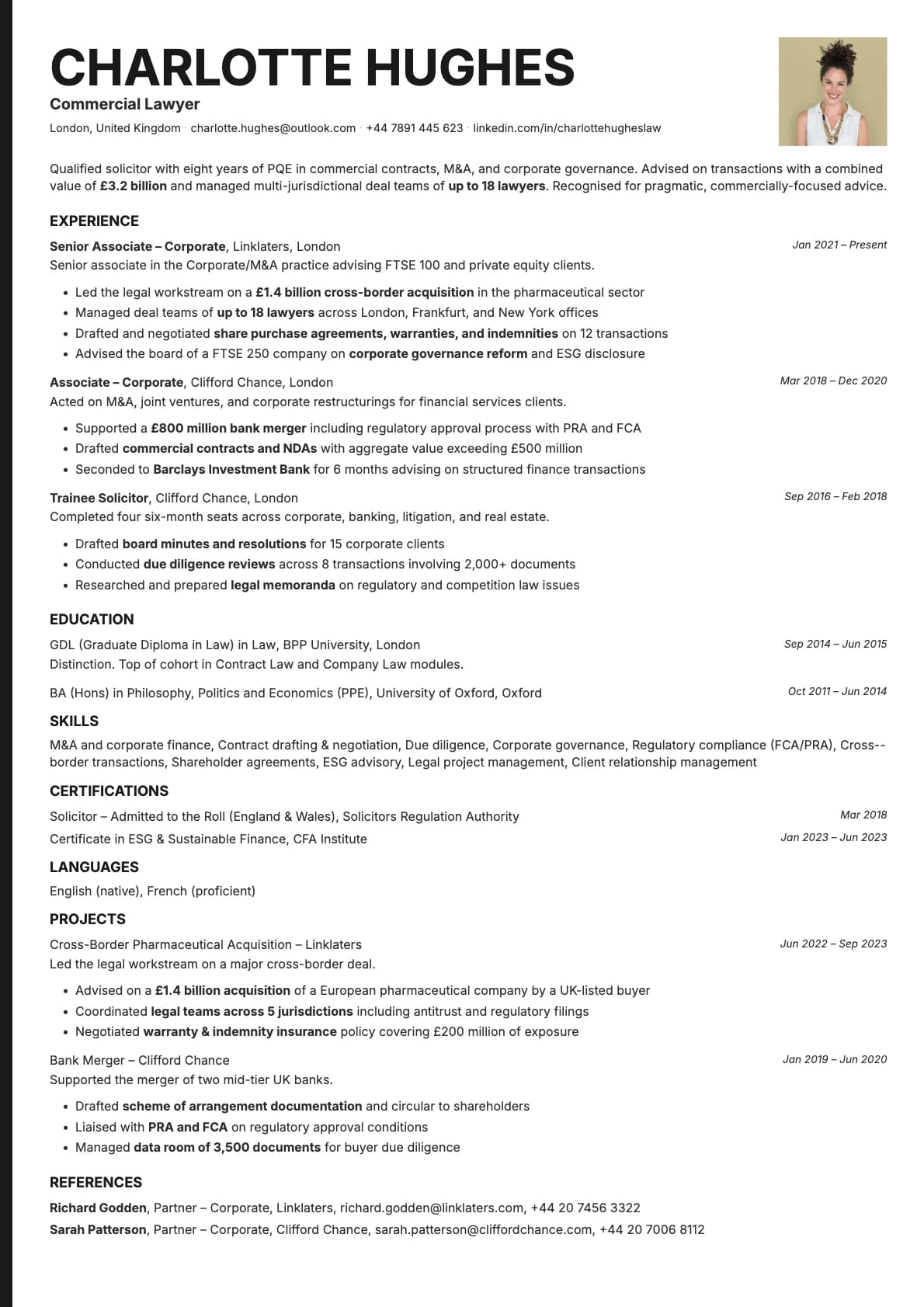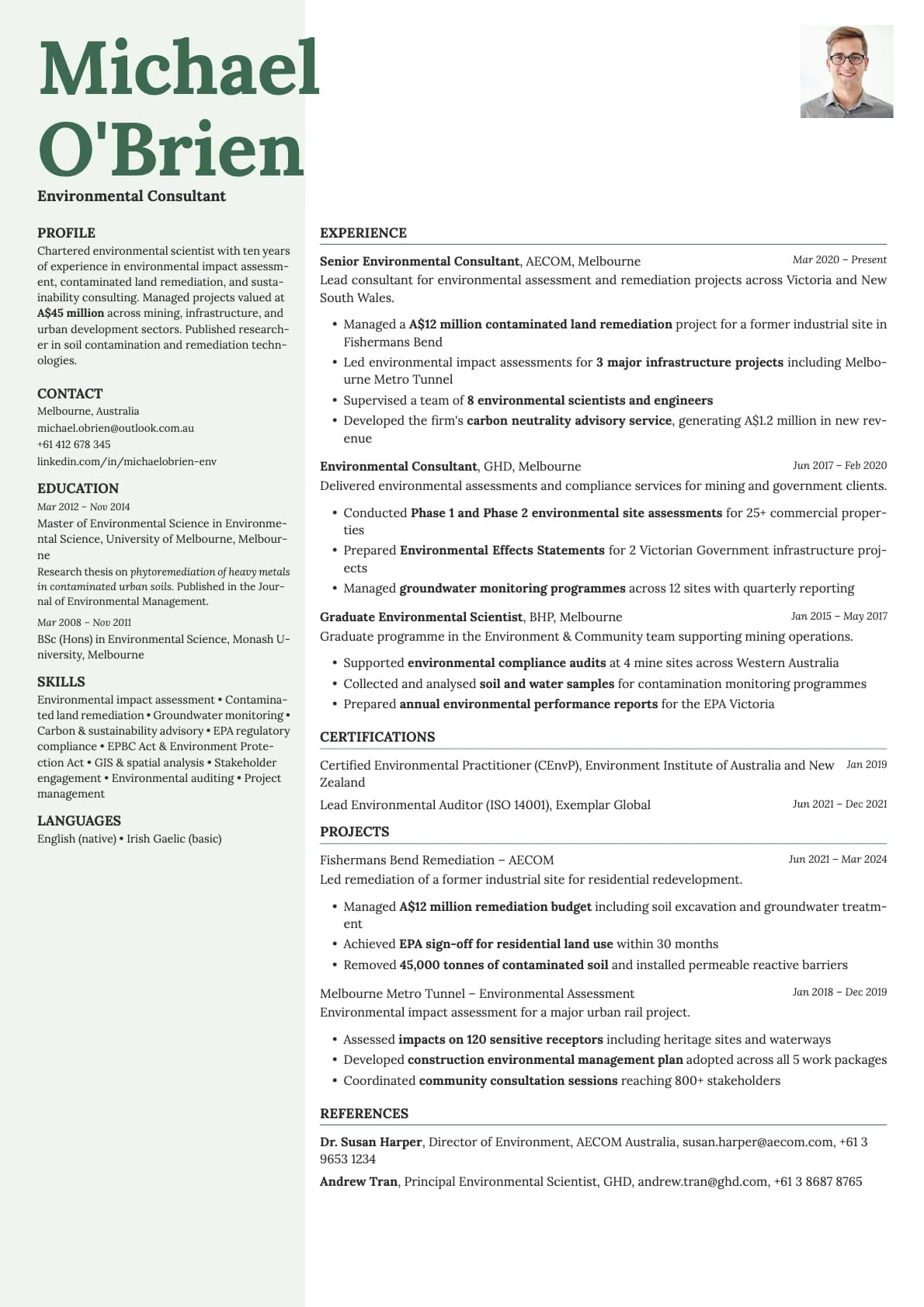
Sage Photo Resume Template
A calm, minimalist one-page resume template with profile photo, two-column split layout, and 11 colour options. ATS score 6.0/10.
Free to use. No account needed to start.
Why Sage Photo?
Sage is the template for people who want calm, not boring. The muted greens, dusty mauves, and soft teals in the colour palette give it a grounded, natural feel. It reads as modern and thoughtful. The two-column split keeps things organized, and the one-page constraint forces you to cut the filler. Adding a photo to Sage makes the page feel warm and approachable without losing any of that quiet precision.
With 11 colour options, Sage Photo gives you the widest range of any one-page template on Laddro. Every colour feels intentional rather than random.
When a photo makes sense
Professionals in wellness, education, sustainability, non-profit, and people-centered roles. Therapists, counsellors, yoga instructors, environmental consultants, social workers, and community program managers. Any role where you want to signal that you are a real, grounded person before the interview. The photo and the calm palette work together to create that impression.
Also a strong choice for designers and creatives who prefer a minimal, nature-inspired look over the typical bold-and-bright creative template.
When to skip the photo
Sage's ATS score is 6.0/10 because of the two-column split. For applications through job portals or corporate hiring systems, switch to the base Sage template or use a single-column option. Keep Sage Photo for direct emails, portfolio attachments, and any situation where you control how the resume is delivered.
What you get
- Everything from the base Sage template: calm colour palette, two-column split, one-page layout
- A headshot in the sidebar section
- 11 colour themes ranging from forest green to dusty copper
- Inter as the default font, with other options in the builder
- One page only. Sage is designed to fit everything on a single page
Photo tips
Sage is understated, so keep your headshot natural. Outdoor lighting or soft studio lighting both work. Avoid heavy makeup or overly formal poses. The template's natural tones pair best with a photo that looks relaxed and genuine.
ATS compatibility
Both the photo and base Sage templates score 6.0/10. The two-column split layout is the limiting factor, not the photo. Parsing systems skip the image and read the text content normally. For automated applications, use a different template and save Sage Photo for direct outreach.
Build your resume with Sage Photo on Laddro
Start building with Sage Photo. Pick from 11 colour themes, upload your photo, and fit everything on one clean page. Download as PDF when it looks right. No account needed to start.
How would you rate this template?
Your rating helps others pick the right template for their resume.
Make this template yours
Pick a colour, add your details, and download your resume. No design skills needed.
Free to use. No account needed to start.