Sage Resume Template
A one-page minimalist resume template with a two-column split layout. 11 colour options with calm, muted tones. ATS score 6.0/10.
Free to use. No account needed to start.
Why Sage?
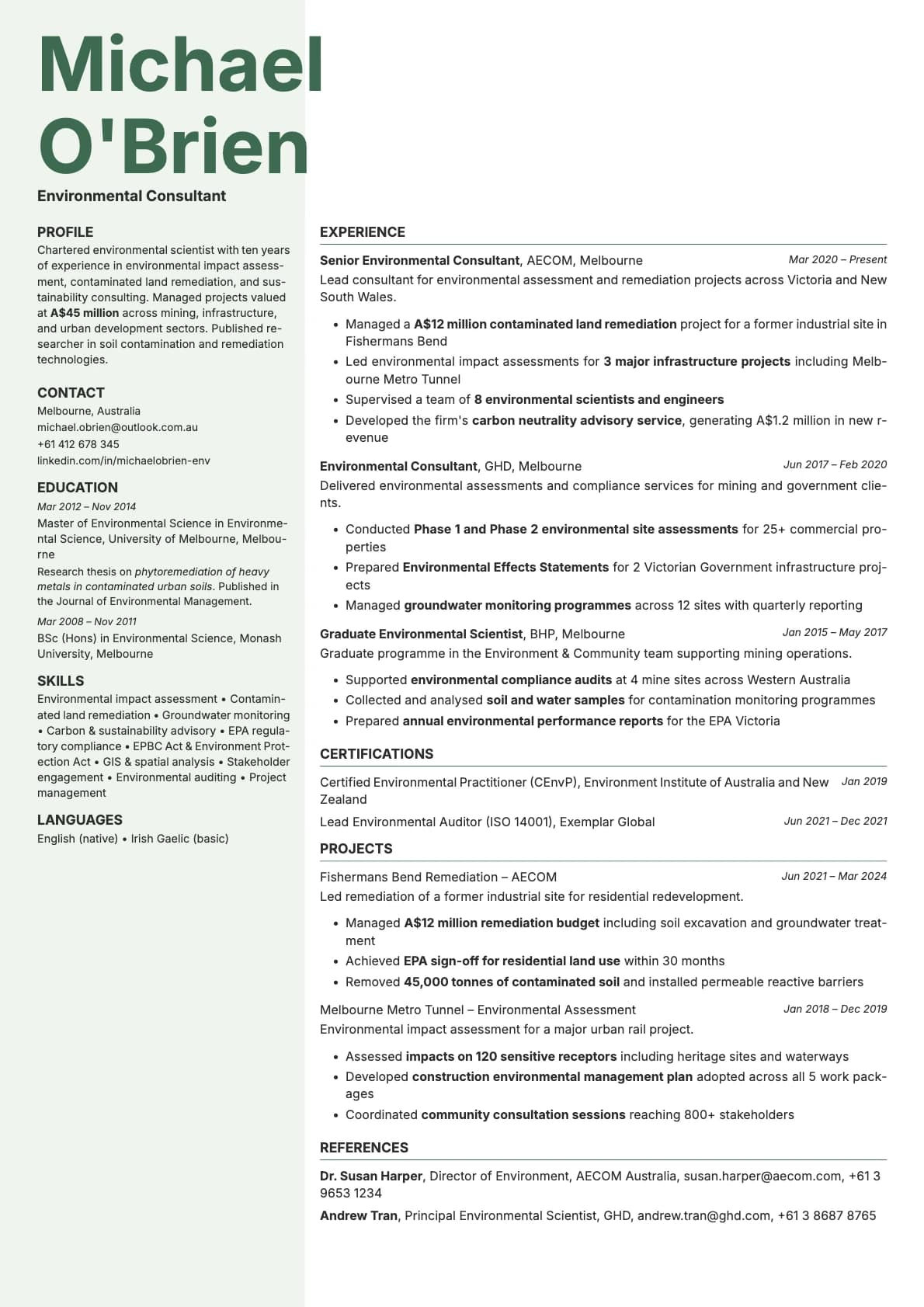
Sage is a one-page, two-column template that does not try to impress you. It stays quiet, uses muted colours, and lets your content do the talking. The header overlays your name across the top of the page, contact info sits in the left column, and everything fits on a single sheet.
The colour palette is where Sage gets its personality. You get 11 options, all drawn from calm, natural tones: sage green, dusty rose, taupe, steel blue, teal, lavender, and terracotta. Nothing shouts. Everything coordinates.
This is a template for people who think the best design is the kind you barely notice.
Who should use this template?
Sage works well for early-to-mid career professionals, recent graduates with strong internships, and anyone whose resume fits comfortably on one page. It is a solid choice for roles in education, healthcare, nonprofit, sustainability, and any field where a calm, professional presence matters more than visual flair.
It is also a good pick if you are building a resume to accompany a portfolio or personal website. The minimalist design does not compete with your other work for attention.
If you want a one-page format with warmer, bolder tones, Amber gives you that with browns, honey, and terracotta. If you want one page with high contrast and a tech-forward feel, Obsidian is built for that. And if you decide you need multi-page support in a minimalist single-column format, Limestone scores higher on ATS while keeping the same understated feel.
What you get
- A one-page, two-column split layout with your name overlaid in the header
- Contact info positioned in the left column
- 11 colour themes with calm, muted tones including sage green, dusty rose, taupe, steel blue, teal, lavender, and terracotta
- The default font is Inter, a clean sans-serif designed for screen readability. You can switch to any font in Laddro (Poppins, Arvo, Lora, Century Gothic, and others) in one click
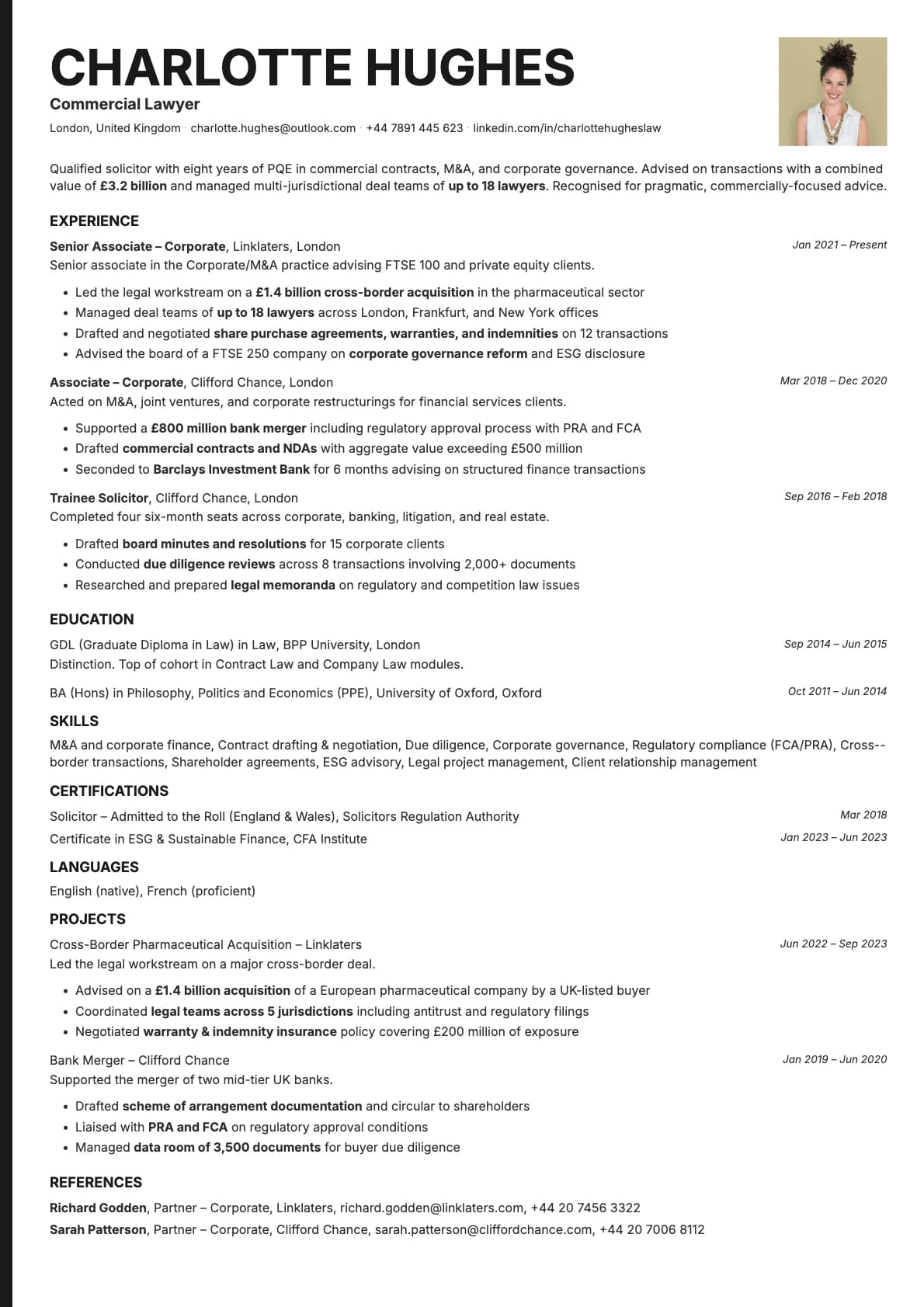
- Photo support integrated into the layout
- Strictly one page, no multi-page overflow
ATS compatibility
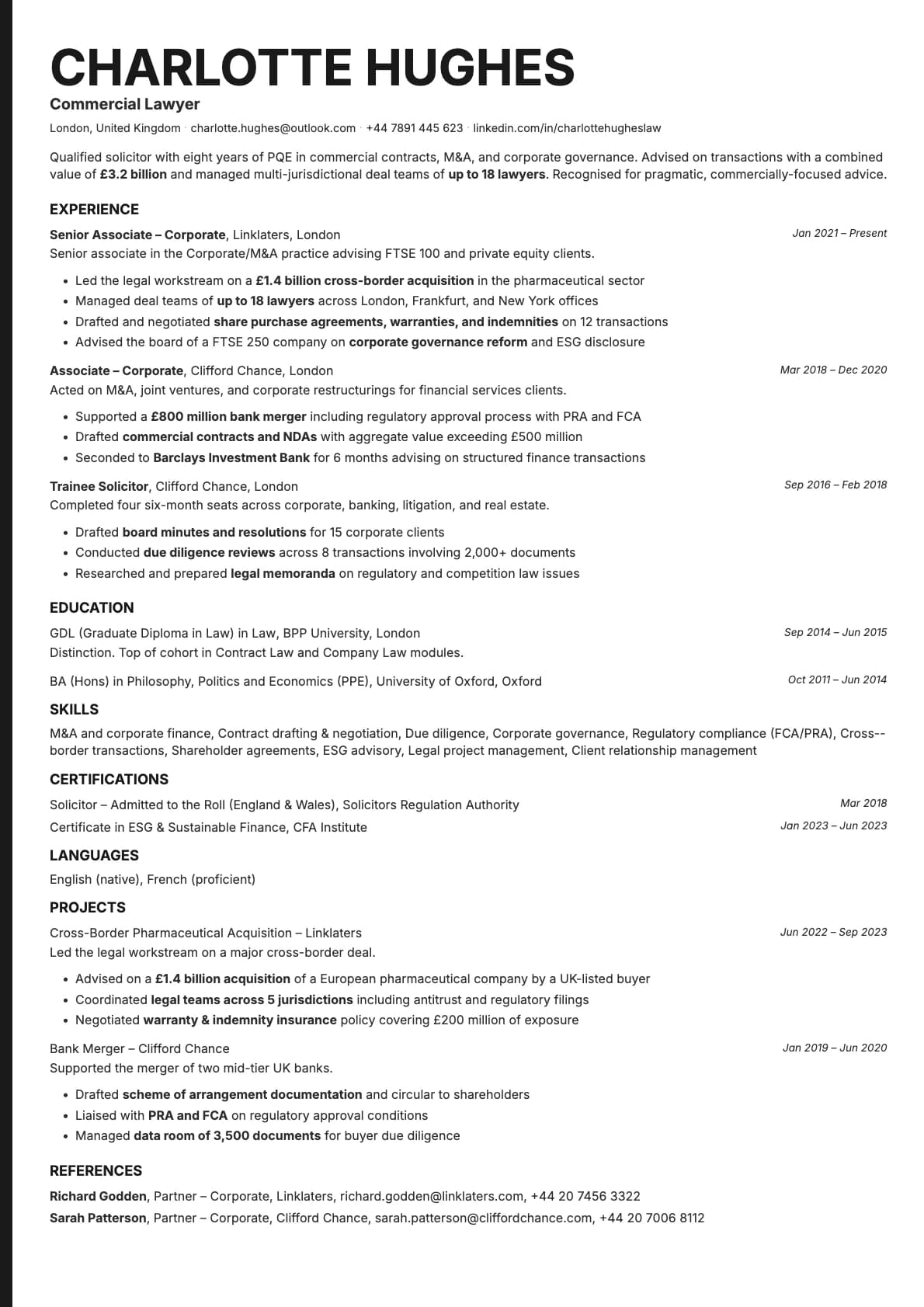
Sage scores 6.0/10. The combination of a two-column split layout and a one-page constraint brings the score down. The two-column format can confuse parsers about reading order, and the density of a one-page layout sometimes causes text segmentation issues.
Use Sage for direct applications, email sends, and portfolio-attached submissions. For applications through job portals where ATS parsing matters, keep a single-column version as your backup.
Colour options
You get 11 colour variations, more than most templates in Laddro:
- Sage green and forest green for a grounded, natural feel
- Black for a classic minimalist look
- Teal and dark teal for a cool, composed tone
- Steel blue and slate for a quiet professional feel
- Dusty rose and taupe for warmth without loudness
- Lavender for a soft, distinctive touch
- Terracotta for earthy warmth
All the colours are muted by design. Even the bolder options (terracotta, teal) stay restrained enough to feel professional in any context.
Tips for getting the most out of Sage
- One page means every section needs to pull its weight. If a bullet point does not directly support the role you are applying for, cut it.
- The muted colour palette pairs well with clean, simple language. Match the tone of your writing to the template. Short sentences, specific results, no filler.
- Use the left column for skills, languages, certifications, and contact info. Keep your experience and education in the wider right column.
- If you add a photo, use a simple, well-lit headshot. The minimalist design amplifies whatever visual elements you include, so quality matters.
Build your resume with Sage on Laddro
Start building with Sage. Fill in your details, switch colours and fonts in real time, and download a PDF when you are ready. No account needed to start.
How would you rate this template?
Your rating helps others pick the right template for their resume.
Make this template yours
Pick a colour, add your details, and download your resume. No design skills needed.
Free to use. No account needed to start.