Aurum Resume Template
A two-column split resume template with an executive feel, 8 colour options, and a 6.5/10 ATS score. Built for direct applications and portfolio use.
Free to use. No account needed to start.
Why Aurum?
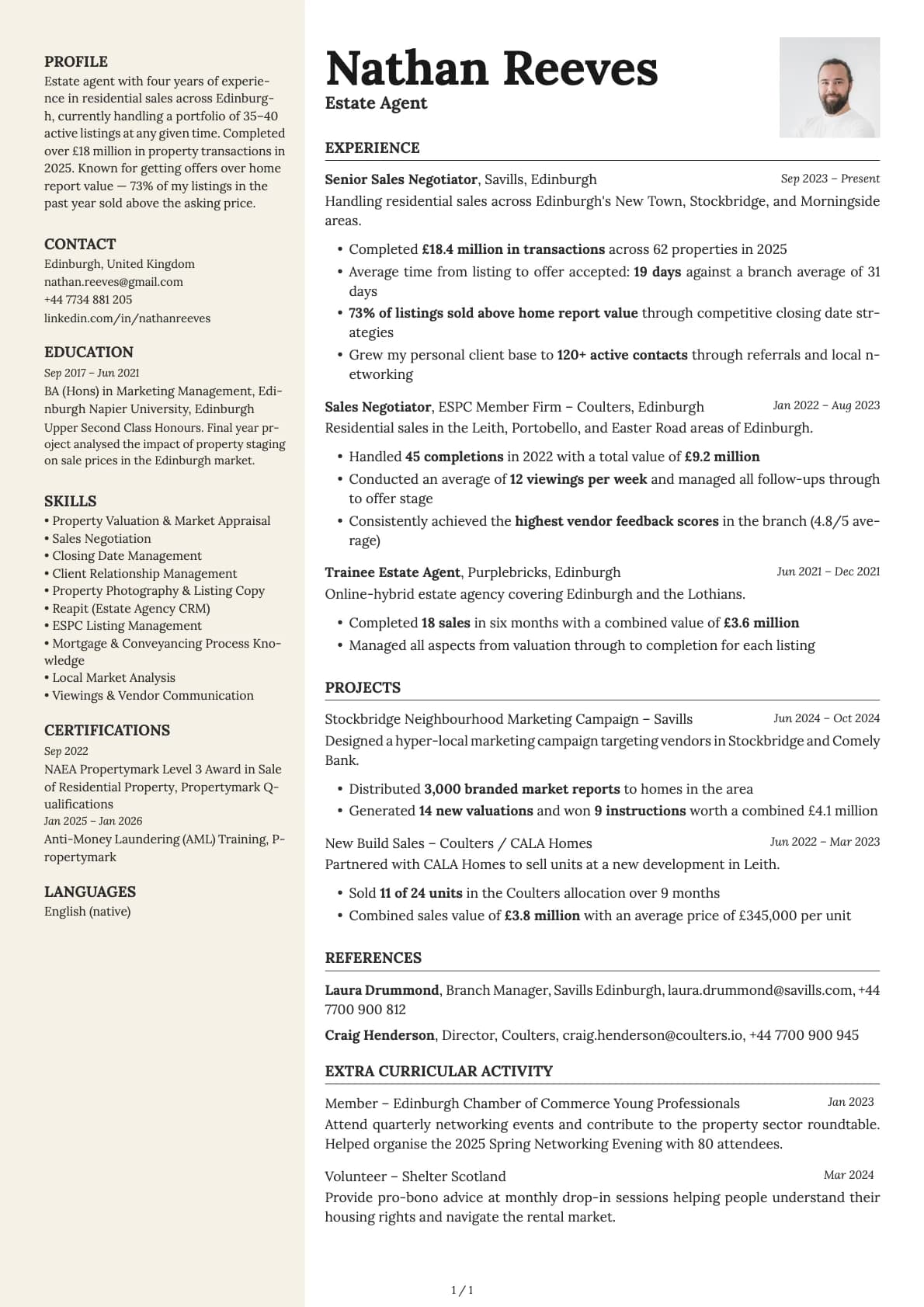
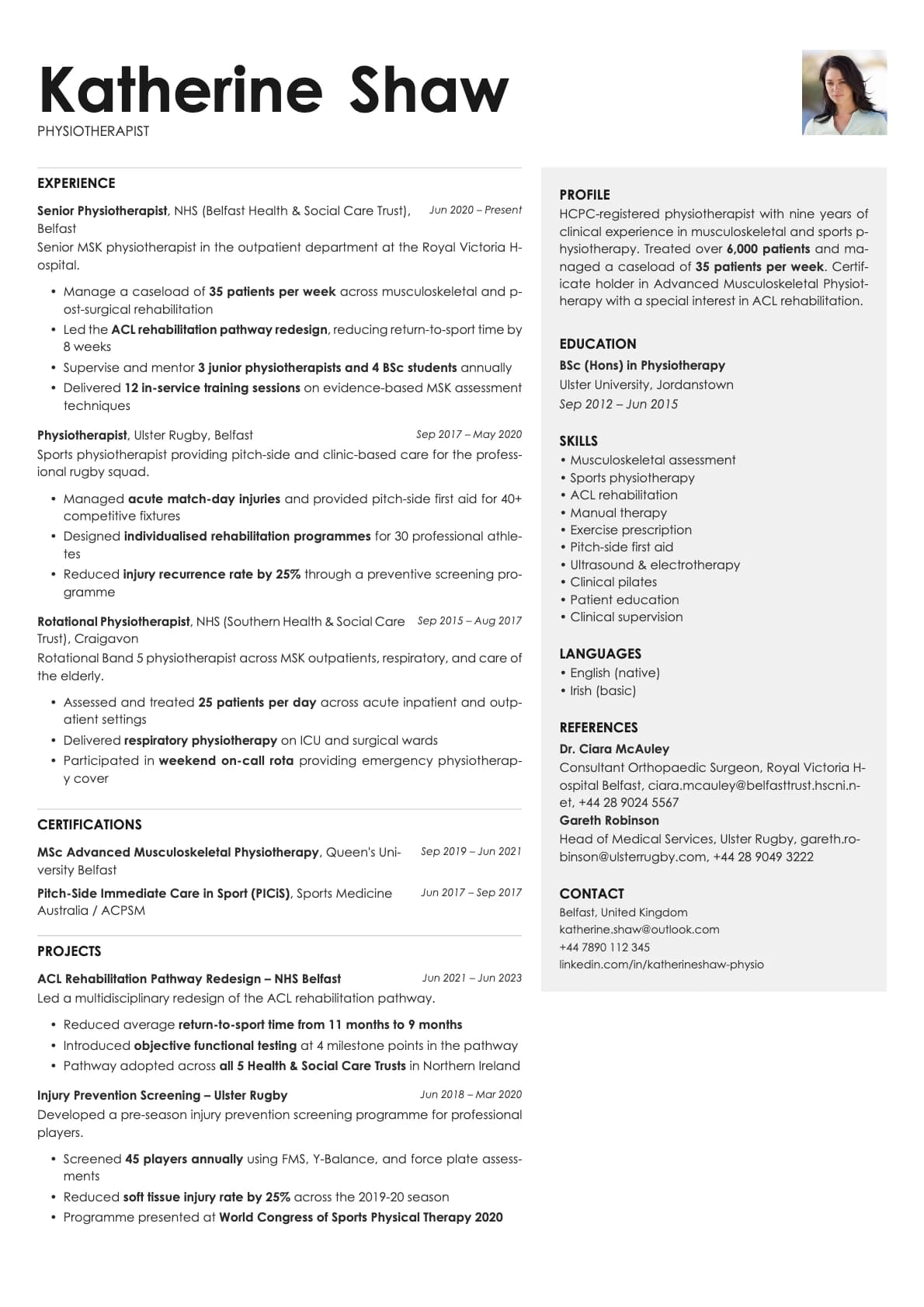
Aurum splits the page into two distinct columns from top to bottom. Your name and main content sit in the wider right column, while the left sidebar holds your contact details, skills, and supporting sections. It is a true two-column split, not a header-with-columns layout like Quartz or Obsidian.
The design has an executive tone to it. The default font is Century Gothic, which gives the text a polished, slightly formal character. Combined with the structured split and restrained colour palette, Aurum reads as confident and established. It is the kind of resume a senior manager or director would hand across a table.
Who should use this template?
Aurum is a strong pick for directors, VPs, senior consultants, and experienced professionals who are past the early-career stage and want a resume that reflects their seniority. The two-column split gives you room to show a broad skill set alongside a deep career history without stretching to three pages.
It also works well for people applying directly to companies rather than through job portals. The layout looks sharp as a PDF attachment or a printed handout at a networking event.
If you are uploading through an ATS-heavy portal like LinkedIn Easy Apply or Workday, the 6.5 score means some systems might trip on the two-column layout. For those submissions, consider pairing Aurum with a simpler backup. If you like the executive feel but need a higher ATS score, Platinum gives you a single-column layout with a similar level of polish. Vanta offers another two-column option with a more creative edge. And Sapphire brings a deeper blue executive tone in a two-column format.
What you get
- A full two-column split layout with your name in the right column and contact details in the left sidebar
- 8 colour themes with subtle variation across lavender, golden, and rose gold tones
- The default font is Century Gothic, a geometric sans-serif with a refined, professional feel. You can switch to any font in Laddro (Inter, Poppins, Arvo, Lora, and more) with one click
- Photo support, placed in the sidebar area
- Multi-page support for extensive career histories
ATS compatibility
Aurum scores 6.5/10. The two-column split layout is the main factor. When an ATS reads a document, it processes text in a linear stream. A true two-column layout can cause it to read across both columns on the same line, mixing up left-sidebar content with right-column content.
Modern ATS platforms handle this better than they used to. Greenhouse, Lever, and Ashby will usually get it right. But older systems and some government portals still struggle with columnar layouts.
Best practice: use Aurum for direct sends, recruiter emails, and in-person handoffs. Keep a single-column version (something like Emerald or Marble) for automated portal submissions.
Colour options
You get 8 colour variations:
- Clean black and white for maximum formality
- Subtle tonal shifts across the 8 options that change the feel of the sidebar and accent elements
- Warm, understated palettes that keep the executive tone consistent
The colour differences are intentional but quiet. Aurum is not about bold colour blocks. It is about subtle refinement in the details.
Tips for getting the most out of Aurum
- Put your career summary at the top of the right column. At a senior level, hiring managers want to see your trajectory before they read individual roles. Two to three sentences covering your area, your scale of impact, and what you are looking for.
- Use the left sidebar for skills, certifications, languages, and board memberships. Keep these concise. One-line entries work best in the narrow column.
- Quantify your achievements wherever possible. "Led a 40-person team across 3 regions" or "Managed $12M annual budget" gives a hiring manager something concrete to anchor on.
- If you are printing this for an in-person meeting, use one of the warmer colour options. They look better on paper than the pure black-and-white version.
Build your resume with Aurum on Laddro
Start building with Aurum. Fill in your details, switch colours and fonts in real time, and download a PDF when you are ready. No account needed to start.
How would you rate this template?
Your rating helps others pick the right template for their resume.
Make this template yours
Pick a colour, add your details, and download your resume. No design skills needed.
Free to use. No account needed to start.