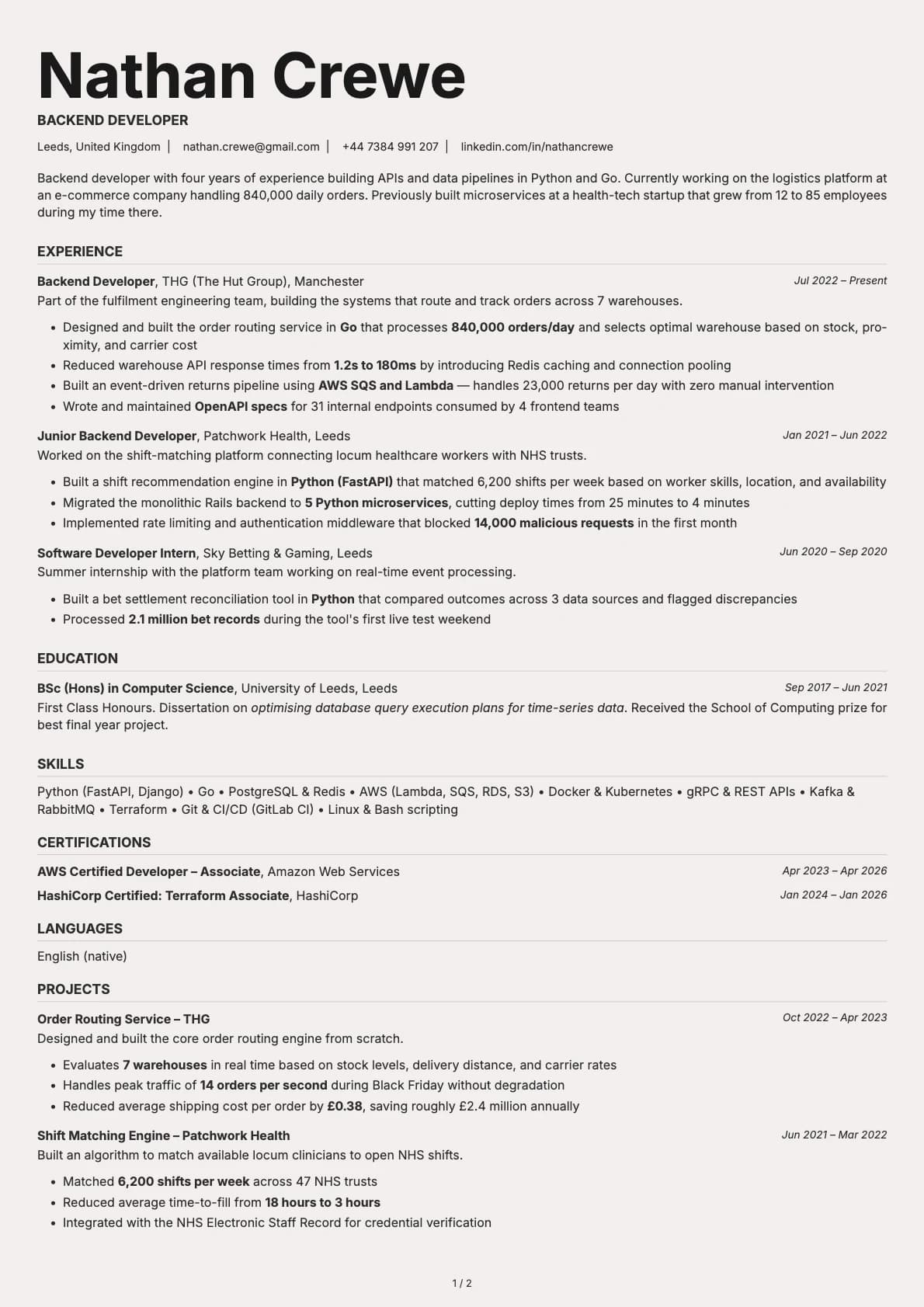
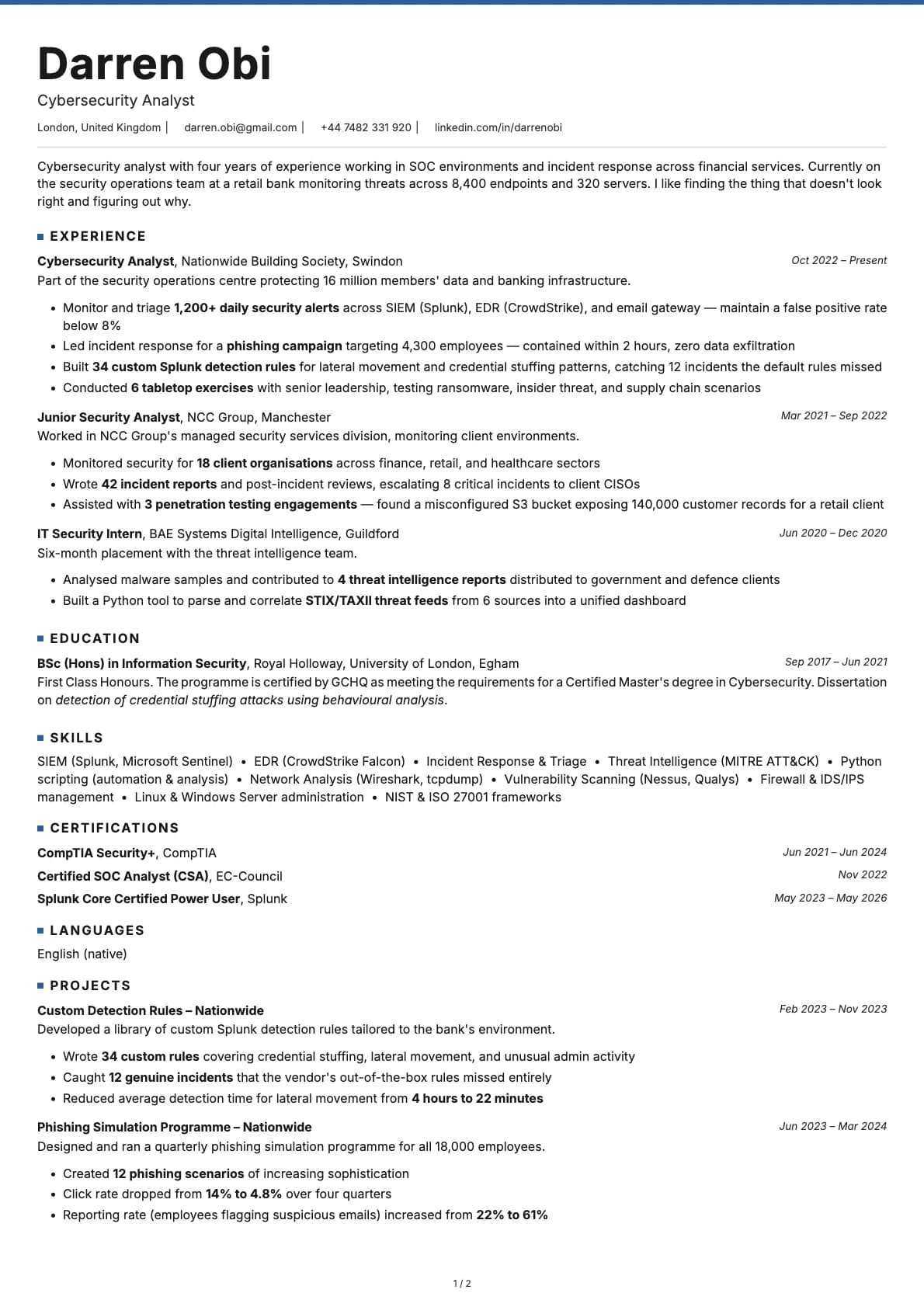
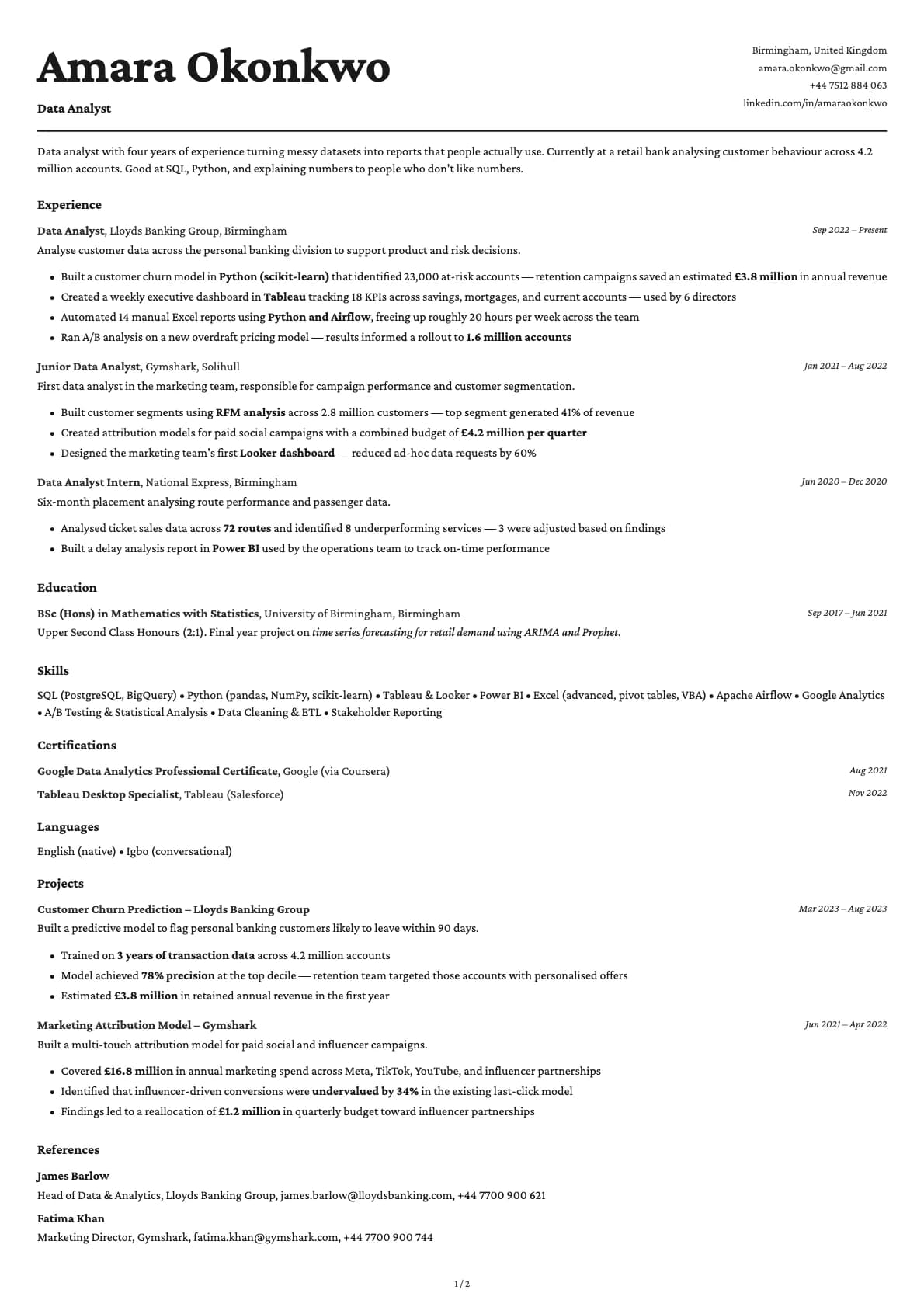
ATS Resume Checker: How to Format a CV That Gets Past the Filters
Run the free copy and paste test to see what an ATS actually reads on your CV, then fix the tables, columns and headings that quietly get you filtered out.

Laddro Team

You send a CV to a role in London or Dublin, the confirmation email lands, and then nothing. It is tempting to blame the market. But there is a much duller reason applications vanish, and it happens before a recruiter ever opens your file: the applicant tracking system read your CV, could not make sense of half of it, and ranked you near the bottom of a very long list.
The good news is that you do not need to guess what the software sees. You can check it yourself in about thirty seconds, and once you know what breaks, the fixes are simple. This is a practical guide to auditing your own CV the way an ATS reads it, not a list of vague "be ATS friendly" advice.
What the software actually does with your CV
An applicant tracking system is not a robot deciding if you are talented. It is a database. When you upload a file, a parser tries to pull your name, contact details, job titles, dates, employers, skills and education out of your document and drop each piece into the right field. Then it ranks candidates against the job description so a recruiter can sort them.
This is nearly universal at the large end of the market. Jobscan's 2025 Applicant Tracking System Usage Report found that 97.8 percent of Fortune 500 companies use a detectable ATS, and the Resume Genius 2026 Hiring Insights Report reported that 71 percent of organisations overall use one. The most common platforms you will meet applying to jobs on Reed, Totaljobs, LinkedIn or company career pages are Workday, Greenhouse, Taleo and iCIMS.
Here is the part most guides skip. According to a 2025 study cited by HR.com, around 92 percent of recruiters do not switch on automatic rejection. So the parser rarely bins you outright. Instead, a badly parsed CV ranks so low that a recruiter reviewing the top of the pile never scrolls far enough to reach you. You are not rejected. You are buried.
The free checker you already have
Forget paid scanners for a moment. You can run the single most useful test with tools already on your laptop.
Open your CV as a PDF. Select everything with Ctrl and A (Cmd and A on a Mac), copy it, and paste it into a plain text editor: Notepad on Windows, TextEdit in plain text mode on a Mac, or a blank Google Doc. What you now see is very close to what the parser extracts.
Read it slowly and ask three questions. Does the text come out in a sensible top to bottom order, or does your job title suddenly appear halfway through your address? Is anything missing entirely, especially skills or dates? Are your bullet points still bullet points, or have they turned into stray symbols and run together? If the plain text version is a mess, your CV is a mess to the machine, and no amount of clever wording fixes a document the parser cannot read in the right order.
Do this before you touch anything else. It tells you whether you have a formatting problem or a content problem, and those need completely different fixes.
The layout rules that decide whether you parse
Once you have run the copy and paste test, most problems trace back to a handful of layout choices.
Use a single column. This is the rule that matters most. Two column designs look tidy to a human, but many parsers read straight across the page, so a left column of skills and a right column of dates get shuffled into nonsense. Workday is the strictest here and frequently fails to read content placed inside tables, even a simple two column skills grid. Greenhouse is more forgiving, but multi column layouts still cause it trouble. Keep everything in one column that flows down the page.
Kill the tables, text boxes, headers and footers. Anything you would insert as a separate object is a risk. Contact details tucked into the header of a Word document routinely disappear, because some systems skip headers and footers completely. If your phone number and email live up there, the ATS may have no way to contact you at all.
Drop the icons, skill bars and photos. A parser reads text, not pictures. Those little rating bars showing you at "90 percent Excel" carry no readable information, and a photo is invisible to the software. For a UK or Irish CV you should not be adding a photo anyway, which brings us to a useful contrast.
Europass and the photo question
If you have applied to roles across Europe you have probably met the Europass CV, the EU standard format. It is genuinely machine readable and exports clean text, which is why it is required for EU institution roles through EPSO, for EURES cross border applications and for many research grants.
But readable is not the same as competitive. The fixed Europass template locks your section order and includes a photo field, and for a private employer in Britain or Ireland that is not what wins. UK hiring convention leaves the photo, date of birth and marital status off entirely, partly to reduce bias. So use Europass where it is asked for, and a tailored single column CV everywhere else.
Headings, fonts and dates
Give the parser the labels it expects. Standard section headings such as "Work Experience", "Education" and "Skills" get mapped to the right fields. Creative headings like "My Journey" or "Where I Made an Impact" can leave your career history unclassified, which means it never gets counted.
On fonts, the UK government's National Careers Service recommends a minimum size of 11 and a clear typeface such as Arial or Calibri. Anything decorative risks rendering oddly on a different machine. Prospects, the UK graduate careers service, recommends reverse chronological order with your most recent role first, and one to two A4 pages for most jobs.
Dates deserve their own warning, because parsers are fussier than you would think. Greenhouse, for example, reliably reads abbreviated formats like "Mar 2023 to Aug 2025" but often fails to extract fully spelled out ranges. Pick one short, consistent format with abbreviated months and four digit years, and use it in every single entry. Mixing "2023" in one job and "January 2024" in the next is enough to confuse the timeline.
A worked example you can copy
Say you spent three years running social media for a retailer in Manchester. Here is a version that looks fine to you and reads badly to a machine, laid out as a two column table with the skill on the left and a bar graphic on the right:
Social Media ▓▓▓▓▓▓▓▓░░ Responsible for social channels and growing our audience
Pasted into a plain text editor, the graphic vanishes, the columns collide, and the parser has no metric, no tools and no readable structure. Now the single column rewrite, with the exact terms the job ad used:
Social Media Manager, Northgate Retail, Manchester Mar 2022 to Aug 2025 Grew Instagram following from 4,000 to 18,000 in eleven months by planning a weekly content calendar in Later and Meta Business Suite. Ran paid campaigns on Meta Ads Manager with a monthly budget of 3,000 pounds, cutting cost per click by 22 percent.
The second version parses cleanly, feeds real numbers into the ranking, and mirrors the software names a recruiter searched for. That last point matters: if the advert says "Meta Business Suite" and your CV says "social media scheduling tools", the keyword match is weaker even though you did the exact job. Use the employer's own words for tools, certifications and methods, as long as they are honestly yours.
Put it back together
Do the audit in order. Run the copy and paste test first, because it tells you whether formatting is even your problem. Rebuild in a single column, strip out tables, text boxes, icons and header content, and give every section a standard heading. Set a readable font at size 11 or larger, keep dates short and consistent, and match the language of the job description without inventing anything. Then paste it into a plain text editor one more time and confirm it reads top to bottom like a clean summary of your career.
None of this is about tricking the machine. A CV that parses well is simply a clear, well structured document, which is exactly what the recruiter on the other side wants too.
If you would rather not fight with columns and text boxes yourself, that is precisely what Laddro handles. Every template is built as a single column that parses cleanly from the start, so you can spend your time on what you actually did rather than on whether a table is going to swallow your job title.
Related guides you might find useful:
- How to actually beat the ATS without keyword stuffing
- Resume examples by role, with a before and after
- ATS-friendly resume templates
Check your CV against a real job description
Tailor your resume with Laddro. It maps your experience to the posting, closes the keyword gaps, and keeps the formatting clean so the parser reads every line.