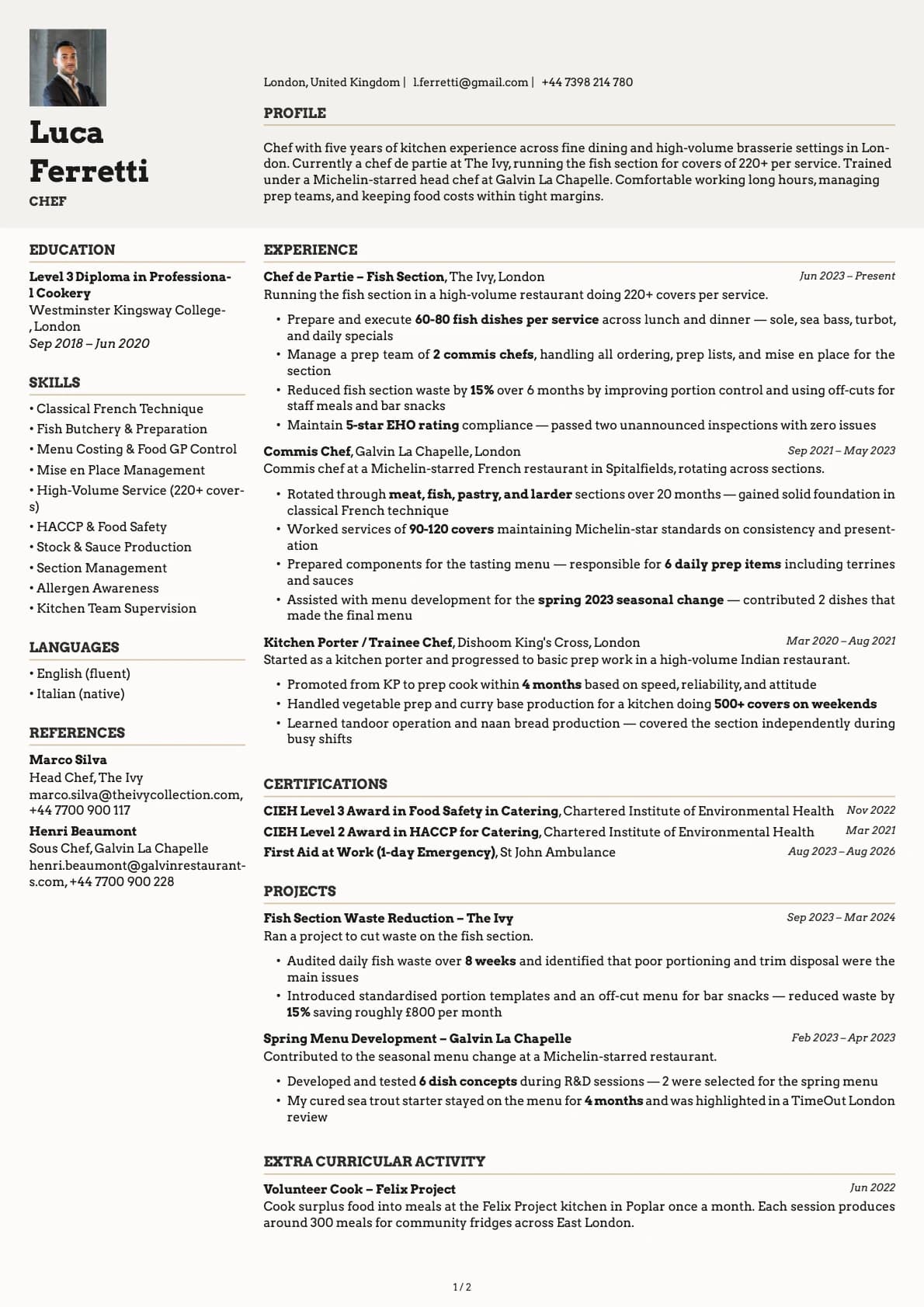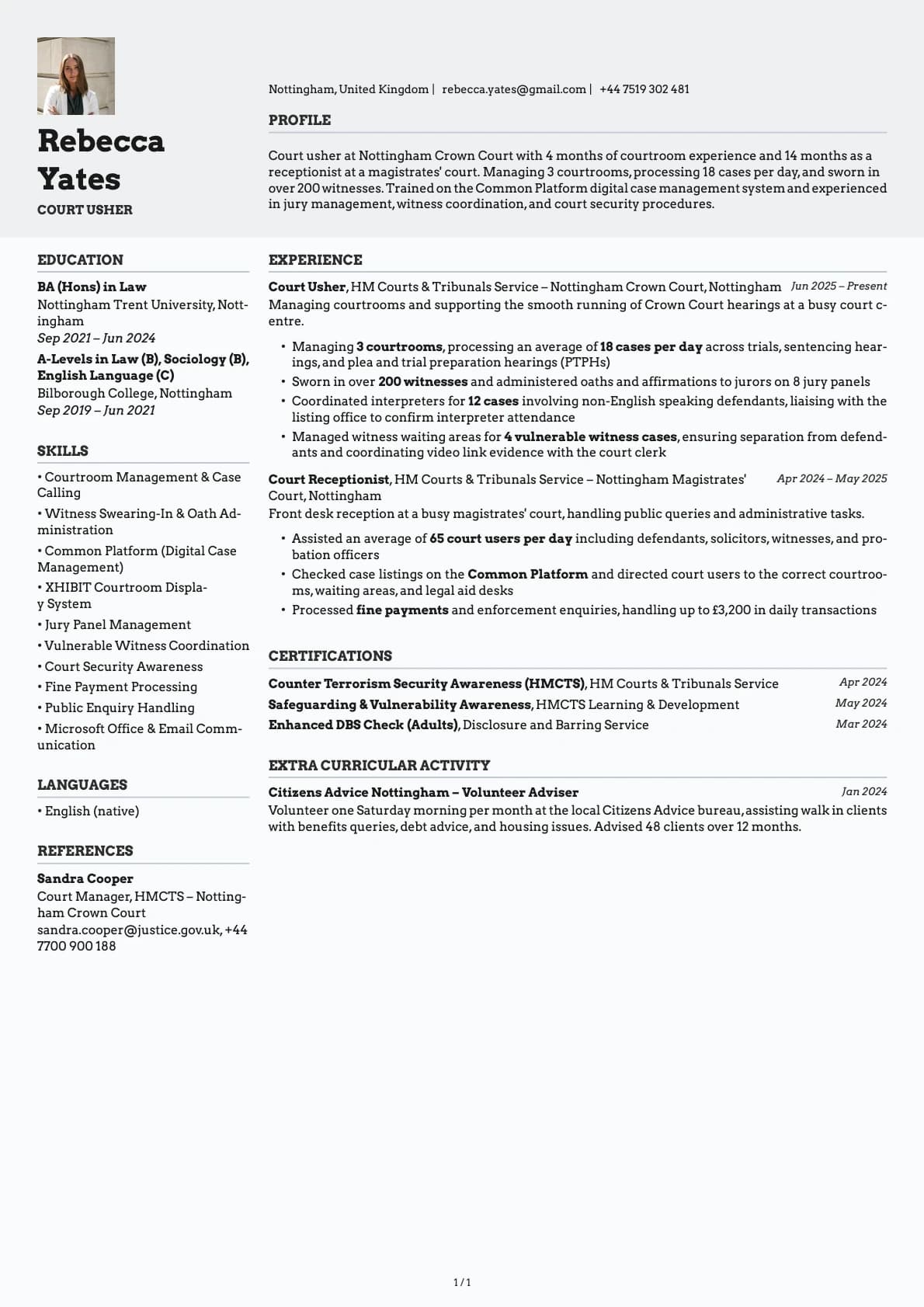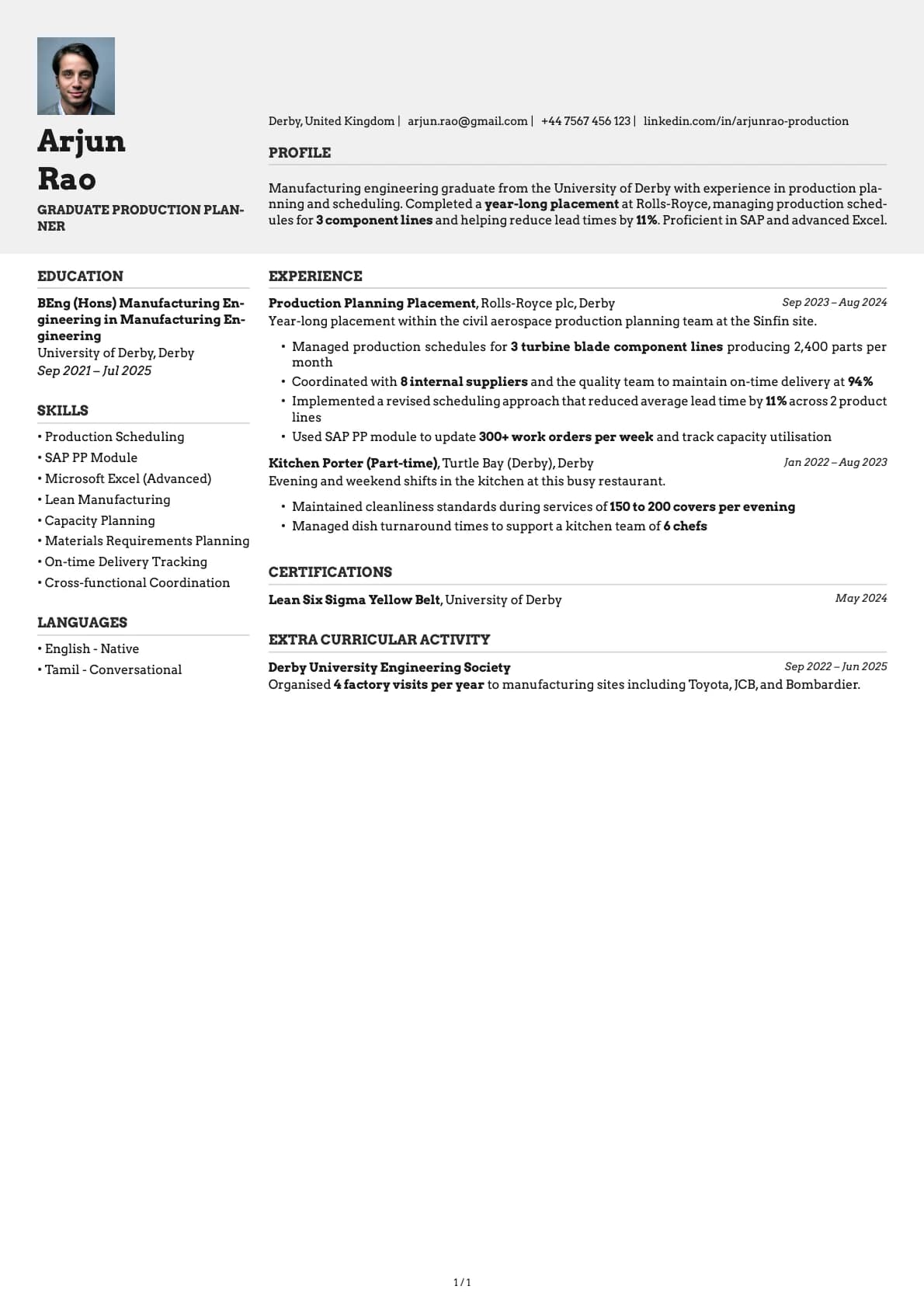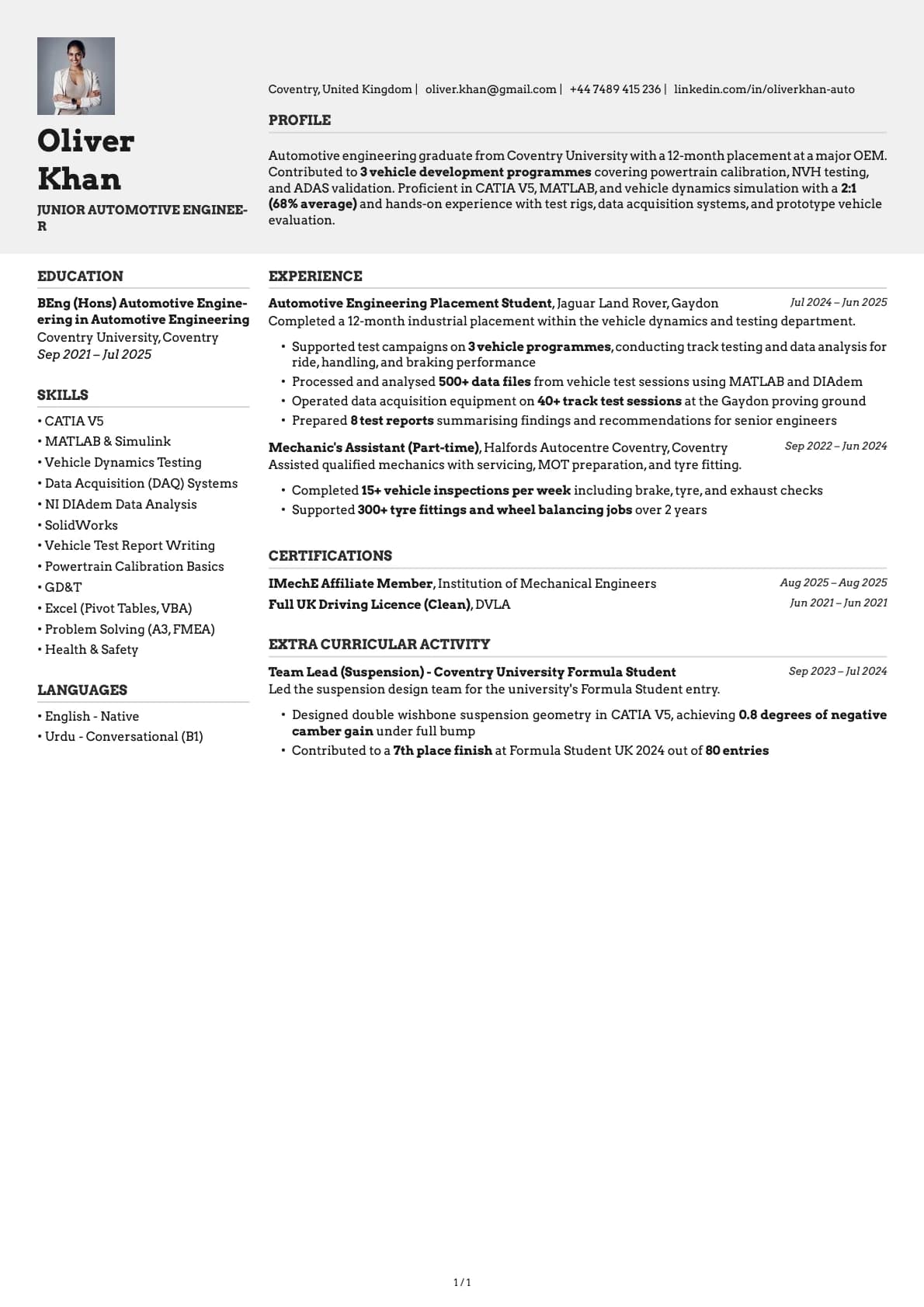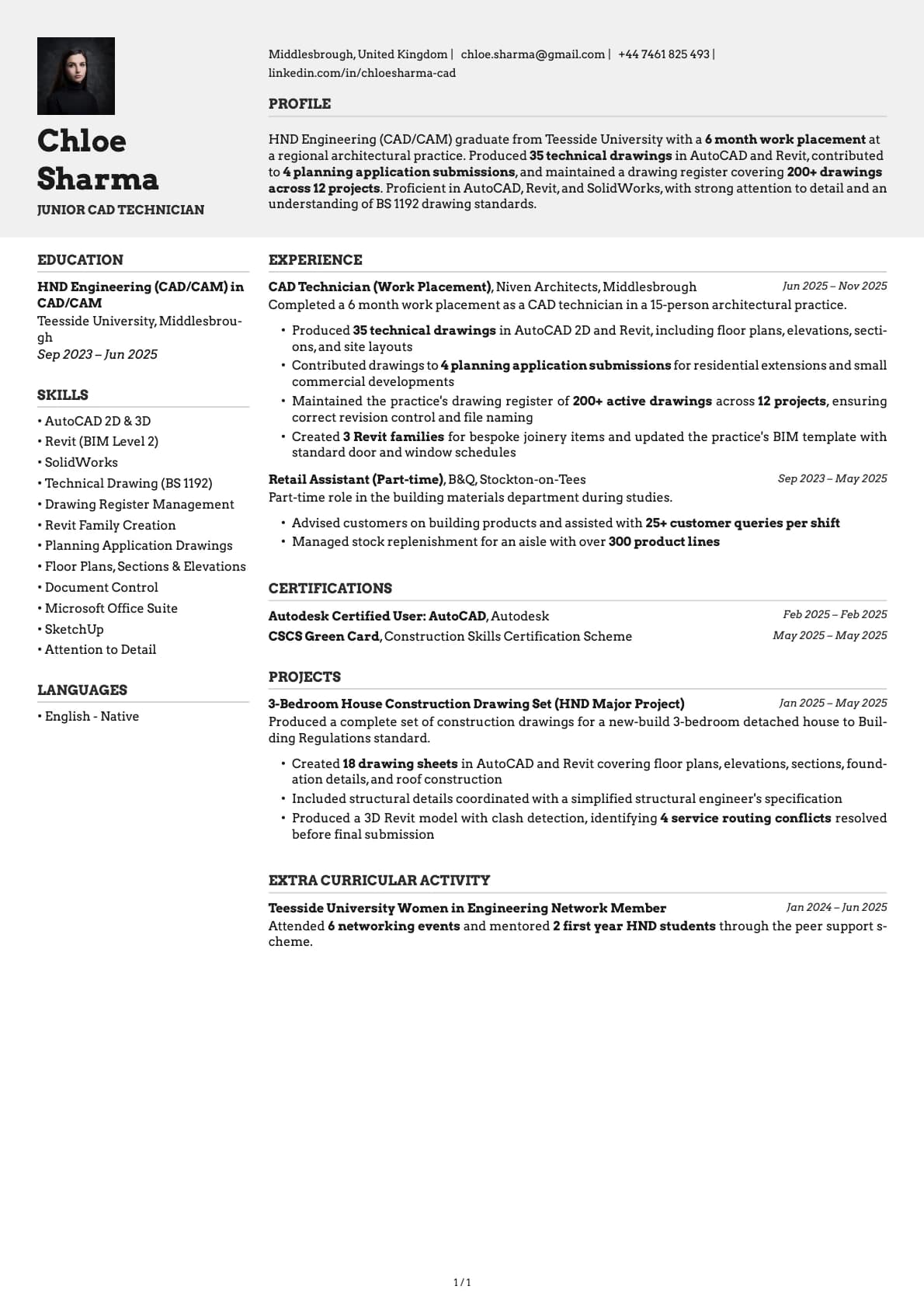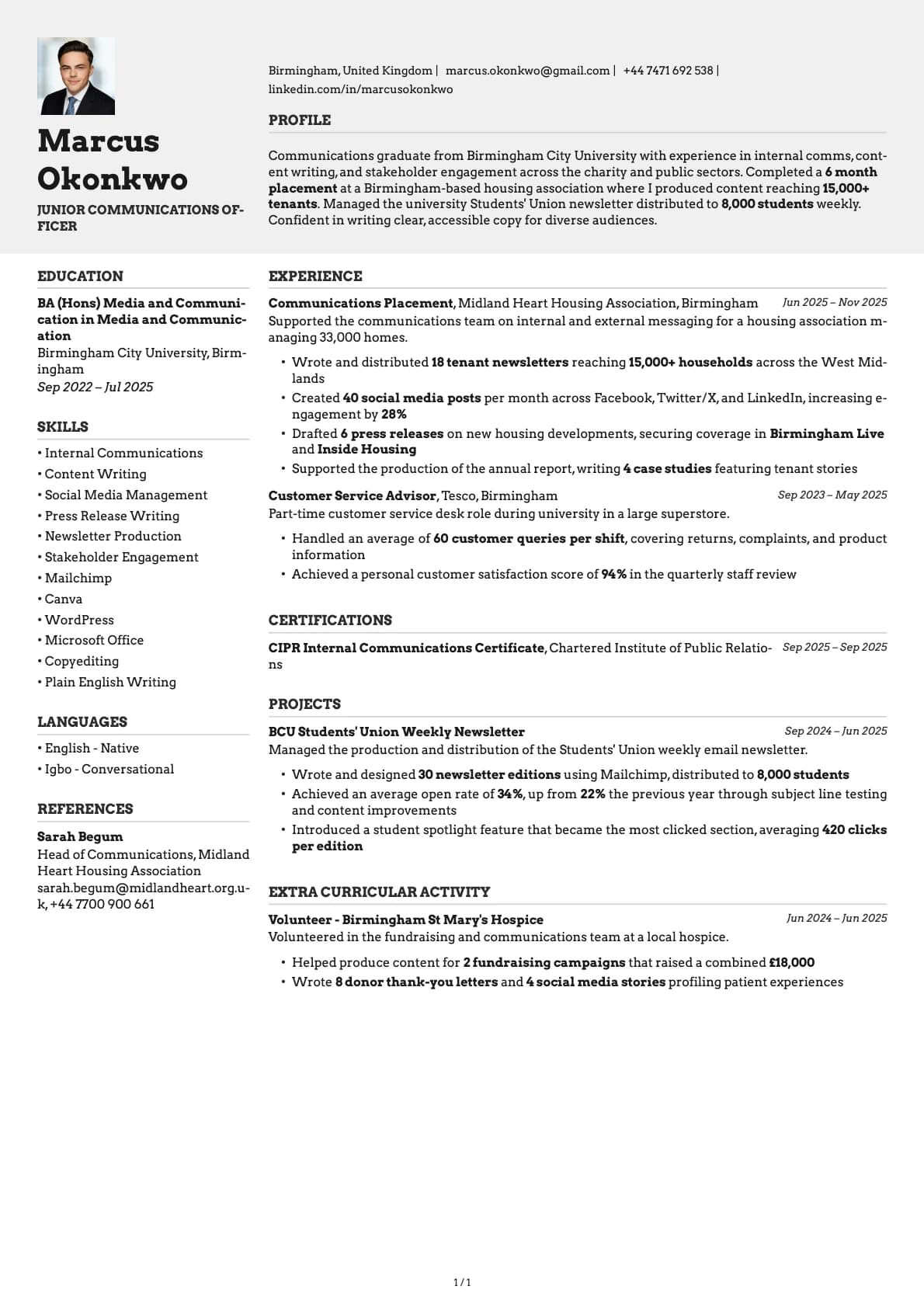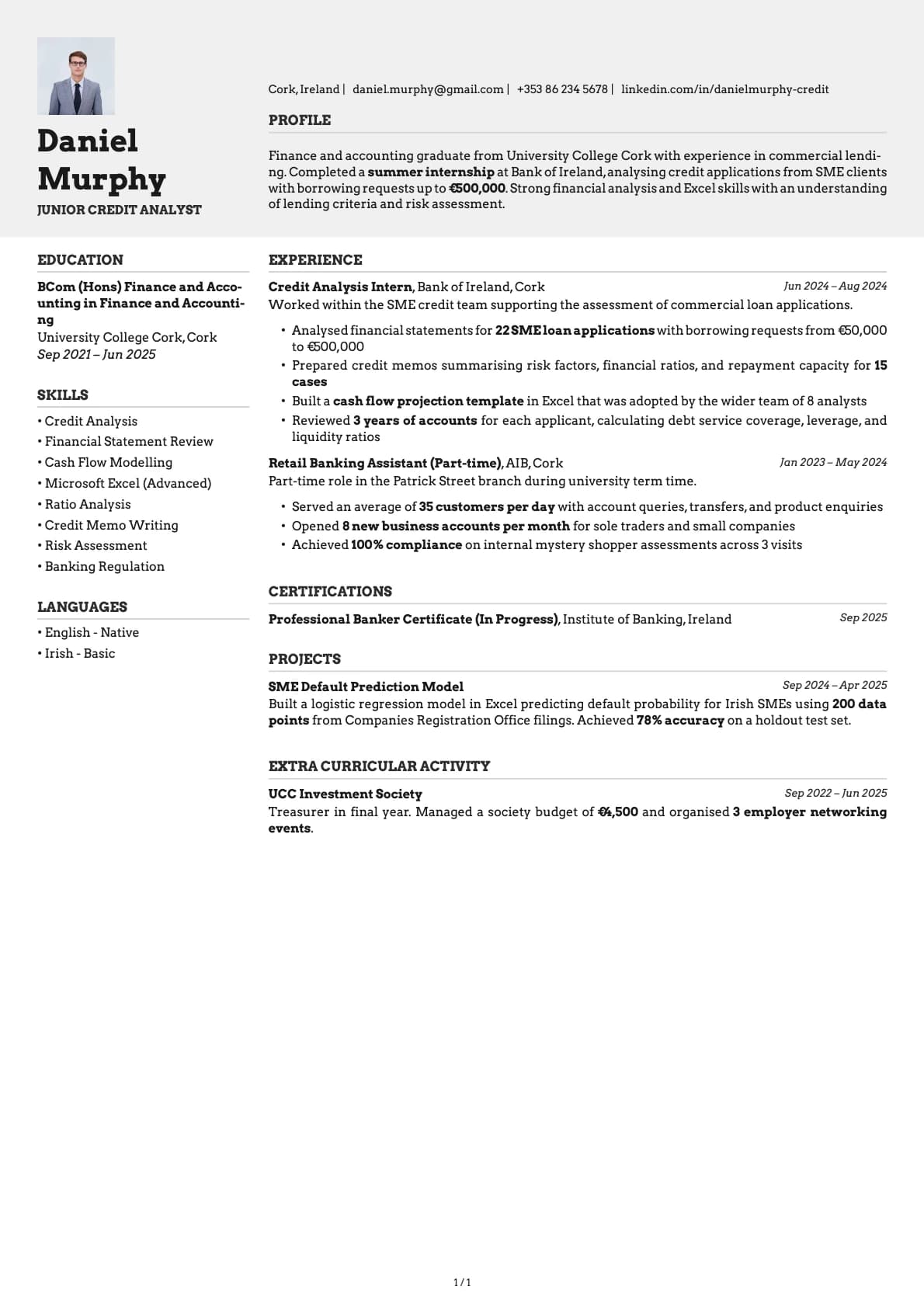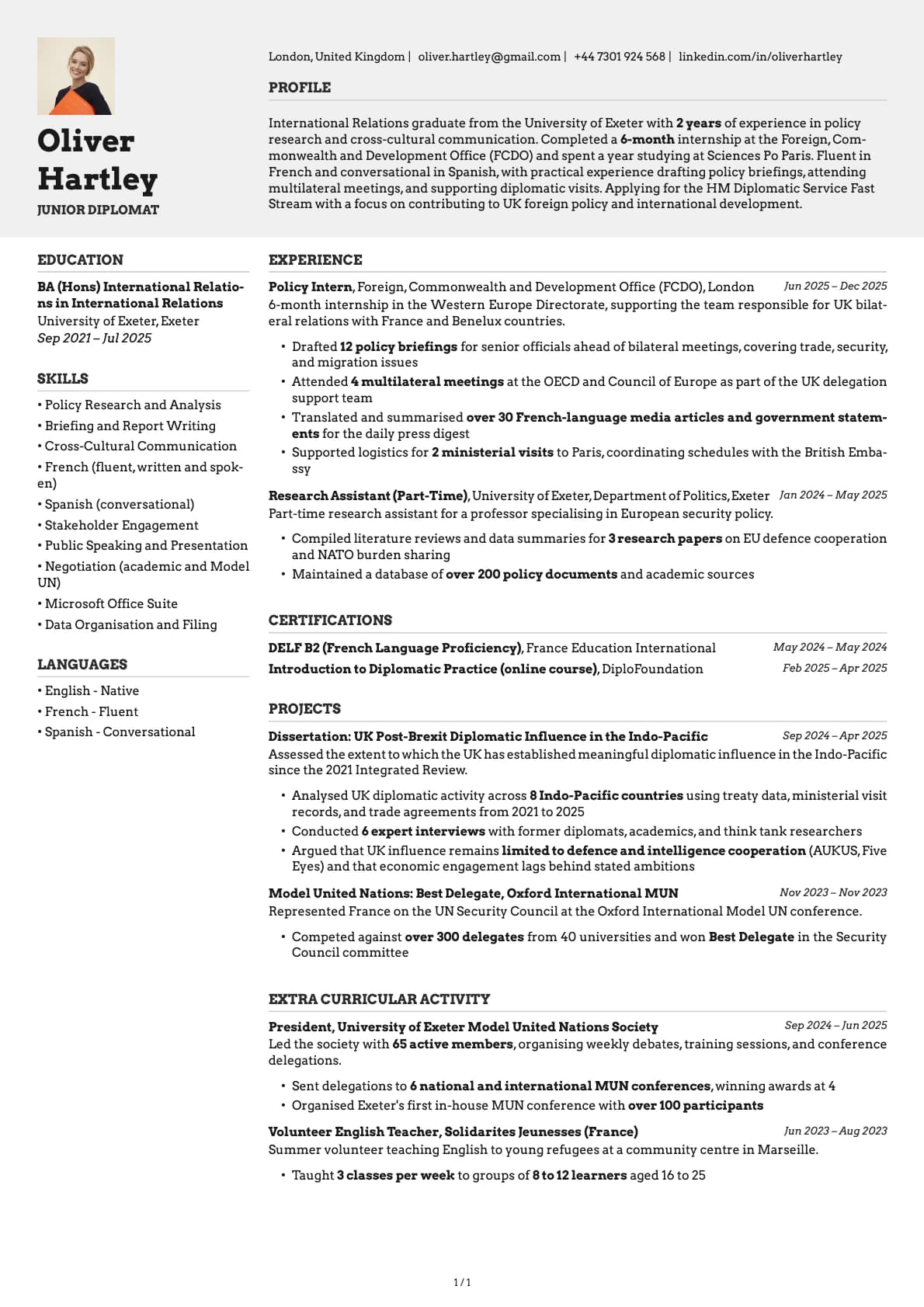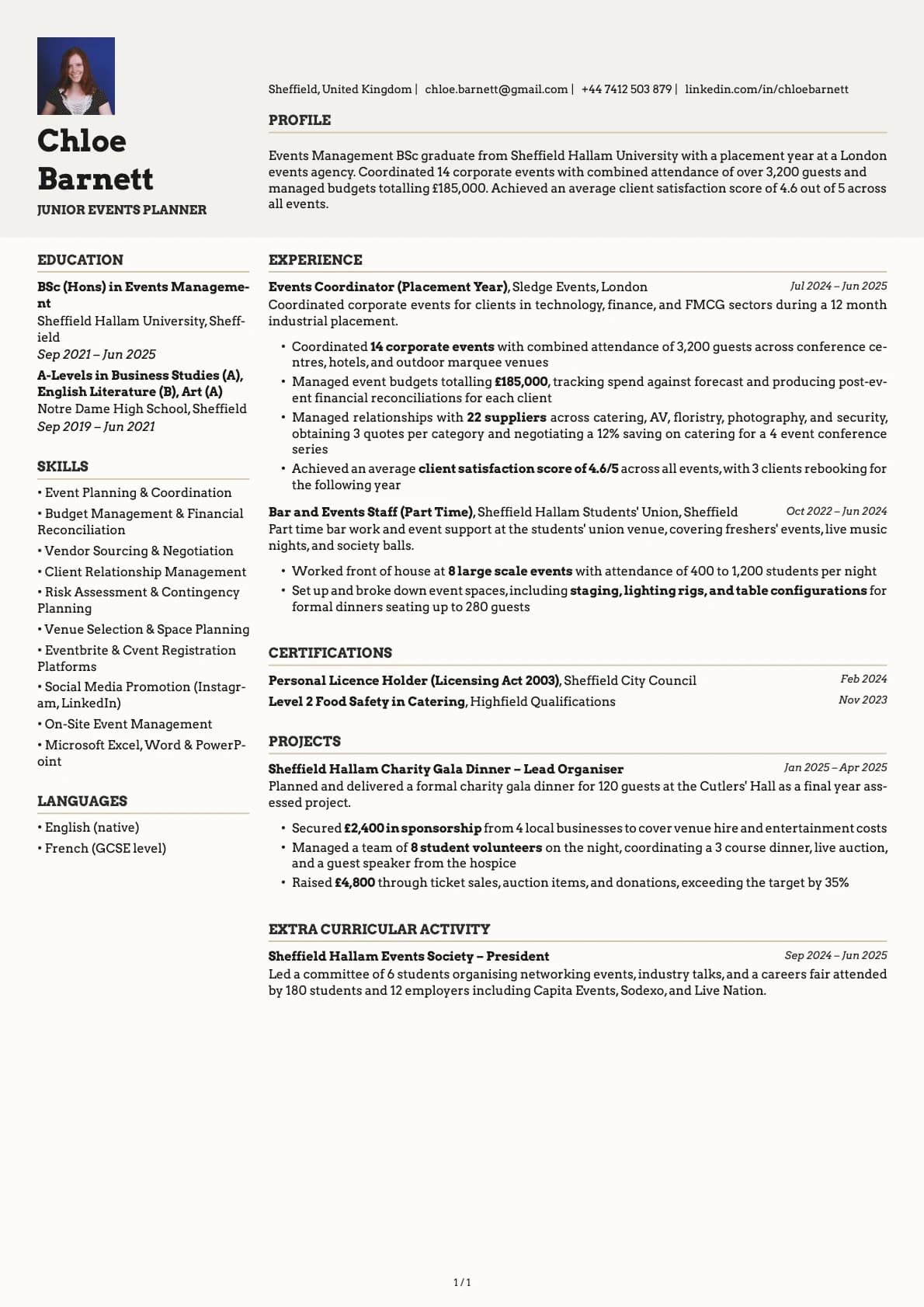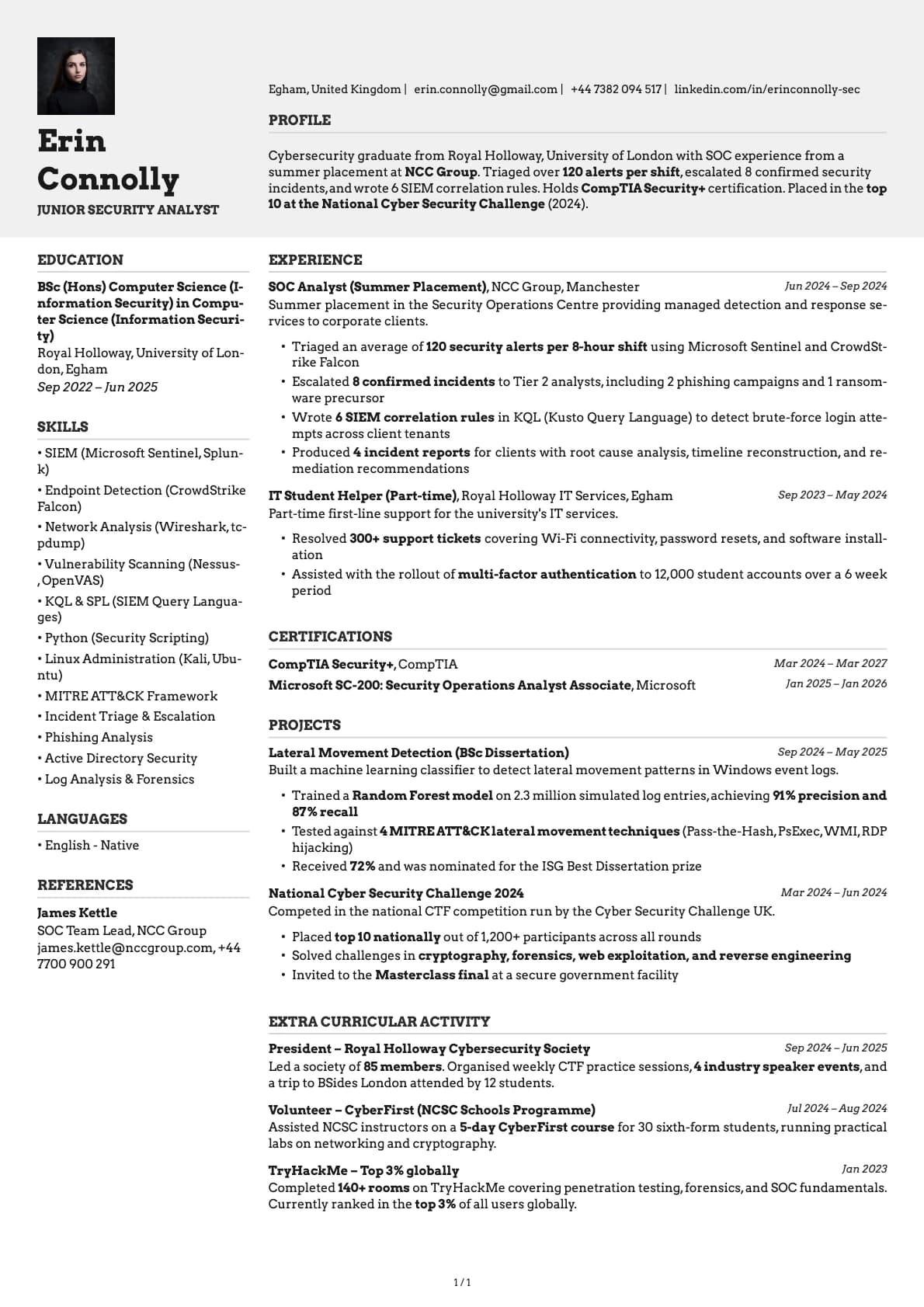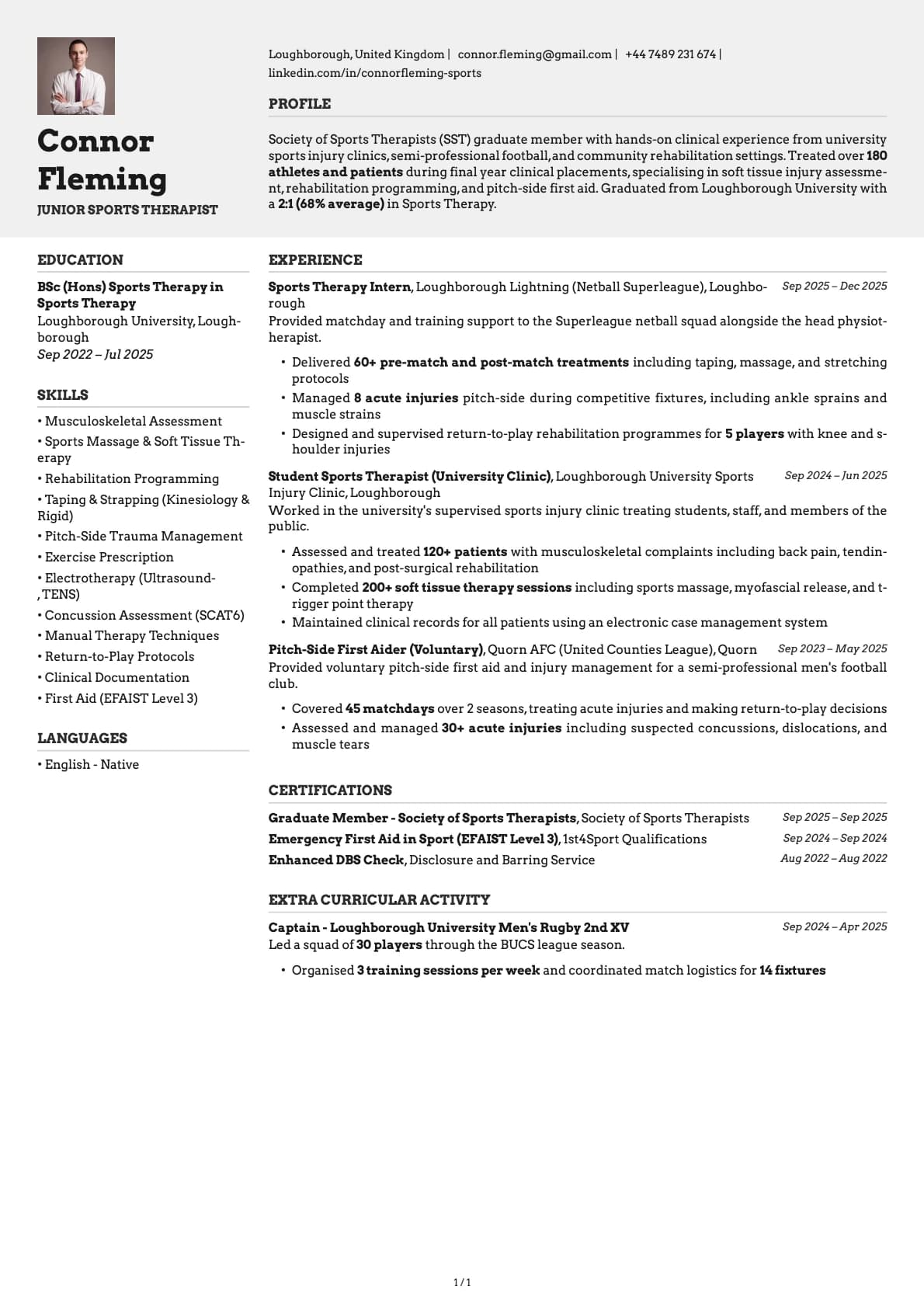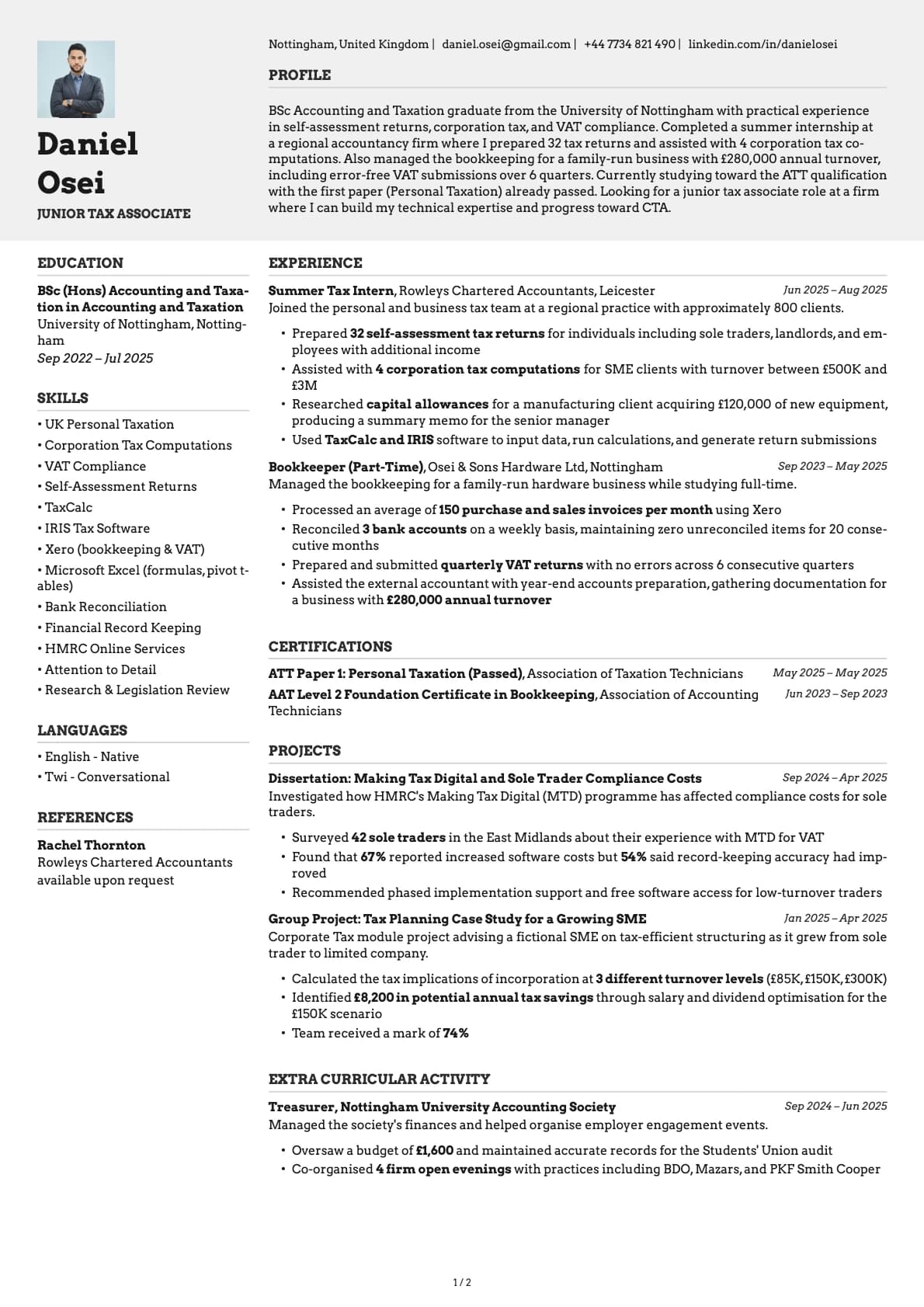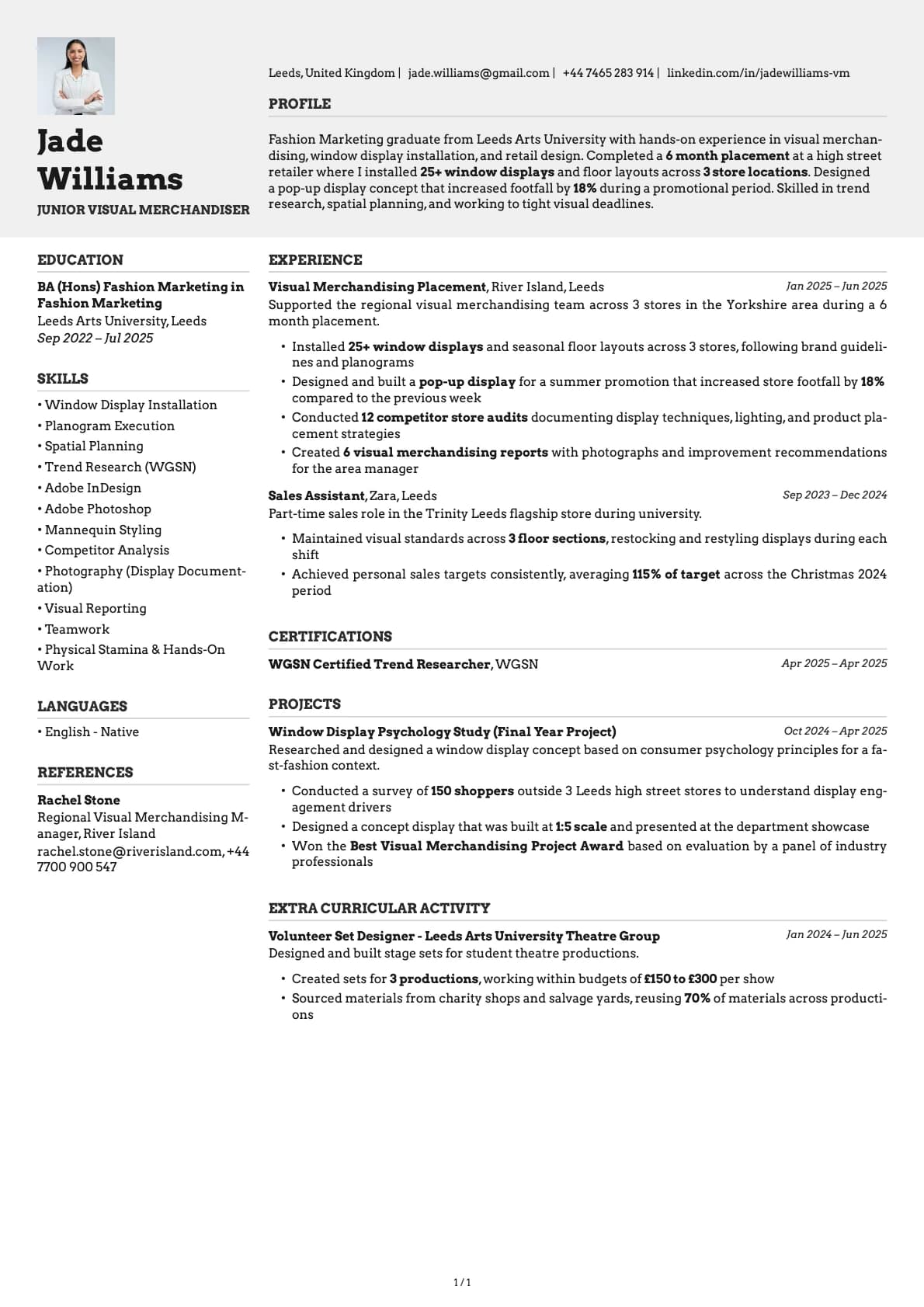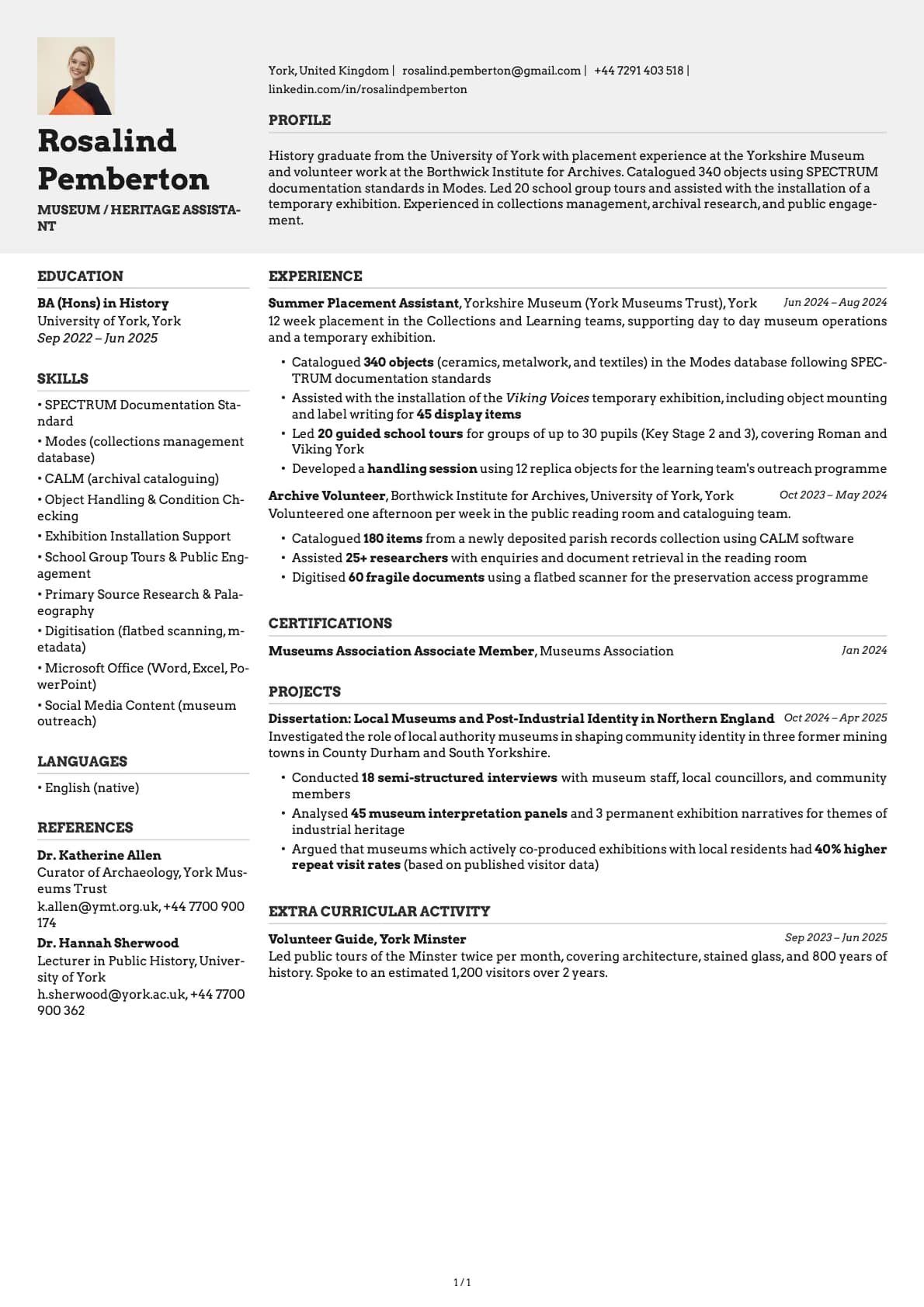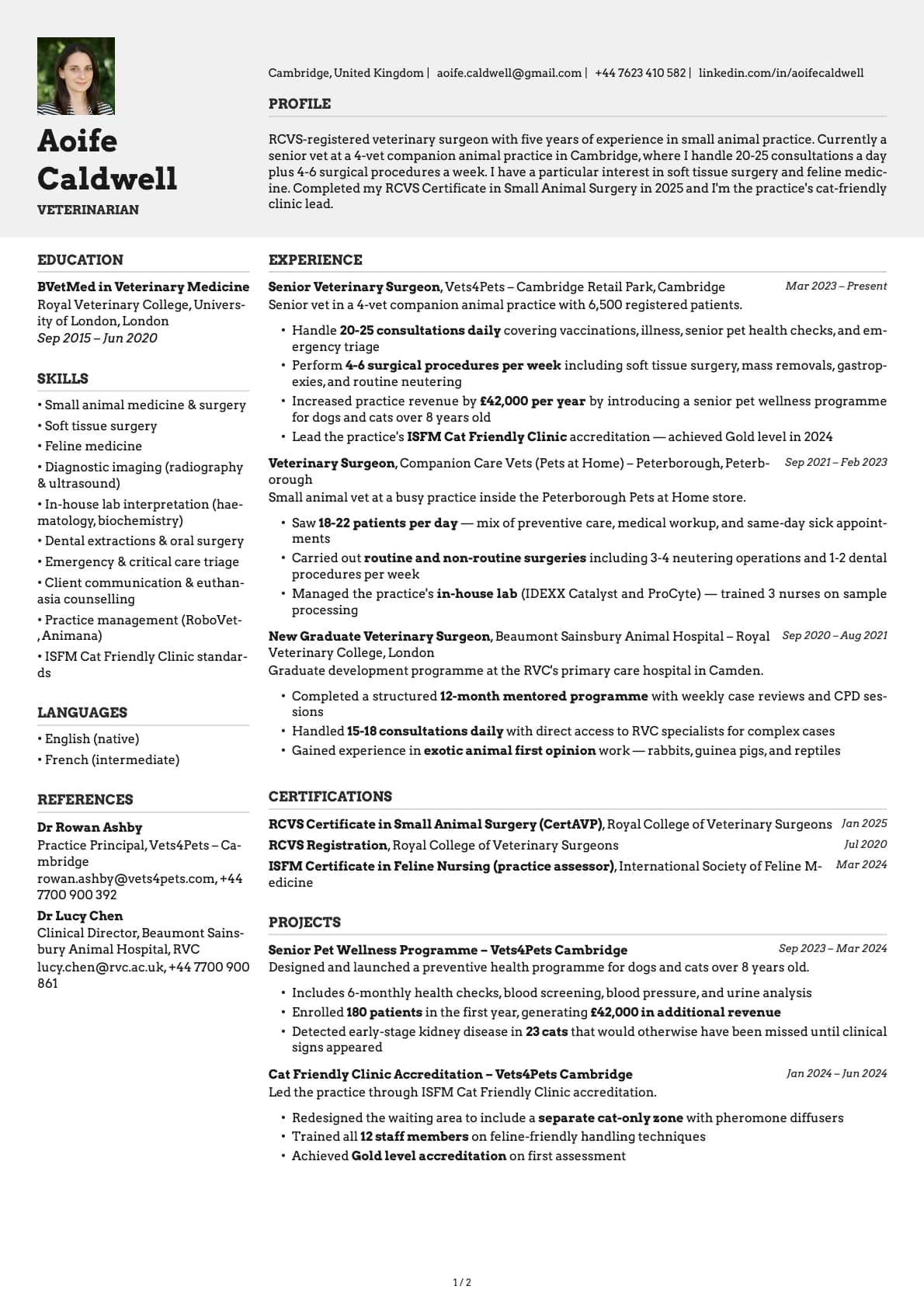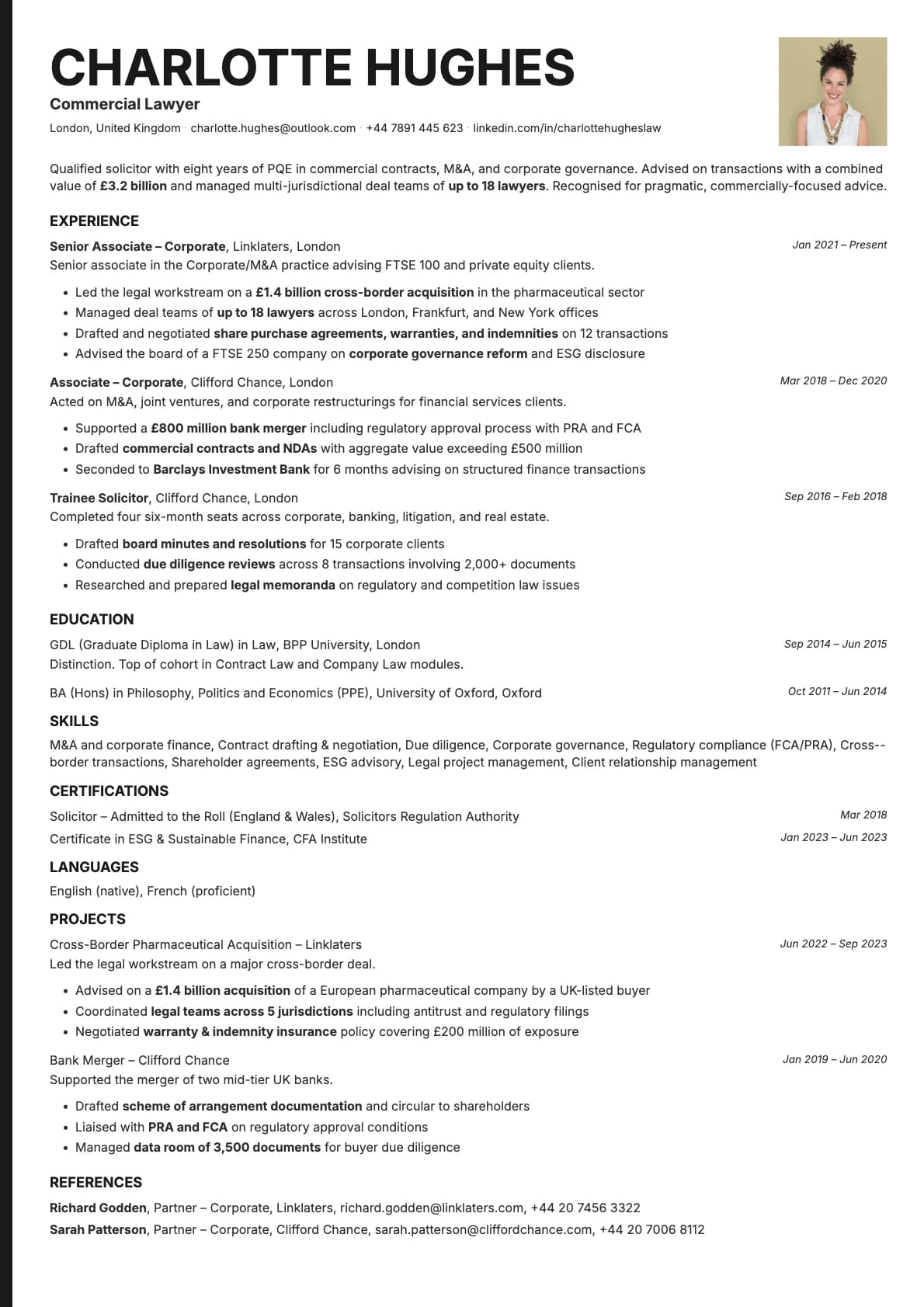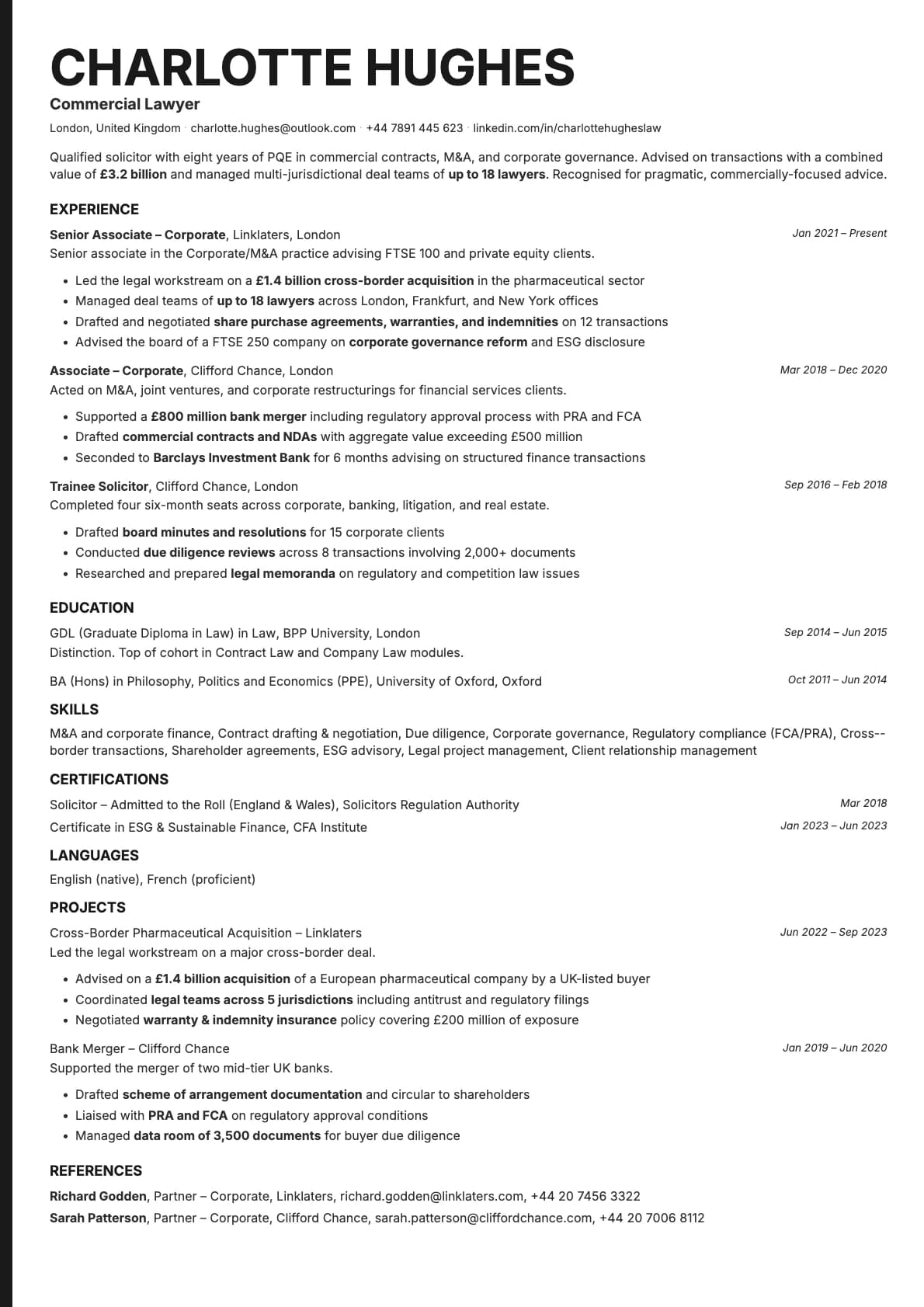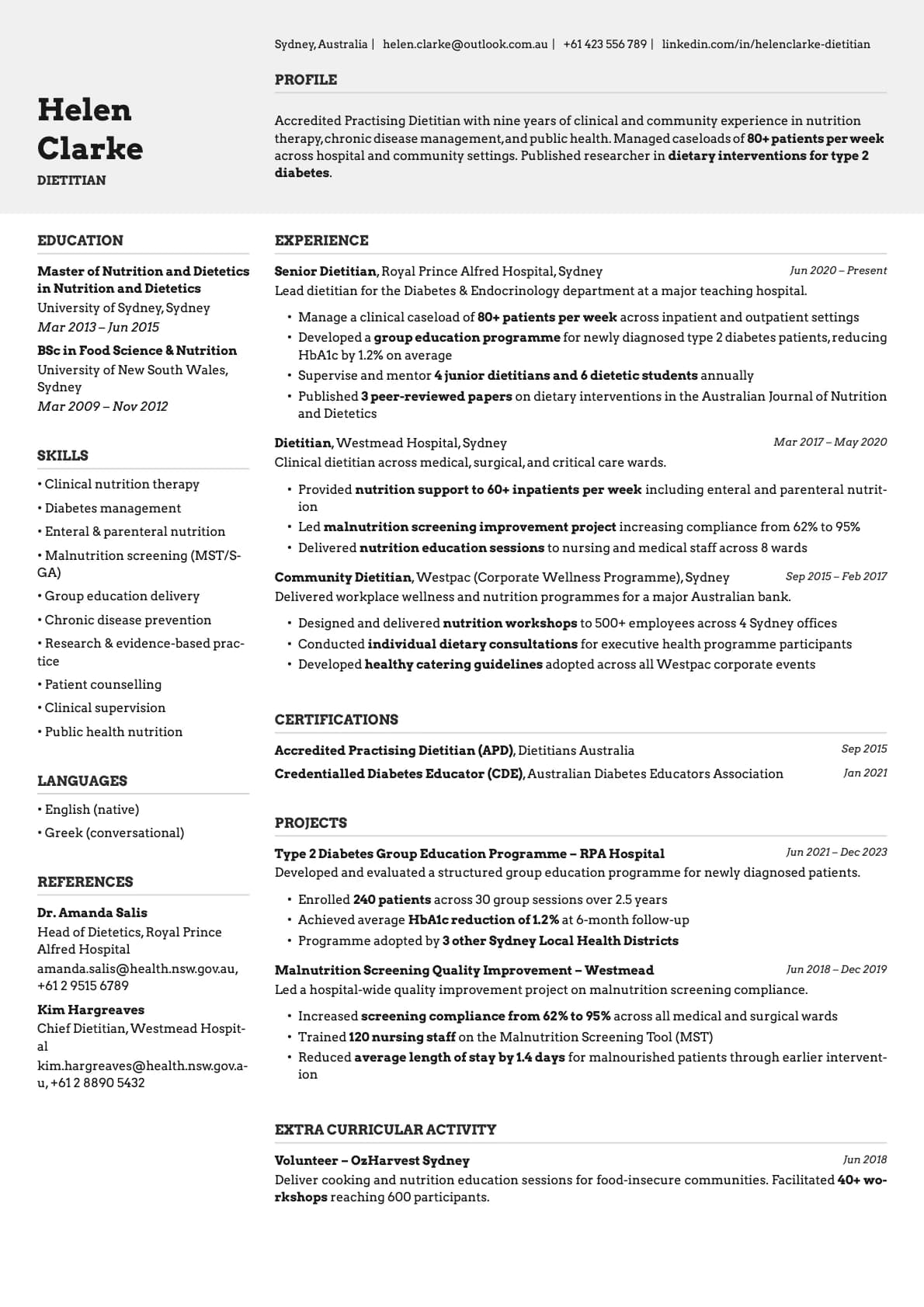
Limestone Resume Template
A modern minimalist resume template that puts skills before experience. 9 colour options with earthy gray tones. ATS score 9.0/10.
Free to use. No account needed to start.
Why Limestone?
Limestone is a minimalist single-column template that does one thing differently: it puts your skills section before your work experience. That order matters if you are in tech, engineering, or any field where your skill set is the first thing a hiring manager wants to see.
The design is clean to the point of being invisible. White and near-white backgrounds, light gray dividers, earthy muted tones. Nothing competes with your content. It scores 9.0/10 on ATS compatibility, so the formatting holds up across every major job platform.
Who should use this template?
Limestone is a strong pick for software engineers, data analysts, product managers, UX designers, and anyone in a technical field where listing your tools and skills upfront makes sense. It also works well for career changers who want to lead with transferable skills rather than a job history that does not match the role they are going after.
Beyond tech, it suits anyone who prefers a resume that gets out of the way. If you like white space and quiet formatting, this is your template.
If you want a similar minimalist approach but with coloured accent underlines for a bit more visual structure, try Graphite. For a timeline-based layout that shows your career progression visually, Zinc is the only template on Laddro that does that. And if you are looking for something more traditional and corporate, Ivory gives you a warm, conservative feel.
What you get
- A single-column layout with skills placed before experience, scoring 9.0/10 on ATS
- 9 colour themes, all built around white backgrounds with subtle earthy and gray accents
- The default font is Inter, a widely used sans-serif that reads well on any screen. You can switch fonts in Laddro at any time (Arvo, Poppins, Lora, Century Gothic, and others are available)
- Photo support via a photo variant
- Multi-page support for detailed career histories
ATS compatibility
Limestone scores 9.0/10 on ATS parsing. The layout is about as parser-friendly as it gets.
- Single-column flow with no tables, sidebars, or multi-column sections.
- All text is native. No graphics, icons, or embedded images.
- Standard section headings that automated systems recognise without confusion.
Works with LinkedIn Easy Apply, Greenhouse, Workday, Taleo, iCIMS, and any other platform you will run into during a job search.
Colour options
The 9 colour options are subtle by design:
- Pure white backgrounds with light gray section dividers for the cleanest possible look
- Warm cream and sand tones for a slightly softer feel
- Cool blue-gray and sage accents that add just enough colour to be noticeable without being distracting
- Muted rose tones for a gentle warmth
If you are not sure which one to pick, start with the default white. You can always switch later in the builder.
Tips for getting the most out of Limestone
- Since skills come first, make sure that section is well organised. Group your skills by category (languages, frameworks, tools, soft skills) so a reader can scan them in seconds.
- Do not list every skill you have ever used. Pick the ones that match the job description. Ten relevant skills beat a wall of thirty.
- The minimalist design means every line of text gets noticed. Cut filler words. Get specific. "Built a CI/CD pipeline that cut deploy times by 60%" is better than "Worked on deployment infrastructure."
- Stick to one page if you have under eight years of experience. Limestone's spacing is tight enough that you can fit a lot on a single page without it feeling cramped.
Build your resume with Limestone on Laddro
Start building with Limestone. Fill in your details, switch colours and fonts in real time, and download a PDF when you are ready. No account needed to start.
How would you rate this template?
Your rating helps others pick the right template for their resume.
Make this template yours
Pick a colour, add your details, and download your resume. No design skills needed.
Free to use. No account needed to start.
Resumes built with Limestone