Obsidian Resume Template
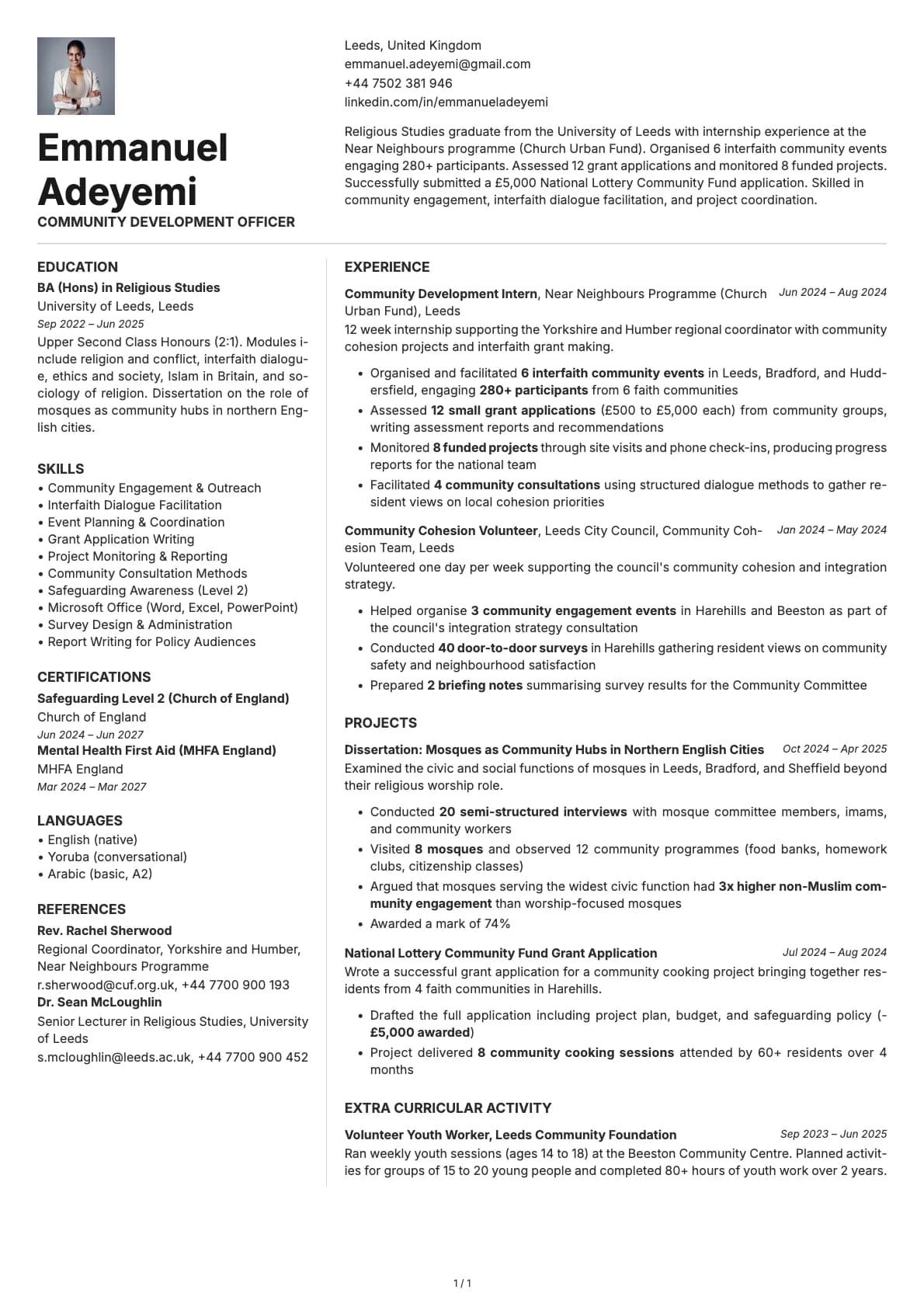
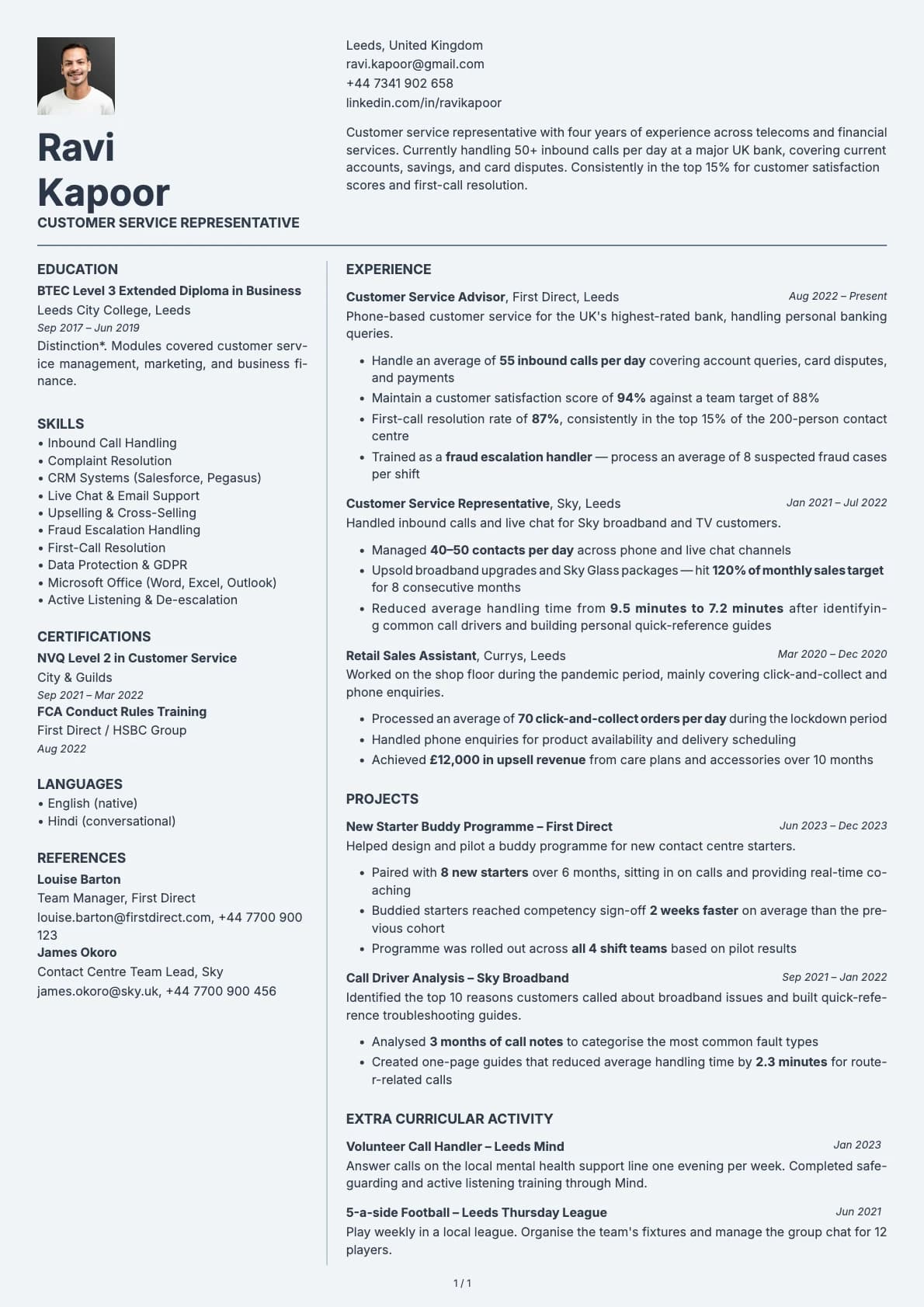
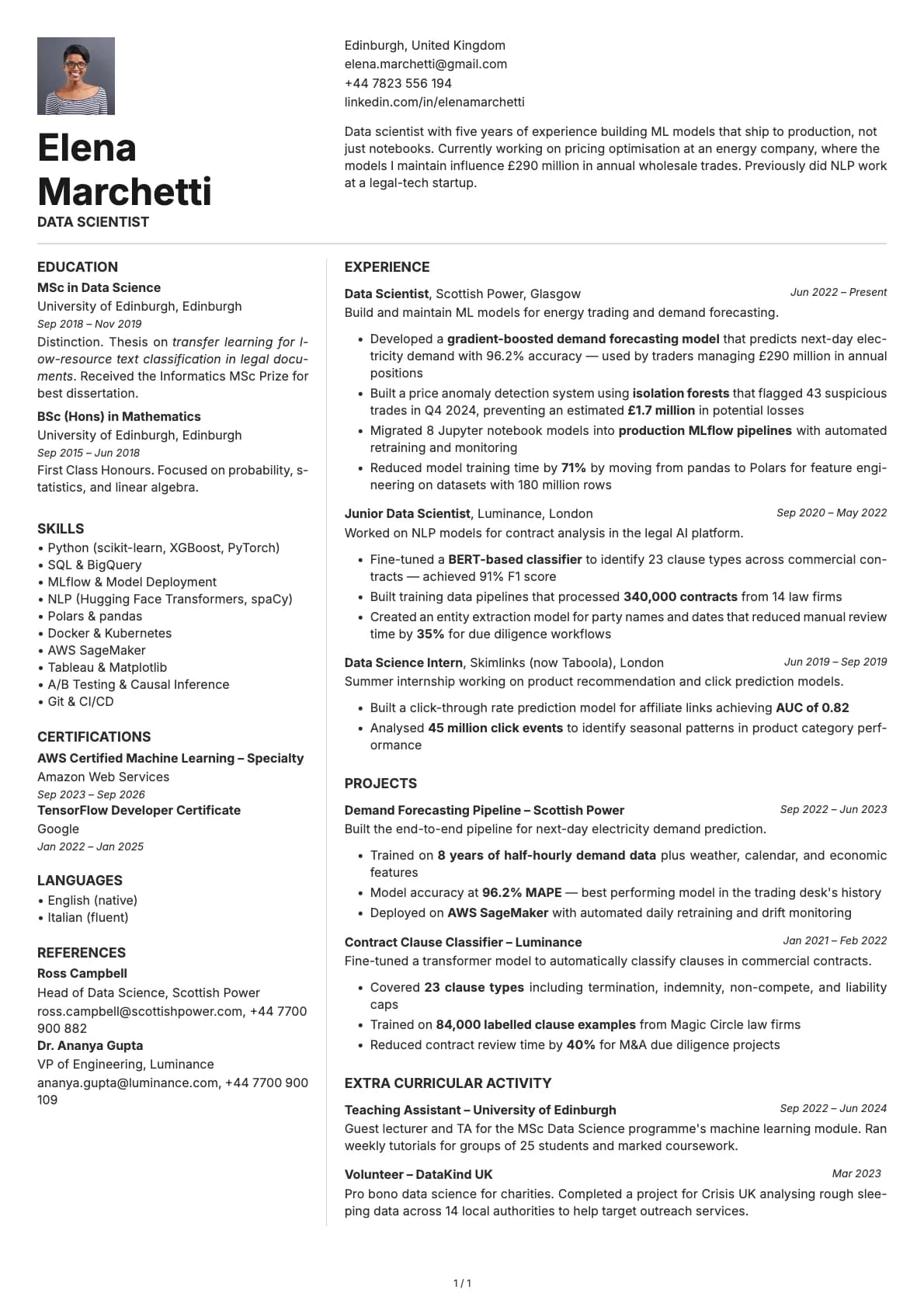
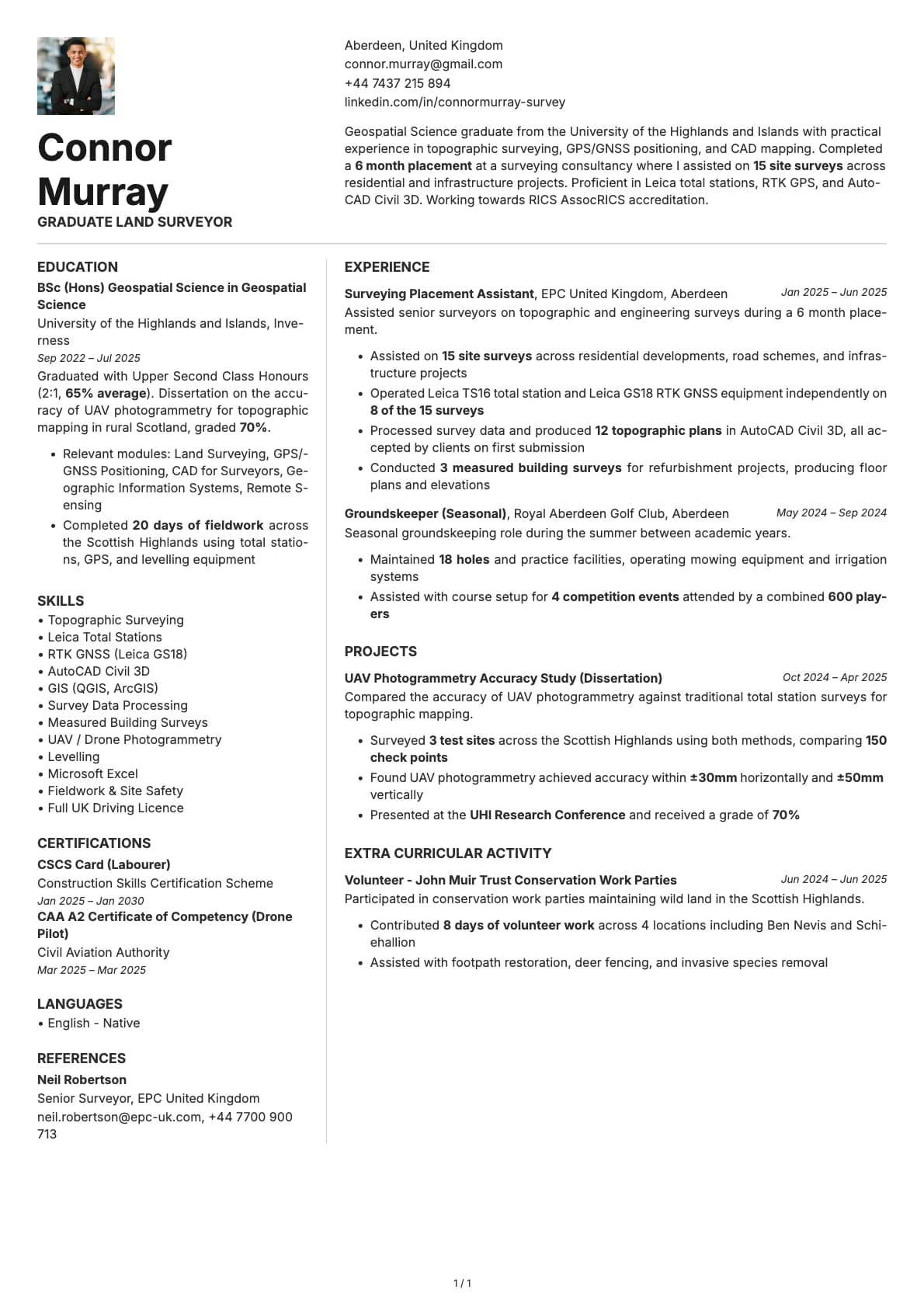
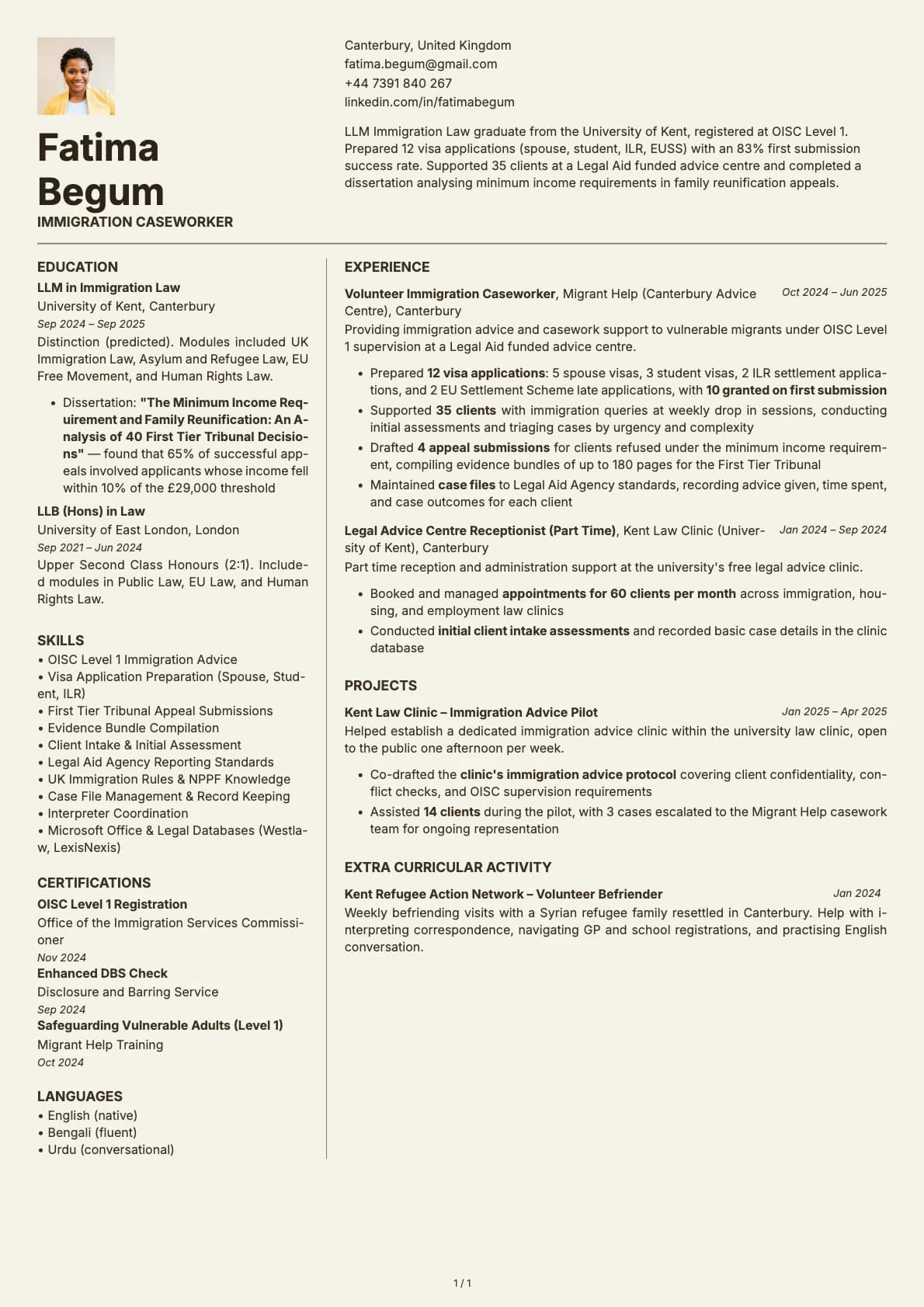
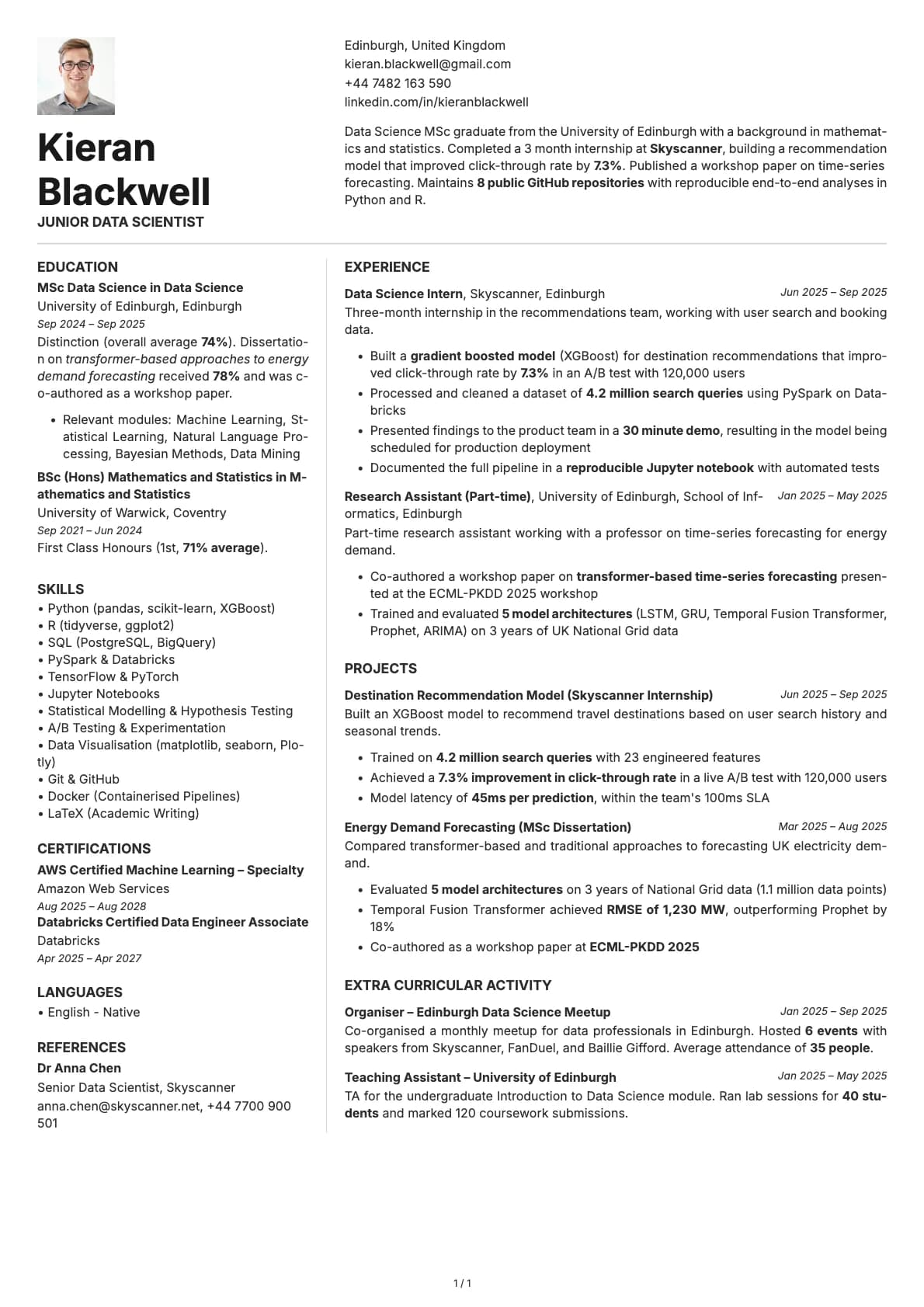
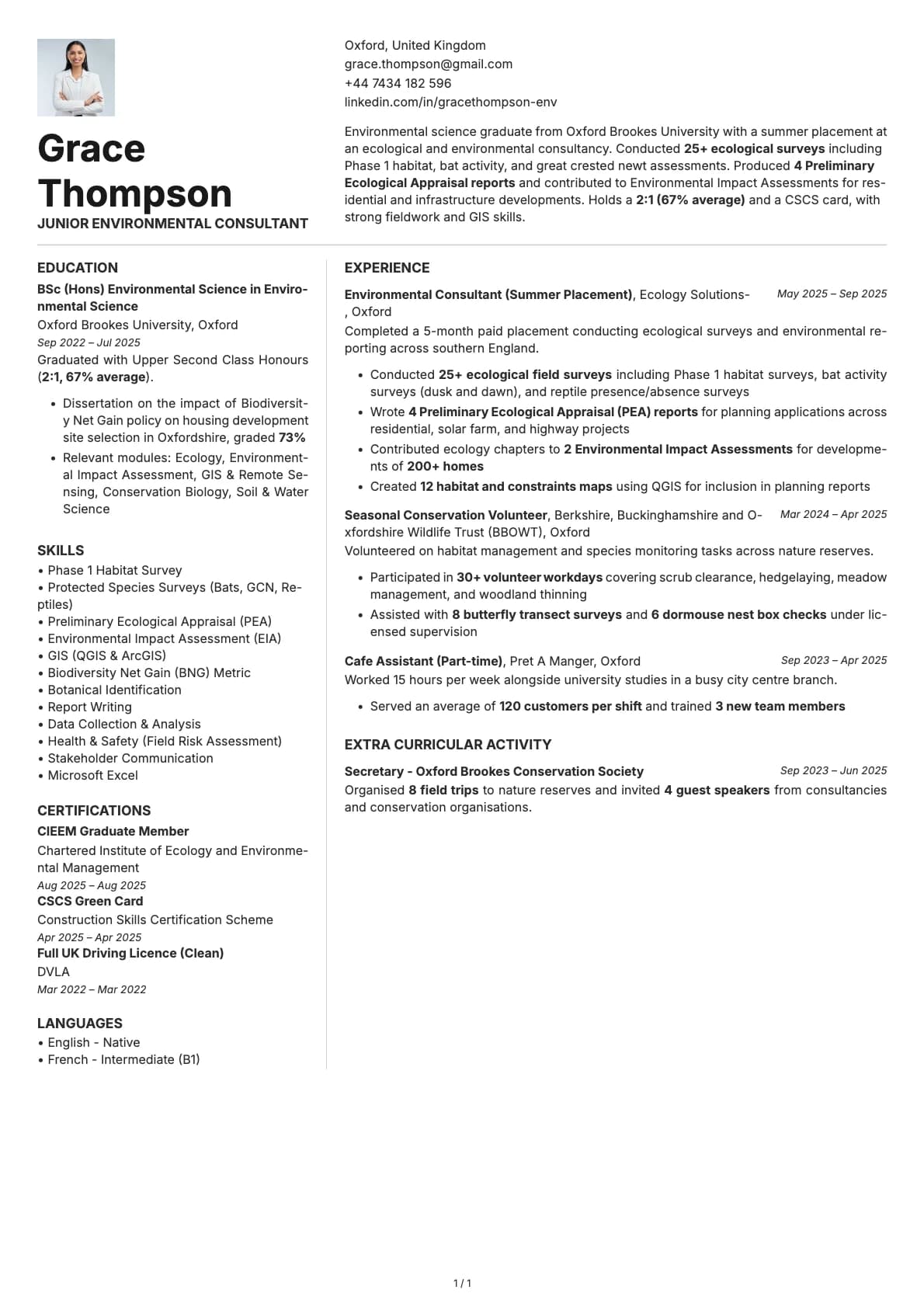
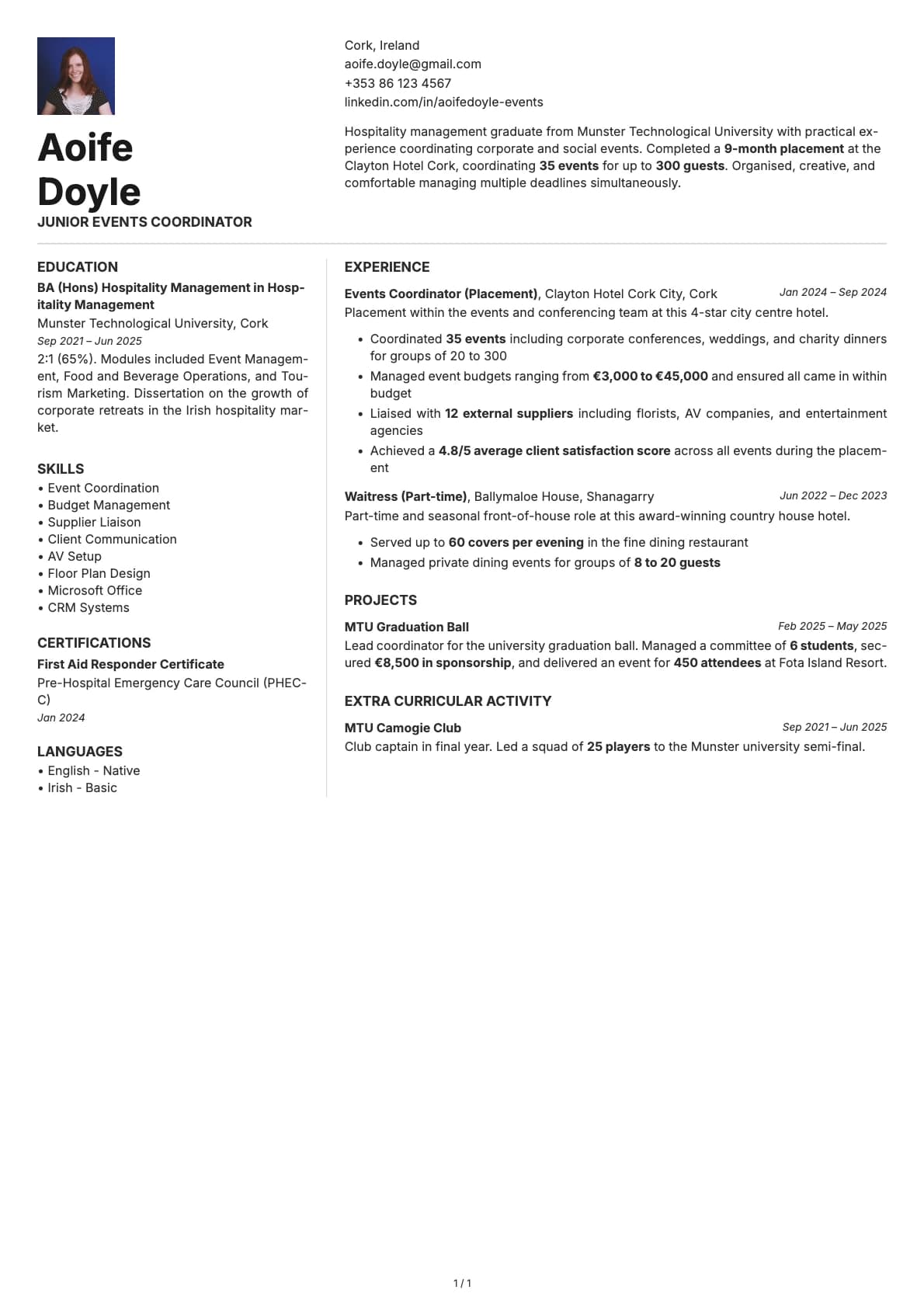
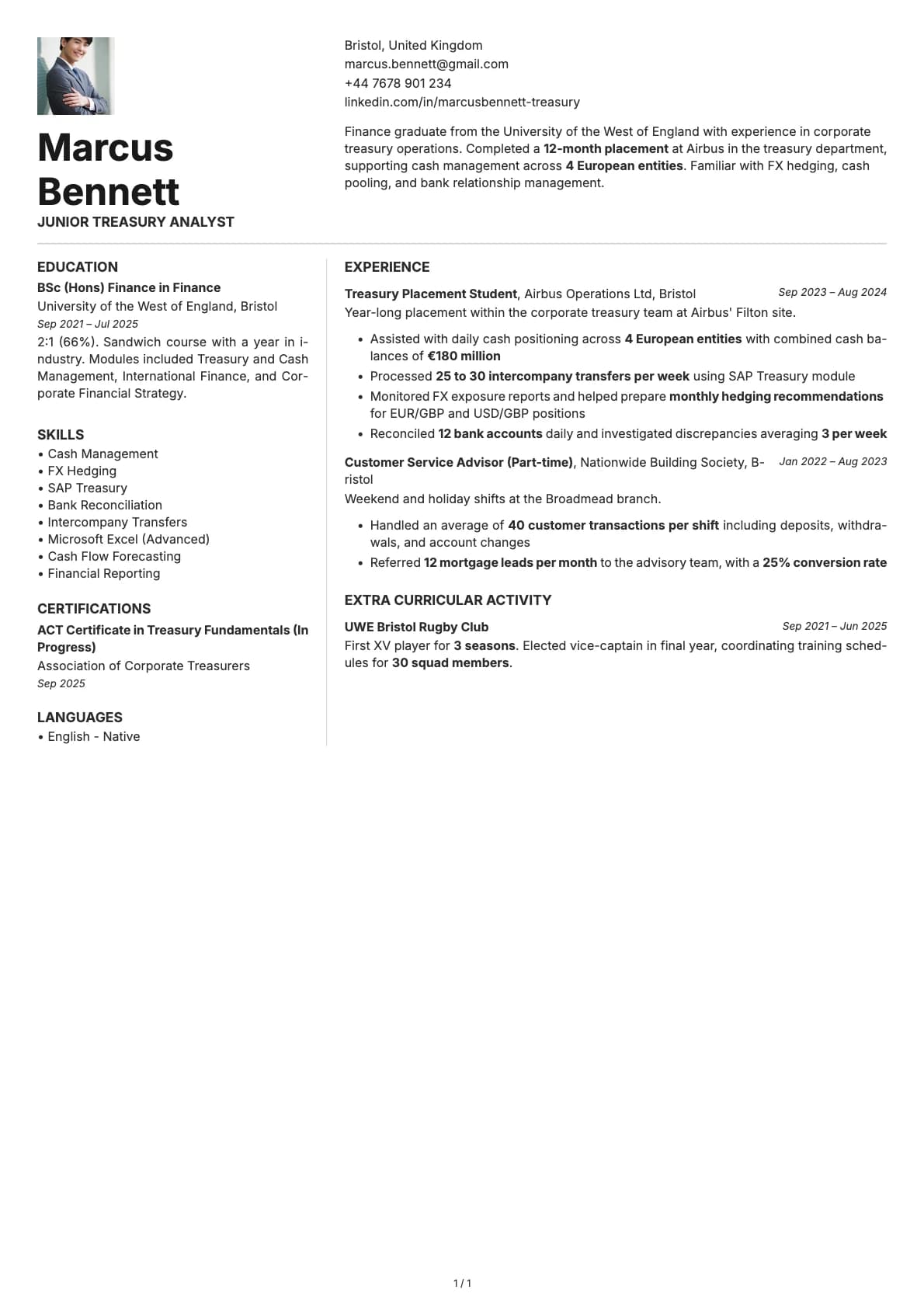
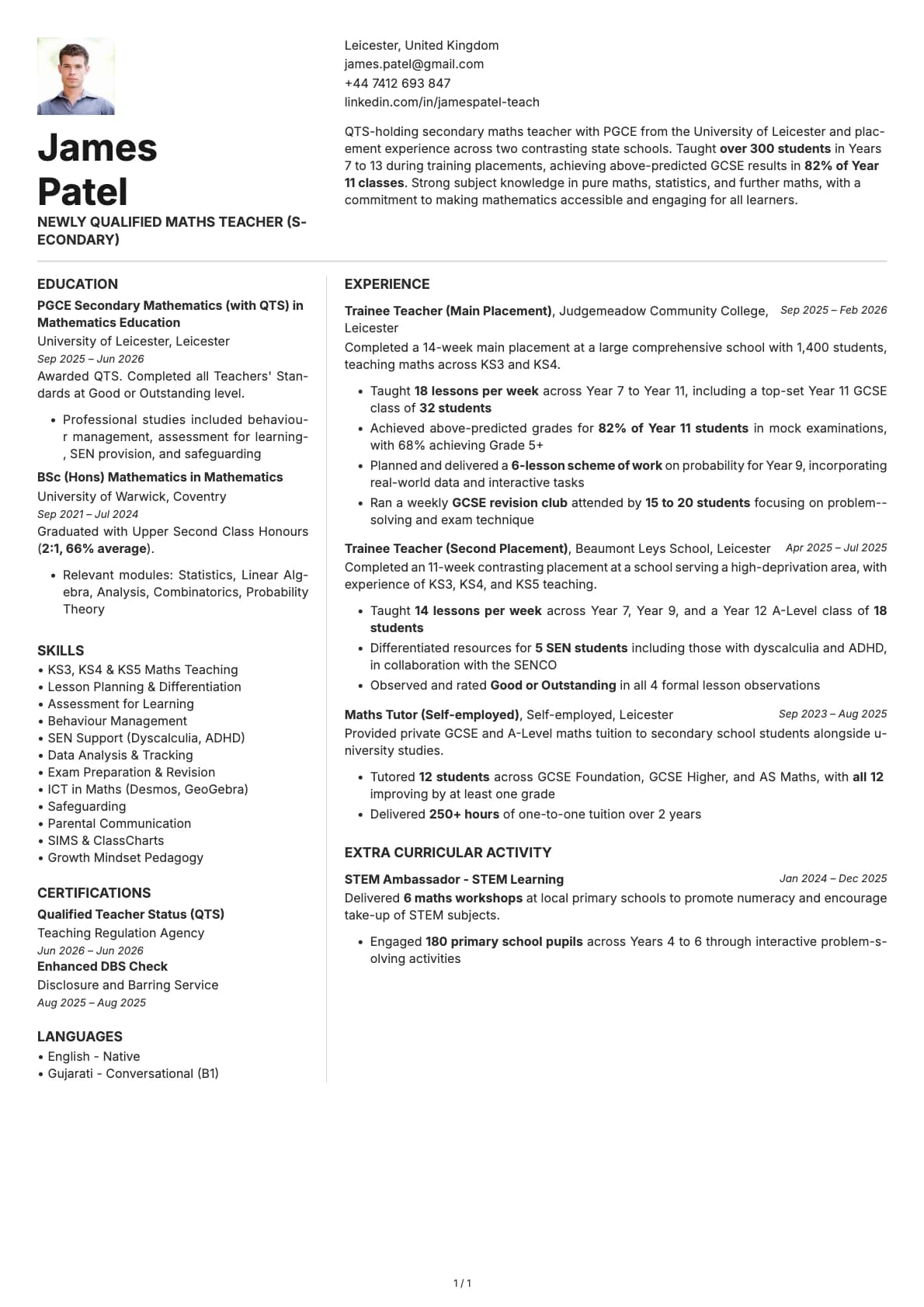
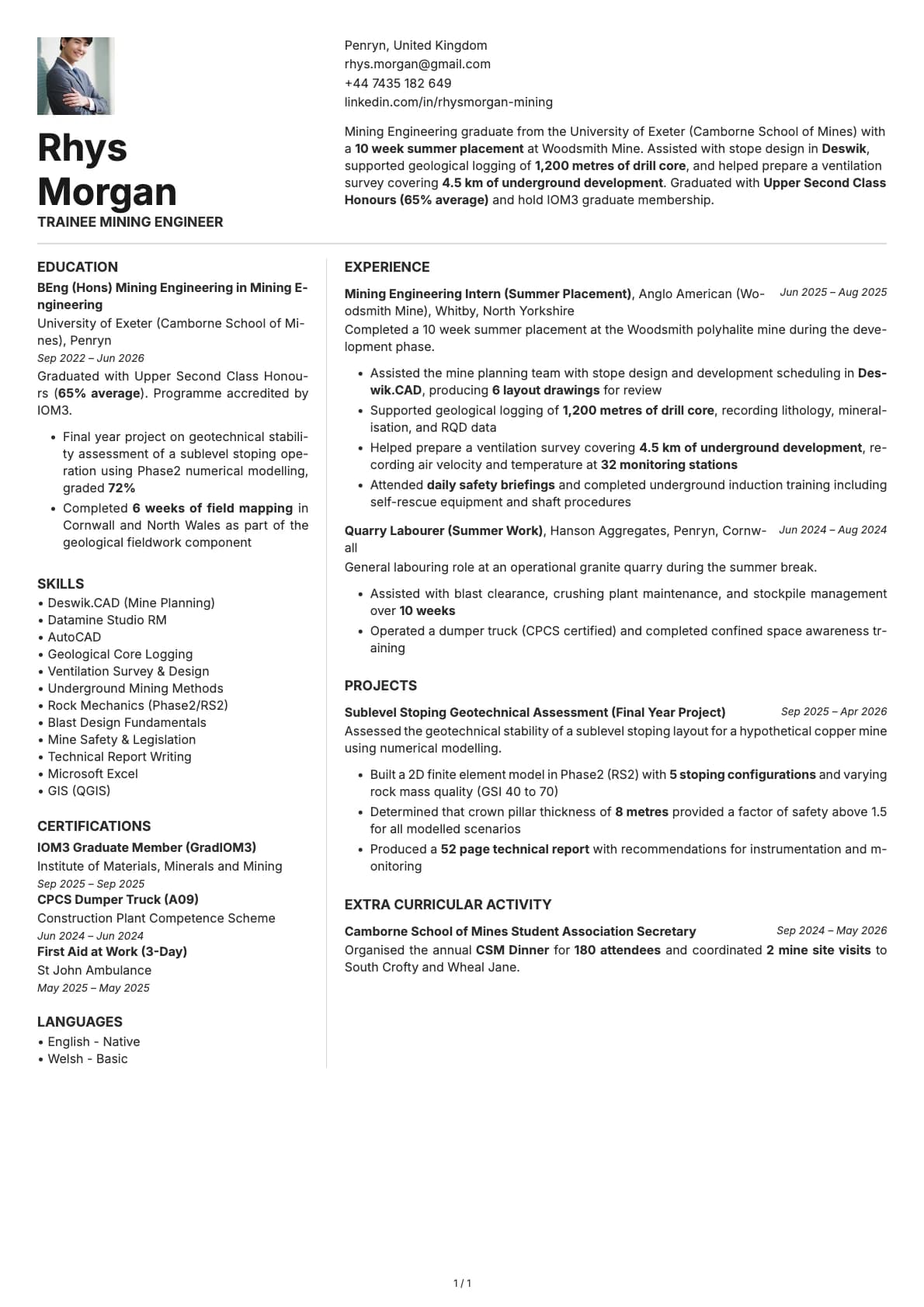
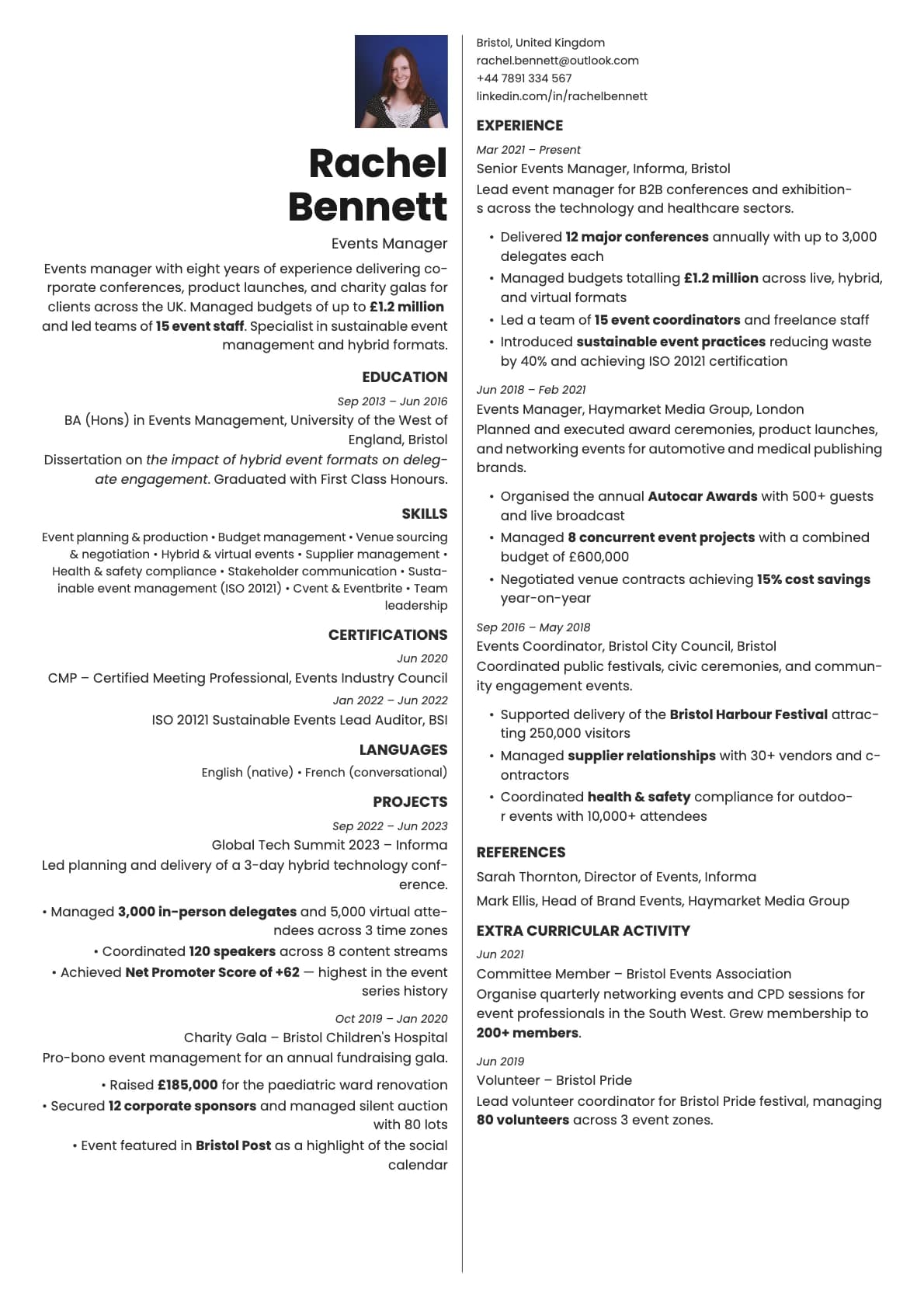
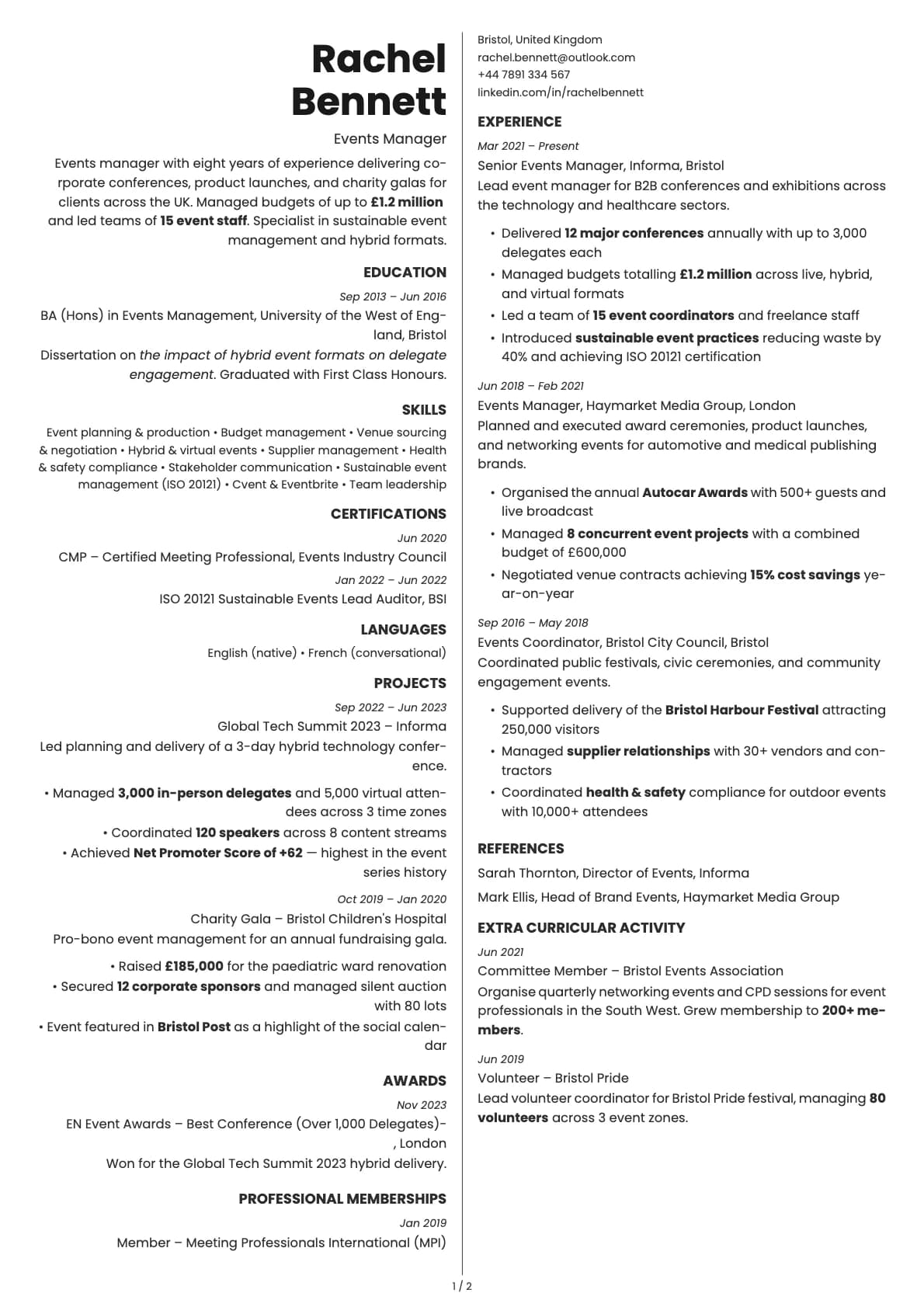
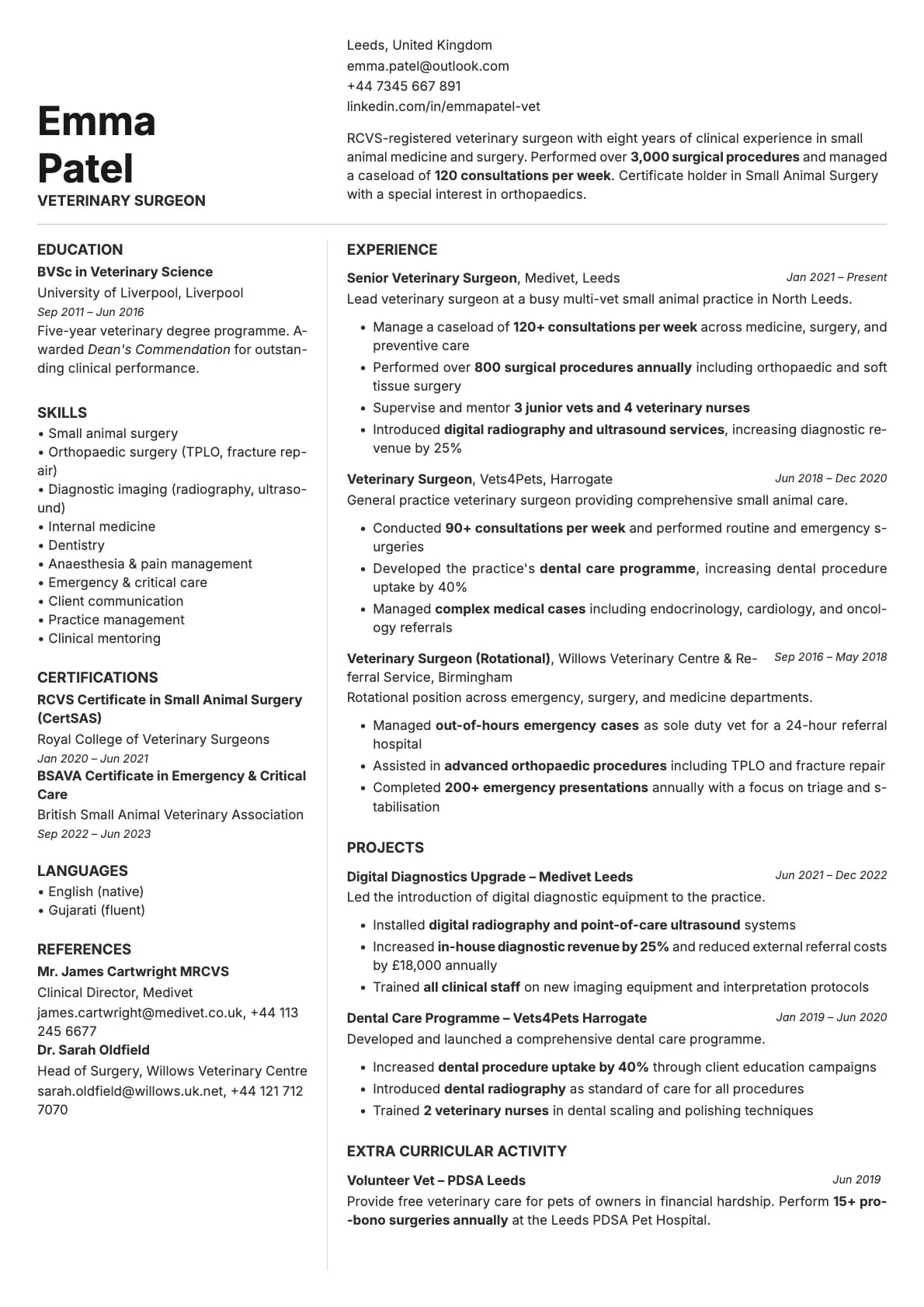
A one-page resume template with a header and two-column layout, 8 colour options, and a 7.0/10 ATS score. High contrast design for tech and creative roles.
Free to use. No account needed to start.
Why Obsidian?
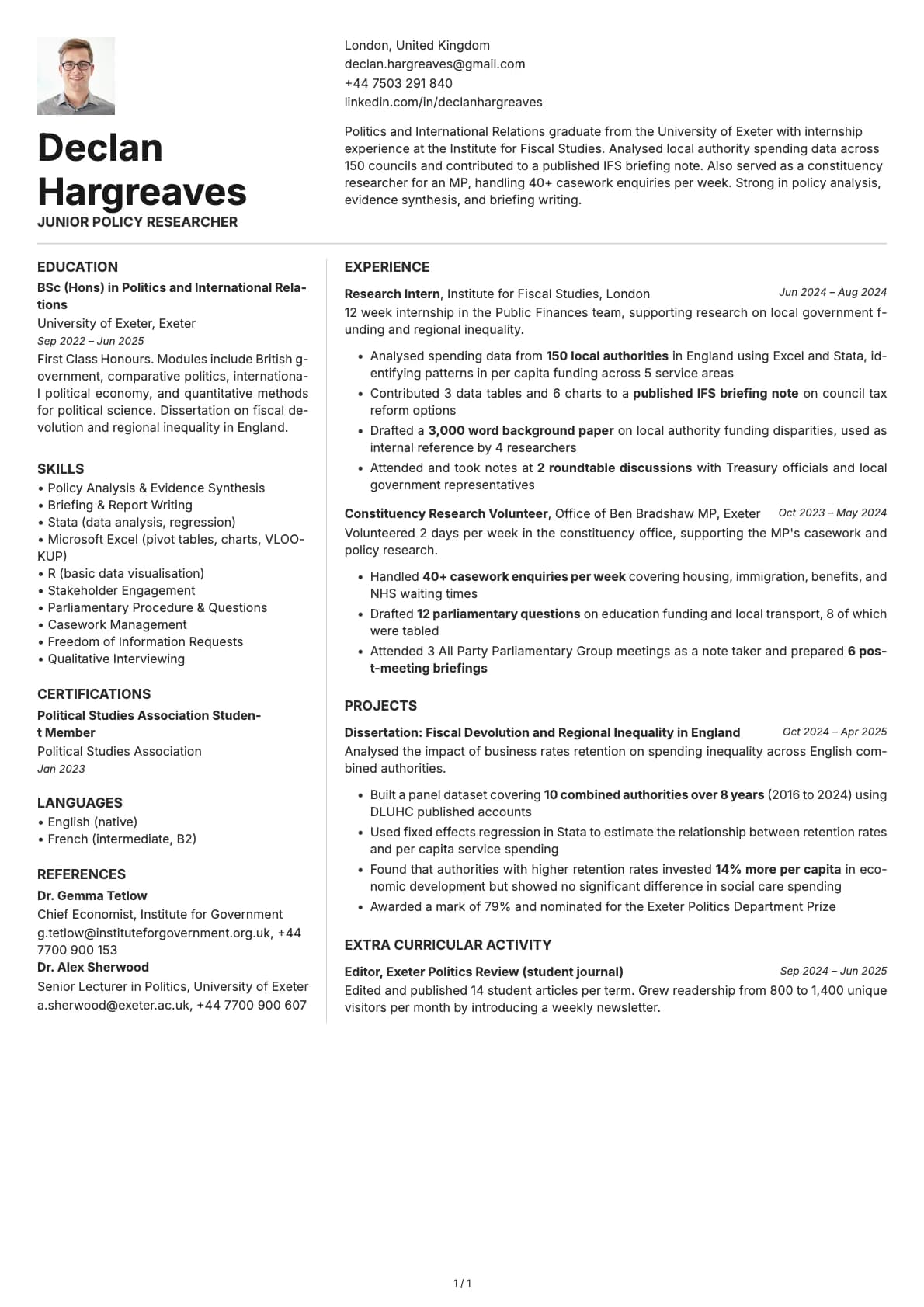
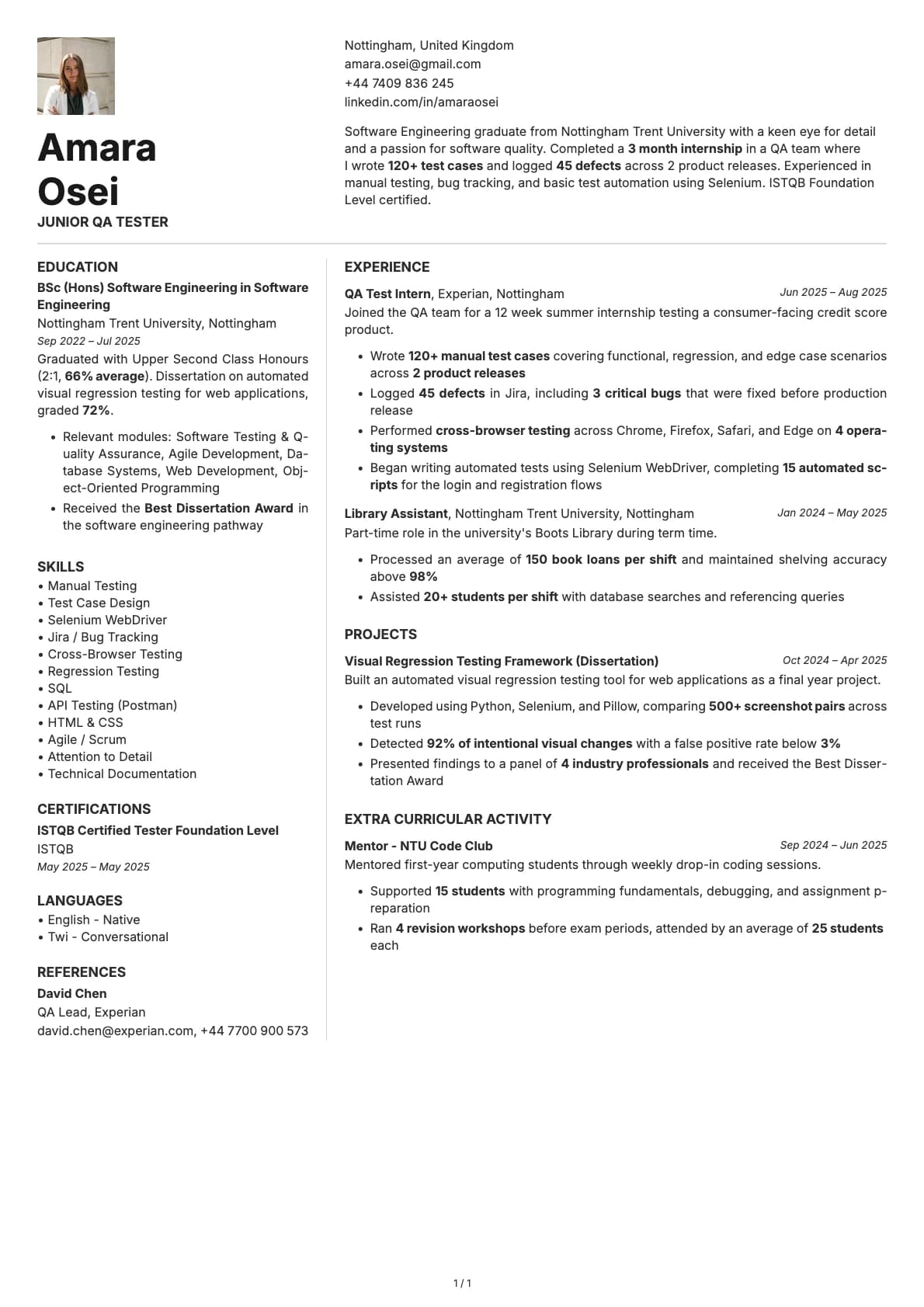
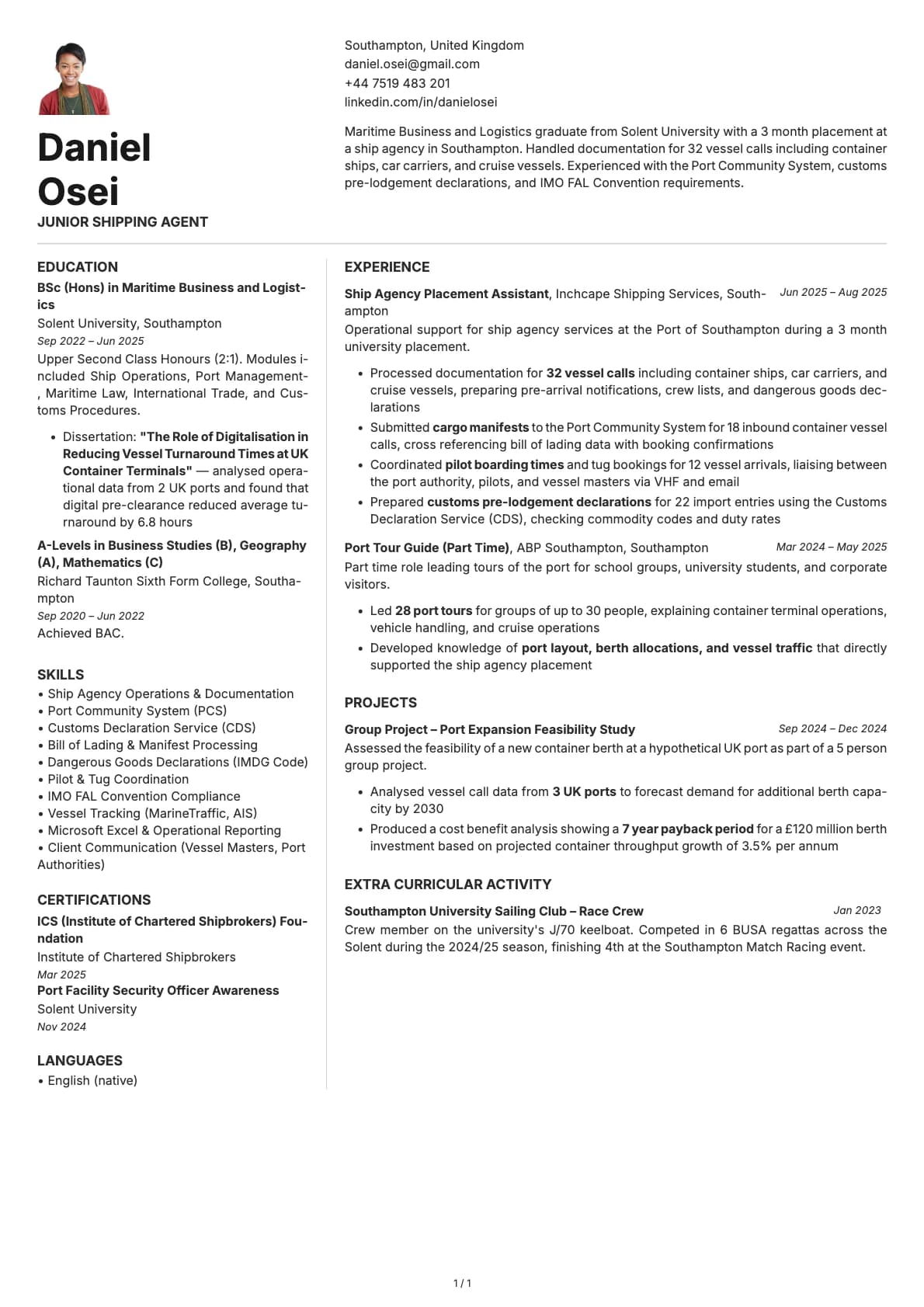
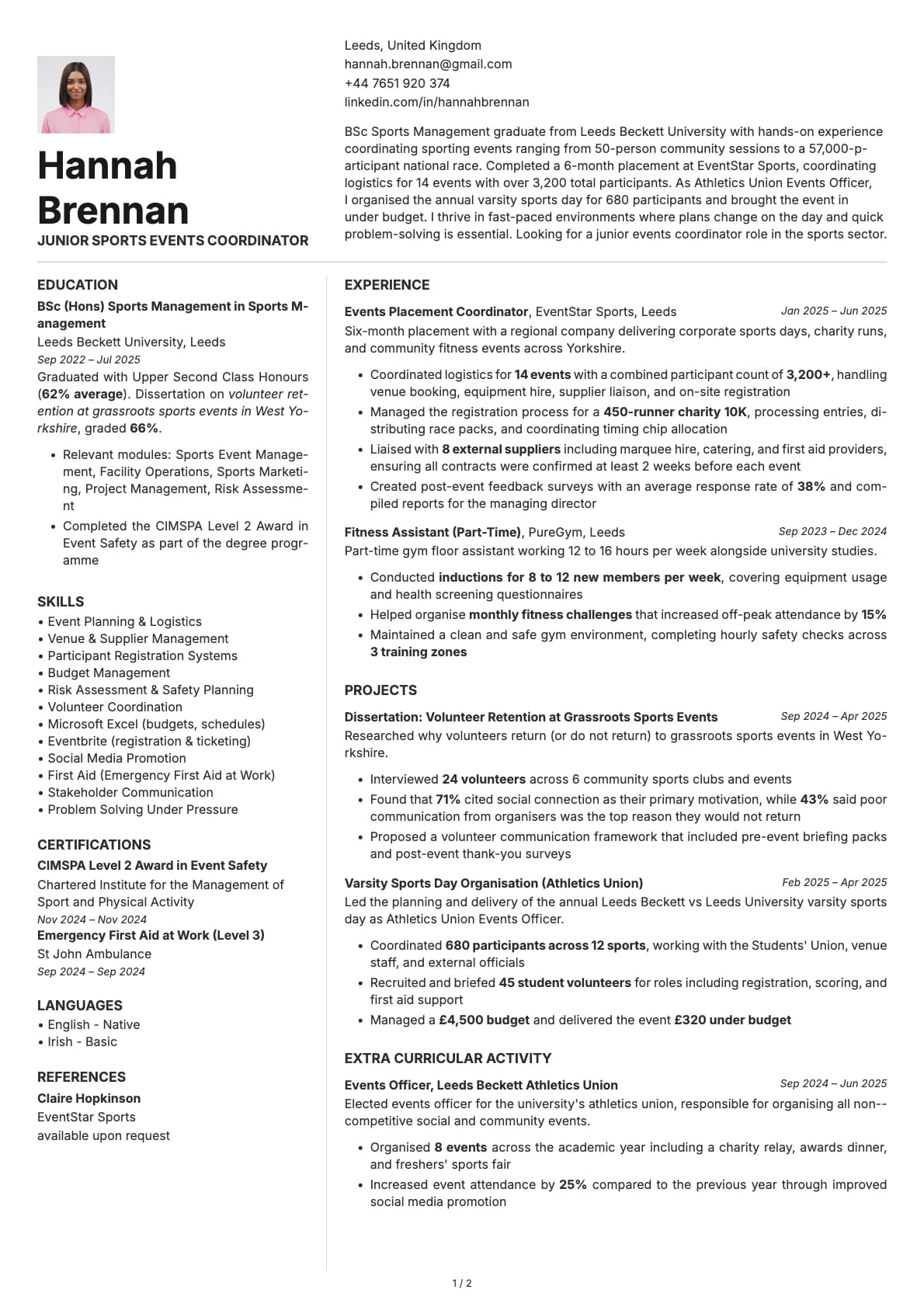
Obsidian is built for one page. No multi-page fallback, no "continued on page 2." Everything fits on a single sheet, which forces you to keep only what matters. The layout pairs a full-width header with a two-column body, and the colour options lean toward high contrast and muted earth tones.
It is the kind of template you use when you know the person reading your resume has 30 seconds and a stack of 50 others on the desk. One page, strong visual structure, no filler.
Who should use this template?
Obsidian is a natural fit for software engineers, data analysts, product designers, and other tech or creative professionals with 3-8 years of experience. The one-page constraint works in your favour when you have a focused career track and can be selective about what goes on the page.
It also works well for startup applications and direct outreach to hiring managers. The high-contrast colour options make a statement without being flashy.
If you have 15 years of experience and need room for a longer career history, this is not the right template. Look at Quartz for a similar header-plus-two-column style that supports multiple pages. If you want another one-page option with a warmer, more approachable feel, Amber does that well. And if you want a one-page minimalist layout with less visual weight, Sage keeps things very quiet. For a single-column tech-focused template that you can feed through any ATS without worrying, Zinc with its timeline layout is worth a look.
What you get
- A one-page layout that forces concise, focused content
- A full-width header with a two-column body section
- 8 colour themes, including high-contrast neutrals, warm bronze, muted green, rose, slate blue, dark navy, and purple
- The default font is Inter, a widely used sans-serif built for screen readability. You can switch to any font in Laddro (Poppins, Arvo, Lora, Century Gothic, and others) with one click
- Photo support, placed in the header area
- One-page only design that keeps your resume tight and scannable
ATS compatibility
Obsidian scores 7.0/10. Two factors bring the score down slightly: the two-column body layout and the one-page constraint, which can lead to denser text blocks that some parsers struggle with.
In practice, most modern ATS platforms handle it fine. Greenhouse, Lever, and Ashby will read the sections correctly. Older systems like Taleo might occasionally misorder the two columns. If you are applying through a portal and want to be cautious, keep a plain-text version ready as a backup.
For direct applications, email submissions, or portfolio links, the 7.0 score is not a concern. The person reading it will see exactly what you intended.
Colour options
You get 8 colour variations:
- Clean neutrals with grey accents for an understated, professional look
- Warm bronze and earth tones for a grounded, confident feel
- Muted green and rose for a softer, more approachable style
- Slate blue and deep navy for a tech-forward tone
- Purple accents for creative roles
The high-contrast options in particular make the one-page layout feel intentional rather than cramped.
Tips for getting the most out of Obsidian
- Be ruthless about what goes on the page. One page means every line needs to earn its spot. Cut anything that does not directly support the role you are applying for.
- Lead with your strongest section. If your experience is your best asset, put it first. If your skills or certifications carry more weight, lead with those.
- Use the left column for concise, scannable content like skills, tools, languages, and certifications. Save the right column for experience and education, which need more room.
- The high-contrast colour options (navy, dark accents) print well and look sharp in PDF format. If you are sending your resume by email, these are safe choices.
Build your resume with Obsidian on Laddro
Start building with Obsidian. Fill in your details, switch colours and fonts in real time, and download a PDF when you are ready. No account needed to start.
How would you rate this template?
Your rating helps others pick the right template for their resume.
Make this template yours
Pick a colour, add your details, and download your resume. No design skills needed.
Free to use. No account needed to start.
Resumes built with Obsidian