Platinum Resume Template
An executive single-column resume template with 8 colour options including dark mode backgrounds. ATS score 9.0/10.
Free to use. No account needed to start.
Why Platinum?
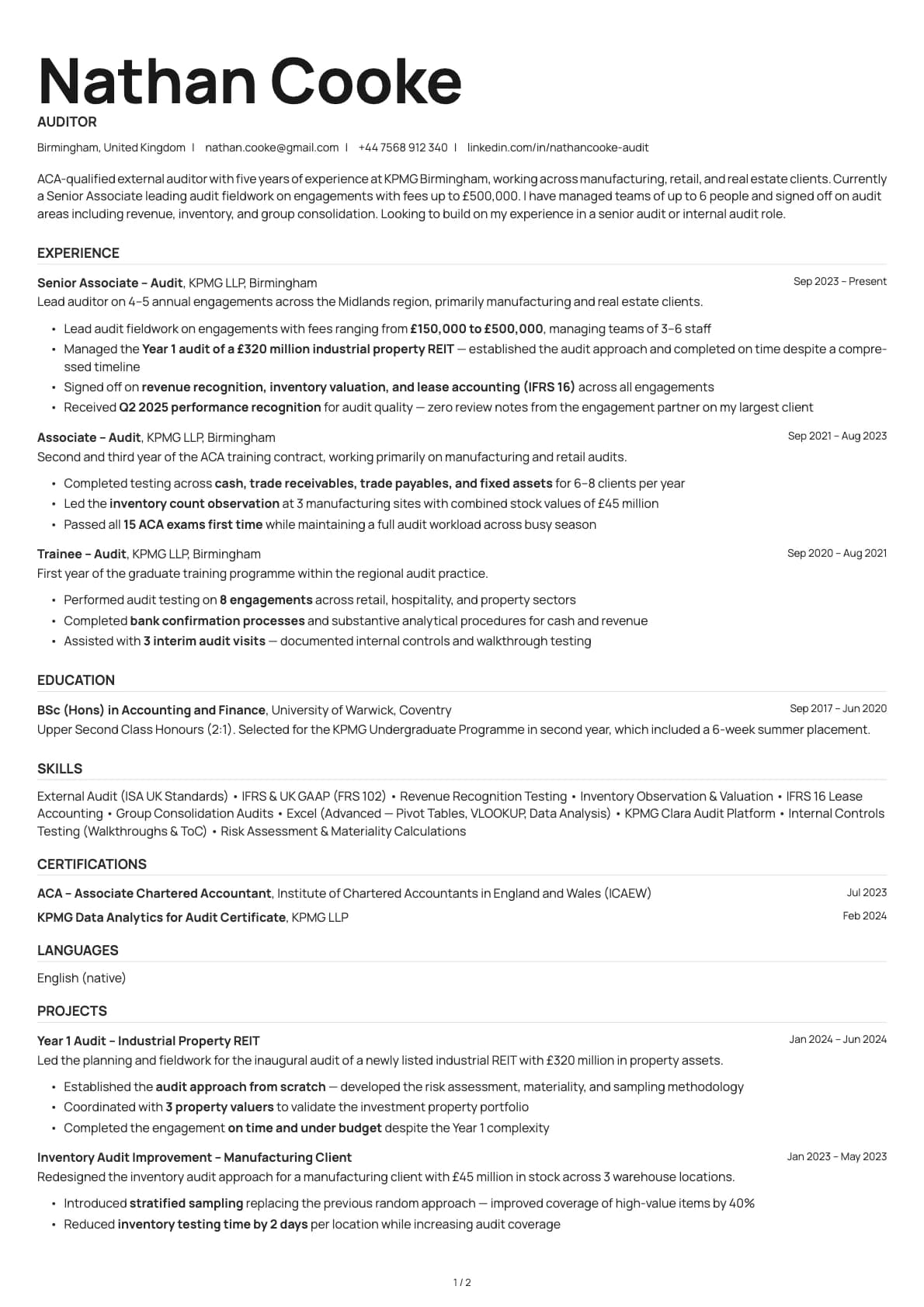
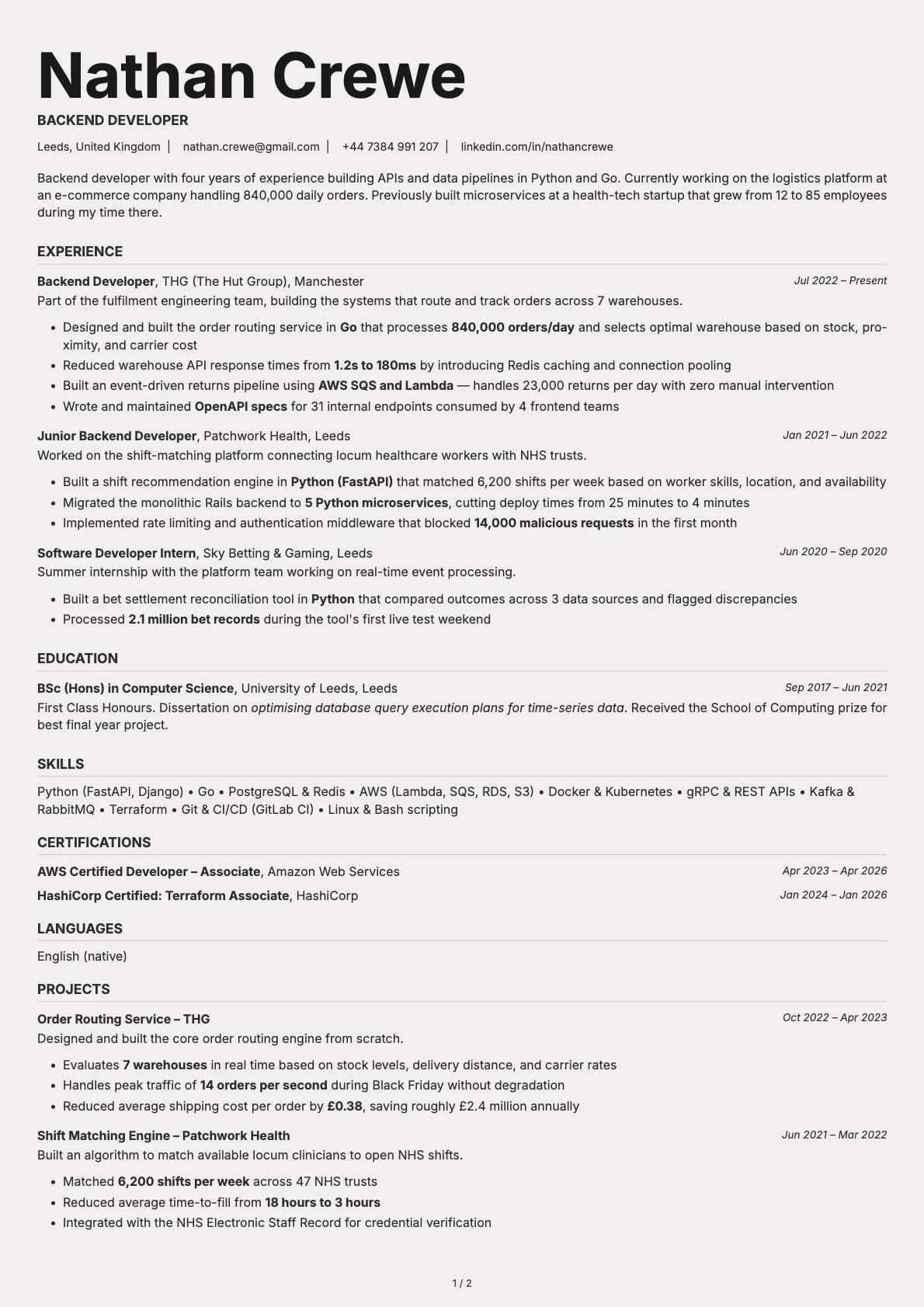
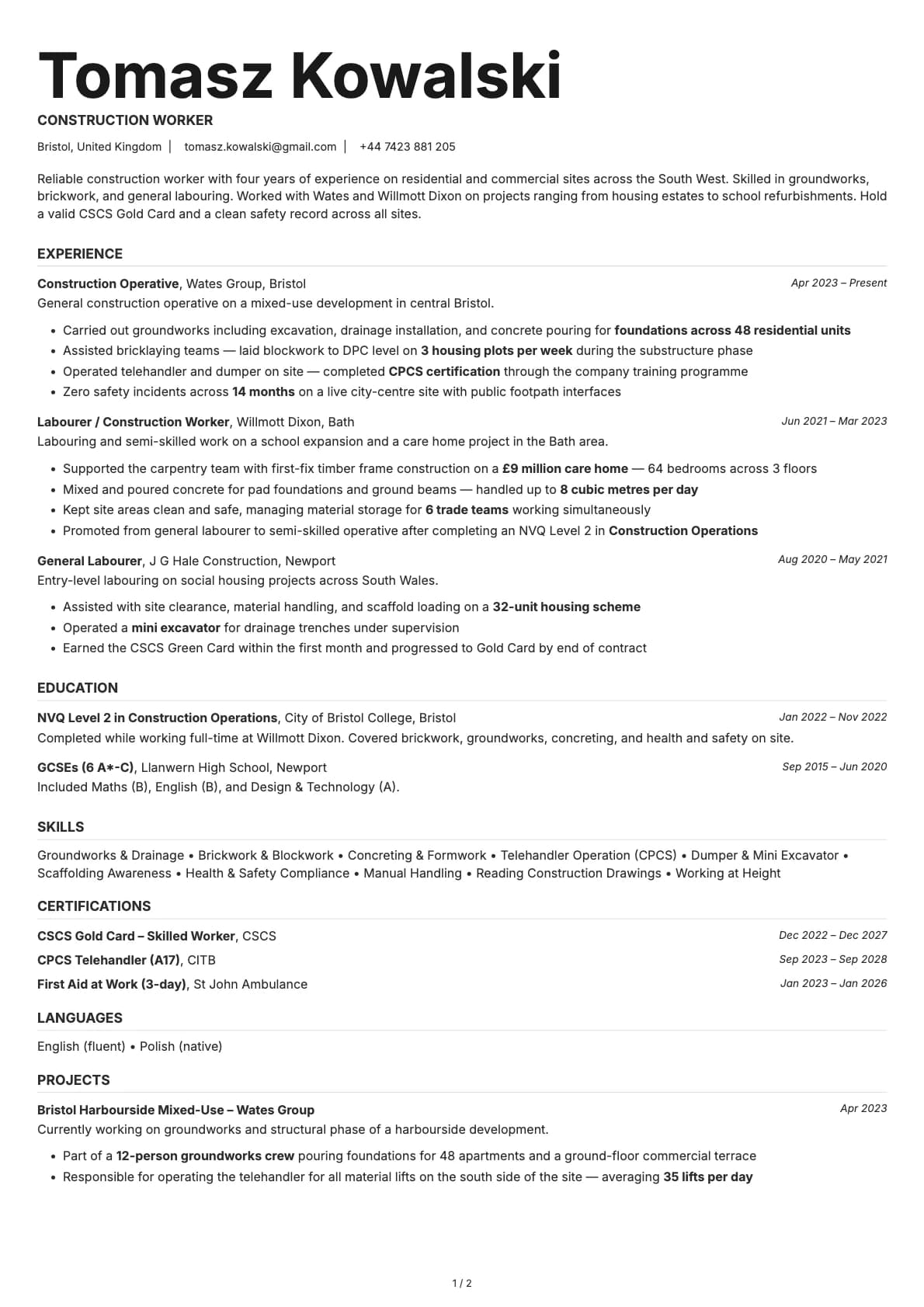
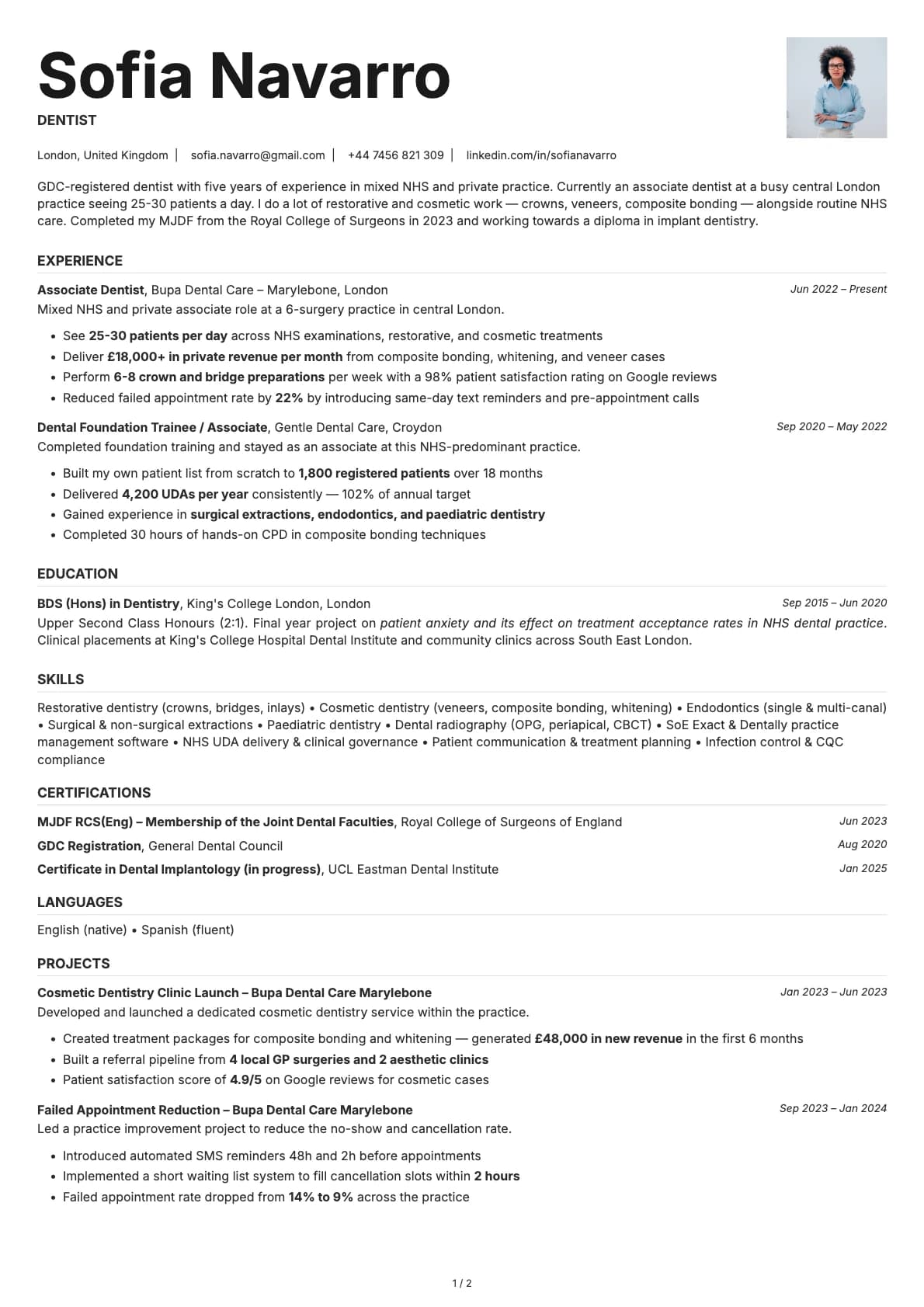
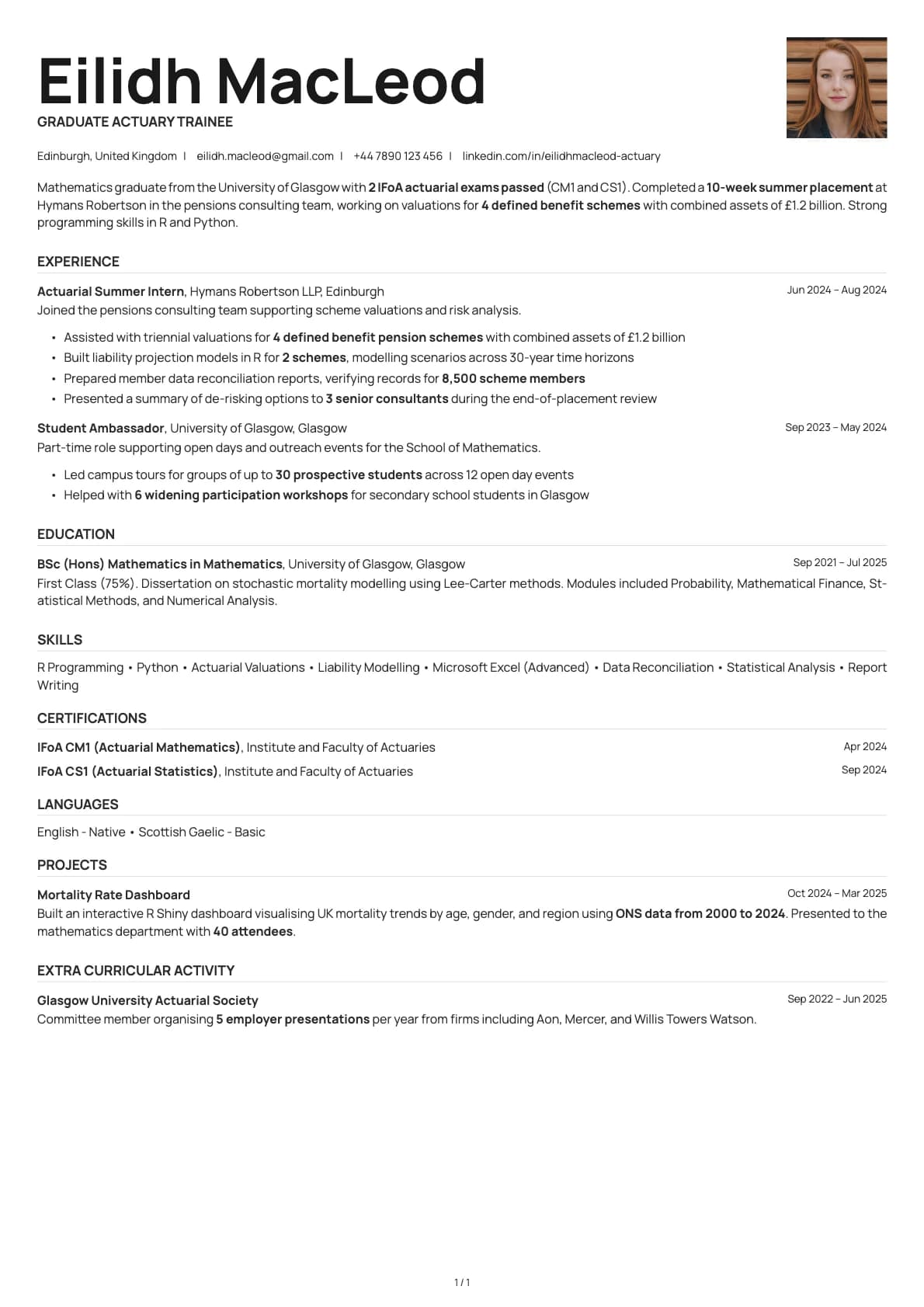
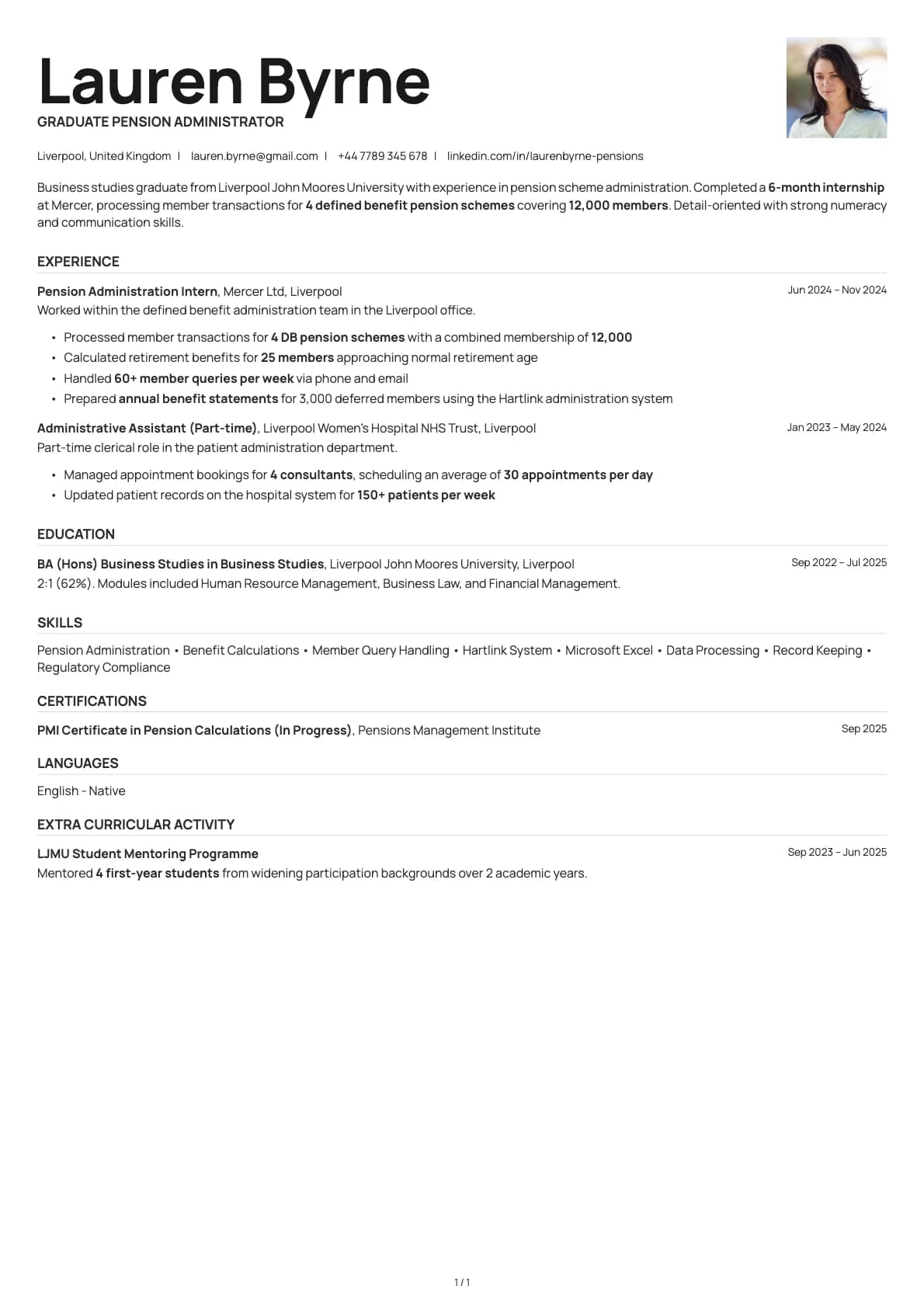
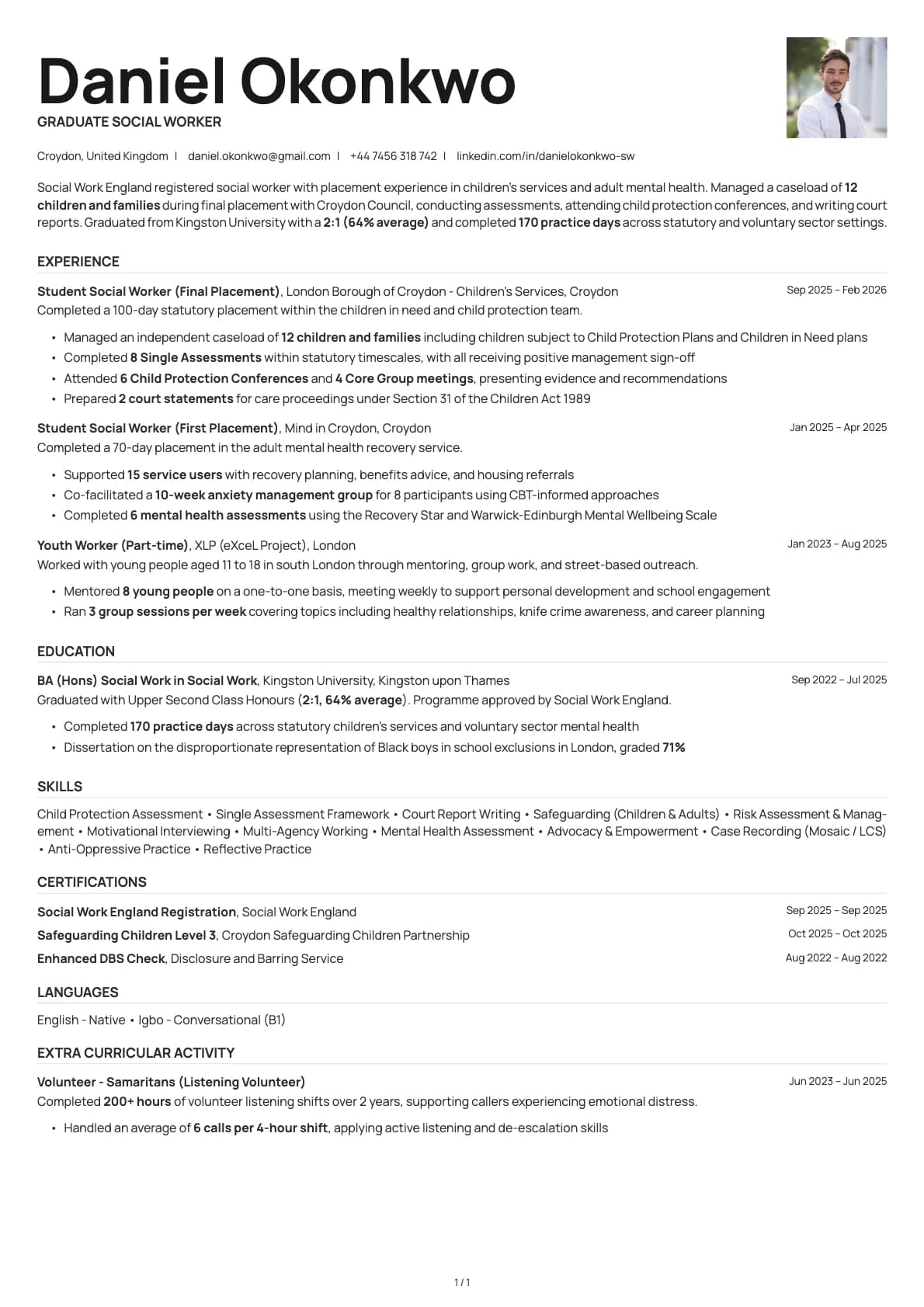
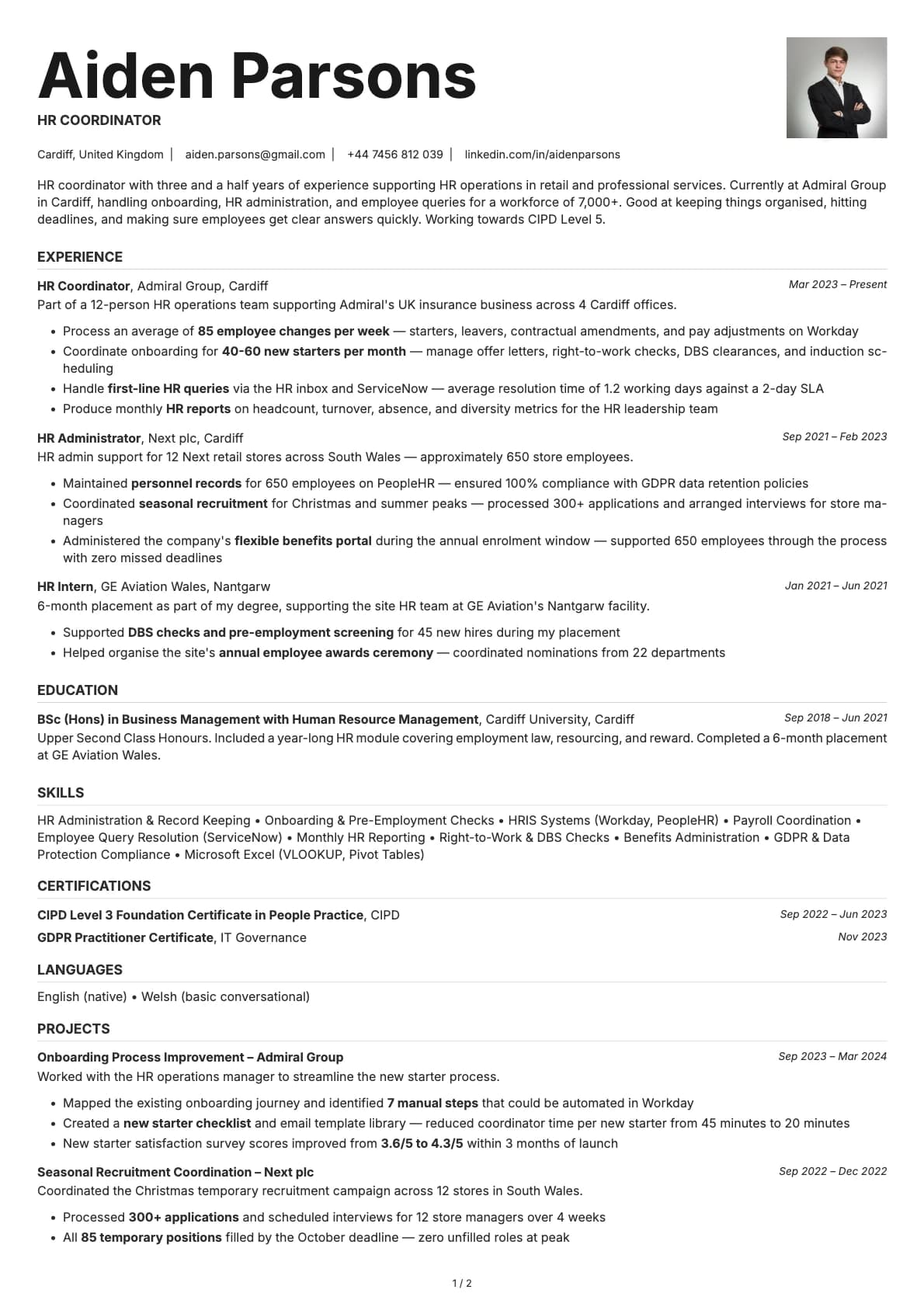
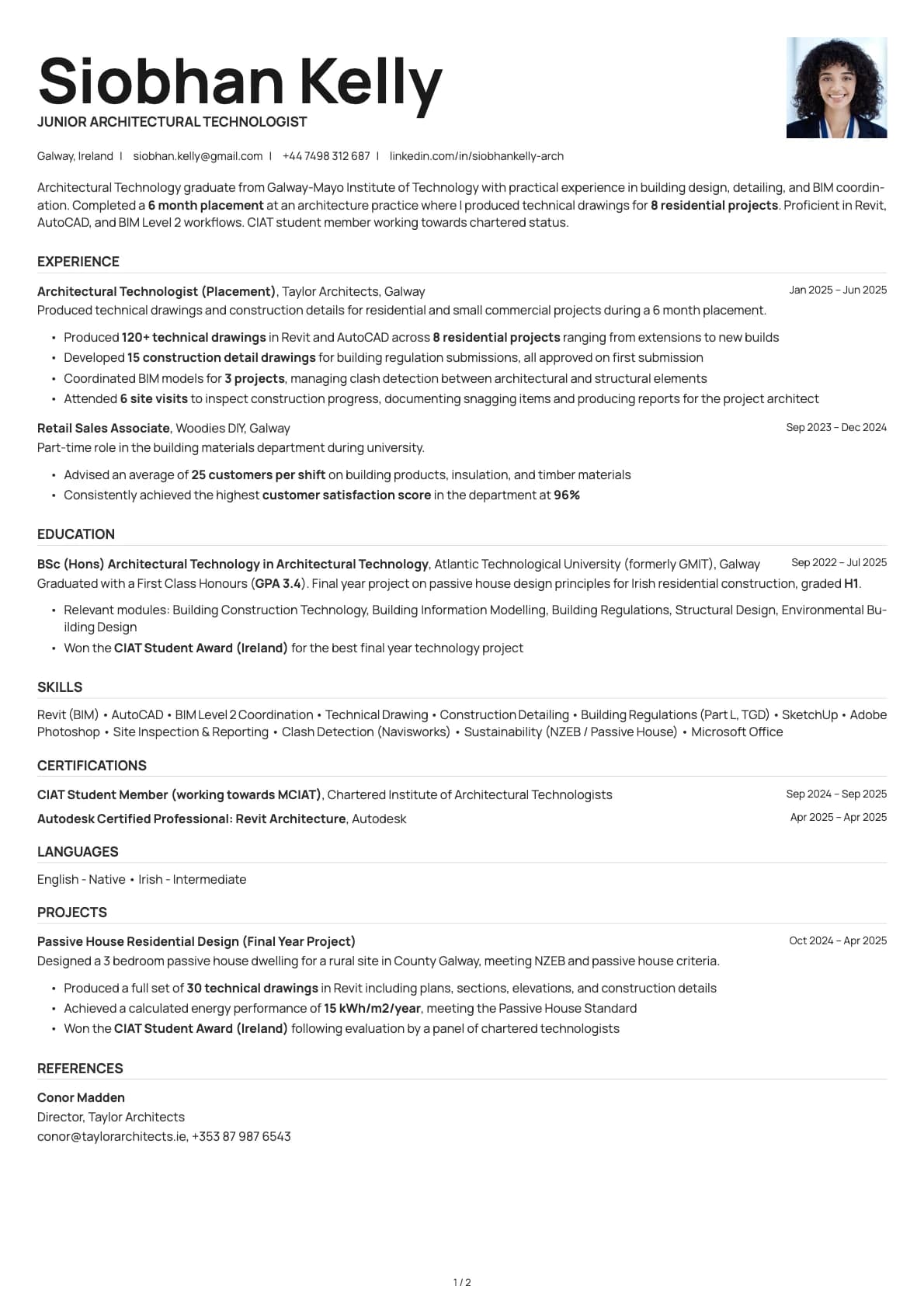
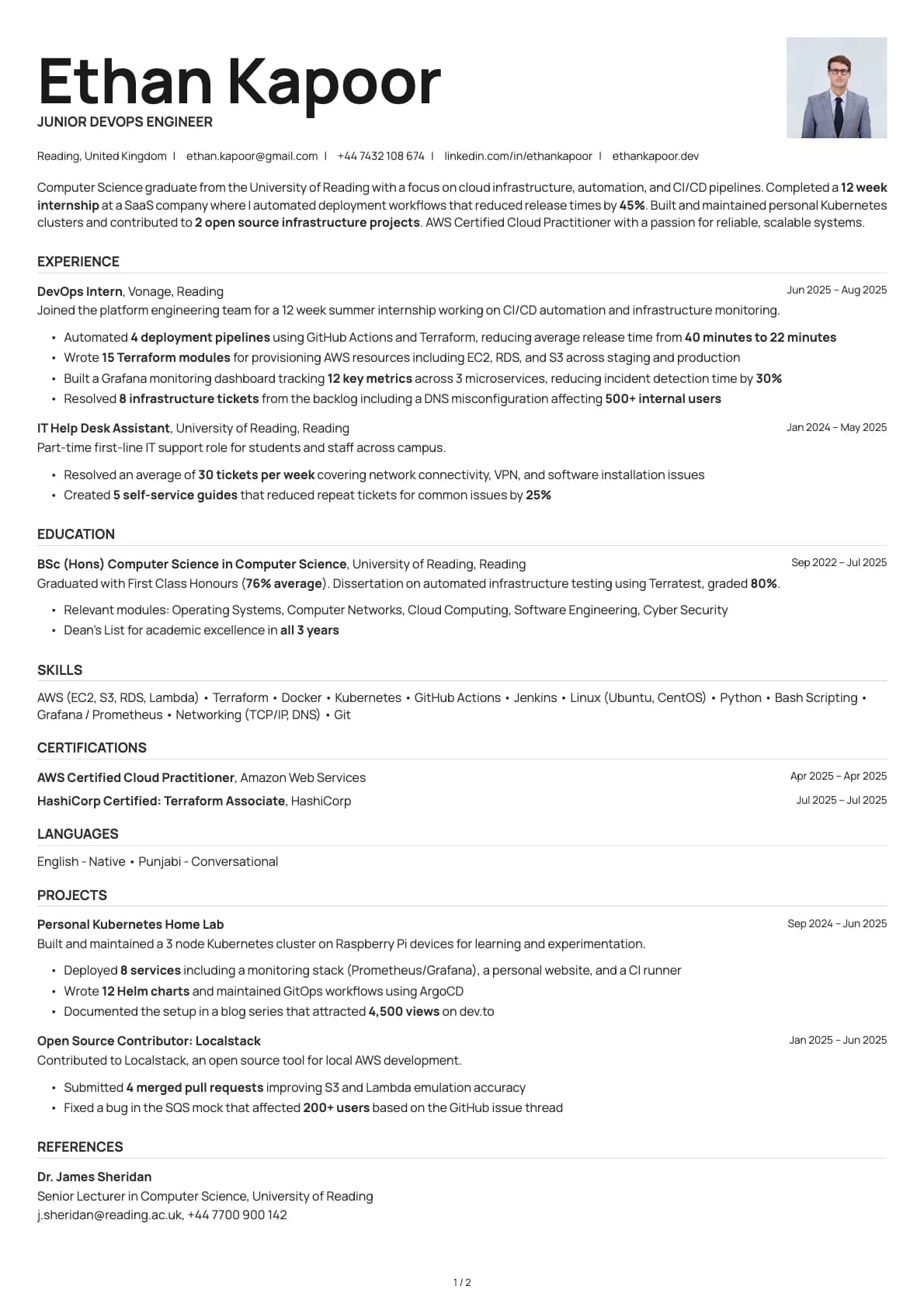
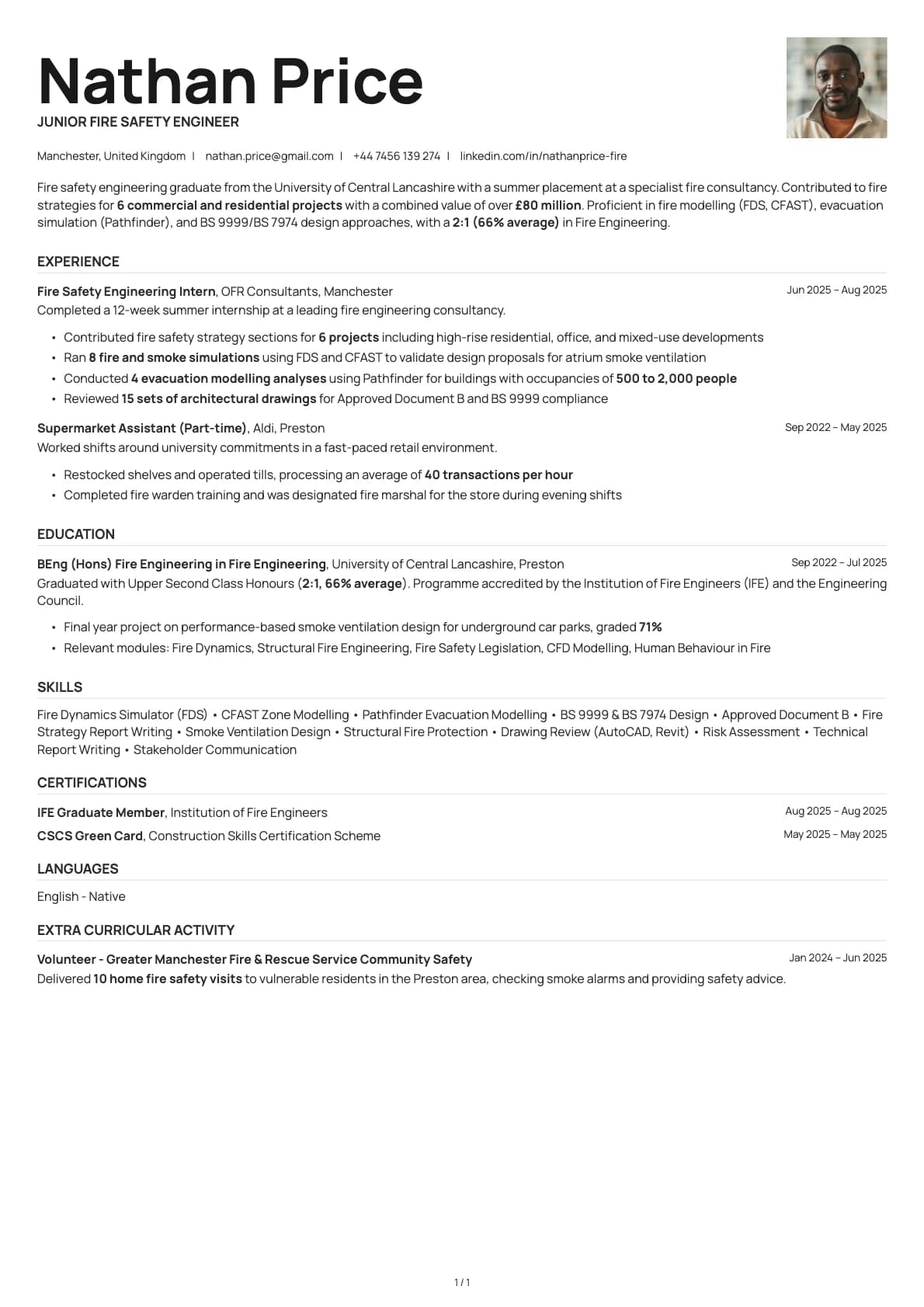
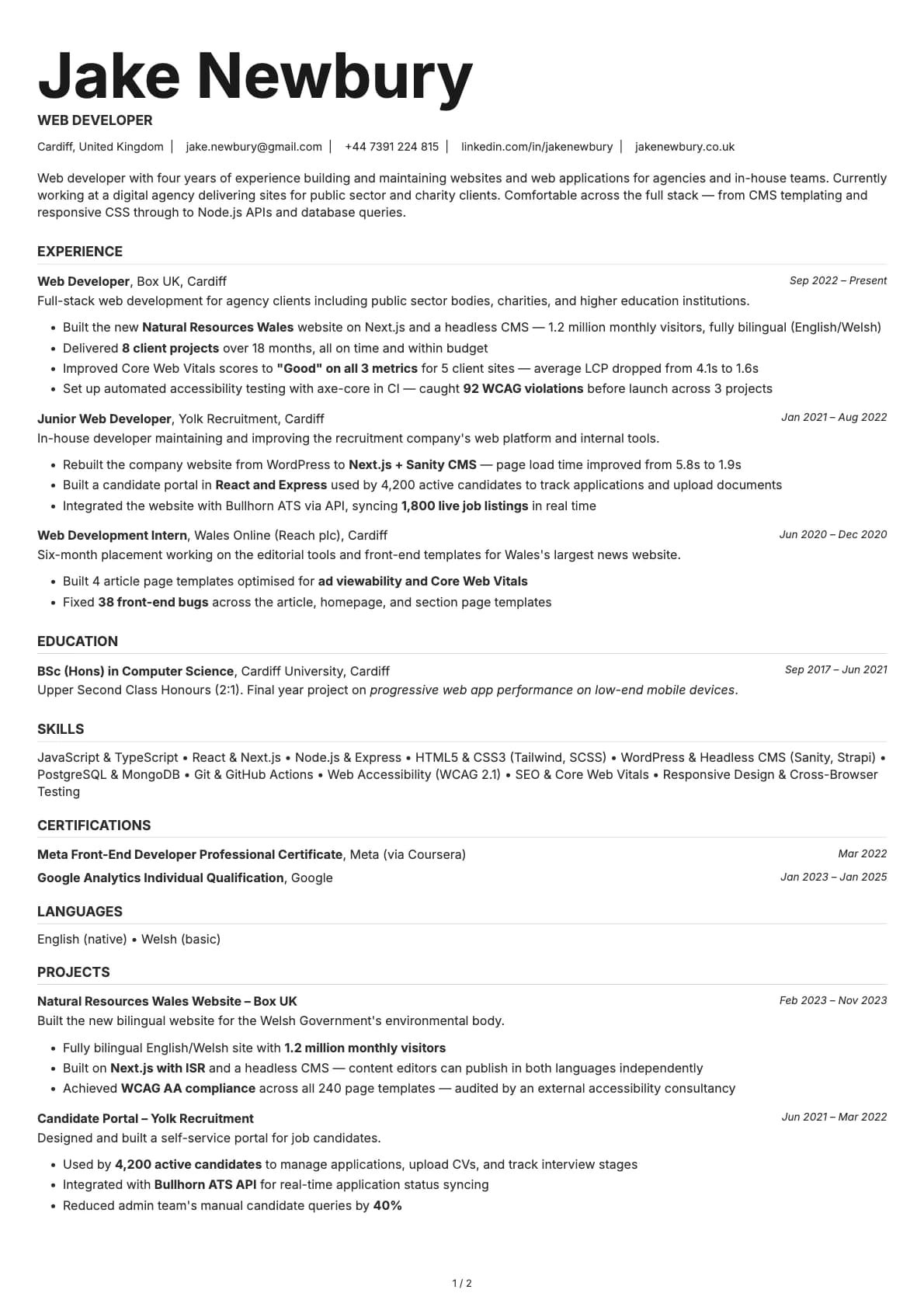
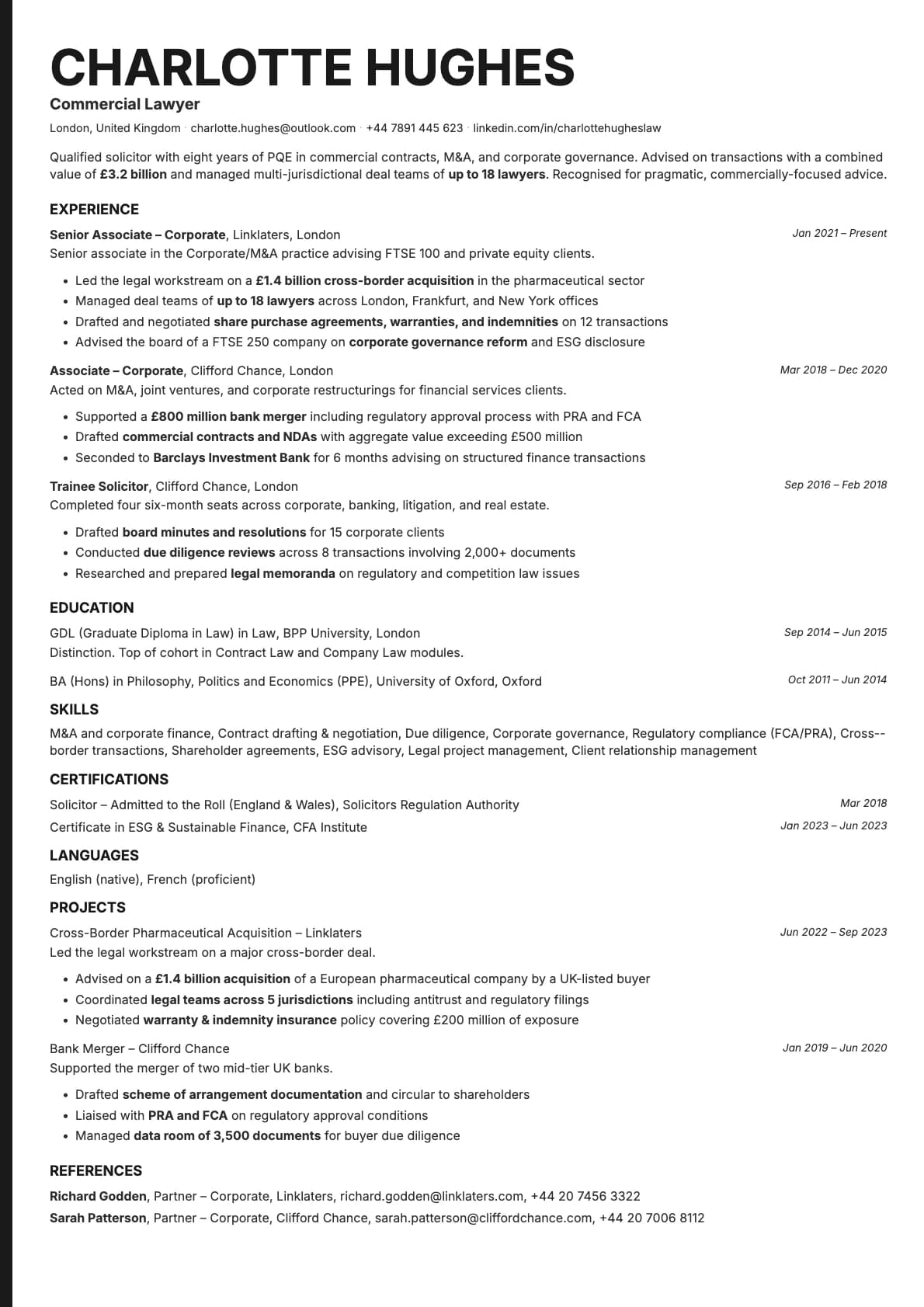
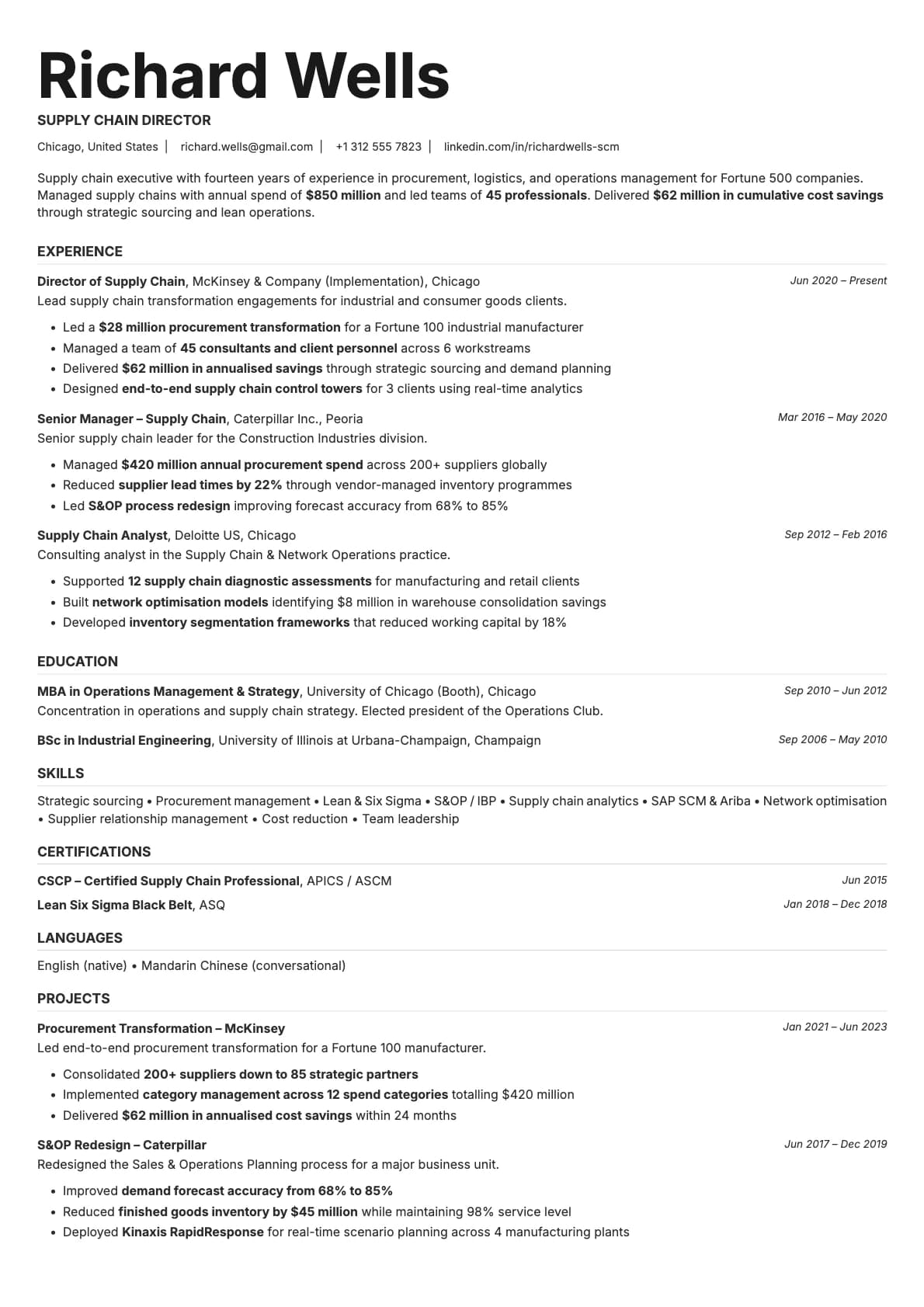
Platinum is built for people who want their resume to look executive without looking flashy. It is a single-column layout with a 9.0/10 ATS score, so it parses correctly on every major job portal. The design is structured and confident, the kind of resume you would hand to a board member or a senior recruiter.
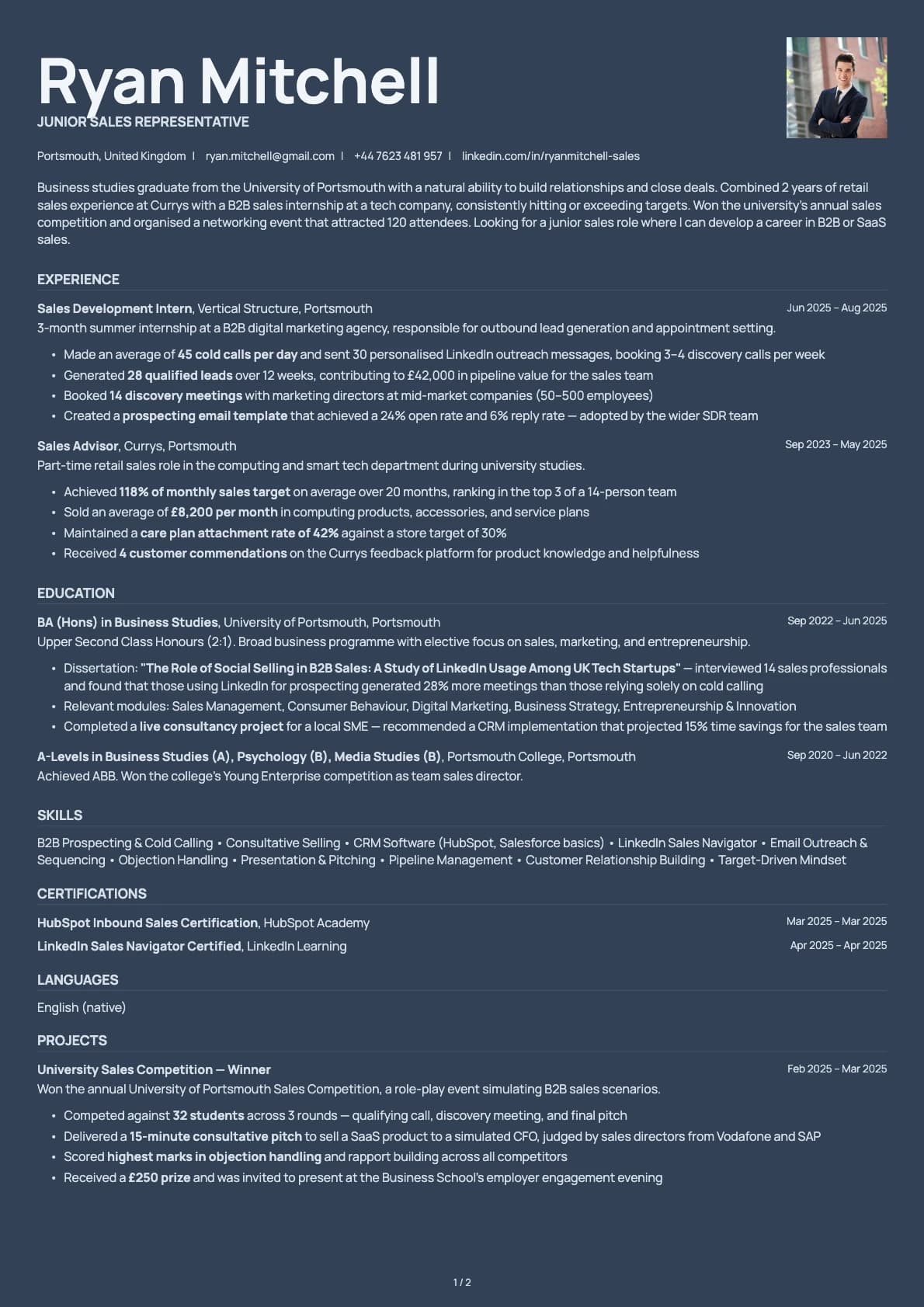
What sets Platinum apart from other corporate templates is its dark mode colour options. Most resume templates only give you light backgrounds. Platinum includes dark charcoal and navy options that look sharp on screen when you are sending your resume digitally. The light variants are just as polished for print.
Who should use this template?
Platinum works well for directors, VPs, C-suite candidates, and anyone applying to senior or mid-level corporate positions. It is also a strong choice for consultants, project managers, and finance professionals who want something that reads as polished and serious.
If you are earlier in your career and want something with a lighter feel, this might come across as too formal. In that case, try Emerald for a clean single-column layout with more colour variety, or Marble for a softer corporate look. If you need a two-column executive layout, Sapphire gives you that with a sidebar for skills and contact details.
What you get
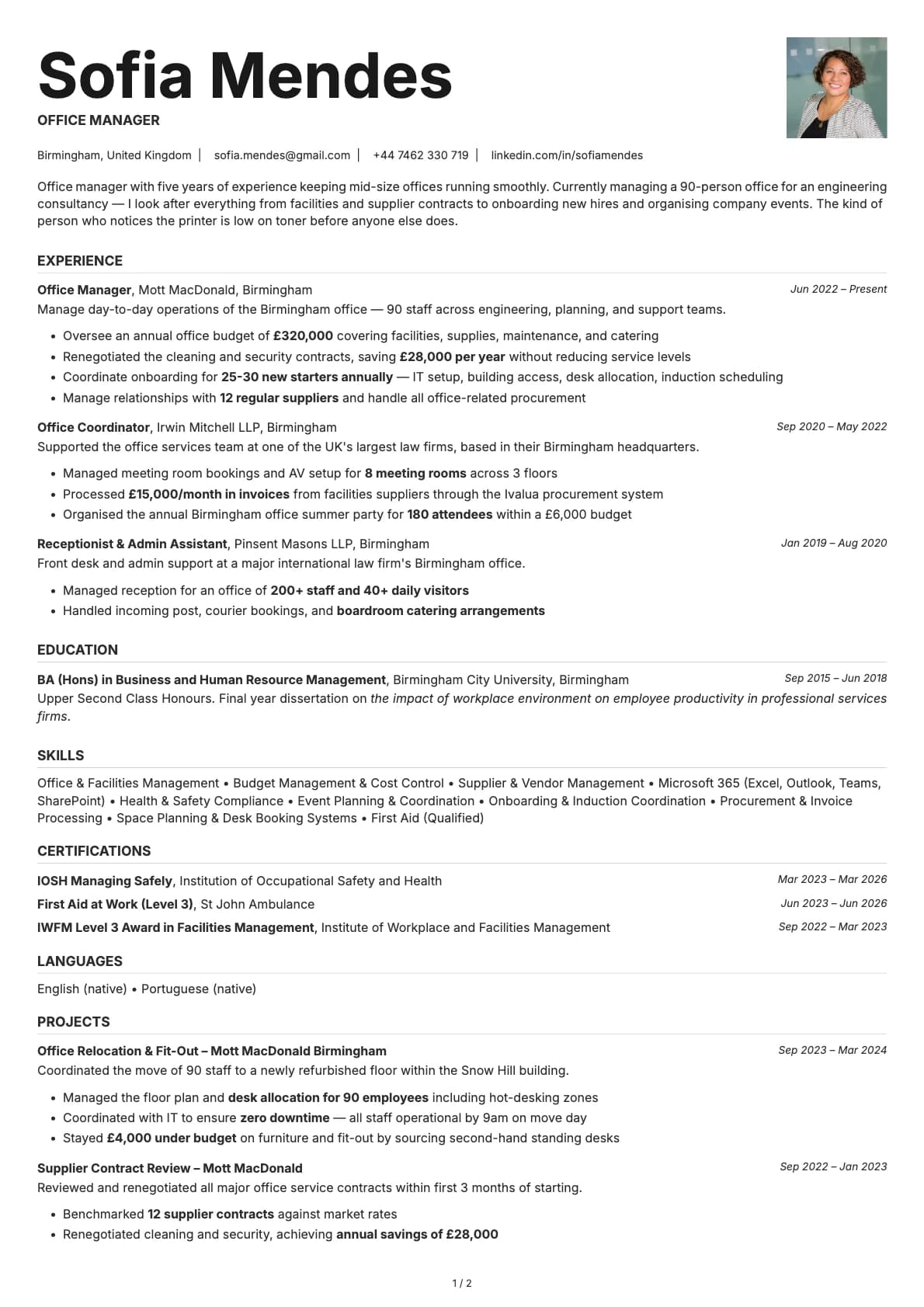
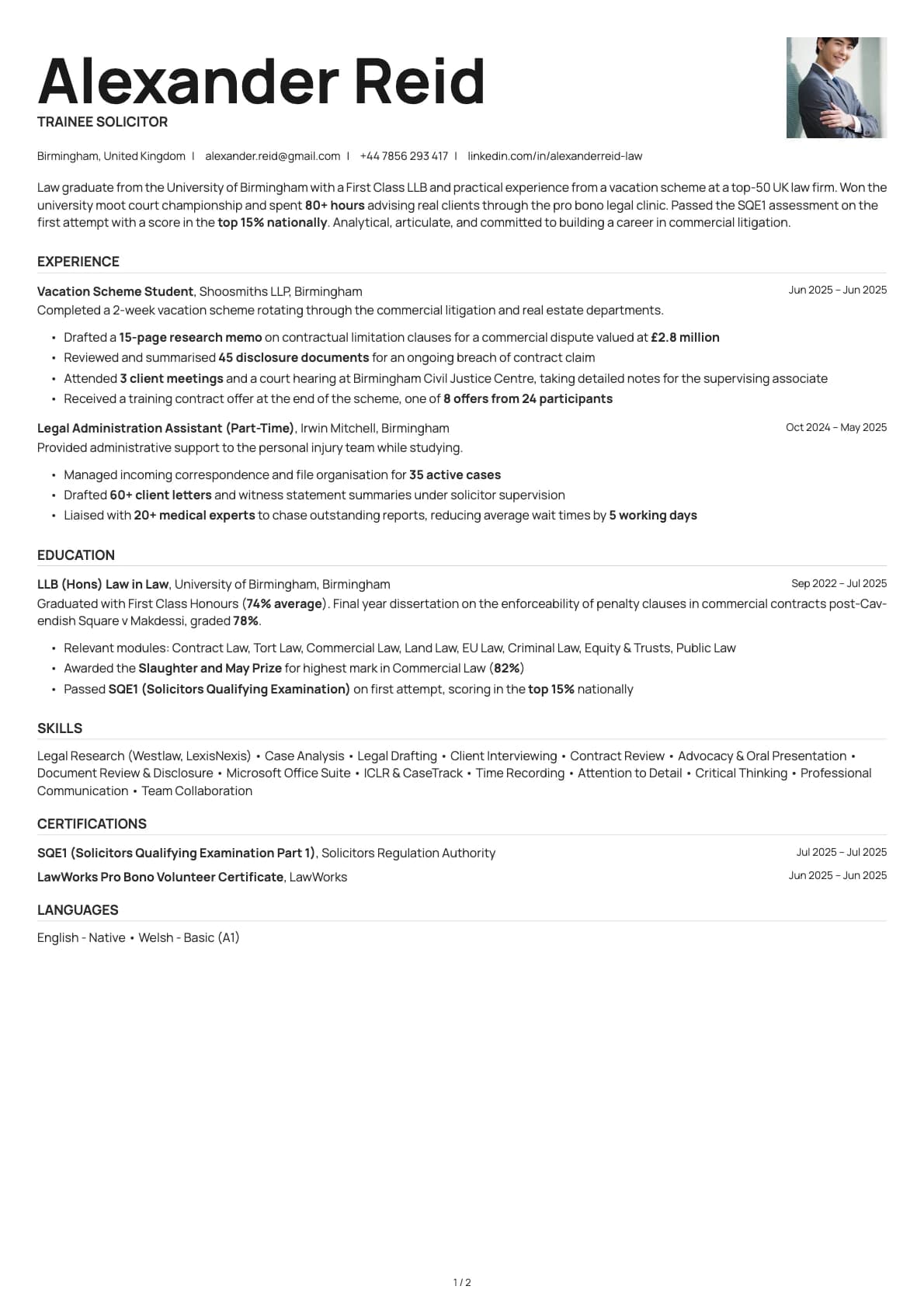
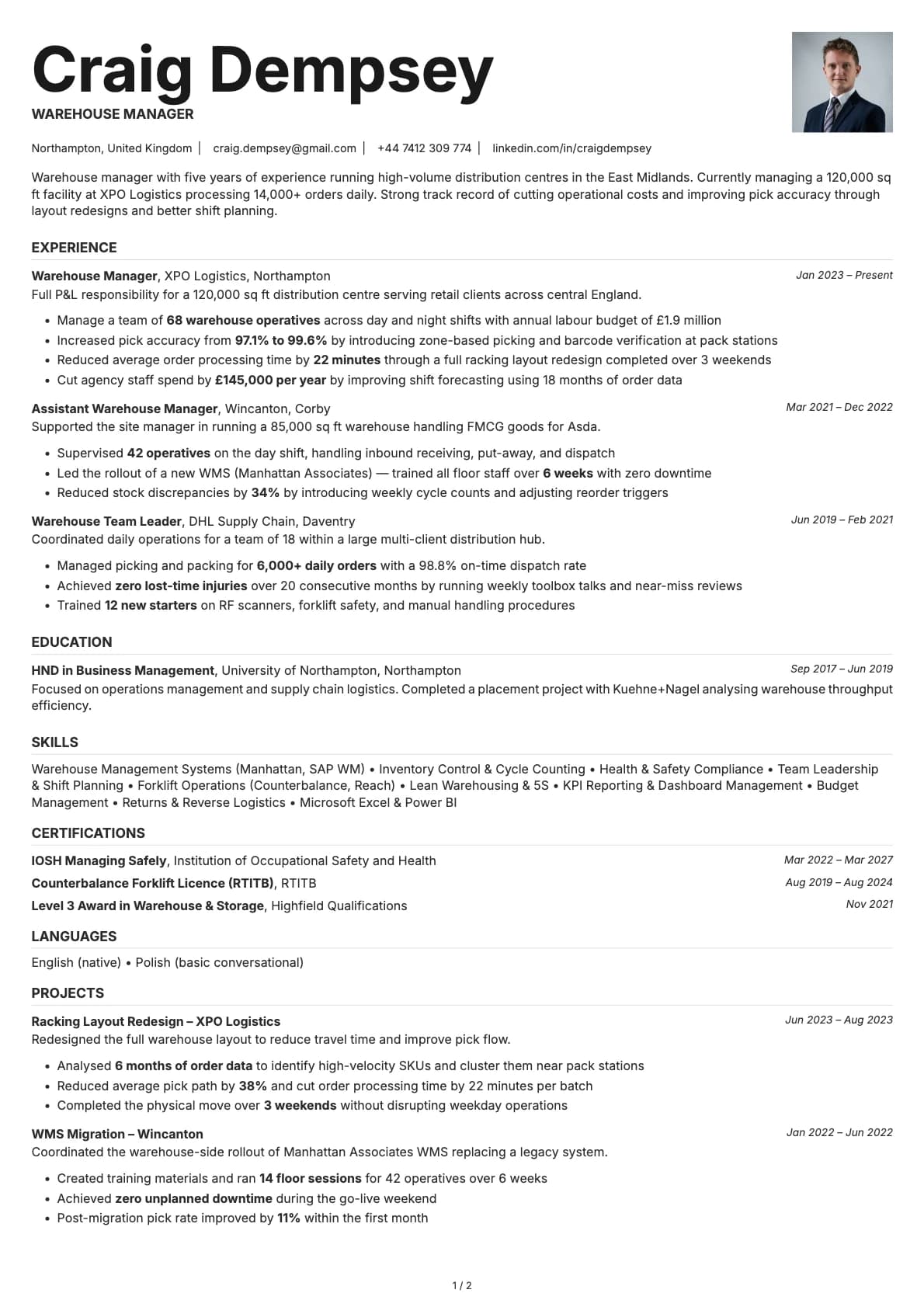
- A single-column layout that scores 9.0/10 on ATS compatibility
- 8 colour themes, including dark charcoal and navy backgrounds for a distinctive on-screen look
- The default font is Inter, a clean sans-serif that works well at any size. You can switch to any font available in Laddro (Arvo, Poppins, Lora, Century Gothic, and others) with one click
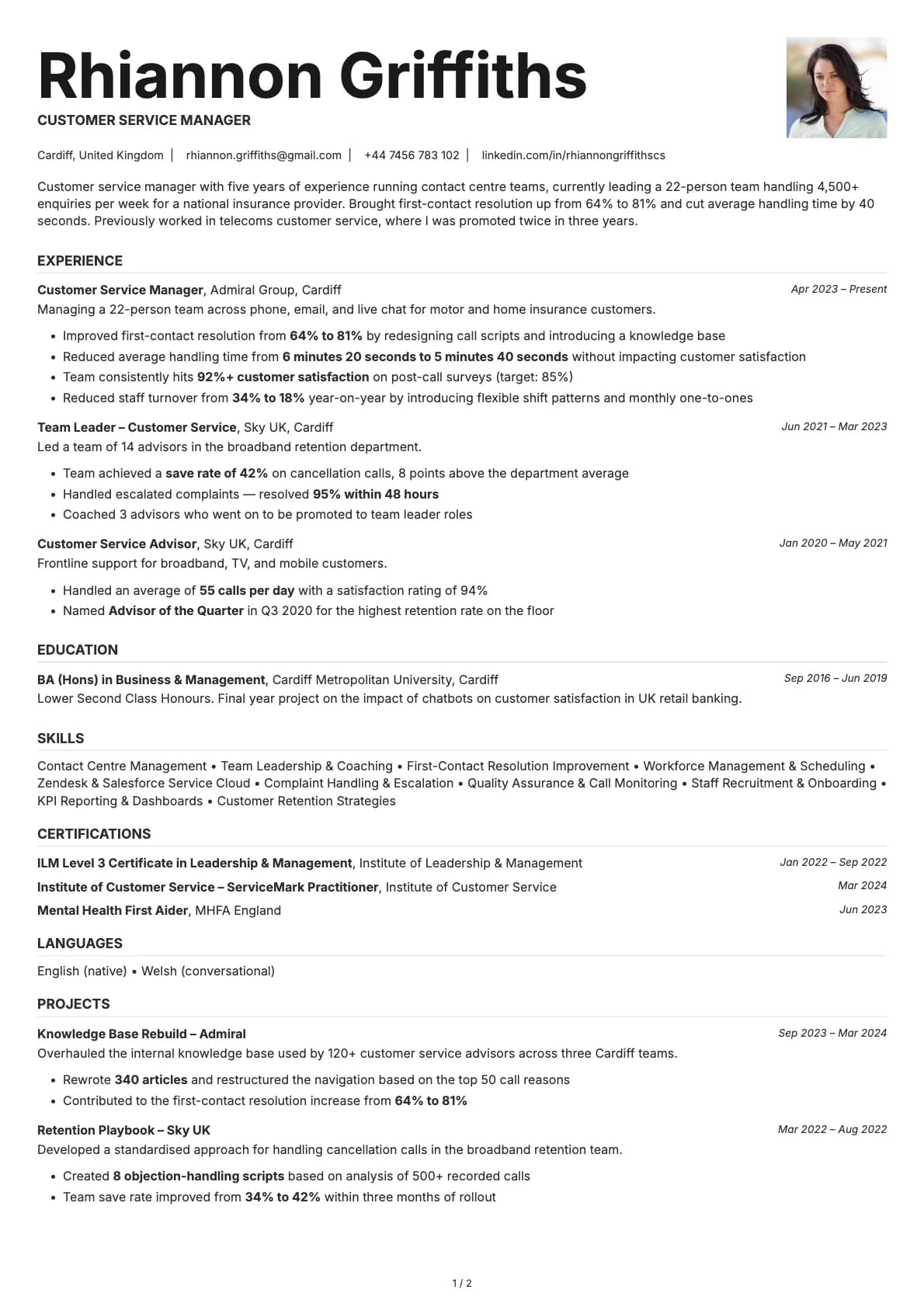
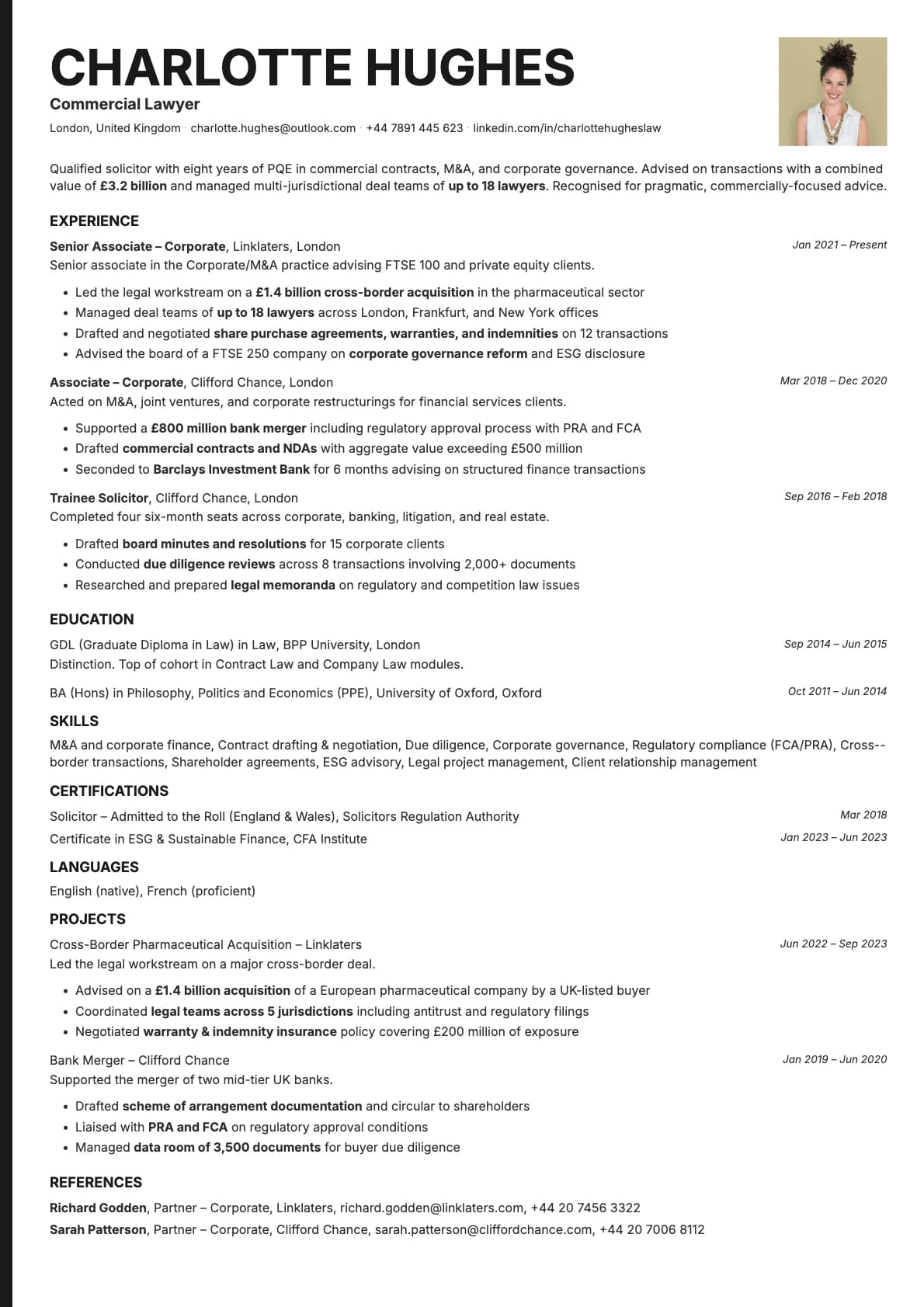
- Photo support if you need it, with a photo variant available
- Multi-page support for longer career histories
ATS compatibility
Platinum scores 9.0/10 on ATS parsing. The single-column layout keeps all content in one stream, which means parsers from Workday, Taleo, iCIMS, Greenhouse, and LinkedIn Easy Apply can read every section without issues.
- No sidebars or tables that could confuse automated systems.
- All text is native, not embedded in images or text boxes.
- Section headings follow standard naming conventions that ATS software expects.
Colour options
The 8 colour options break down into two groups:
- Light backgrounds: classic white, soft cream, muted sage, lavender, and rose tones for a traditional corporate look
- Dark backgrounds: charcoal and slate navy for a more modern, executive presence on screen
The dark options print well too, but they really shine when your resume is being viewed on a laptop or tablet. Pick based on how you plan to submit it.
Tips for getting the most out of Platinum
- If you are applying to a traditional company (banking, law, government), stick with the white or cream colour options. Save the dark backgrounds for tech companies or startups where standing out is an advantage.
- Lead each bullet point with a result. "Reduced operating costs by 22%" lands harder than "Responsible for cost optimization initiatives."
- Keep your summary to three or four lines. At the executive level, recruiters want to see the highlights fast, then dig into your experience section for details.
- Use the photo variant if you are applying in regions where resume photos are expected (much of Europe, the Middle East, and parts of Asia).
Build your resume with Platinum on Laddro
Start building with Platinum. Fill in your details, switch colours and fonts in real time, and download a PDF when you are ready. No account needed to start.
How would you rate this template?
Your rating helps others pick the right template for their resume.
Make this template yours
Pick a colour, add your details, and download your resume. No design skills needed.
Free to use. No account needed to start.
Resumes built with Platinum