Emerald Resume Template
A clean single-column resume template with 18 colour options and a 9.5/10 ATS score. Works for corporate, executive, and general roles.
Free to use. No account needed to start.
Why Emerald?
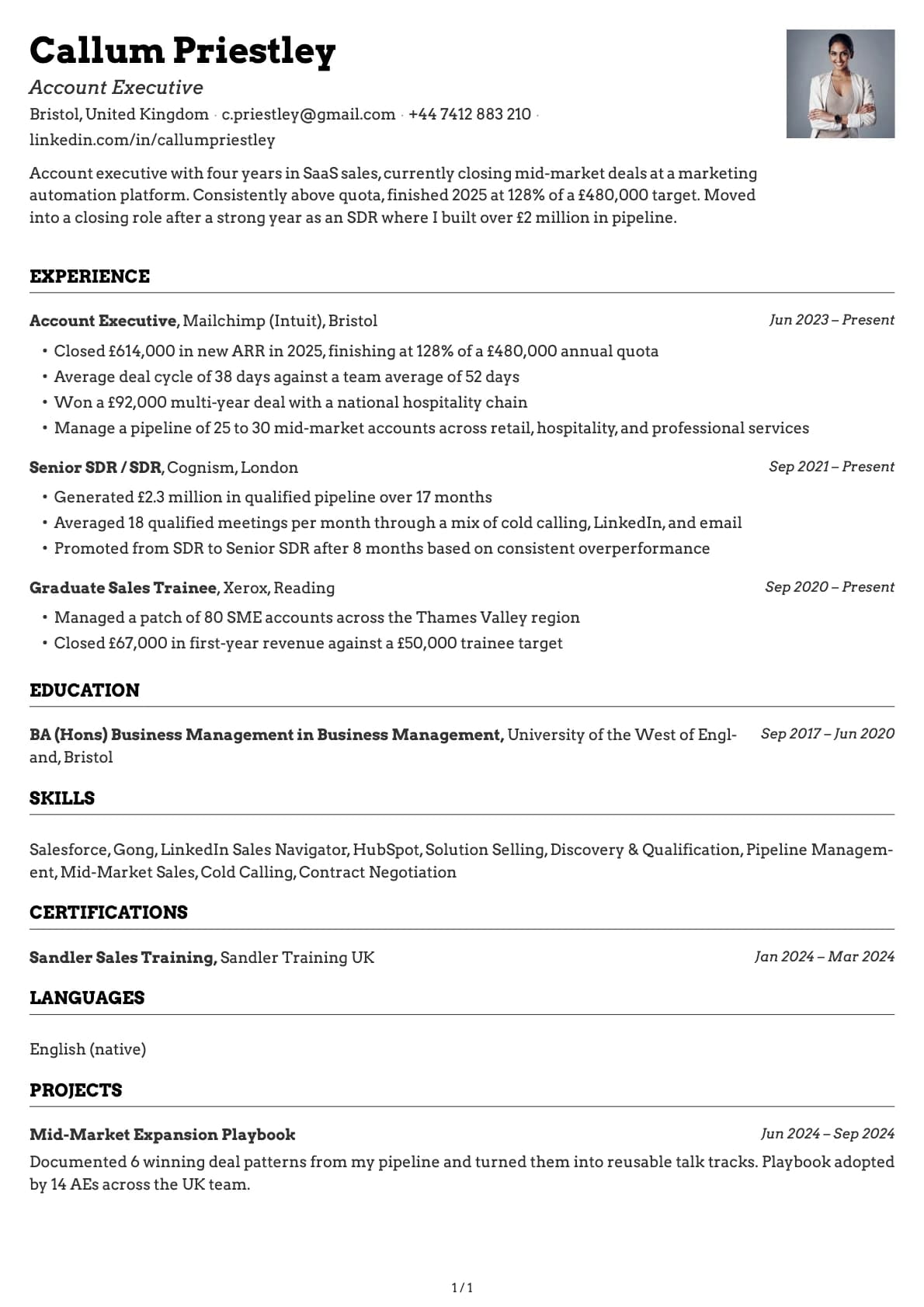
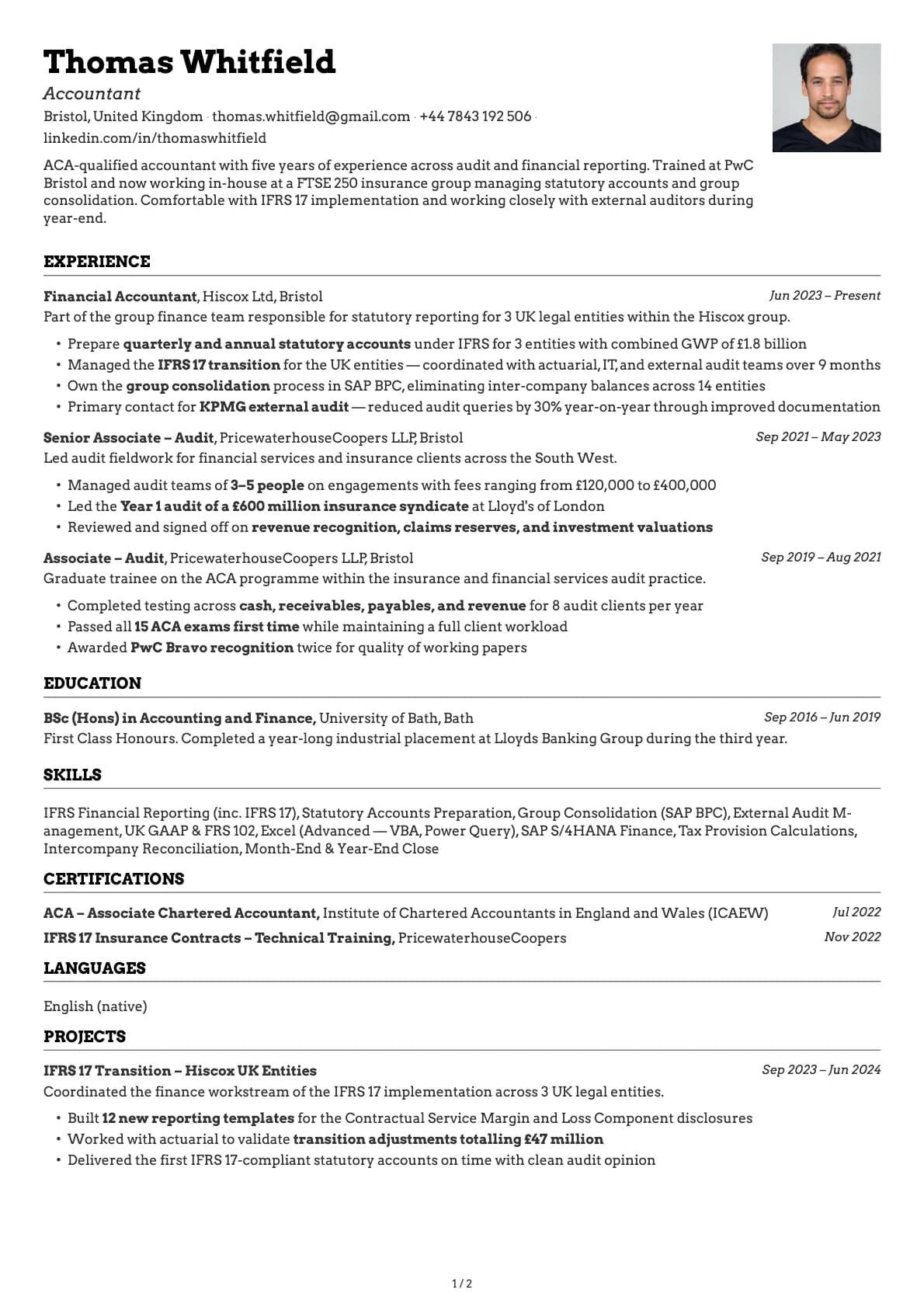
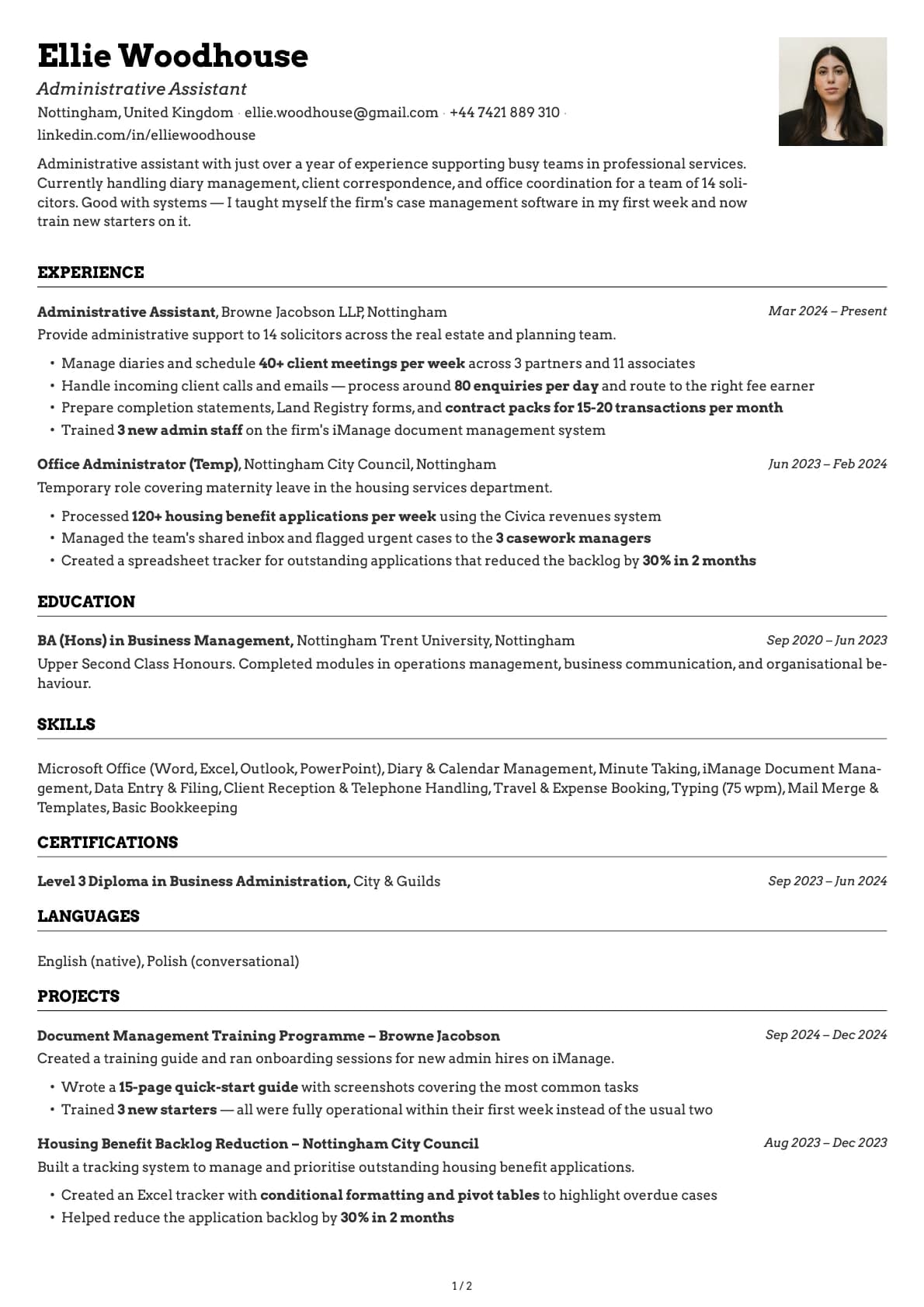
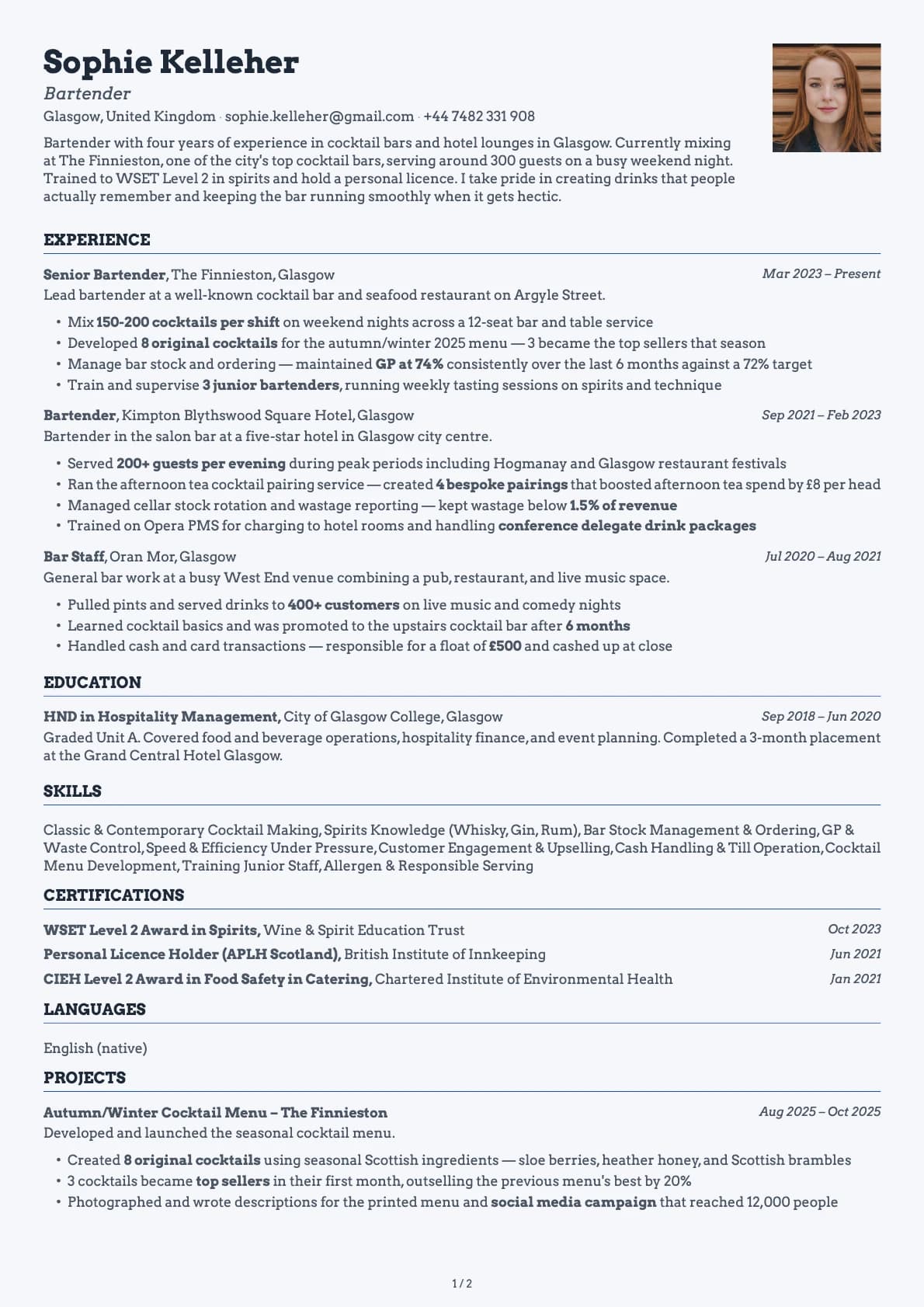
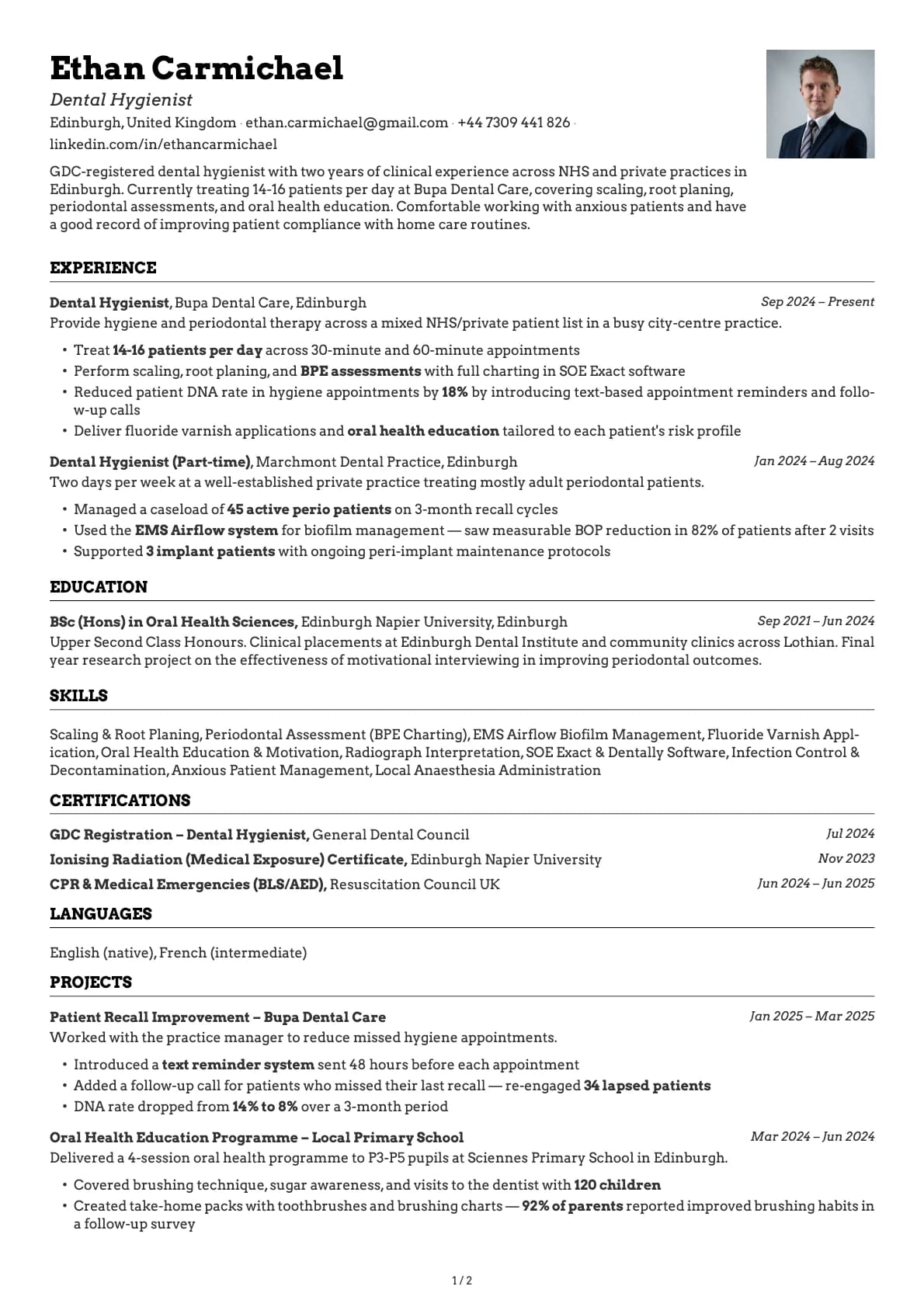
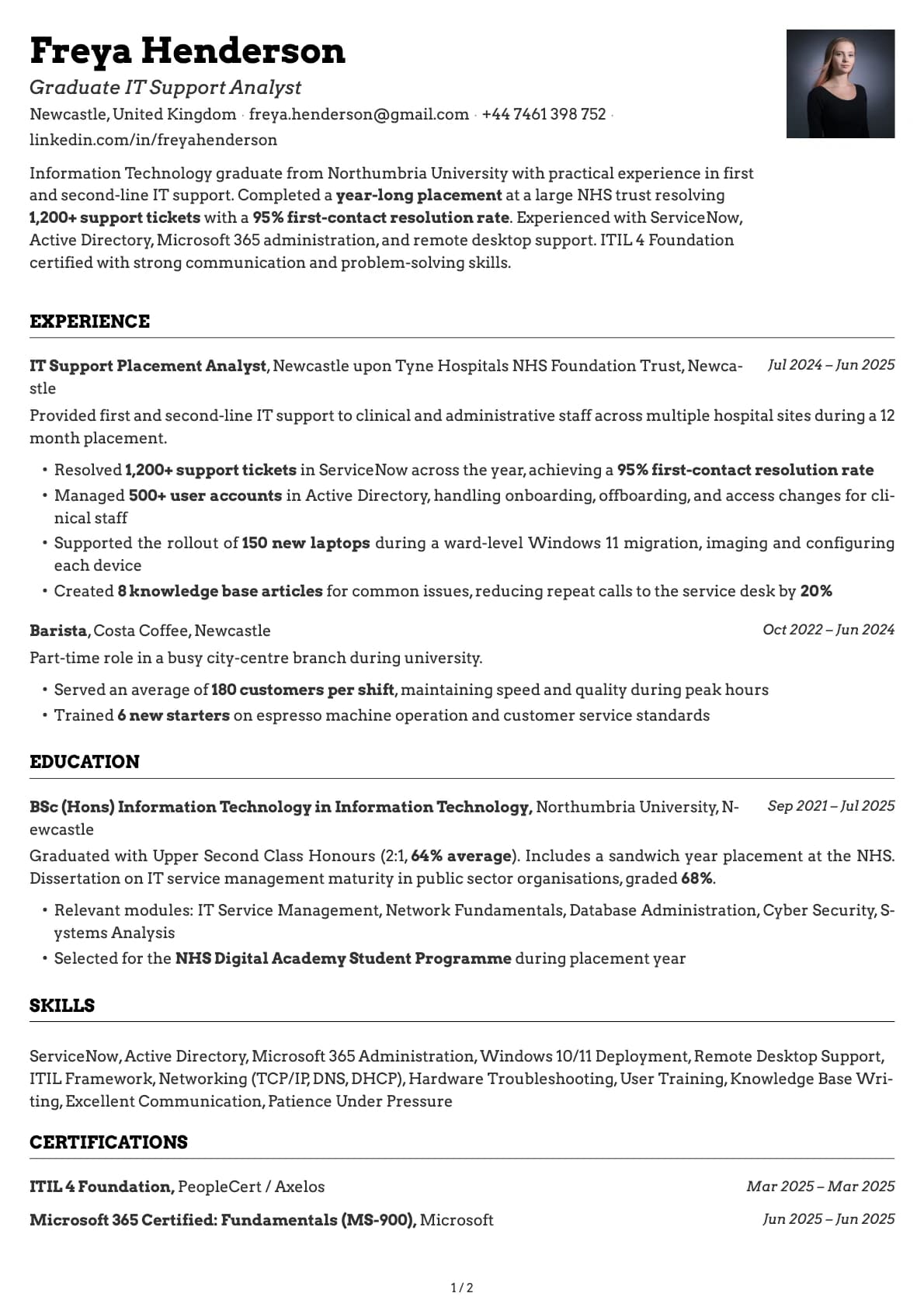
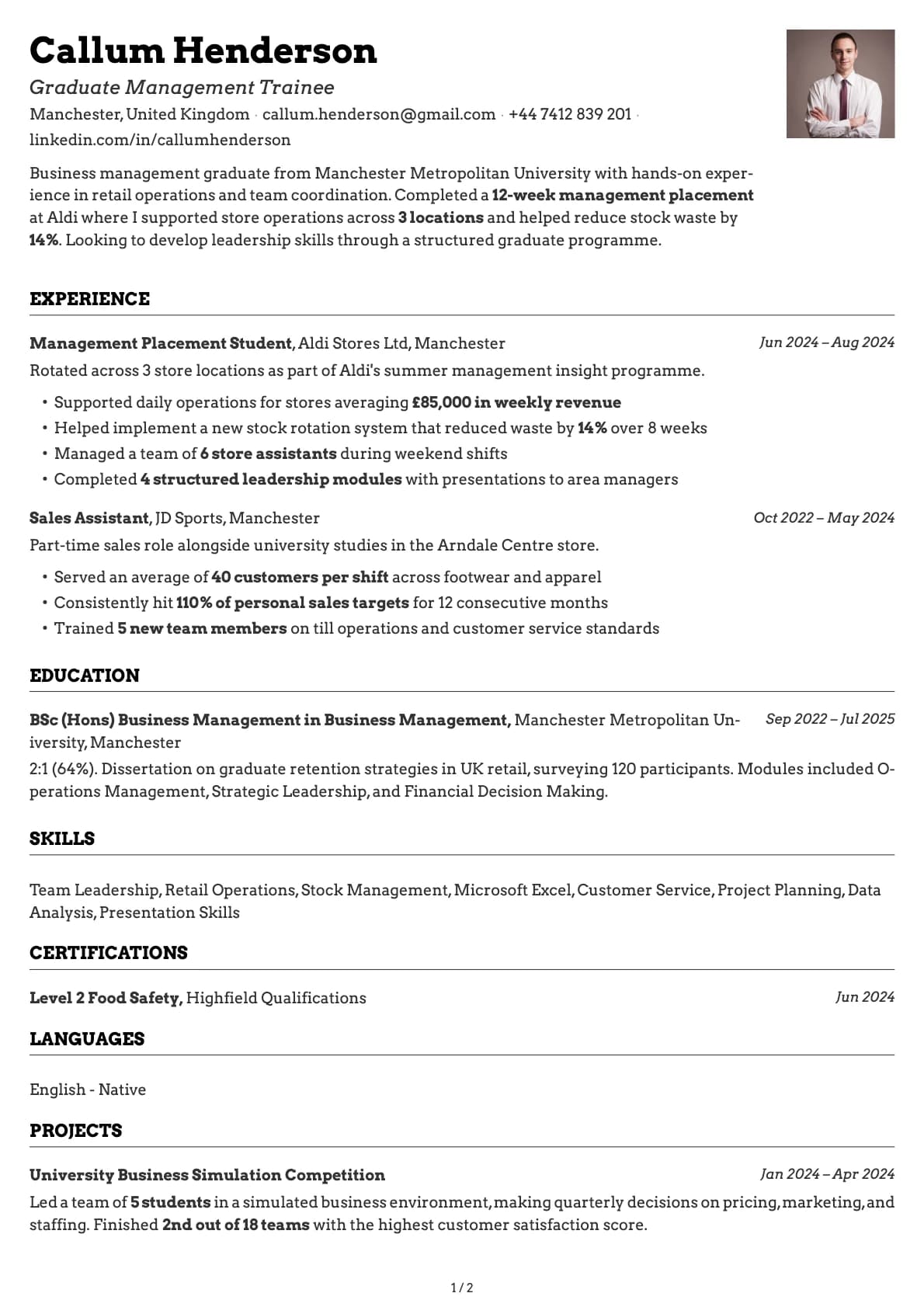
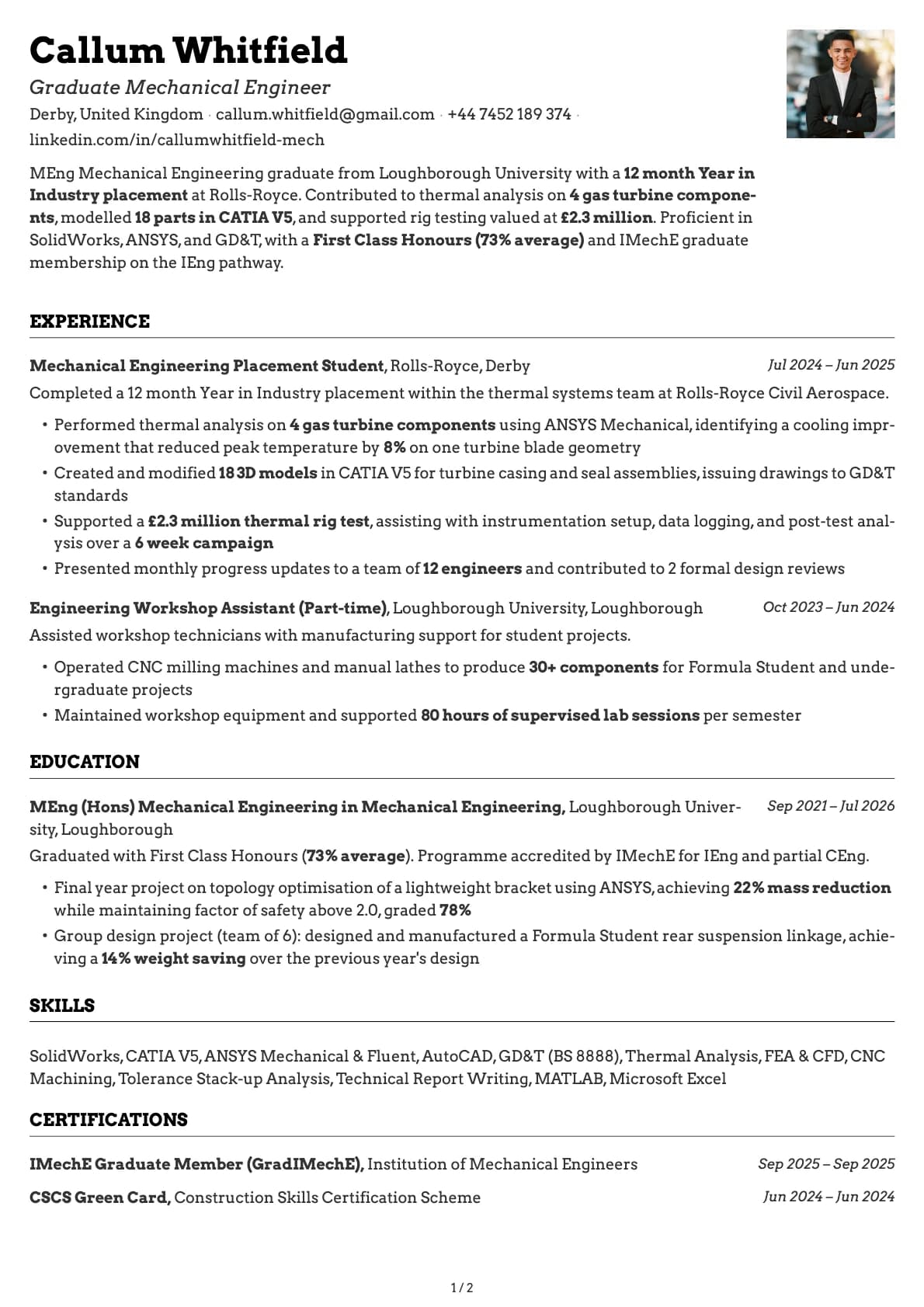
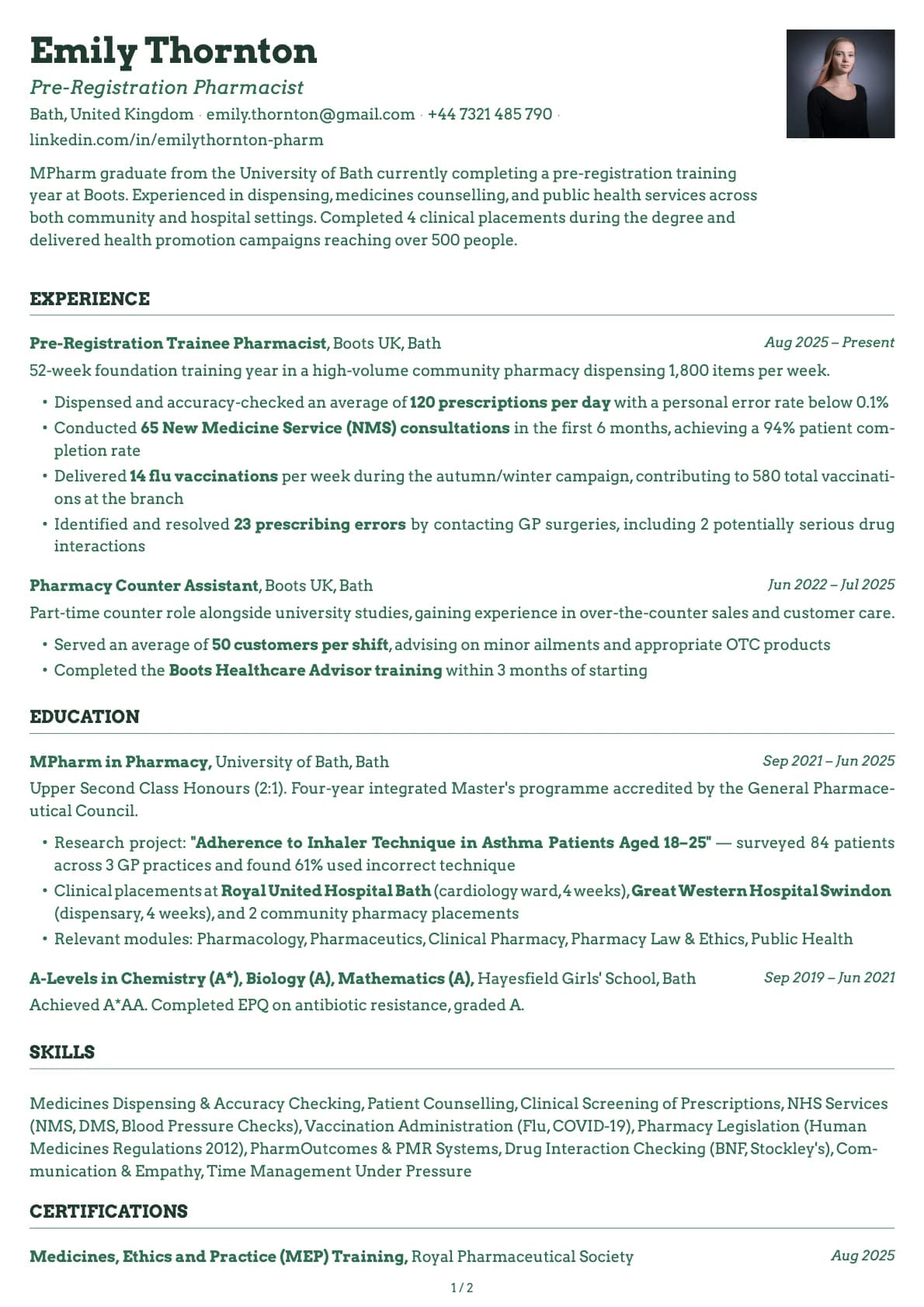
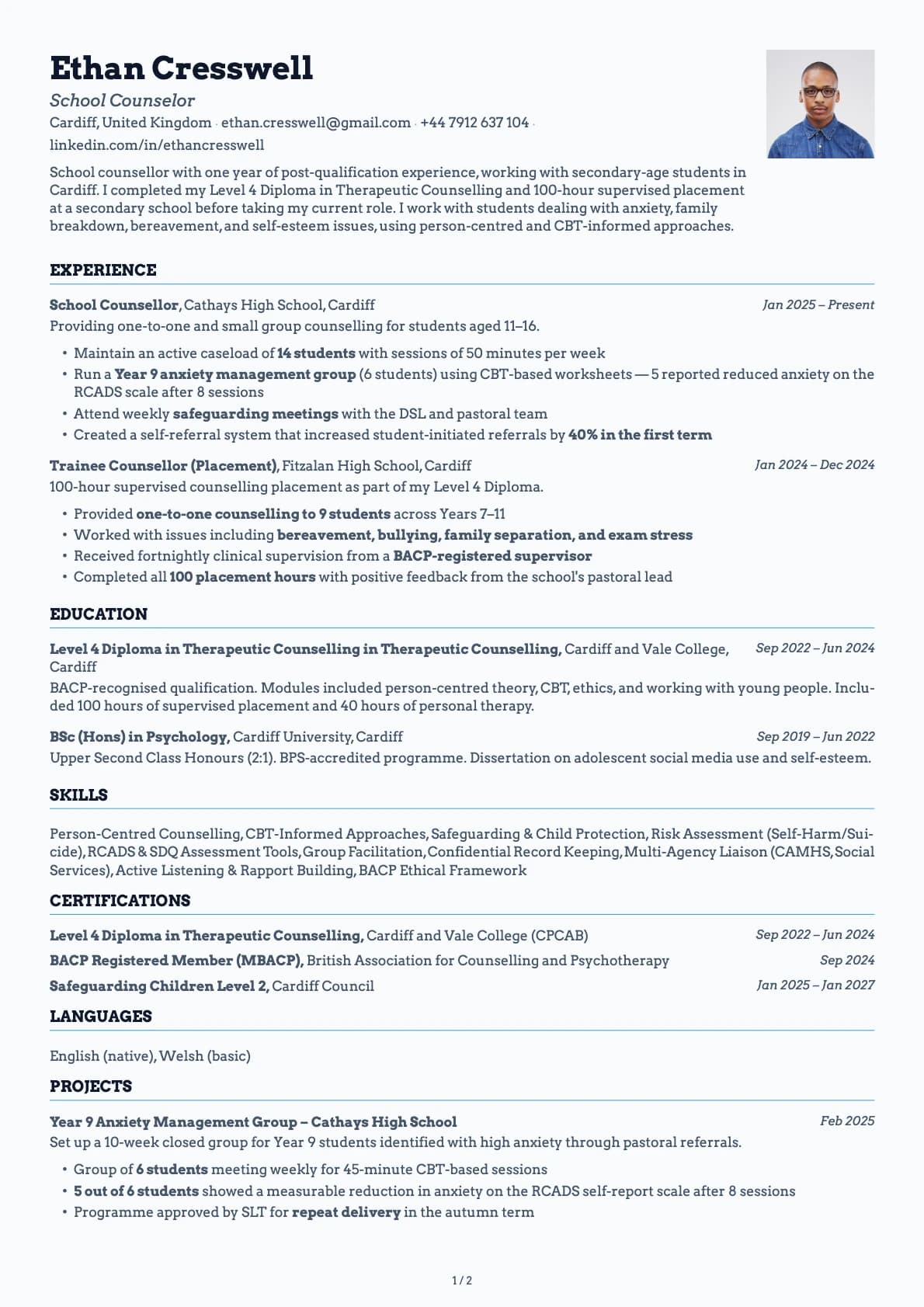
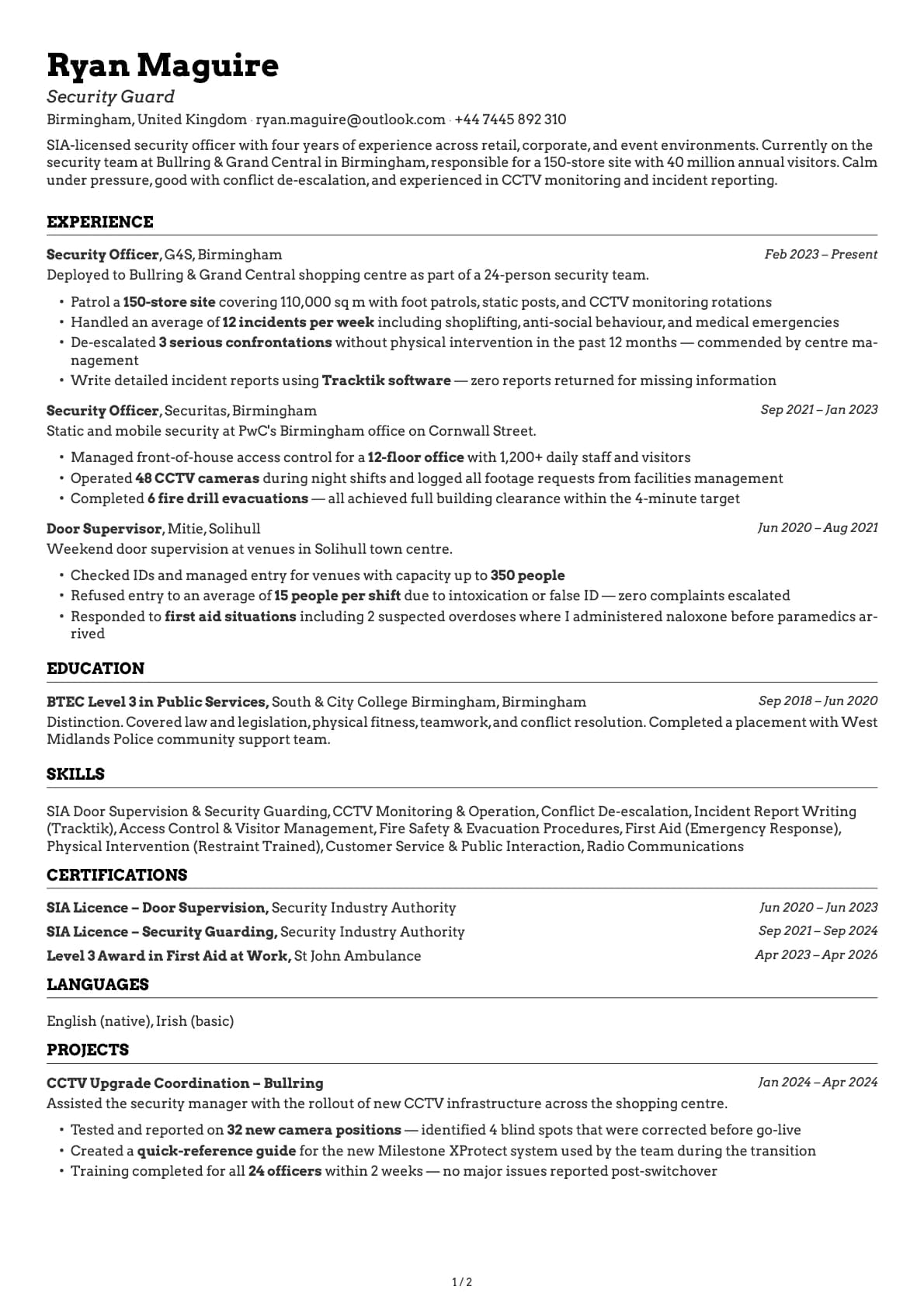
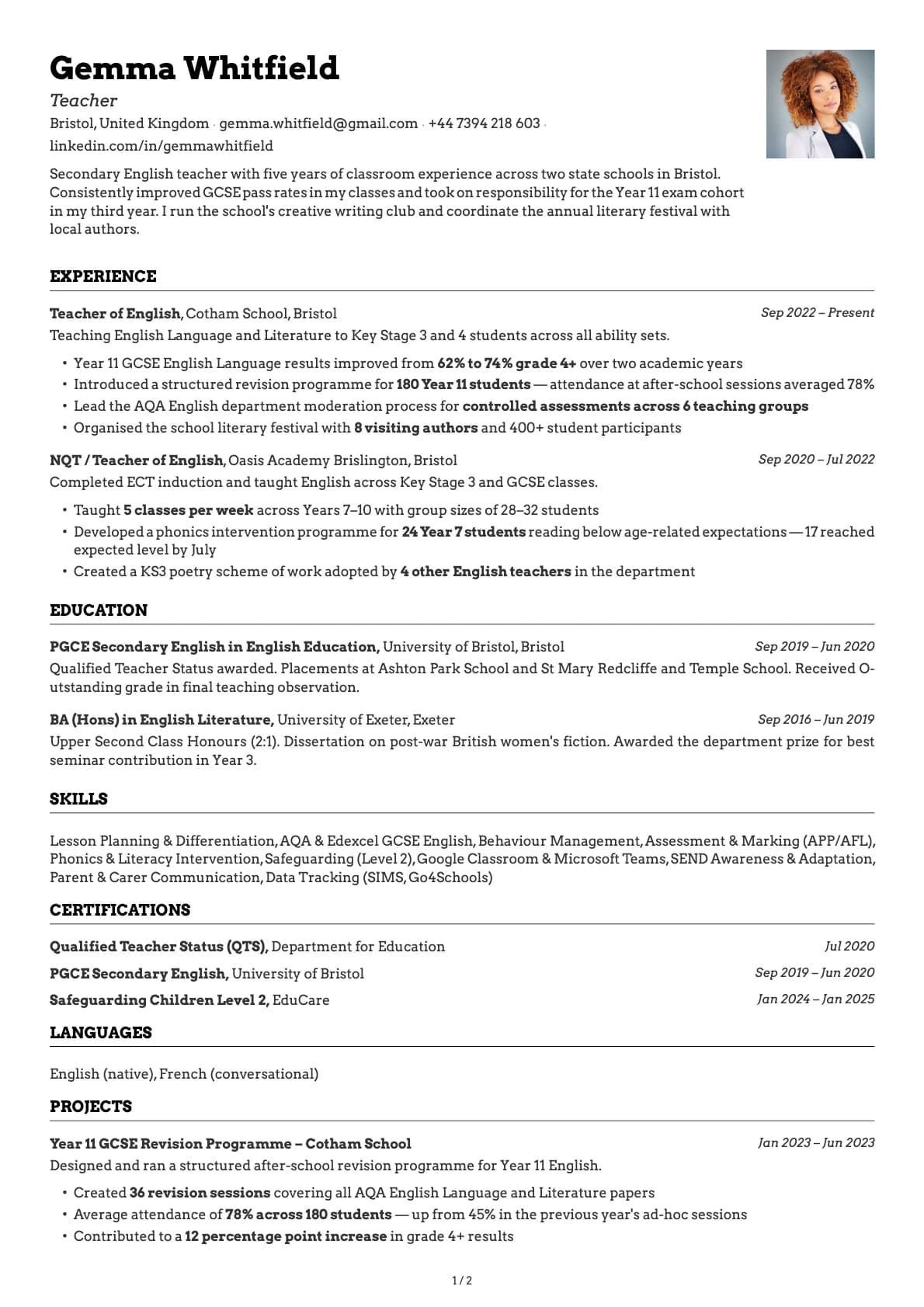
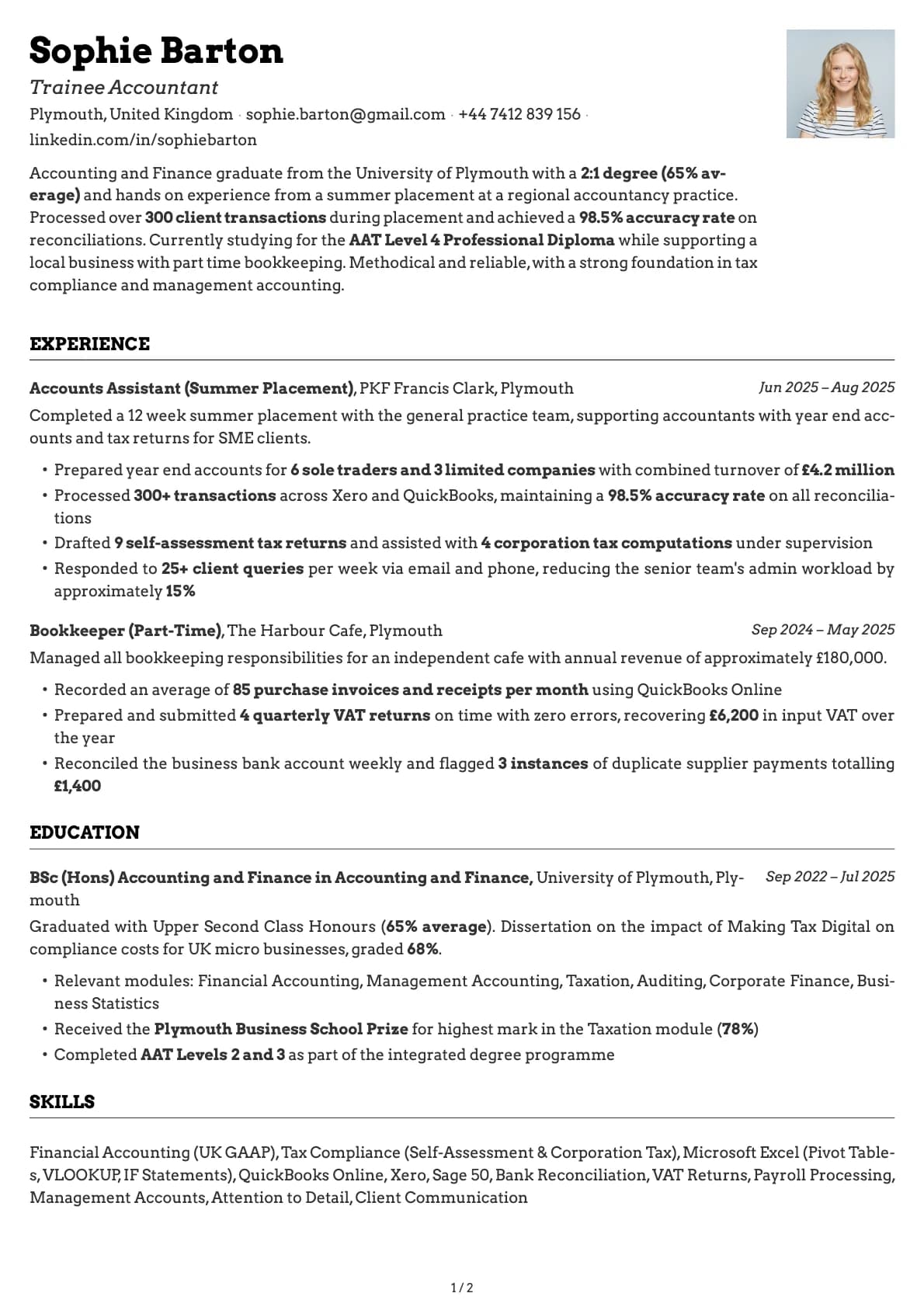
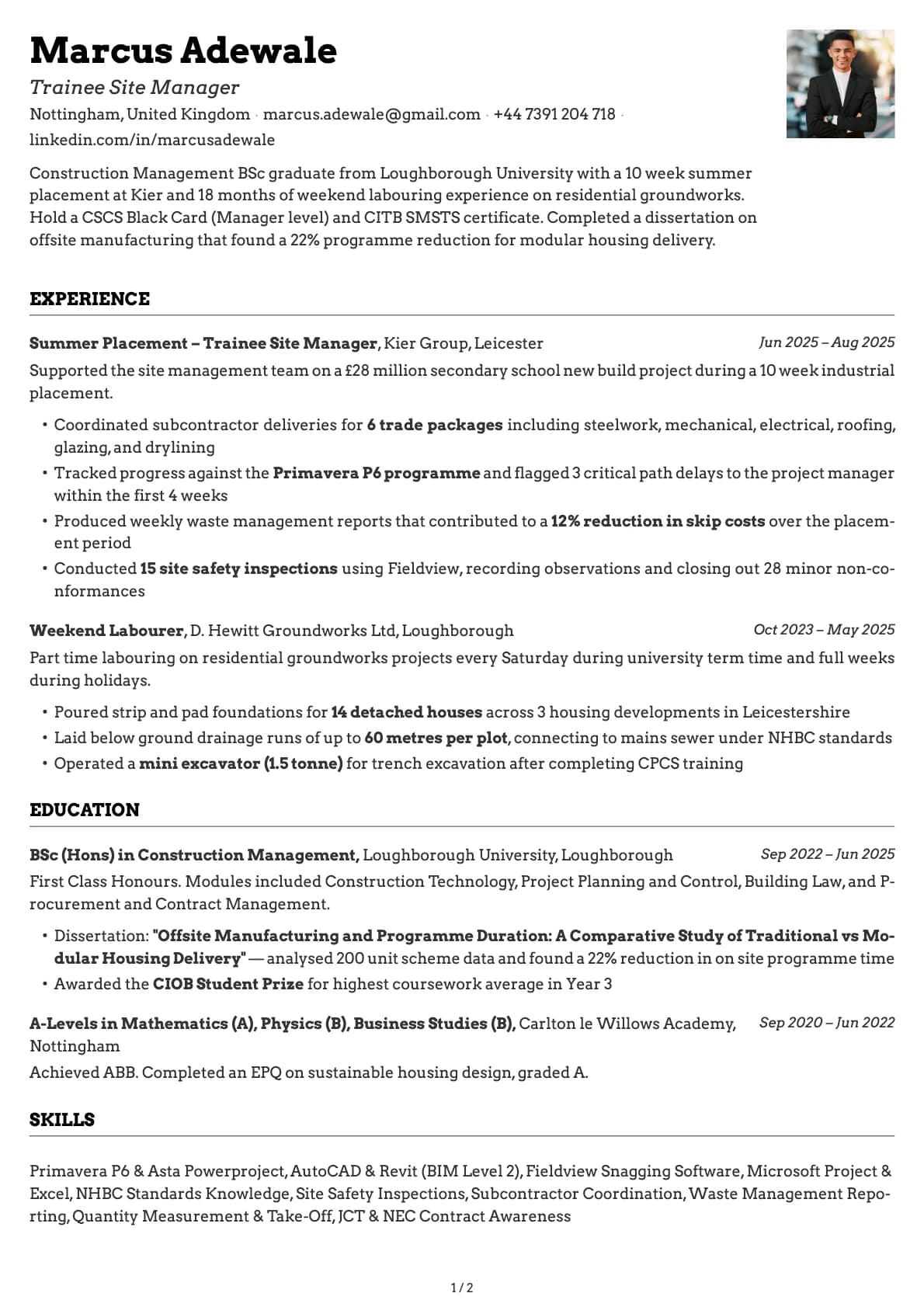
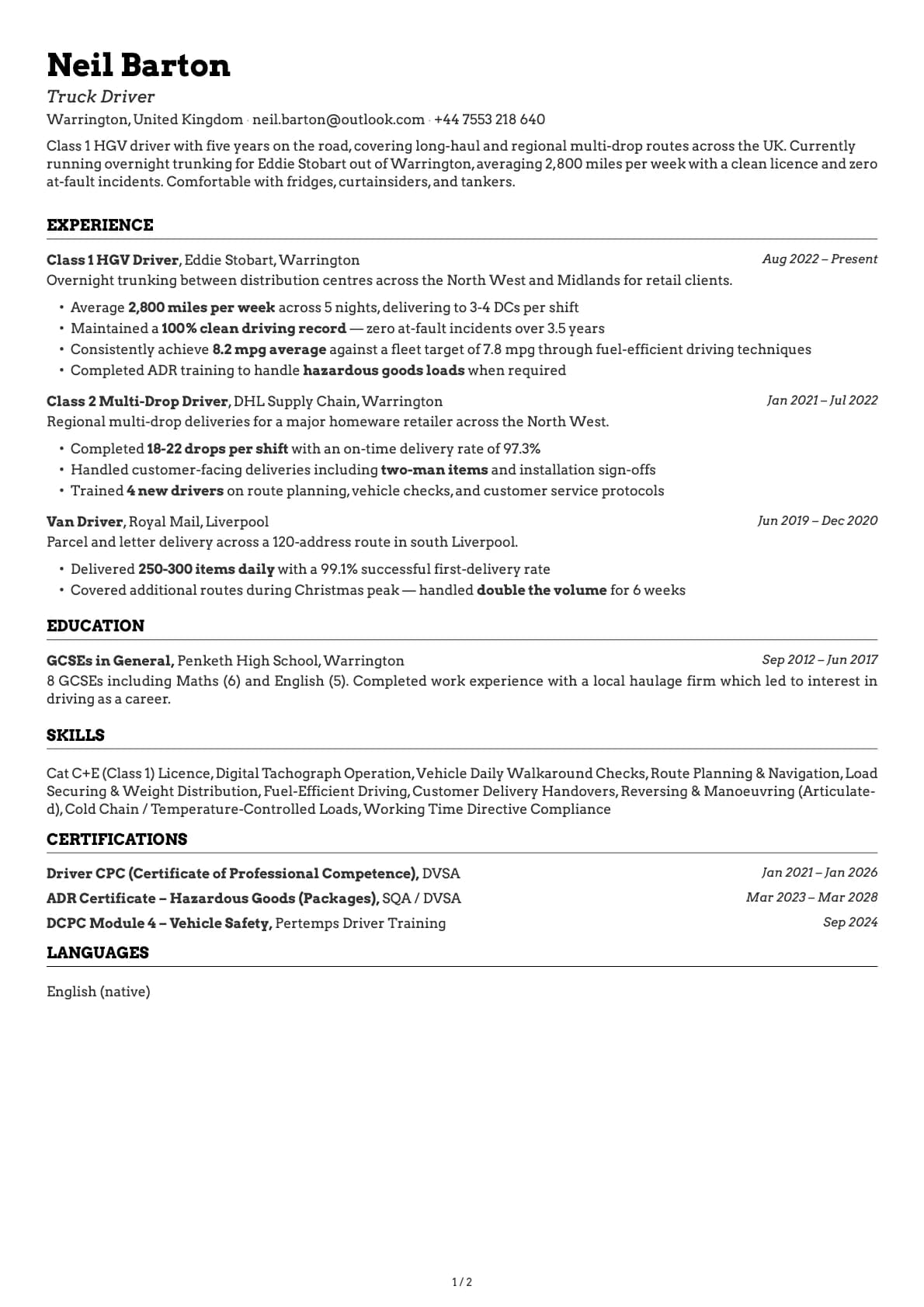
Emerald is a single-column template that scores 9.5 out of 10 on ATS compatibility. That means when you upload your resume to LinkedIn, Indeed, Greenhouse, or any other job portal, the system reads every section correctly. No lost data, no scrambled formatting.
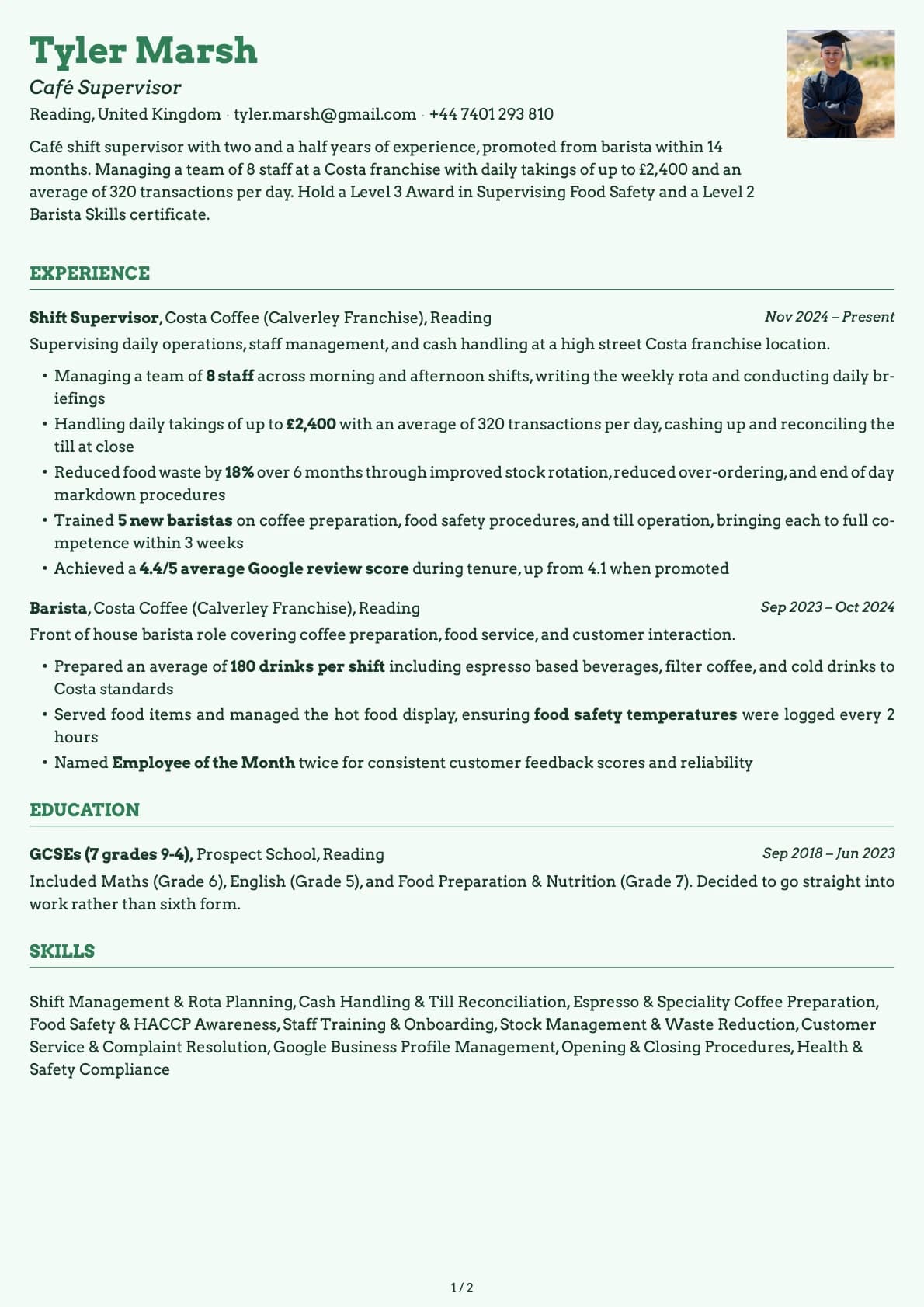
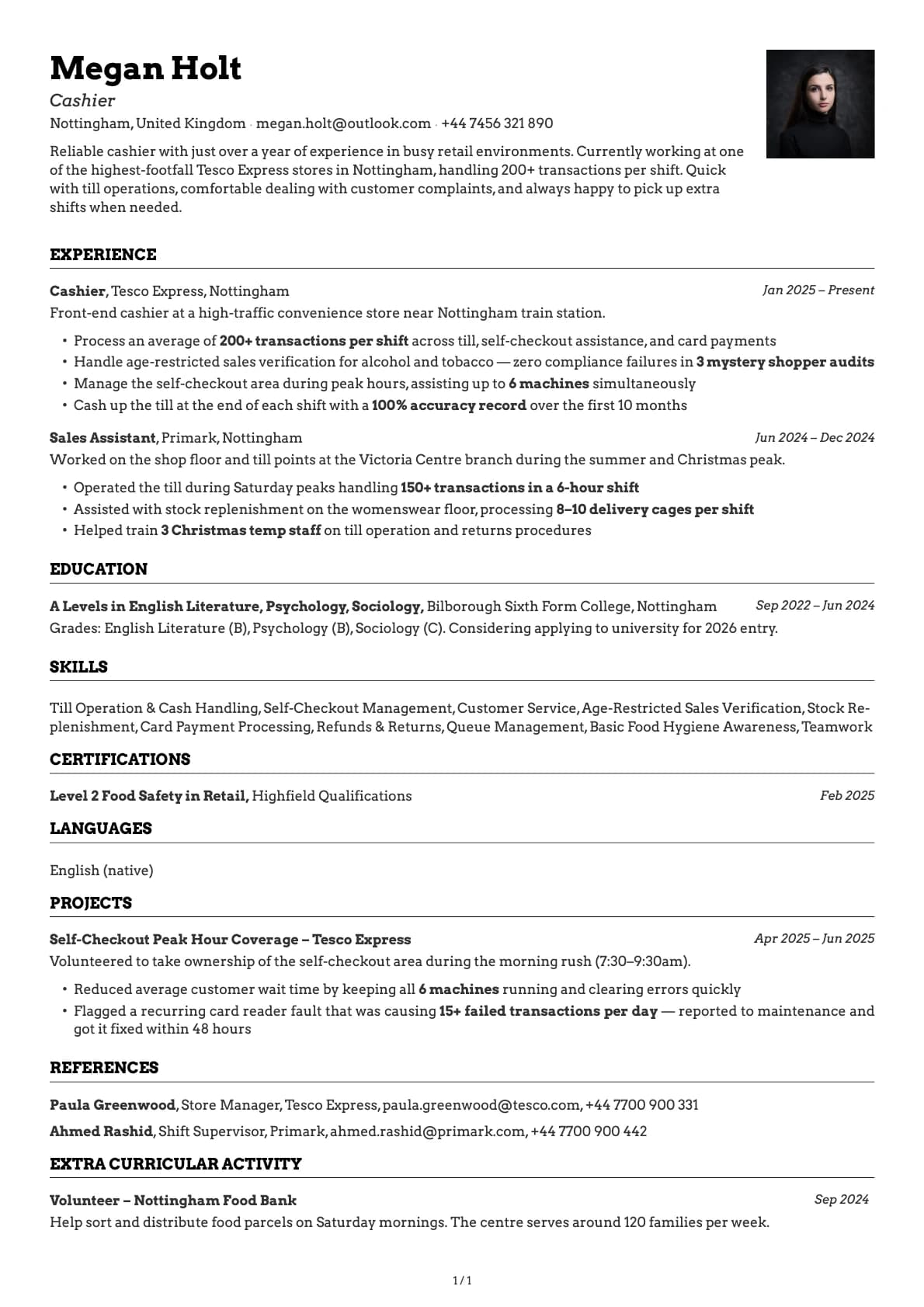
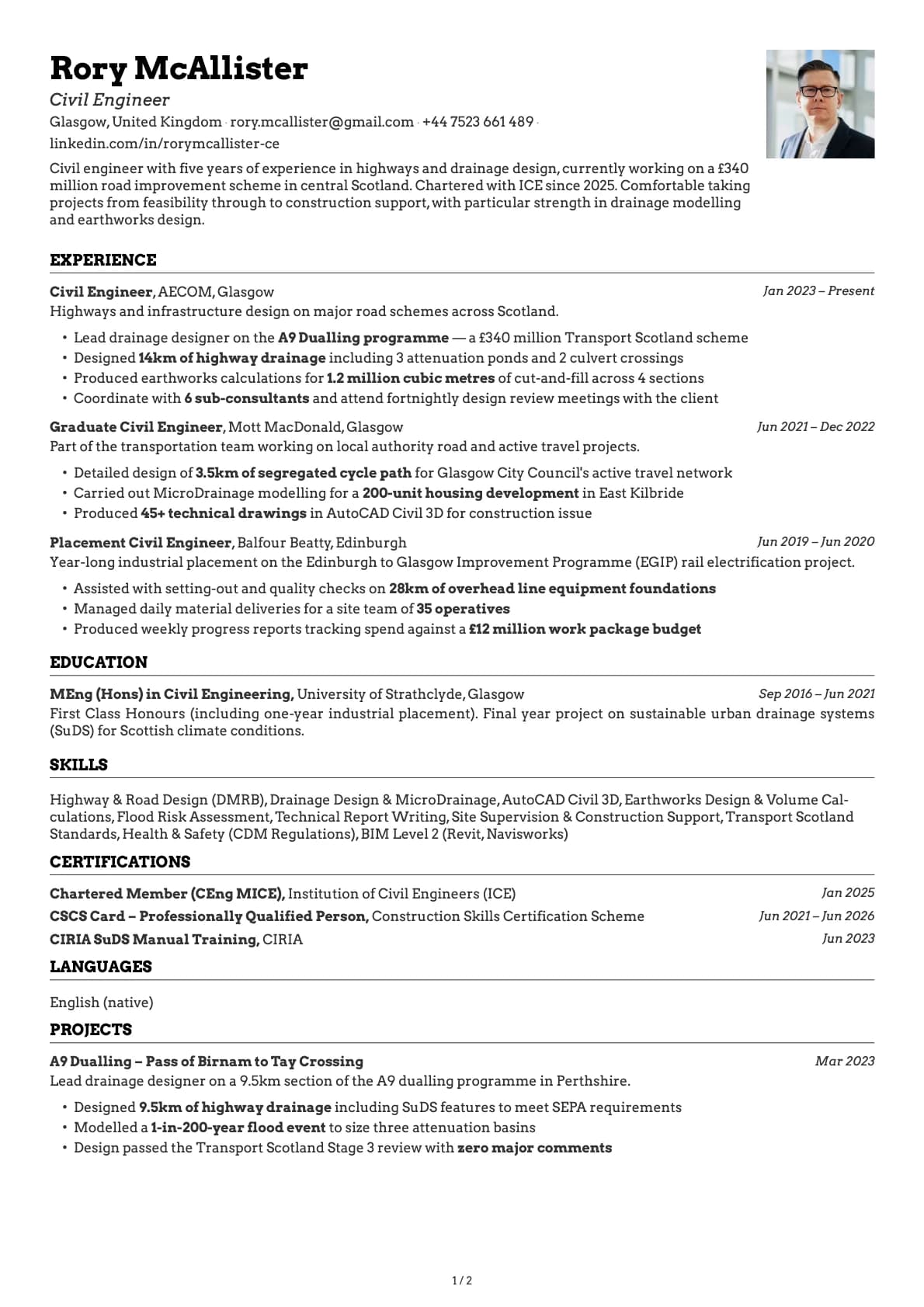
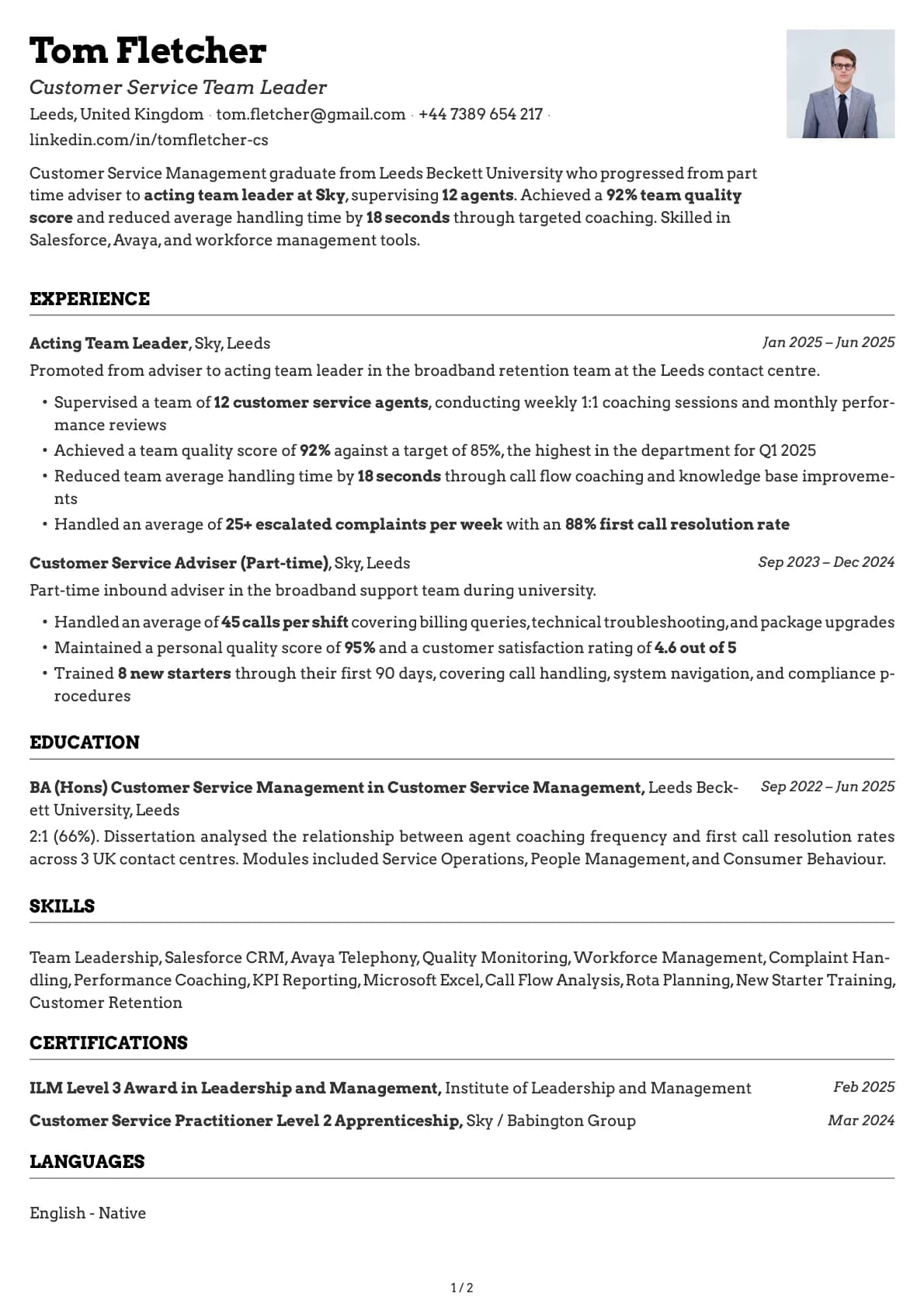
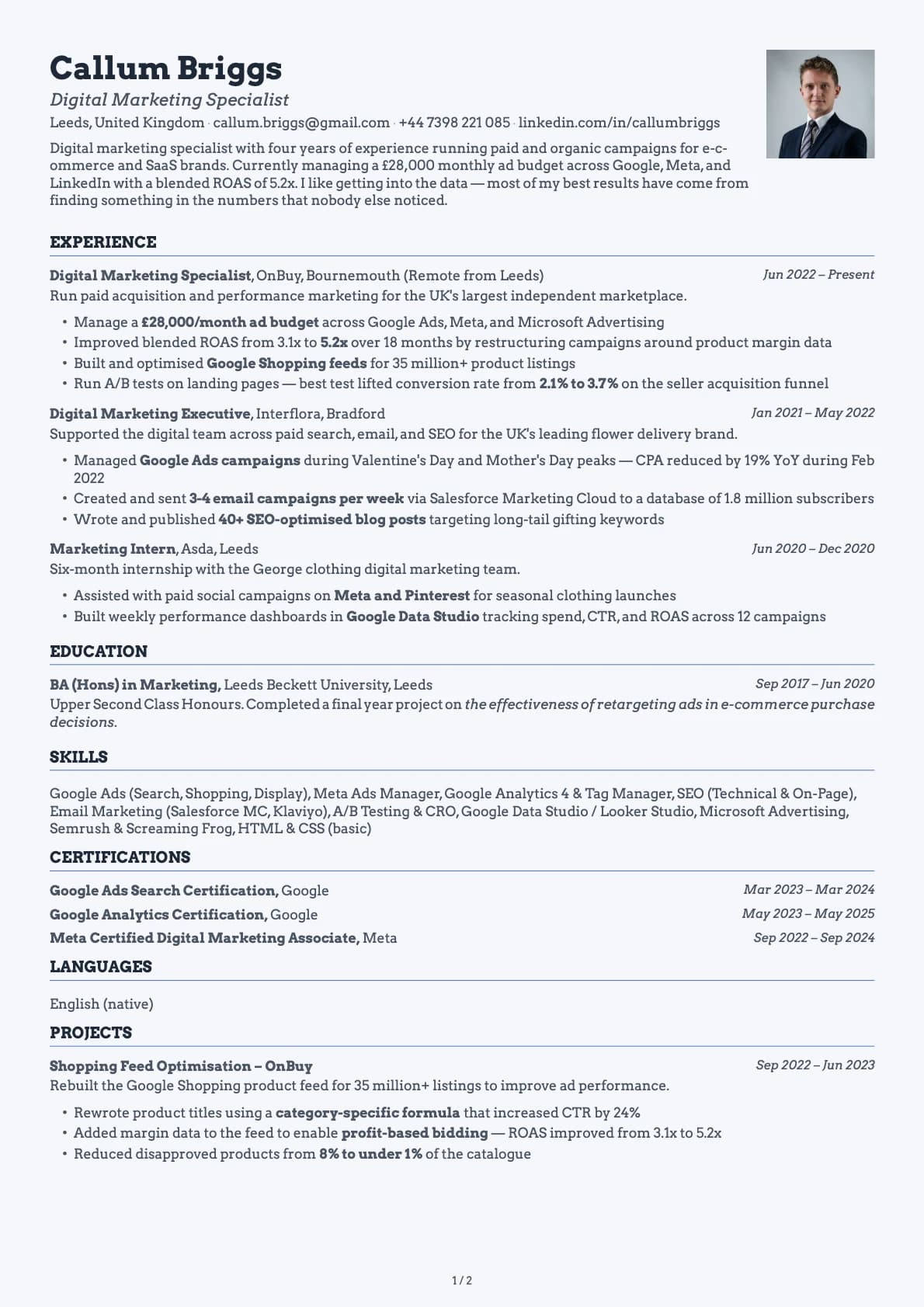
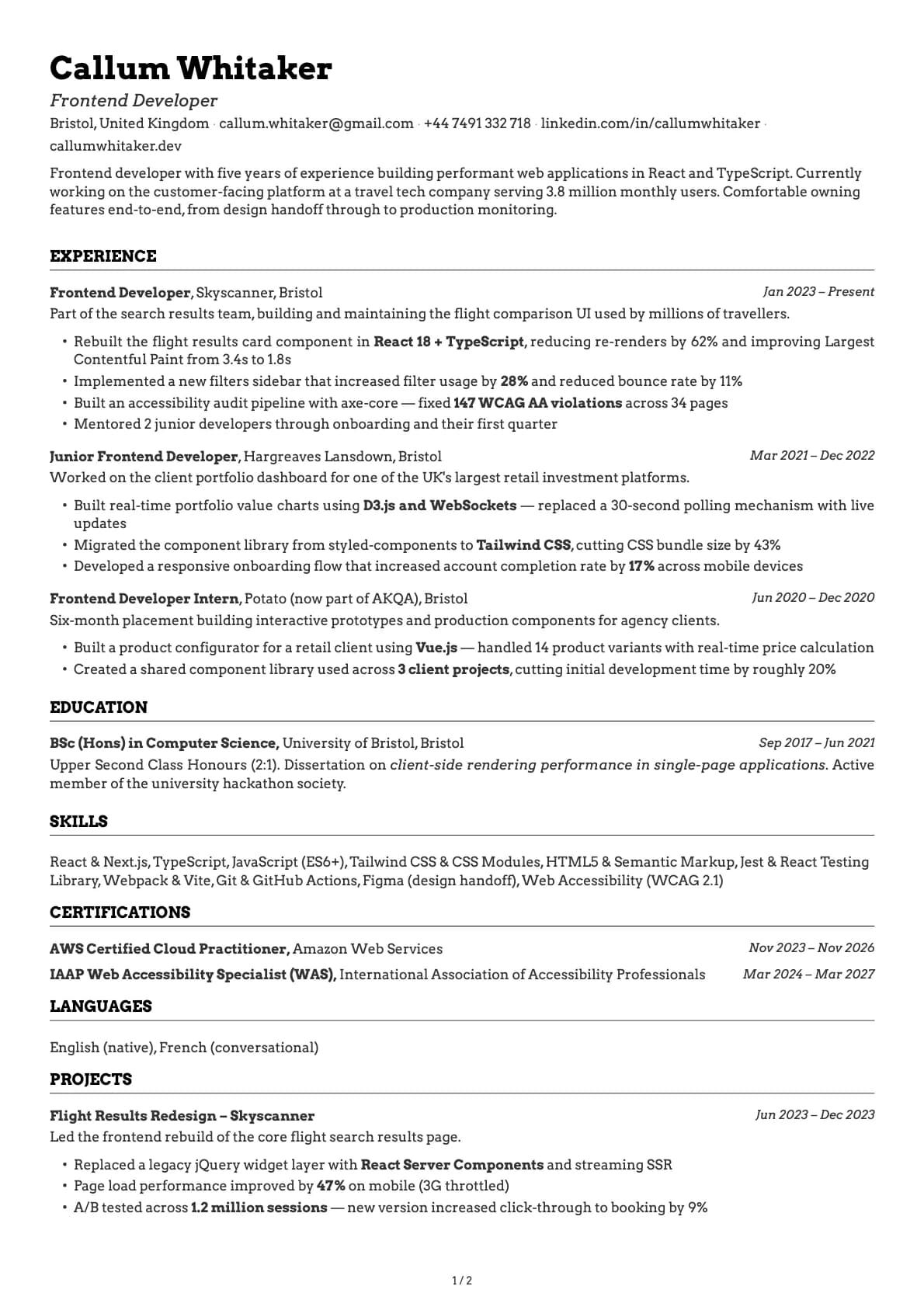
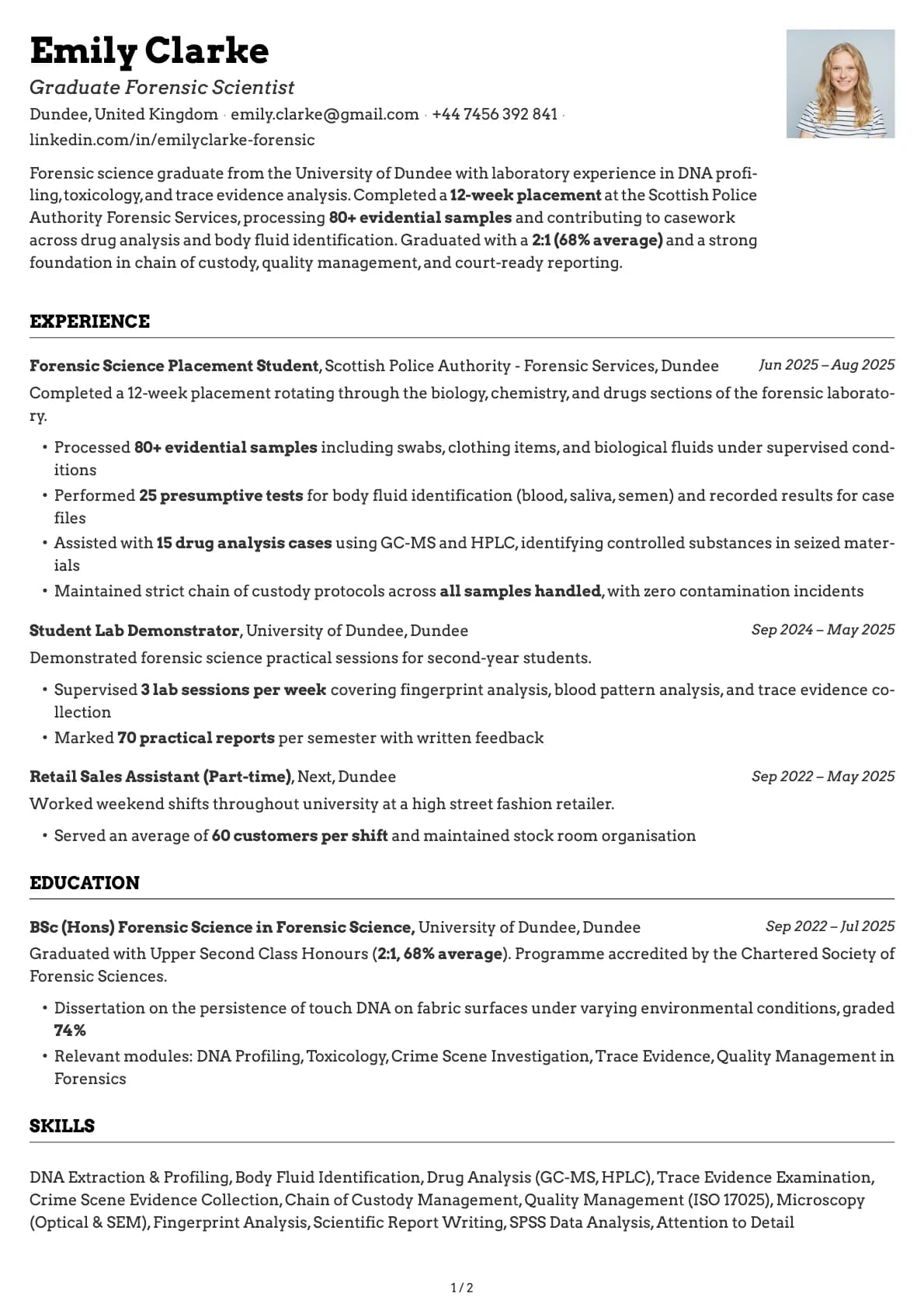
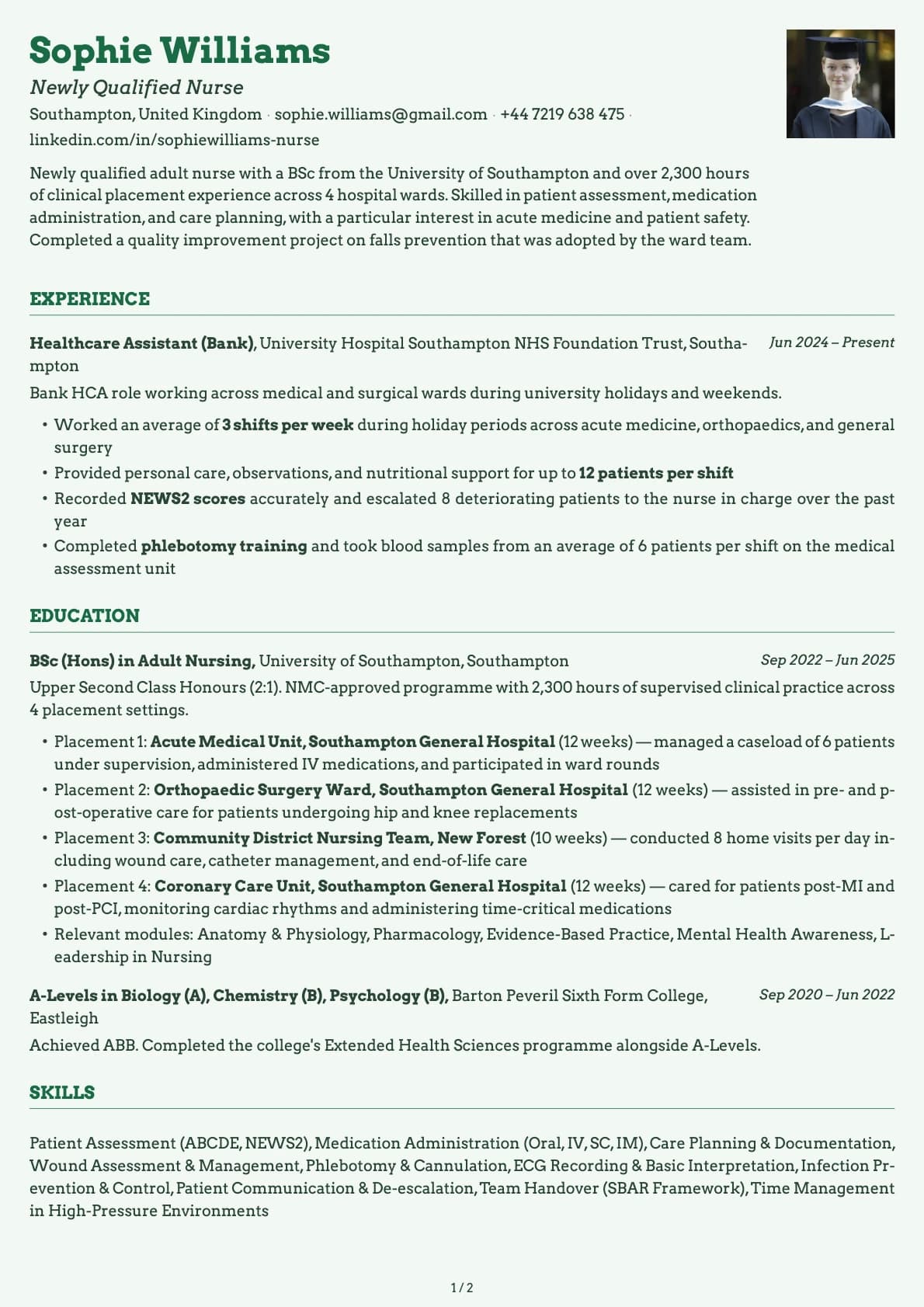
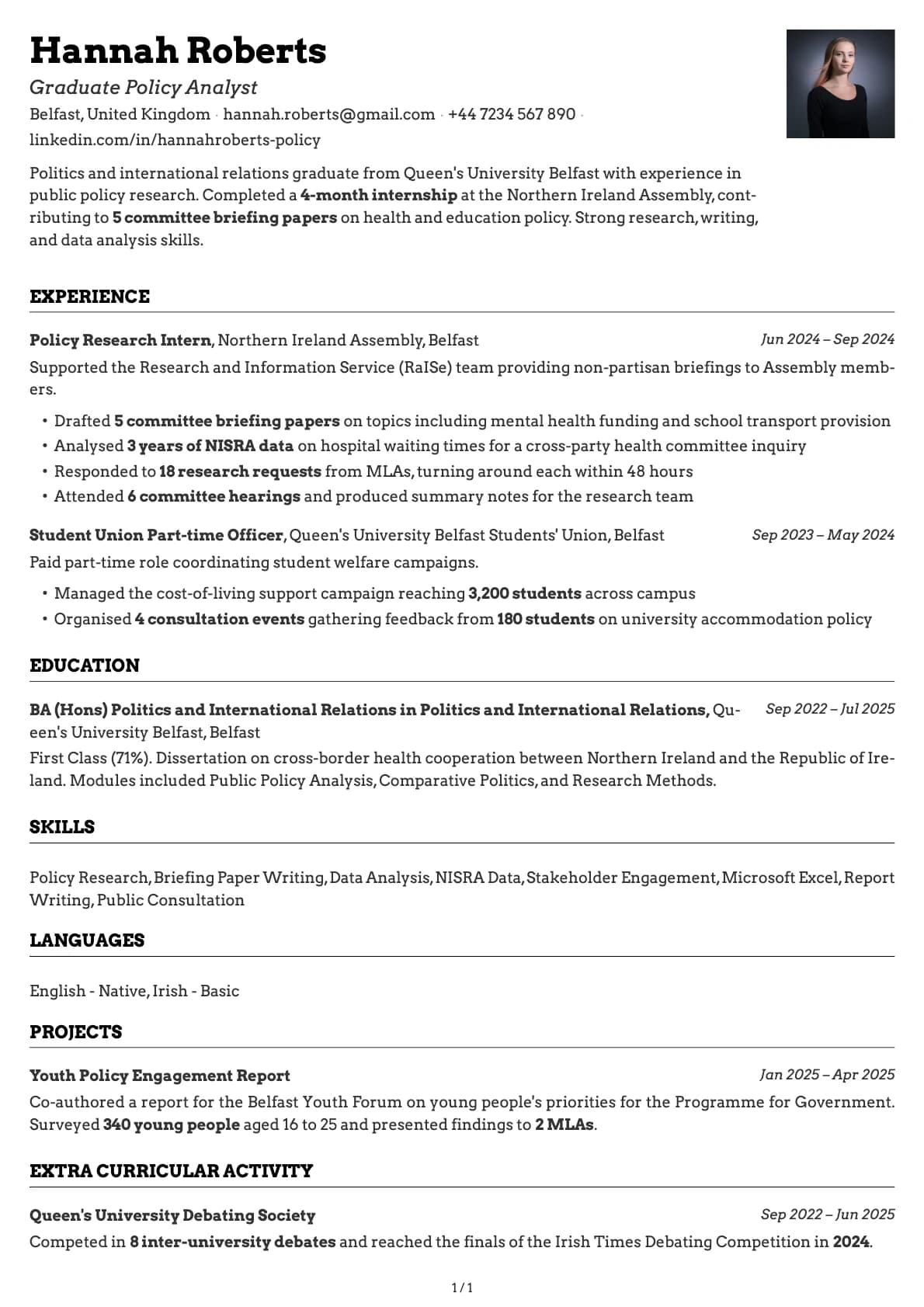
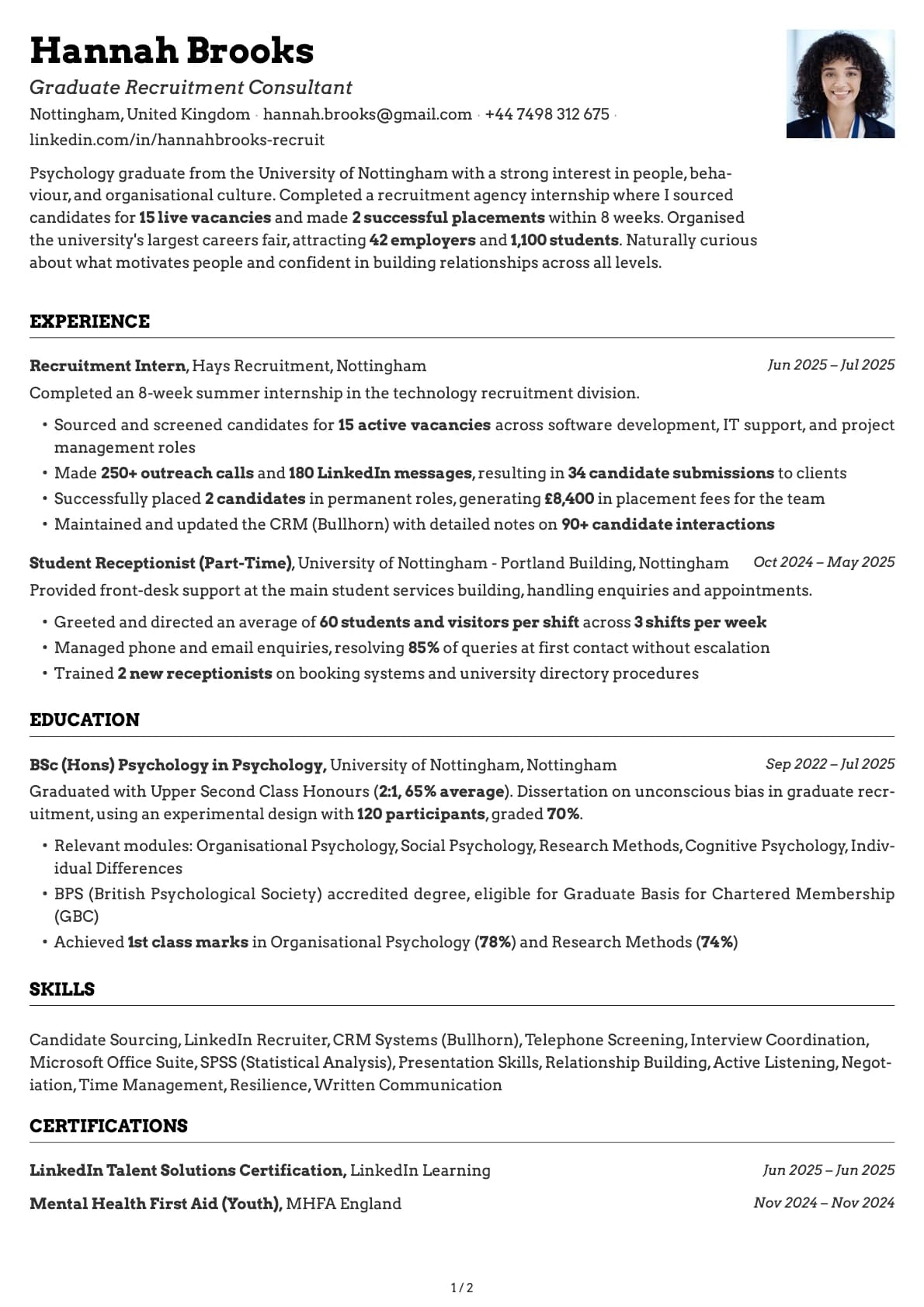
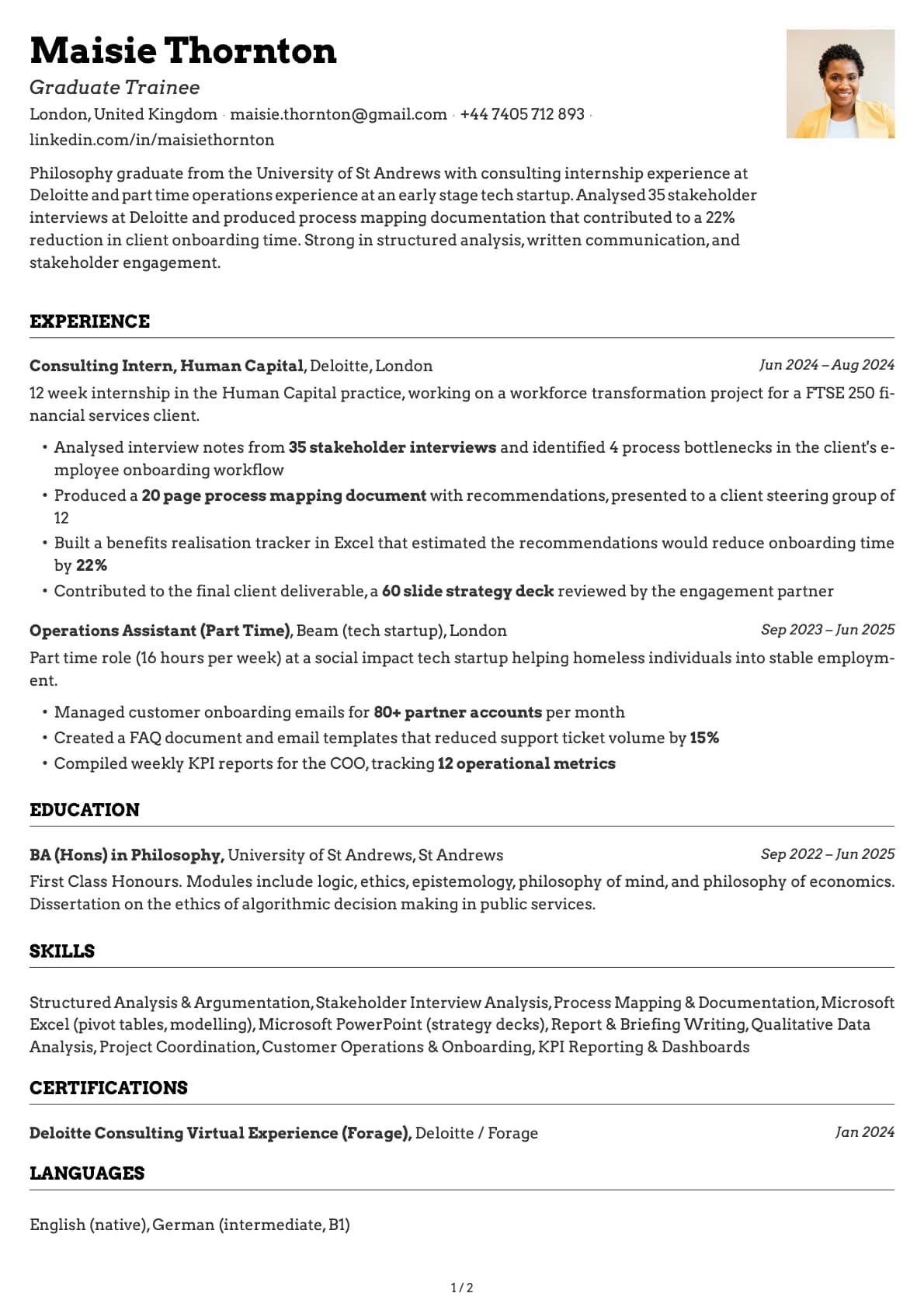
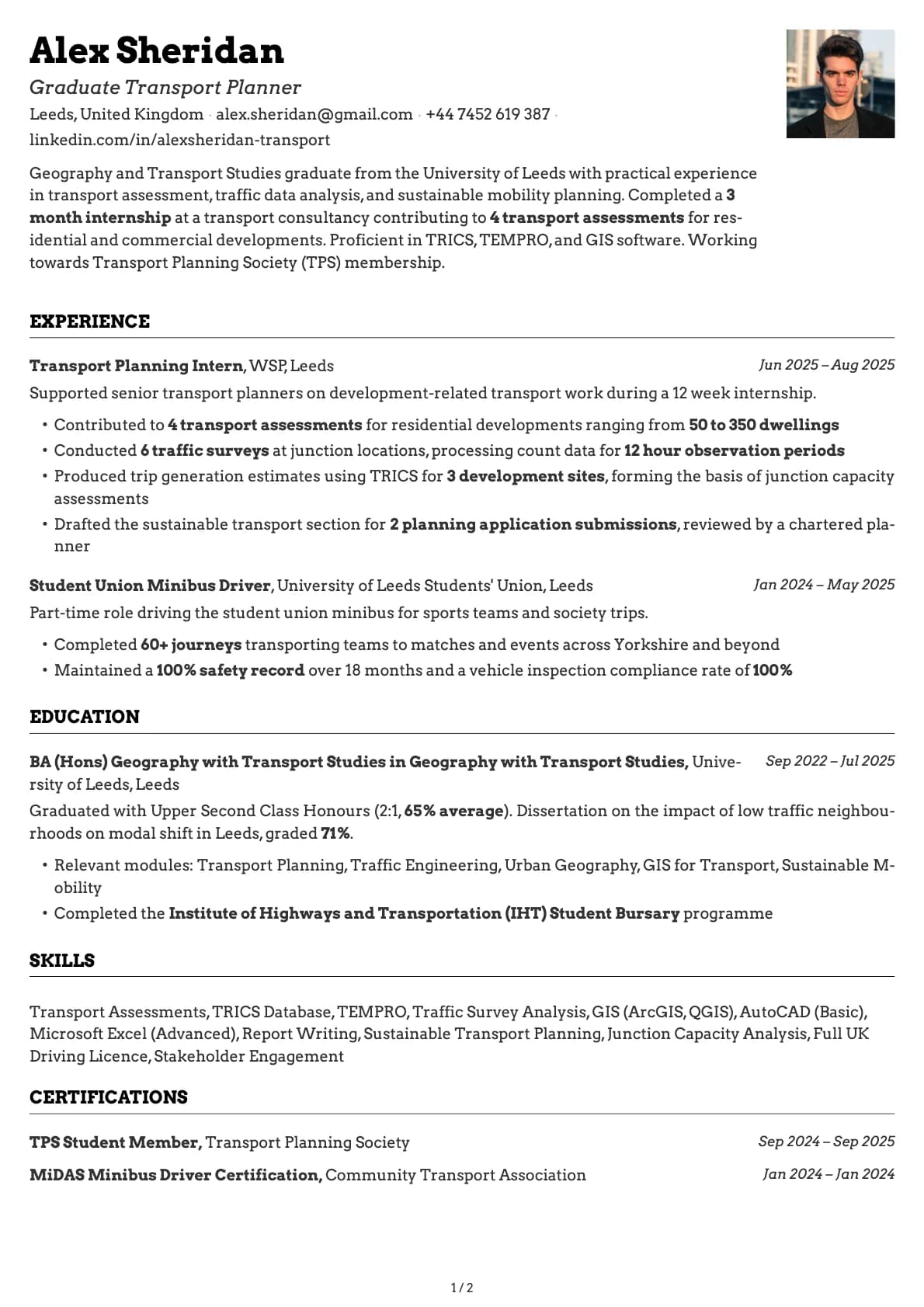
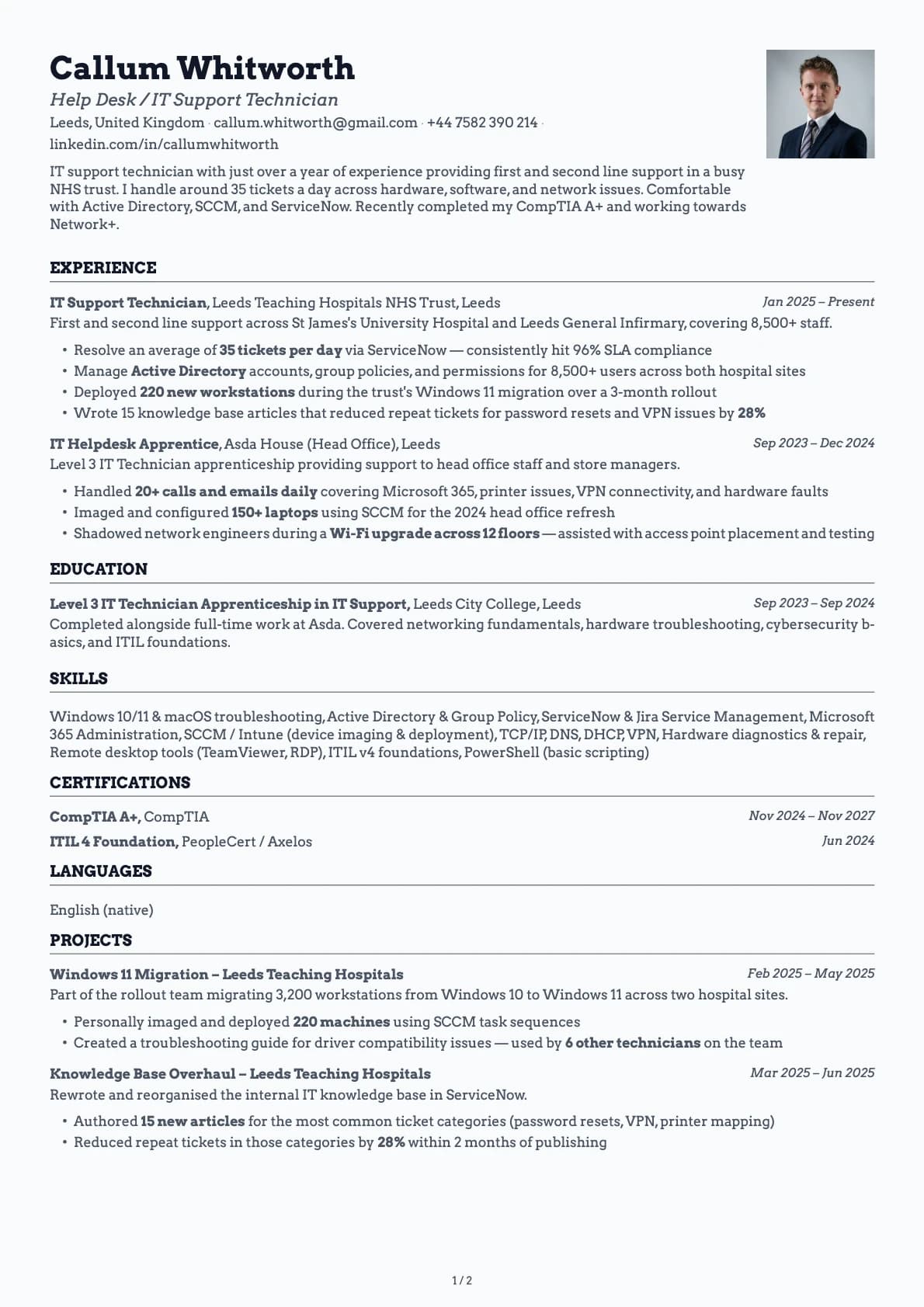
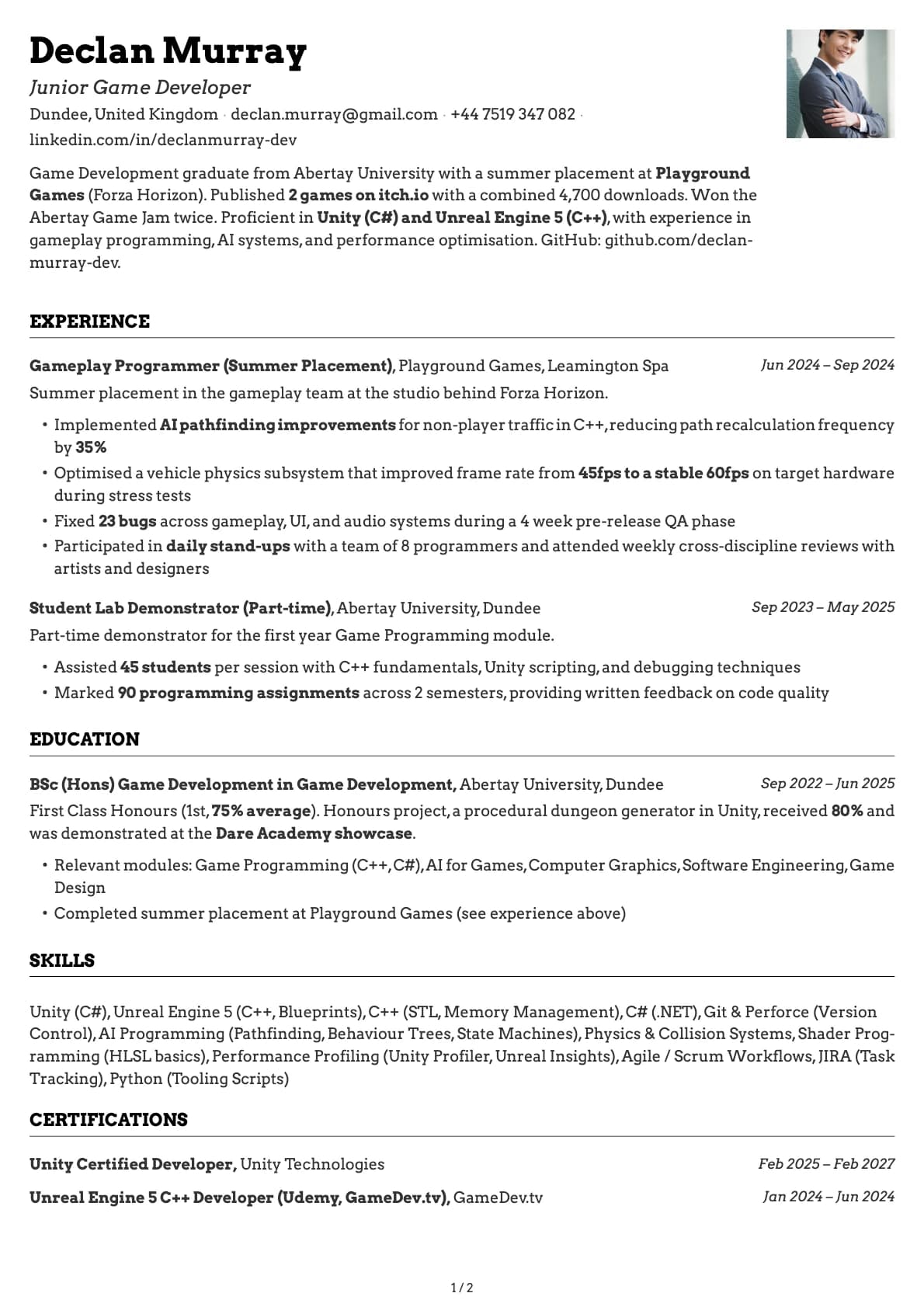
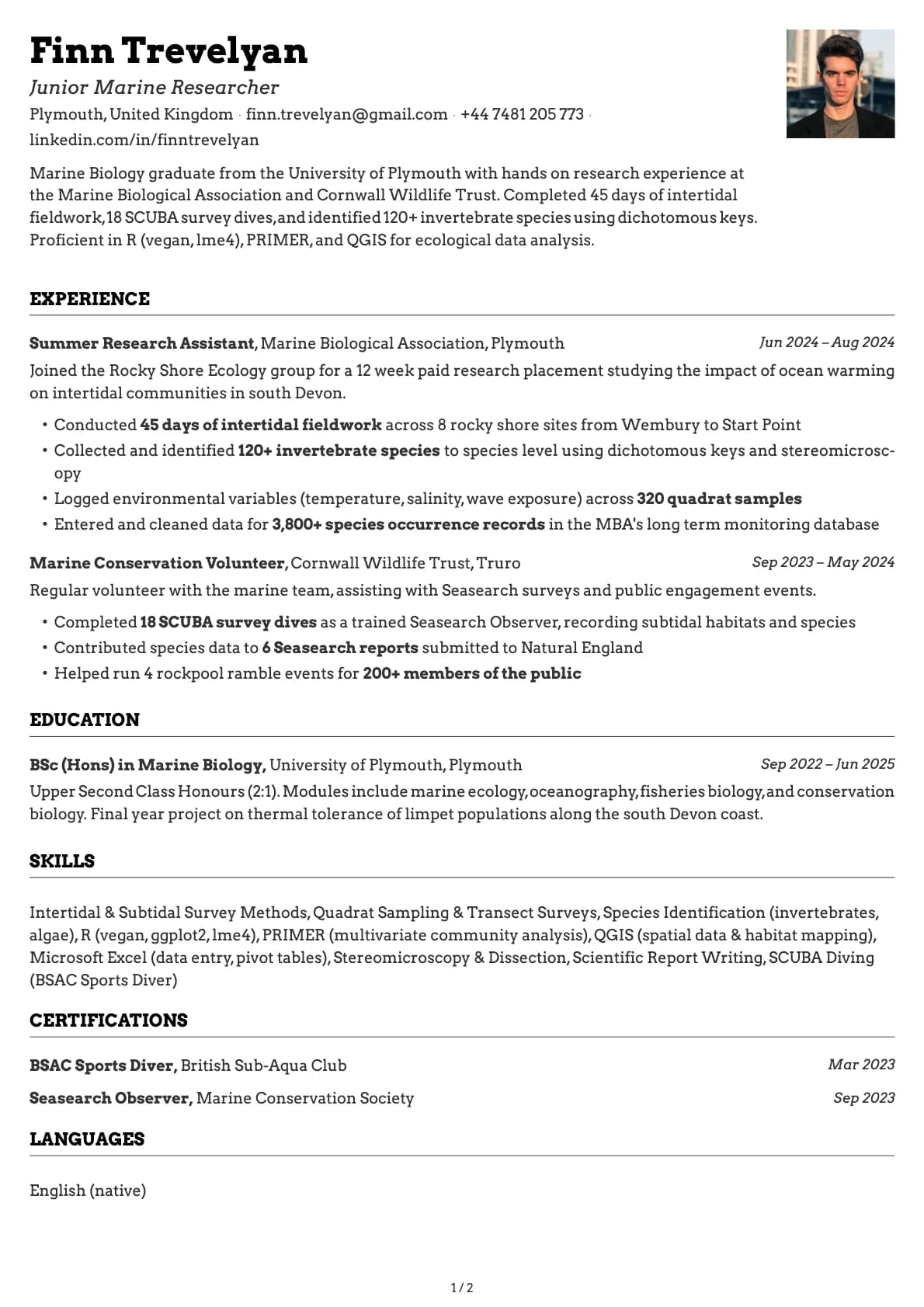
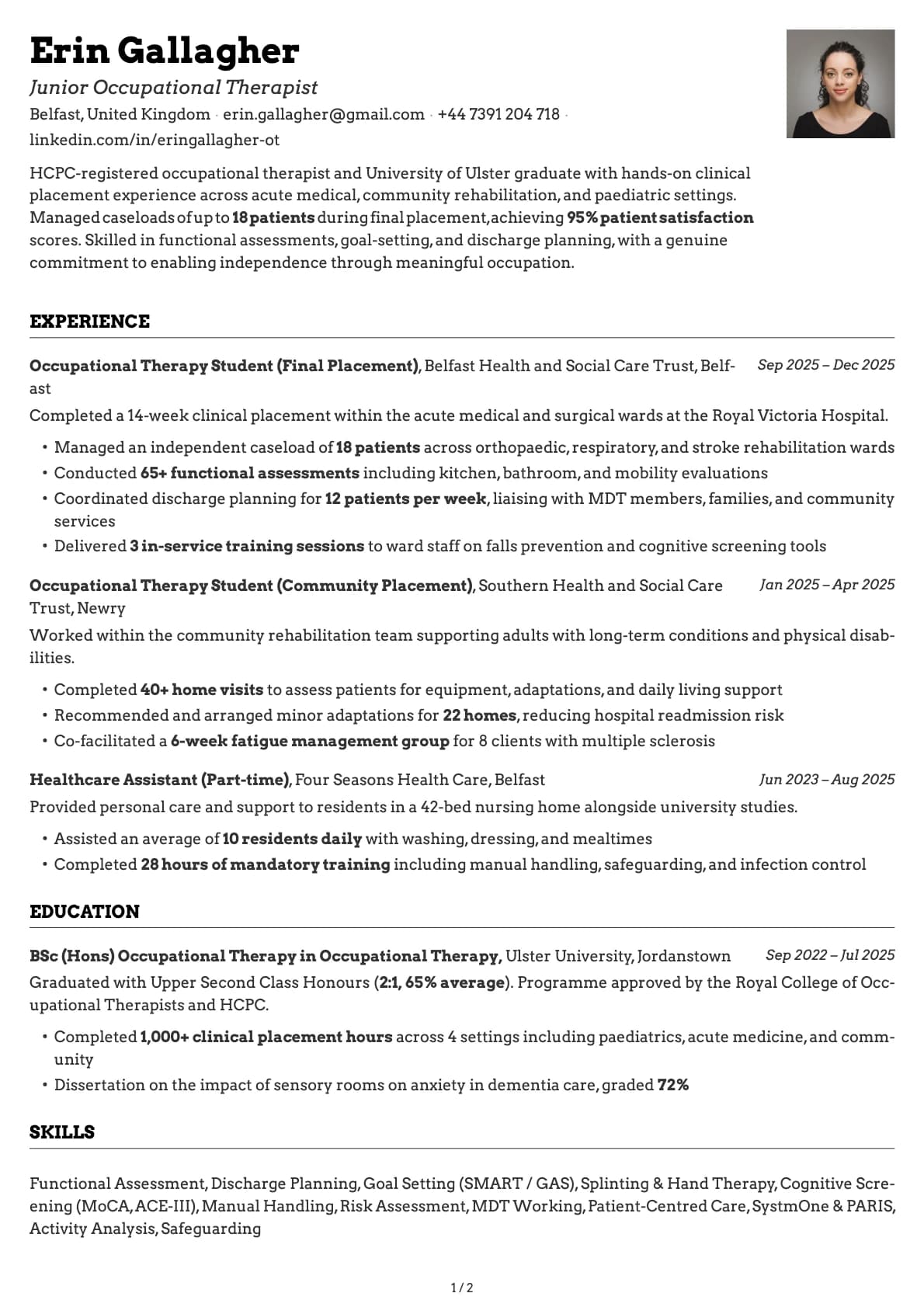
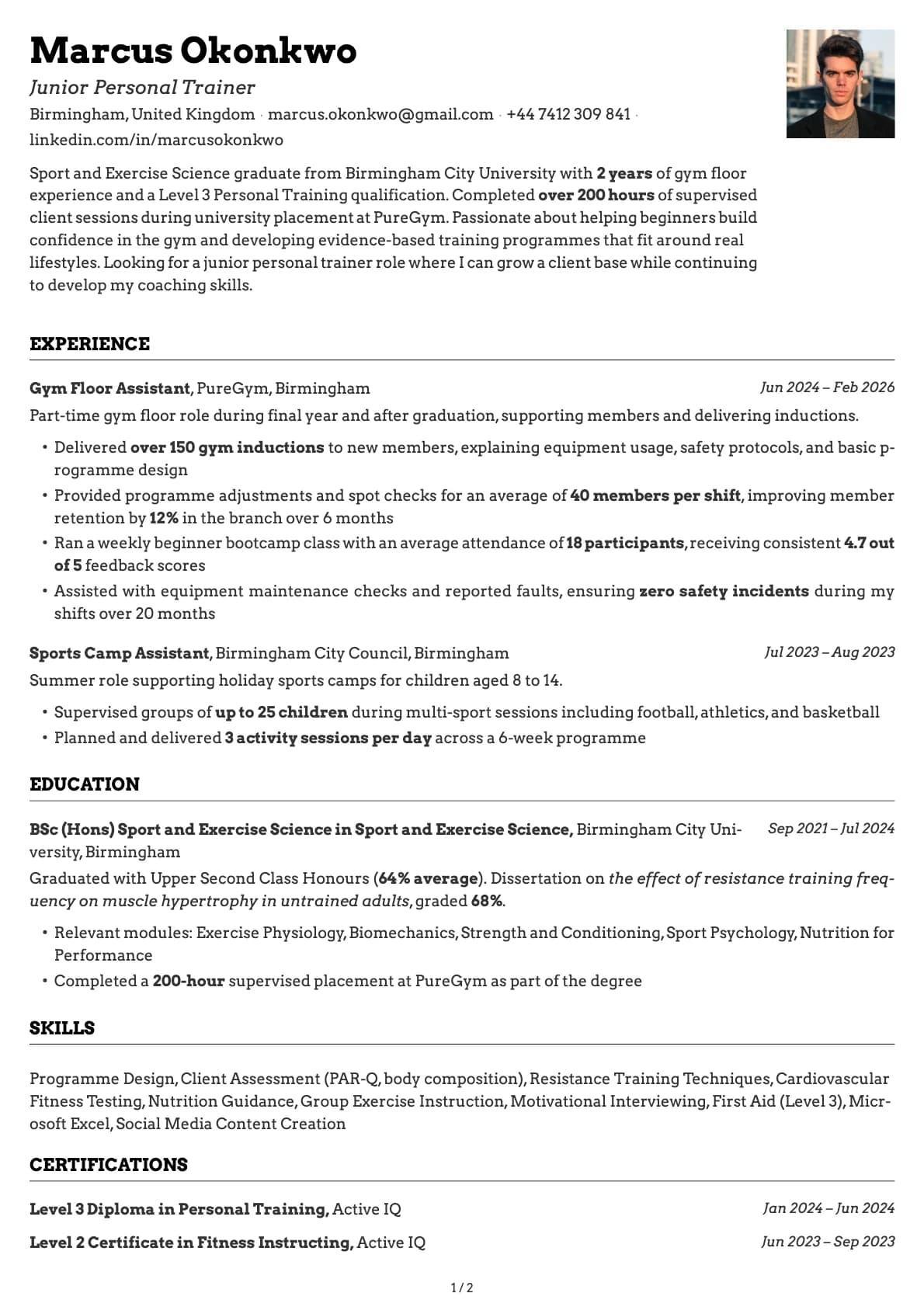
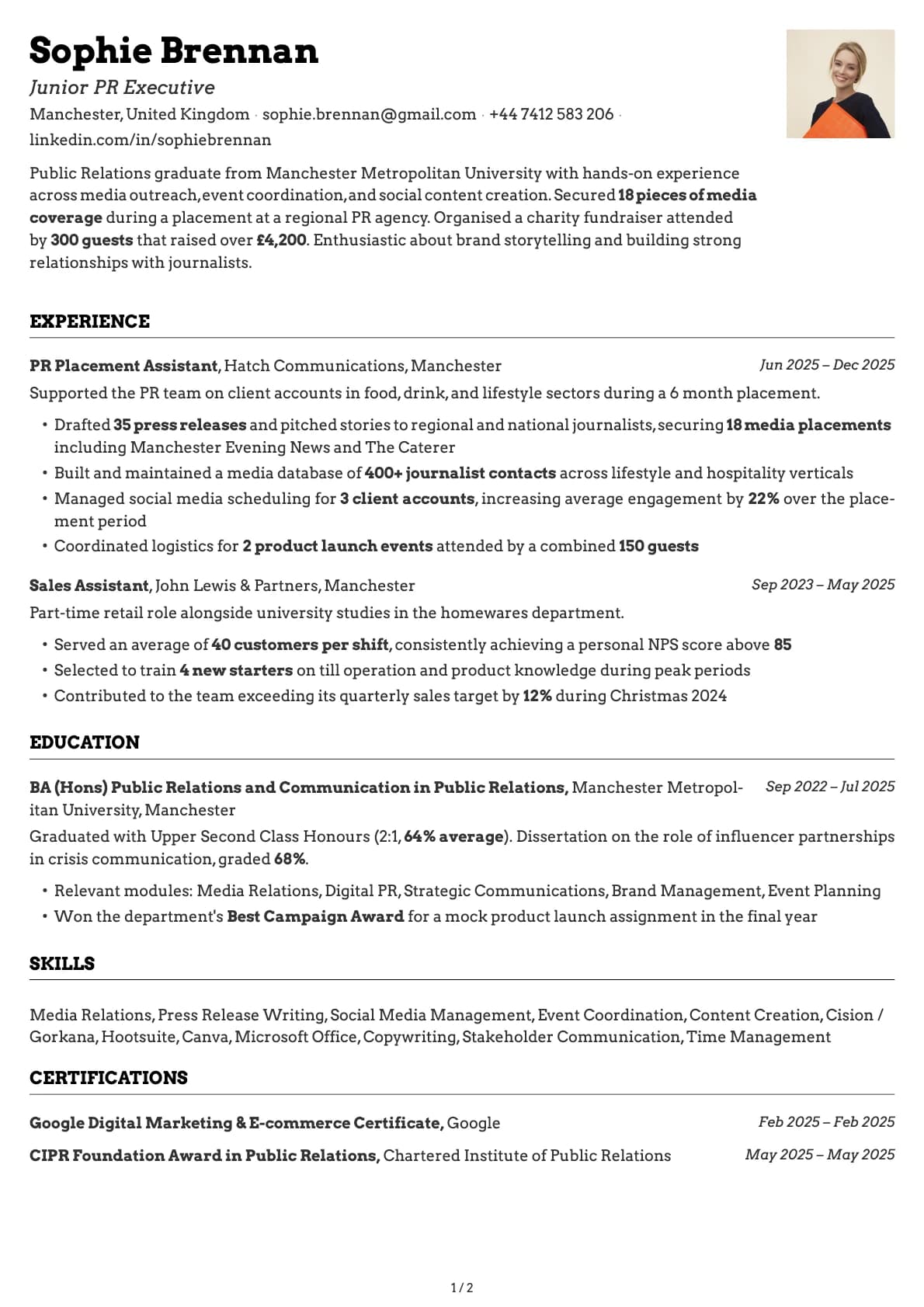
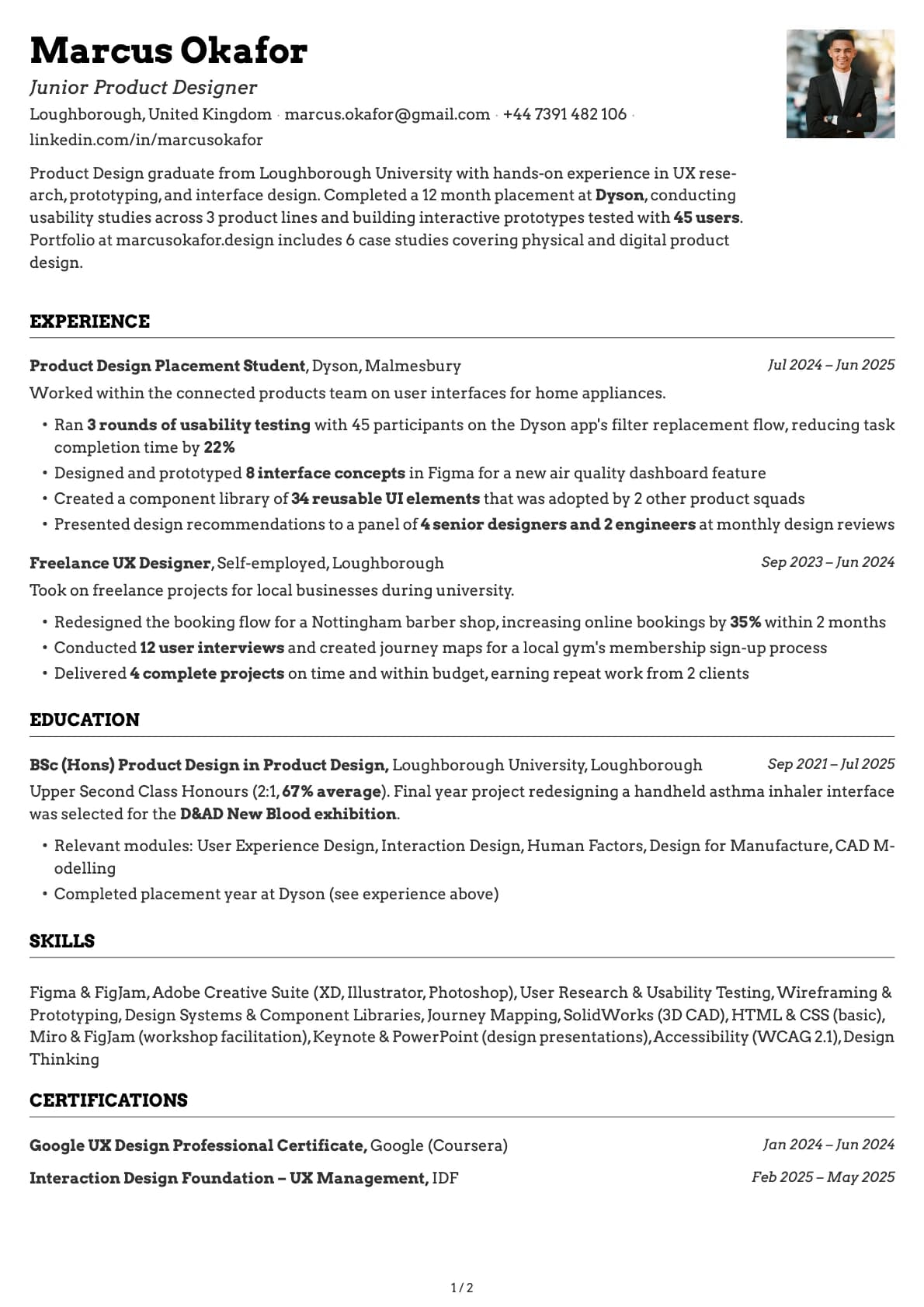
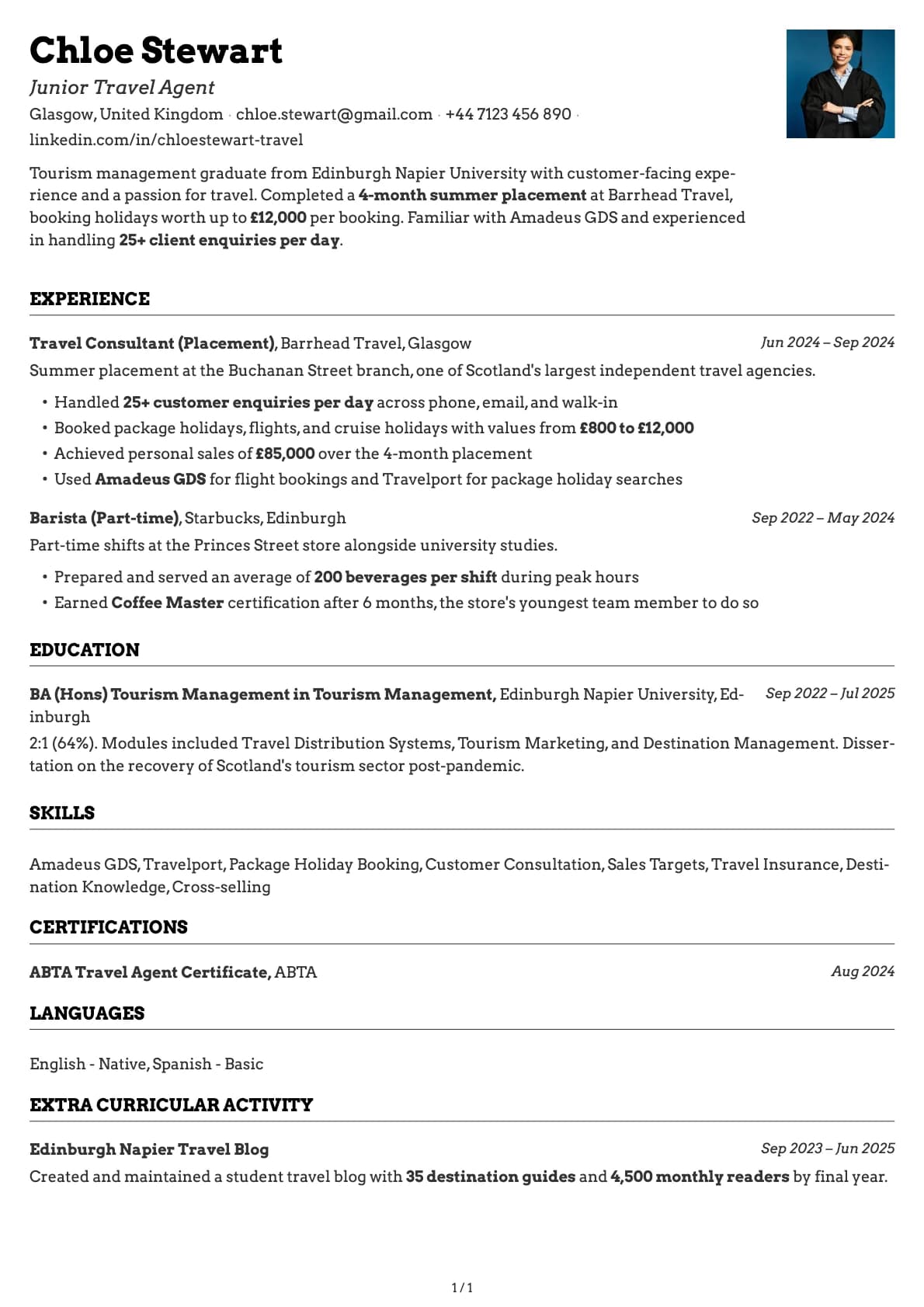
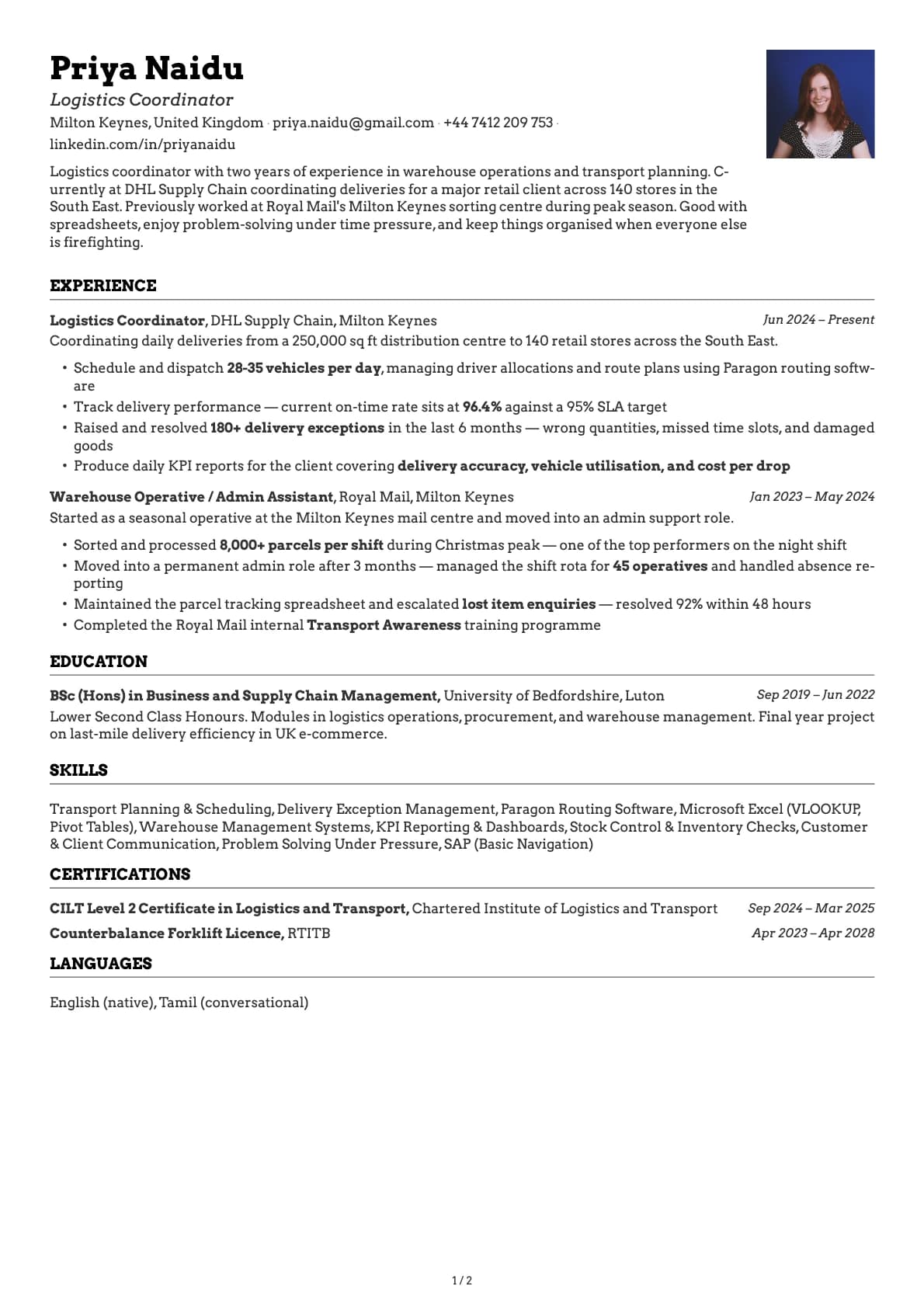
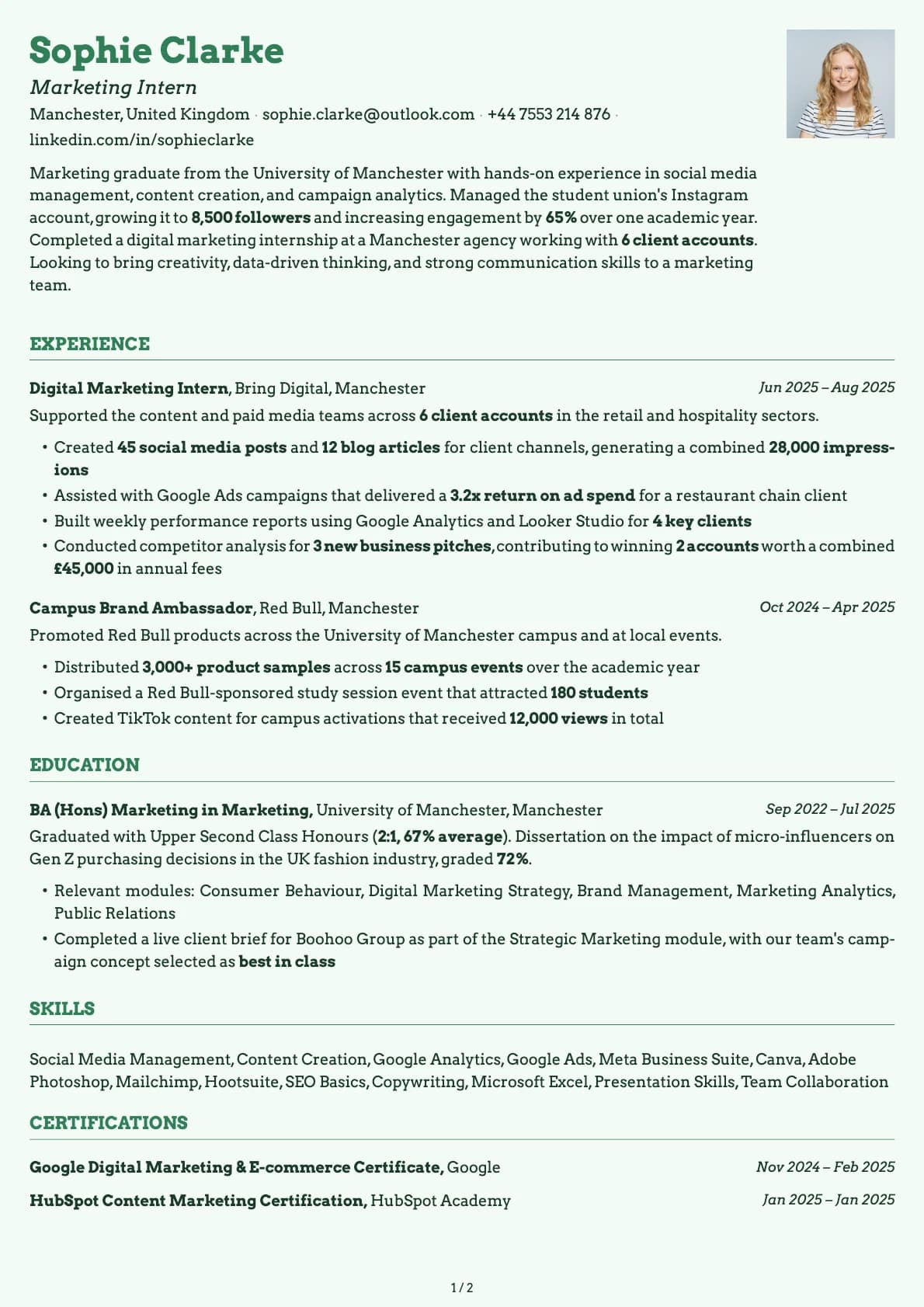
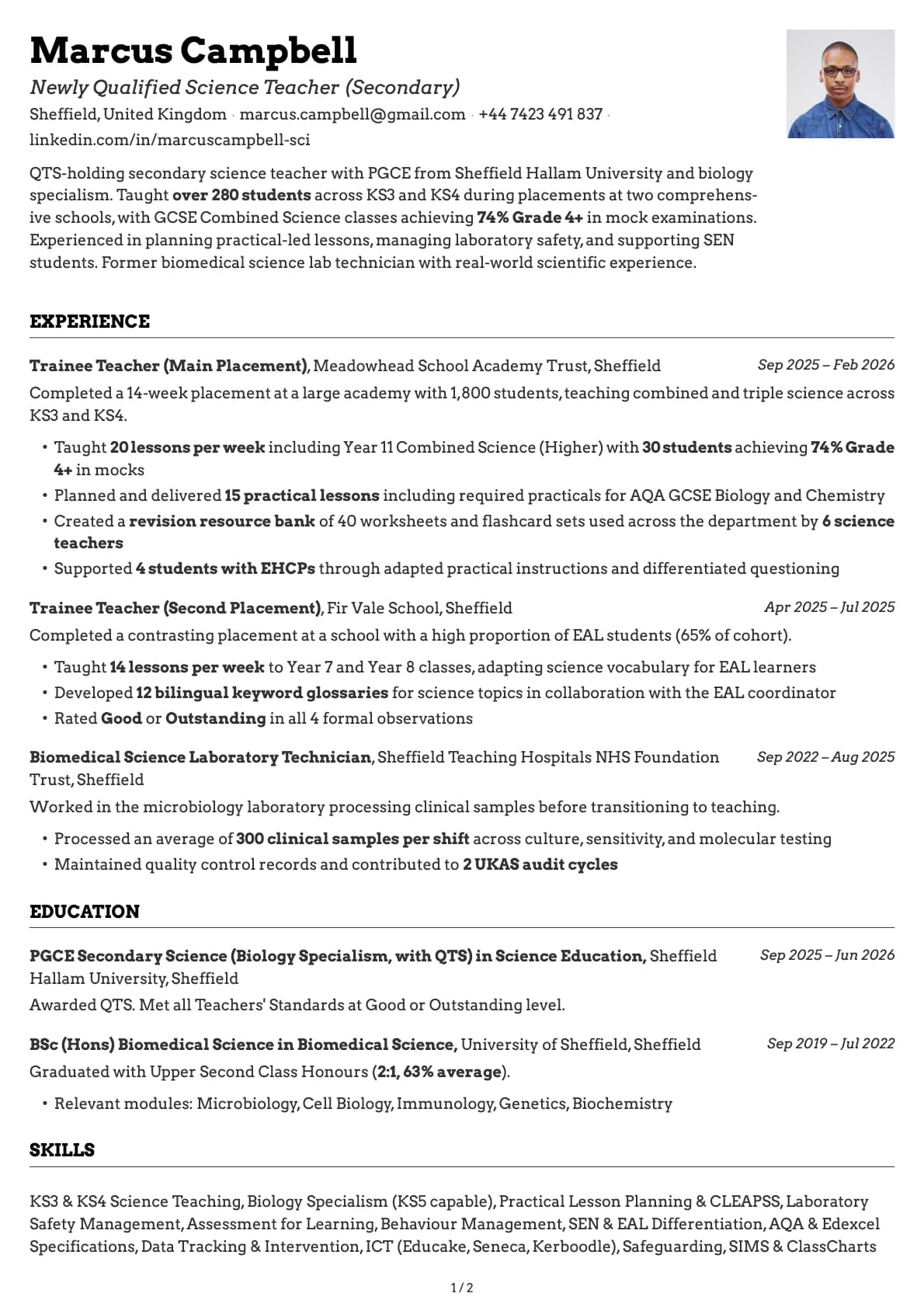
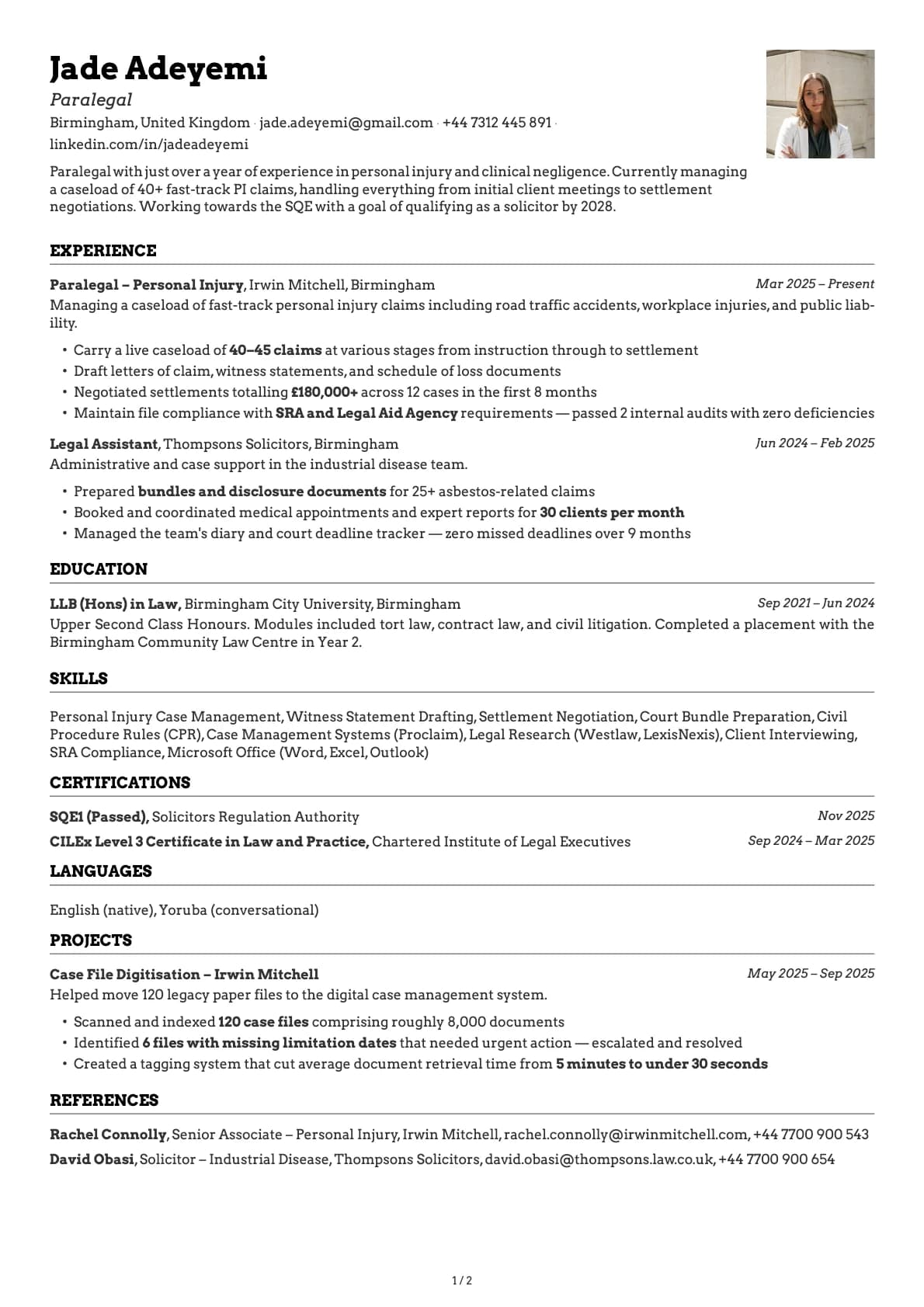
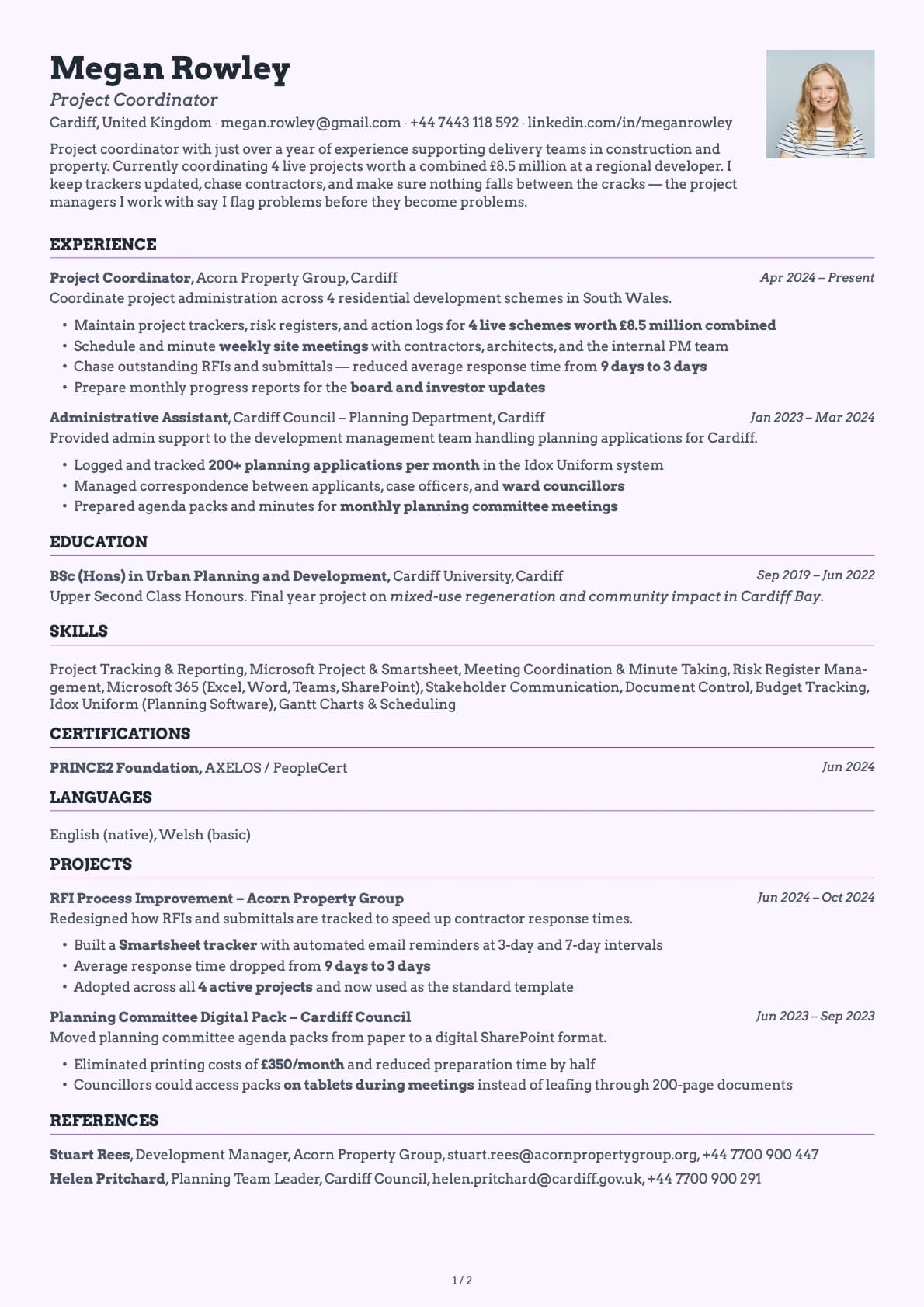
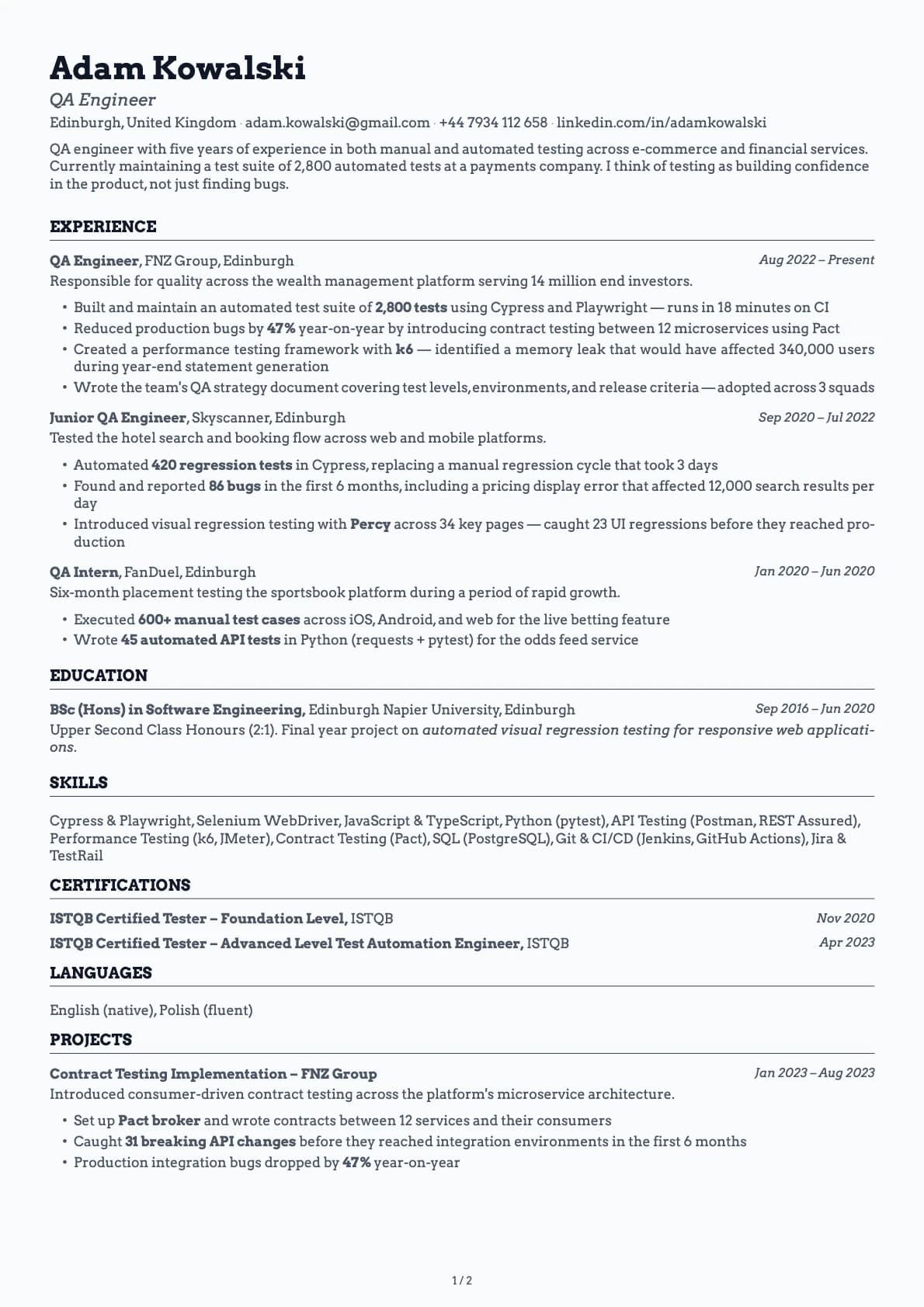
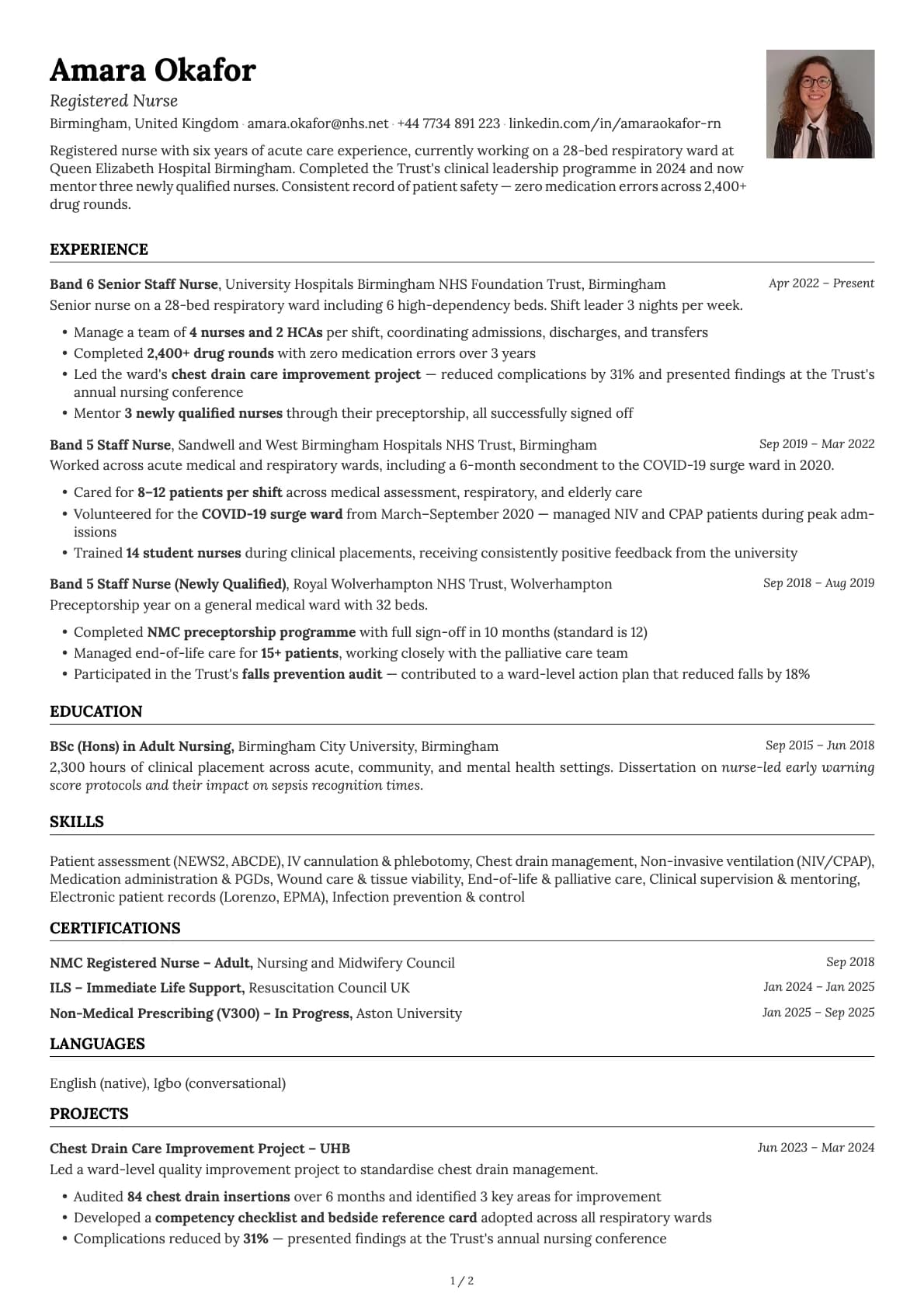
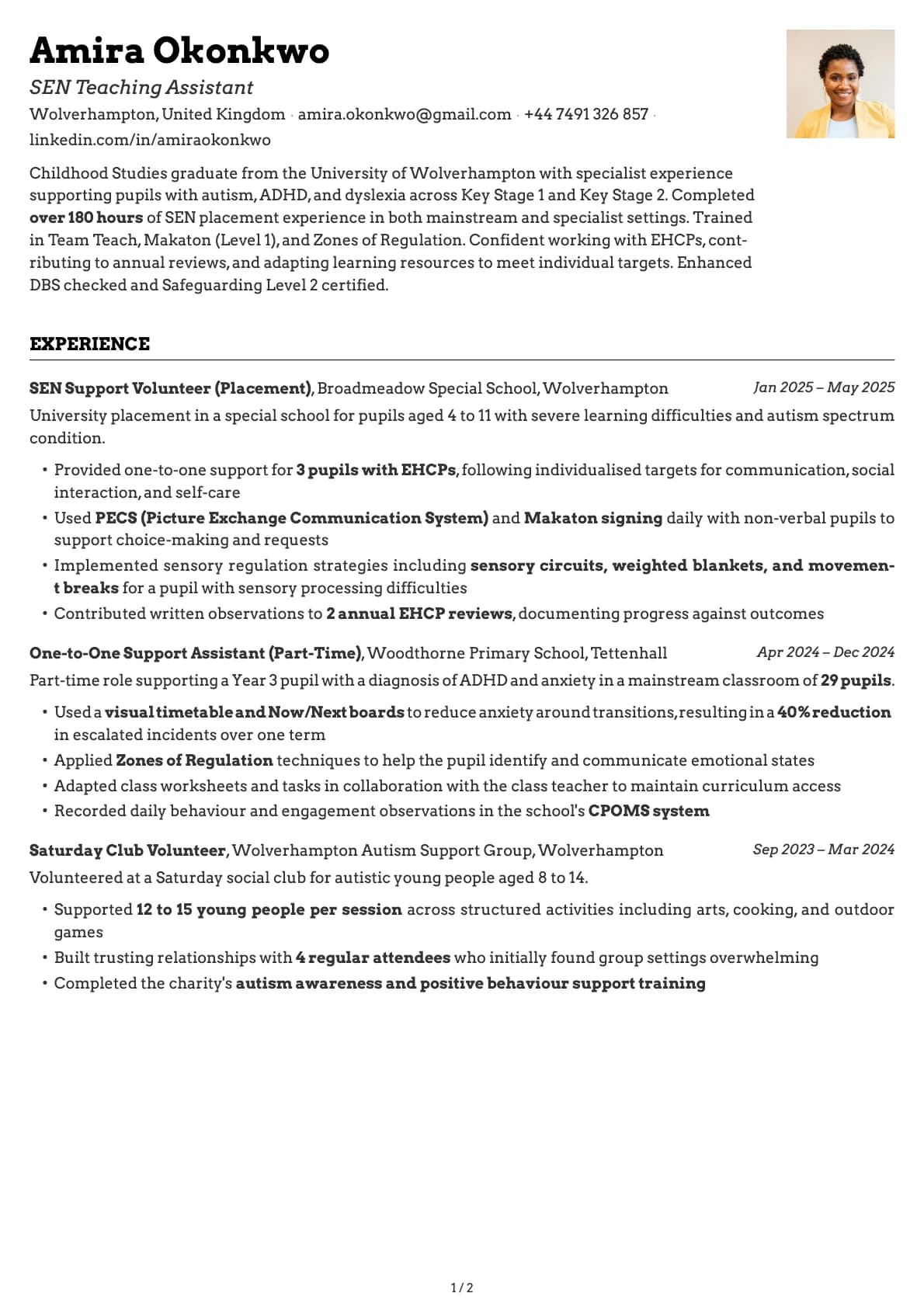
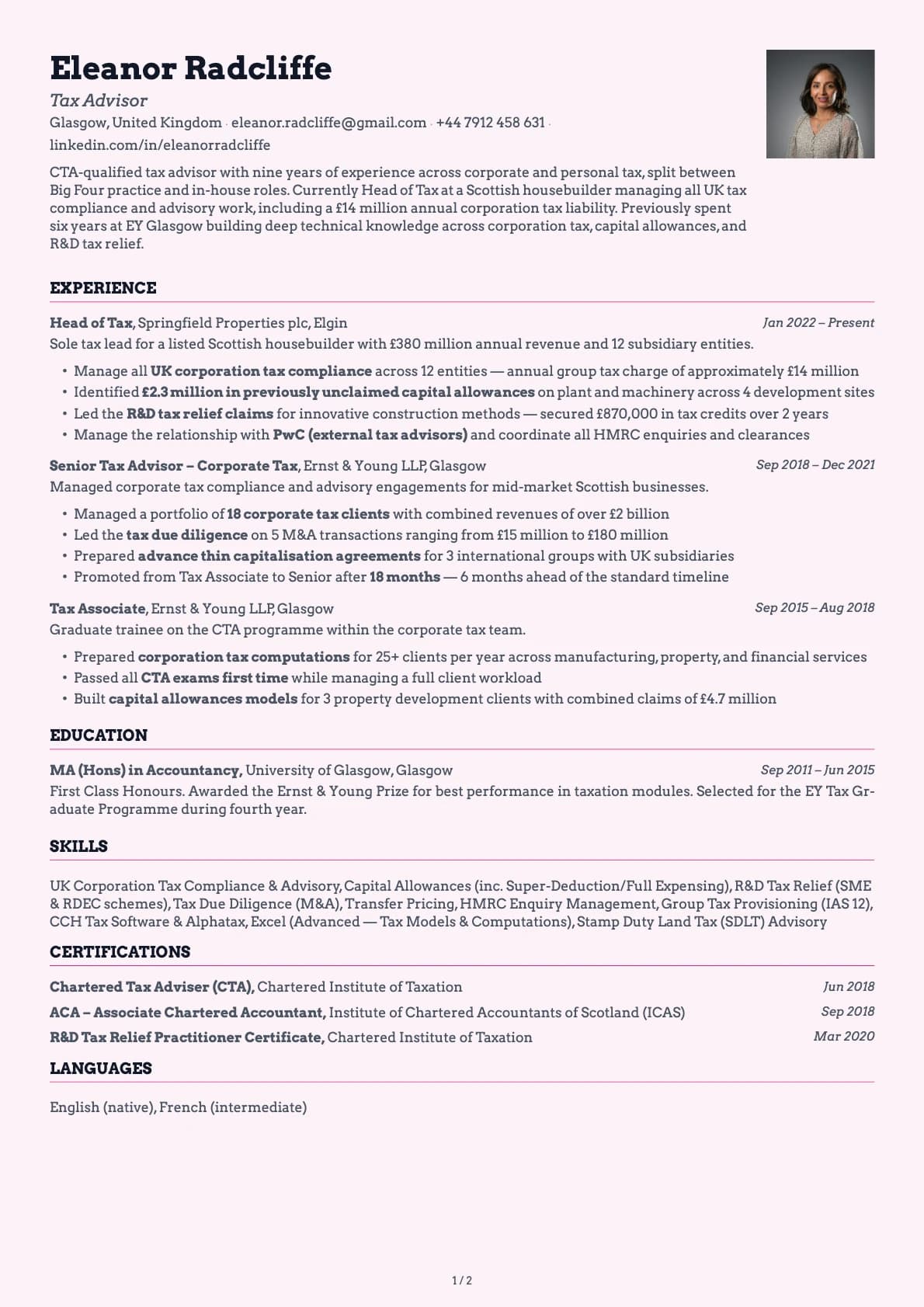
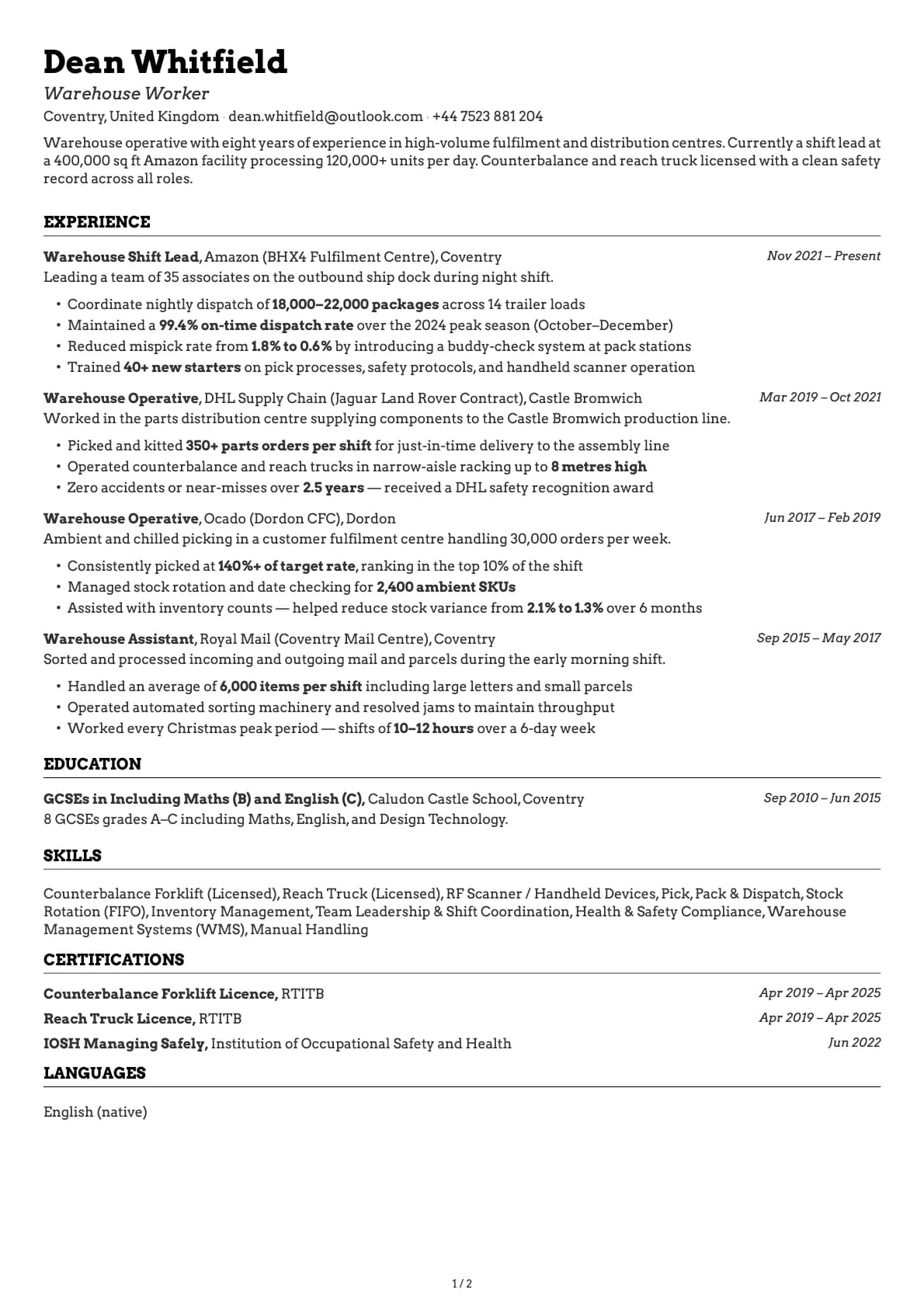
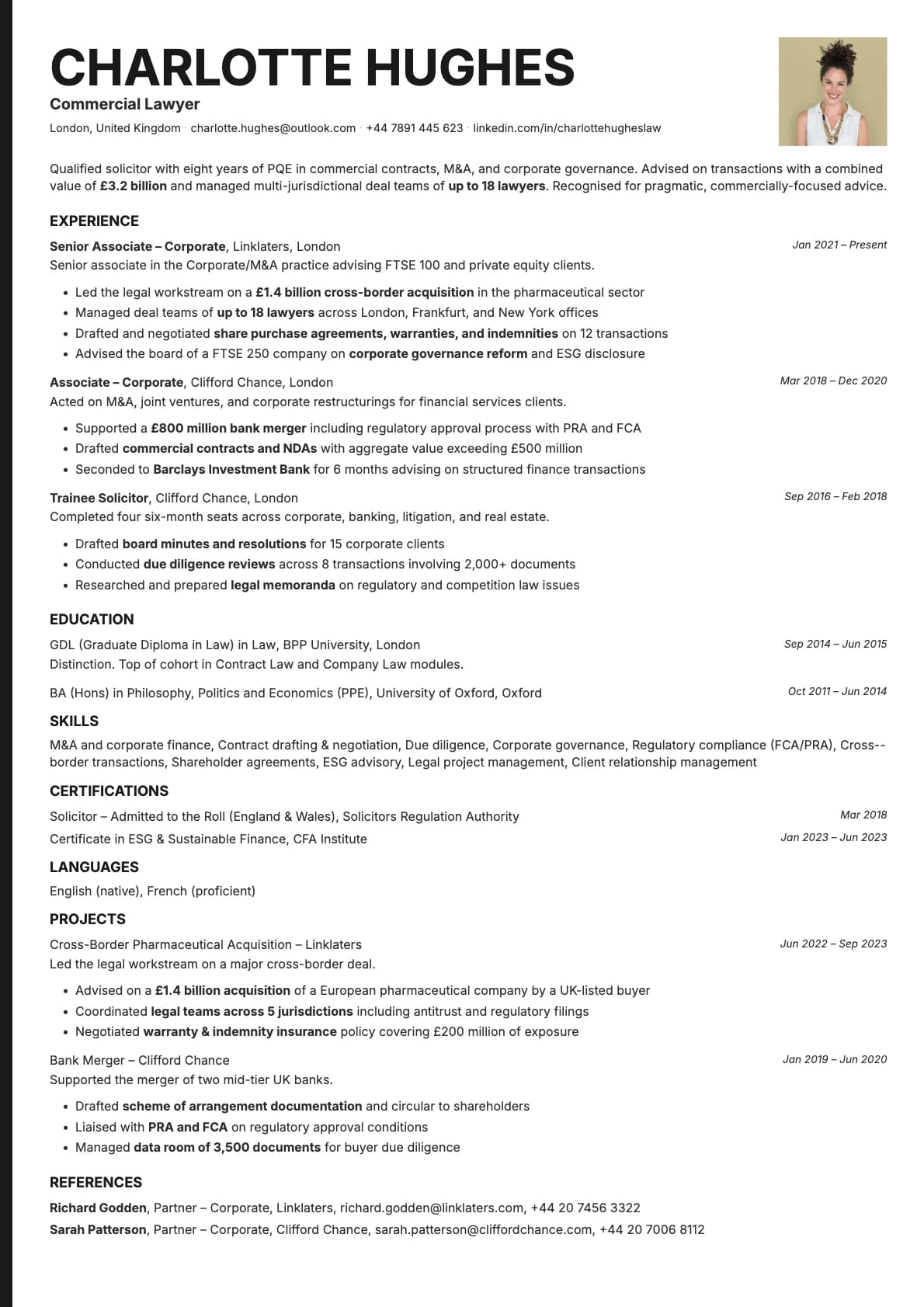
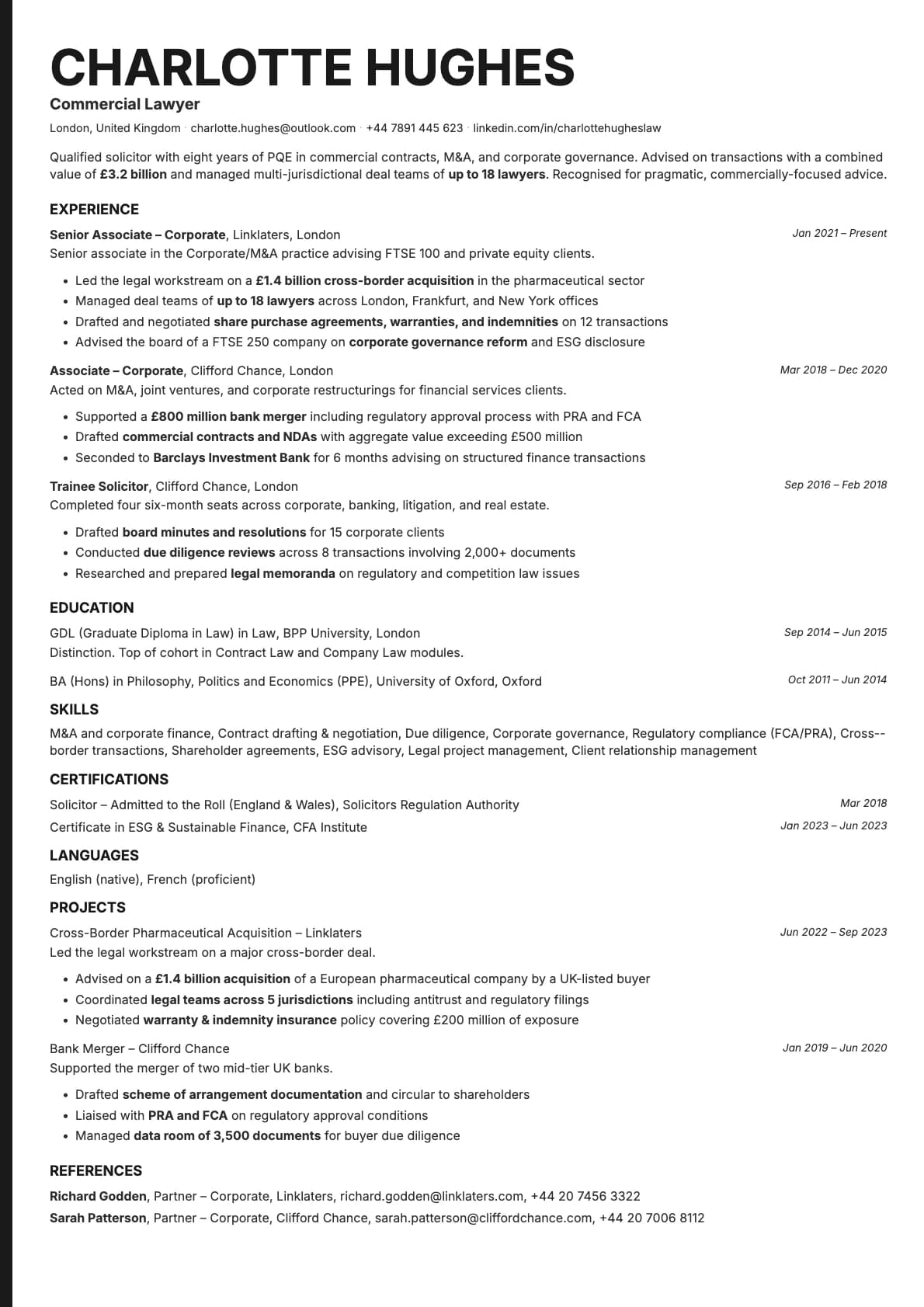
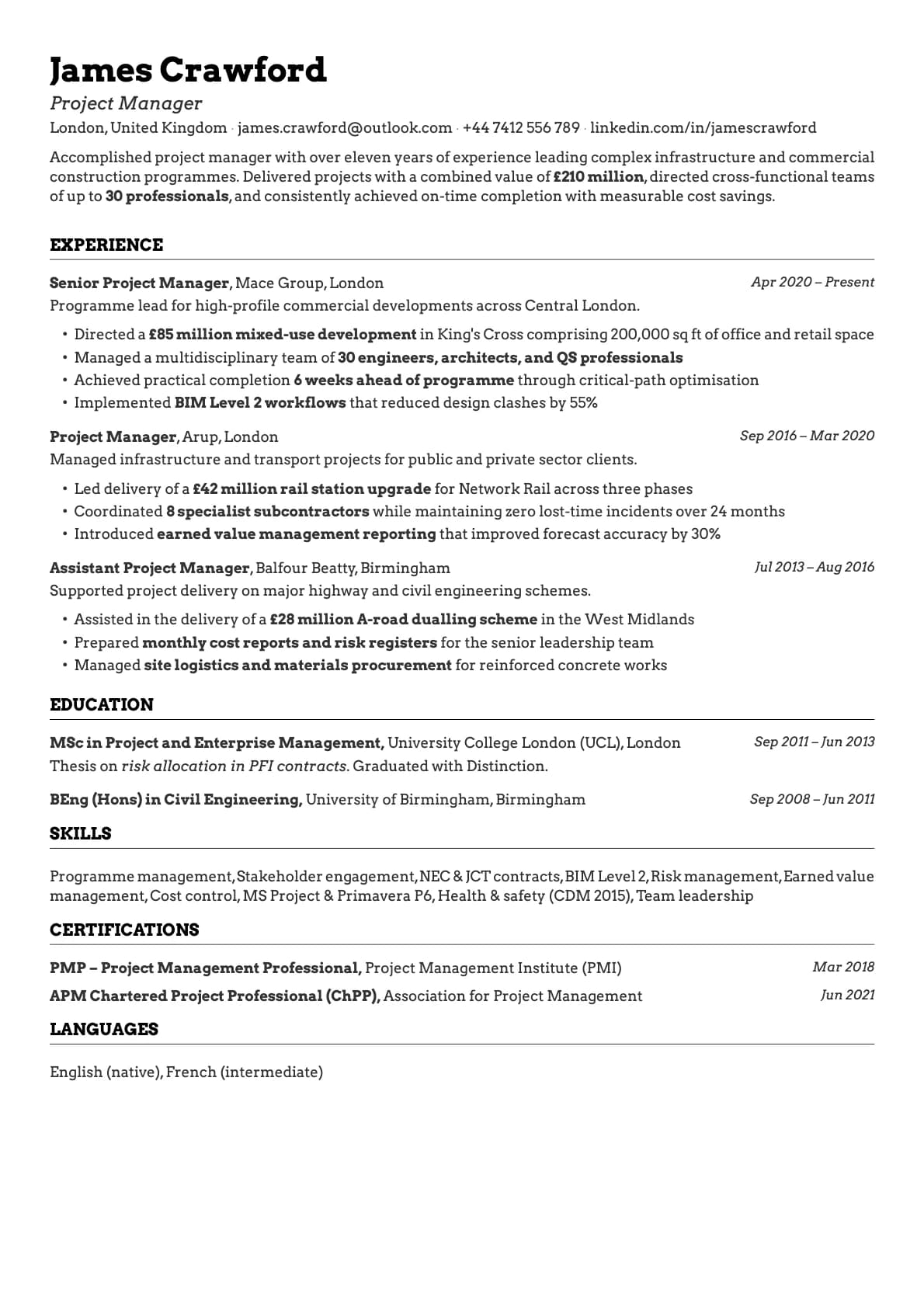
The layout is straightforward: your name and contact info sit at the top, followed by your summary, experience, education, and skills in a single vertical flow. There are no sidebars or columns that could confuse a parser. It looks clean to a hiring manager and reads perfectly to a machine.
Who should use this template?
Emerald is a good fit if you work in corporate environments, finance, consulting, operations, or management. The layout handles long career histories without looking cluttered, so it also works well if you have 10+ years of experience.
If you are changing careers, the clean structure helps draw attention to transferable skills instead of a non-linear job history. And if you are a recent graduate, the single-column format keeps a shorter resume from looking empty.
It is less suited for creative roles where you want a two-column layout with more visual personality. For those, take a look at Fern for a fresh sidebar layout or Opal for something with more colour. If you want the same clean single-column structure but with a more neutral, understated feel, Ivory or Graphite are worth checking out.
What you get
- A single-column layout that passes ATS systems with a 9.5/10 score
- 18 colour themes, from classic white and black to deep emerald greens and neutral earth tones
- The default font is Arvo, a modern serif that reads well on screen and in print. But you are not locked into it. Laddro lets you switch to any of the available fonts (Inter, Poppins, Lora, Century Gothic, and more) with one click, so you can match the template to your own style
- Section dividers that separate content without adding clutter
- Multi-page support that grows with your experience
ATS compatibility
Emerald scores 9.5/10 because it avoids the things that break ATS parsing:
- No columns or tables. Content flows in a single stream that every parser can follow.
- No text boxes or embedded images. All content is native text.
- Standard section headings like "Employment History", "Education", and "Skills" that ATS systems recognise automatically.
Your resume will parse correctly whether you upload it to LinkedIn Easy Apply, send it through Workday, Taleo, iCIMS, or email it directly to a recruiter.
Colour options
You get 18 colour variations with this template:
- Classic white background with black text for the safest, most universal look
- Deep emerald green backgrounds with light text if you want something that stands out
- Muted forest and sage greens for a natural, understated feel
- Neutral tones that sit somewhere between bold and conservative
Each variation is designed to look good both on screen and when printed. You can preview every colour in the builder before you download.
Tips for getting the most out of Emerald
- Write a summary that leads with numbers. "Managed a team of 12" or "Grew revenue by 40%" tells a hiring manager more than a paragraph of adjectives.
- Use bullet points for your achievements. The clean typography makes bulleted lists easy to scan. Start each one with a verb.
- If you have less than 10 years of experience, aim for one page. The template supports multiple pages, but most hiring managers prefer concise resumes.
- Pick your colour based on where you are applying. White and black is the safest choice for law, finance, and government. The green themes work well for tech, marketing, and general corporate roles.
Build your resume with Emerald on Laddro
Start building with Emerald. Fill in your details, switch colours and fonts in real time, and download a PDF when you are ready. No account needed to start.
How would you rate this template?
Your rating helps others pick the right template for their resume.
Make this template yours
Pick a colour, add your details, and download your resume. No design skills needed.
Free to use. No account needed to start.
Resumes built with Emerald