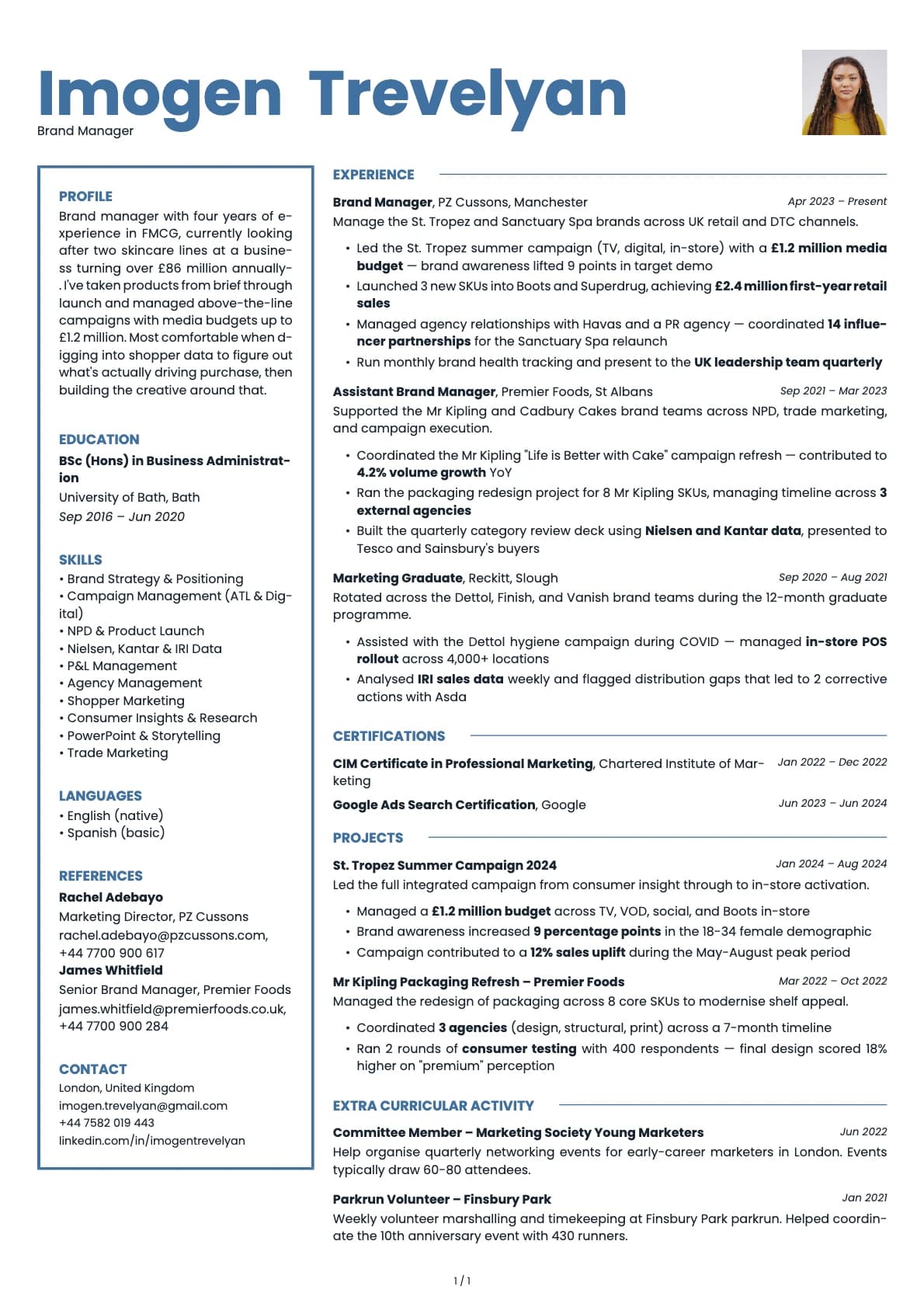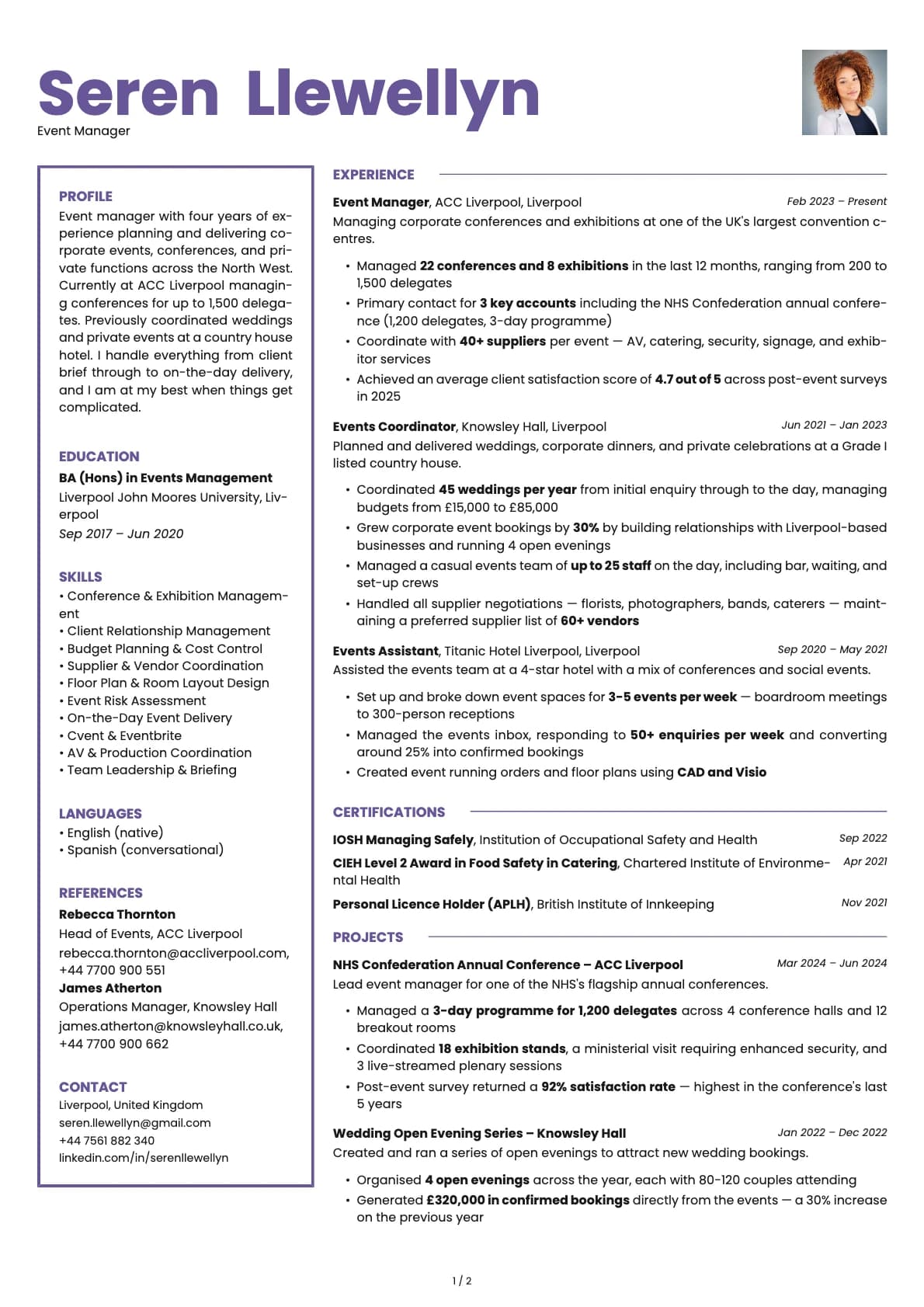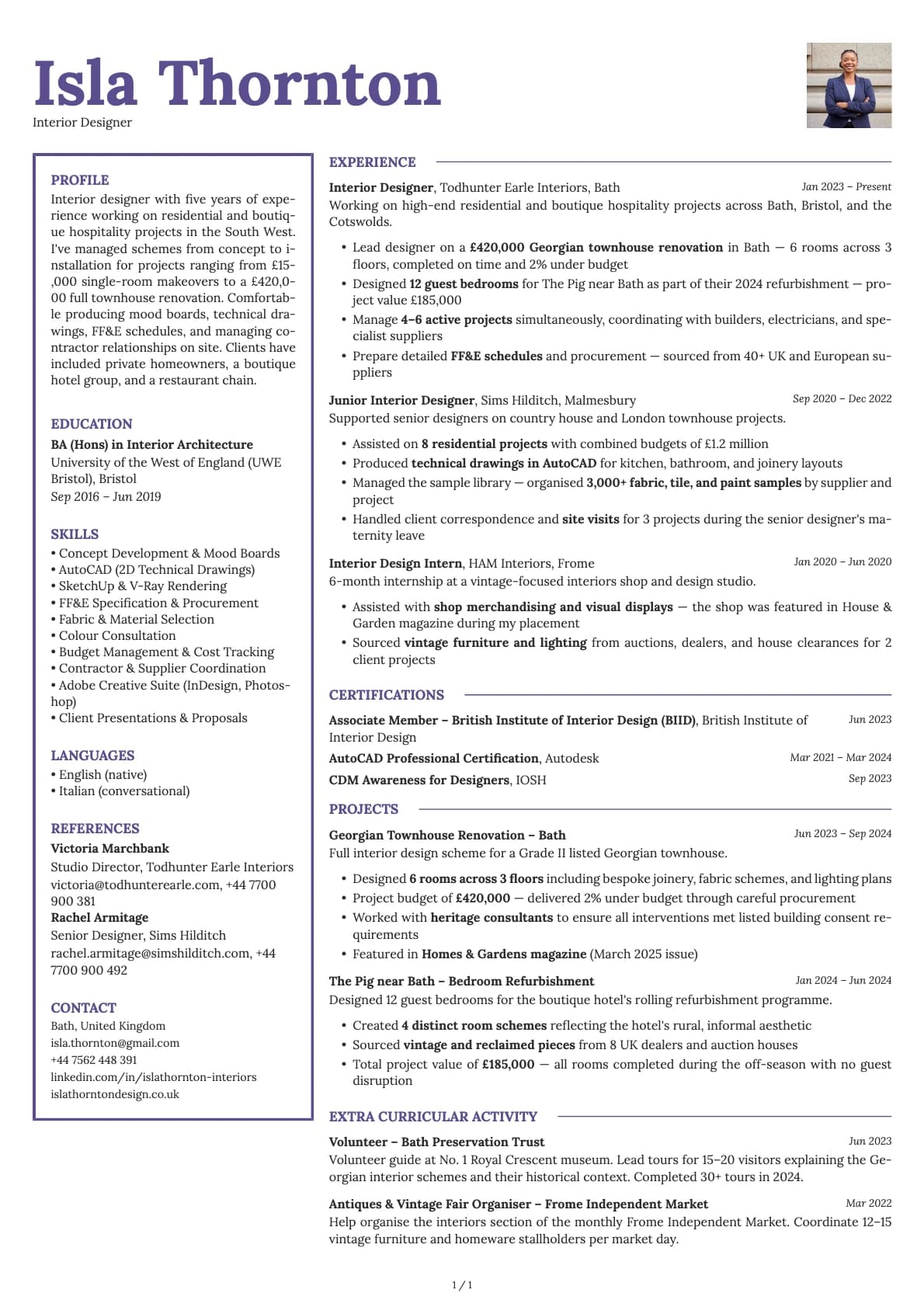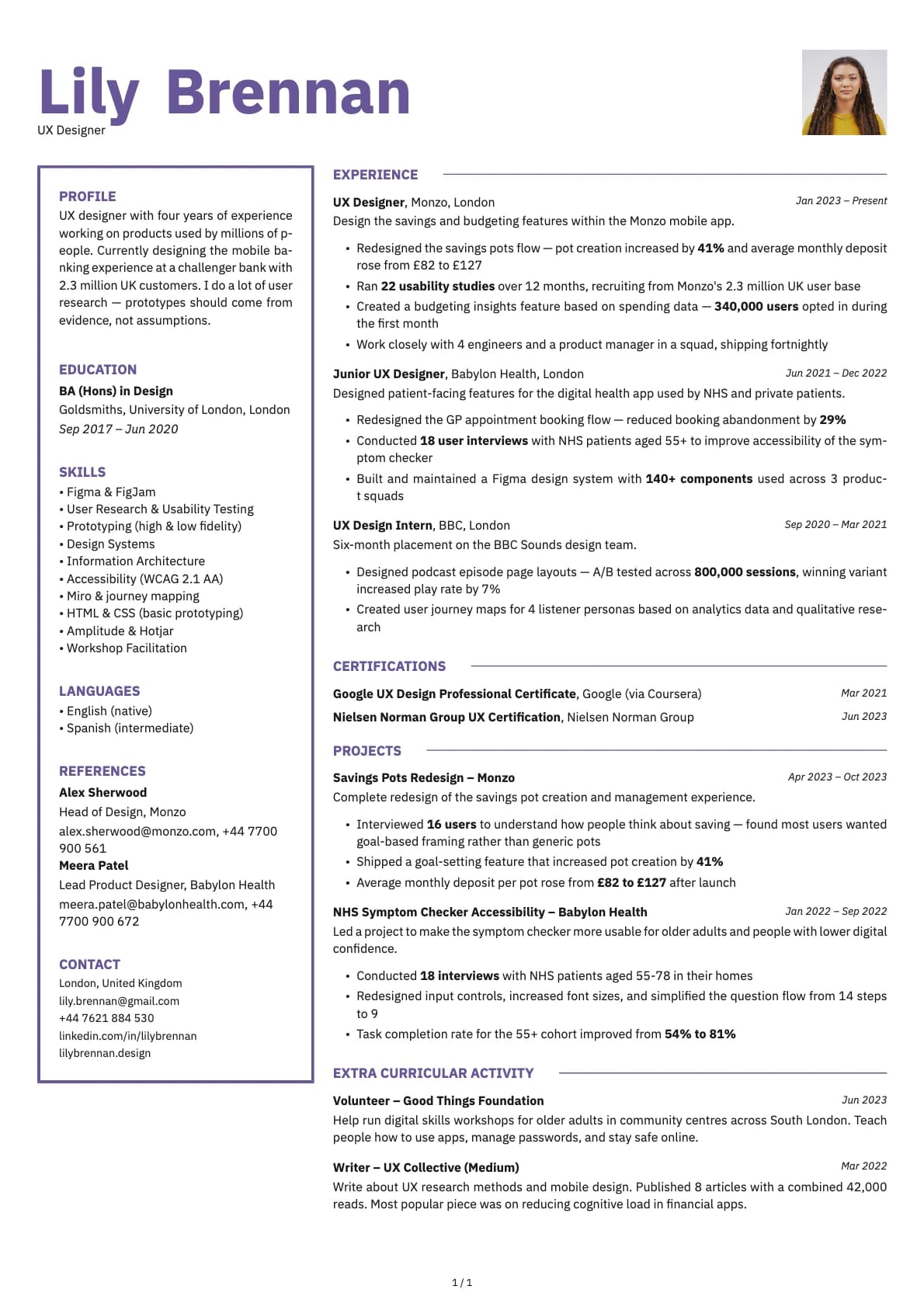
Opal Photo Resume Template
A creative two-column resume template with profile photo, purple-toned colour options, and a 6.5/10 ATS score.
Free to use. No account needed to start.
Why Opal Photo?
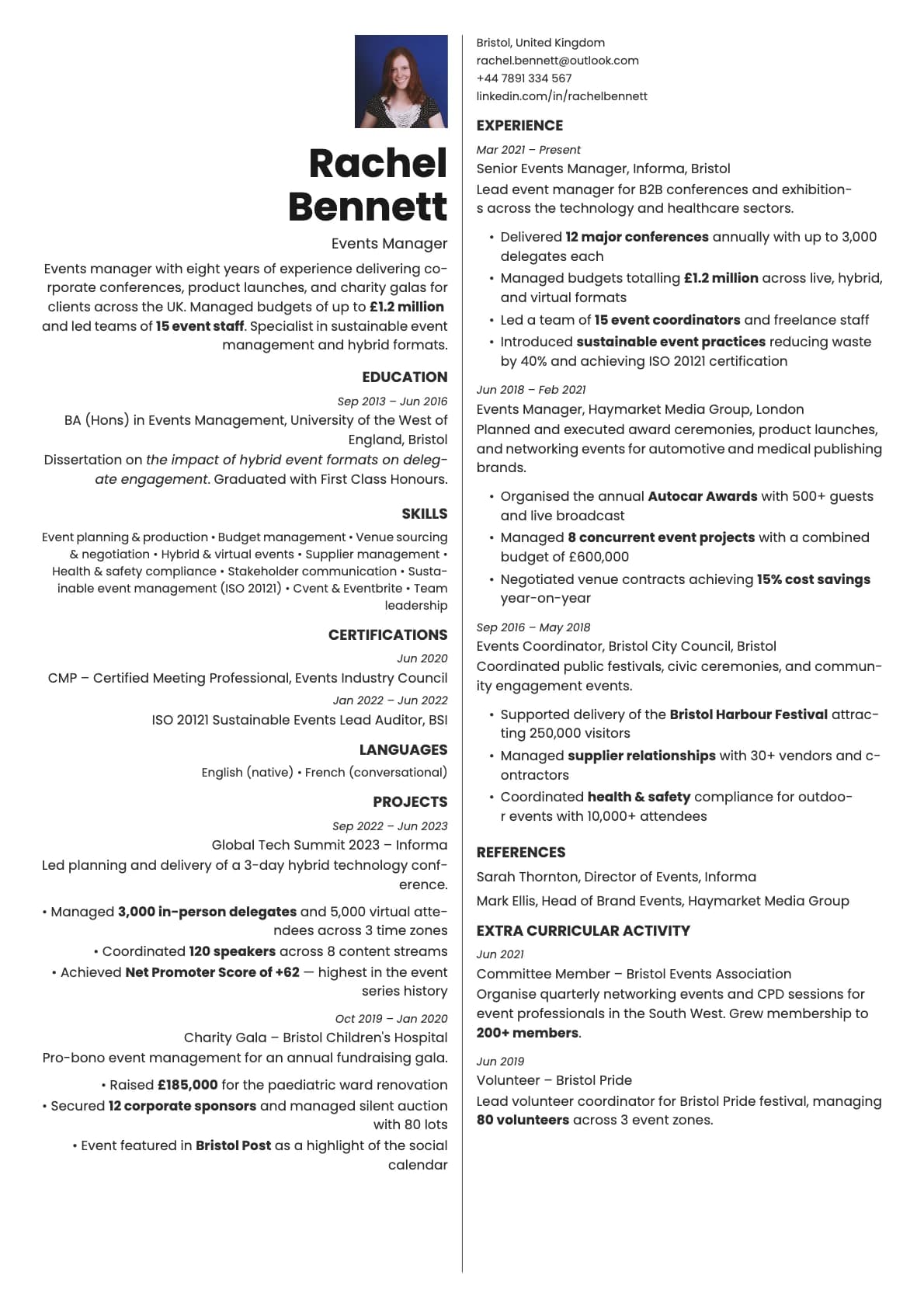
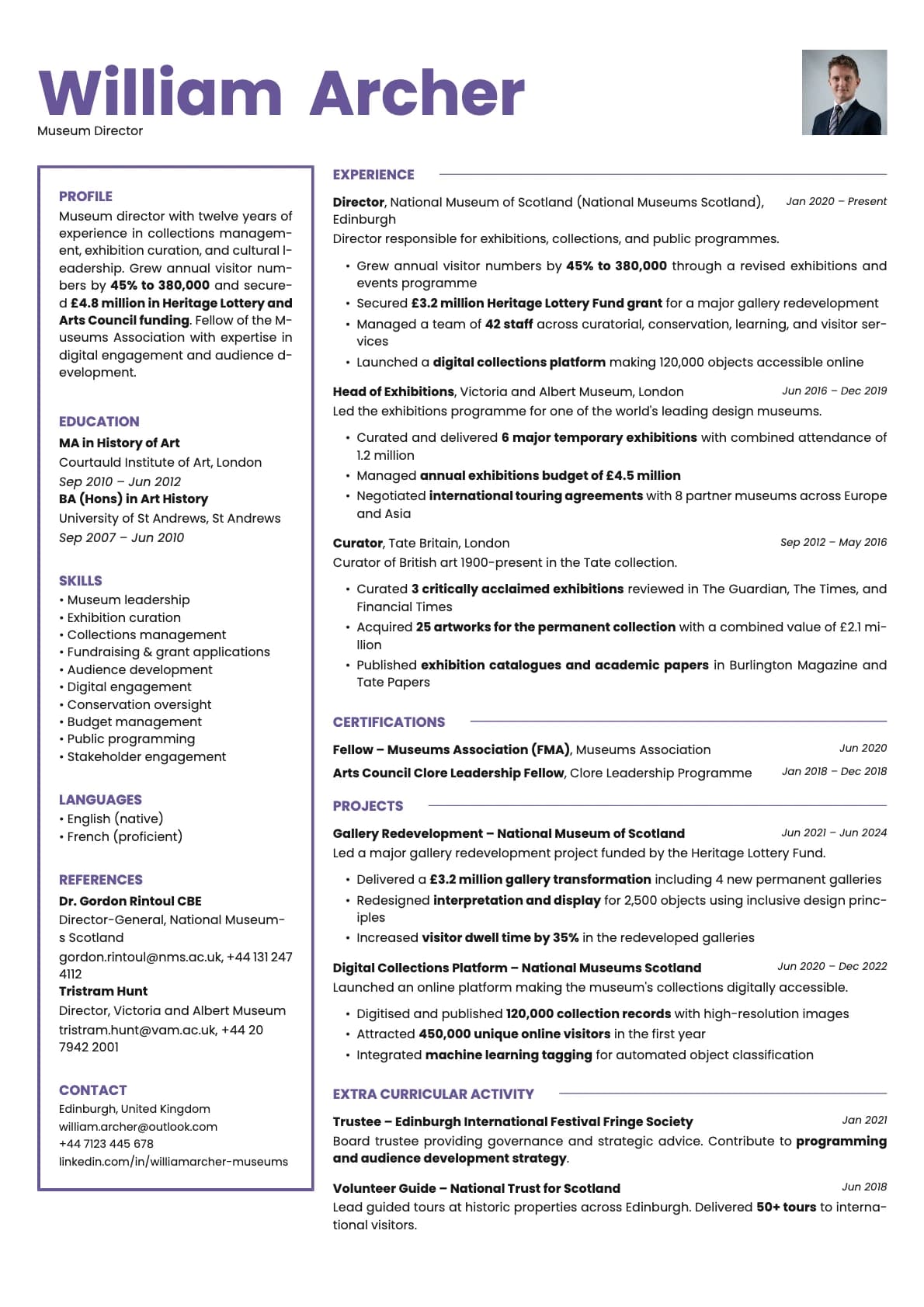
Opal leans into colour more than most templates. The default purple palette gives it a distinctive look that separates it from the sea of blue-and-grey resumes out there. Adding a photo to Opal turns it into something you would hand to someone at a conference or attach to a direct email. It reads as creative and personal without tipping into unprofessional.
The header-plus-two-column layout gives your content breathing room while the Poppins font keeps the text friendly and readable. The 7 colour options include the signature purple tones plus blue, rose, green, and terracotta for variety.
When a photo makes sense
Creative professionals applying directly to companies or studios. Designers, illustrators, content creators, social media managers, event coordinators, and communications specialists. Opal Photo works best when your resume is going straight to a person, not into an automated system. Think email attachments, portfolio sites, networking follow-ups, and agency applications.
When to skip the photo
Opal's ATS score sits at 6.5/10, so it is not the best choice for job boards or large-scale application portals. If you are uploading to Indeed, LinkedIn Easy Apply, or a corporate careers page, use the base Opal template or switch to a higher-ATS option entirely.
What you get
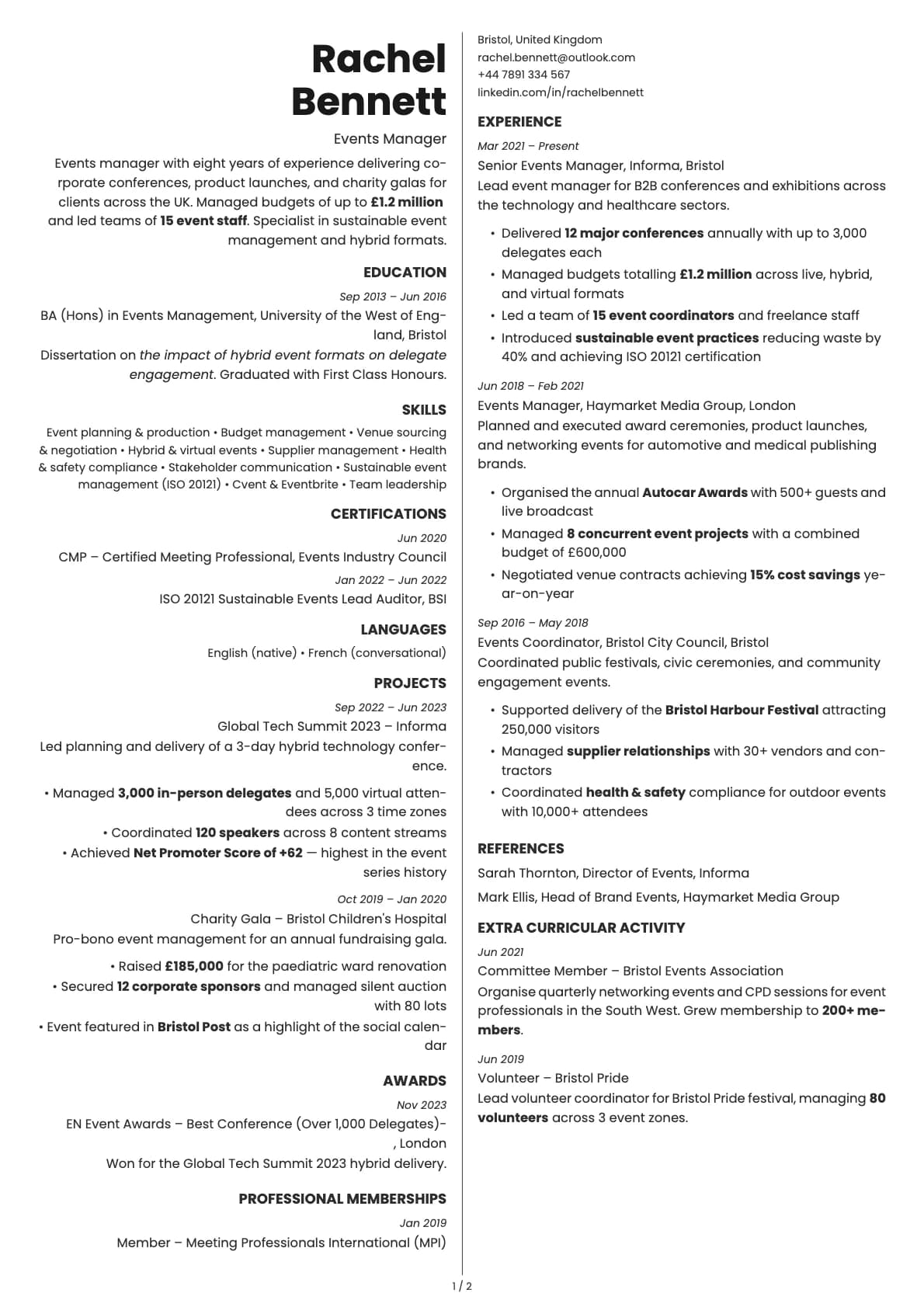
- Everything from the base Opal template: header-plus-two-column layout, distinctive colour palette, multi-page support
- A headshot in the header that works with the colour accents
- Photo on the first page only
- 7 colour themes anchored by purple tones, with other options available
- Poppins as the default font, with other options in the Laddro builder
Photo tips
Opal's colour palette is rich, so a simple photo works best. Avoid wearing colours that clash with the template accent. A solid or blurred background in neutral tones keeps the focus on your face while letting the template colours do the visual work.
ATS compatibility
Both the photo and base Opal templates score 6.5/10. The two-column layout and creative styling are the main factors. For job portals and automated systems, this template is better suited as a secondary resume for direct outreach. The photo itself does not change how parsers read the content.
Build your resume with Opal Photo on Laddro
Start building with Opal Photo. Choose your colour, upload a headshot, and put your resume together in the live editor. Download as PDF whenever you are ready. No account needed to start.
How would you rate this template?
Your rating helps others pick the right template for their resume.
Make this template yours
Pick a colour, add your details, and download your resume. No design skills needed.
Free to use. No account needed to start.