Opal Resume Template
A creative two-column resume template with a header section, 7 colour options, and a 6.5/10 ATS score. Bold colours for creative industries.
Free to use. No account needed to start.
Why Opal?
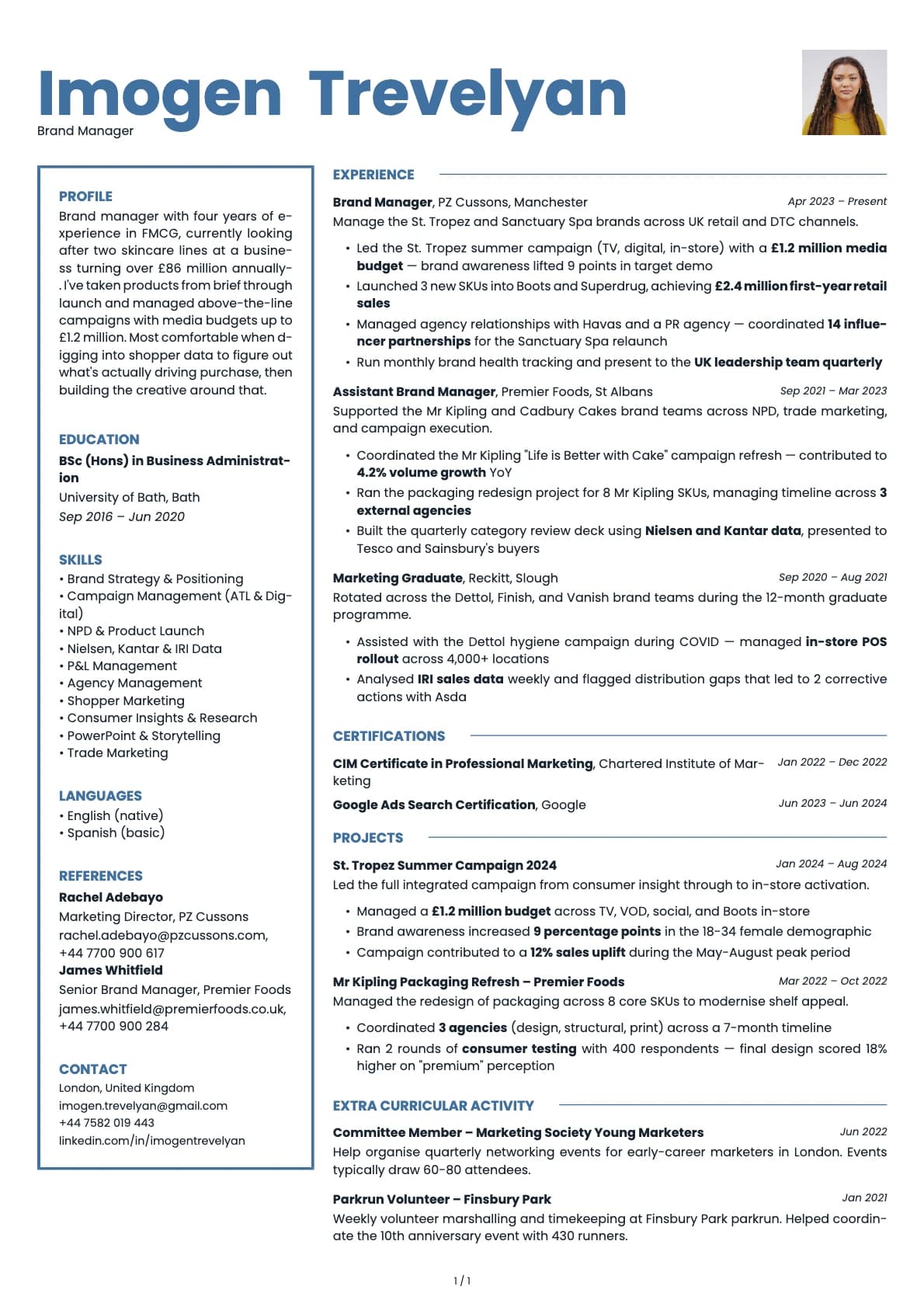
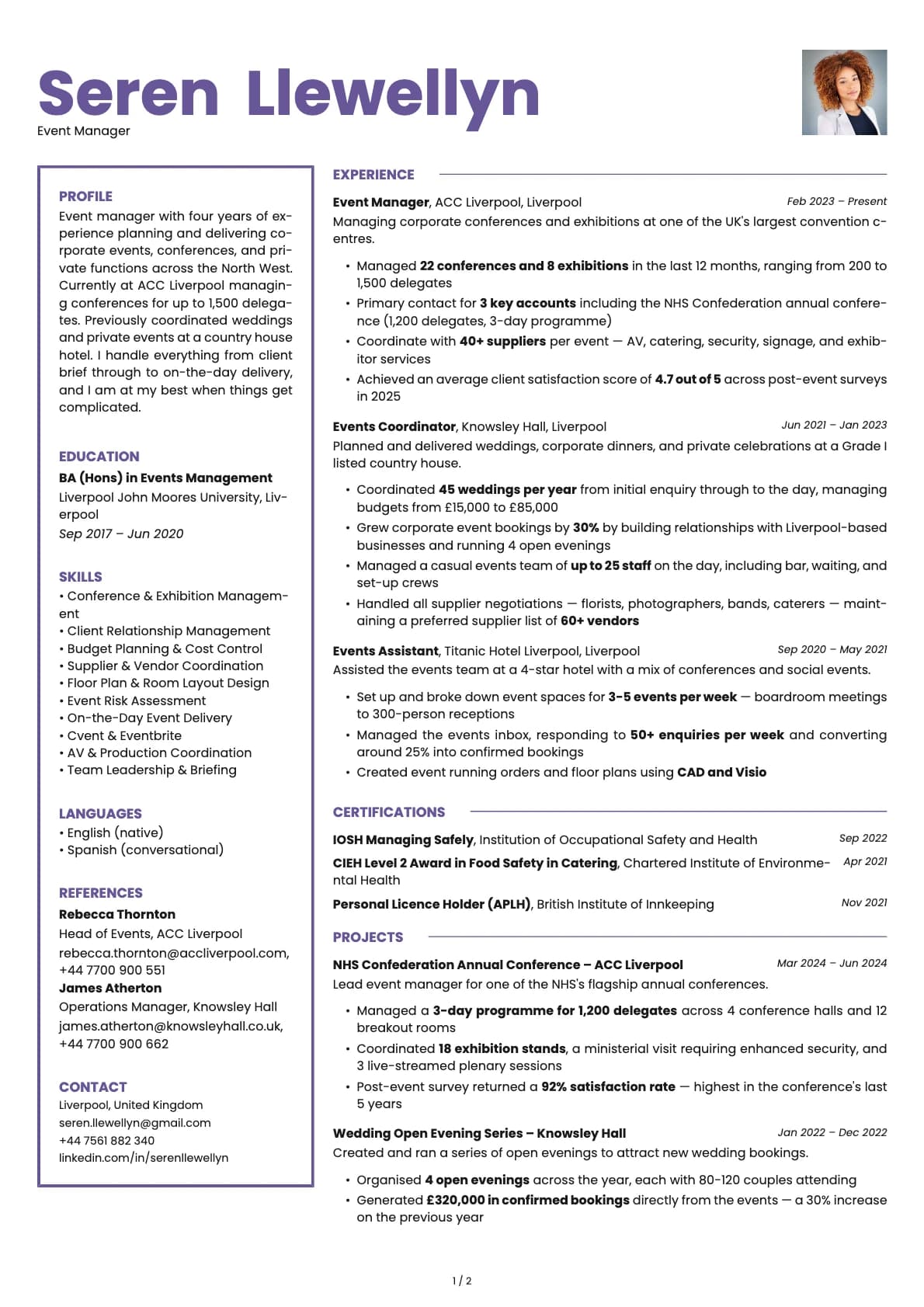
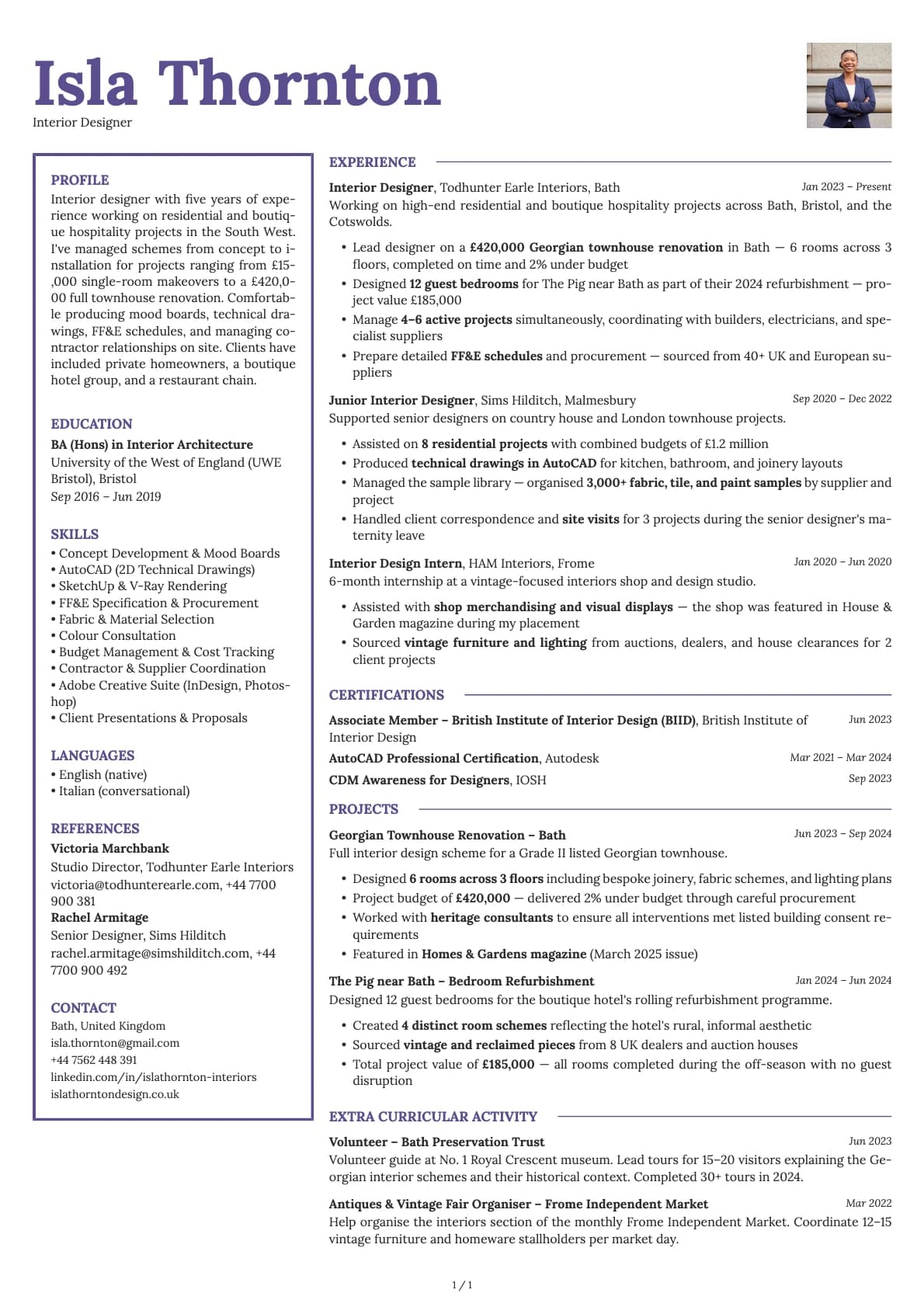
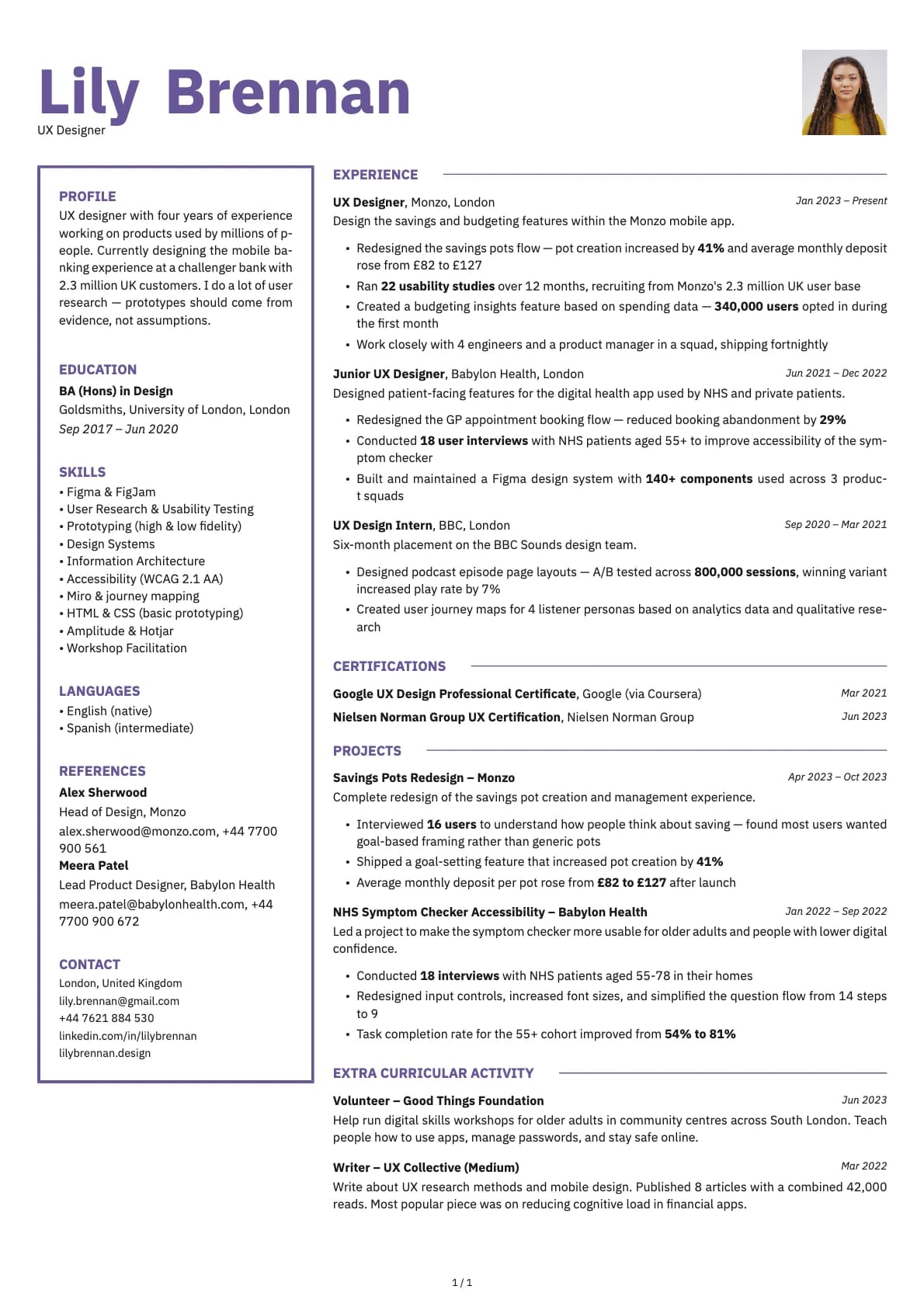
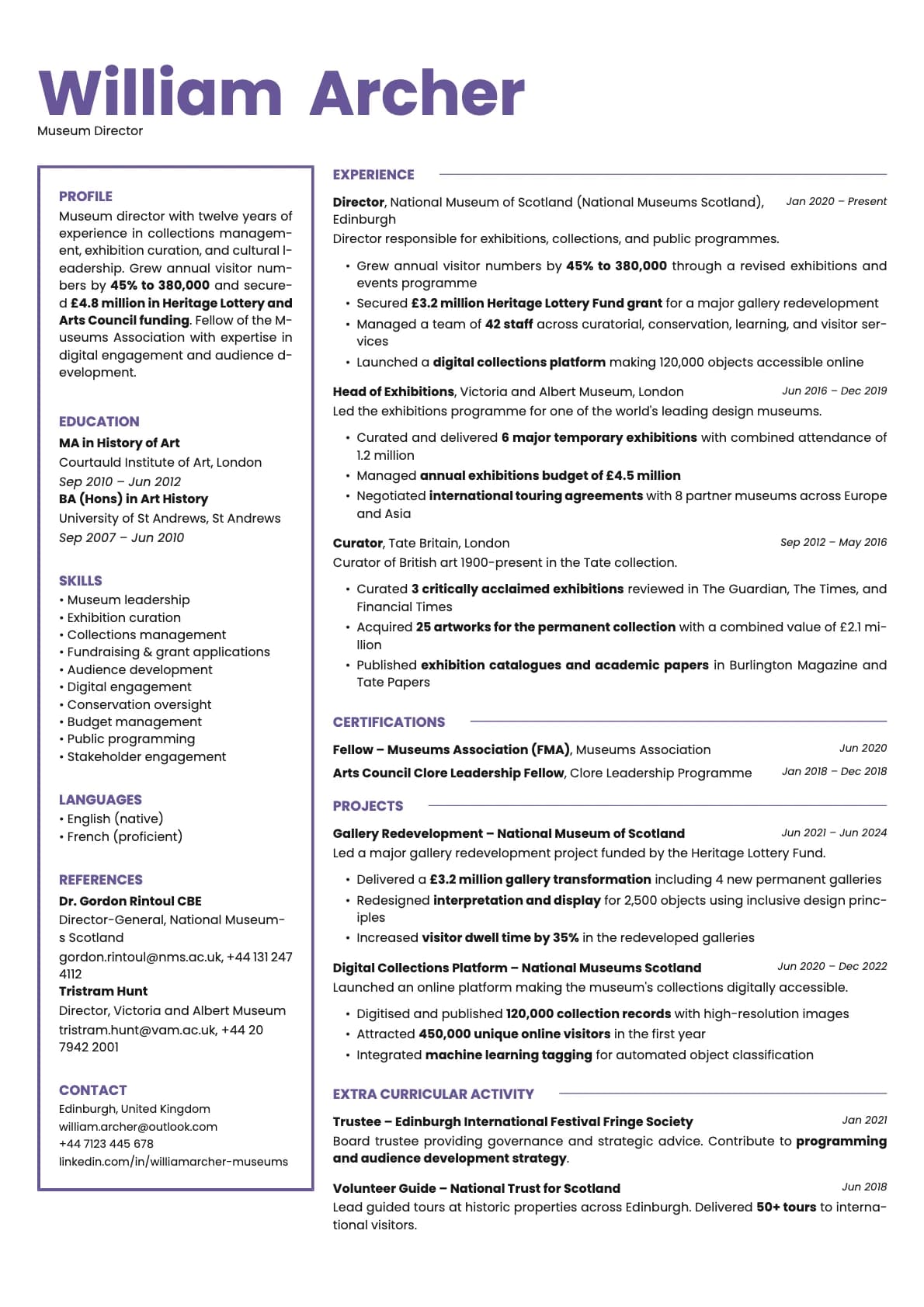
Opal is the template you pick when you want your resume to feel like a piece of your portfolio. It uses a header section paired with a two-column body, and the default colour palette leans into purples and iridescent-inspired tones that give the page real visual character.
This is not a play-it-safe template. It is for people whose work is visual or creative and who want their resume to reflect that before the reader gets to the first bullet point. The layout is structured enough to stay readable, but the colour and typography make it clear you care about presentation.
Who should use this template?
Opal is built for graphic designers, UX/UI designers, art directors, brand strategists, content creators, and anyone in a creative field where showing taste is part of the job. It also works for roles at agencies, studios, and startups where a conventional resume might actually work against you.
Send it directly to a hiring manager or attach it alongside a portfolio link. That is where it shines. For mass applications through job portals, the 6.5 ATS score means some systems might not read the two-column layout perfectly, so keep a simpler version on hand for those.
If you like the creative direction but want a sidebar instead of a header layout, Fern gives you a two-column sidebar with a design-forward feel. Bold Edge takes a different approach with colour blocks on a single-column base, which gets you a higher ATS score while still looking creative. And if you need to bump your ATS score up significantly without losing personality, Cobalt is a single-column template that still reads as modern and expressive.
What you get
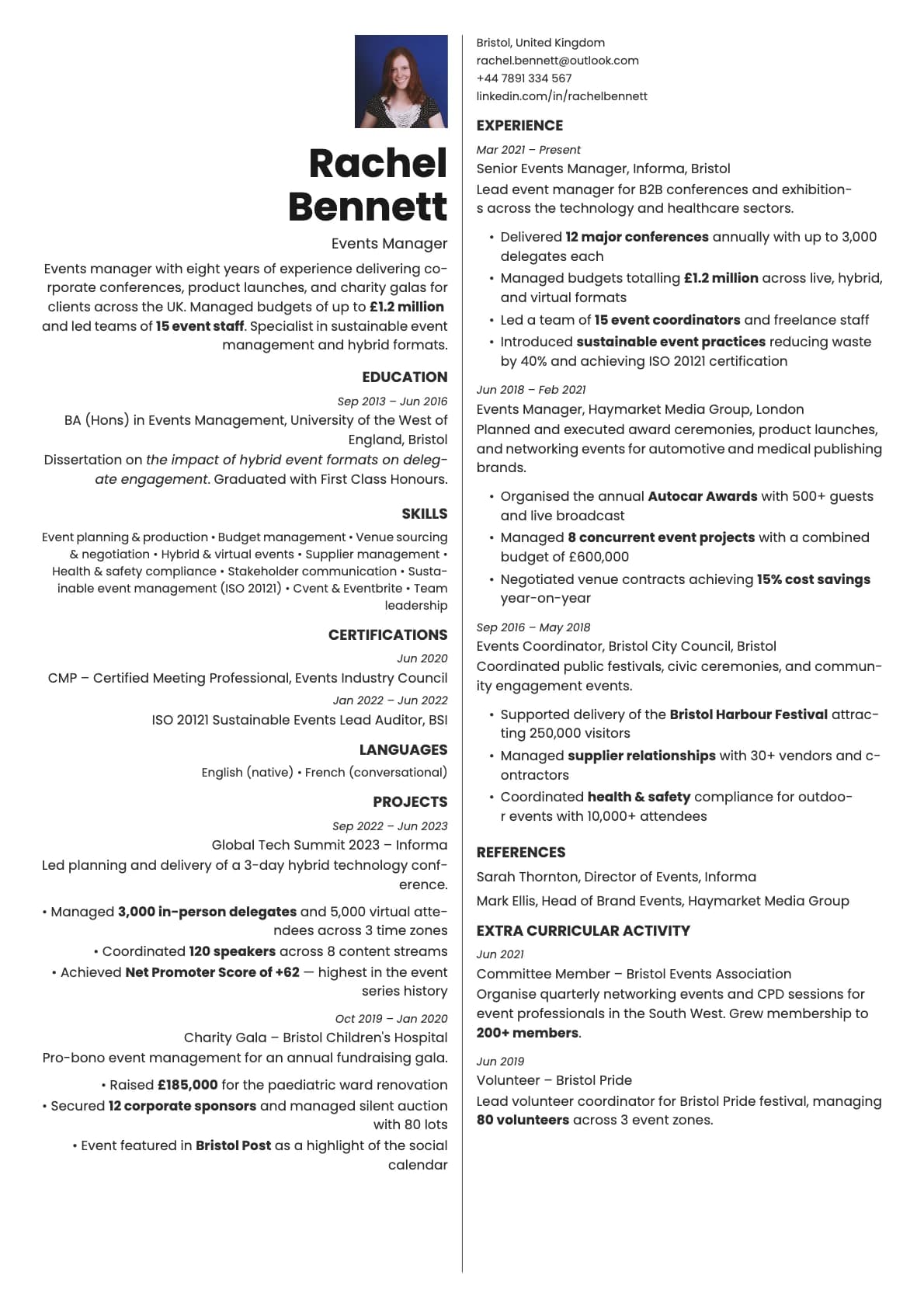
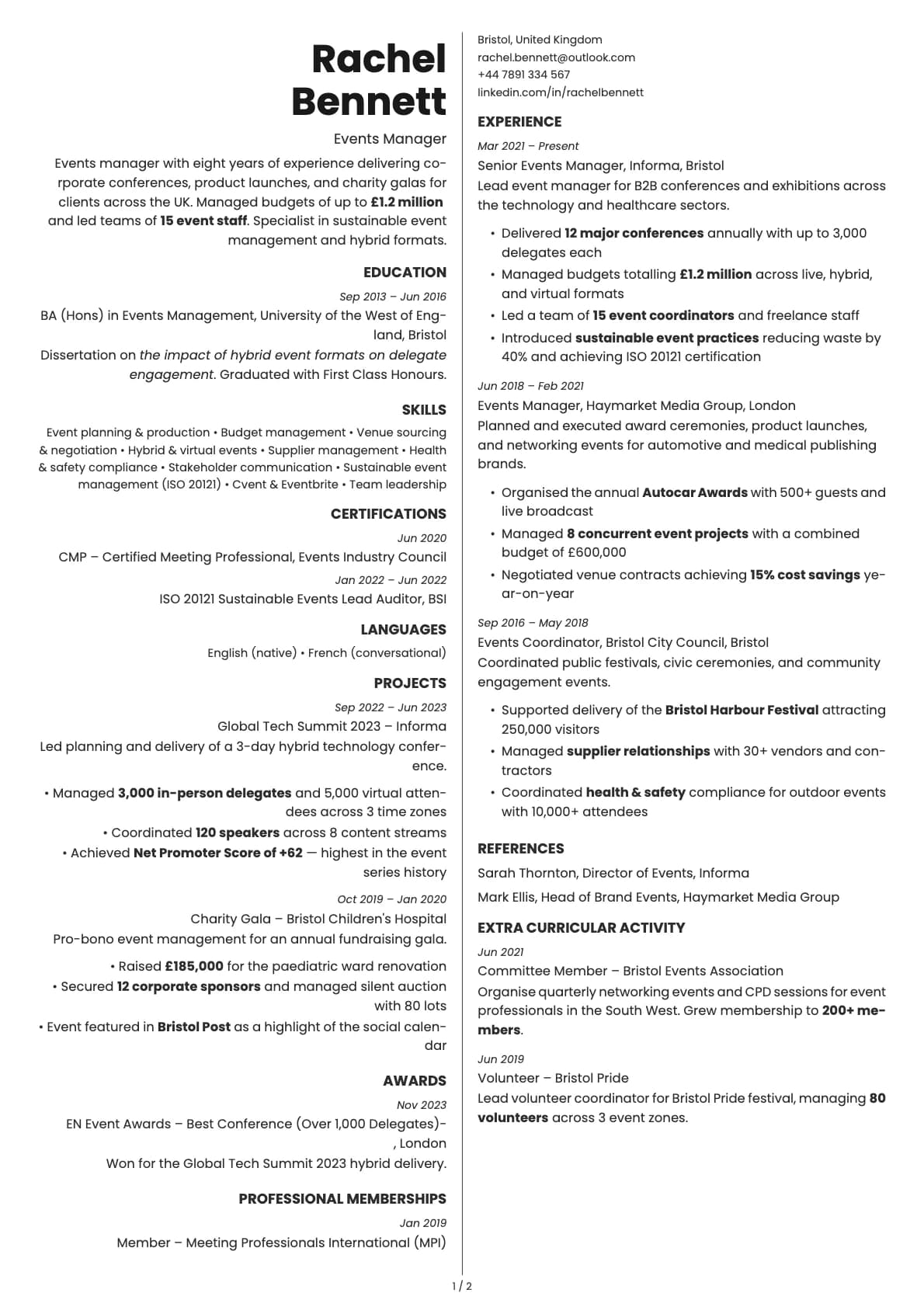
- A header section with a two-column body layout
- 7 colour themes built around purple, blue, rose, green, and copper tones
- The default font is Poppins, a geometric sans-serif with a friendly, modern feel. You can switch to any font in Laddro (Inter, Arvo, Lora, Century Gothic, and others) in one click
- Photo support, integrated into the header
- Multi-page support for longer resumes
ATS compatibility
Opal scores 6.5/10. The two-column body layout is the main factor. ATS systems read content in a top-to-bottom stream, and when a resume splits into two columns, some parsers mix up the reading order or skip the narrower column entirely.
Modern systems like Greenhouse and Lever handle it reasonably well. Older platforms can have issues. If you are applying through a job portal and the posting has hundreds of applicants, consider using a single-column template for that submission and saving Opal for direct sends.
For direct applications, email submissions, and portfolio-attached resumes, the ATS score does not matter much. The person will open your PDF and see exactly what you designed.
Colour options
You get 7 colour variations:
- Purple and deep violet for a distinctive creative look
- Neutral grey for a more restrained version
- Ocean blue for a calm, professional creative tone
- Rose and copper for warmth and personality
- Forest green for a grounded, earthy feel
The purple tones are what make Opal feel like Opal. They are distinctive without being distracting, and they pair well with the Poppins font.
Tips for getting the most out of Opal
- Treat your resume like a portfolio piece. Consistent formatting, tight copy, and intentional whitespace matter more here because the template draws attention to your presentation skills.
- Add a link to your portfolio or personal site near the top. This template is often used alongside creative work, so make it easy for the reader to go deeper.
- Use the colour that matches the brand you are applying to. Sending a resume to a company with a blue brand identity? Use the ocean blue variant. Small things like that show you pay attention.
- Keep bullet points focused on outcomes. "Designed a campaign that generated 2M impressions" works. "Responsible for designing campaigns" does not.
Build your resume with Opal on Laddro
Start building with Opal. Fill in your details, switch colours and fonts in real time, and download a PDF when you are ready. No account needed to start.
How would you rate this template?
Your rating helps others pick the right template for their resume.
Make this template yours
Pick a colour, add your details, and download your resume. No design skills needed.
Free to use. No account needed to start.