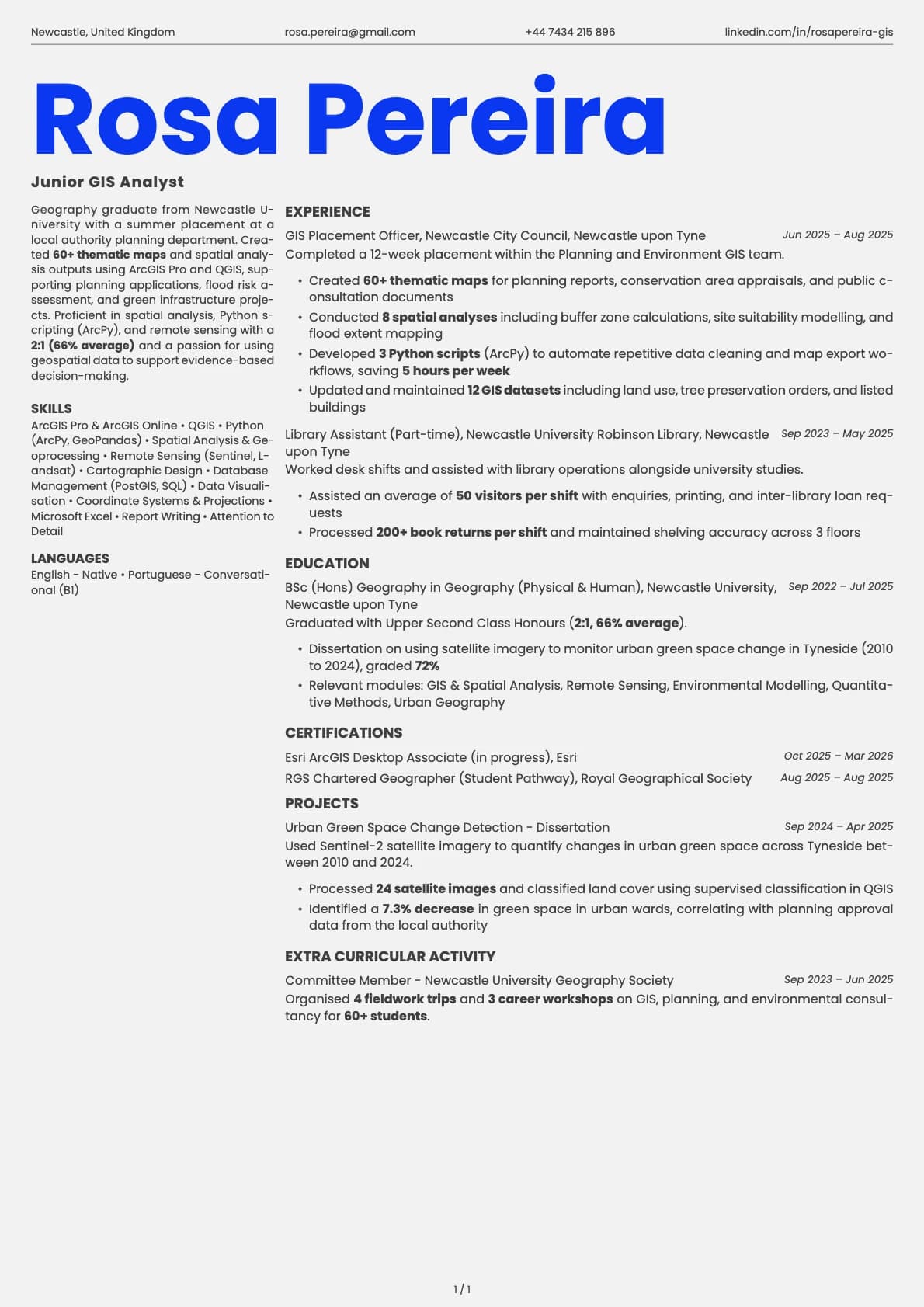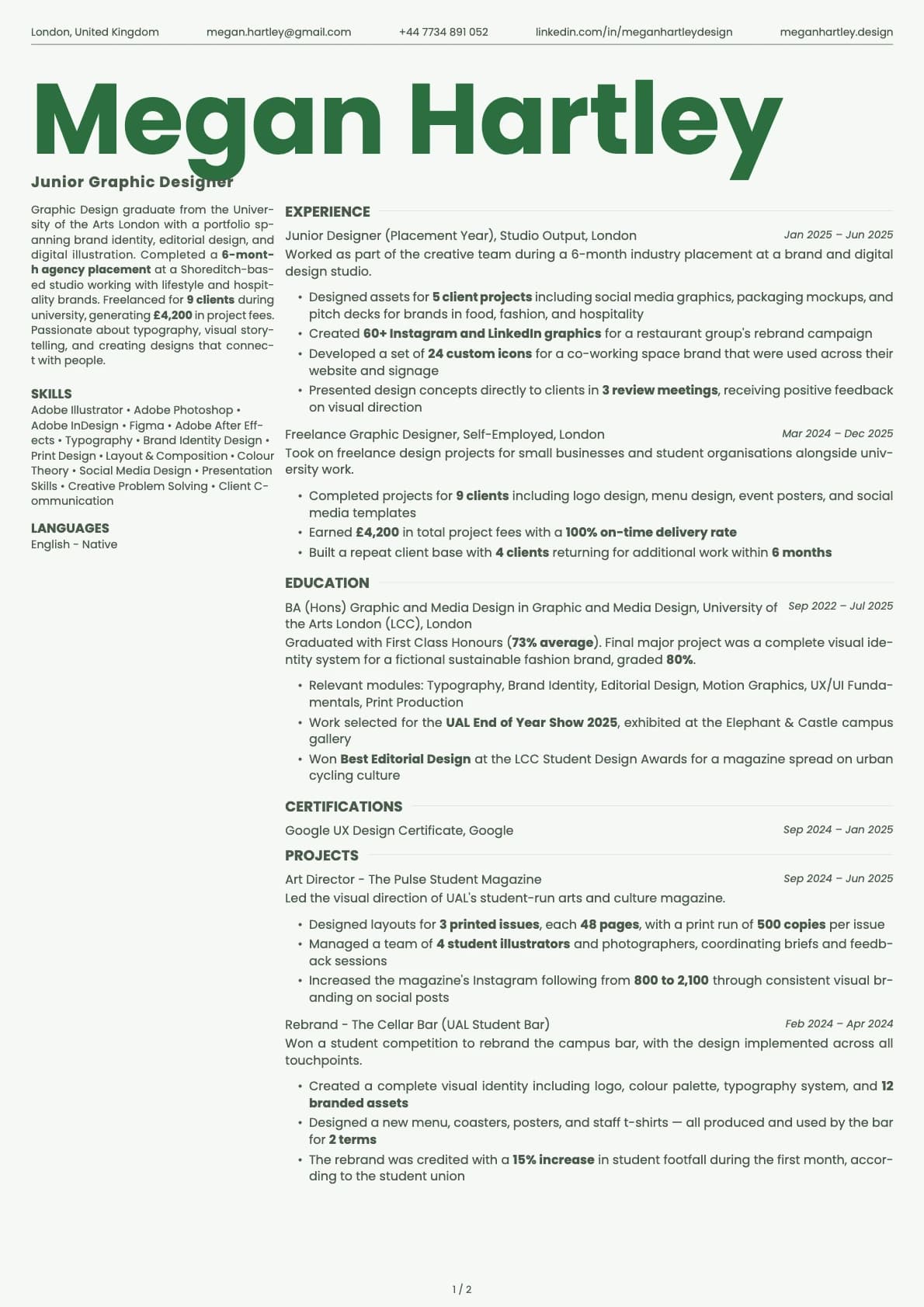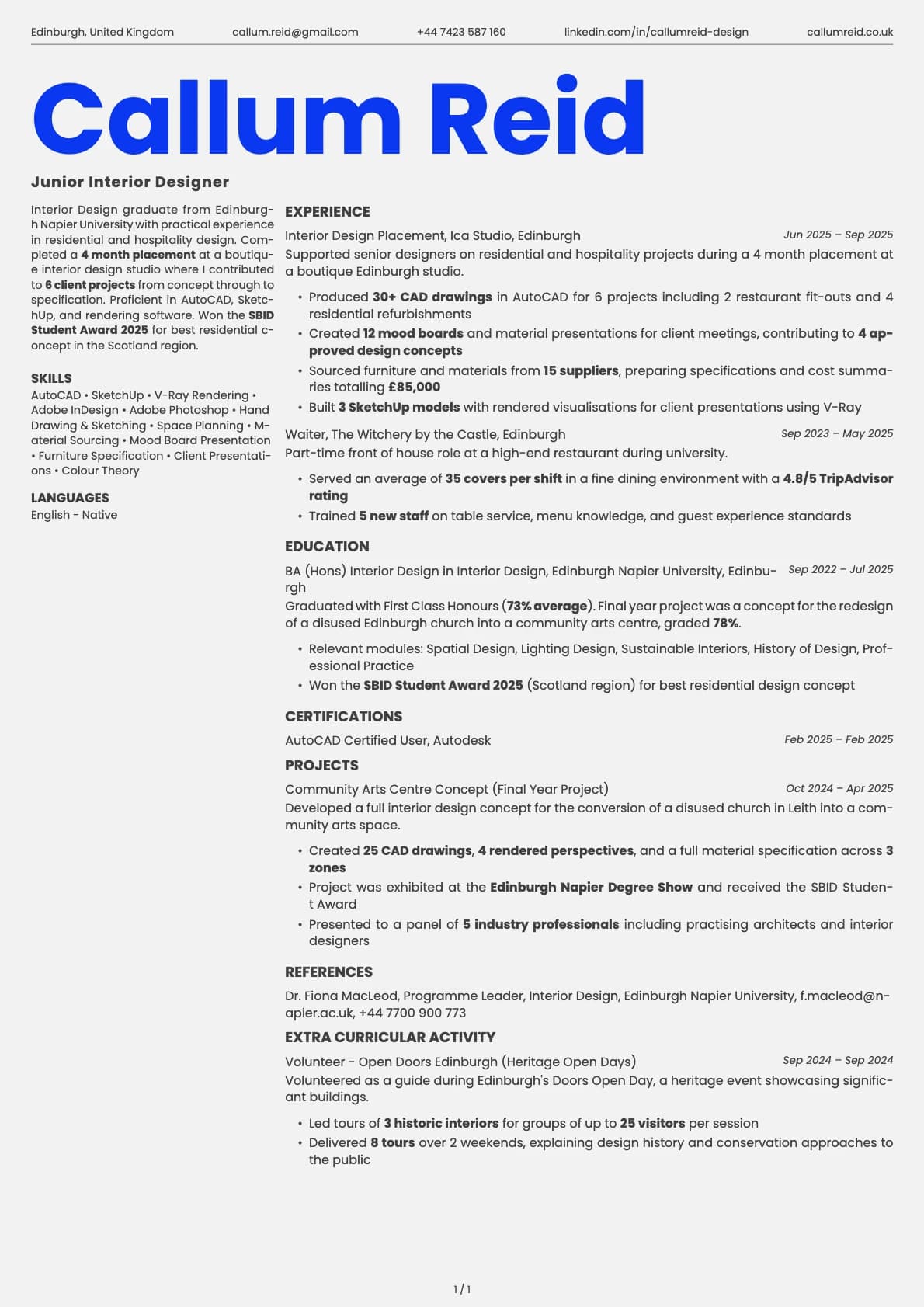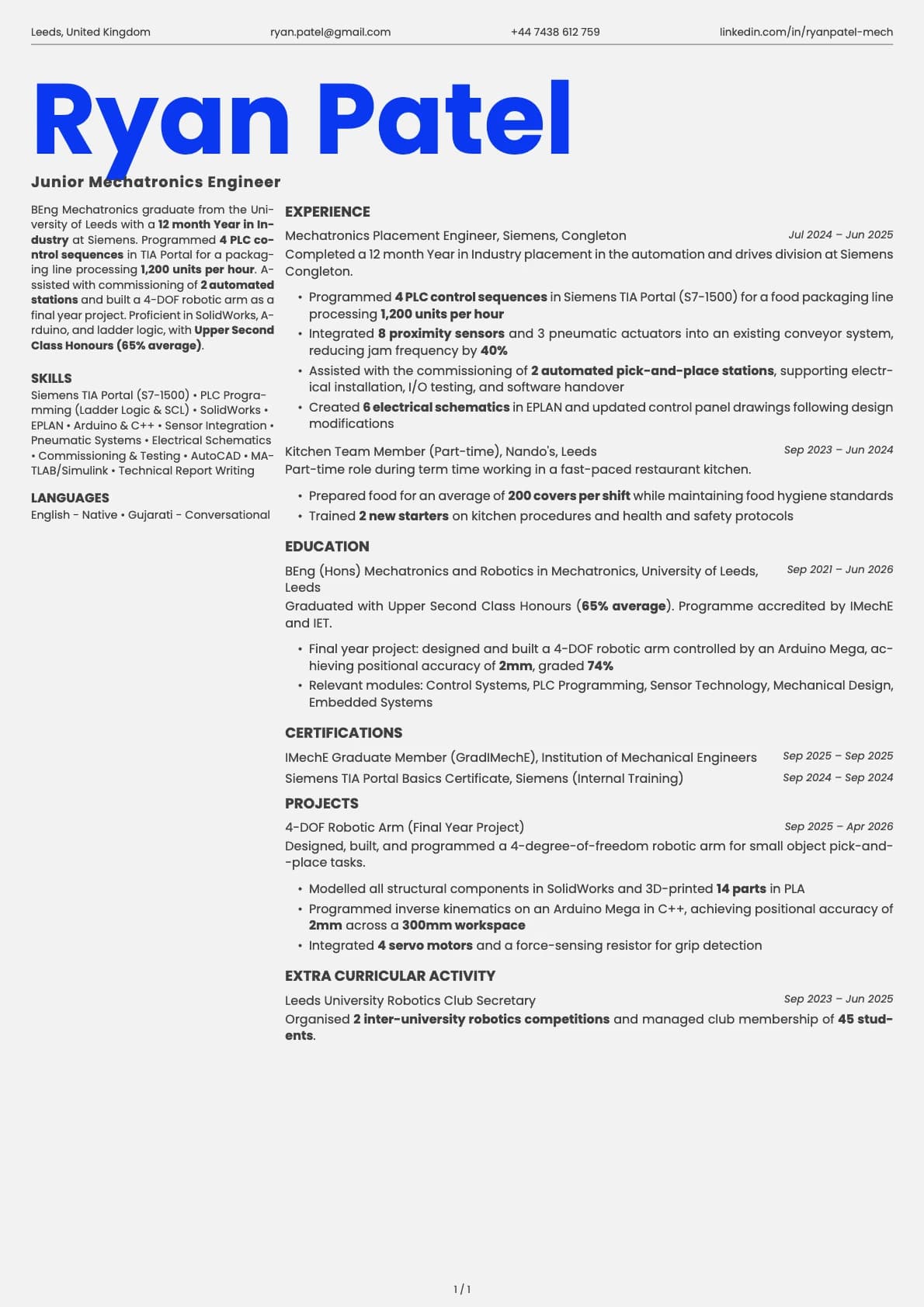
Fern Resume Template
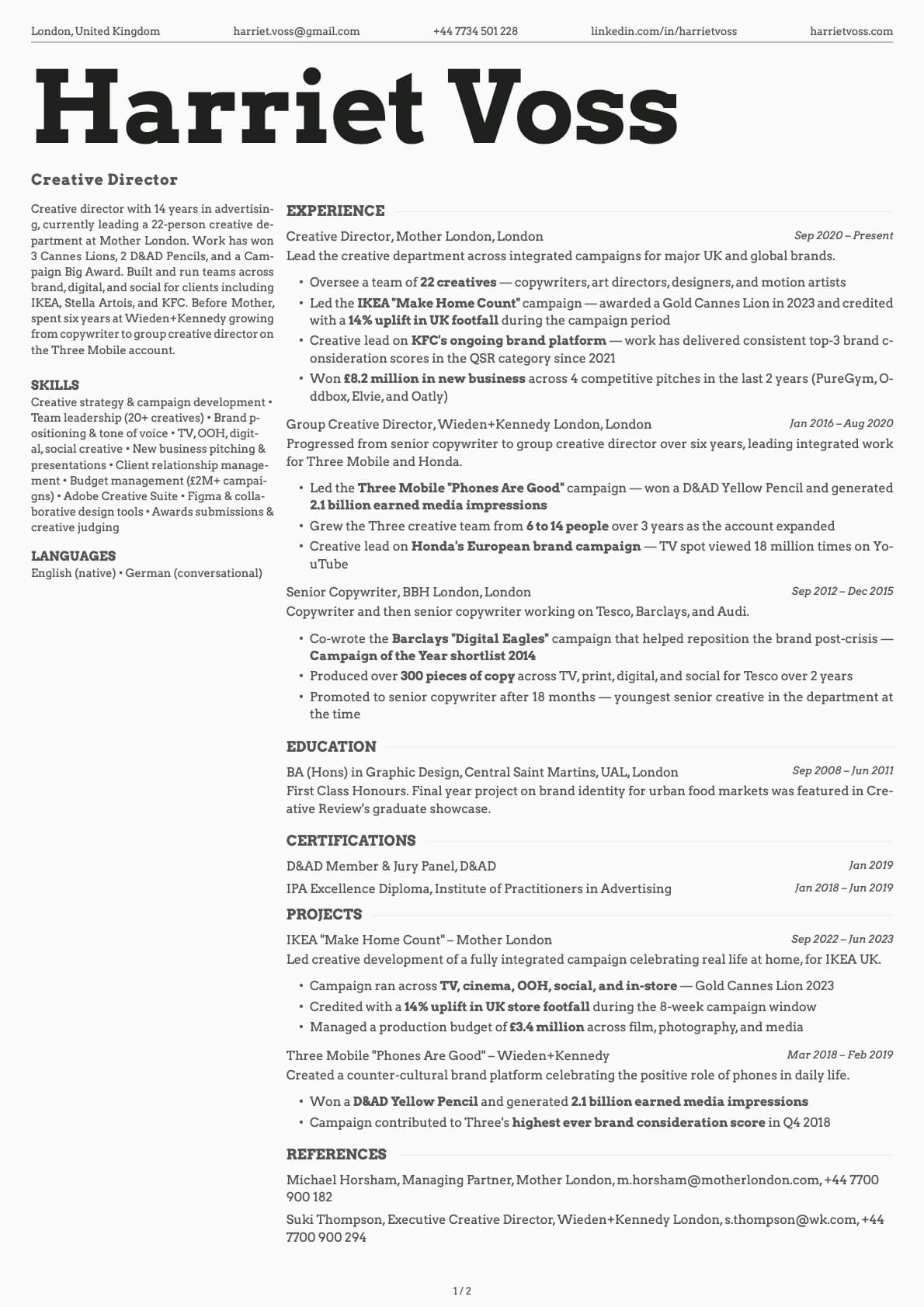
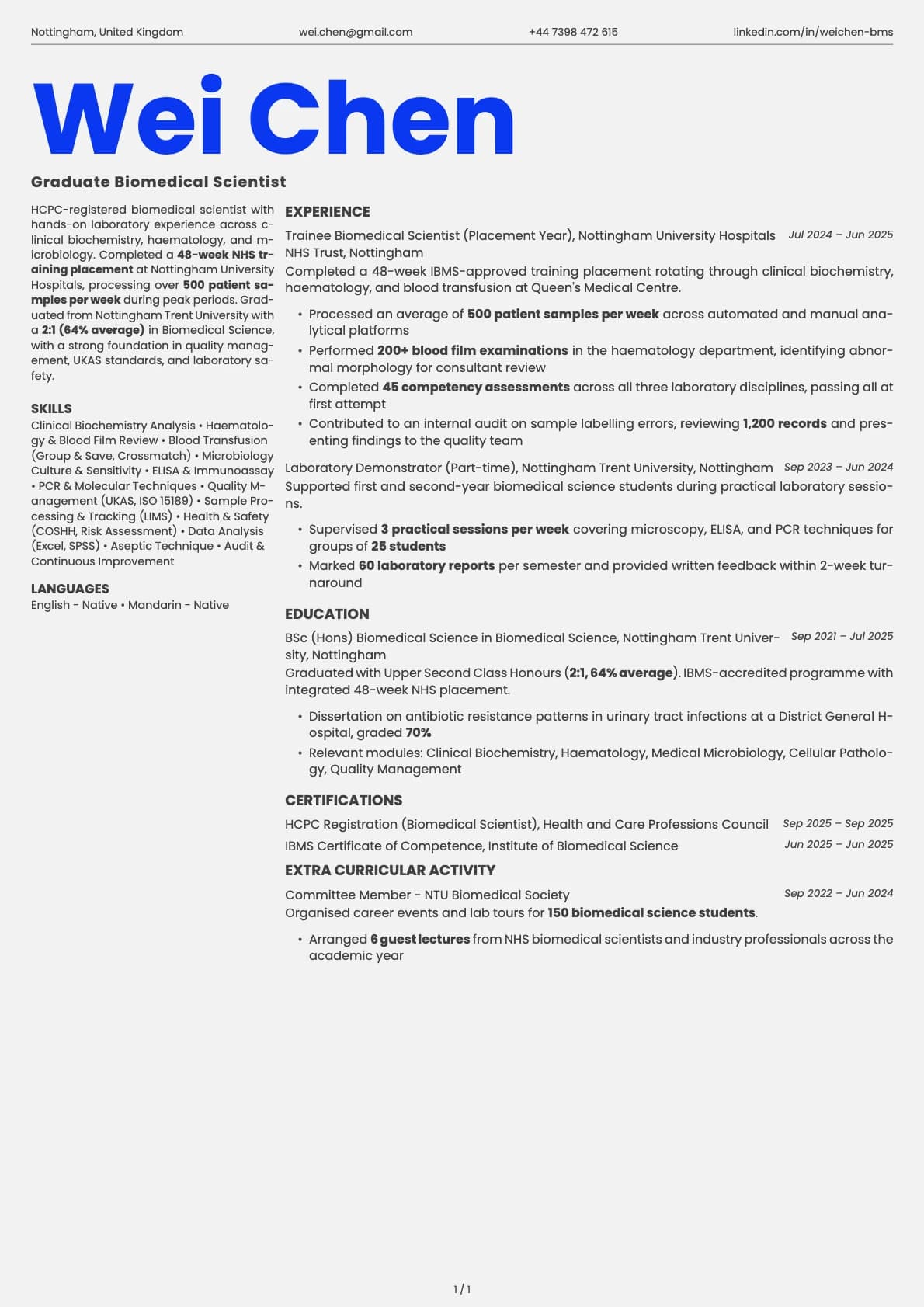
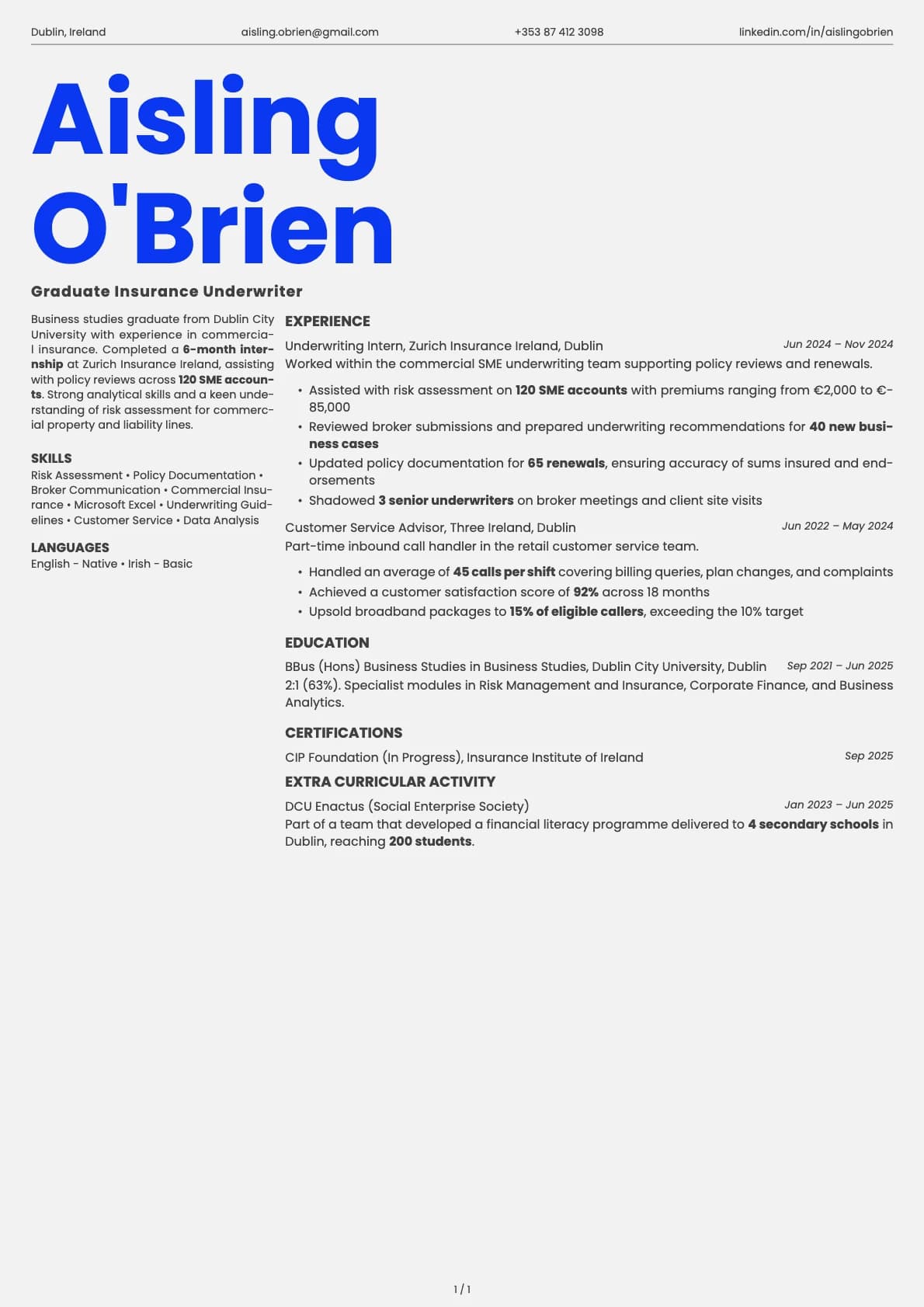
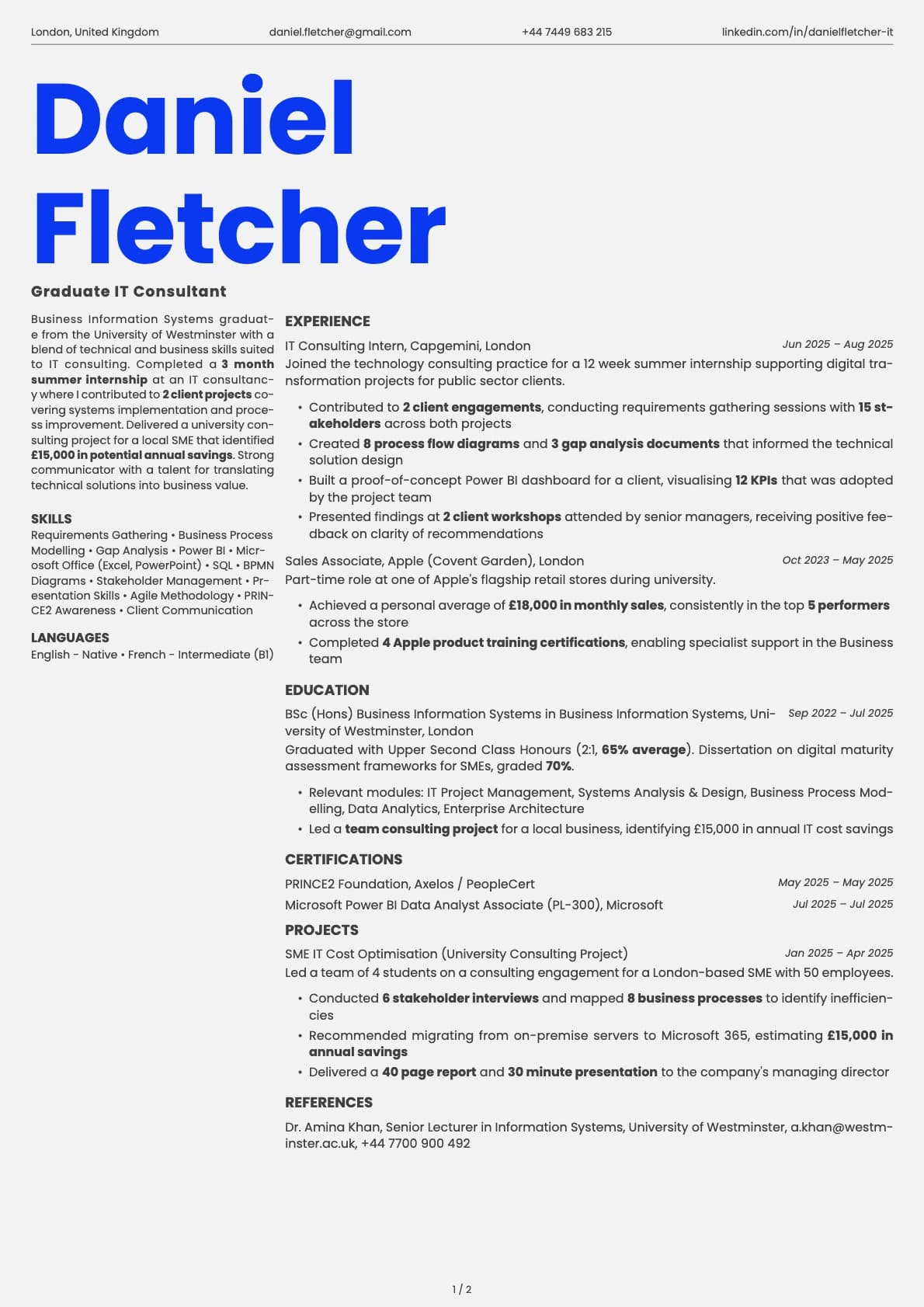
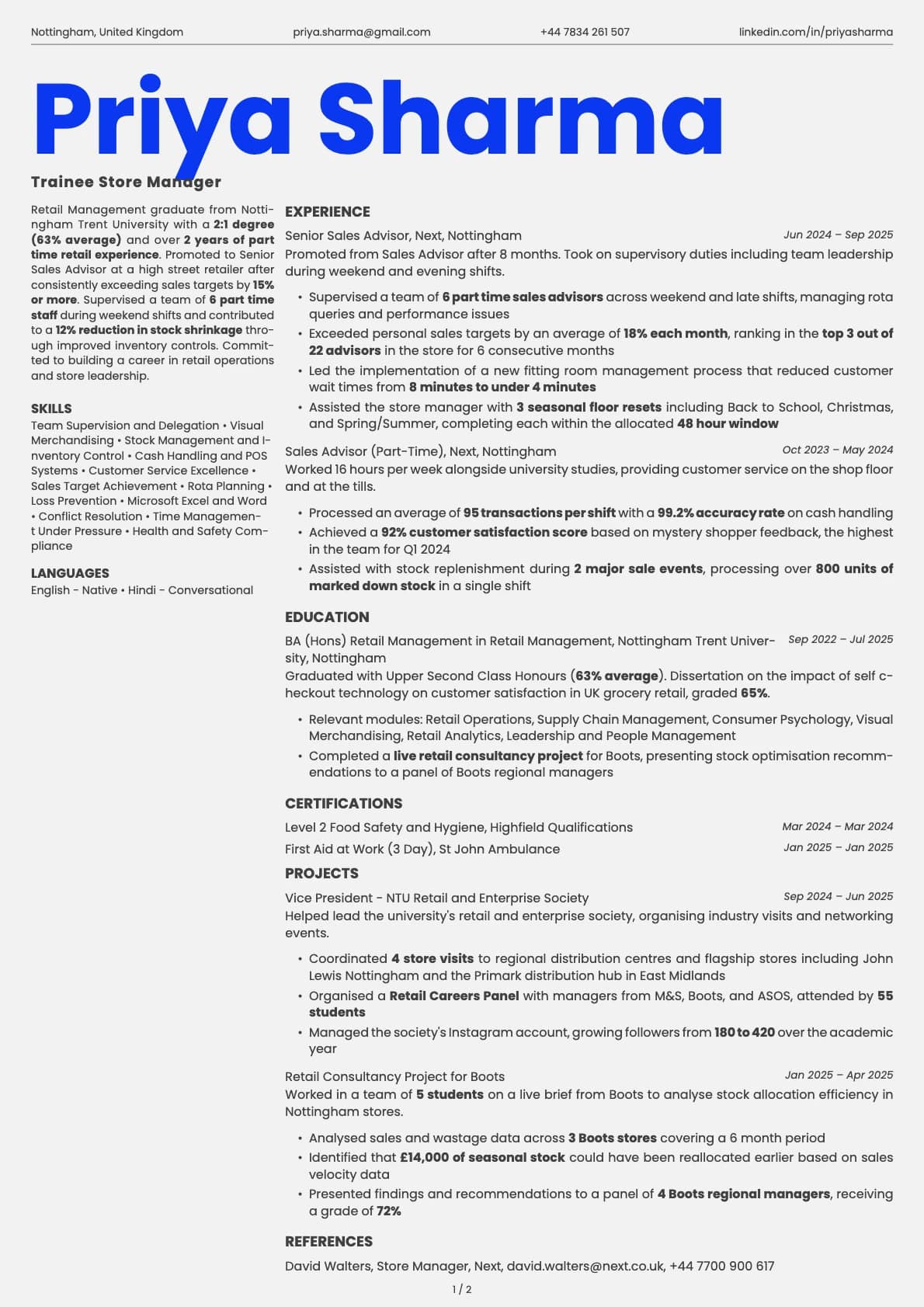
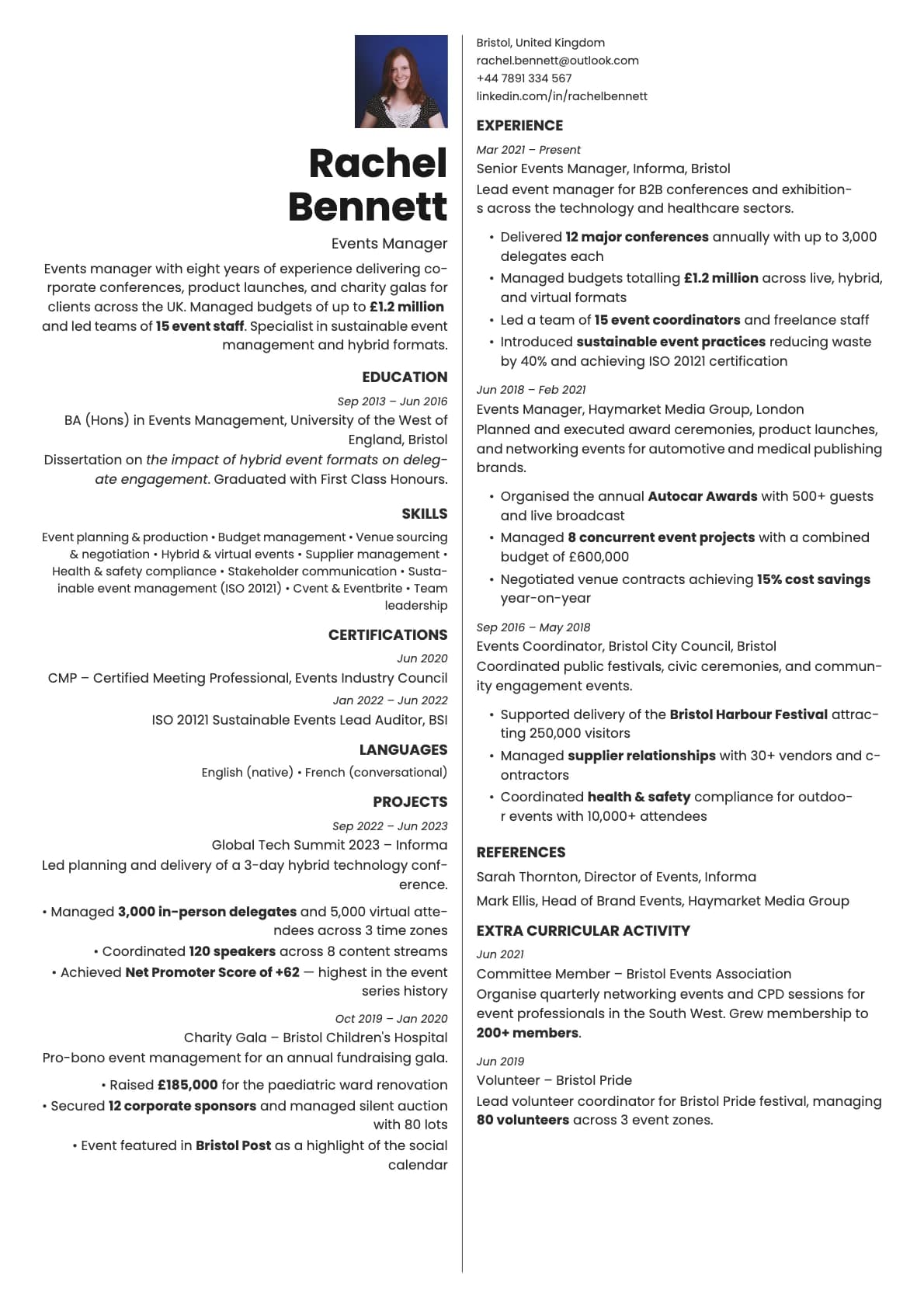
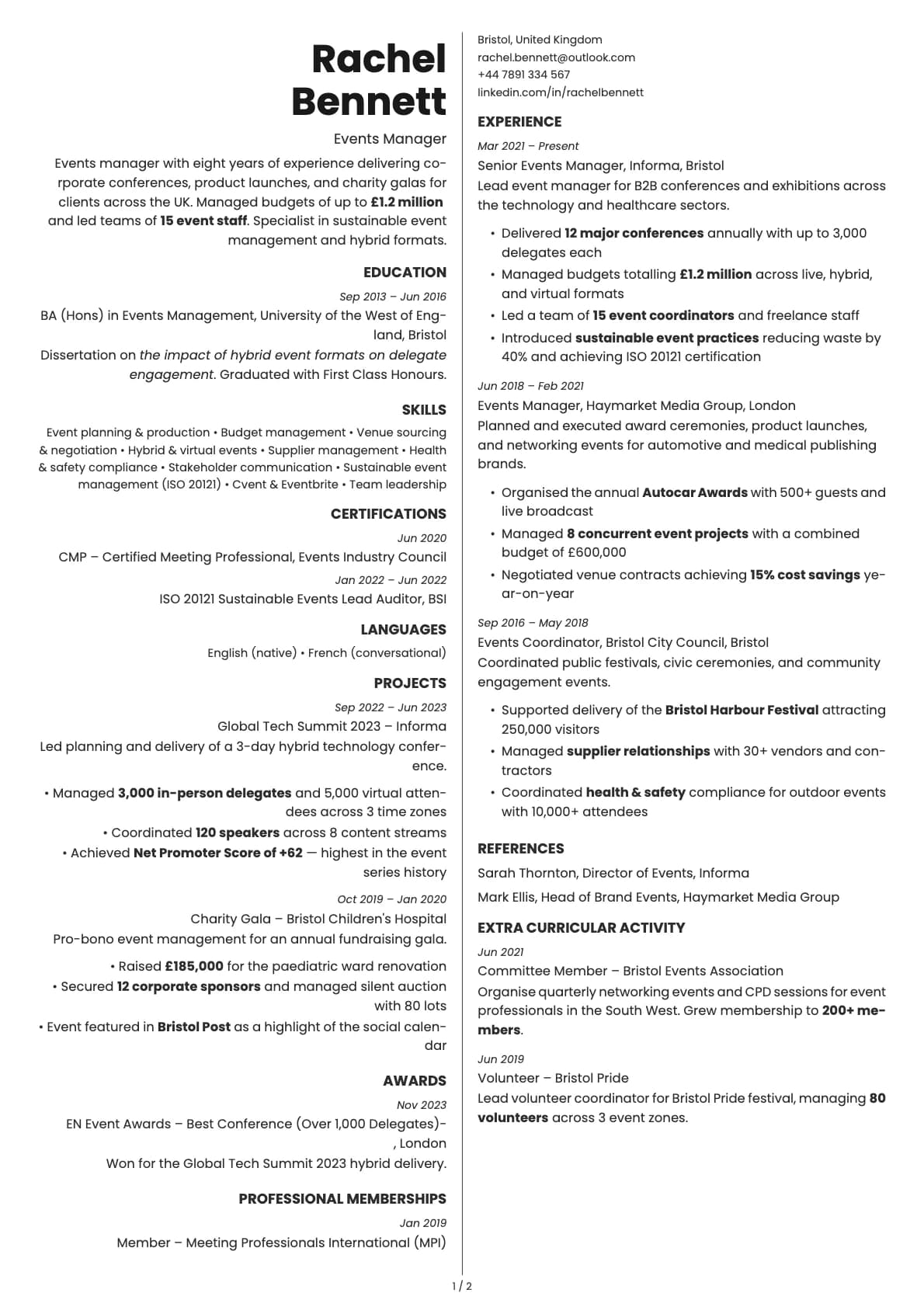
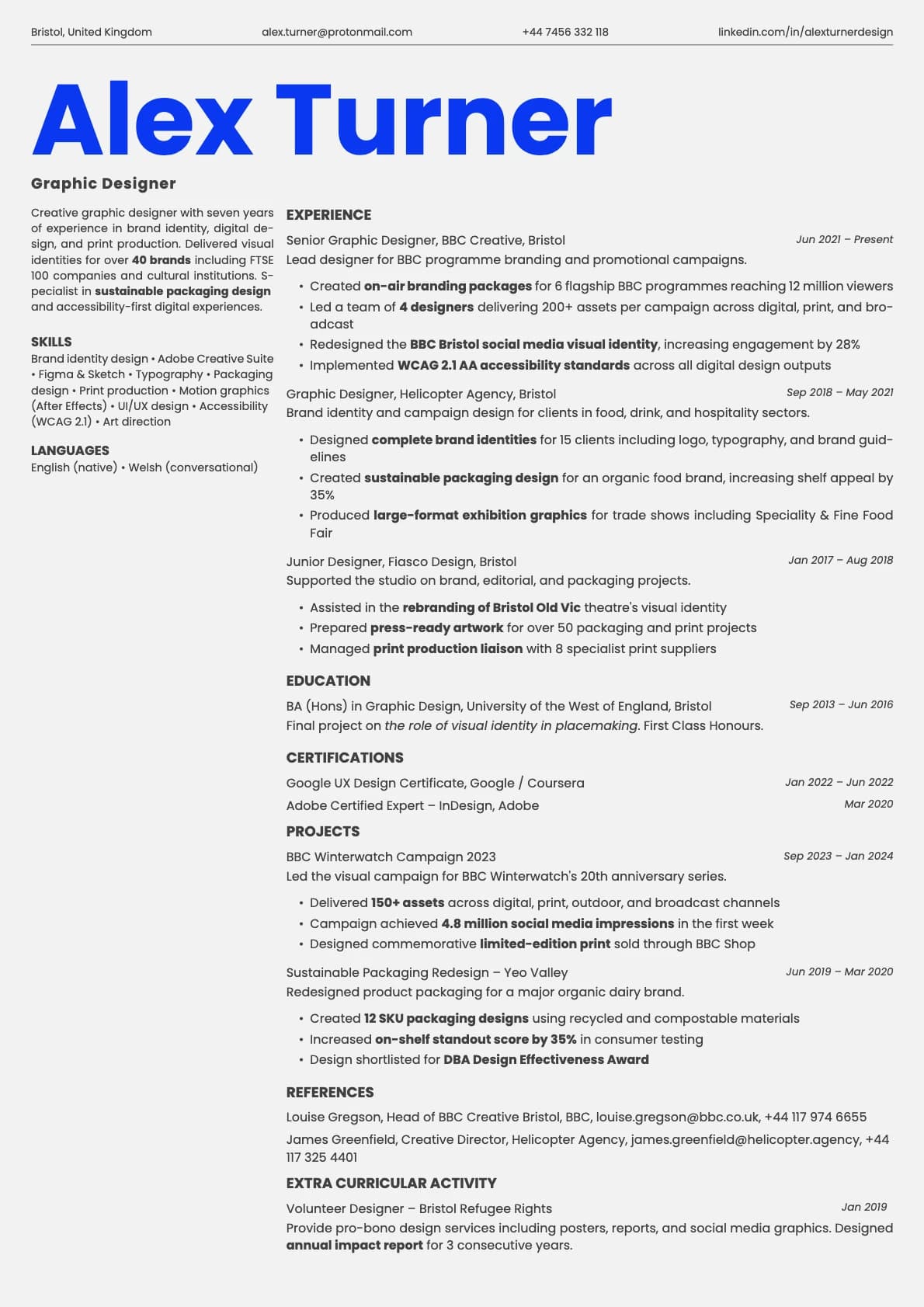
A creative two-column split resume template with an organic, fresh feel. 8 colour options, ATS score 6.5/10, and no photo support.
Free to use. No account needed to start.
Why Fern?
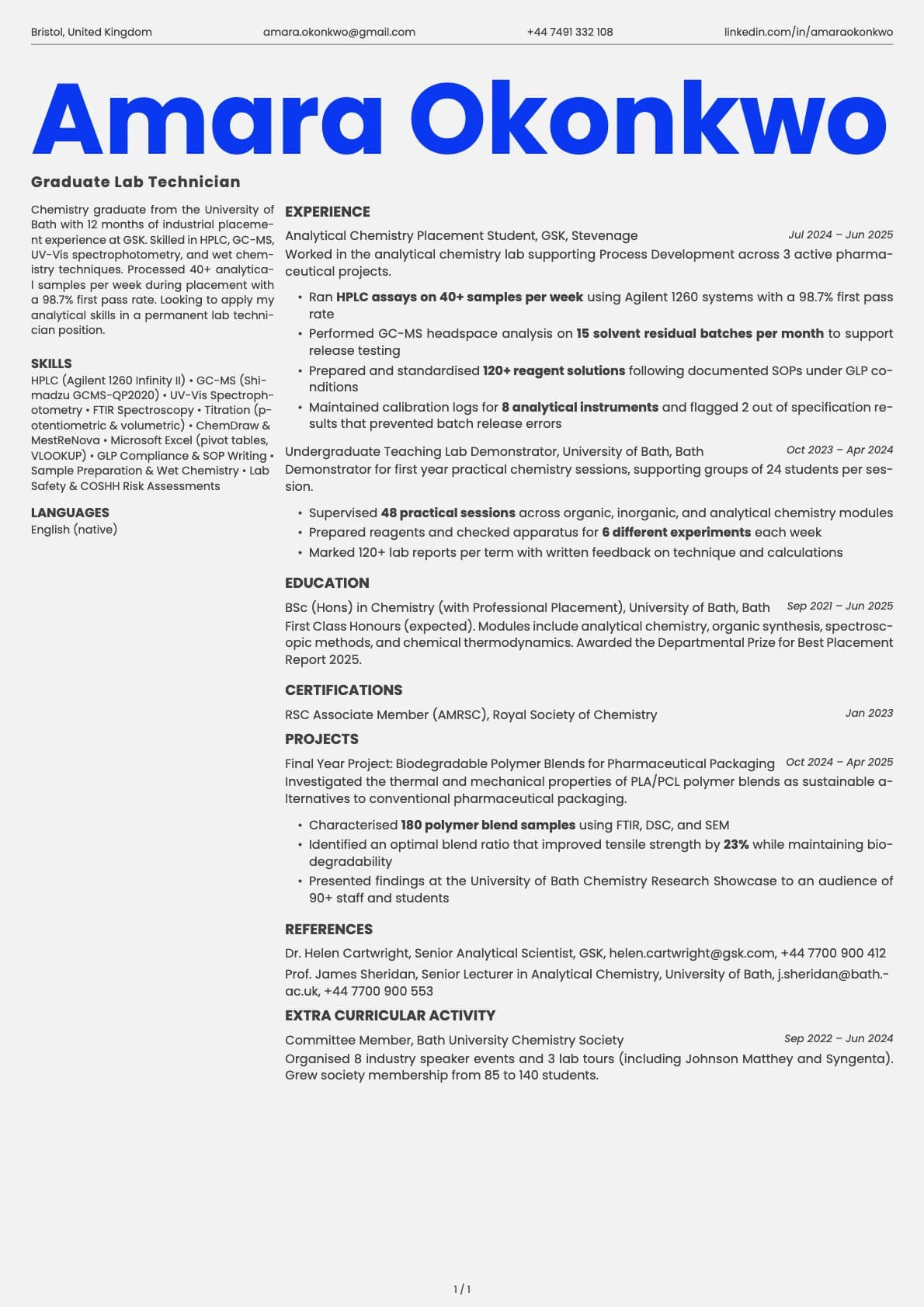
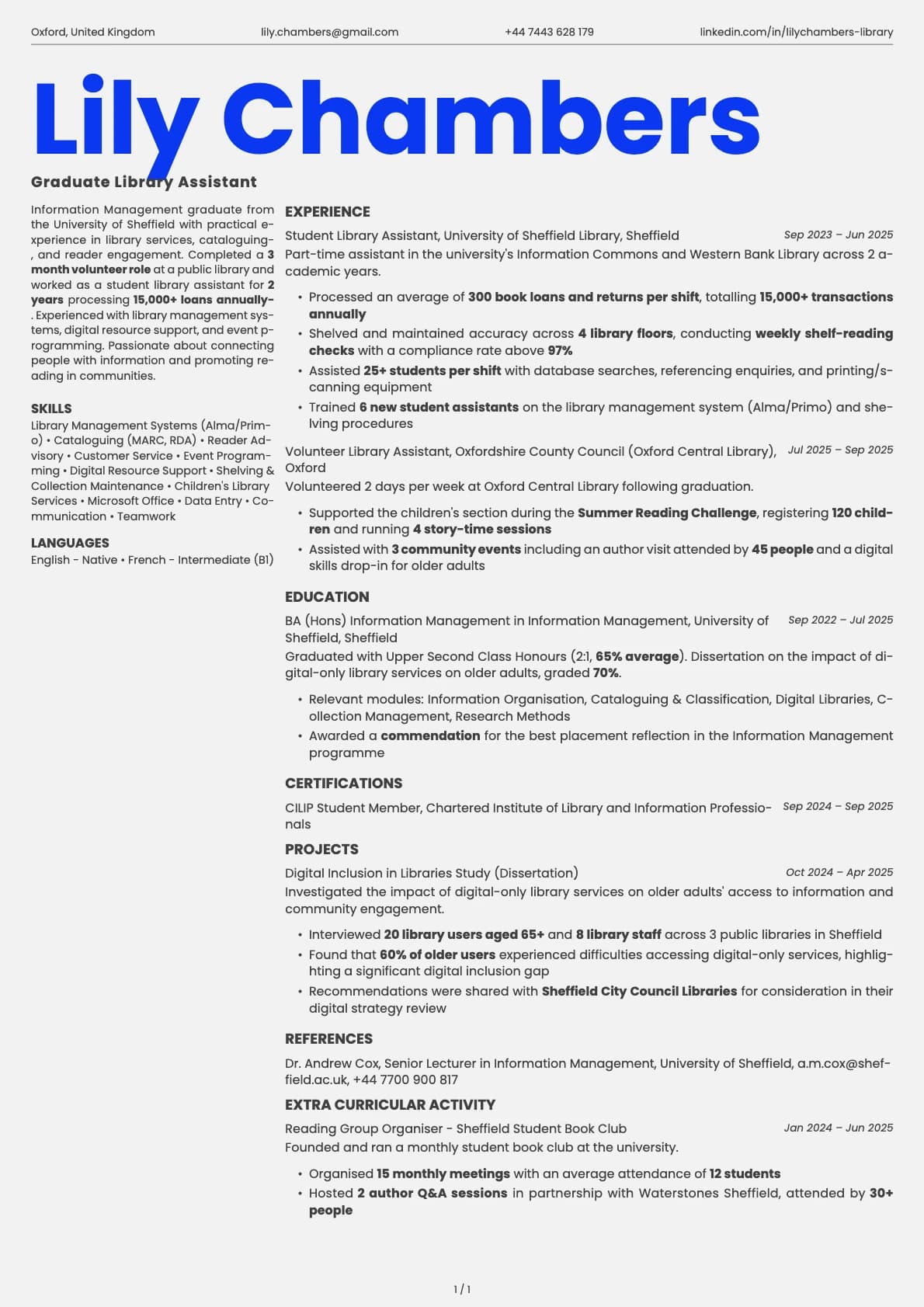
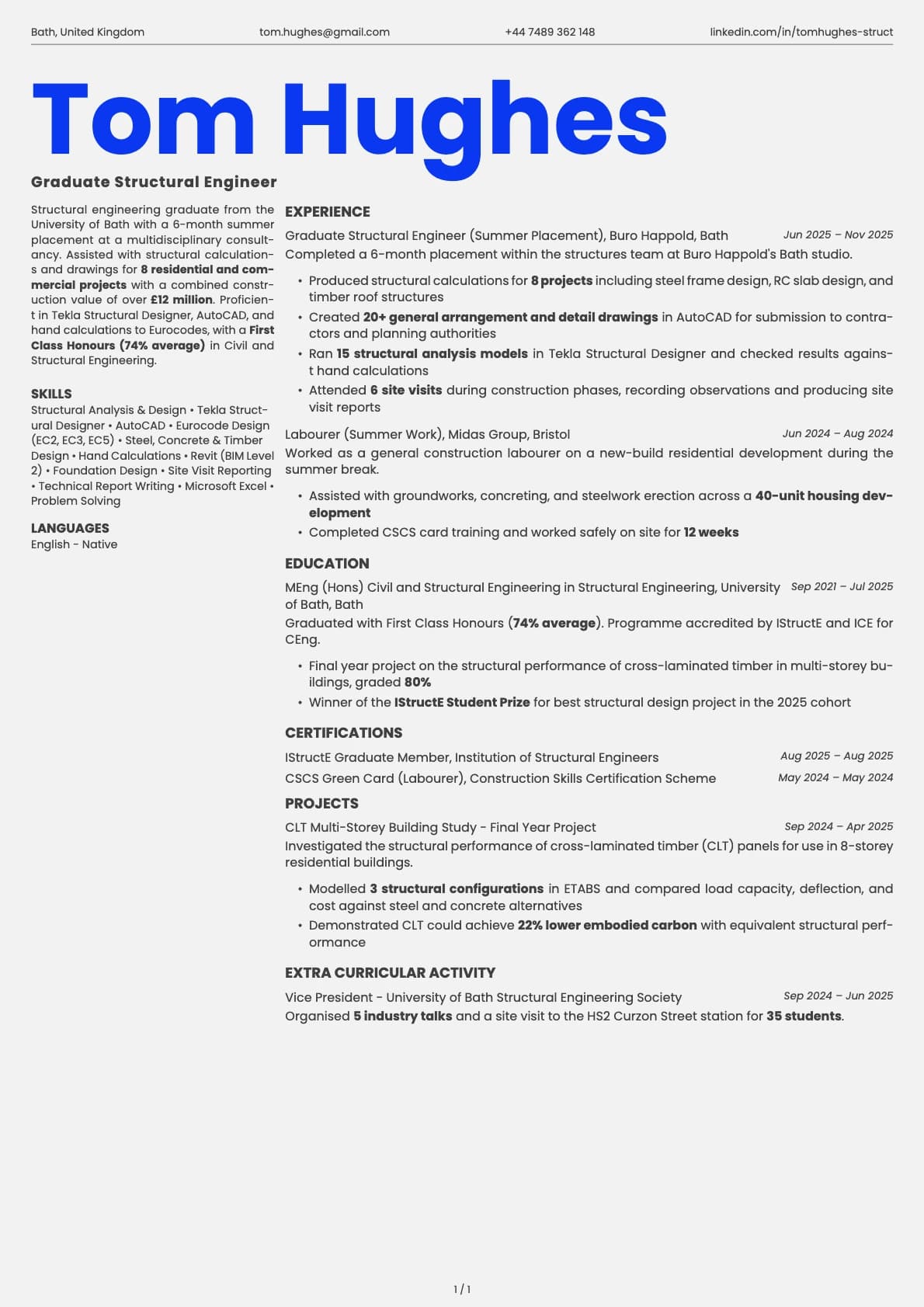
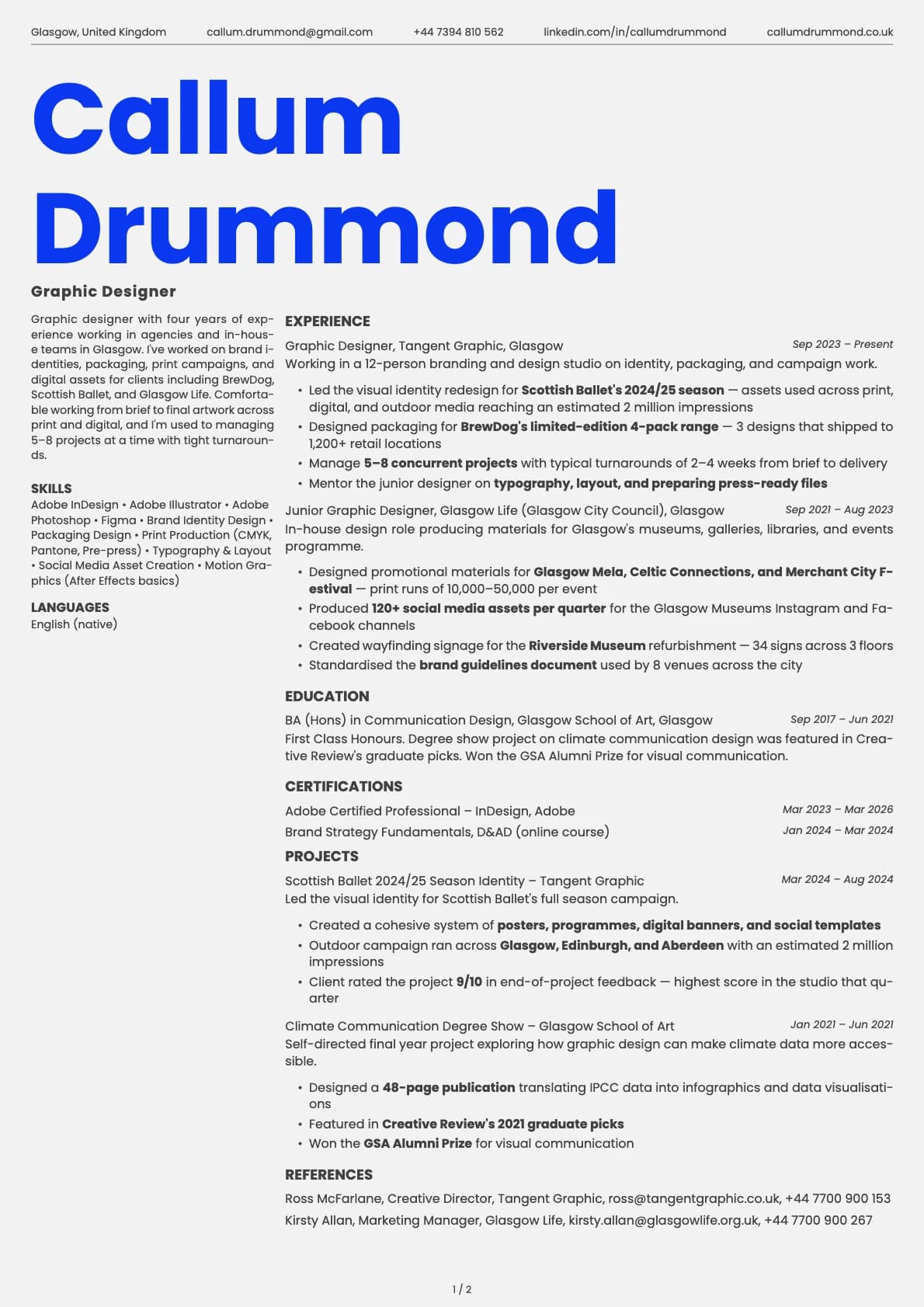
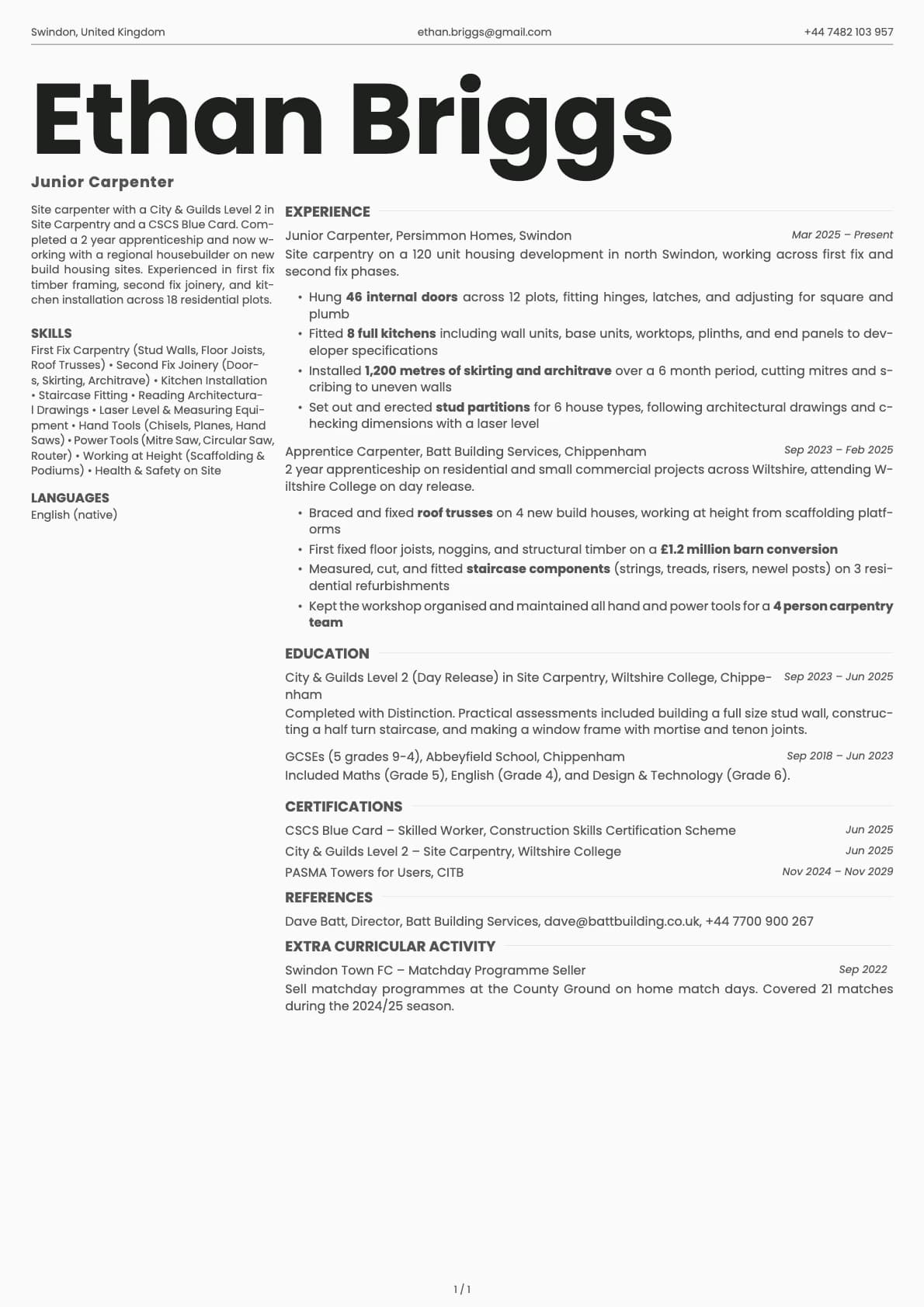
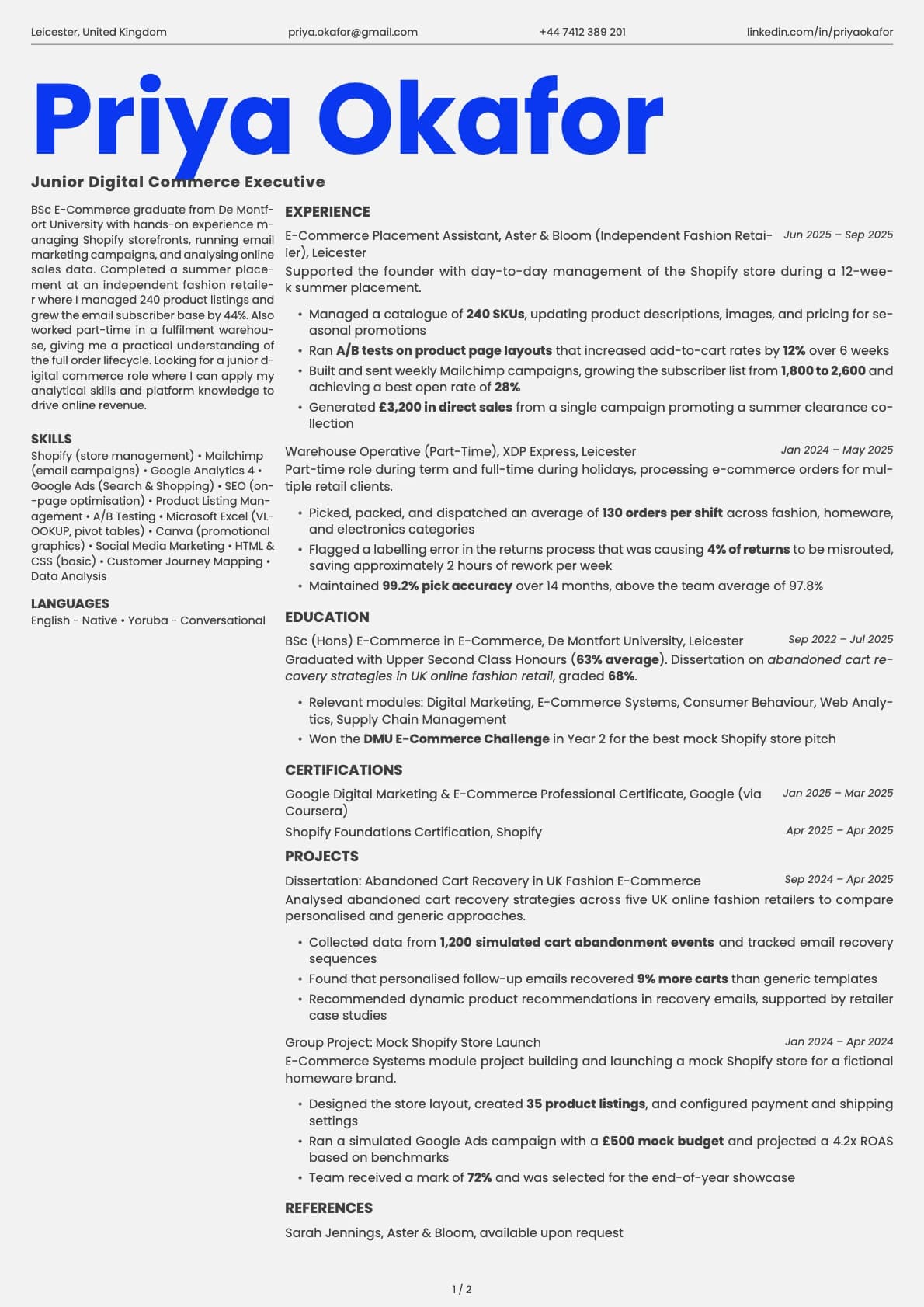
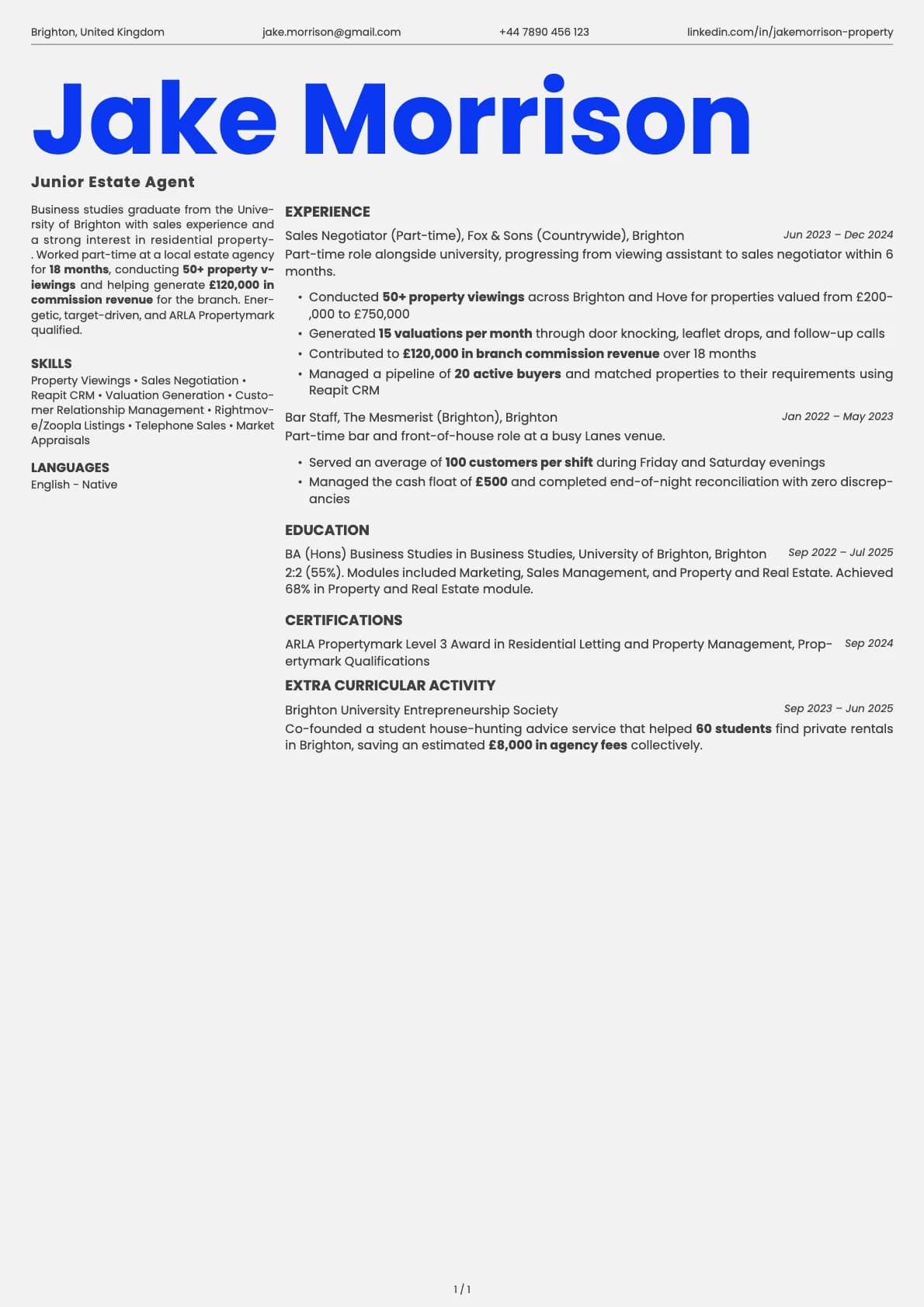
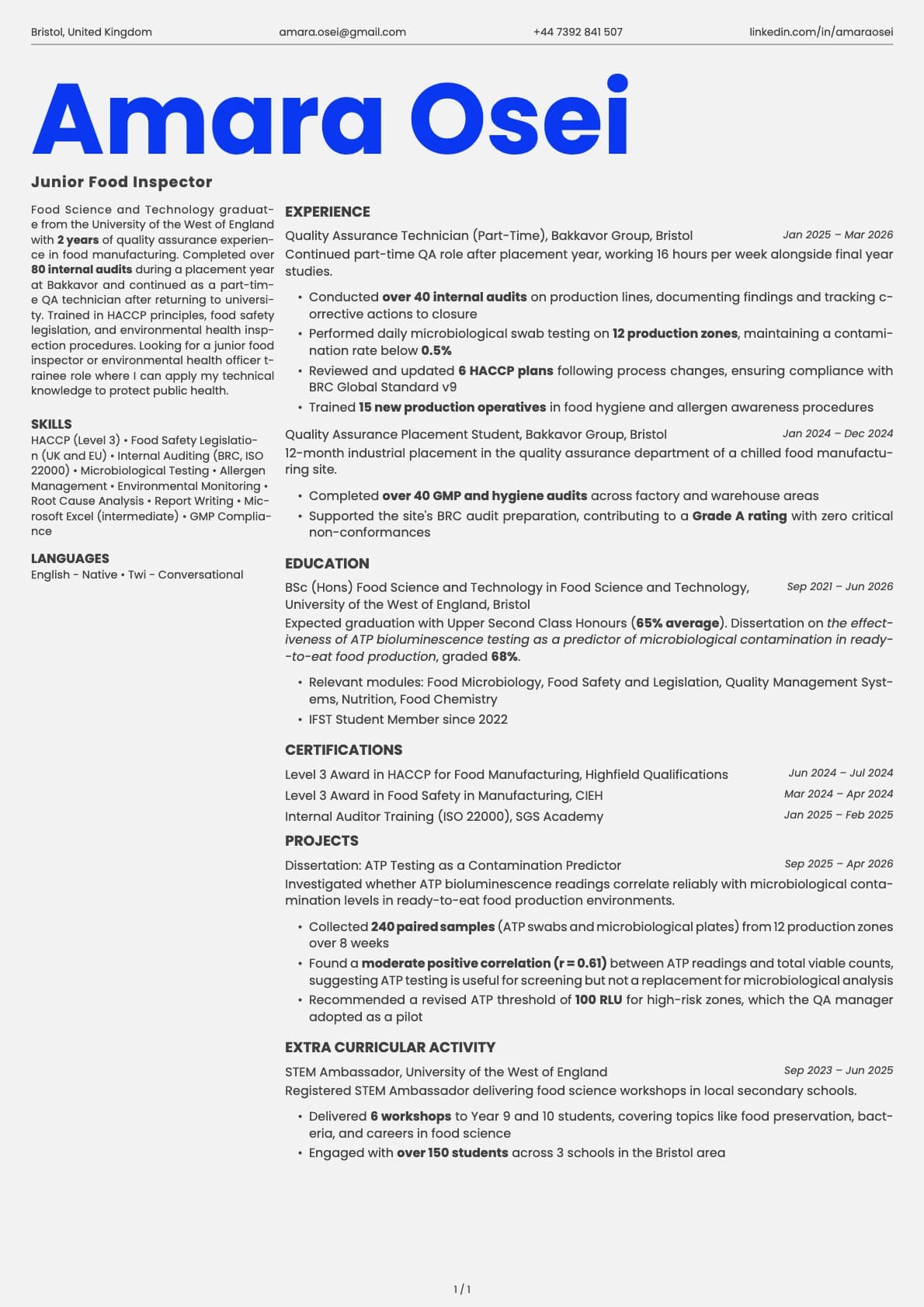
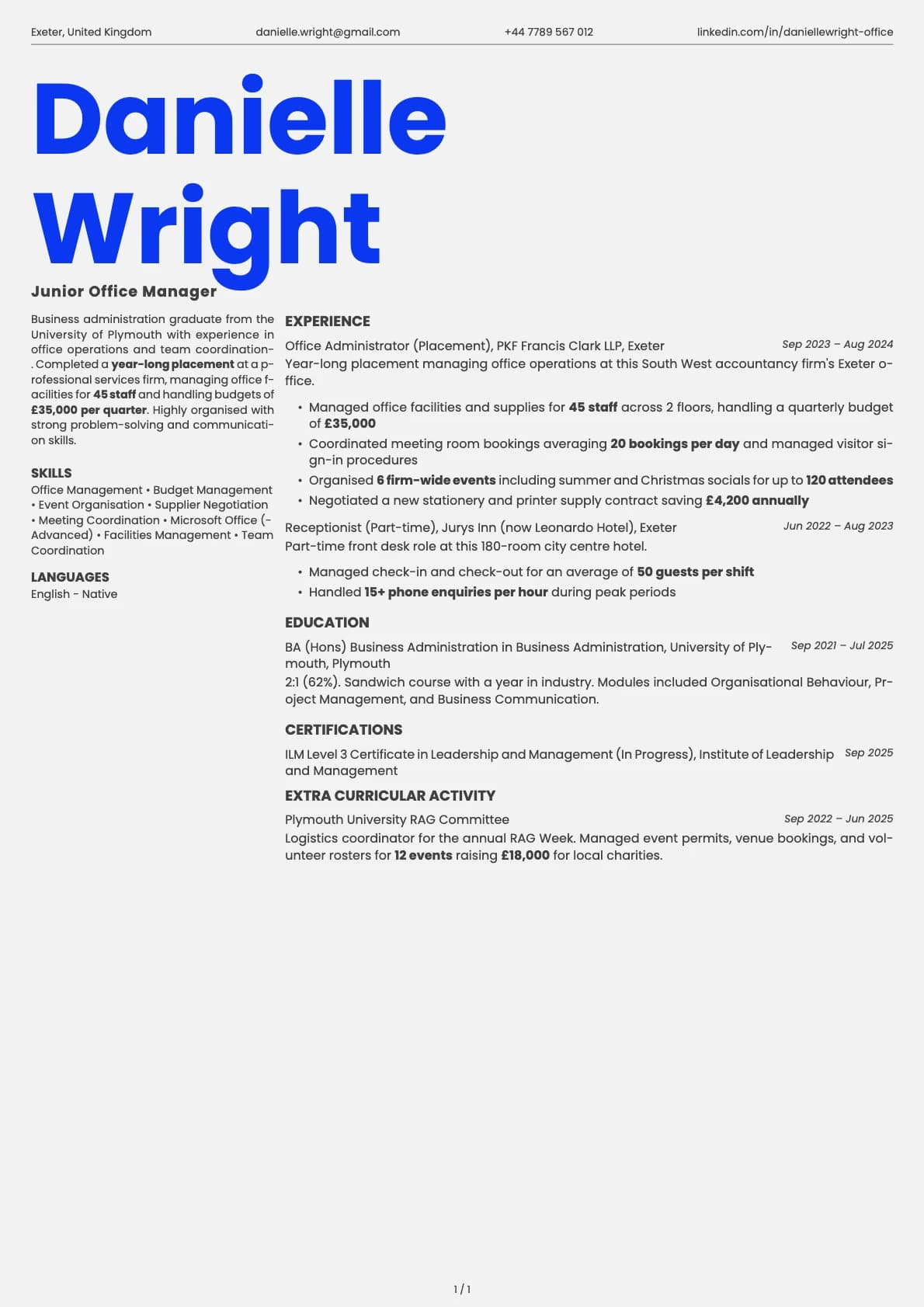
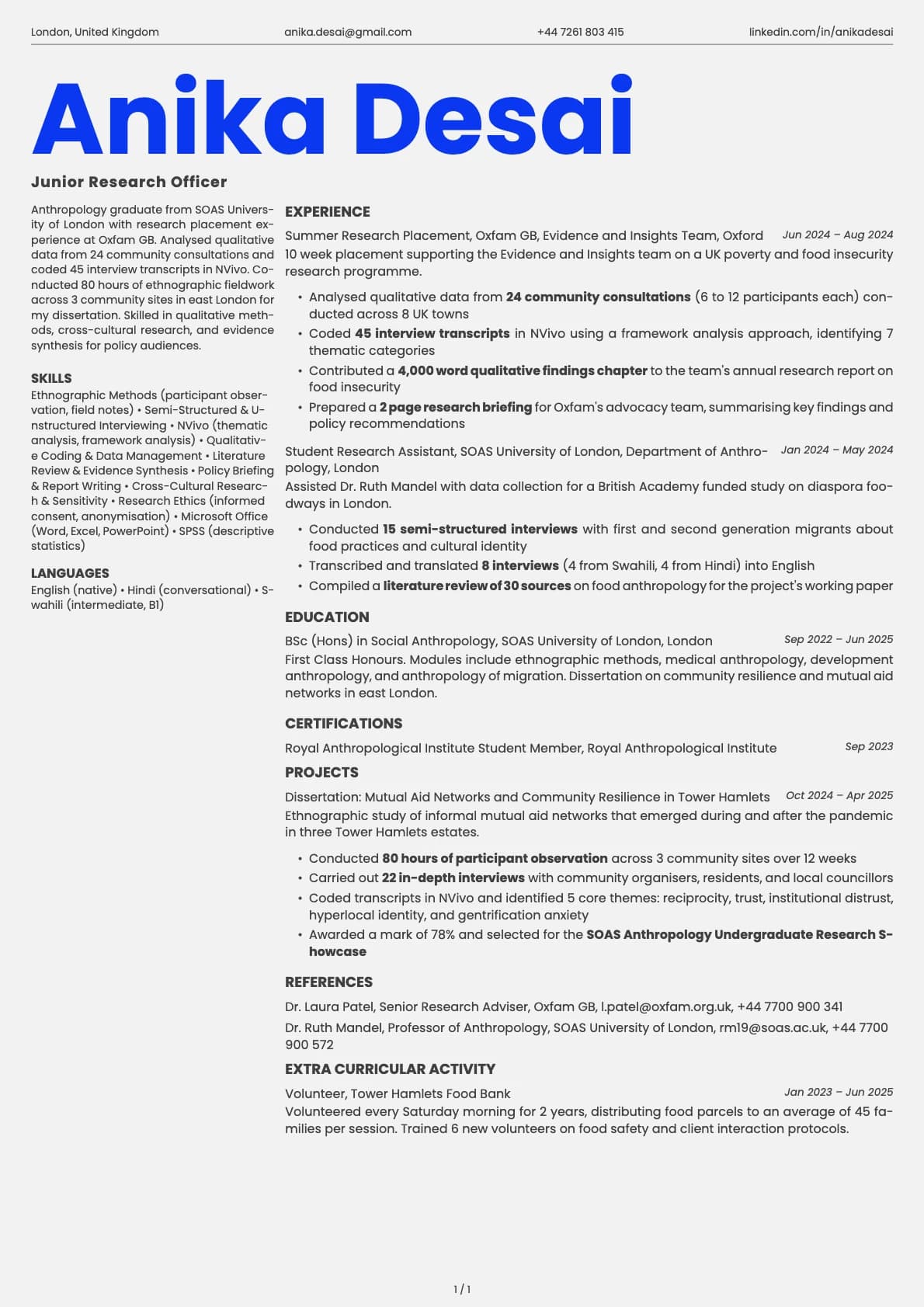
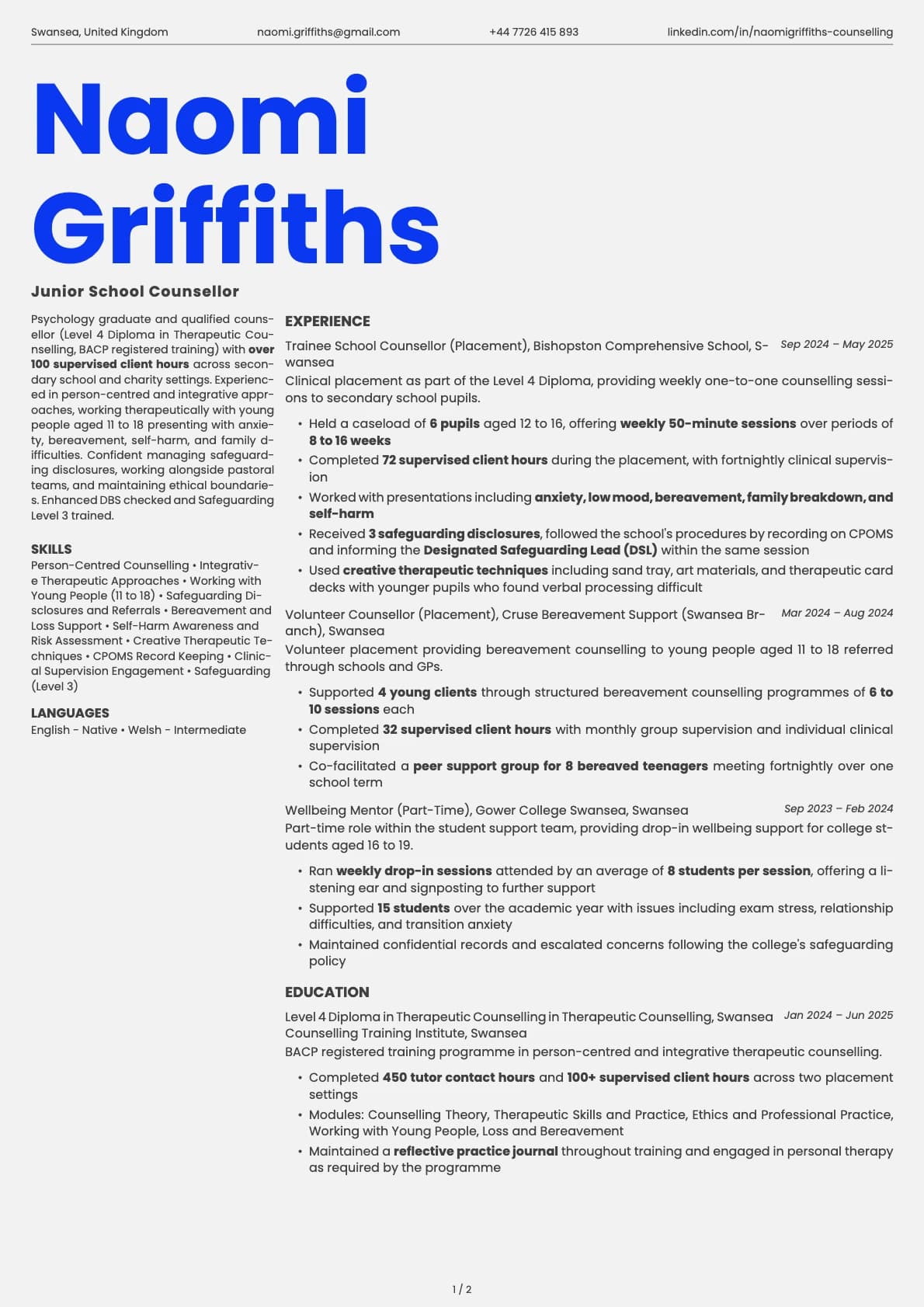
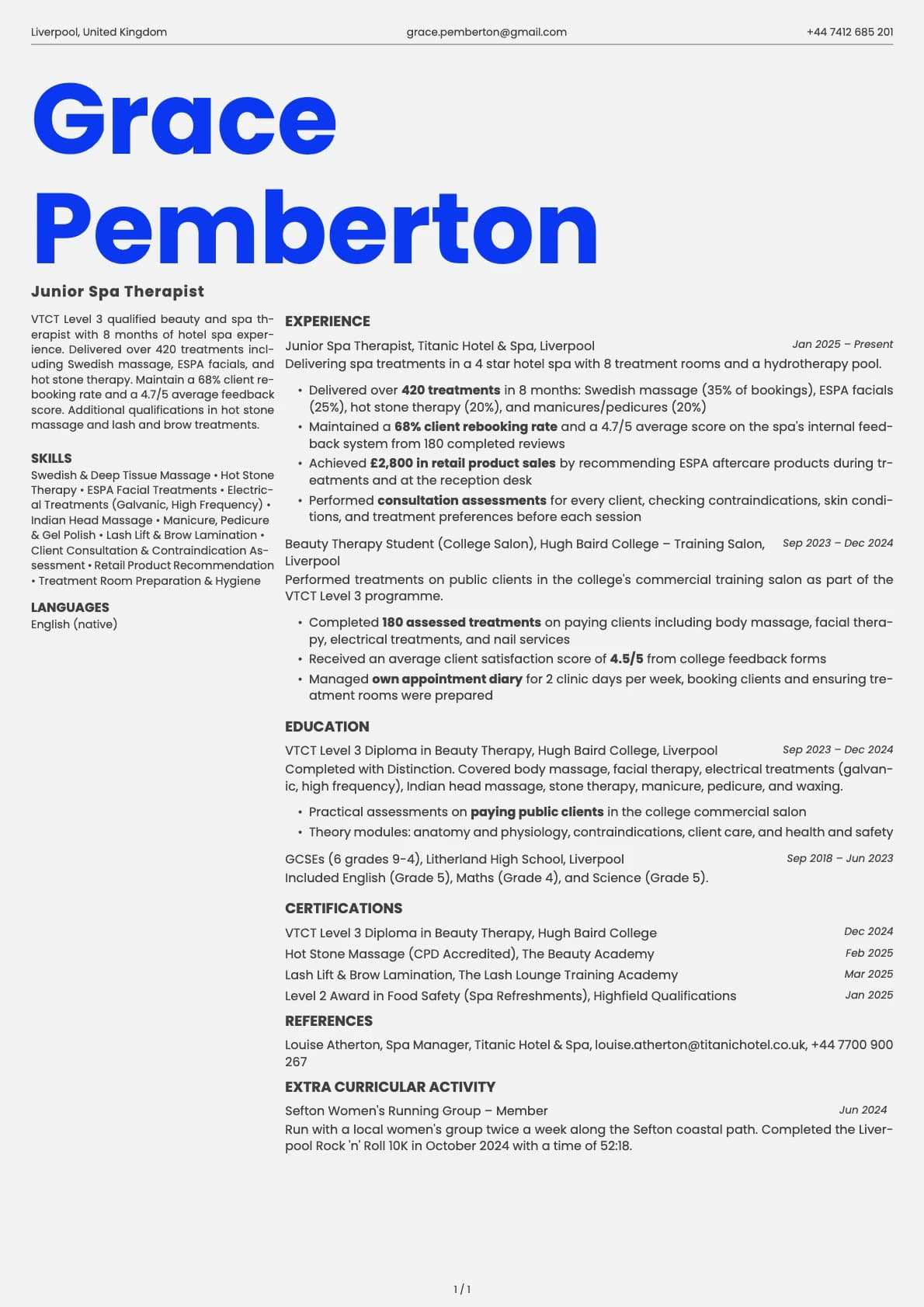
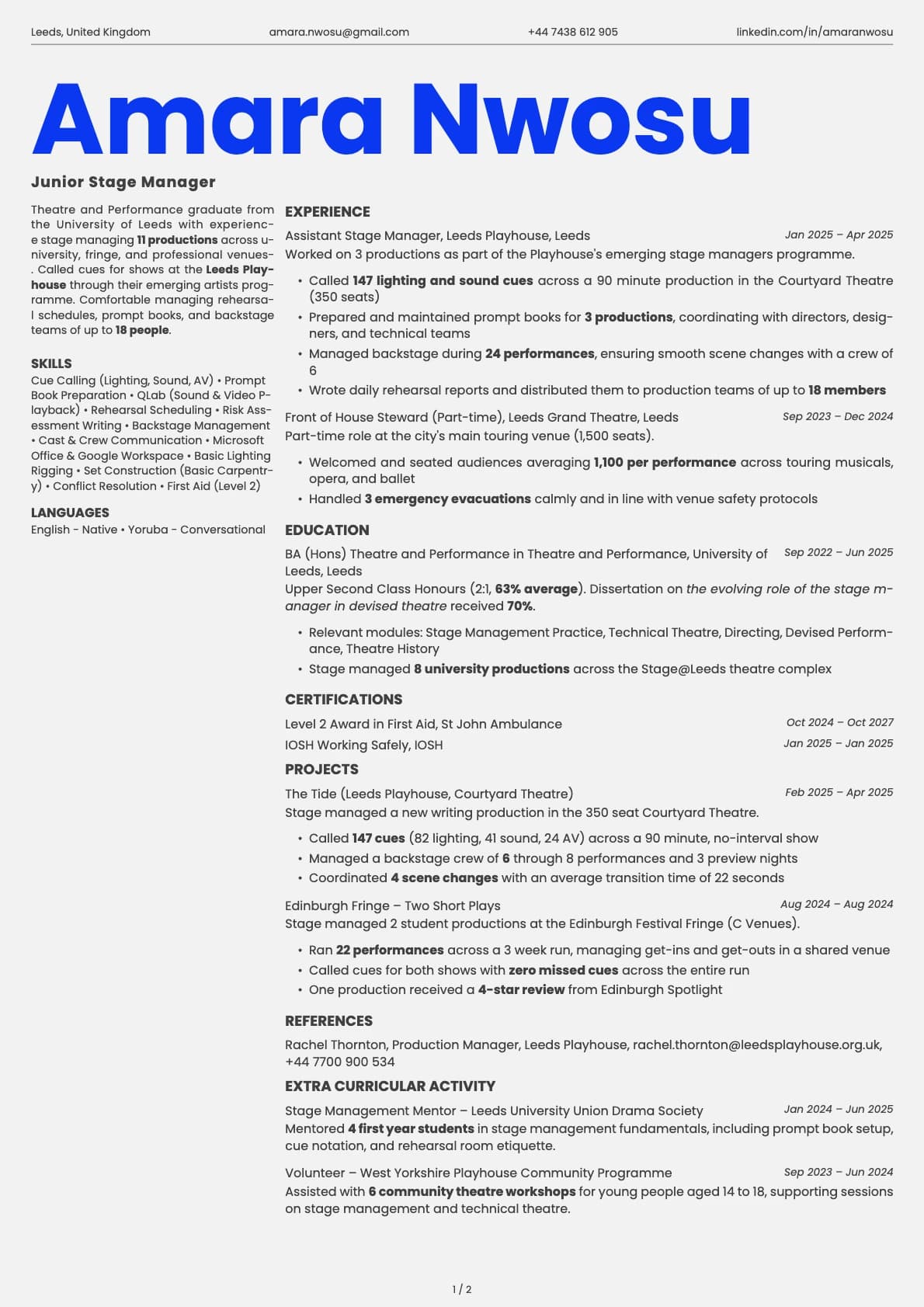
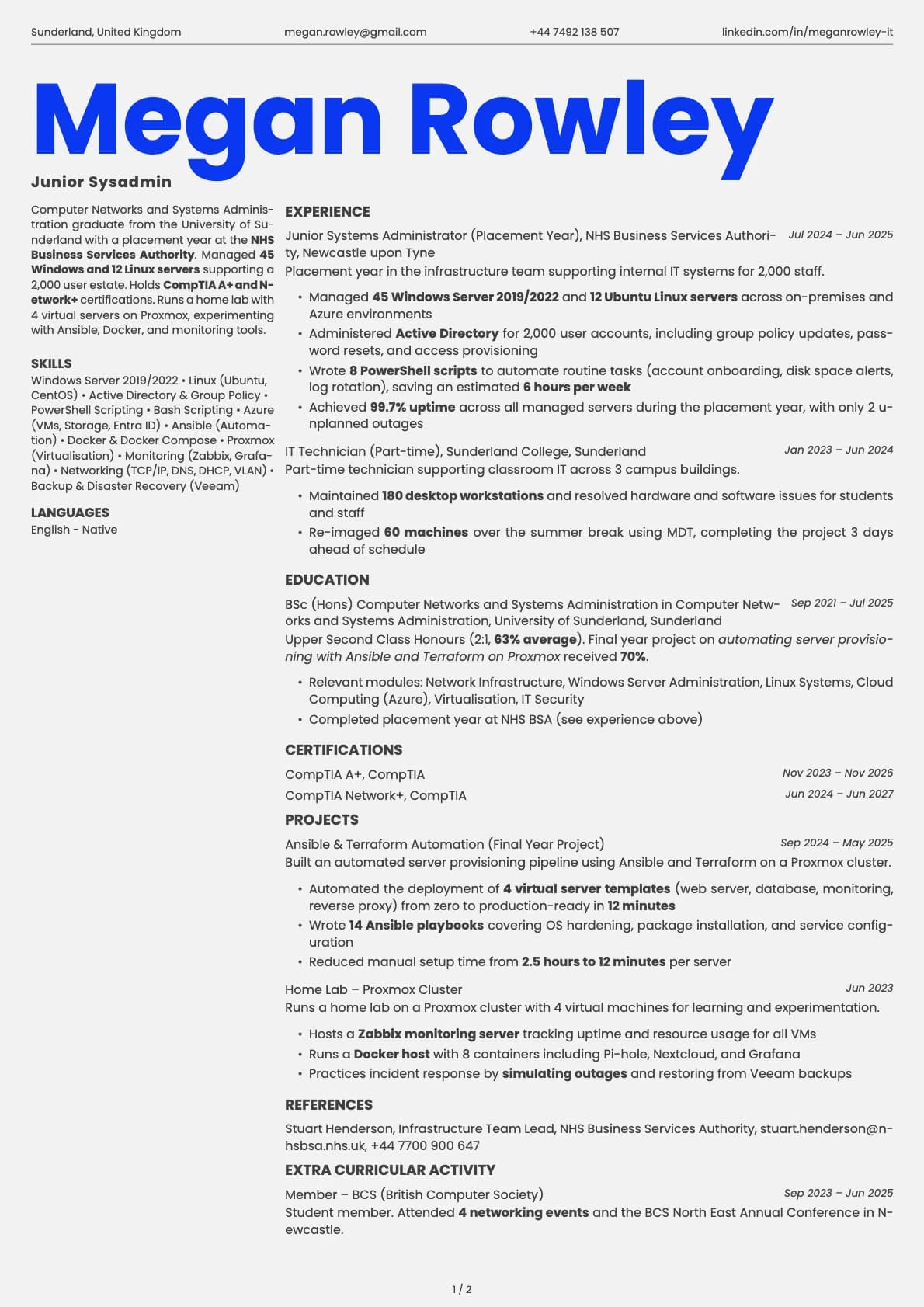
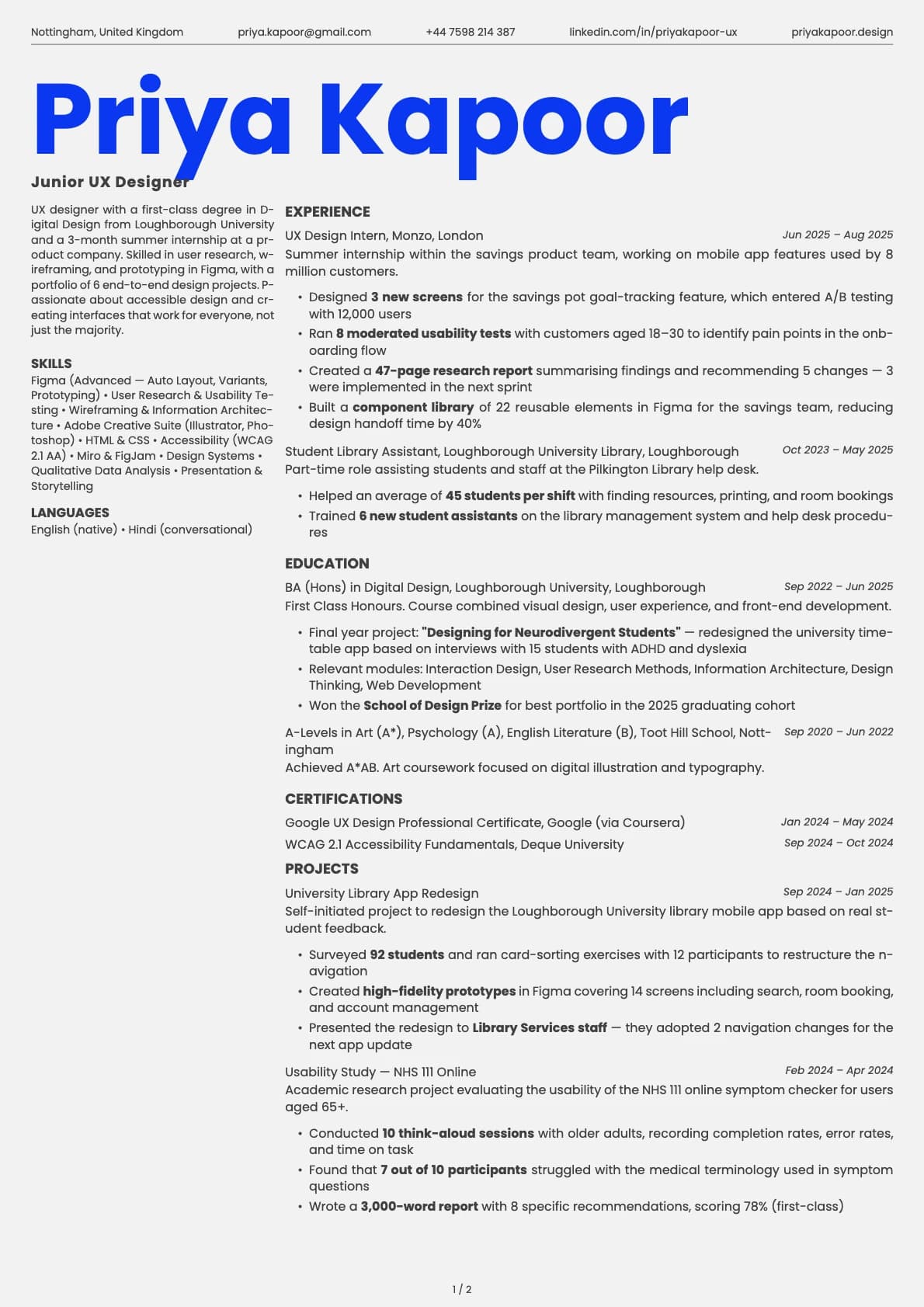
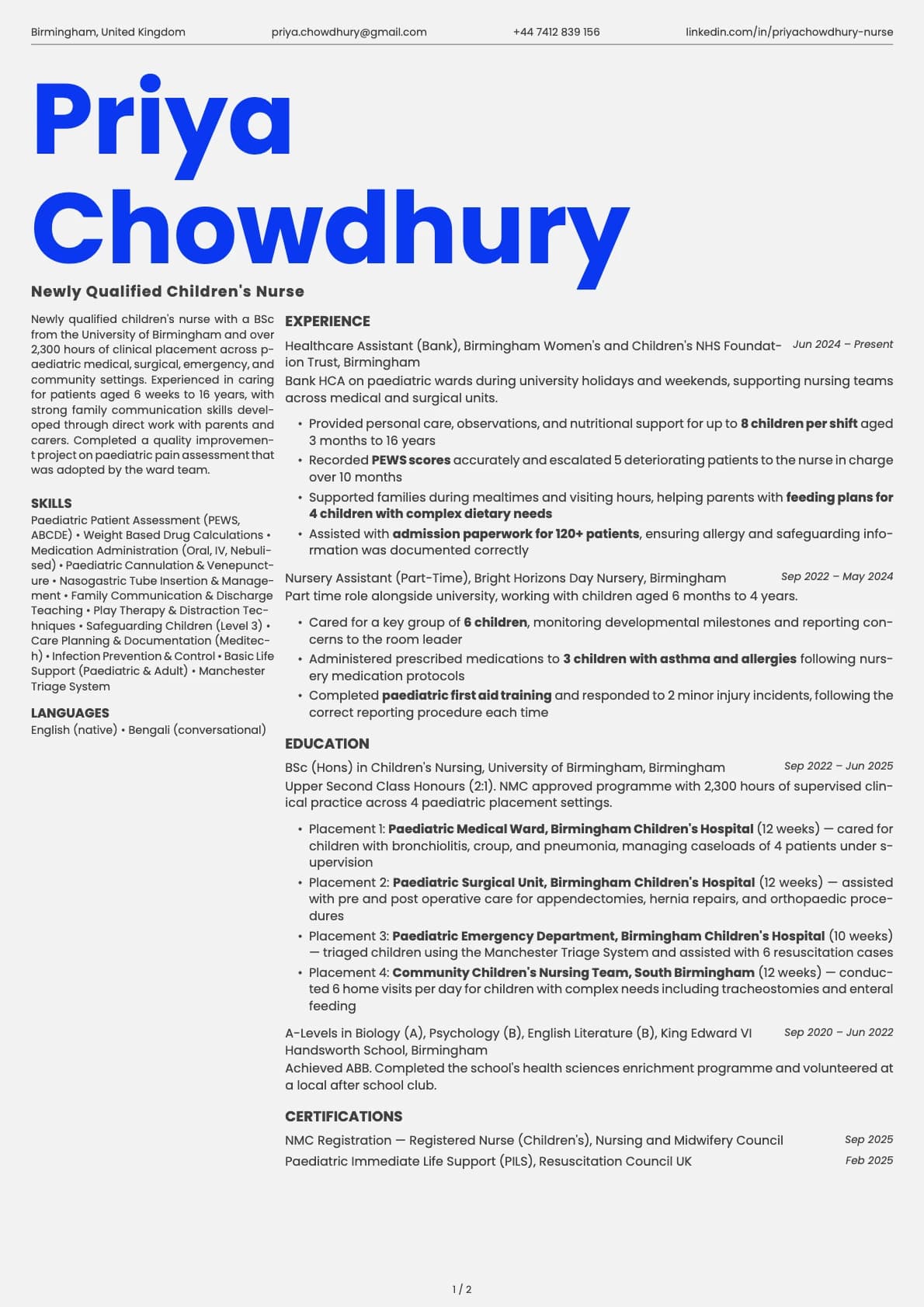
Fern splits the page into two distinct columns with a fresh, organic colour palette. Your name sits in the top-left corner with contact info running across a header bar, and the content flows naturally across both columns. The overall effect is clean but expressive, like something you would see on a well-designed personal site rather than a corporate template.
What makes Fern different from other two-column templates is the feel. The colours pull from natural tones (soft greens, warm greys, gentle blues) and the spacing gives the page room to breathe. It reads as intentional and considered rather than busy.
This is also the only template in Laddro that does not support a profile photo. That is by design. The layout uses the full header width for your name and contact details, and the two-column split starts immediately below, so there is no natural spot for an image without breaking the flow.
Who should use this template?
Fern is a good fit for designers, writers, content strategists, illustrators, front-end developers, and anyone whose work involves visual or creative thinking. It also works well for people applying directly to studios, agencies, and small companies where your resume is opened as a PDF and read by a person, not fed through an ATS.
If you need a photo on your resume, Fern is not the right choice. Opal gives you a creative two-column layout with photo support and a header section. Bold Edge takes a different route with colour blocks and a single-column body that also supports photos. And if you want a creative one-page format with warm tones and photo support, Amber is worth a look.
What you get
- A two-column split layout with your name top-left and contact info in a header bar
- 8 colour themes with soft, organic tones including greens, blues, greys, and warm pinks
- The default font is Poppins, a geometric sans-serif with a modern, friendly weight. You can switch to any font in Laddro (Inter, Arvo, Lora, Century Gothic, and others) in one click
- No photo support (this is intentional, not a limitation)
- Multi-page support for longer resumes
ATS compatibility
Fern scores 6.5/10. The two-column split is the main factor. When an ATS reads a two-column layout, it processes content in a top-to-bottom stream, and some parsers get confused about which column to read first or mix content from both columns together.
Modern platforms like Greenhouse, Lever, and Ashby handle it well enough. Older systems like Taleo or iCIMS can have issues. If you are submitting through a job portal with heavy ATS filtering, keep a single-column version of your resume on hand for those submissions.
For direct applications, recruiter emails, and portfolio links, the ATS score is not relevant. The reader opens your PDF and sees exactly what you built.
Colour options
You get 8 colour variations:
- Neutral greys for a quiet, understated look
- Soft greens and sage tones that give the template its name
- Light blue for a calm, airy feel
- Teal and blue-grey for a slightly cooler tone
- Warm blush for a subtle personal touch
The colours are deliberately muted. Fern is not trying to be loud. It is trying to look considered, which often says more about a creative professional than a bright accent colour would.
Tips for getting the most out of Fern
- Use the two-column structure to separate supporting content (skills, tools, languages, certifications) from your main experience. Put the lighter content in the narrower column and your career history in the wider one.
- Since there is no photo, your name and title do all the visual heavy lifting in the header. Make sure your job title is specific and clear.
- Include a link to your portfolio or personal site near the top. Fern is often used alongside a body of creative work, so make it easy for the reader to go see it.
- Keep bullet points tight. Two to three lines per role is usually enough. The two-column layout gives you space, but filling every inch of it defeats the purpose of the open, airy design.
Build your resume with Fern on Laddro
Start building with Fern. Fill in your details, switch colours and fonts in real time, and download a PDF when you are ready. No account needed to start.
How would you rate this template?
Your rating helps others pick the right template for their resume.
Make this template yours
Pick a colour, add your details, and download your resume. No design skills needed.
Free to use. No account needed to start.
Resumes built with Fern