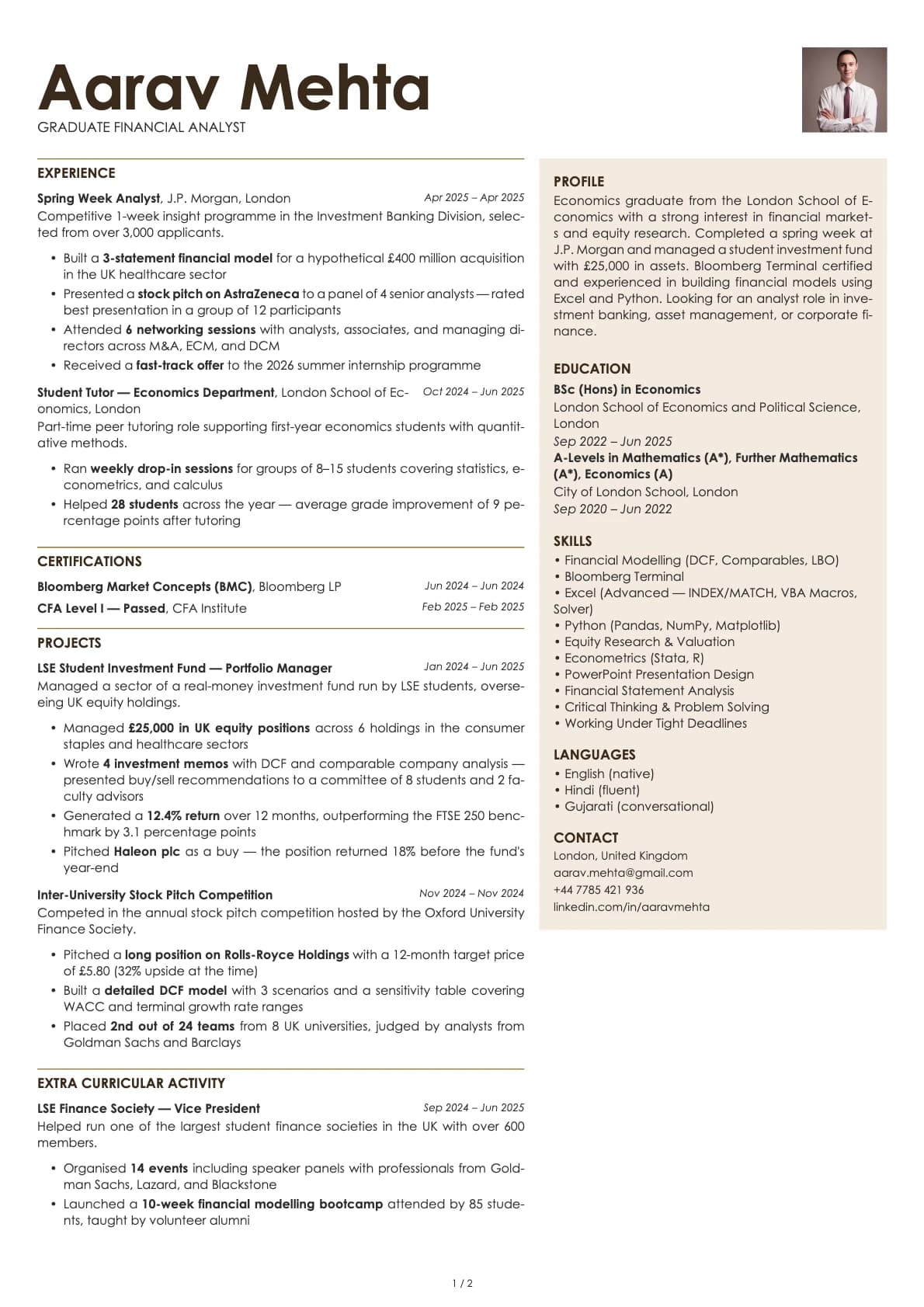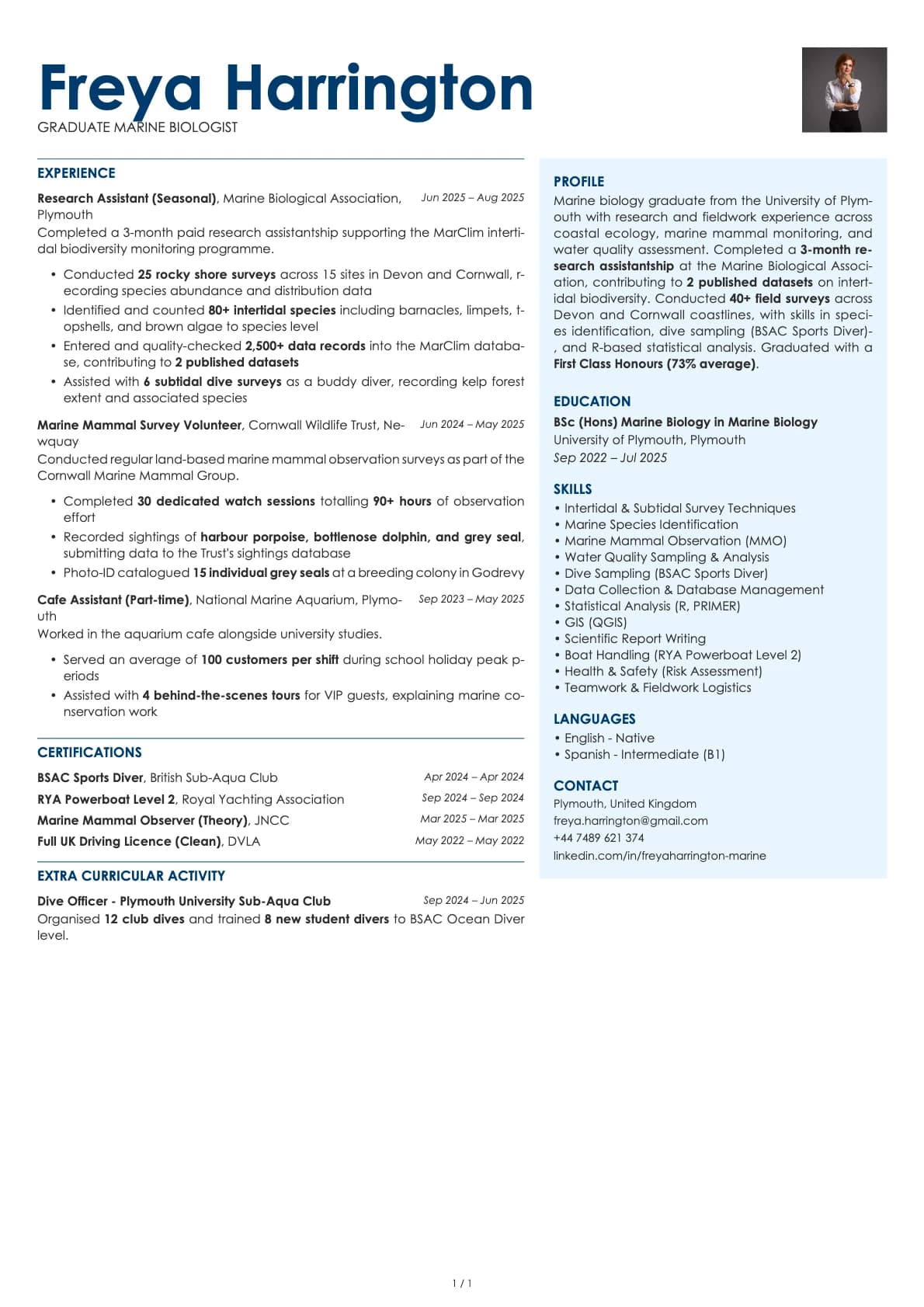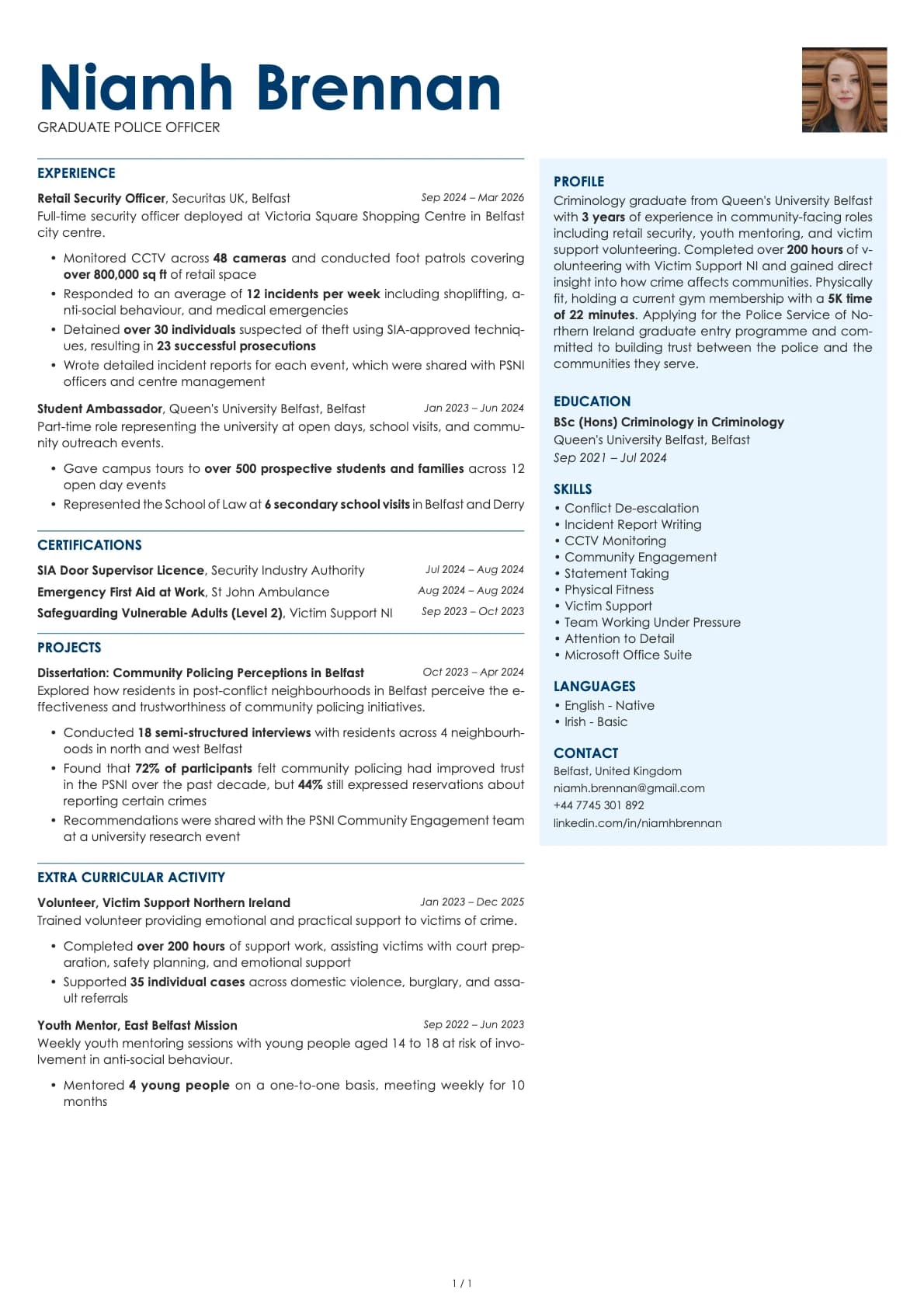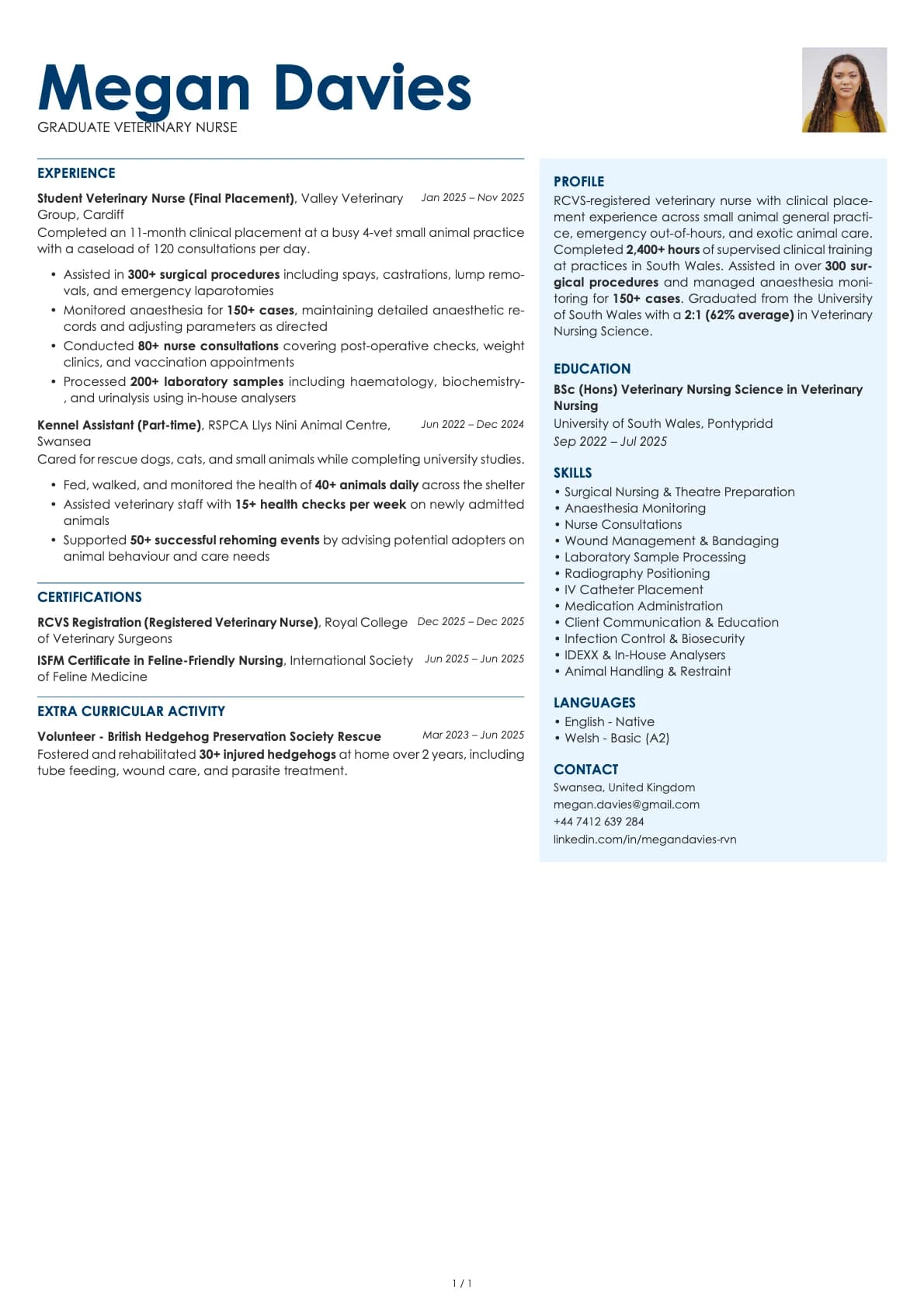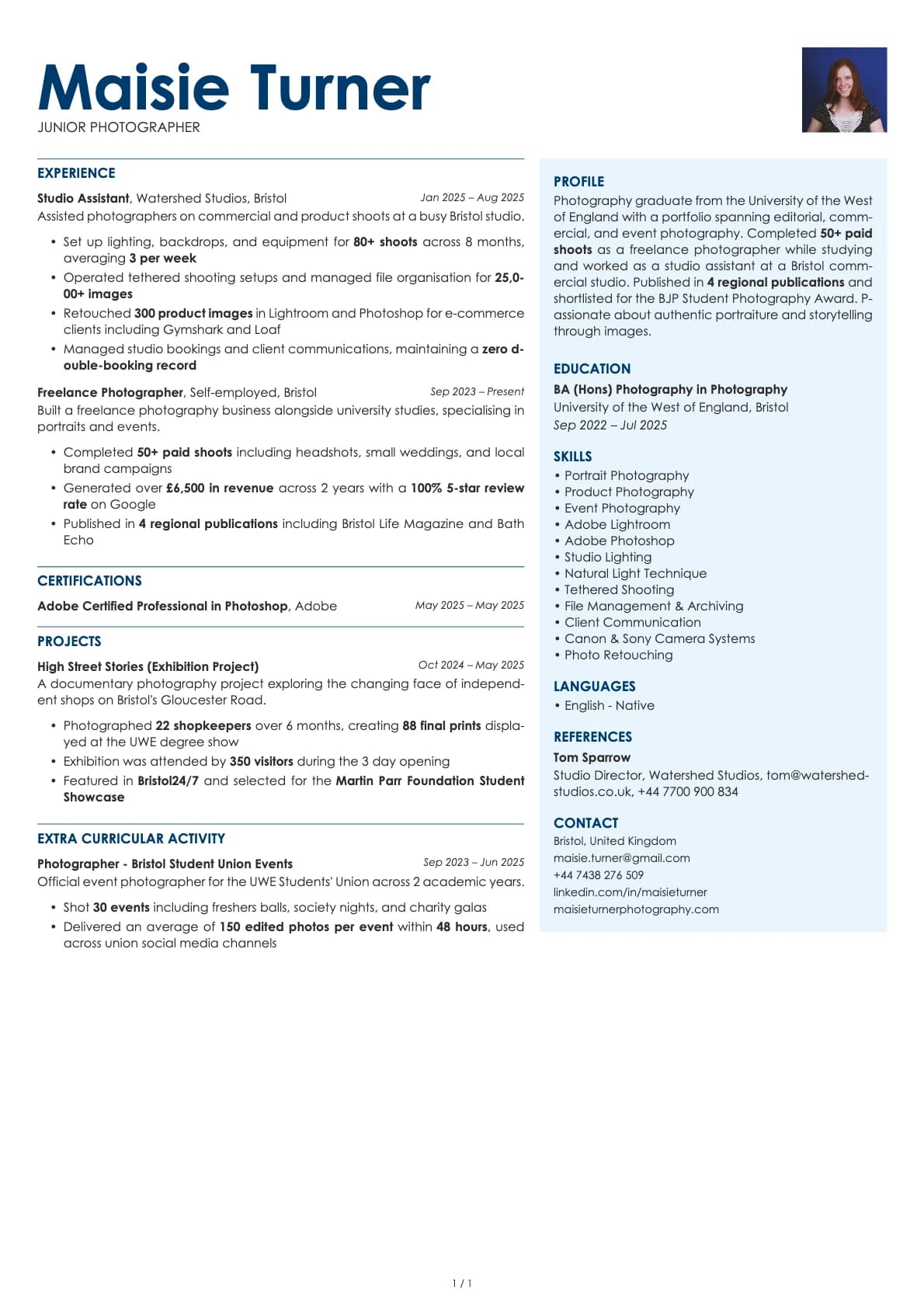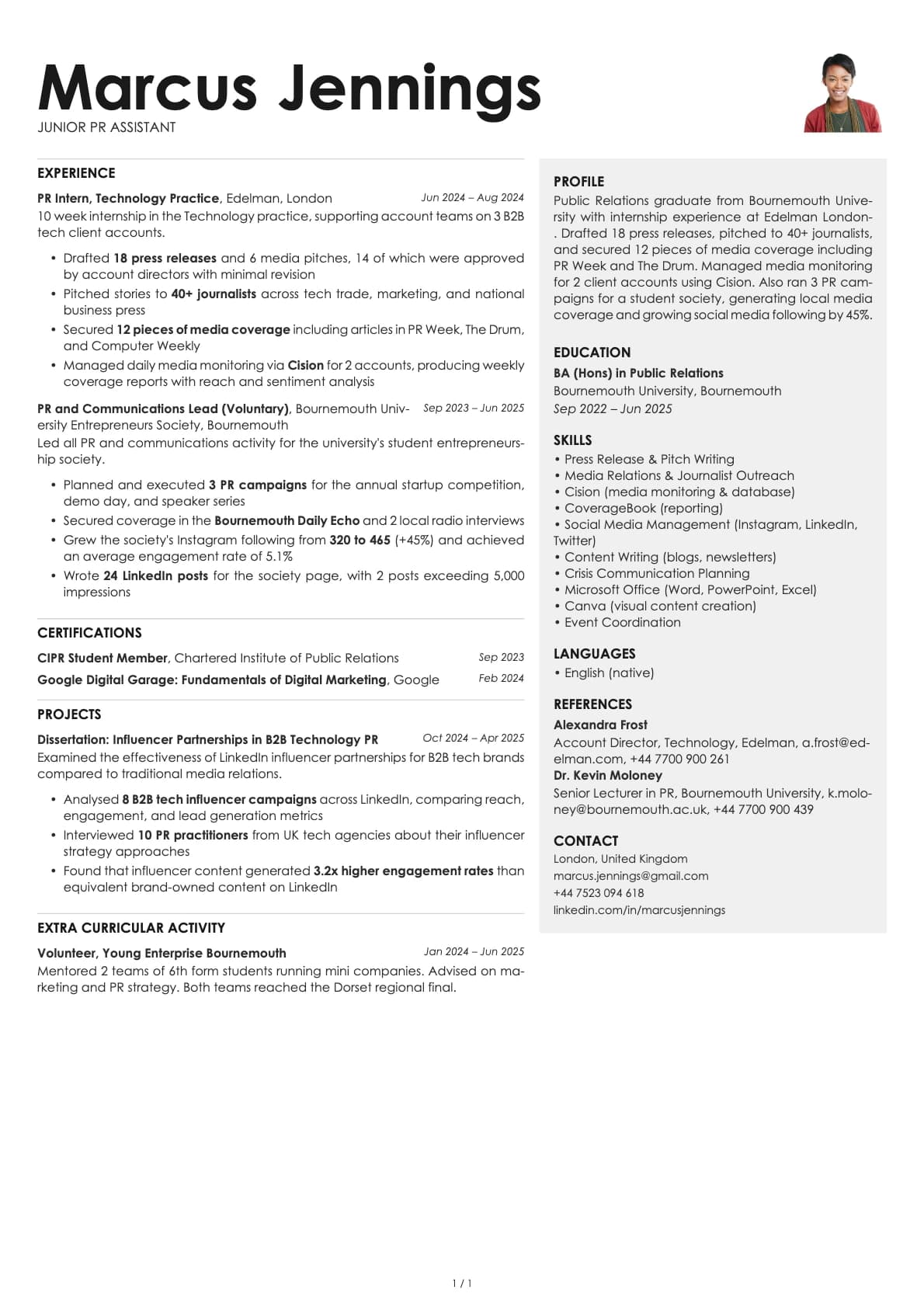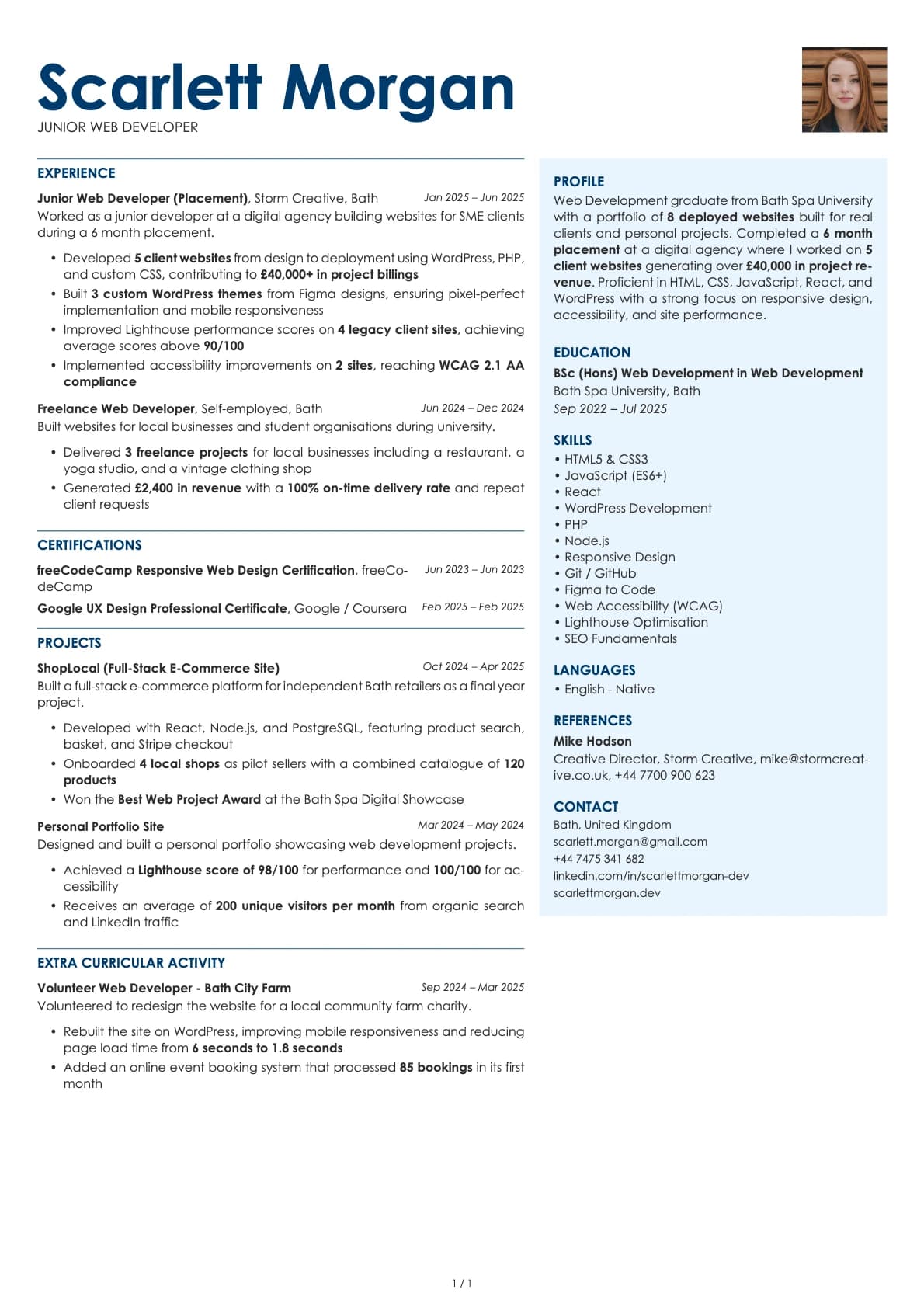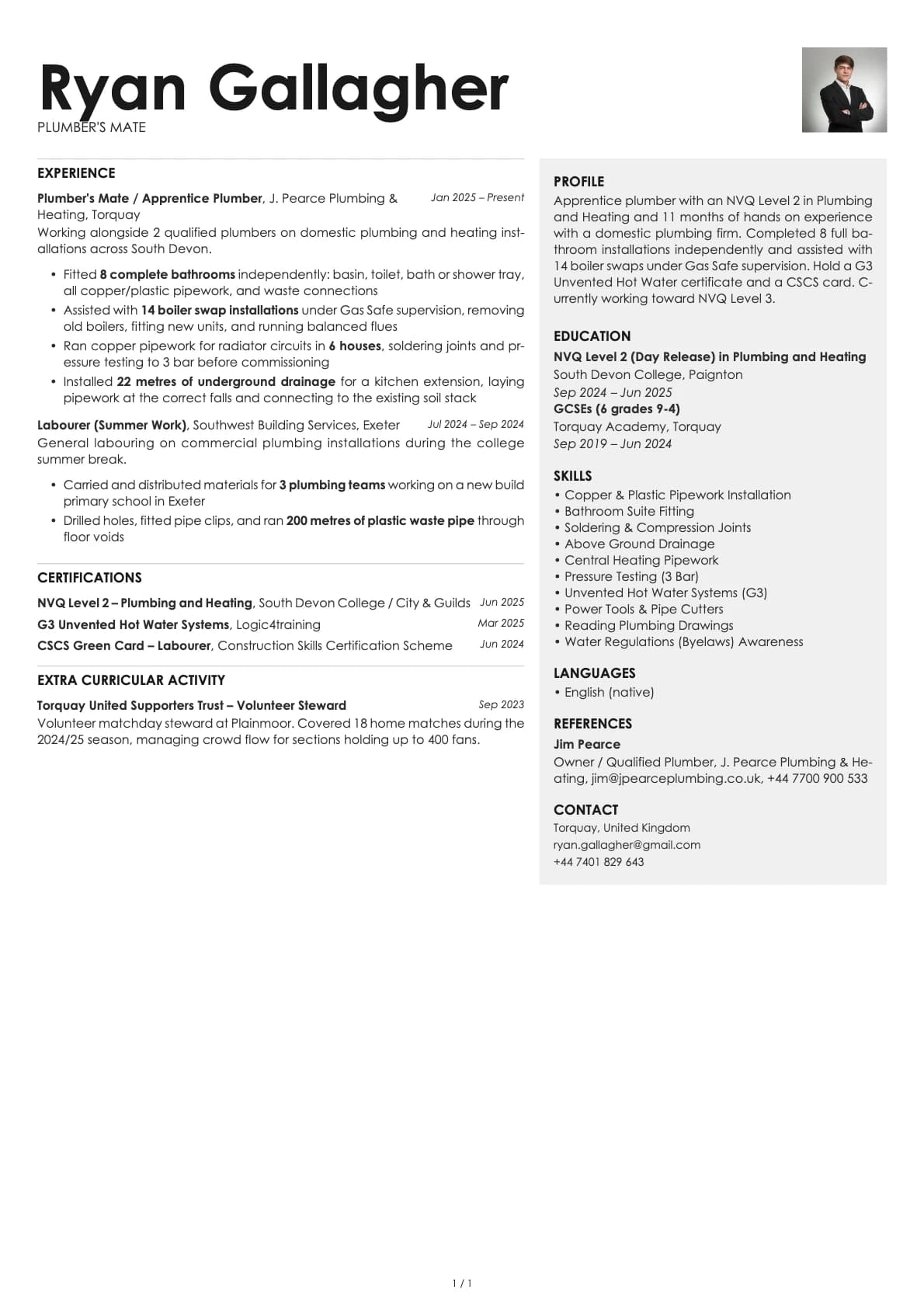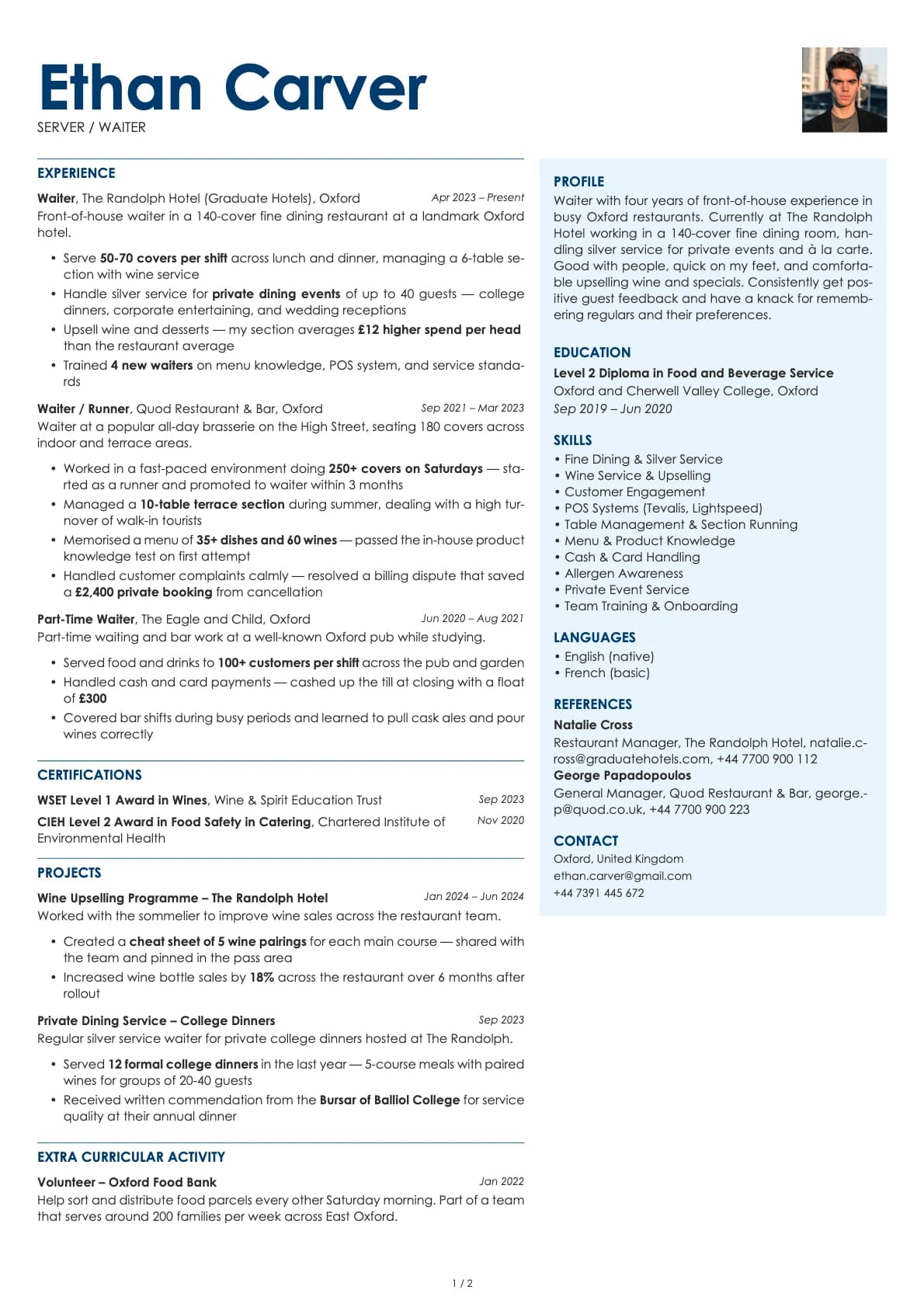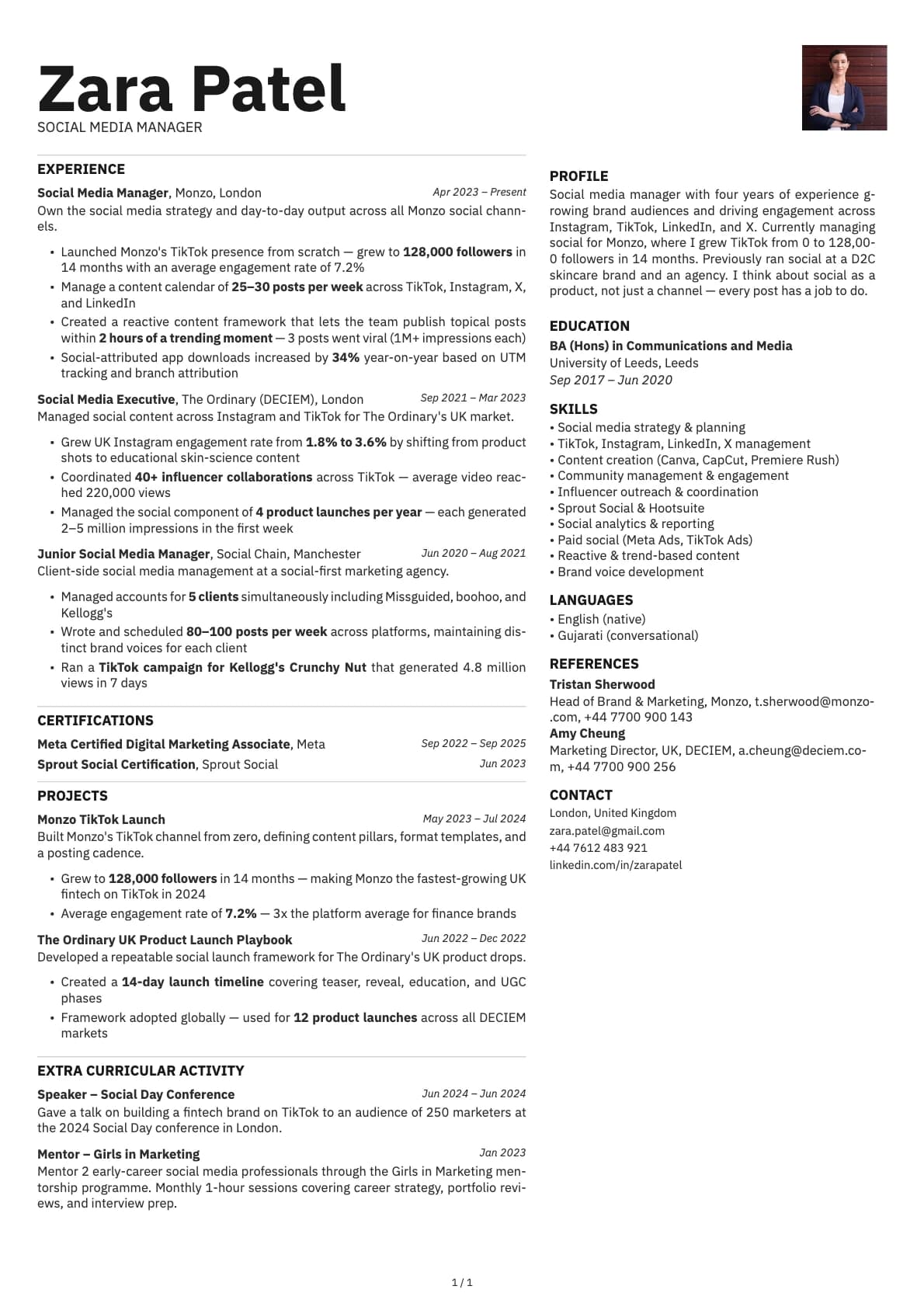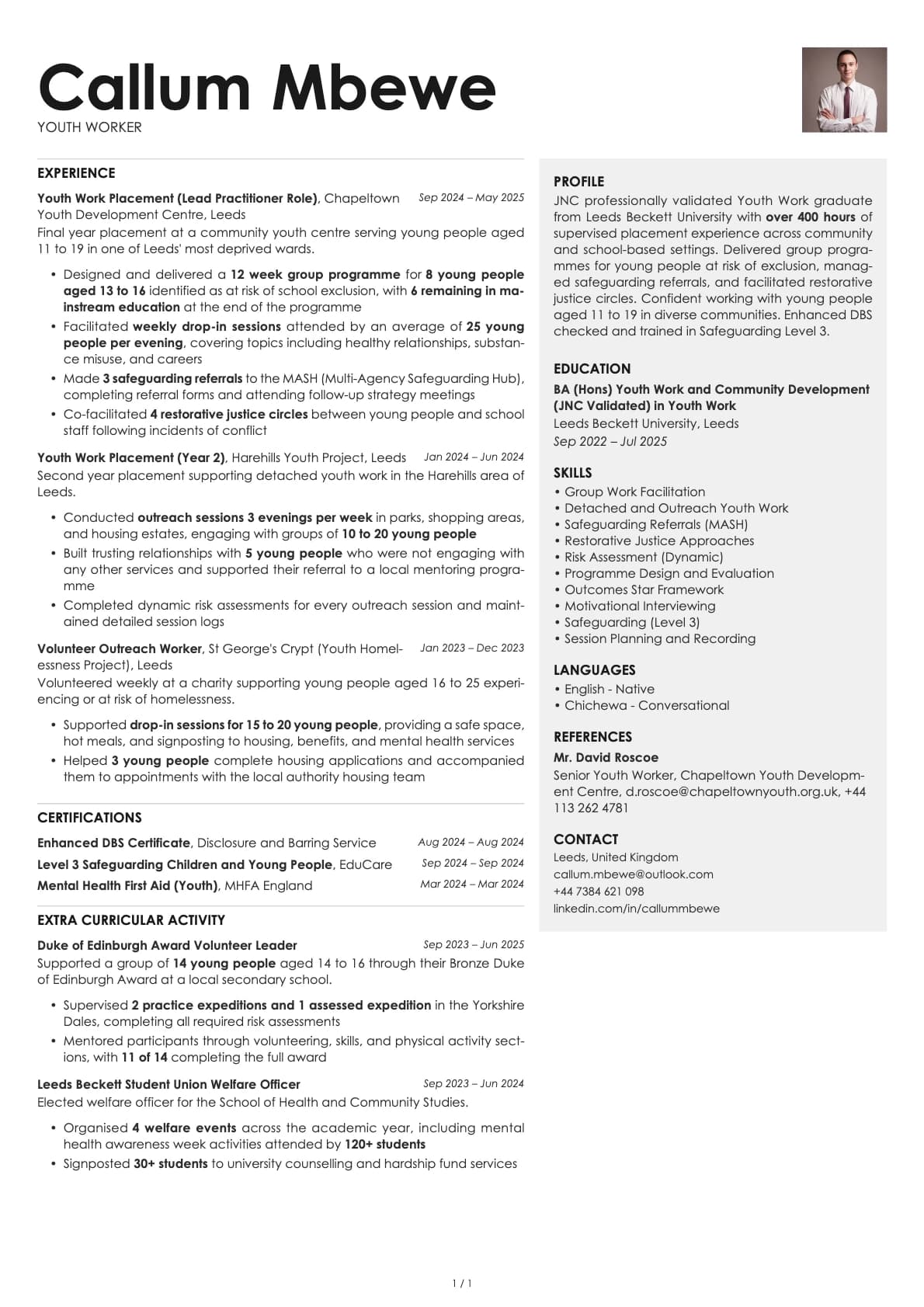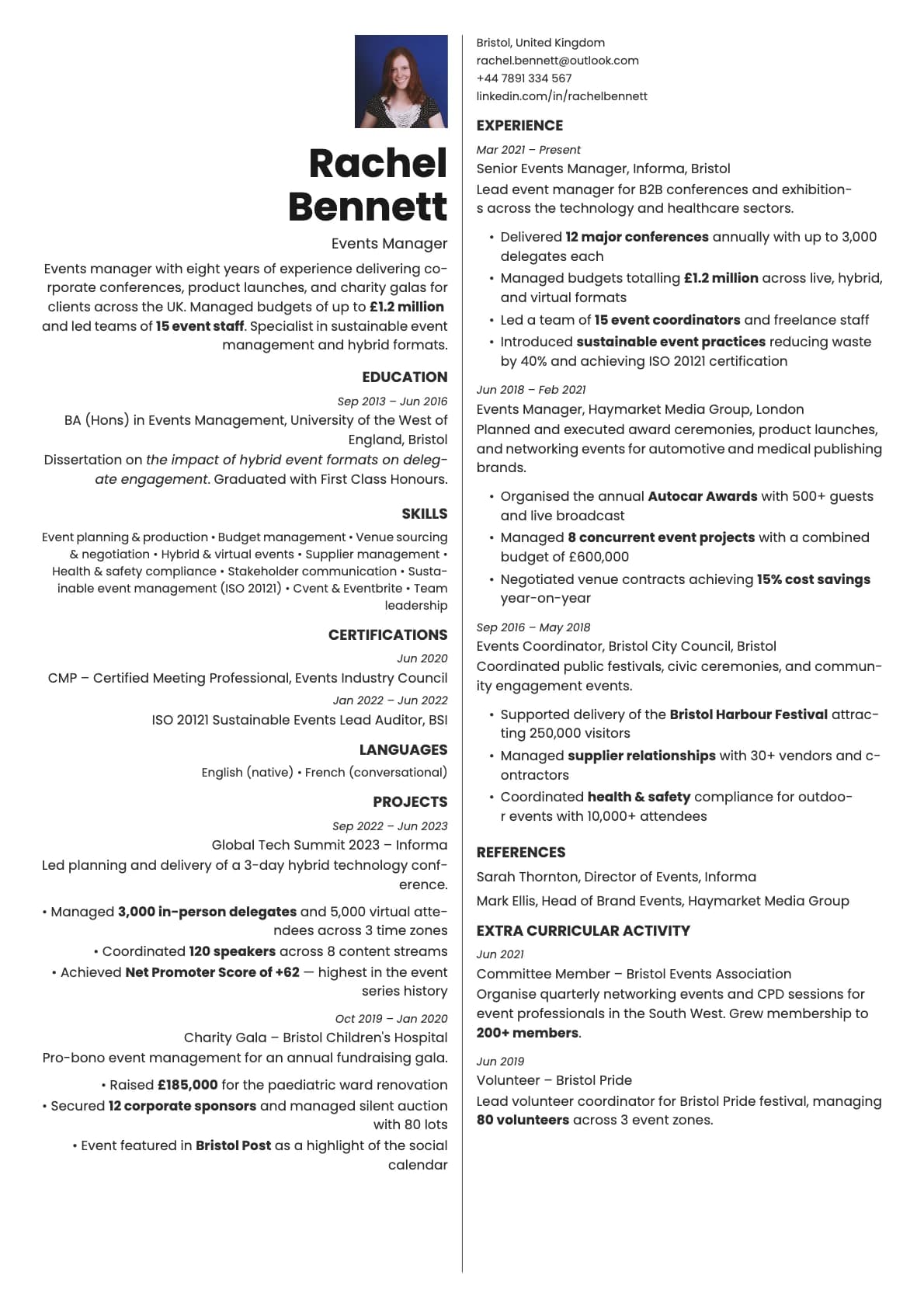
Bronze Resume Template
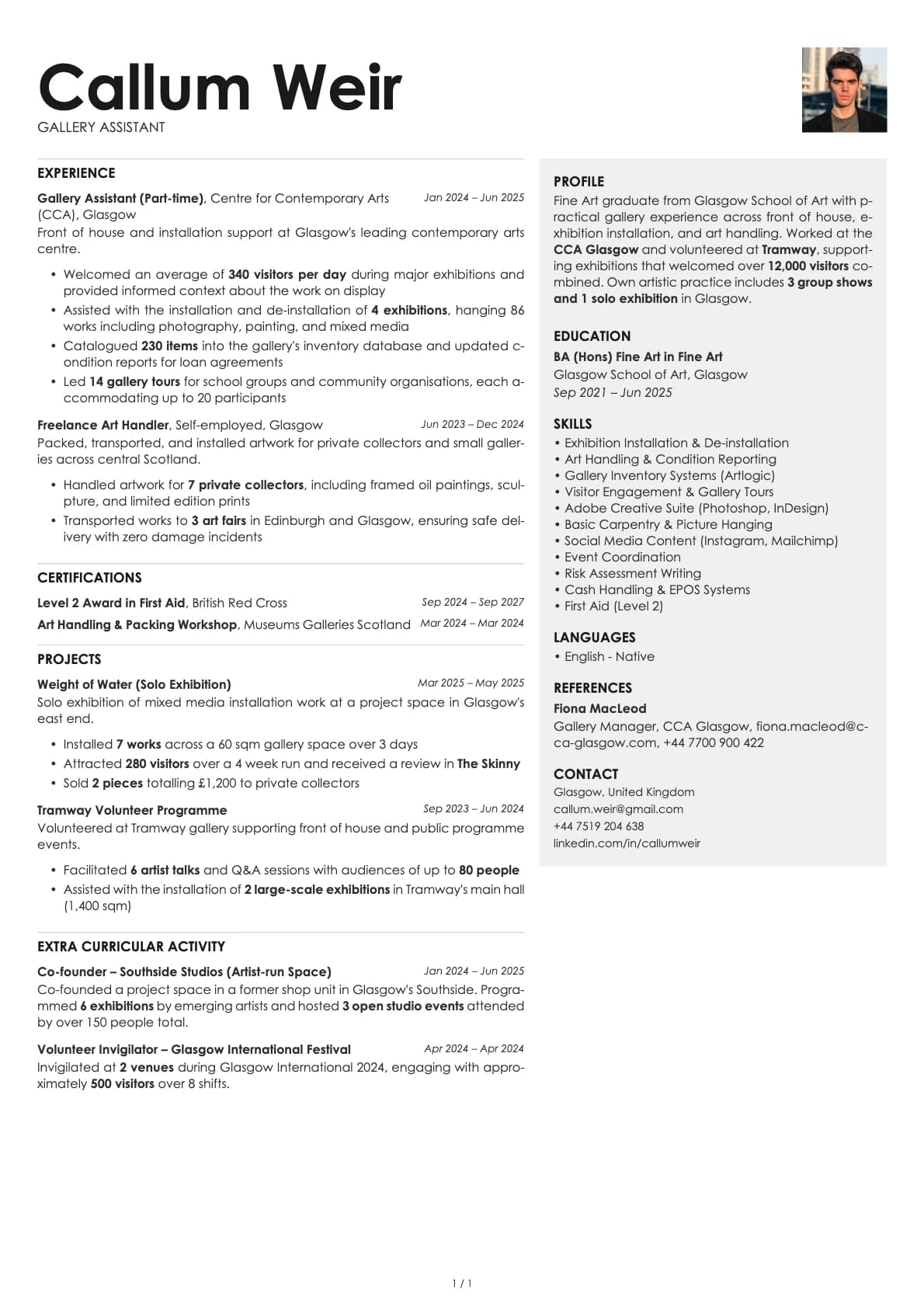
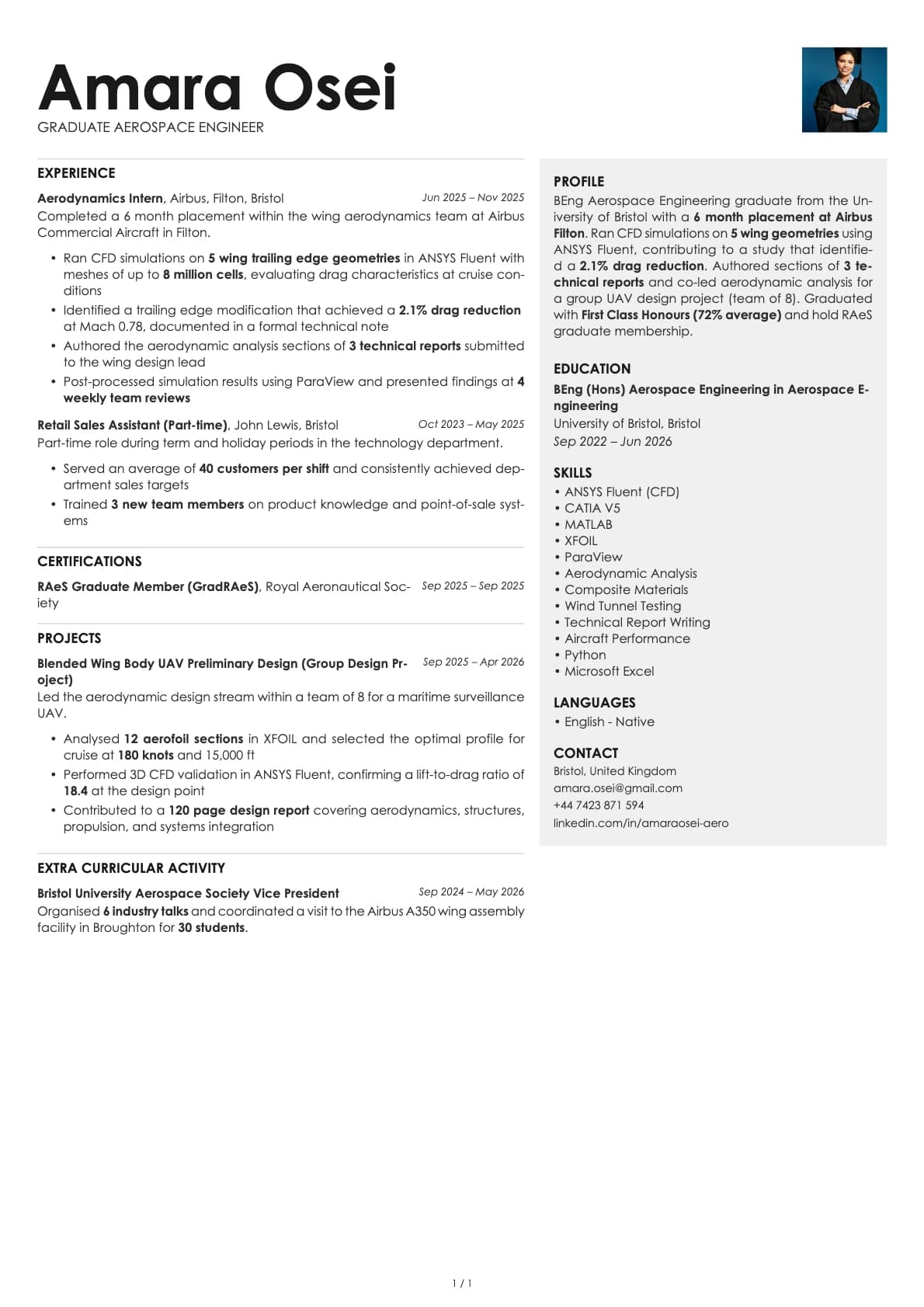
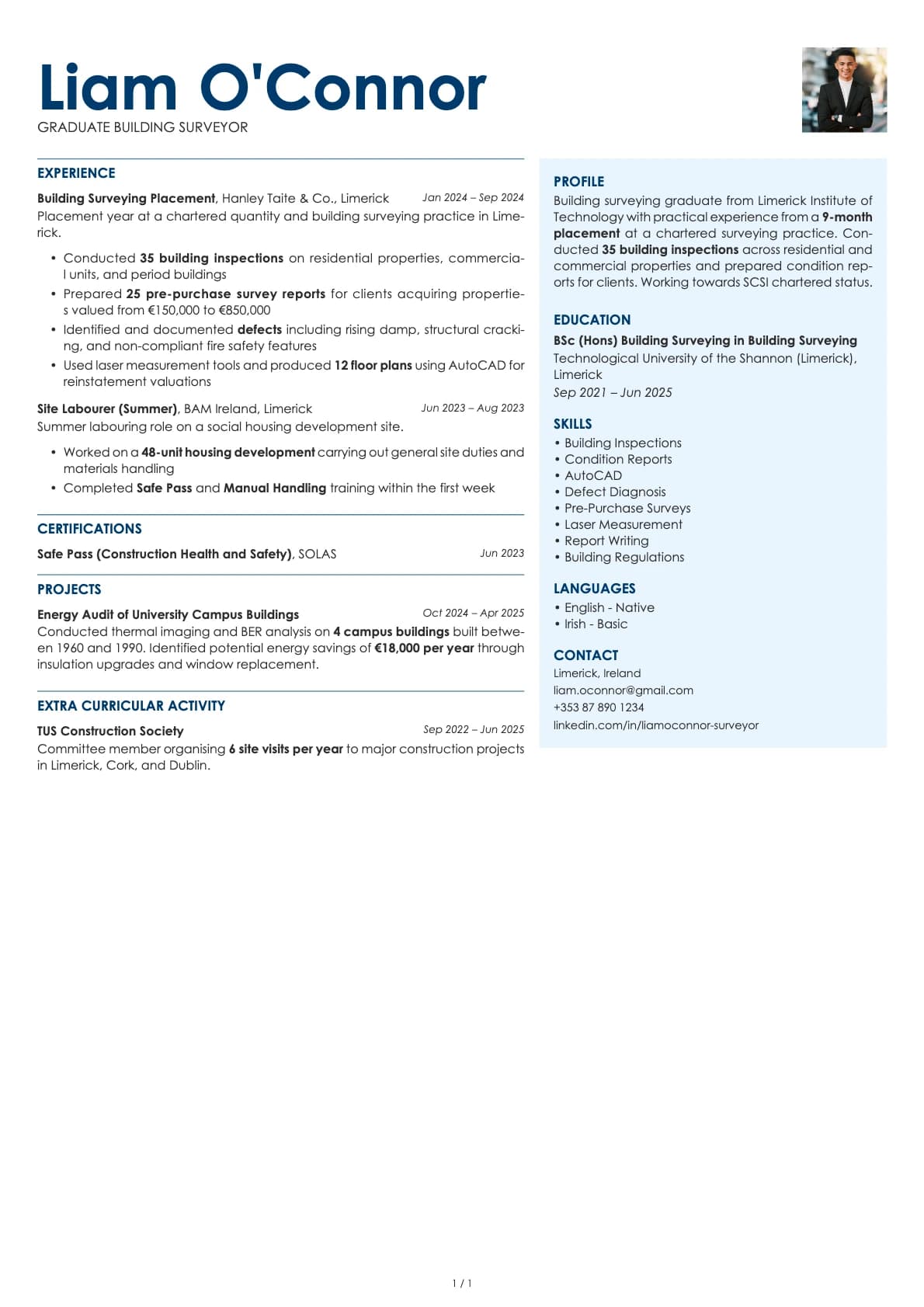
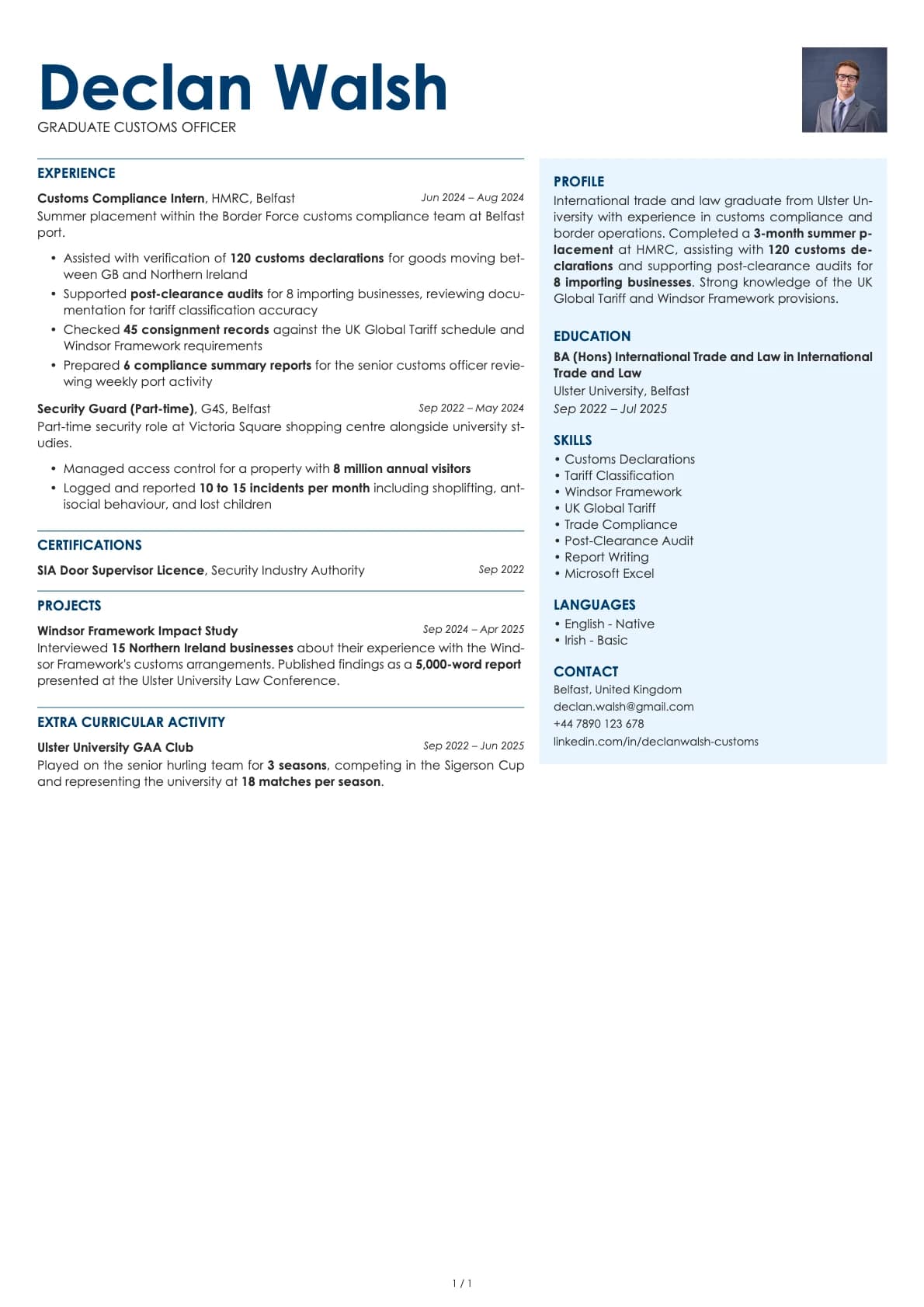
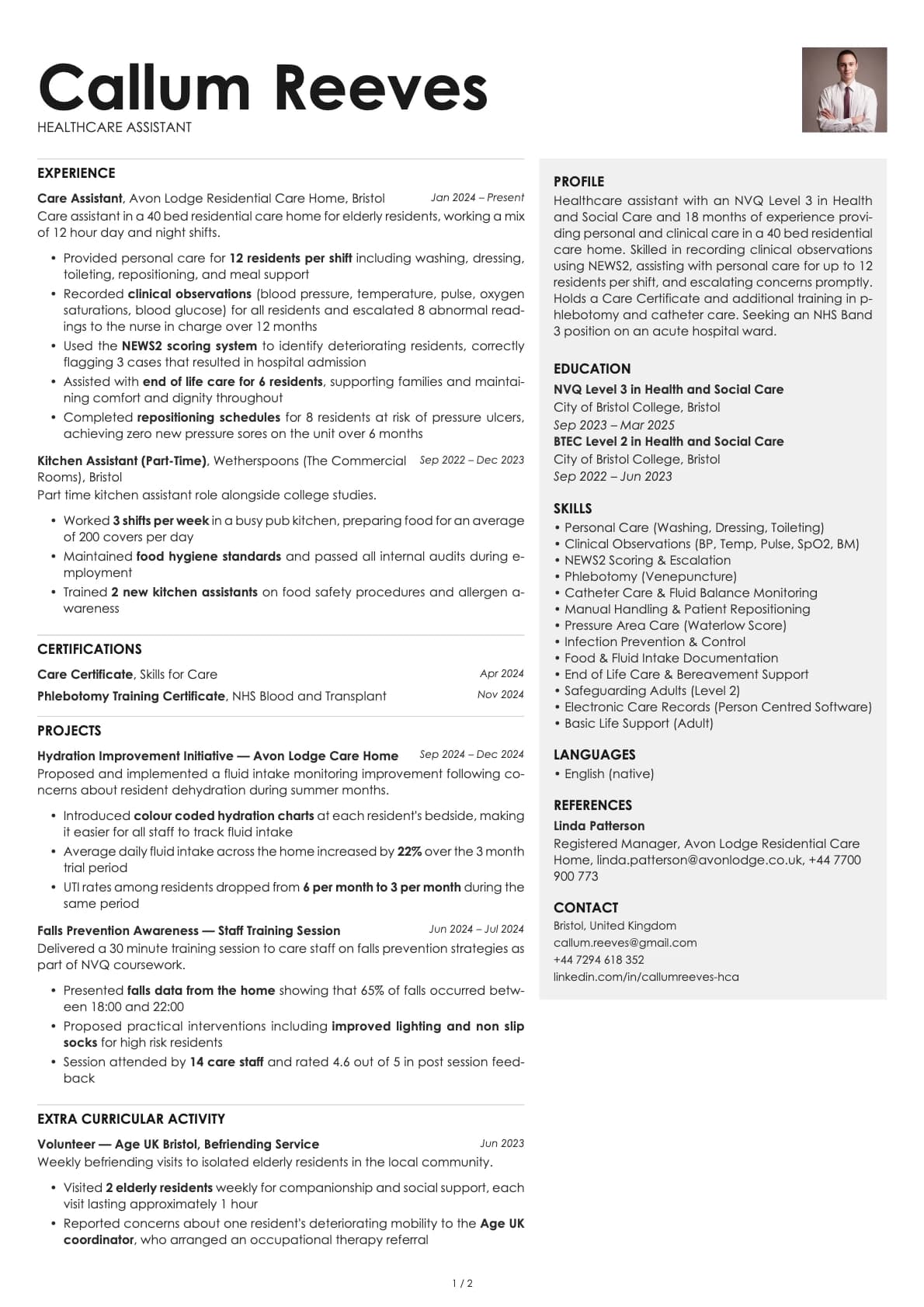
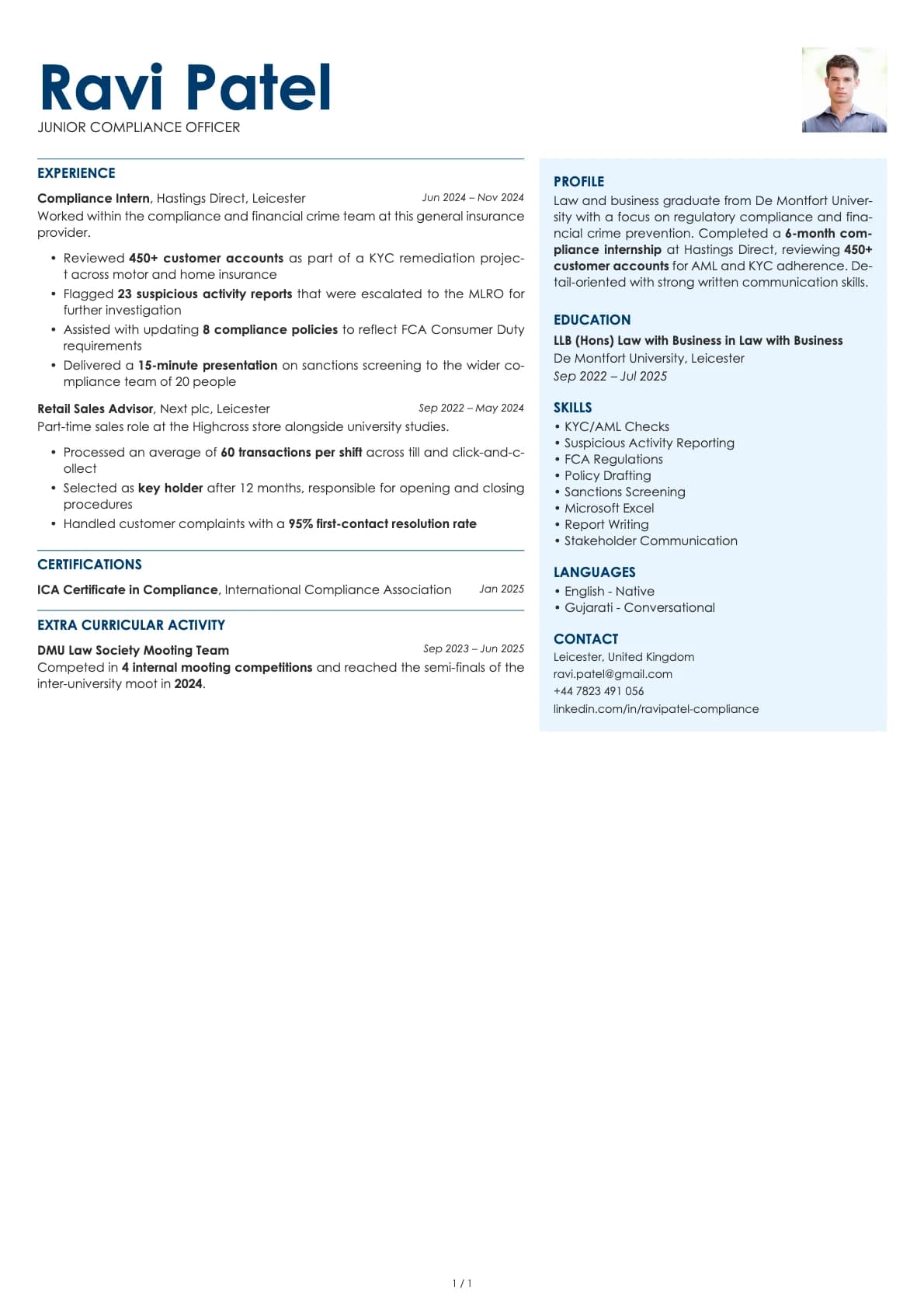
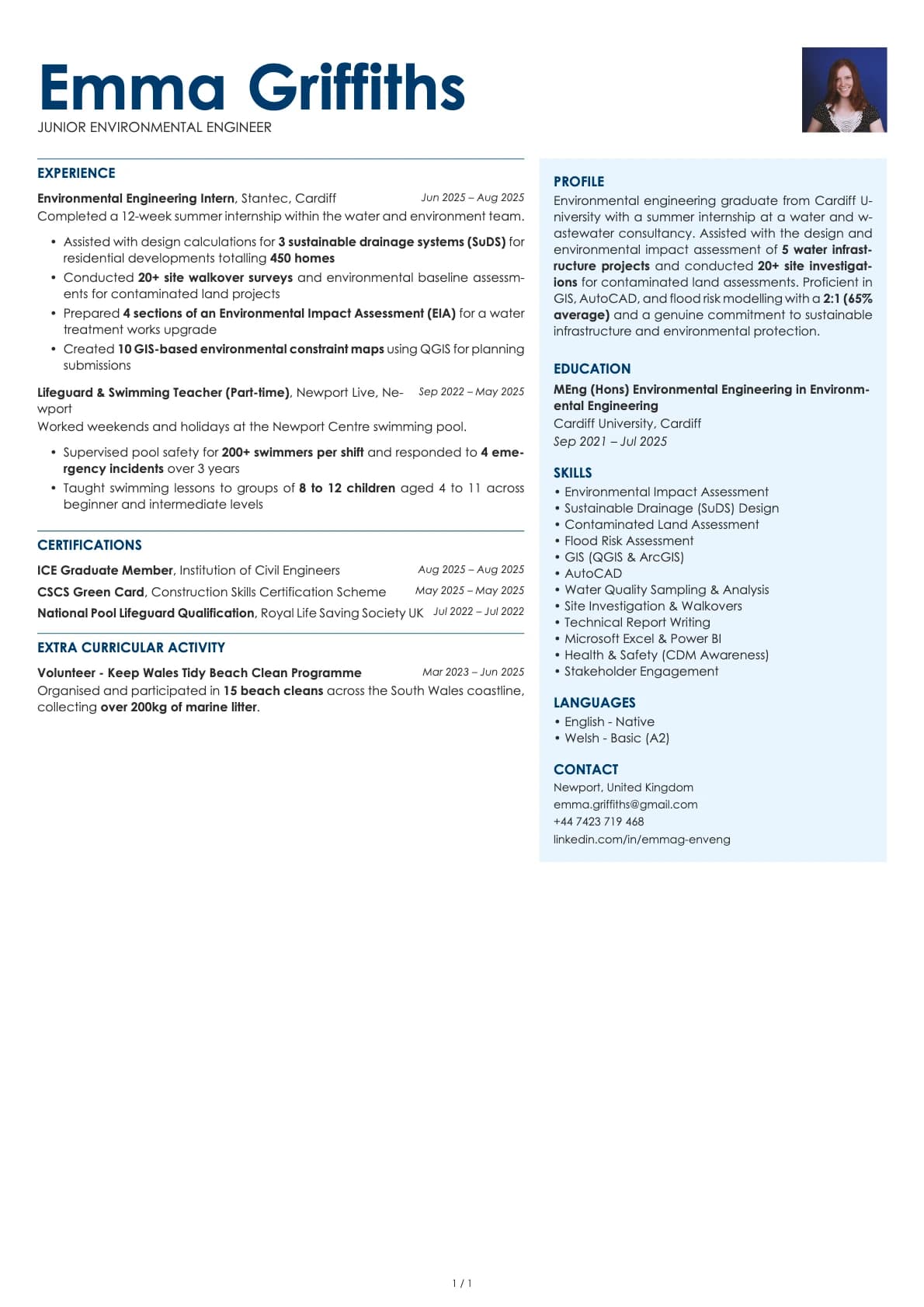
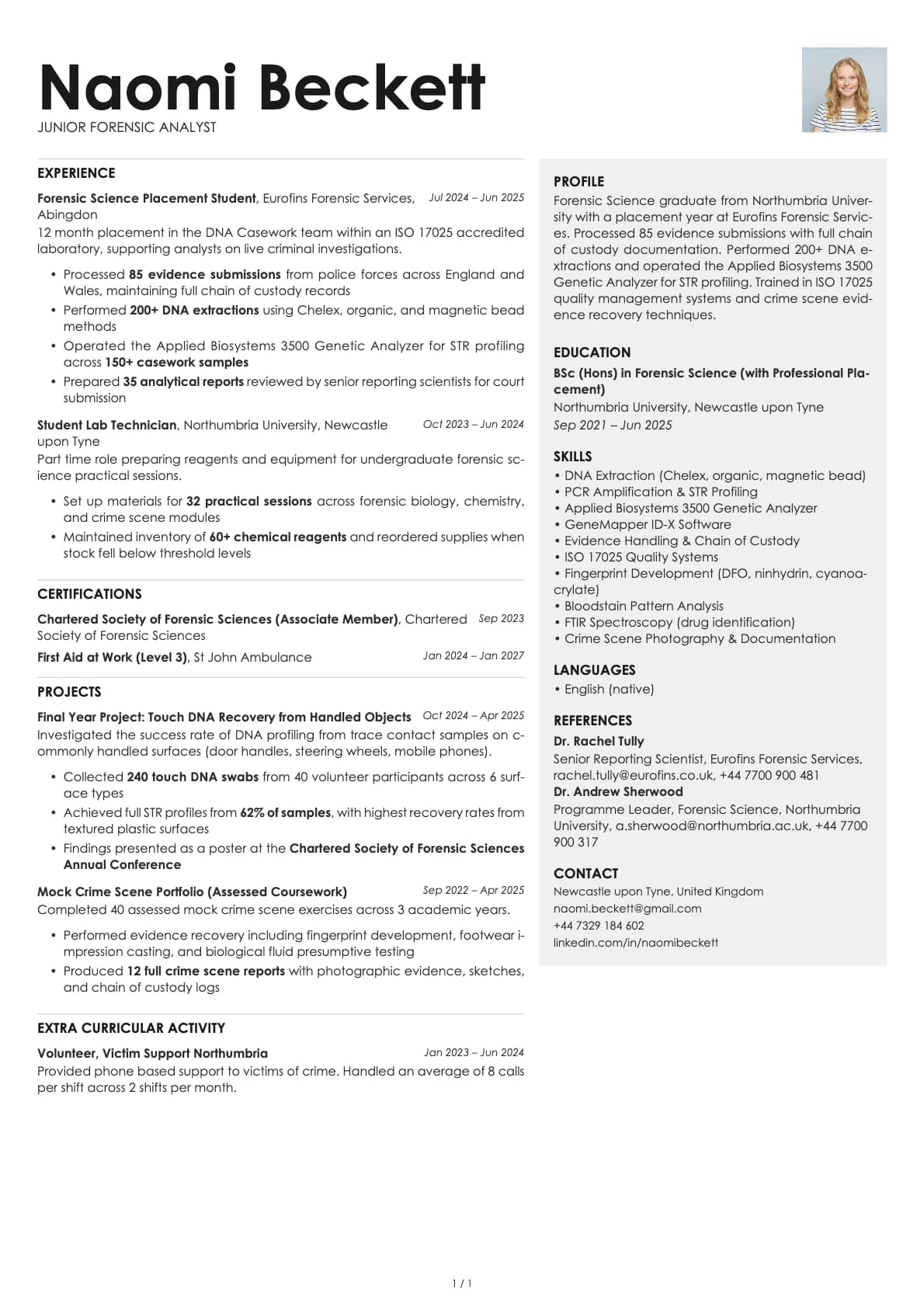
A one-page executive resume template with a two-column split layout and traditional styling. 7 colour options, ATS score 5.5/10.
Free to use. No account needed to start.
Why Bronze?
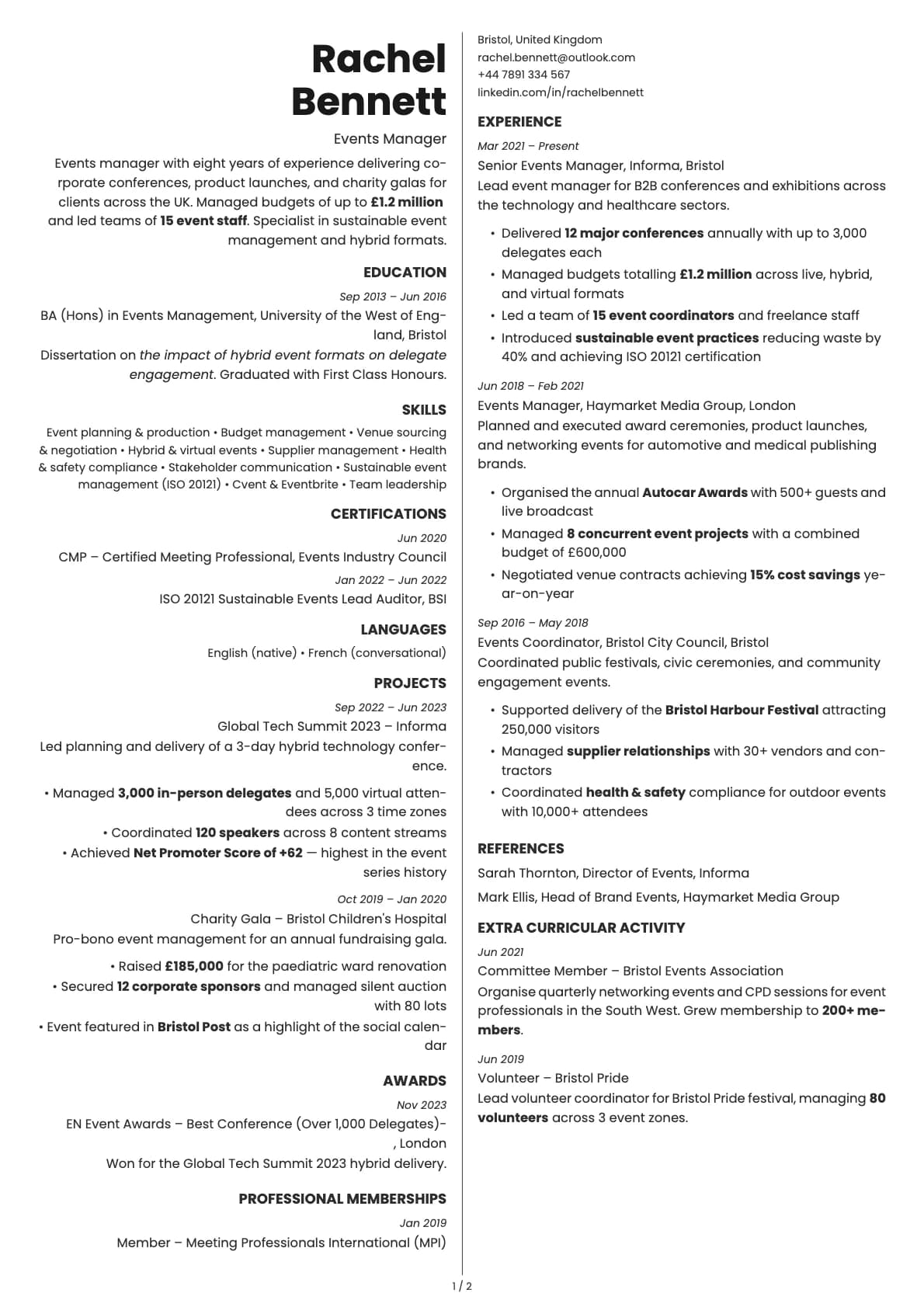
Bronze is a one-page, two-column template with a traditional executive feel. Your name stretches full-width across the top of the page, the body splits into two columns, and contact details sit in the bottom of the right column. The overall impression is timeless and composed, like a resume that could have worked 10 years ago and will still work 10 years from now.
The name placement is what sets it apart. Having your name span the full page width at the top gives it real presence, while the two-column body below keeps everything compact and scannable. Century Gothic as the default font adds to the classic feel without looking dated.
Who should use this template?
Bronze is for experienced professionals who want their resume to feel established and serious. It works well for directors, senior managers, consultants, and anyone in a traditional industry (finance, insurance, manufacturing, professional services) where a conservative presentation is expected.
The one-page constraint makes it a good fit for executive summaries, board applications, and situations where brevity is a sign of confidence rather than lack of experience.
If you need more room, Sapphire gives you a two-column executive layout with multi-page support and deeper blue tones. Platinum is a single-column executive template with a 9.0/10 ATS score, making it the safest option for job portal submissions. And Aurum offers a different two-column executive layout with a gold-accented header.
What you get
- A one-page, two-column split layout with your name displayed full-width at the top
- Contact info placed in the bottom of the right column
- 7 colour themes with traditional, muted tones including grey, ocean blue, gold, green, purple, and rose
- The default font is Century Gothic, a geometric sans-serif with a clean, professional character. You can switch to any font in Laddro (Inter, Poppins, Arvo, Lora, and others) in one click
- Photo support built into the layout
- Strictly one page, no multi-page overflow
ATS compatibility
Bronze scores 5.5/10, the lowest ATS rating among the executive templates. The two-column split layout and the unconventional contact placement (bottom-right instead of top) both contribute to the lower score. Some ATS systems expect contact details near the top of the document and may miss them when they are placed at the bottom of a column.
This is a template built for situations where a person reads your resume, not a machine. Direct sends to hiring managers, executive recruiters, board nomination packets, and networking follow-ups. If you are also applying through job portals, pair Bronze with a simple single-column version for those submissions.
Colour options
You get 7 colour variations:
- Neutral grey for an understated, boardroom-appropriate look
- Ocean blue for a calm, trustworthy tone
- Gold for a warm, authoritative feel
- Green for a grounded, steady presence
- Purple for a distinguished, slightly unconventional touch
- Rose for warmth with professionalism
The colours are deliberately restrained. Bronze is not about making a visual statement. It is about looking like you have done this before.
Tips for getting the most out of Bronze
- Use the full-width name area to your advantage. Your name and title are the first things anyone sees. Make sure the title is specific: "VP of Operations" or "Senior Finance Director" rather than just your name alone.
- Be selective with content. One page for a senior professional means only the most relevant roles, achievements, and qualifications. Three to four career highlights are often better than a full chronological history.
- Put your strongest qualifications in the left column where the eye lands first. Board memberships, certifications, and key skills belong there.
- The gold and ocean blue colour options print particularly well and look sharp in PDF format, which matters for executive-level submissions where people often print resumes for meeting prep.
Build your resume with Bronze on Laddro
Start building with Bronze. Fill in your details, switch colours and fonts in real time, and download a PDF when you are ready. No account needed to start.
How would you rate this template?
Your rating helps others pick the right template for their resume.
Make this template yours
Pick a colour, add your details, and download your resume. No design skills needed.
Free to use. No account needed to start.
Resumes built with Bronze