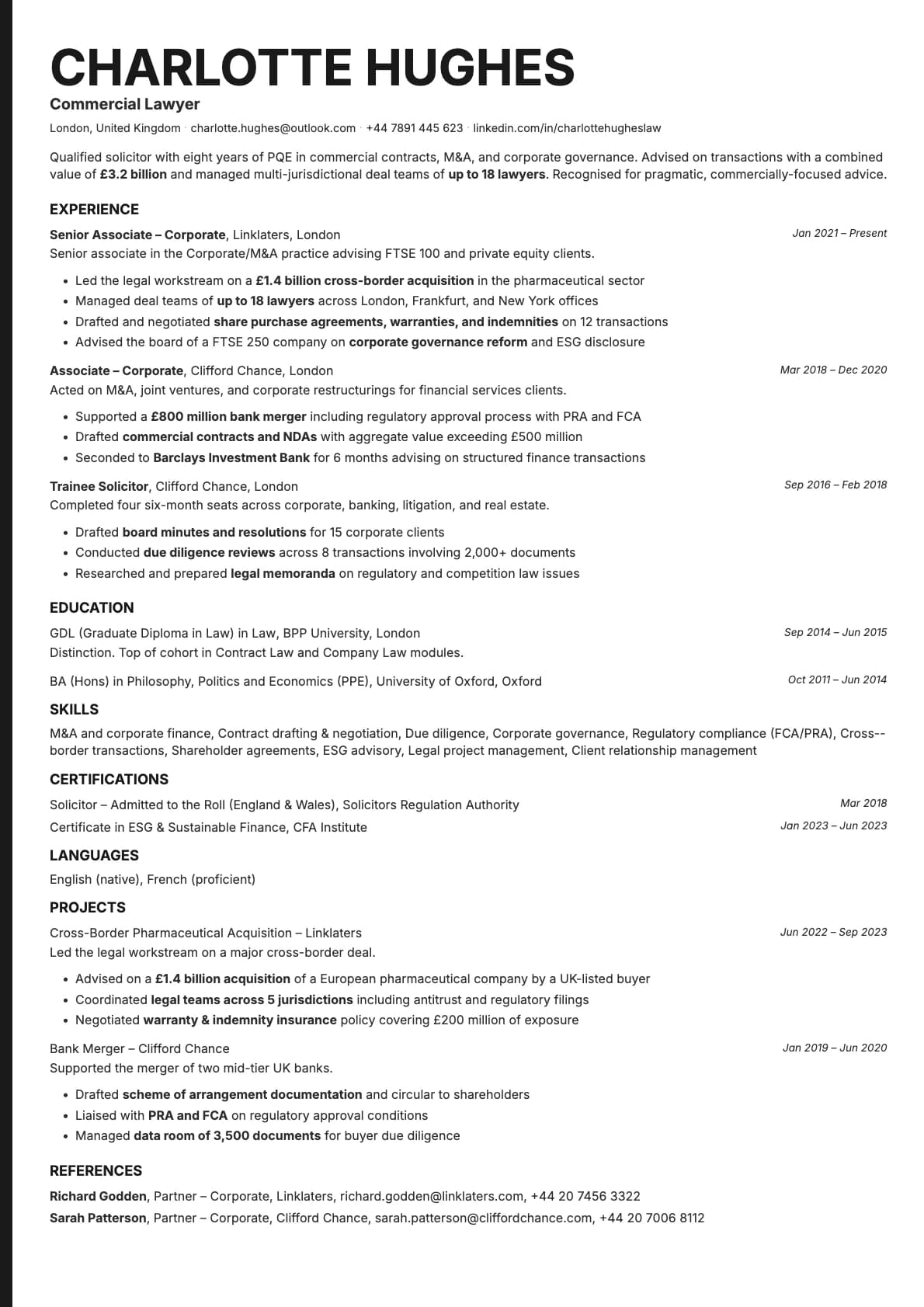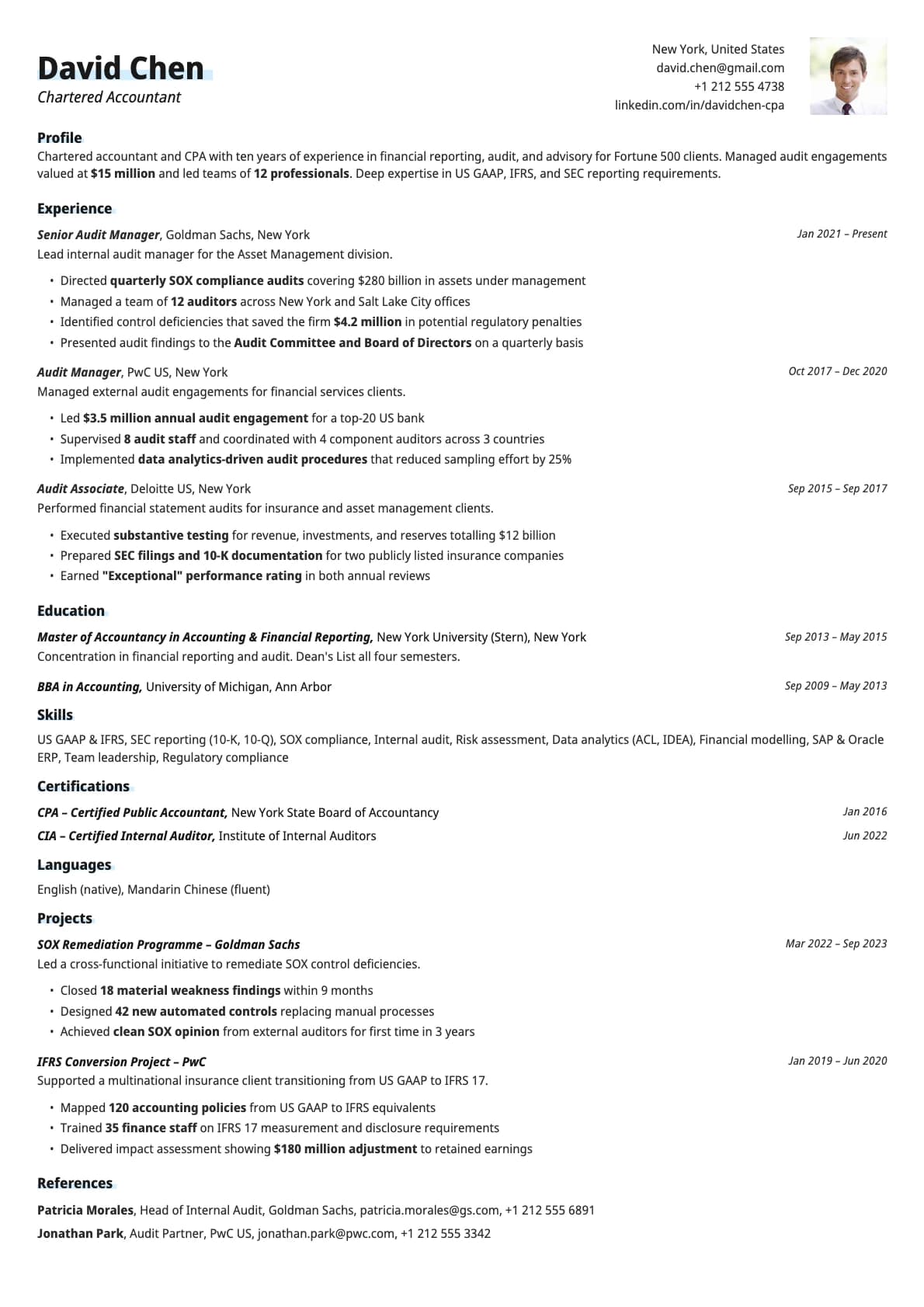
Copper Photo Resume Template
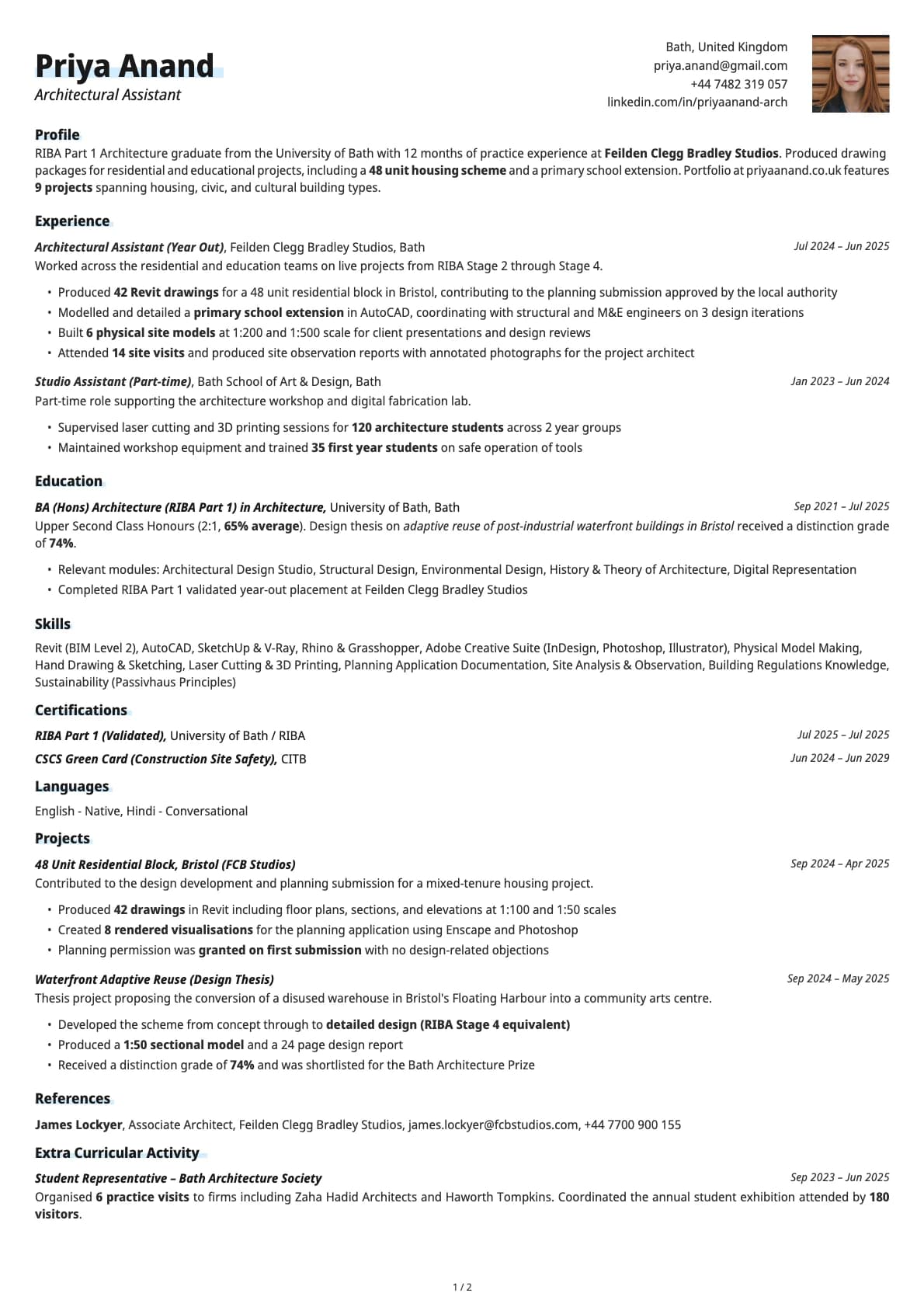
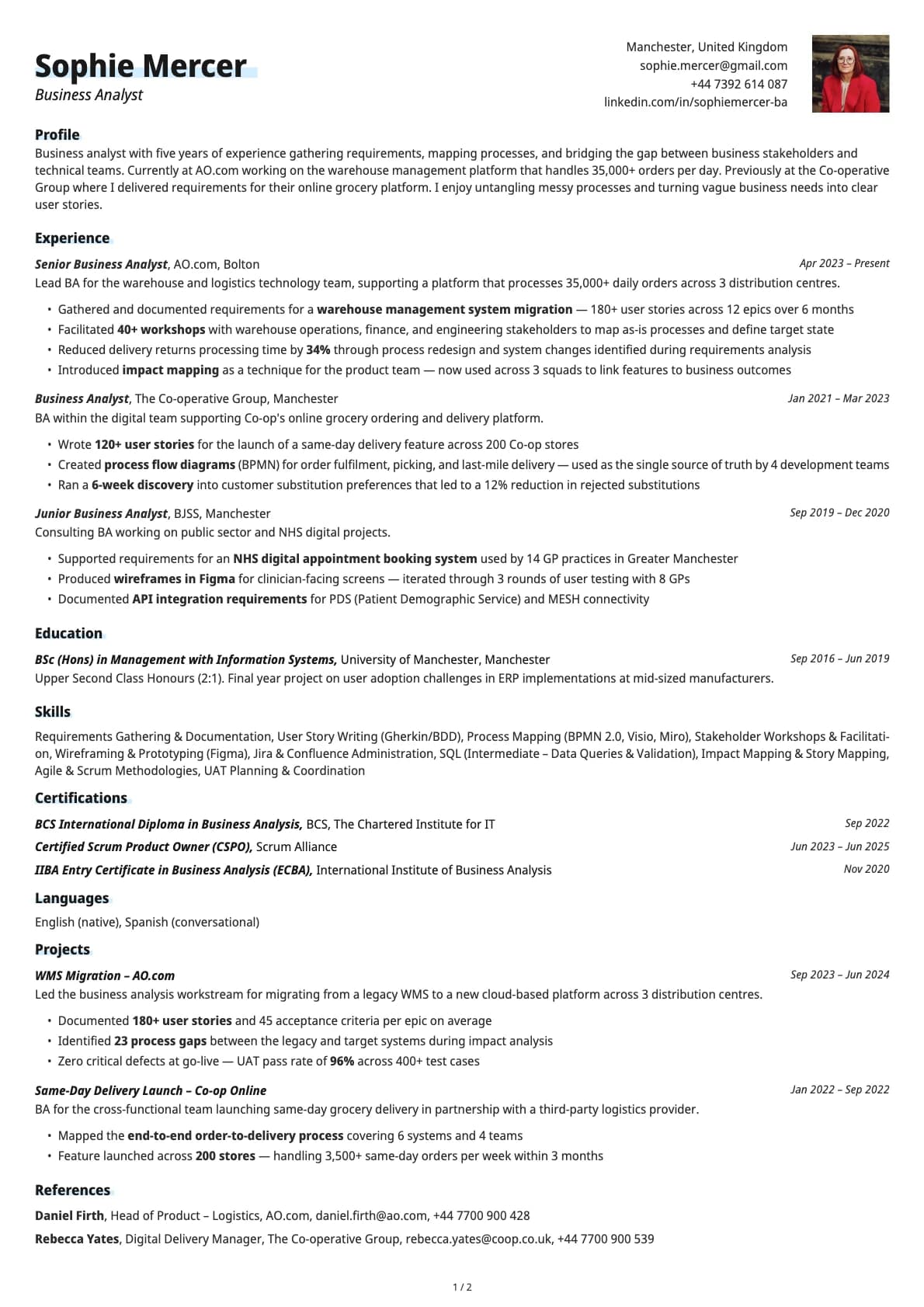
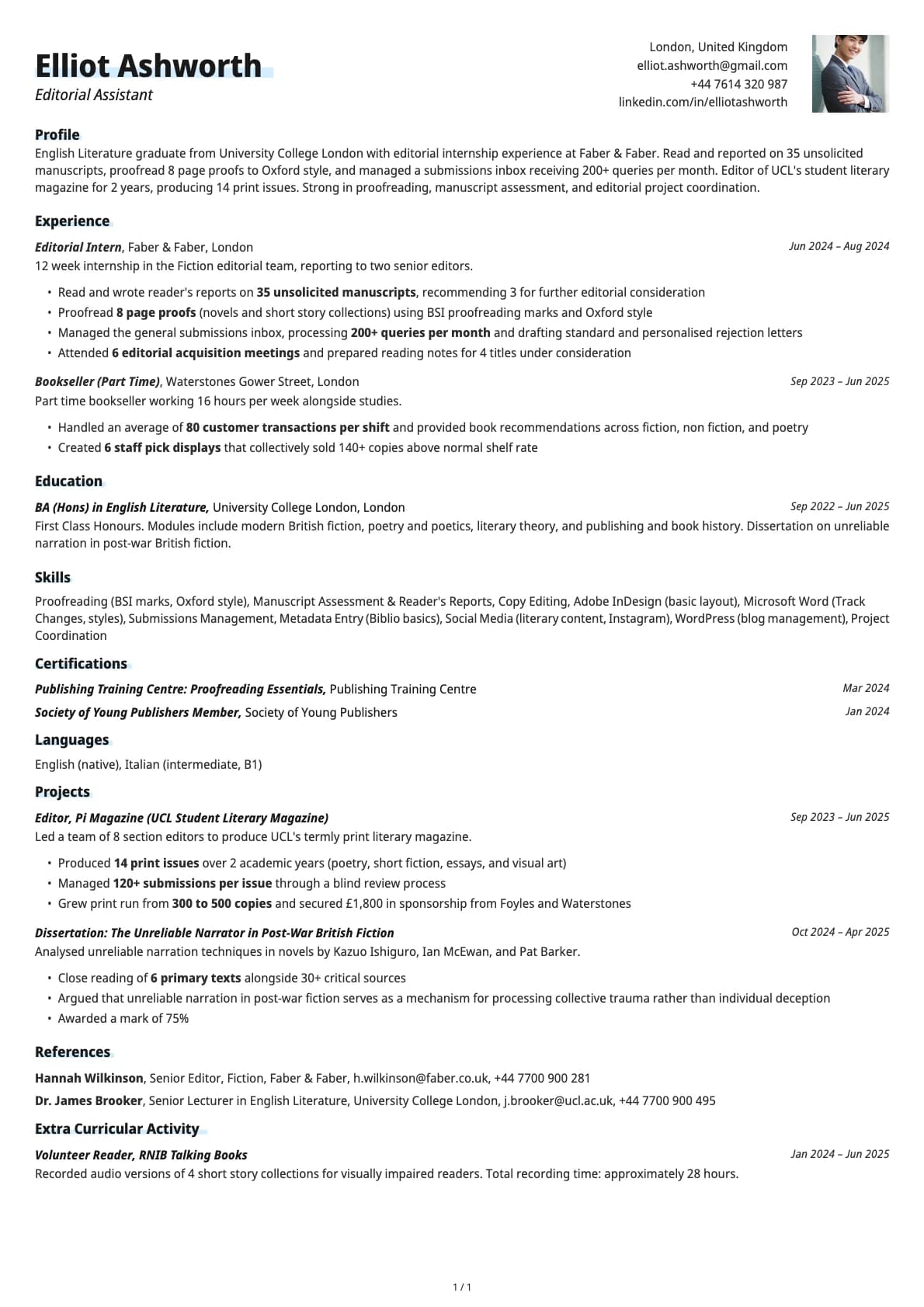
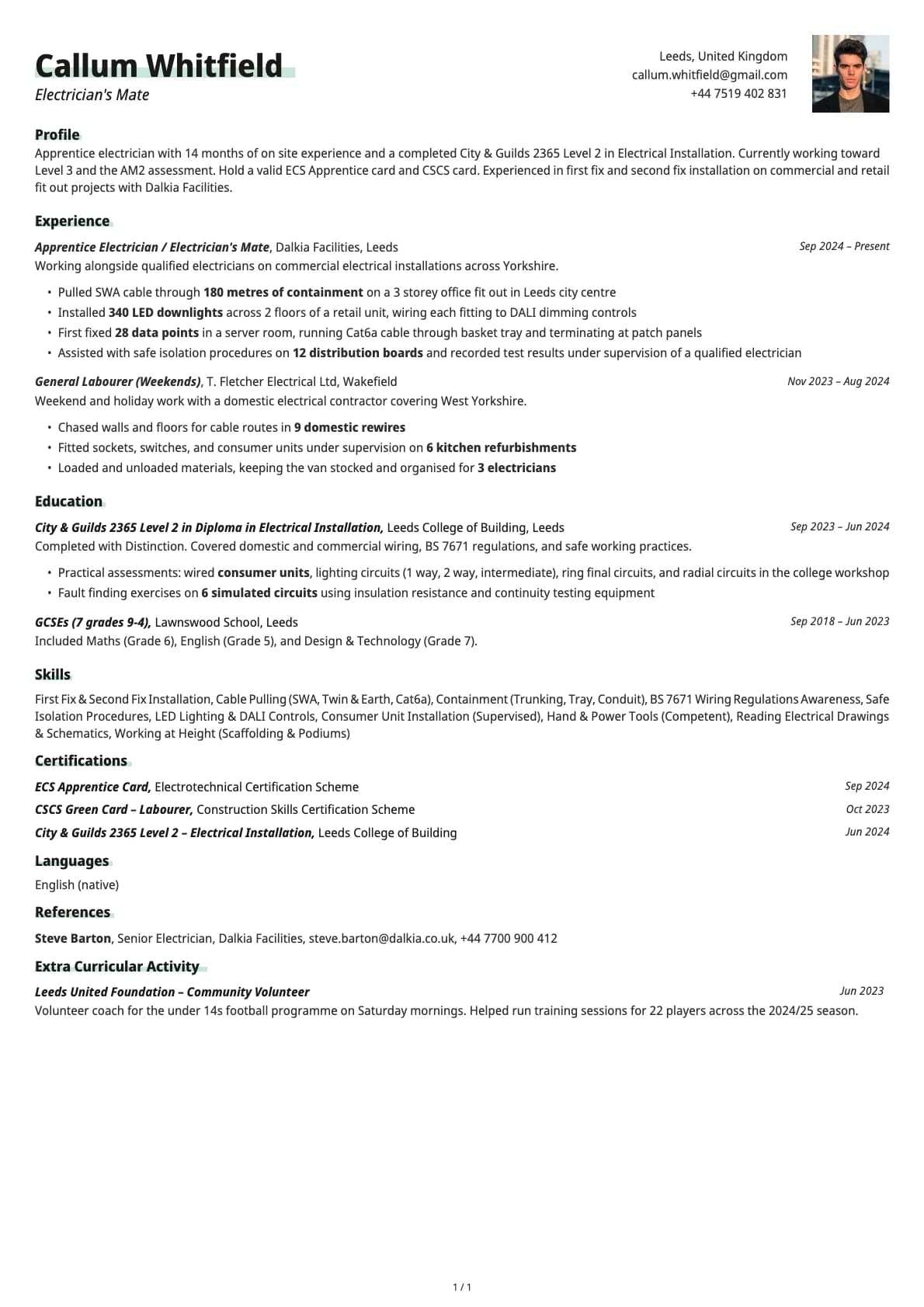
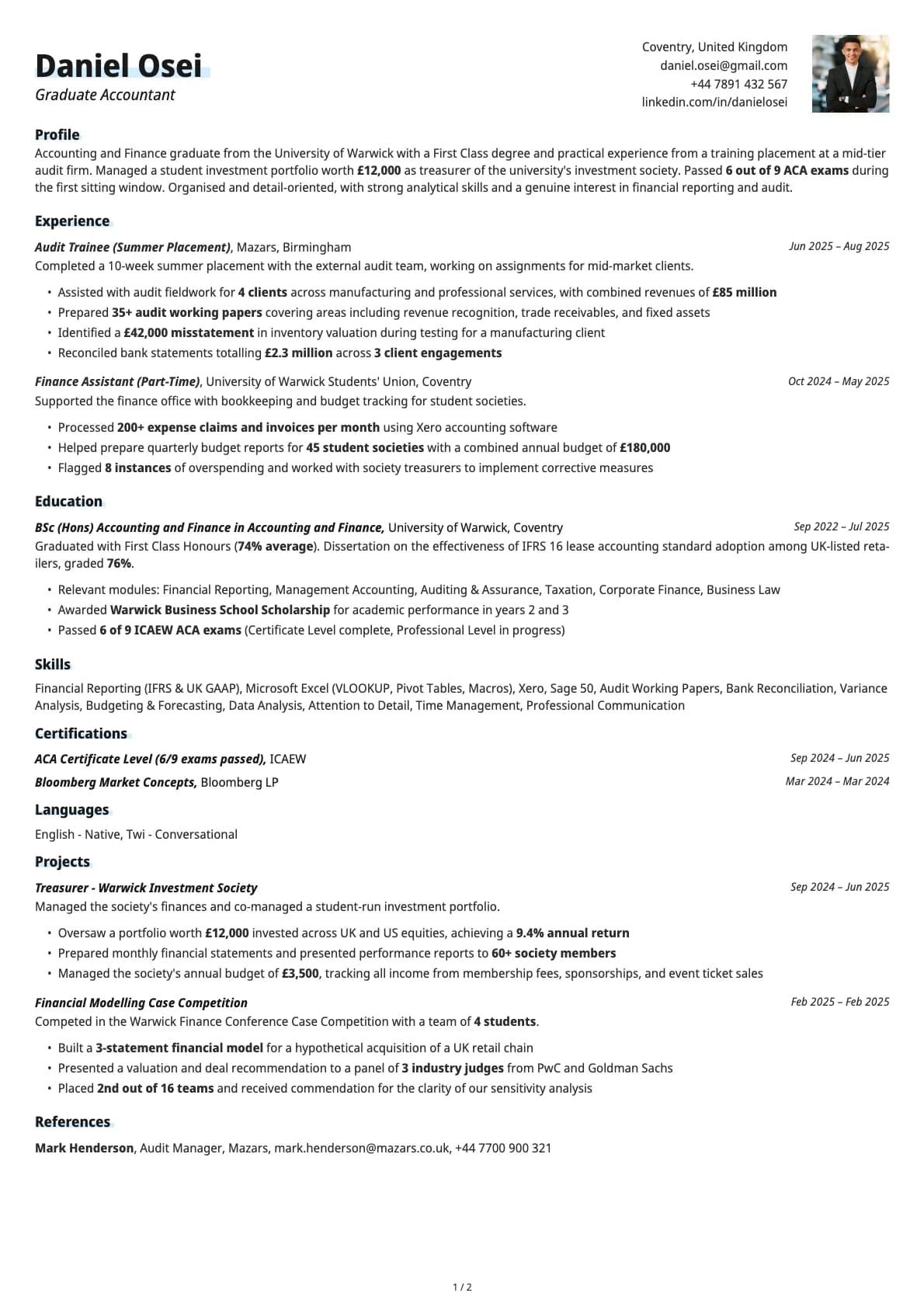
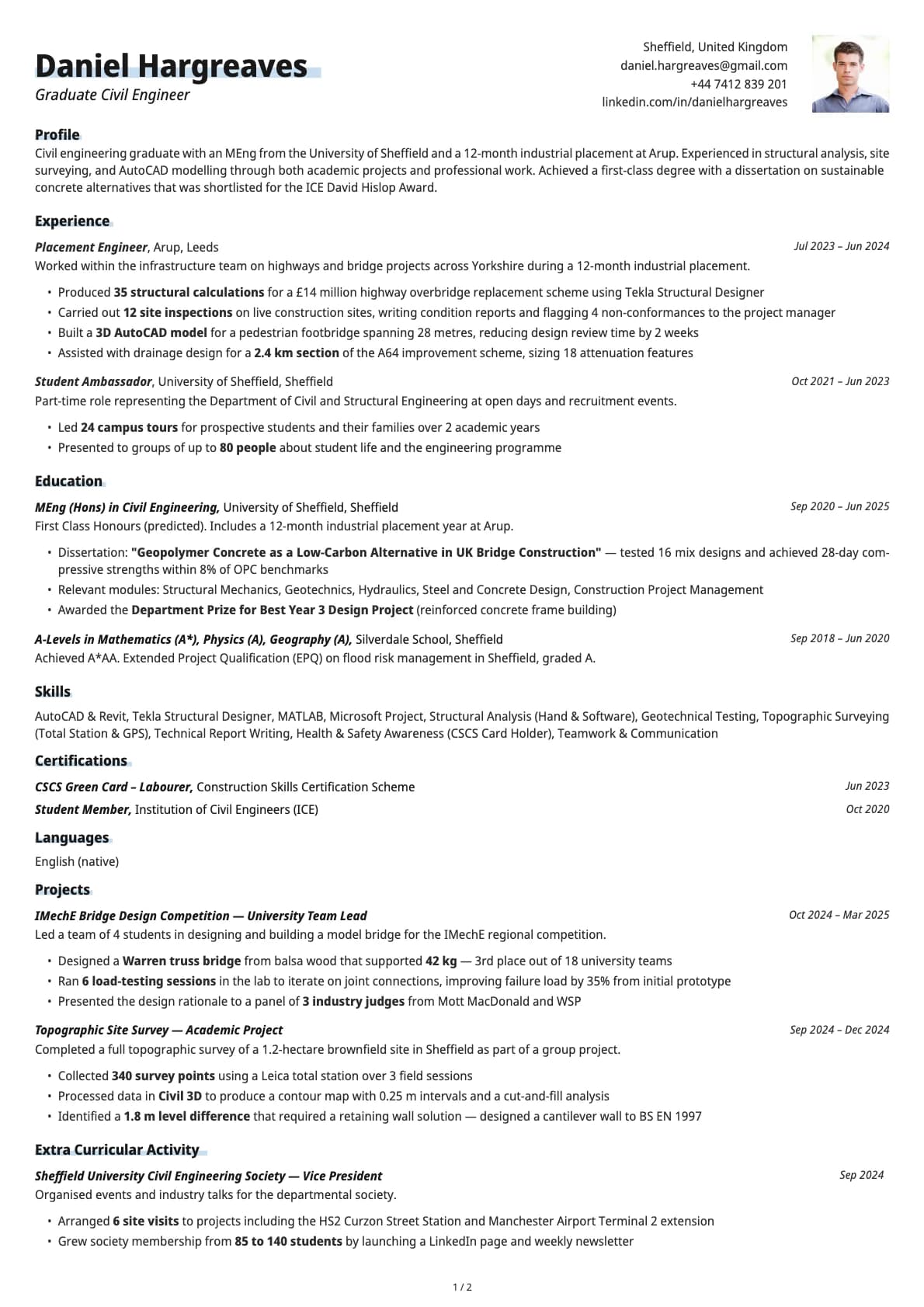
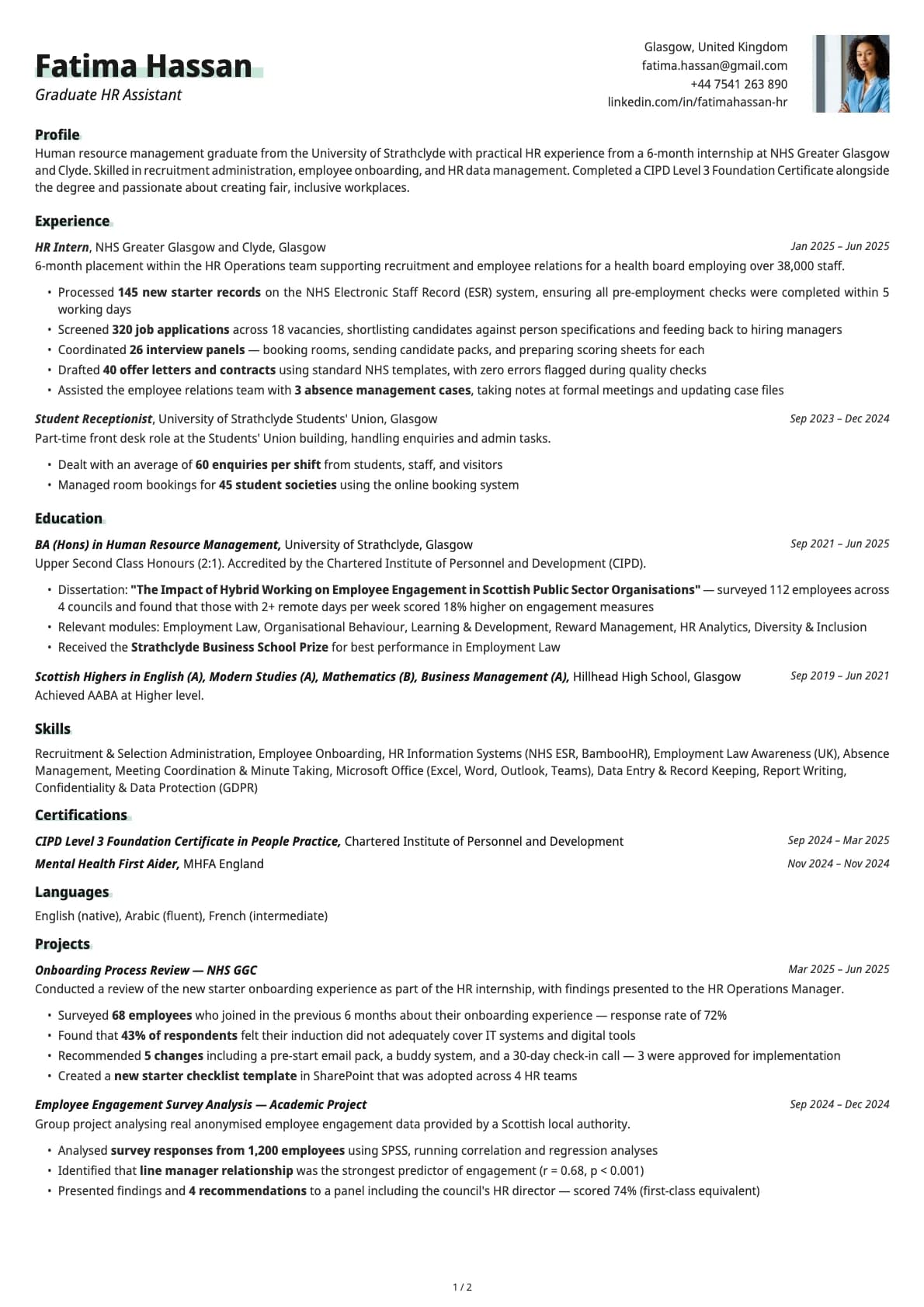
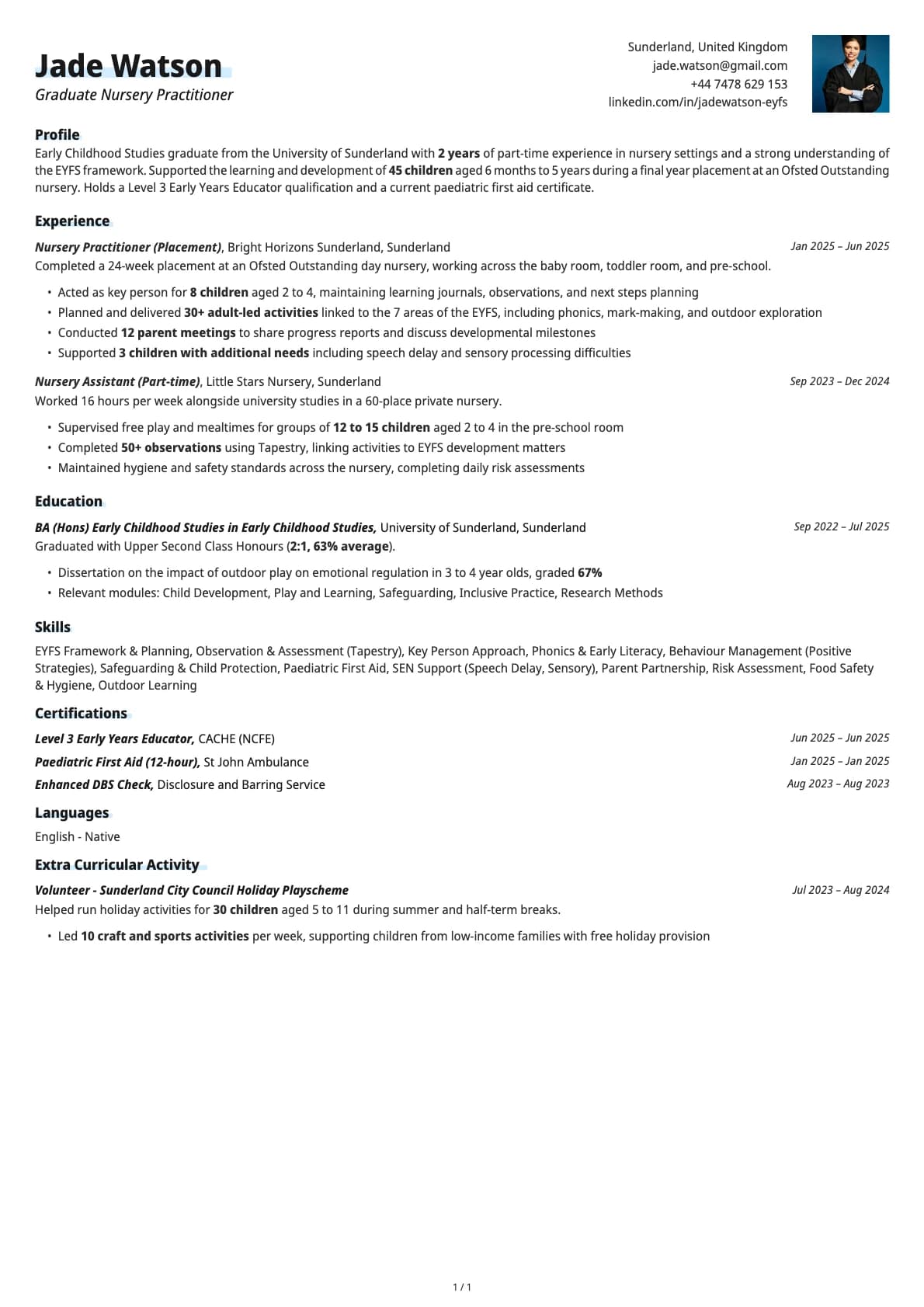
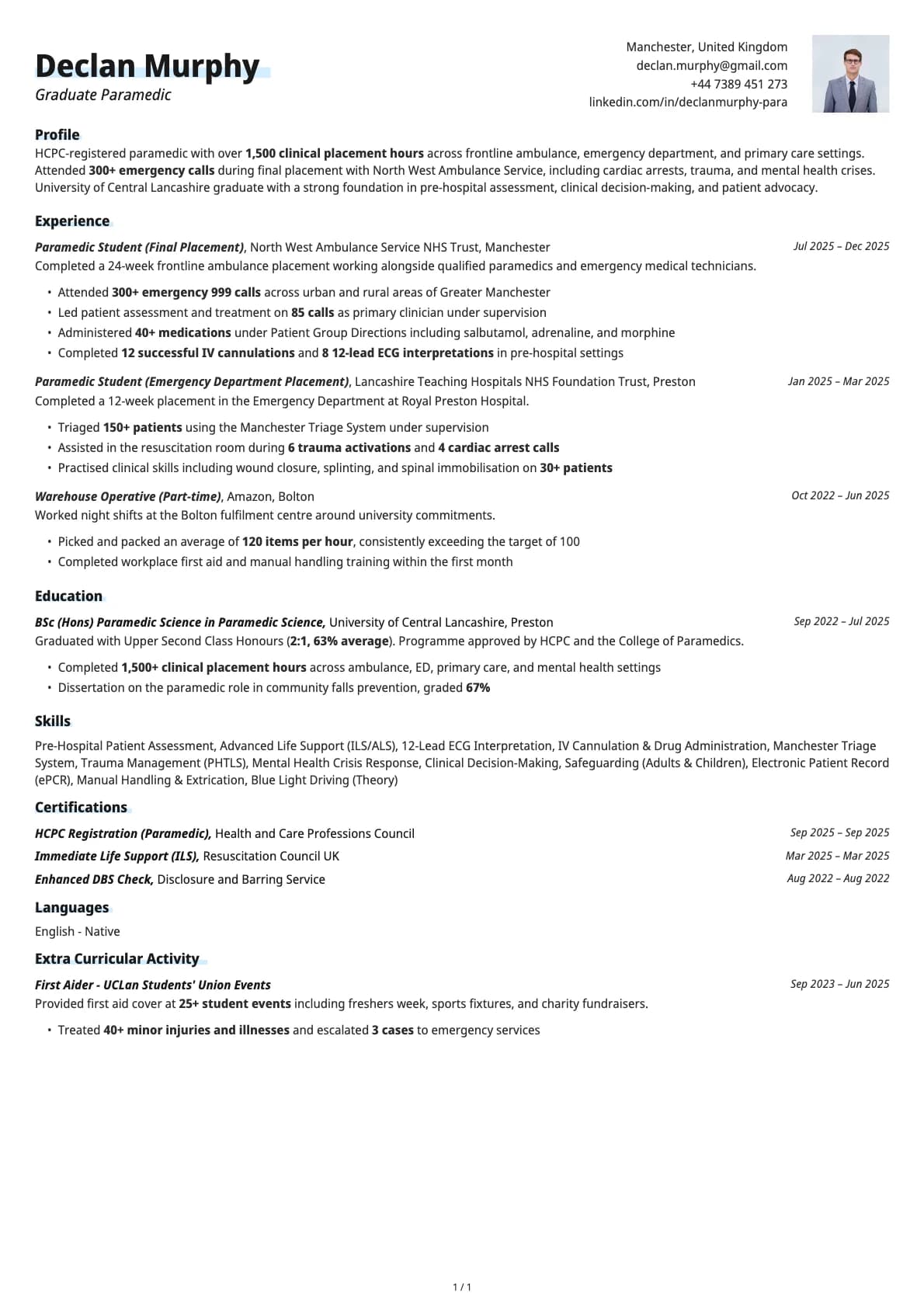
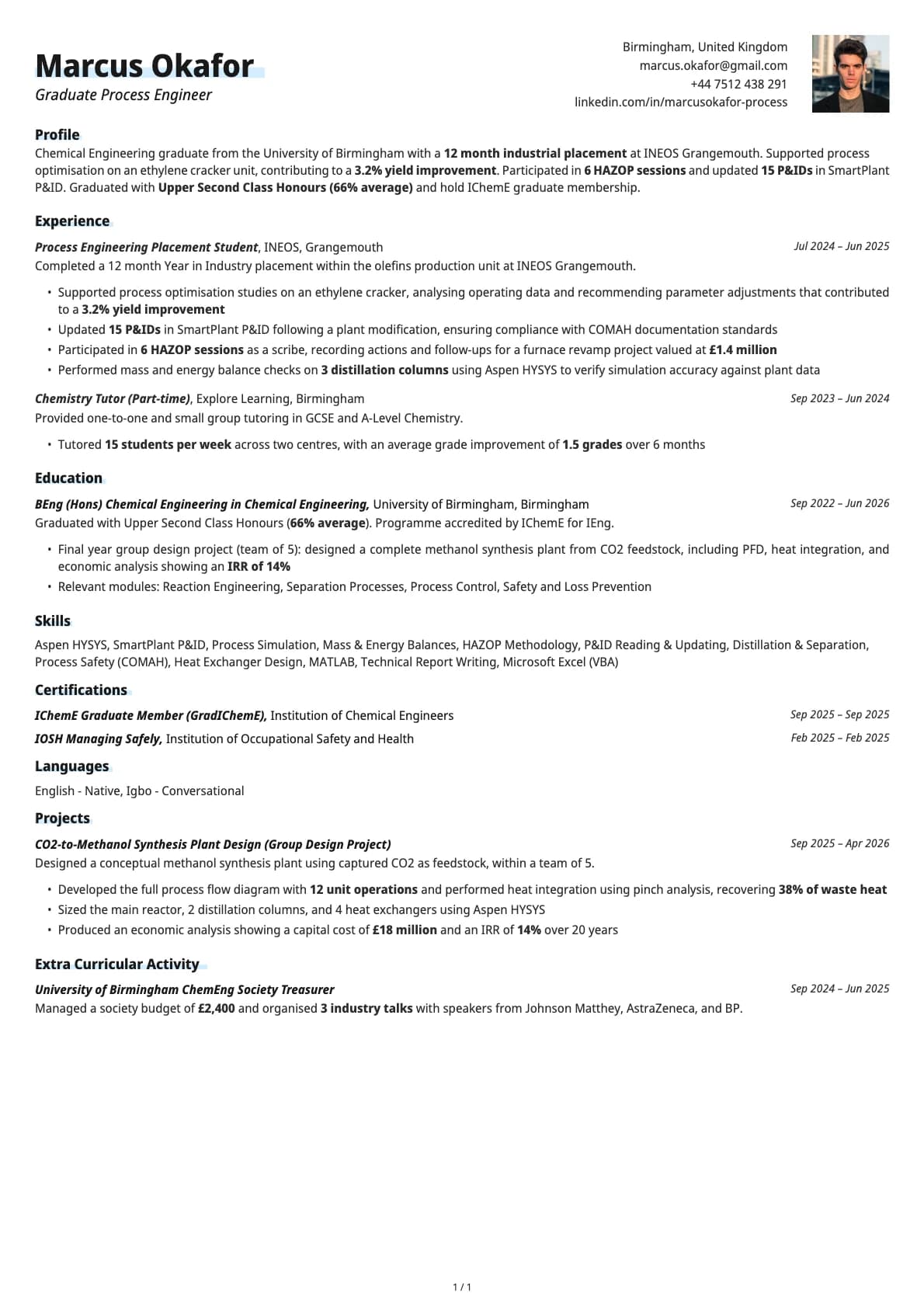
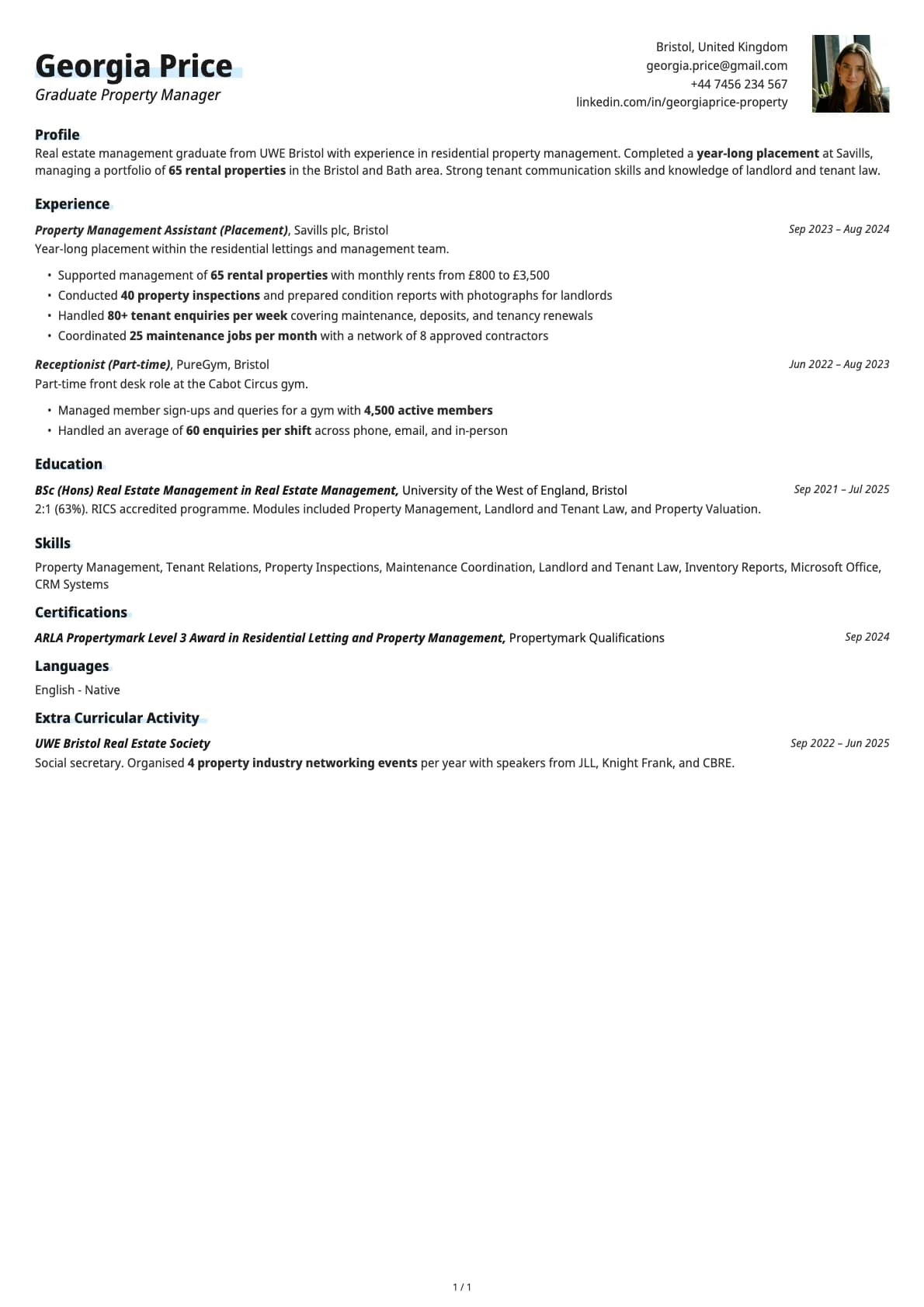
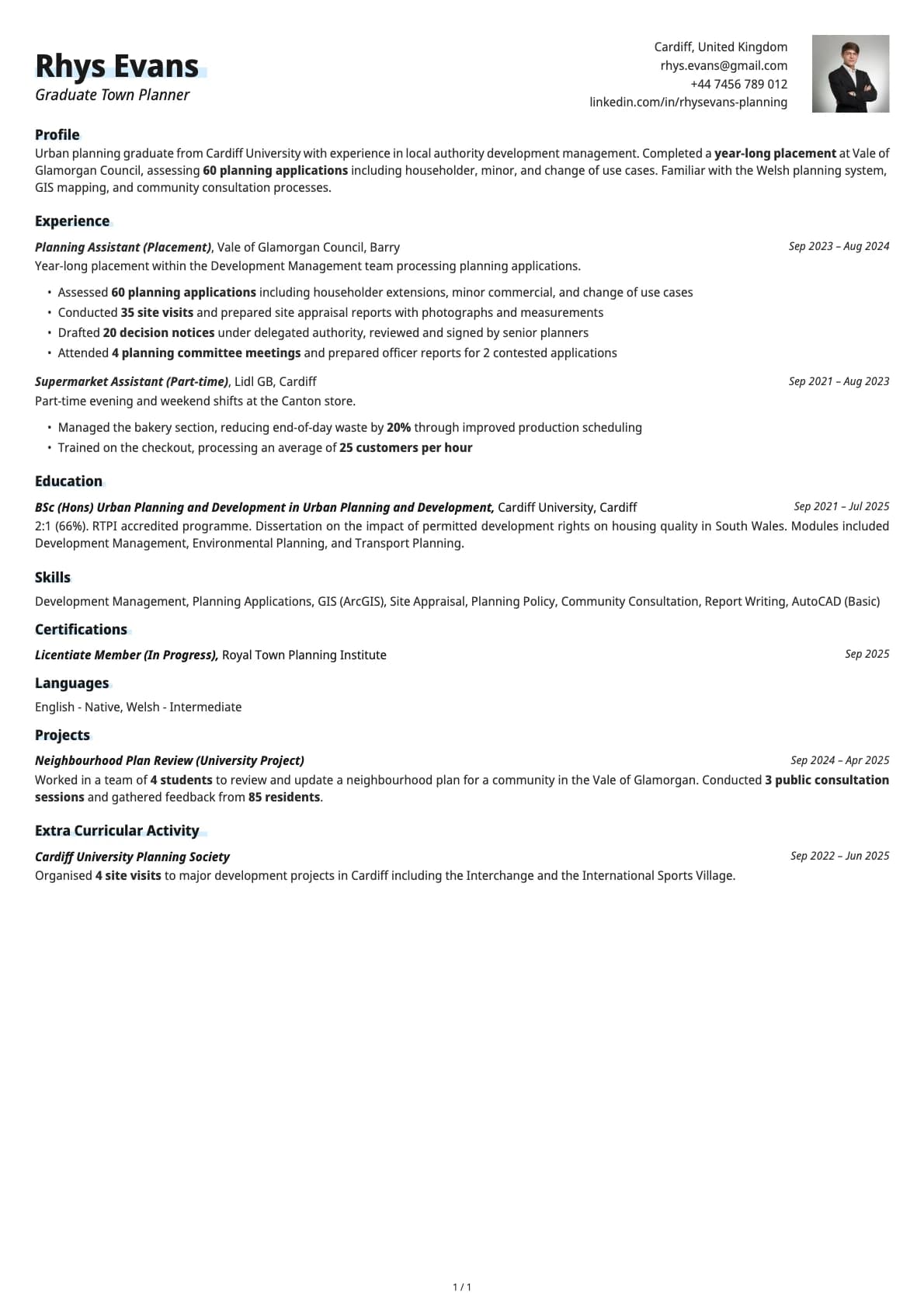
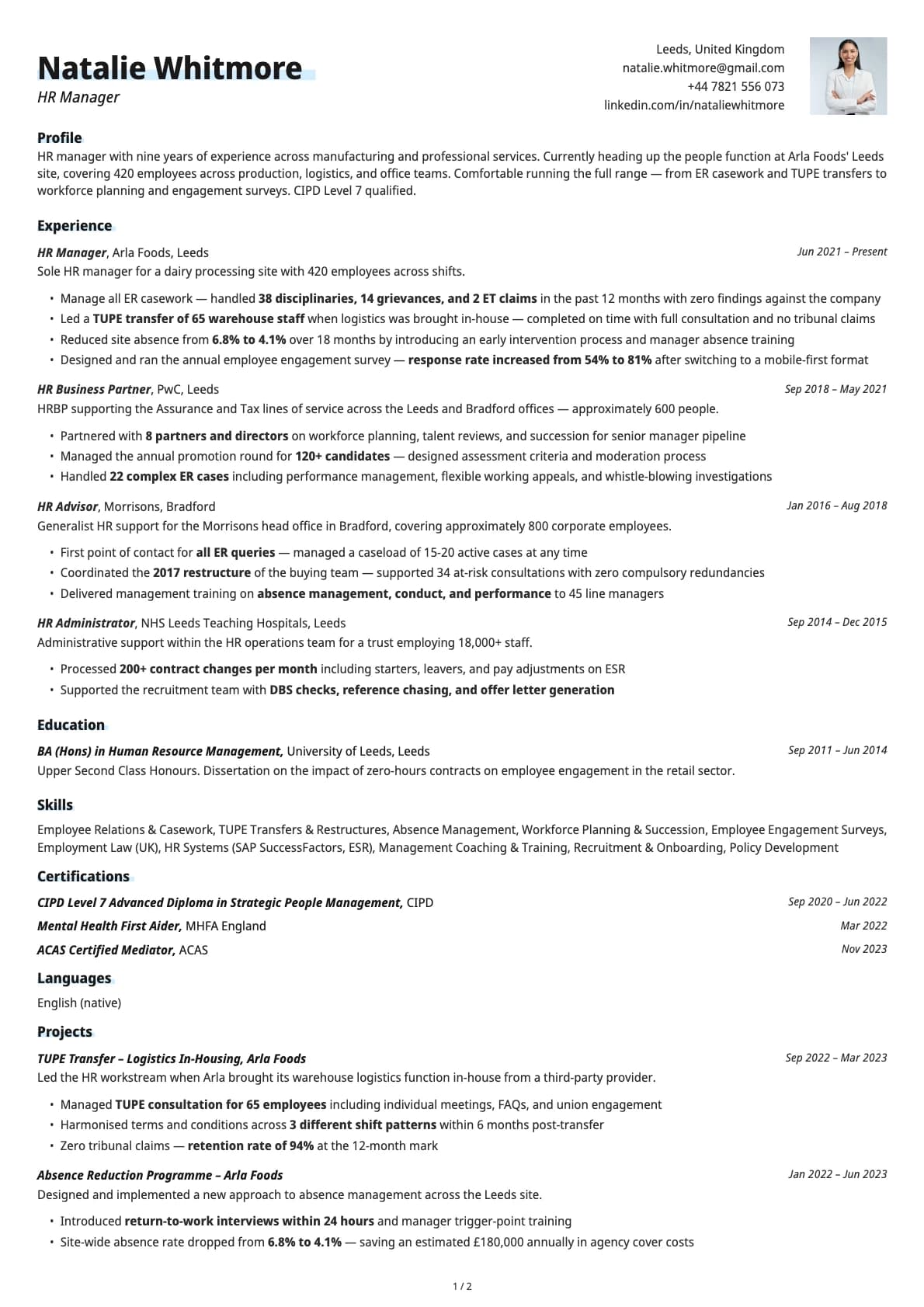
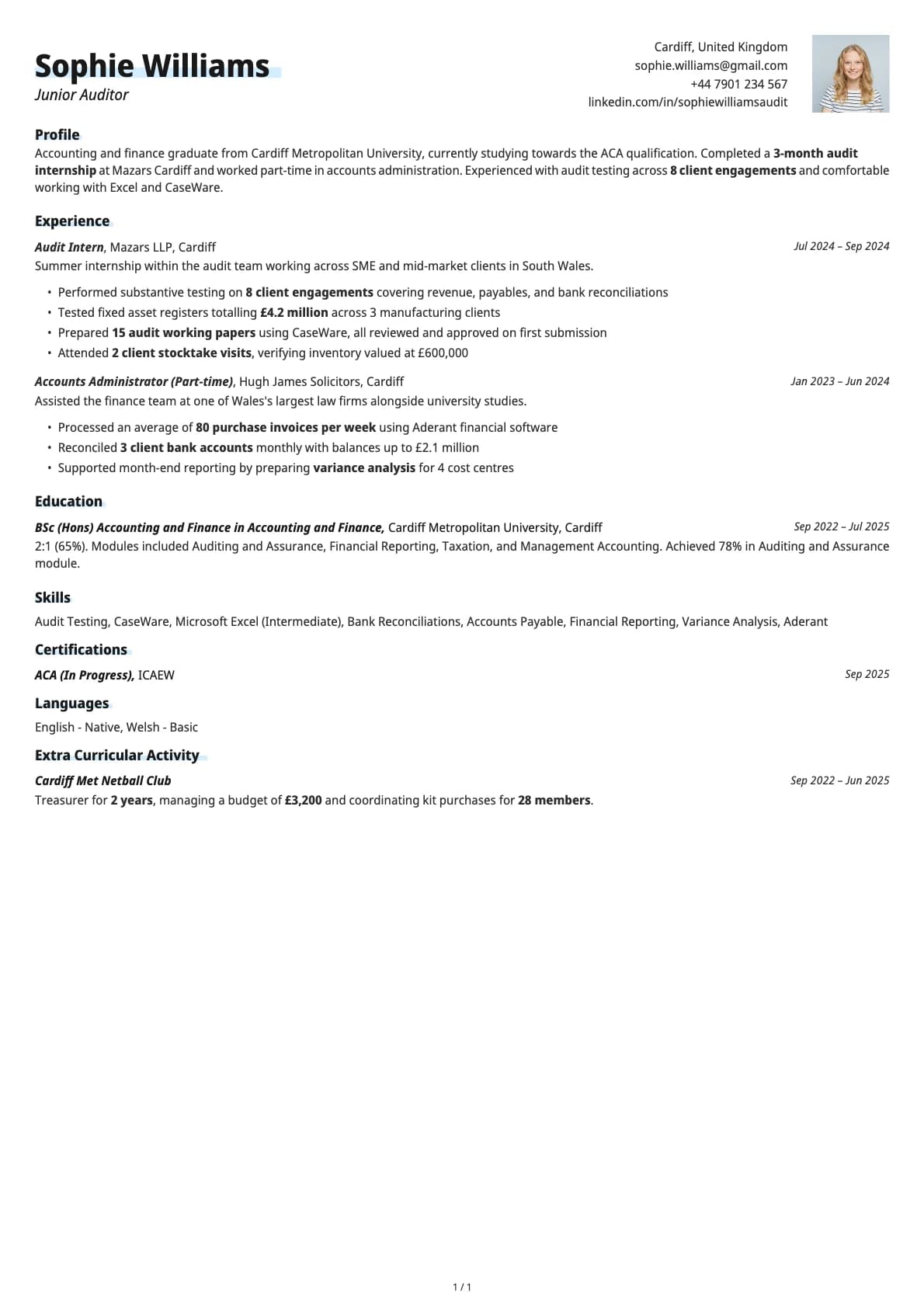
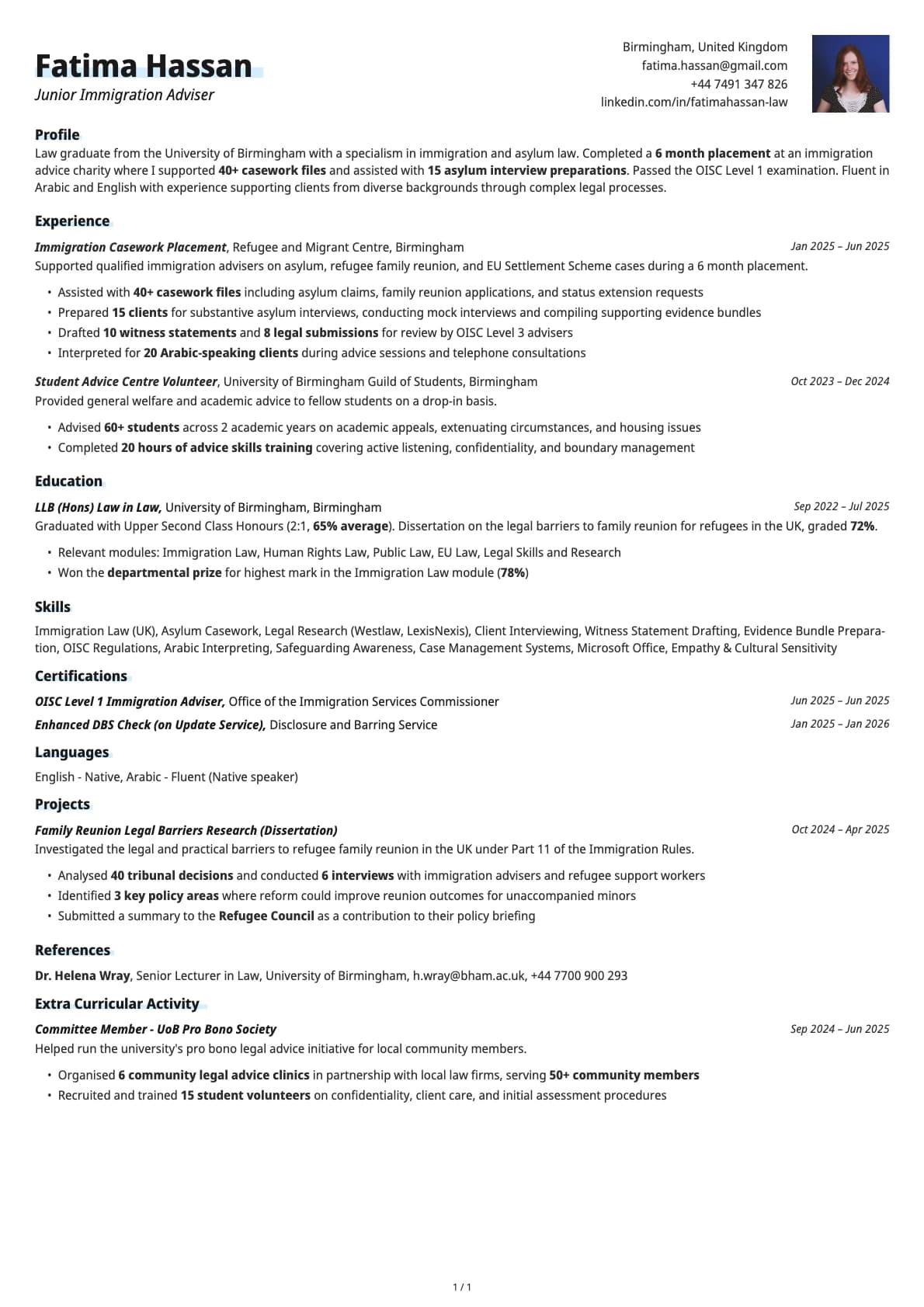
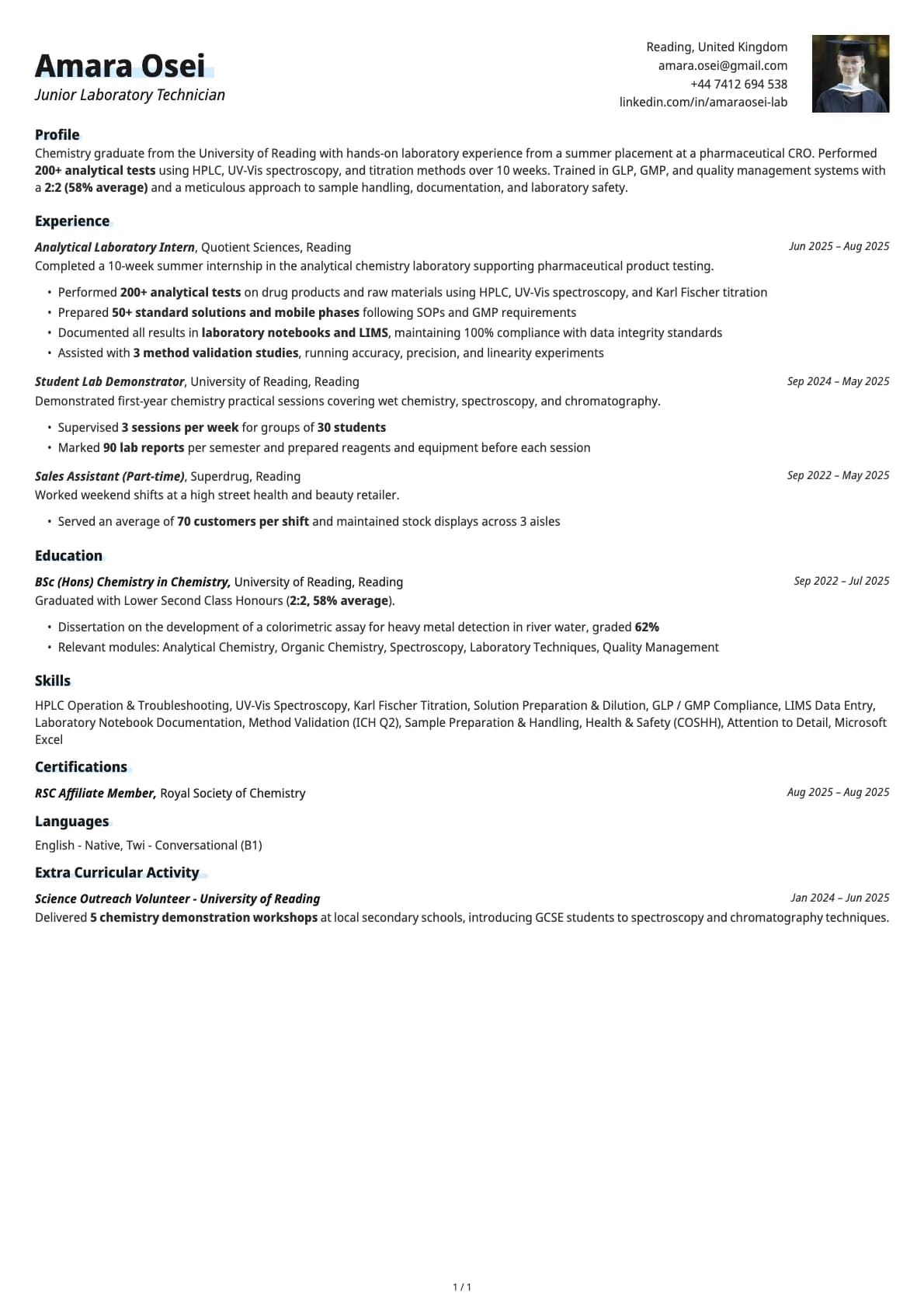
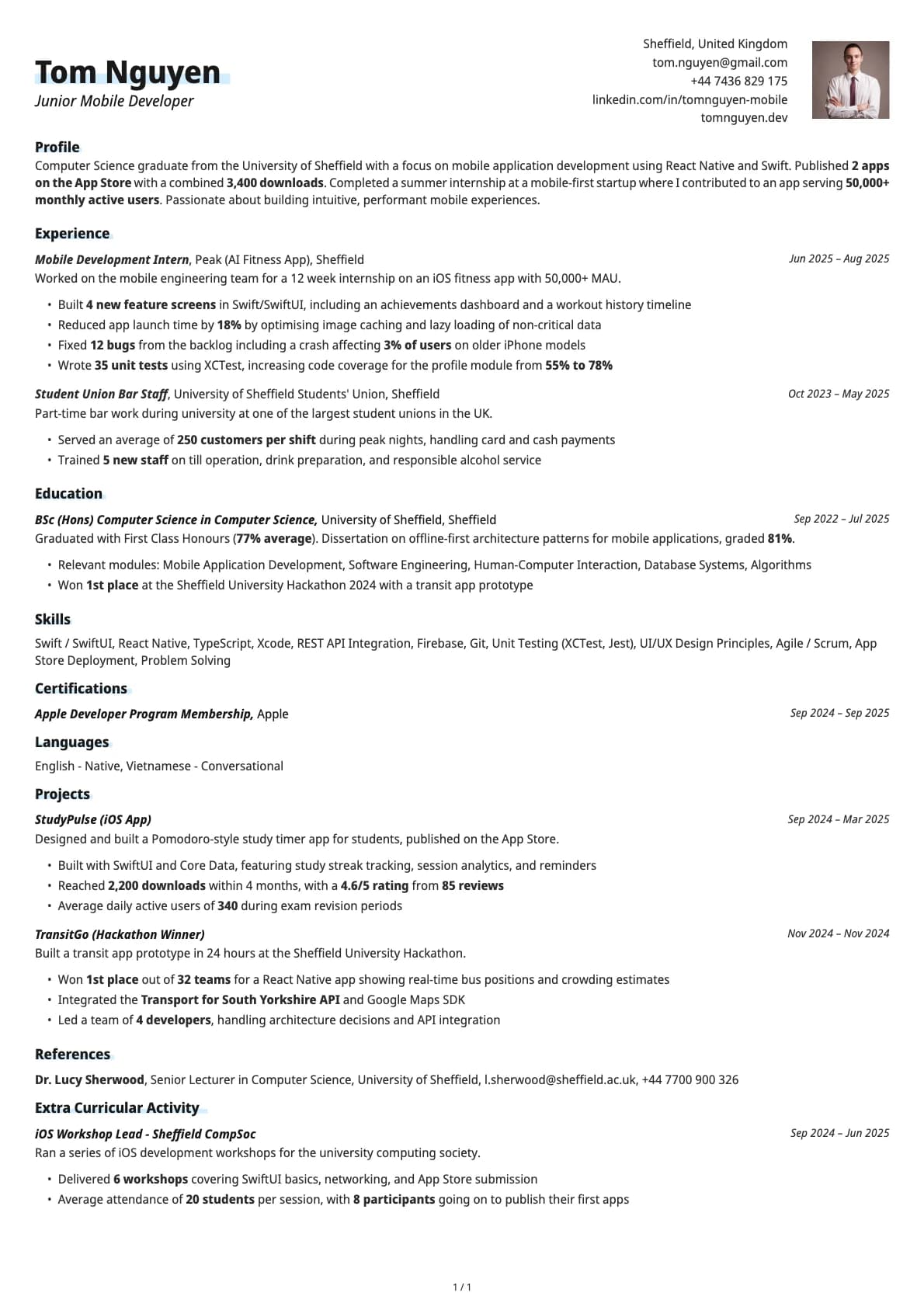
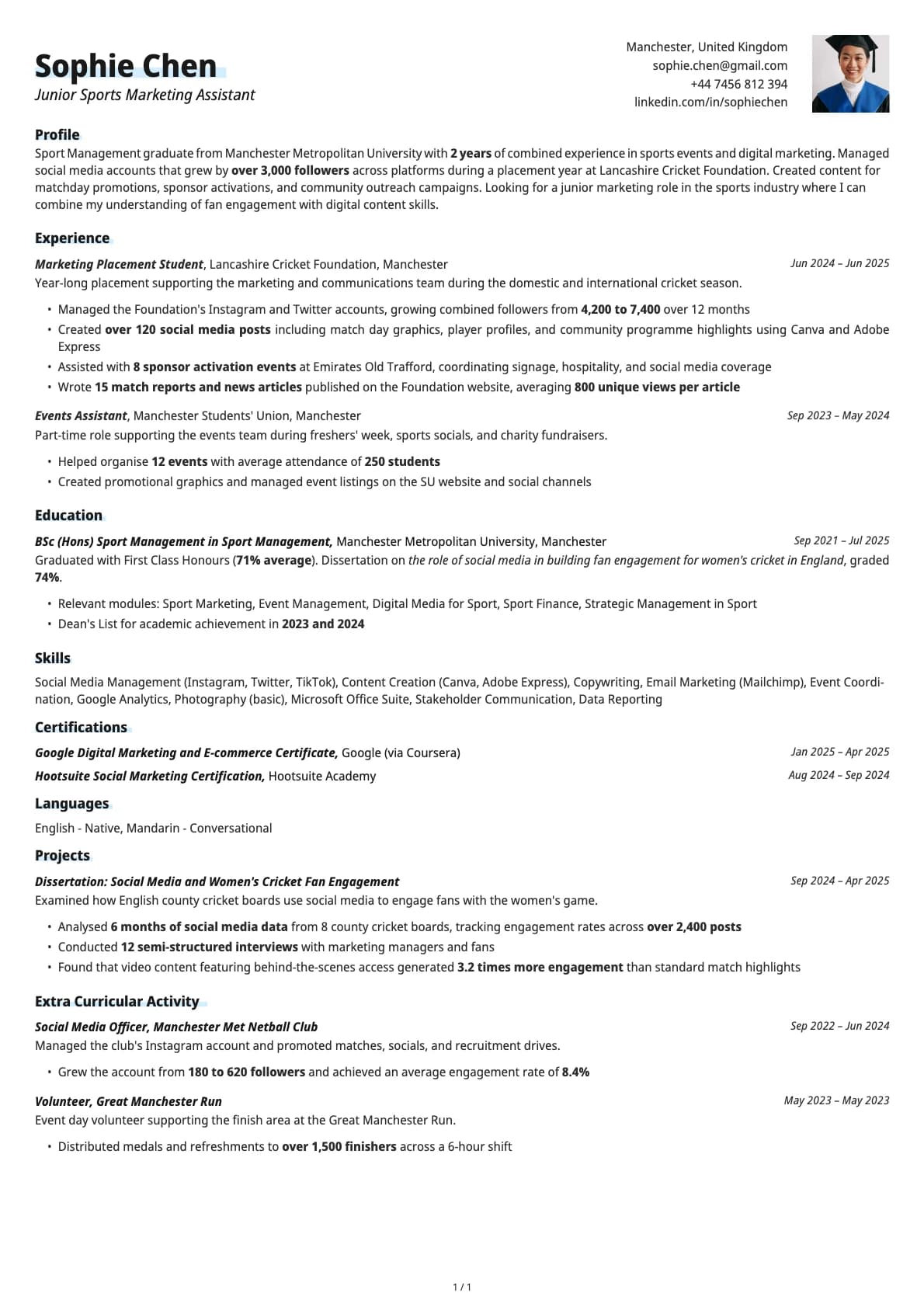
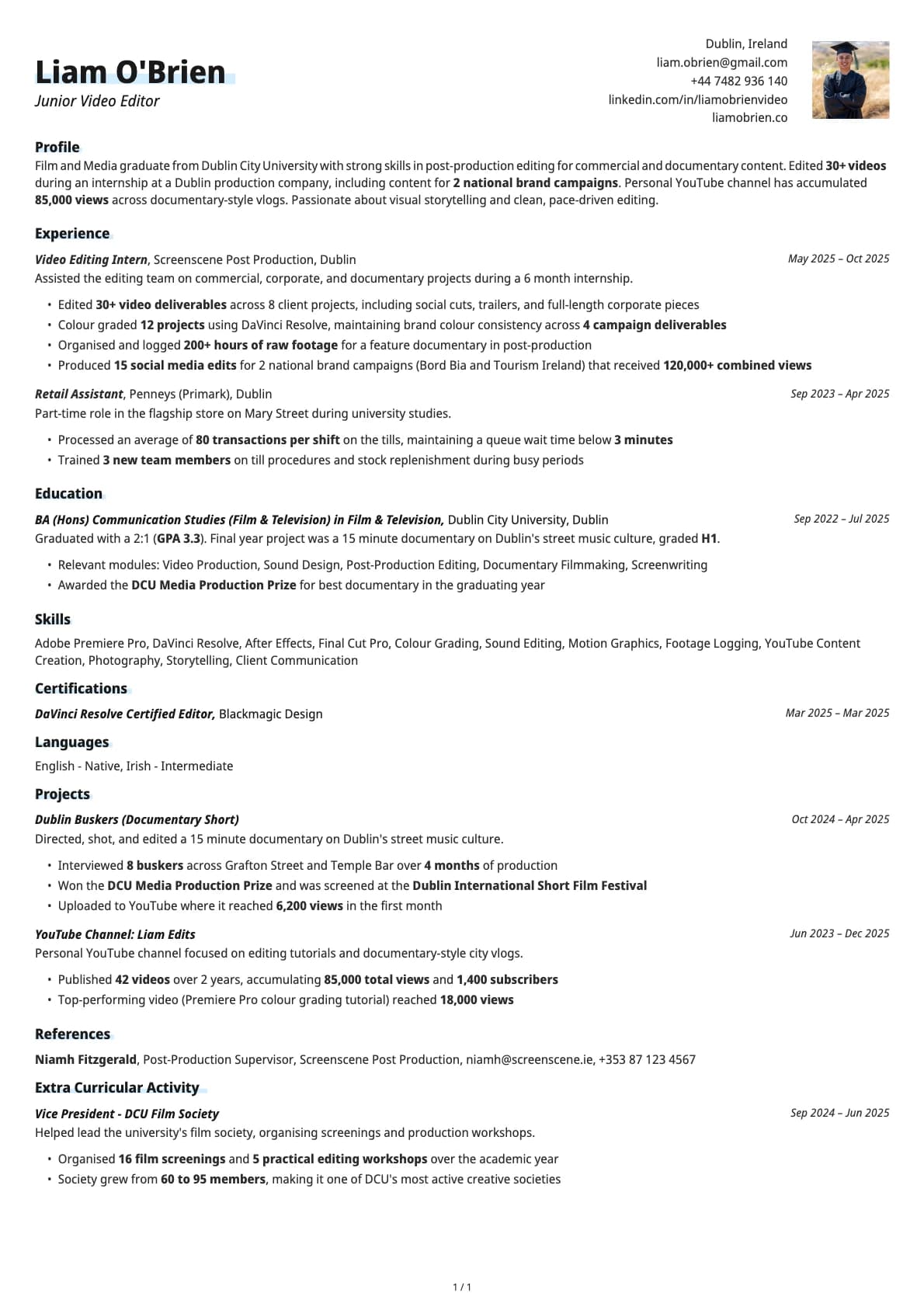
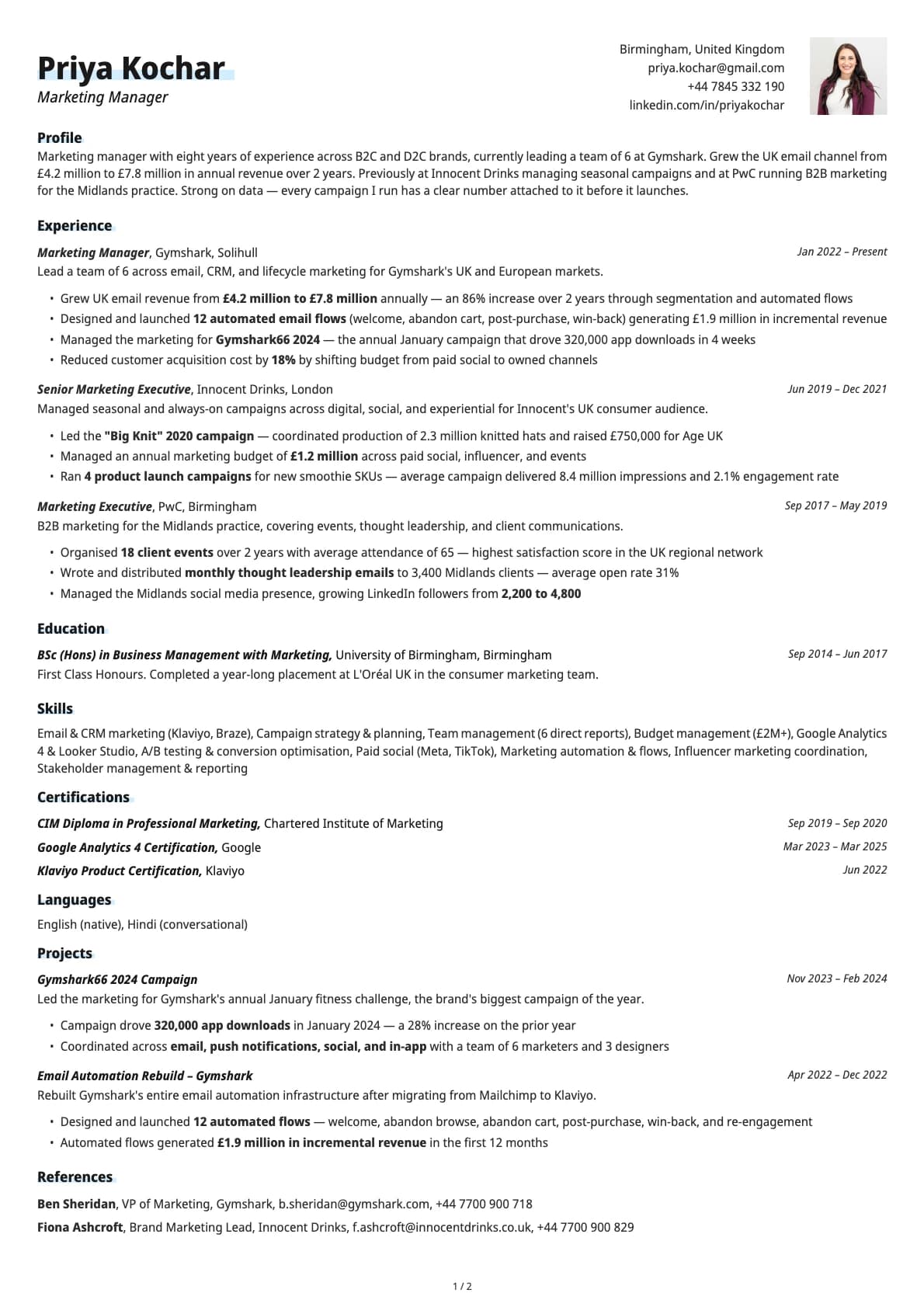
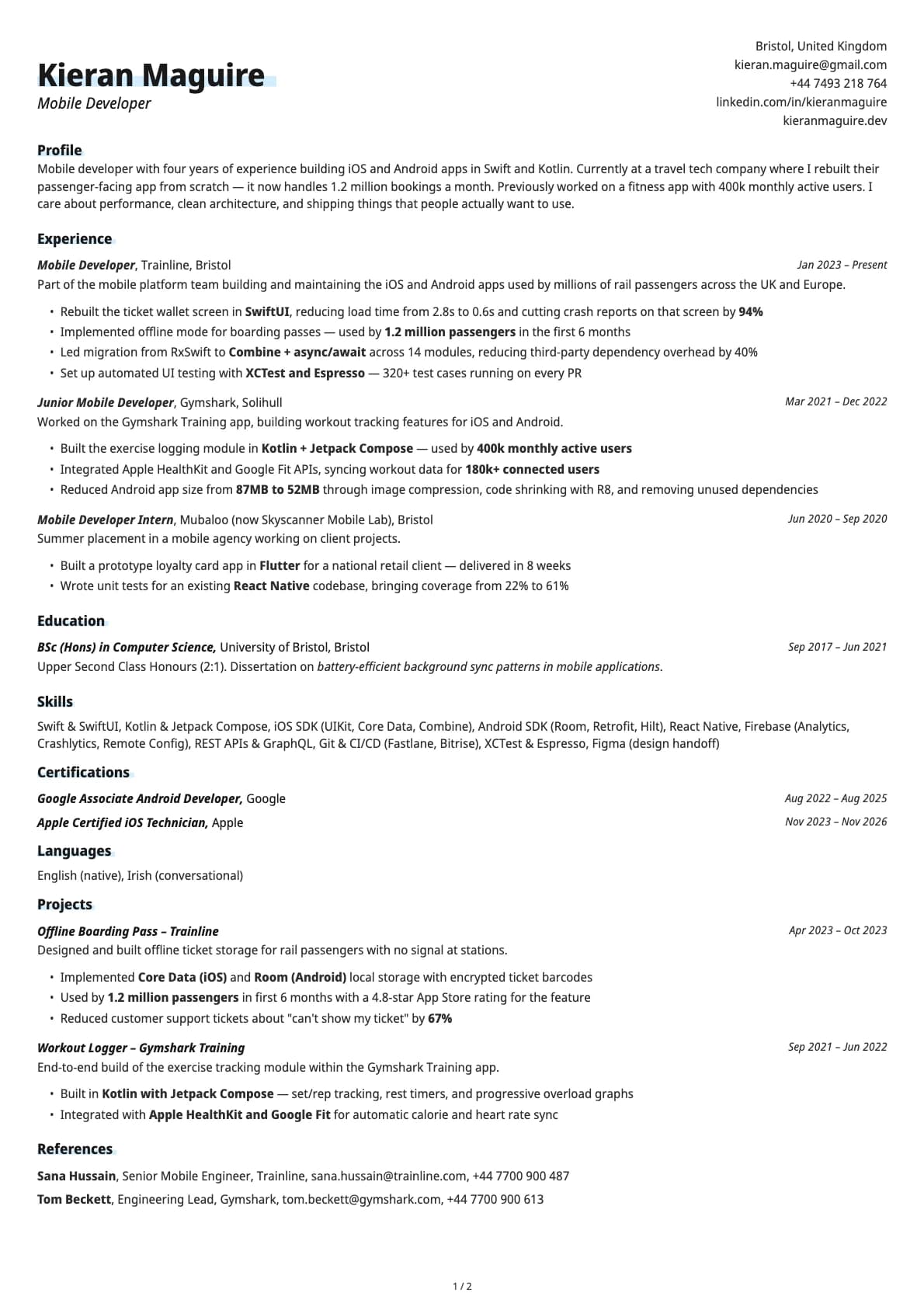
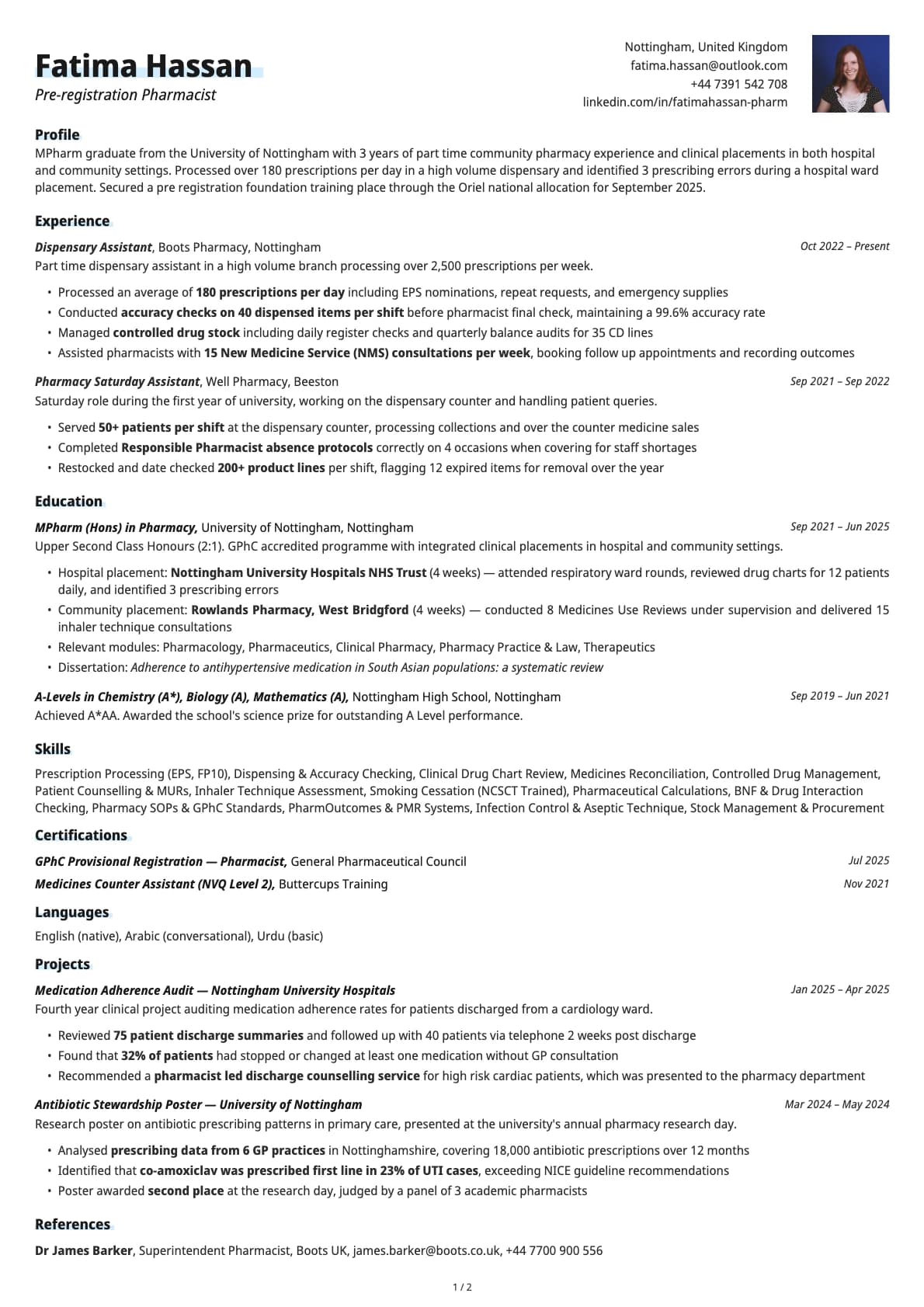
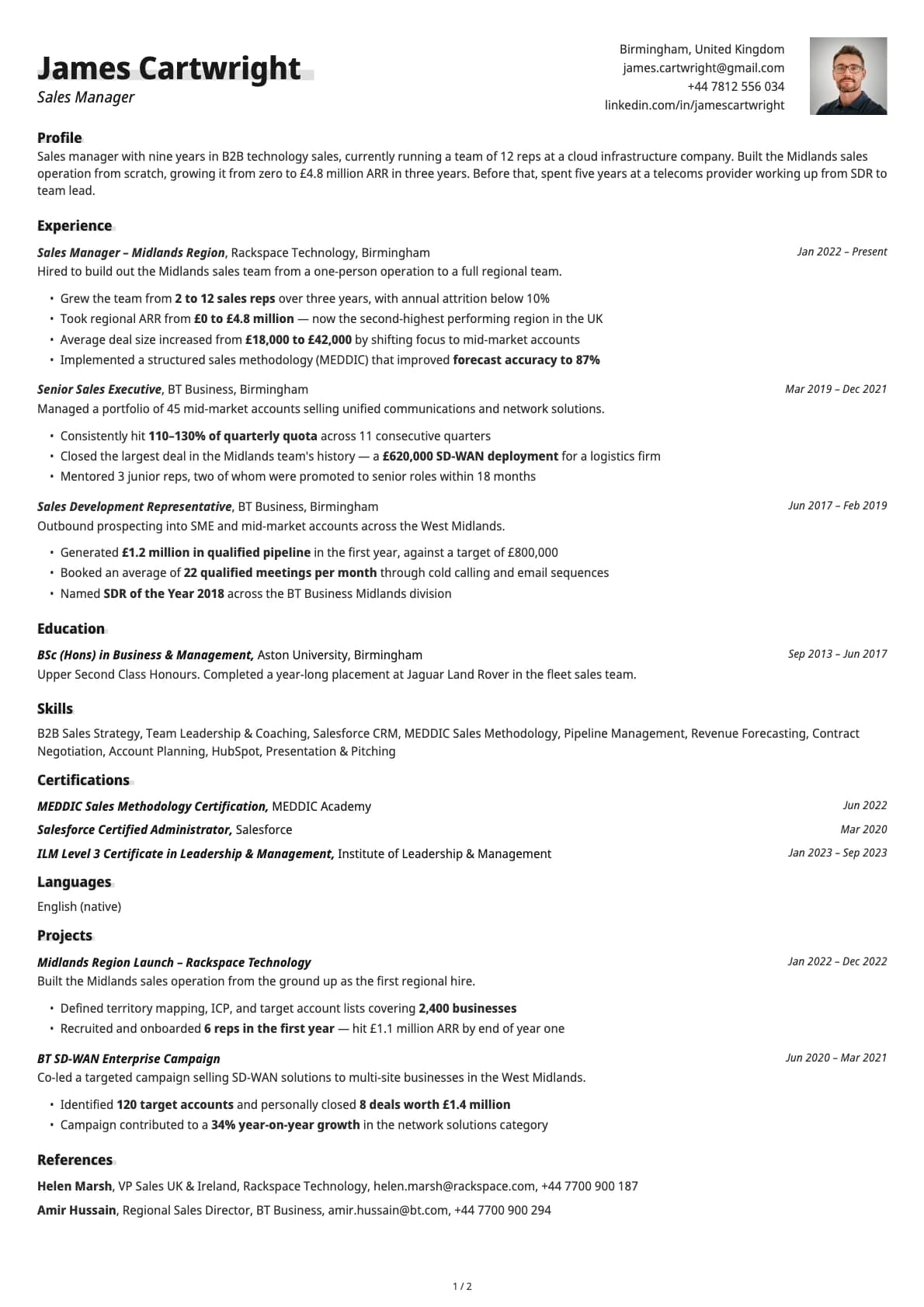
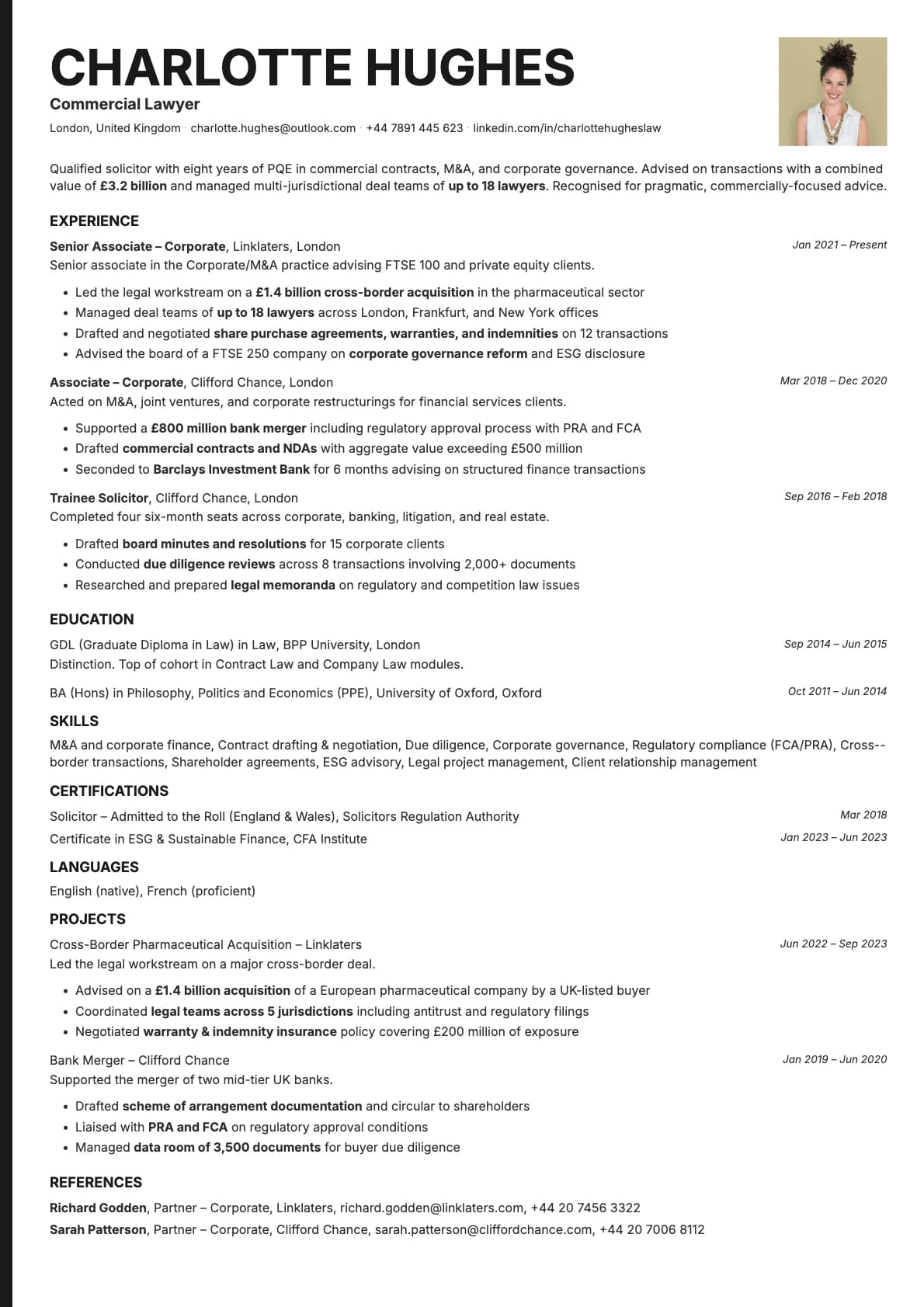
A modern single-column resume template with a profile photo section. 11 colour options, ATS score 9.5/10, built for tech and engineering.
Free to use. No account needed to start.
Why Copper Photo?
Copper already gives you a stacked contact layout that looks clean even with five or six links. The photo variant takes advantage of that vertical header by placing your headshot right alongside it. Because Copper stacks contact details rather than cramming them on one line, the photo fits naturally into the header without making anything feel squeezed.
If you are a developer or engineer who freelances, consults, or works directly with clients, the photo helps people connect a face to the name they see on GitHub or LinkedIn. It also works well if you are targeting companies in Europe or Asia where resume photos are standard.
When a photo makes sense
Technical consulting, freelance engineering, and contractor roles where you deal with clients directly. Startups where culture fit matters and hiring managers want to get a sense of who you are before the first call. International applications in markets like Germany, France, Japan, or the UAE where a photo on the CV is expected.
When to skip the photo
US and UK corporate hiring pipelines generally prefer no photo. Same for government roles and large public sector organizations. If you are applying through those channels, use the base Copper template instead.
What you get
- Everything from the base Copper template: stacked contact layout, single-column flow, 9.5/10 ATS score, multi-page support
- A profile photo integrated into the header area
- Photo appears on the first page only; additional pages flow without it
- 11 colour themes that work with a headshot
- Avrile Sans as the default font, with the option to switch to other fonts in the Laddro builder
Photo tips
Use a recent headshot with a neutral background. Shoulders up, good lighting, and dress to match the industry you are targeting. For tech roles, smart casual works. The template uses a circular crop, so centre your face in a square frame before uploading.
ATS compatibility
The photo does not affect ATS parsing. Applicant tracking systems skip over the image element and read your text content the same way they read the base Copper template. Both variants score 9.5/10.
Build your resume with Copper Photo on Laddro
Start building with Copper Photo. Upload your photo, add your details, and preview the result in real time. Switch colours and fonts until it looks right, then download your PDF. No account needed to start.
How would you rate this template?
Your rating helps others pick the right template for their resume.
Make this template yours
Pick a colour, add your details, and download your resume. No design skills needed.
Free to use. No account needed to start.
Resumes built with Copper Photo