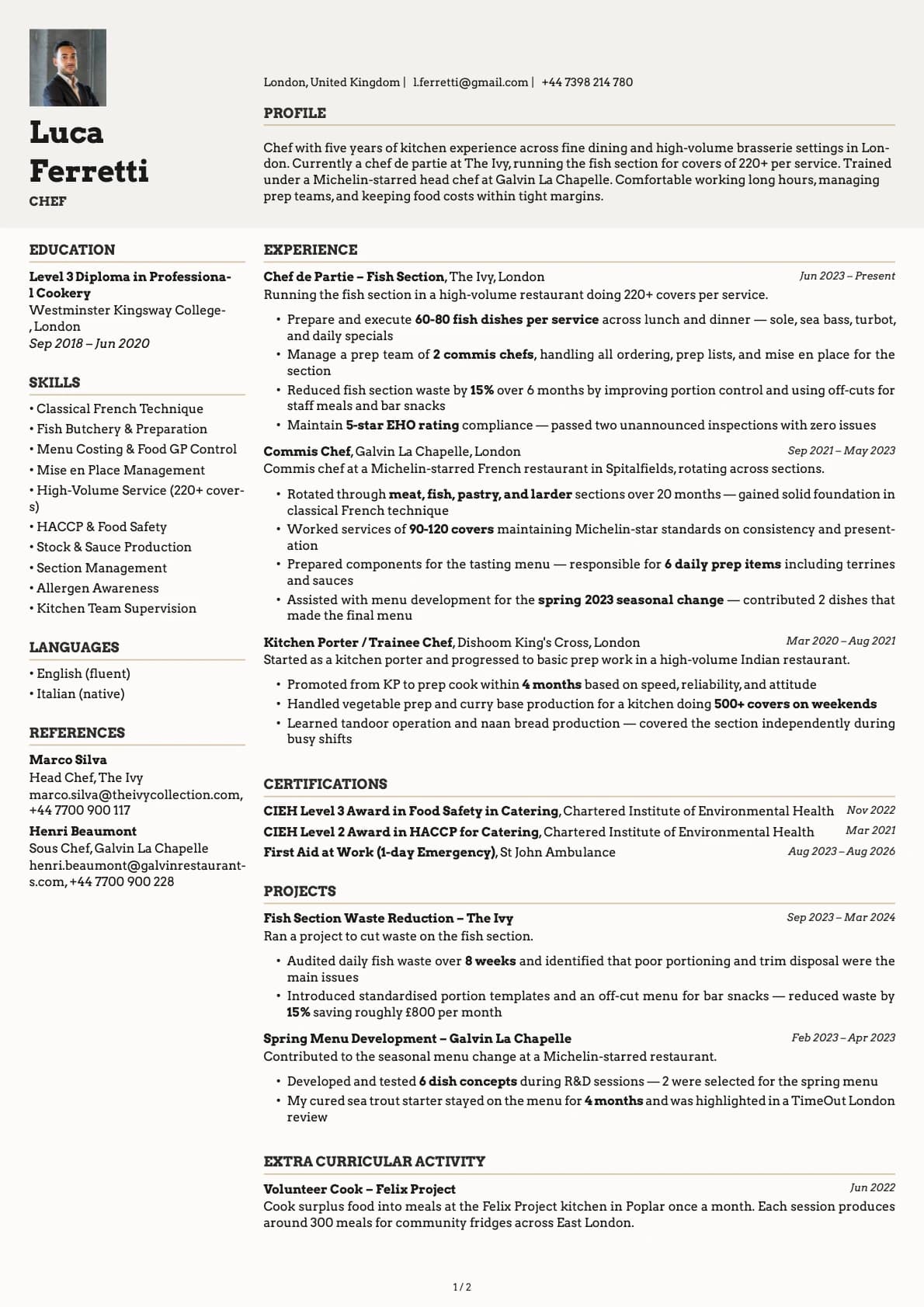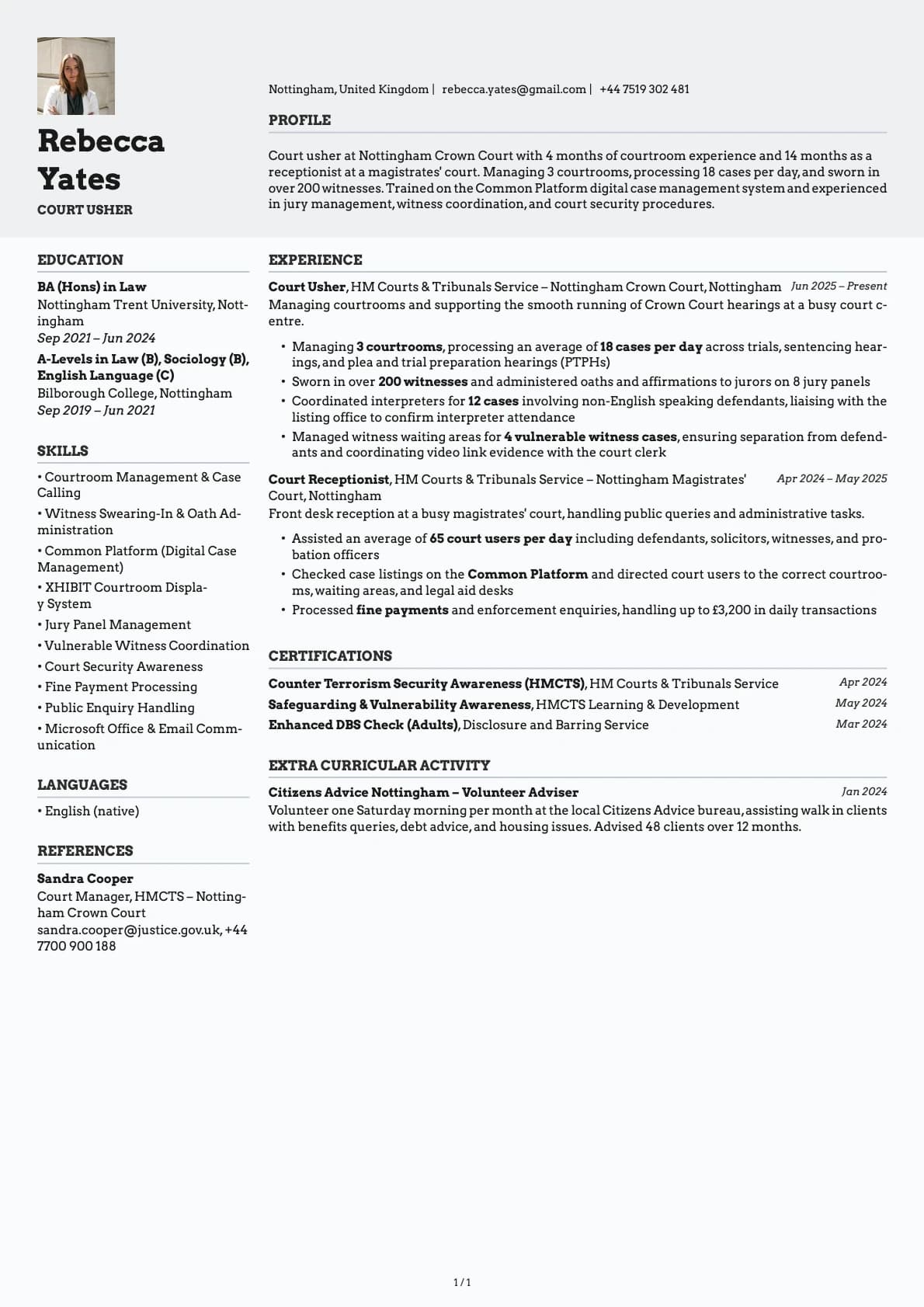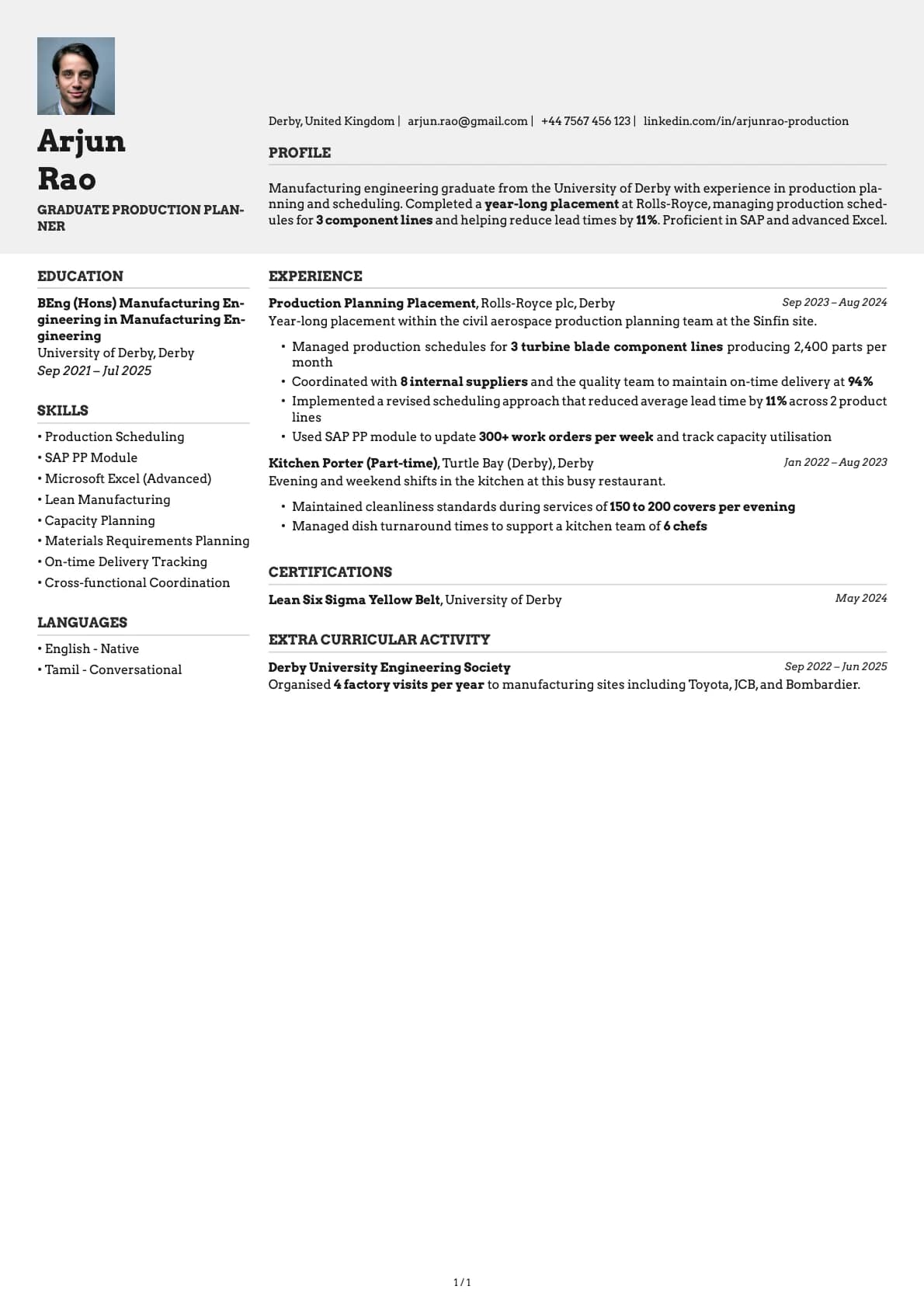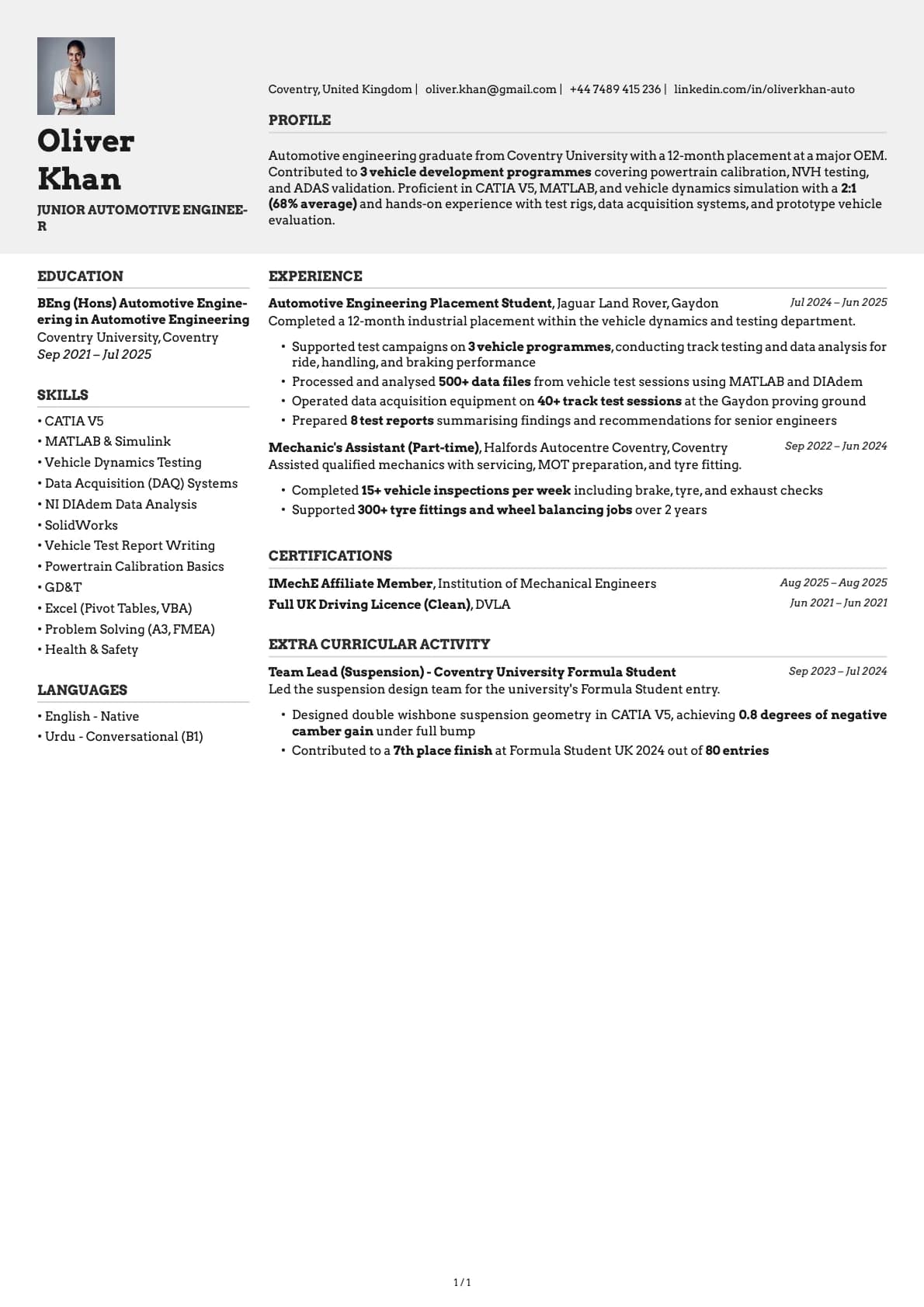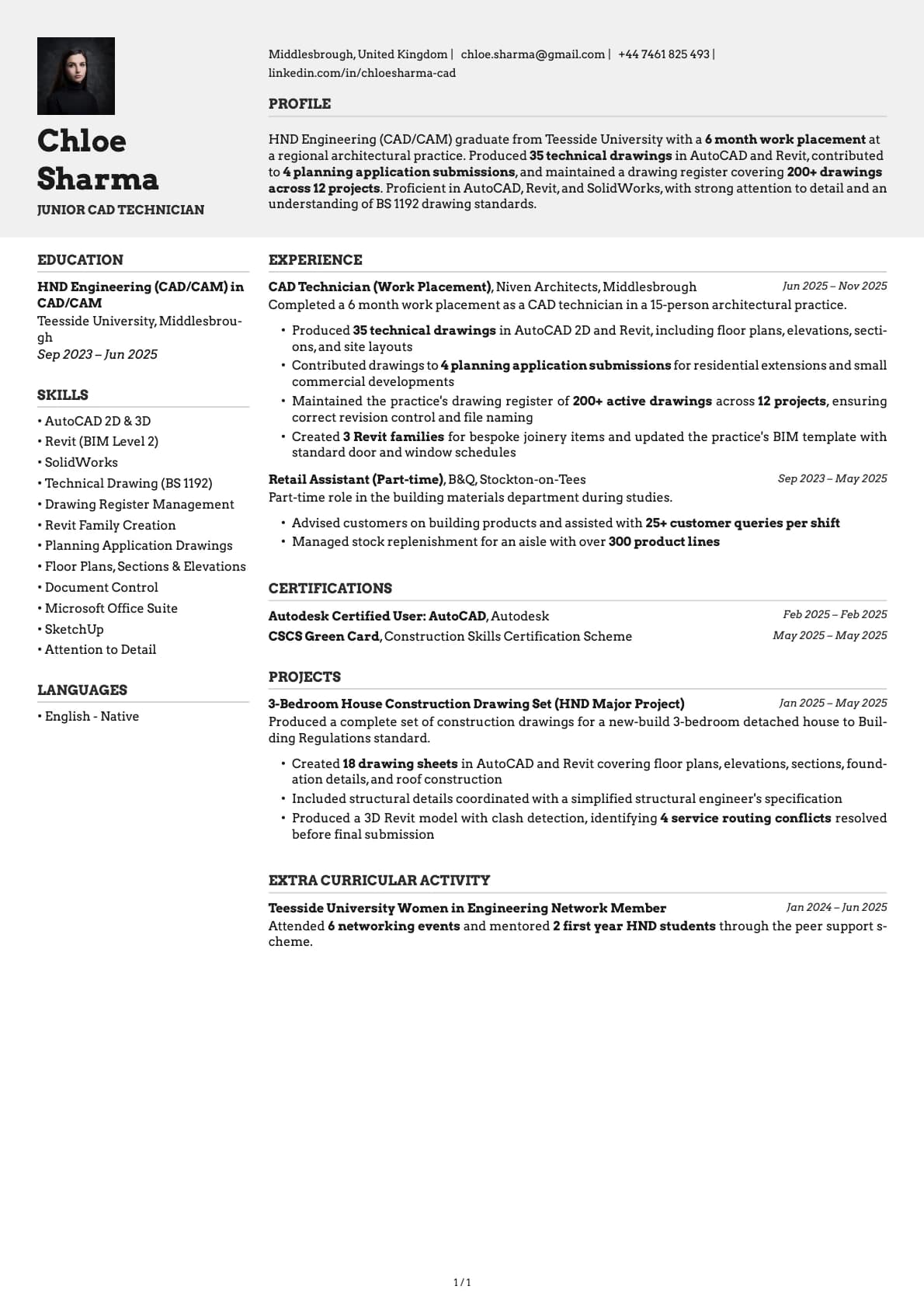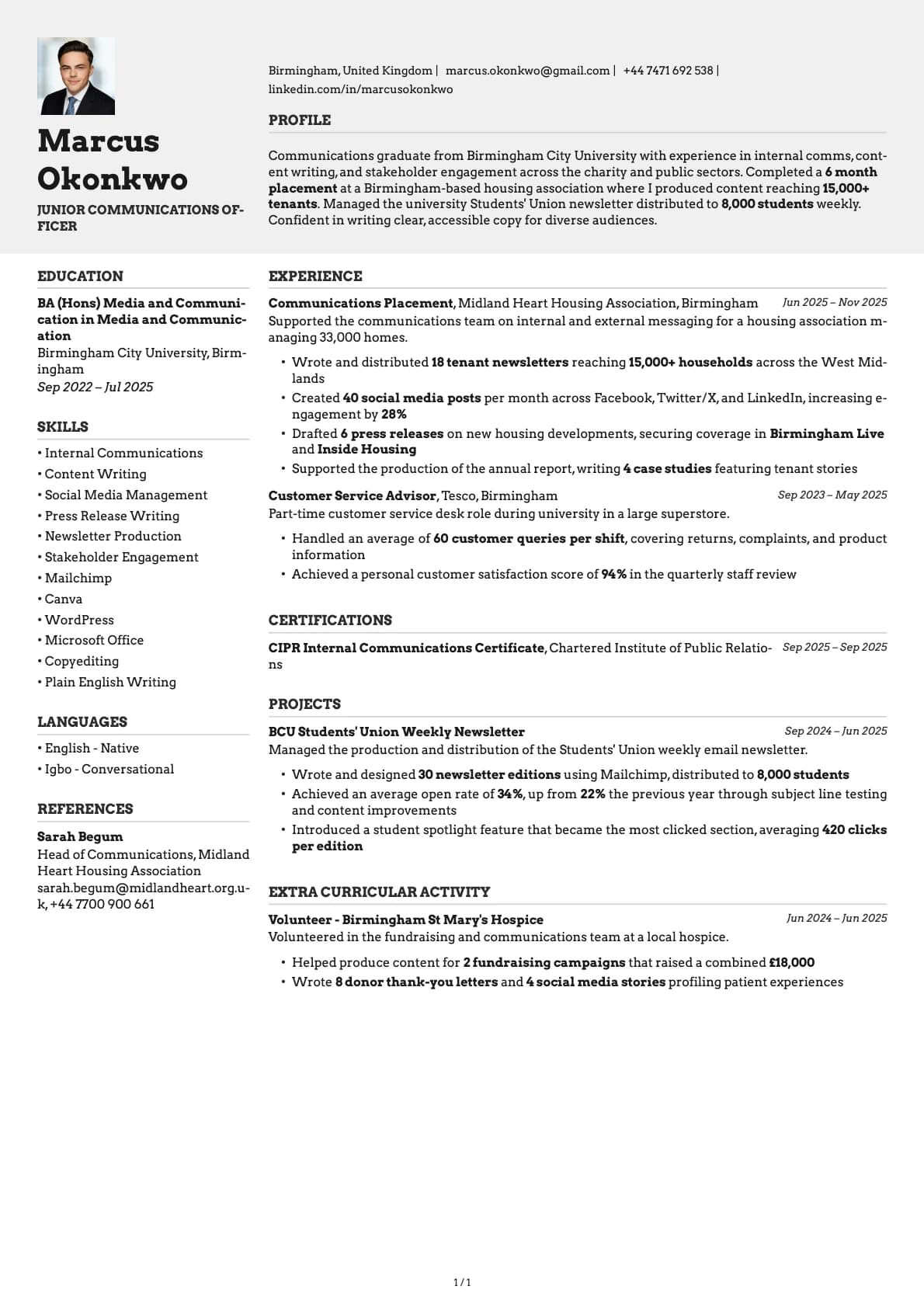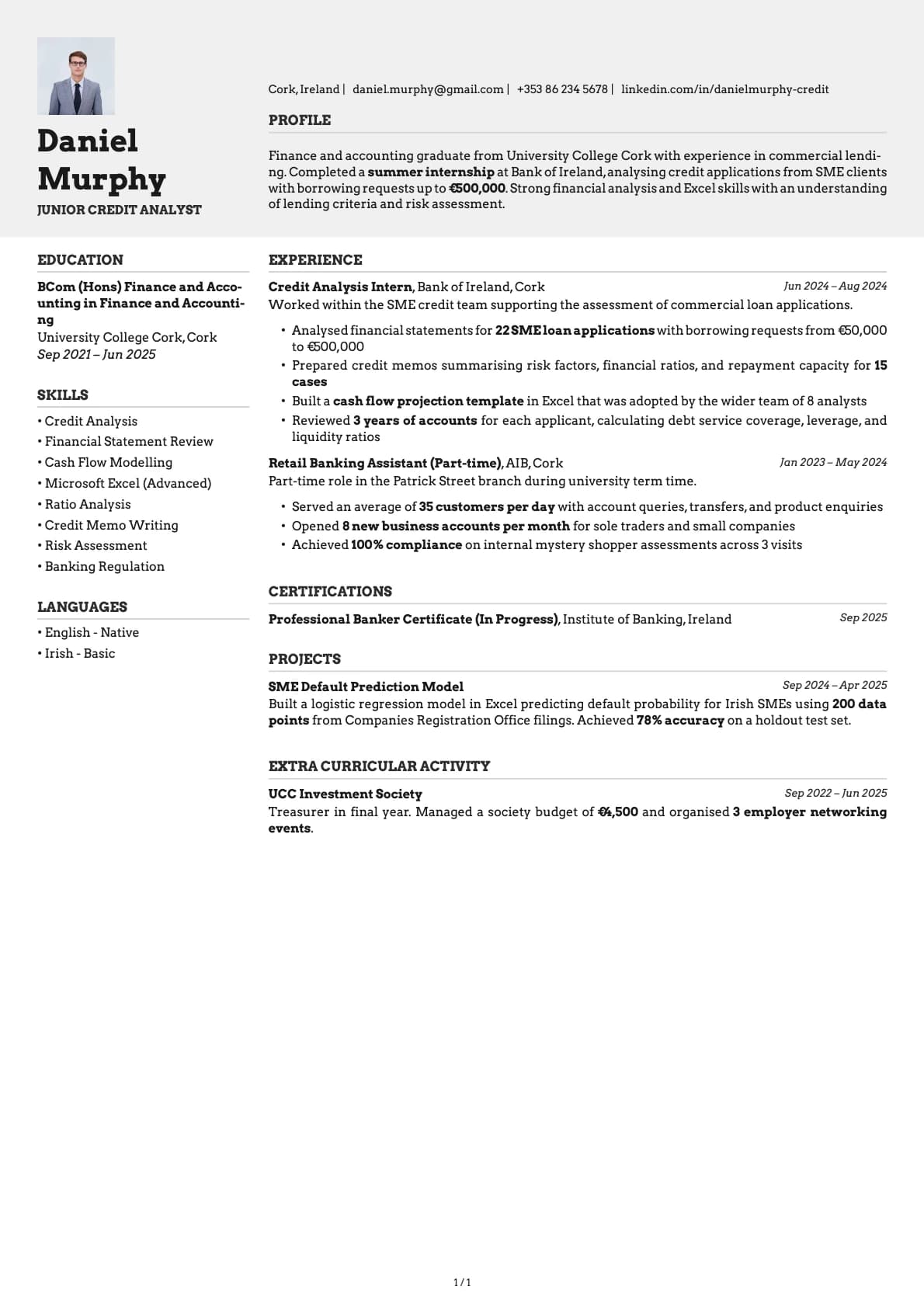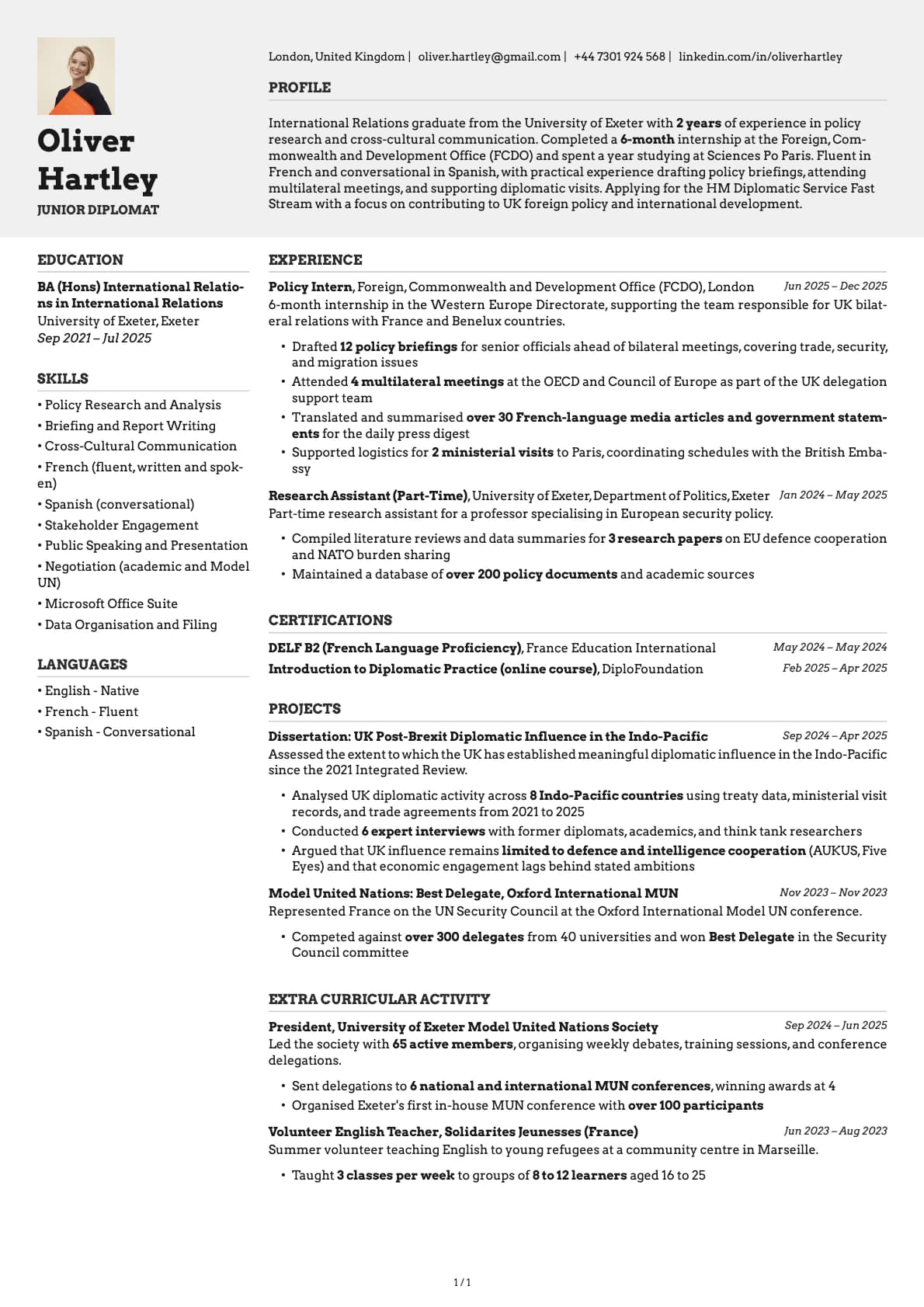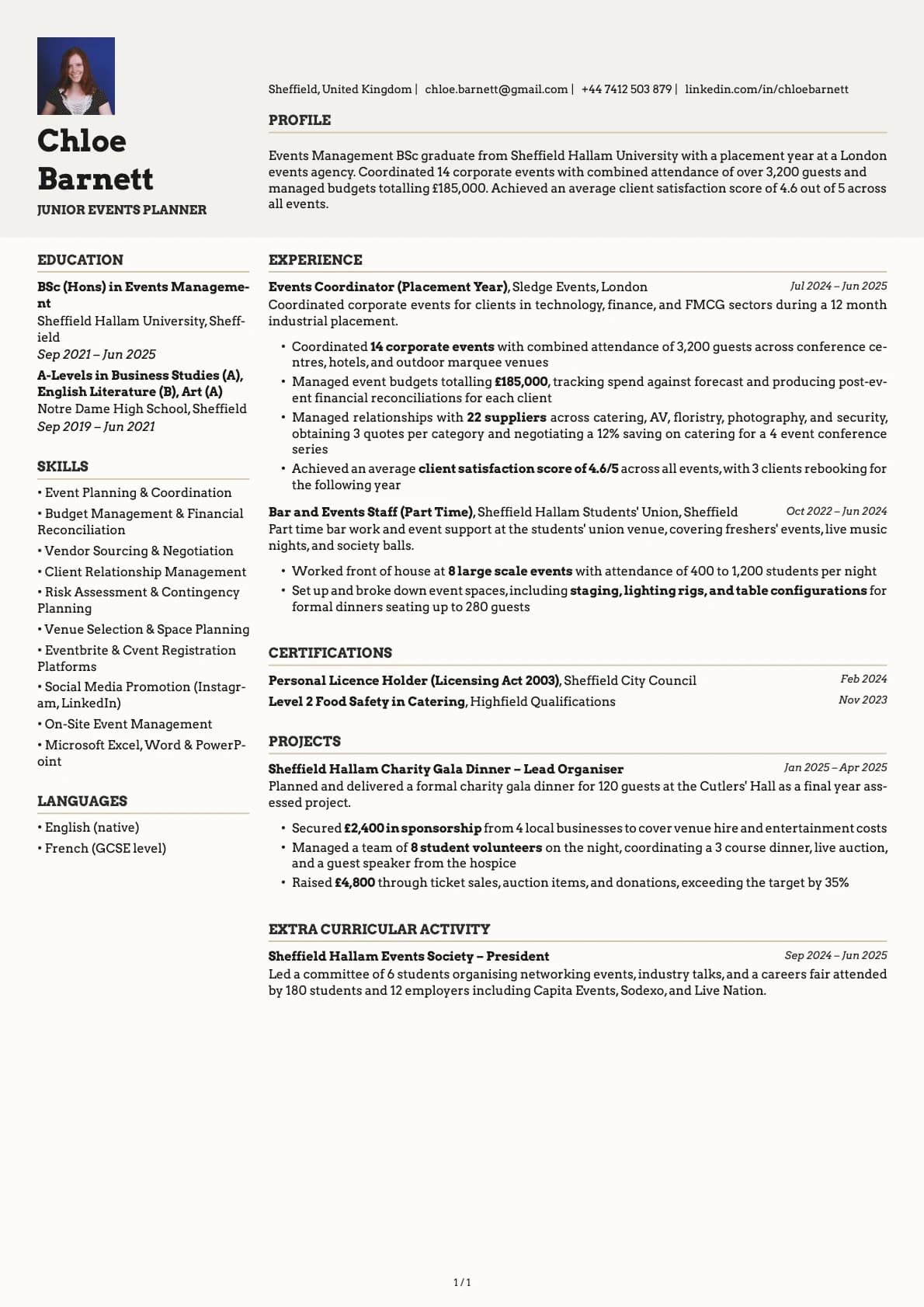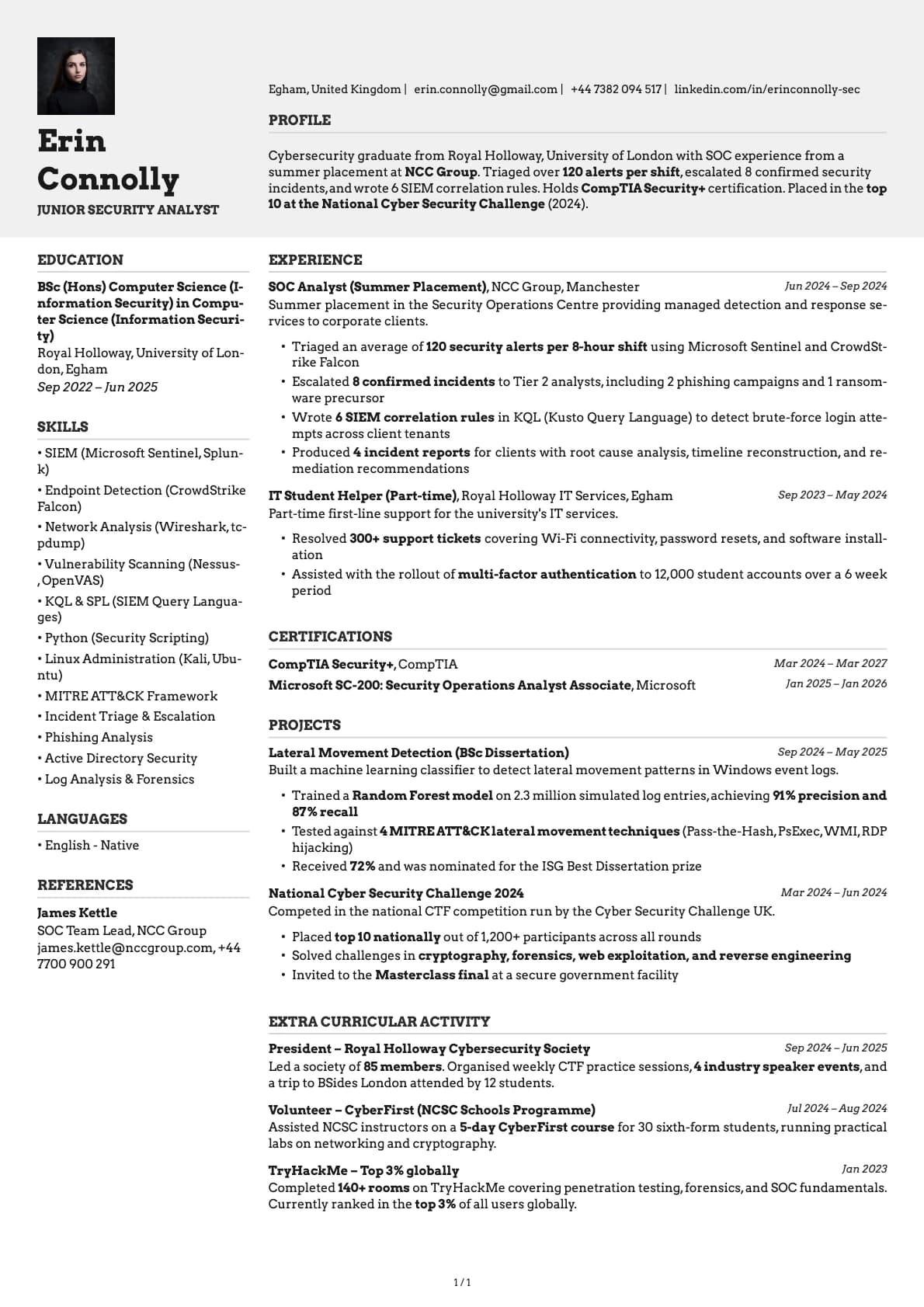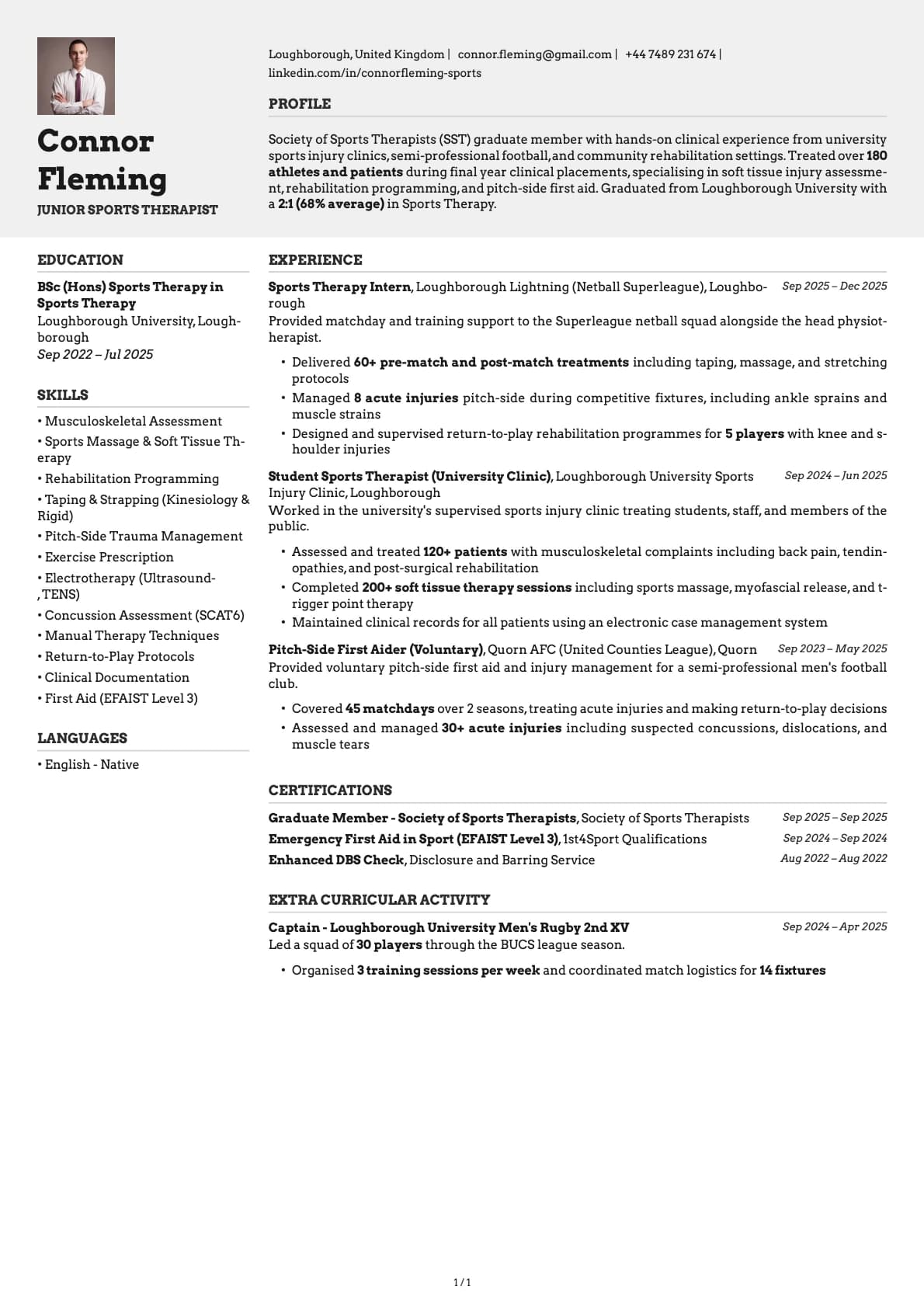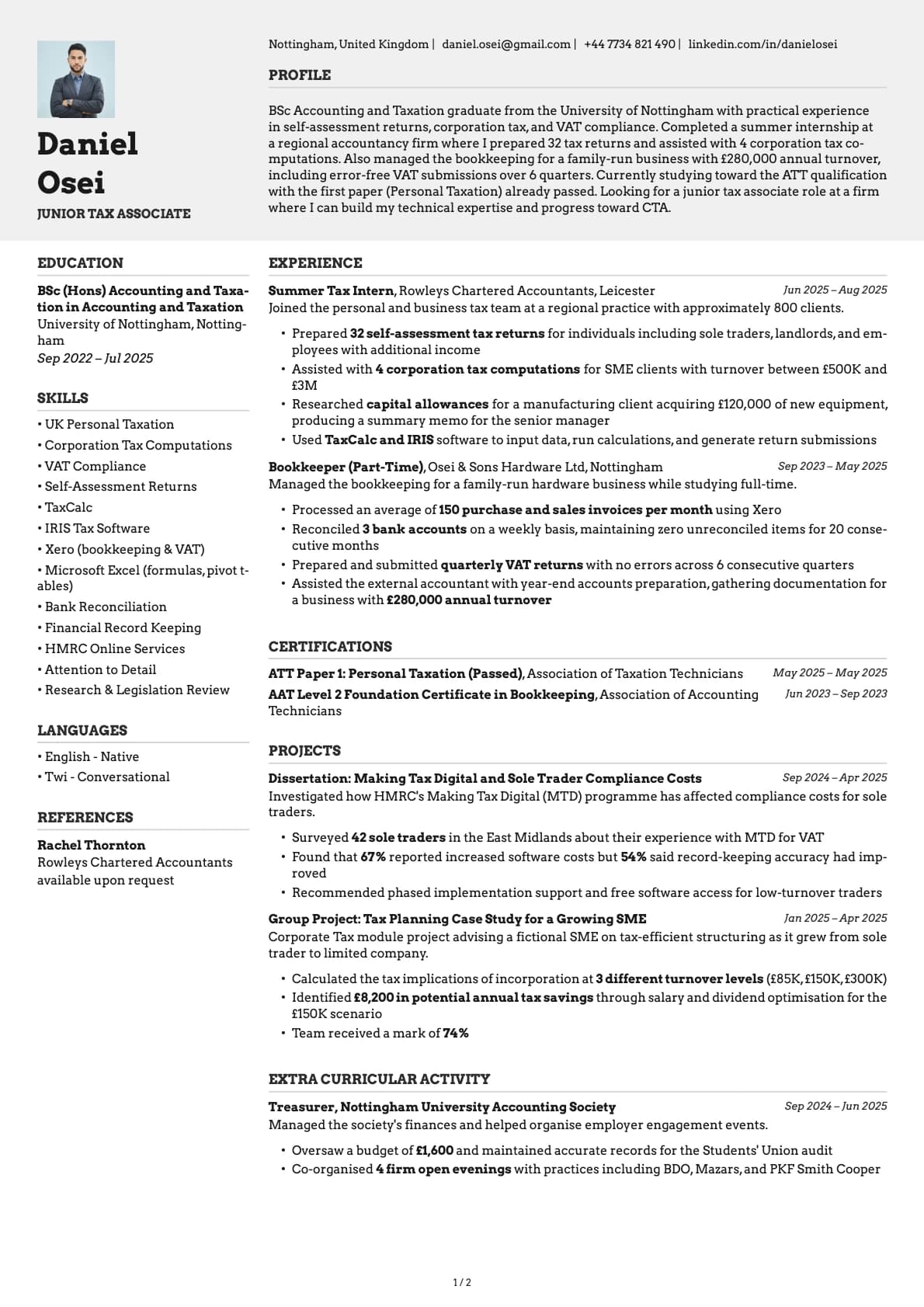
Limestone Photo Resume Template
A modern minimalist resume template with profile photo, 9 colour options, and a 9.0/10 ATS score. Works for tech and all industries.
Free to use. No account needed to start.
Why Limestone Photo?
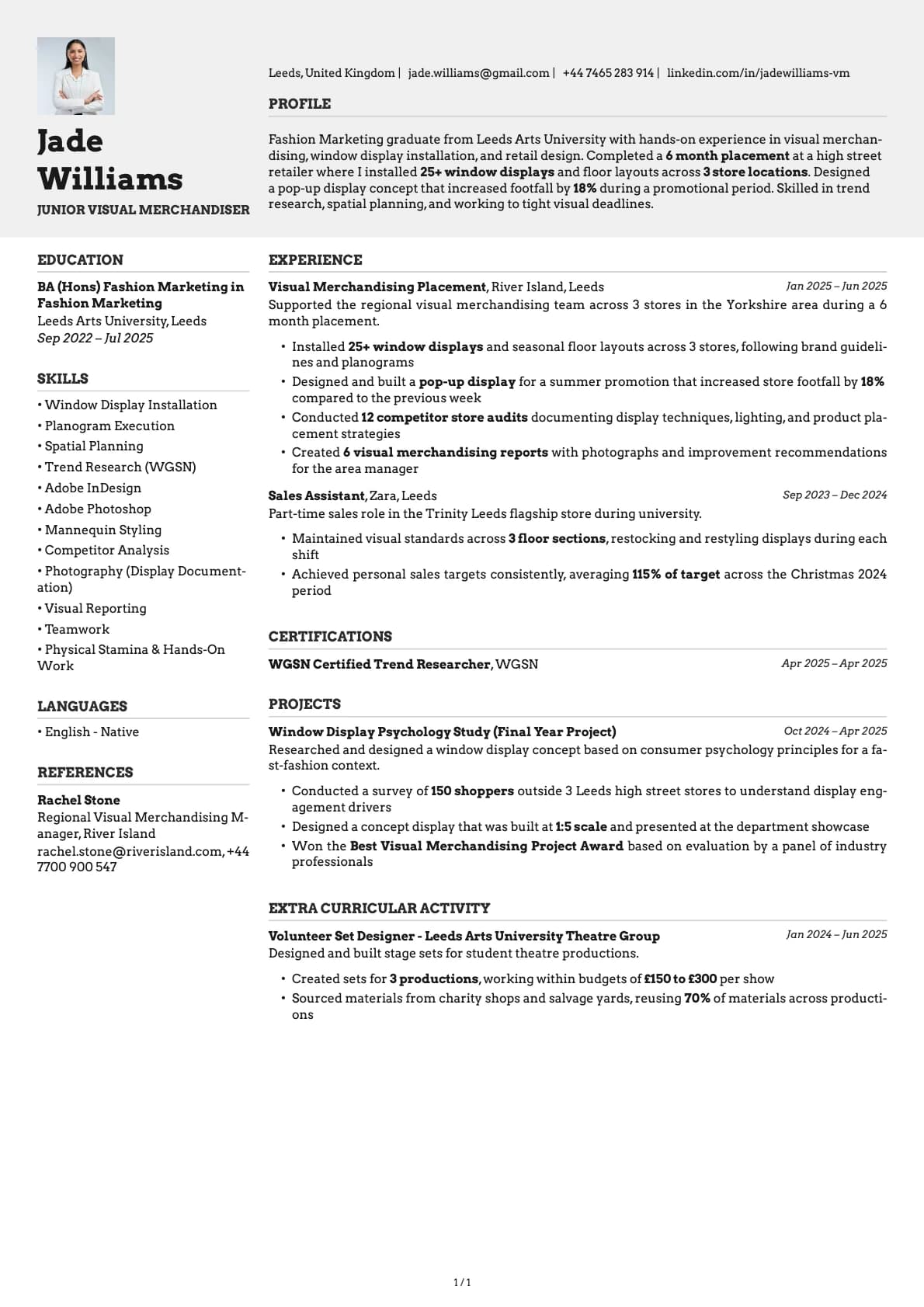
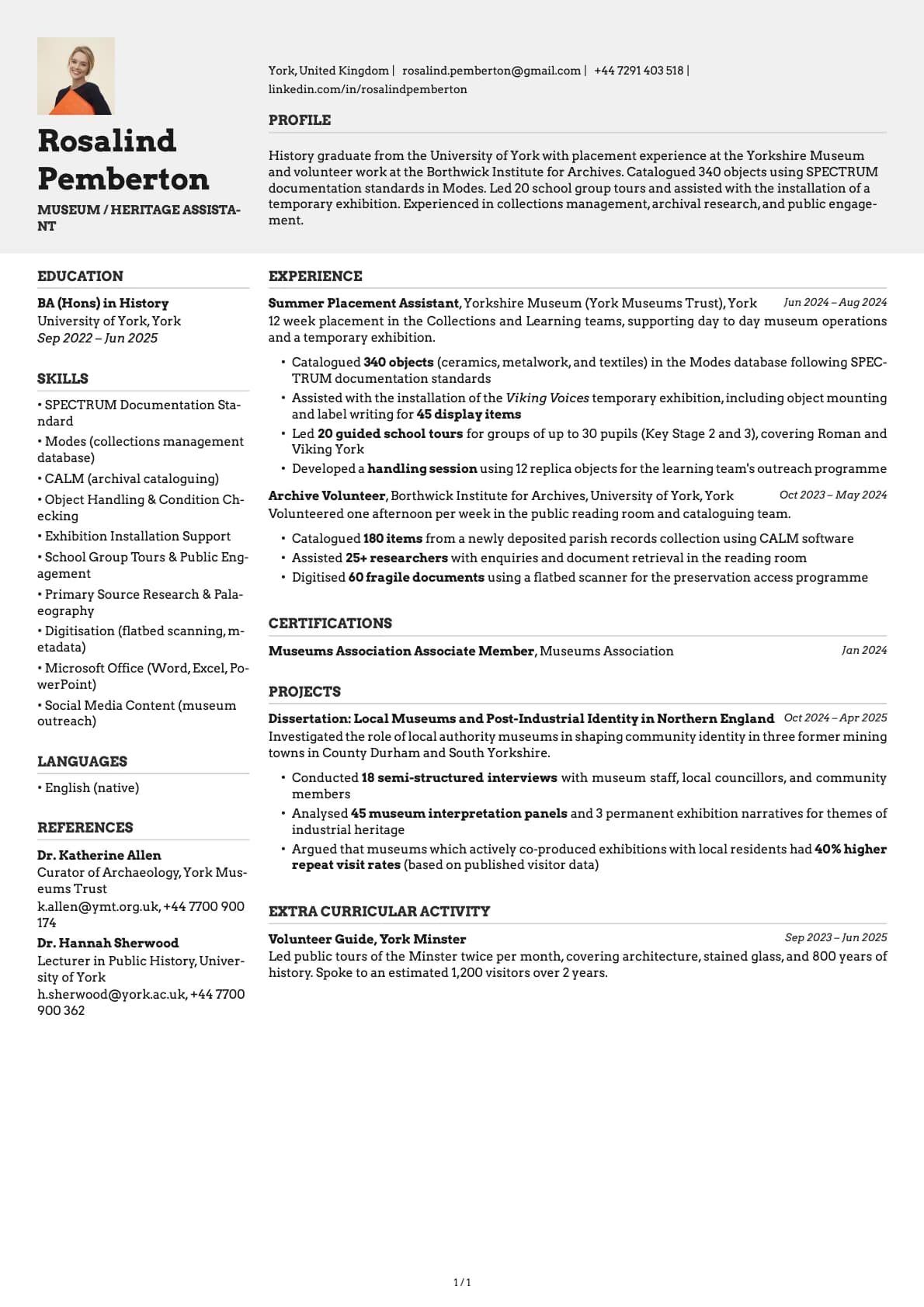
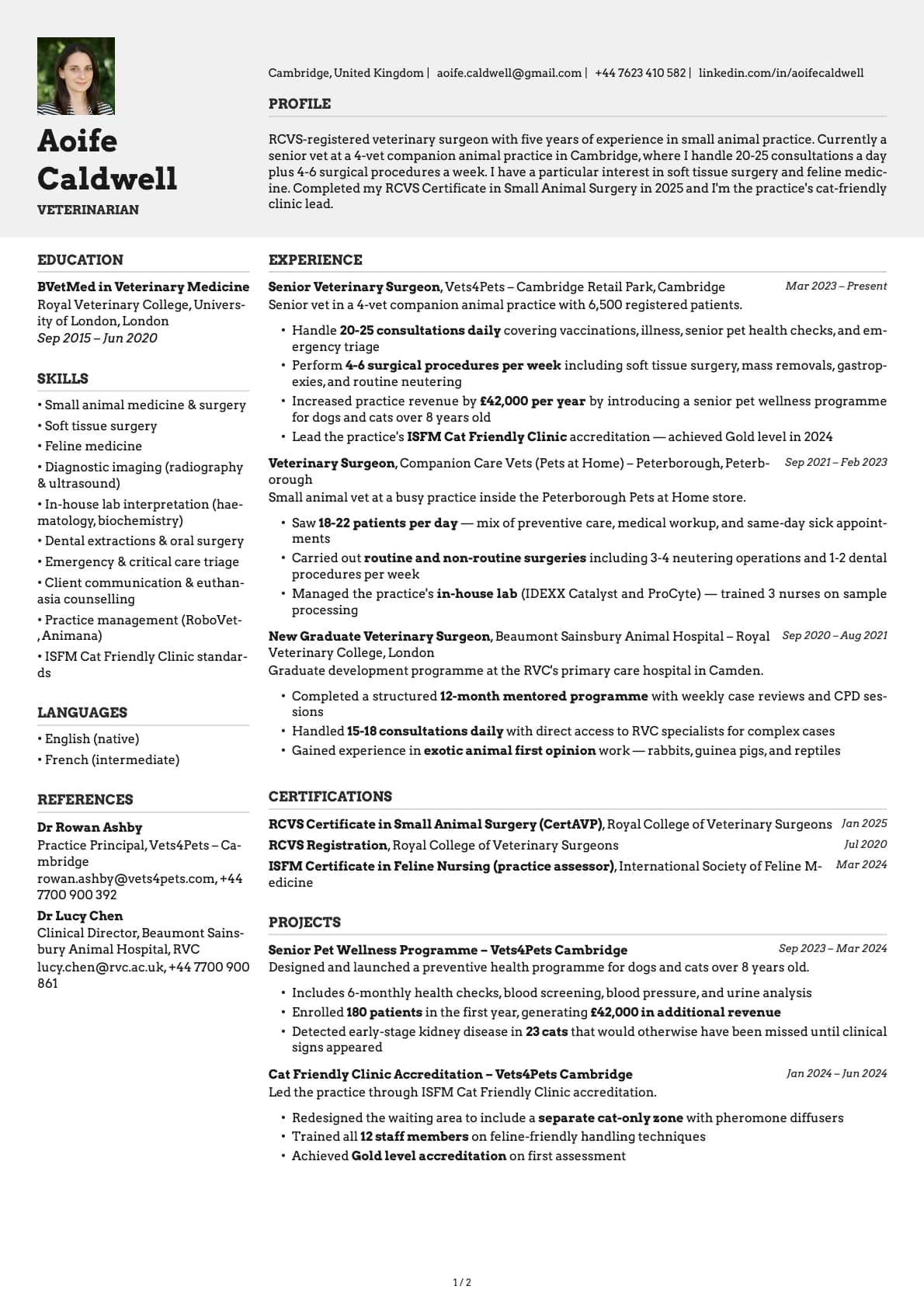
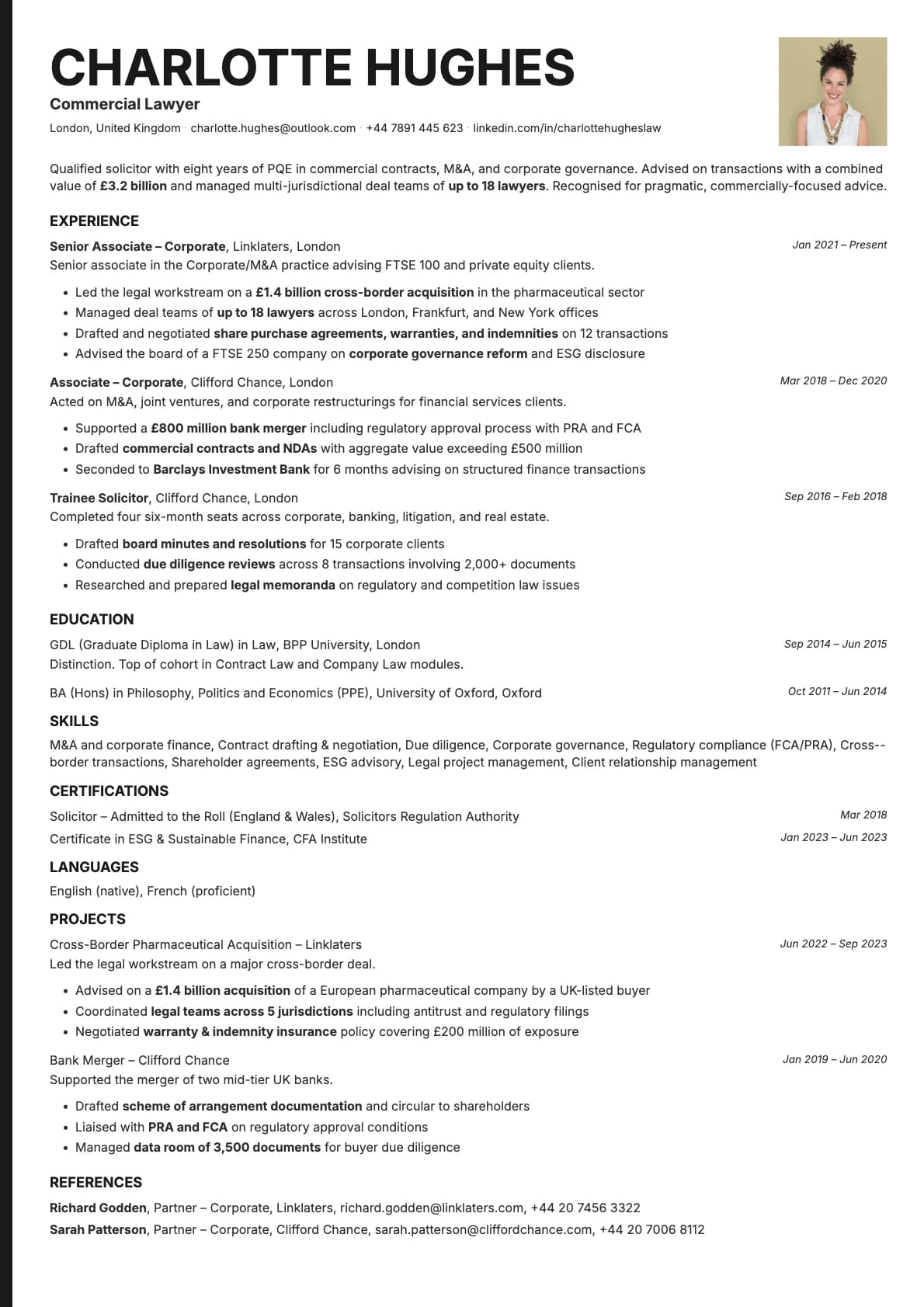
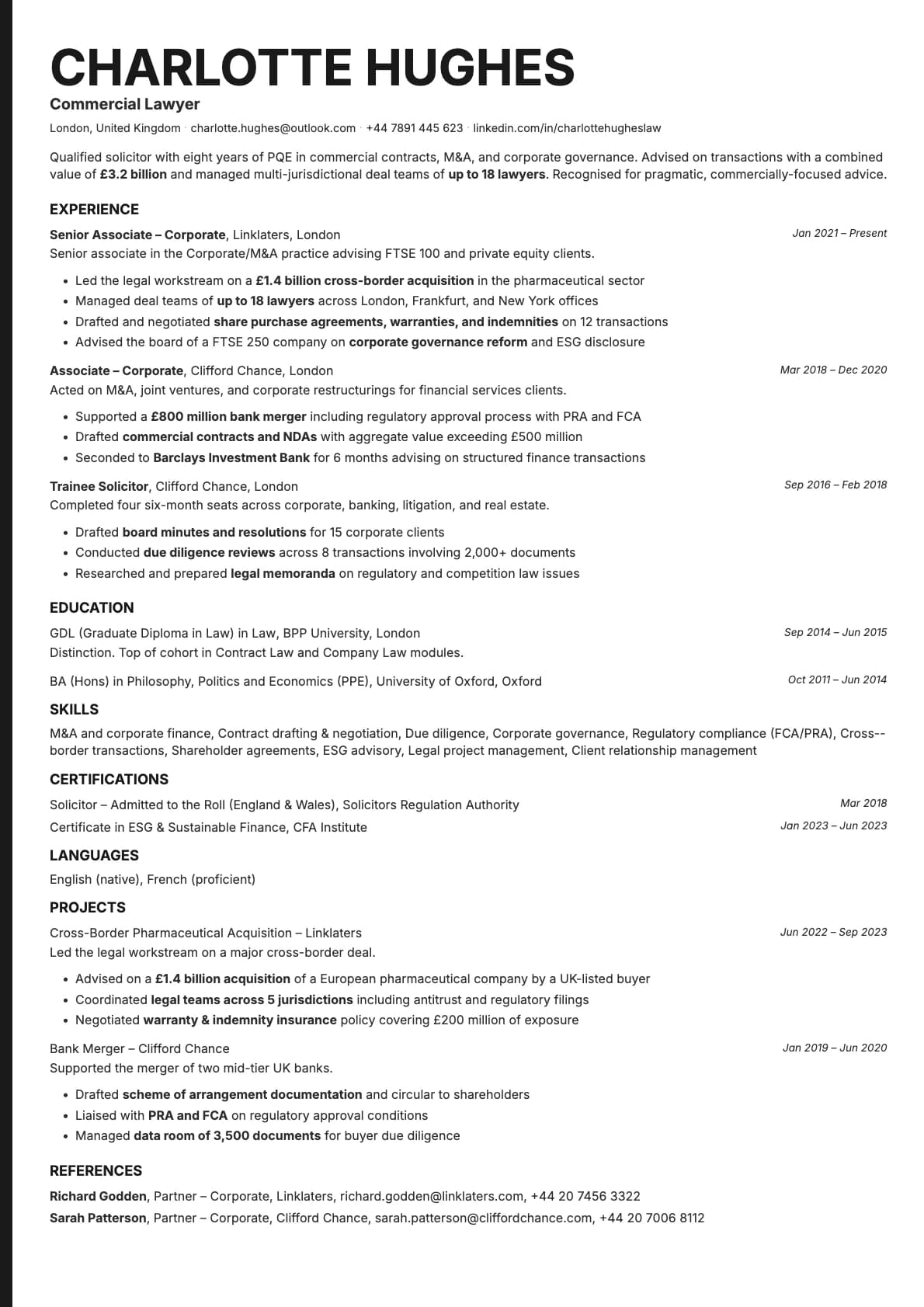
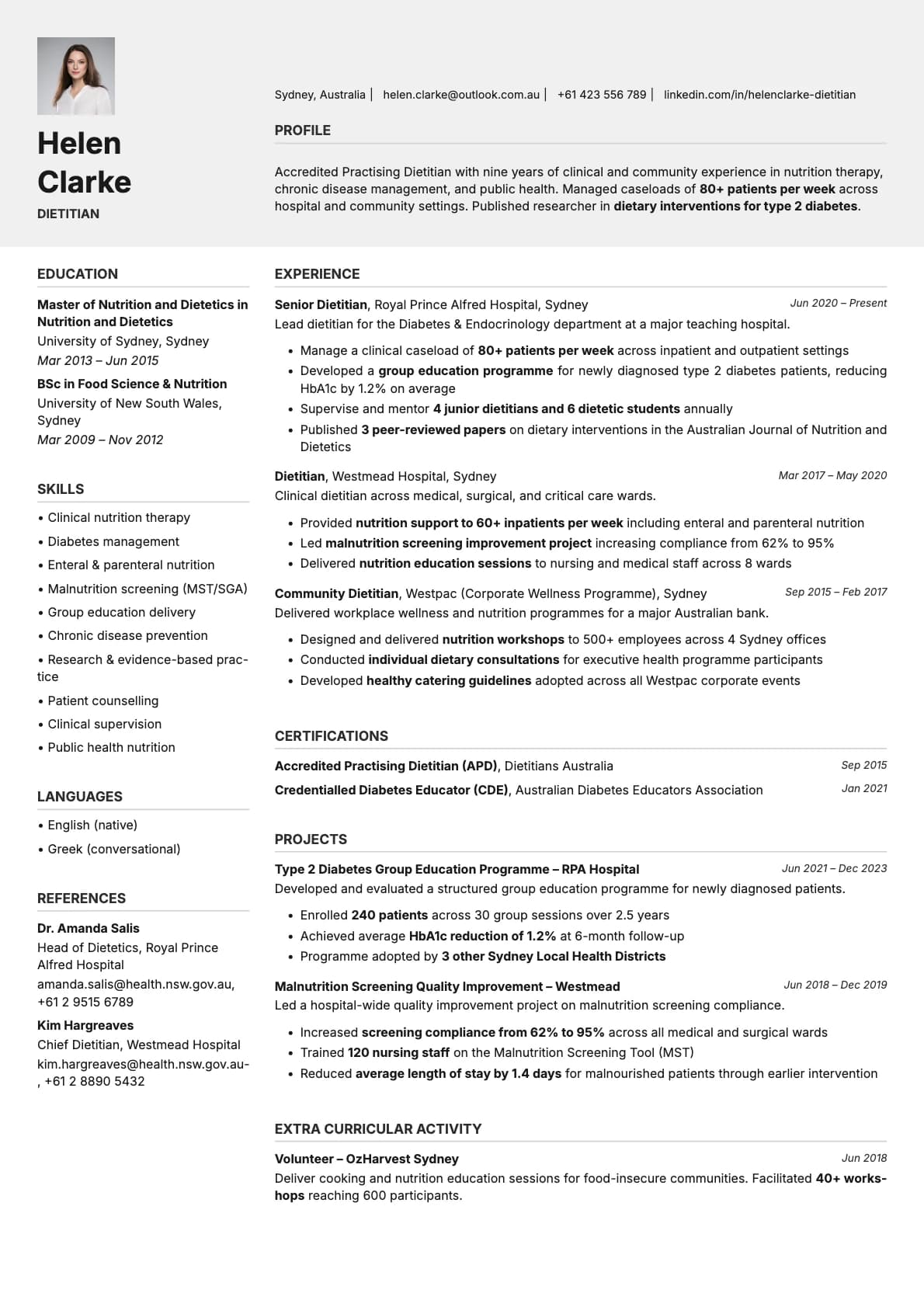
Limestone strips a resume down to what matters. No bold accents, no visual distractions, just clean sections with enough whitespace to make everything readable. The photo variant adds a headshot to this stripped-back design, and the effect is interesting: because there is so little else competing visually, your photo carries more weight. It becomes the single design element on an otherwise text-first page.
If you like minimal design but want one human touch on the page, Limestone Photo delivers that.
When a photo makes sense
Tech professionals who double as client-facing consultants, startup founders including their resume in pitch materials, and product people who move between technical and business conversations. Limestone Photo also works for researchers, academics transitioning to industry, and data professionals who want something clean but not cold.
Good for remote workers applying to distributed teams where you will never meet the hiring manager in person. The photo adds warmth to what would otherwise be a purely functional document.
When to skip the photo
Standard corporate job portals in the US and UK, automated screening pipelines, and any application where you want the resume to be as neutral as possible. The base Limestone template handles those situations.
What you get
- Everything from the base Limestone template: stripped-back minimalist layout, 9.0/10 ATS score, multi-page support
- A profile photo that integrates cleanly into the minimal header
- Photo on the first page only
- 9 colour themes, all in muted tones that will not clash with any headshot
- Inter as the default font, with alternatives available in the builder
Photo tips
Keep it simple. Limestone is a minimalist template, so your photo should match that energy. Clean background, natural lighting, no props. The less going on in the photo, the better it fits the page.
ATS compatibility
The photo does not change how ATS systems process your resume. Text content is identical to the base Limestone template. Both versions score 9.0/10.
Build your resume with Limestone Photo on Laddro
Start building with Limestone Photo. Upload a headshot, add your content, and preview everything live. Switch between 9 colour themes, then download as PDF. No account needed to start.
How would you rate this template?
Your rating helps others pick the right template for their resume.
Make this template yours
Pick a colour, add your details, and download your resume. No design skills needed.
Free to use. No account needed to start.
Resumes built with Limestone Photo