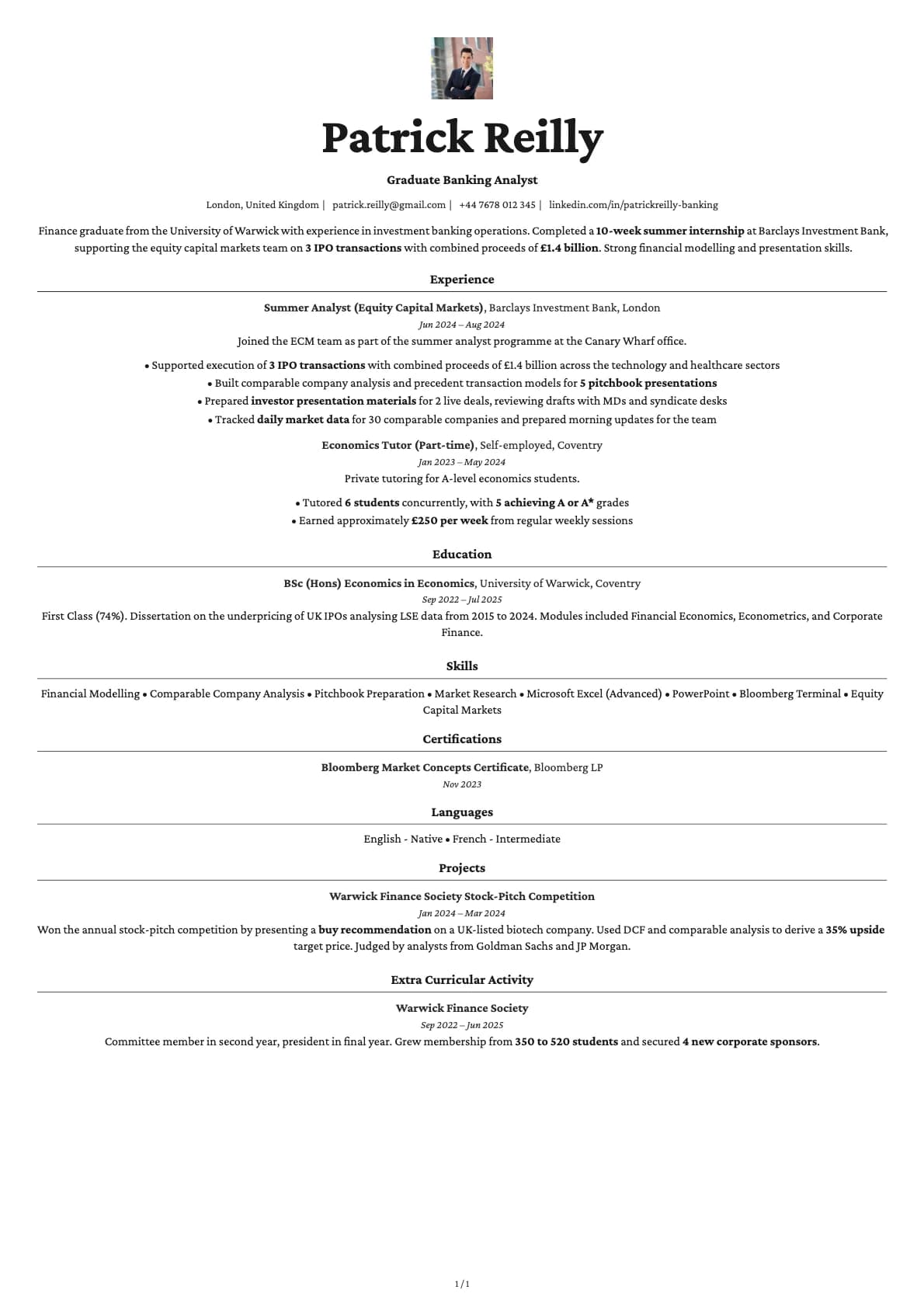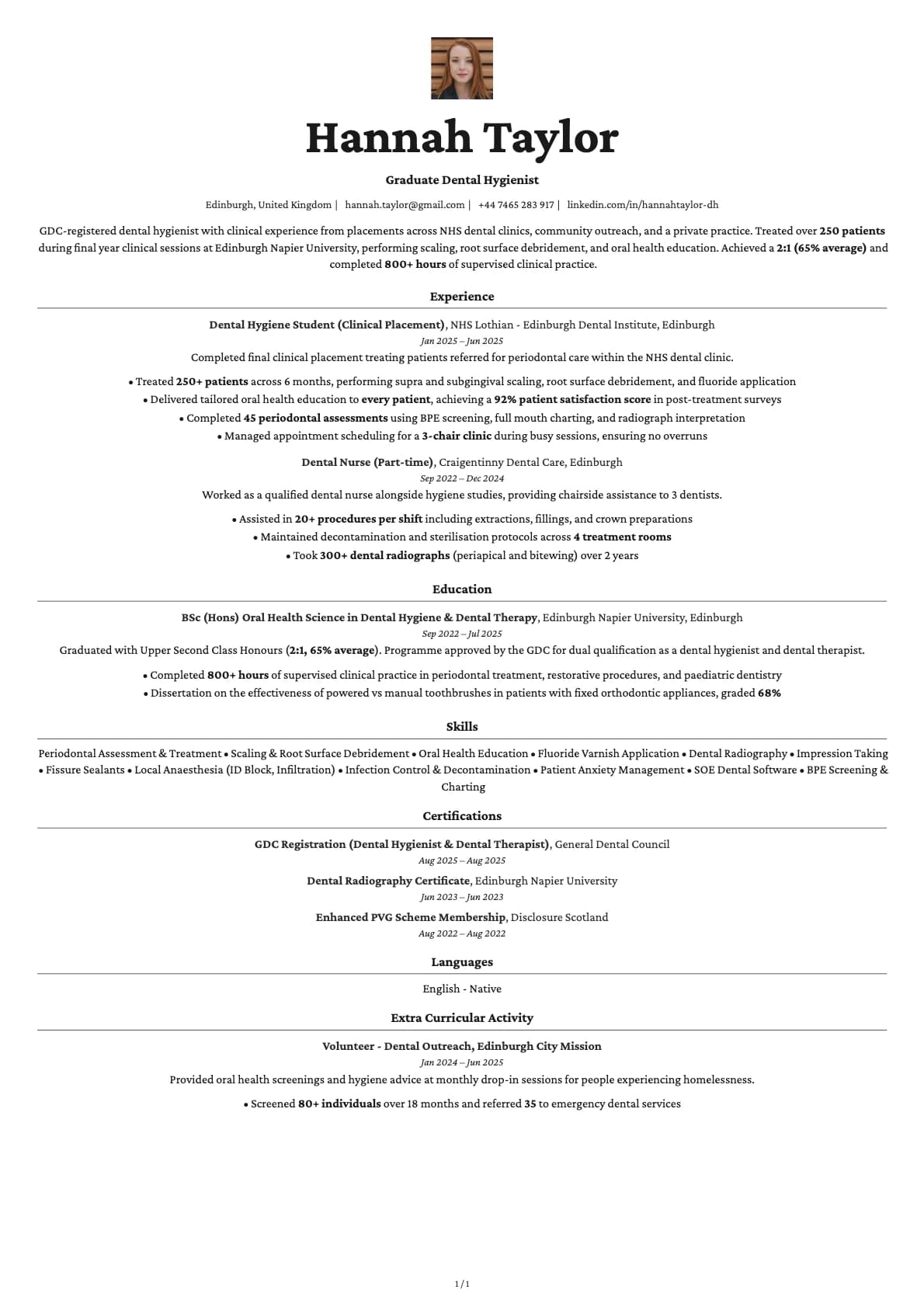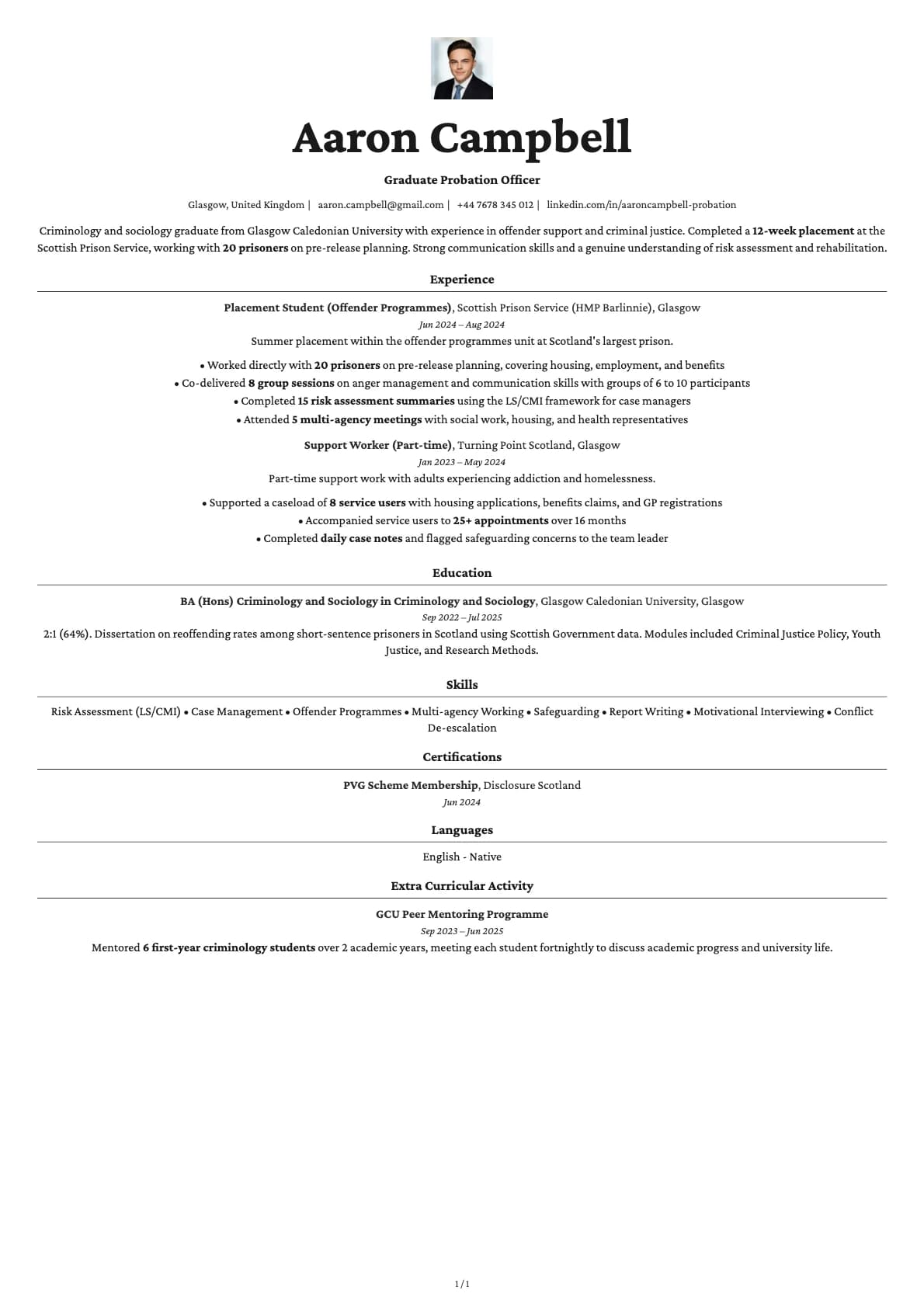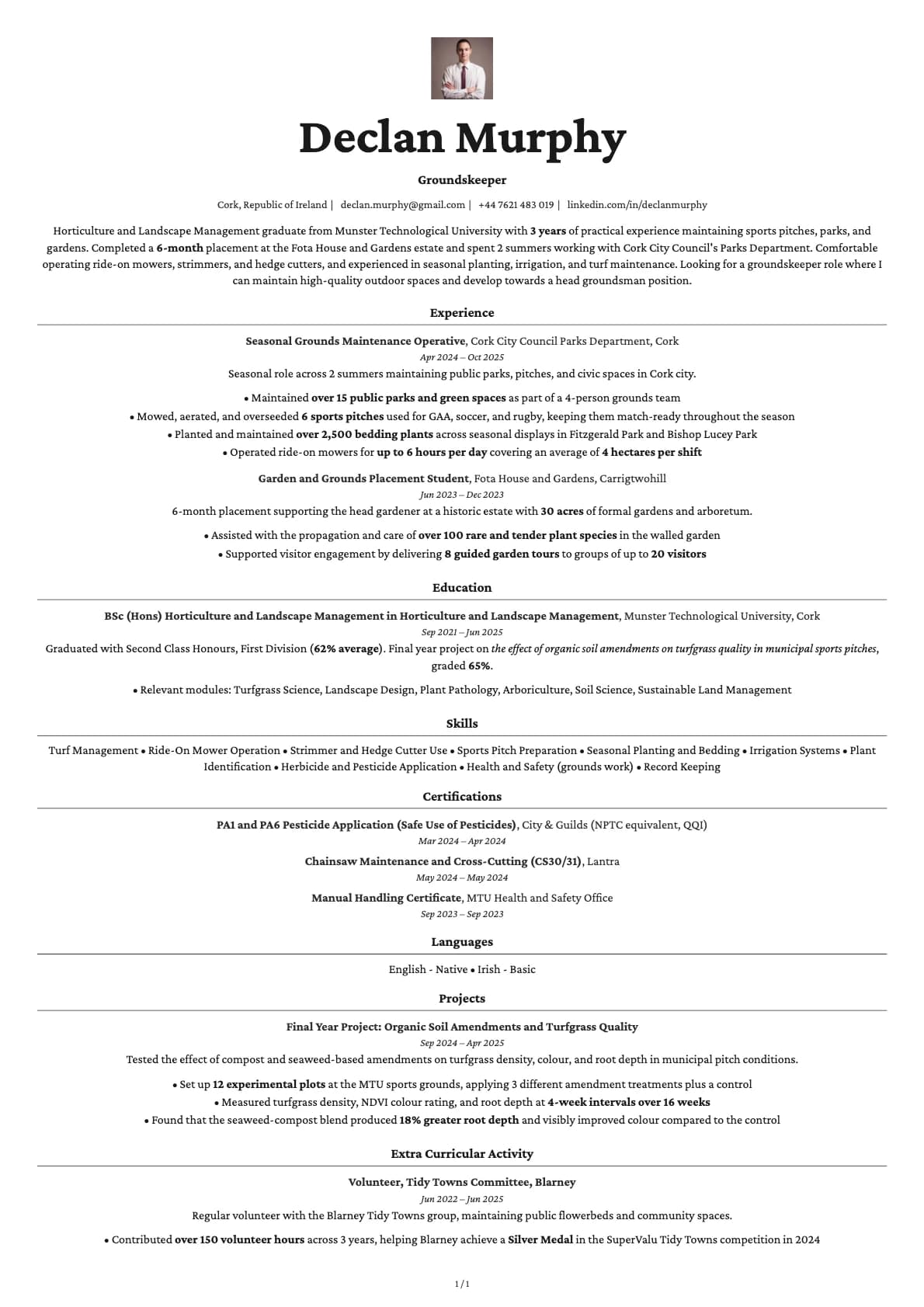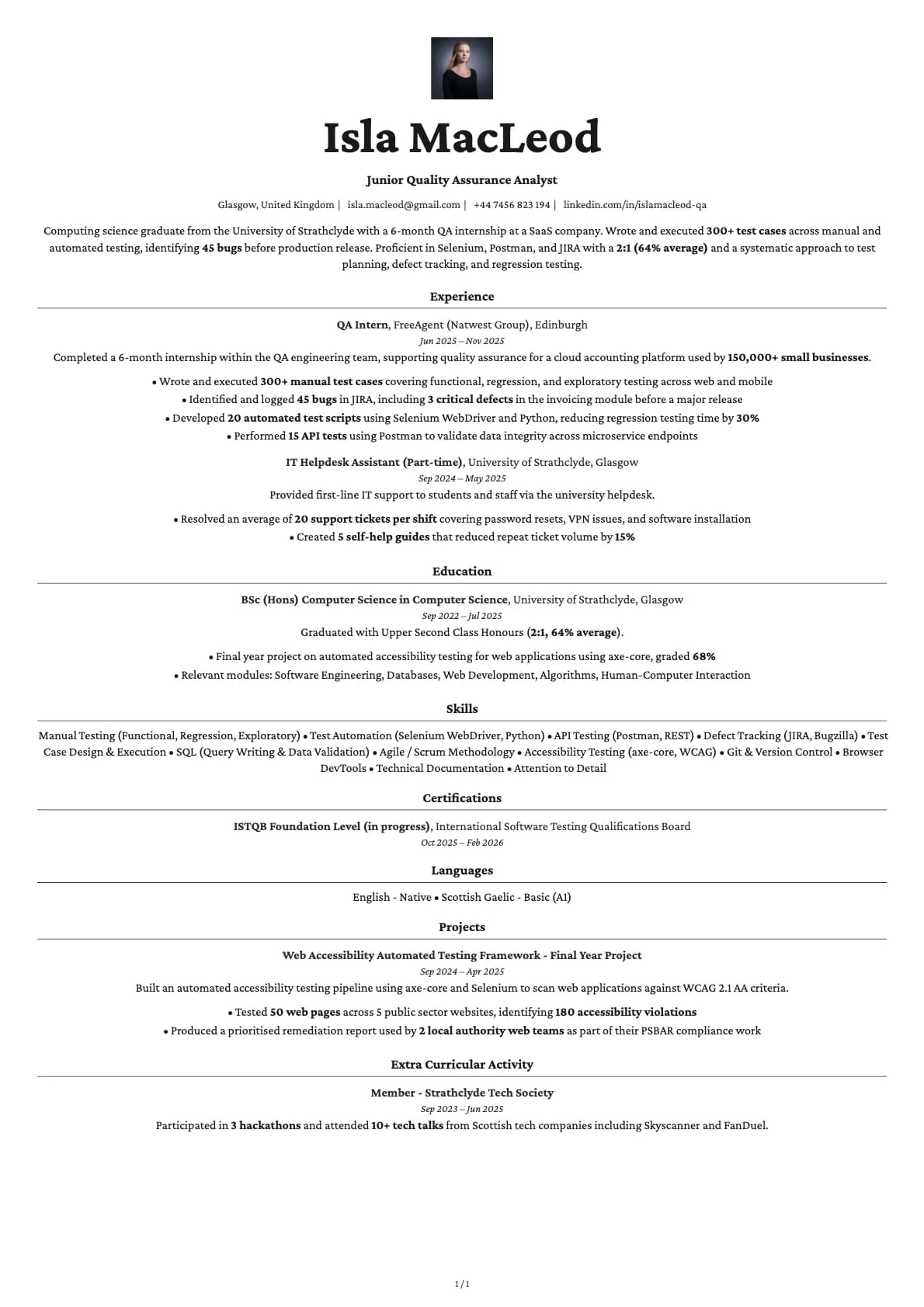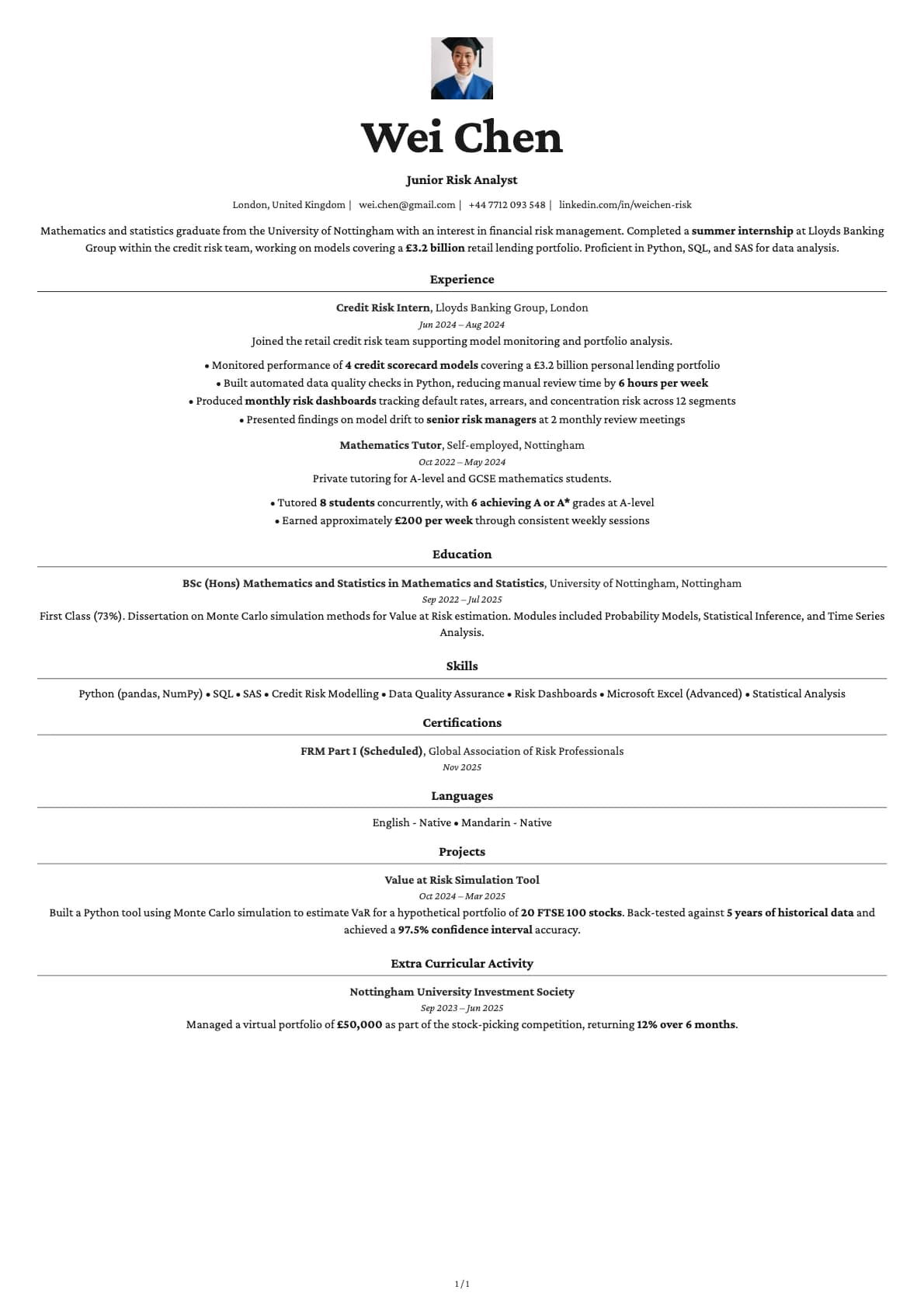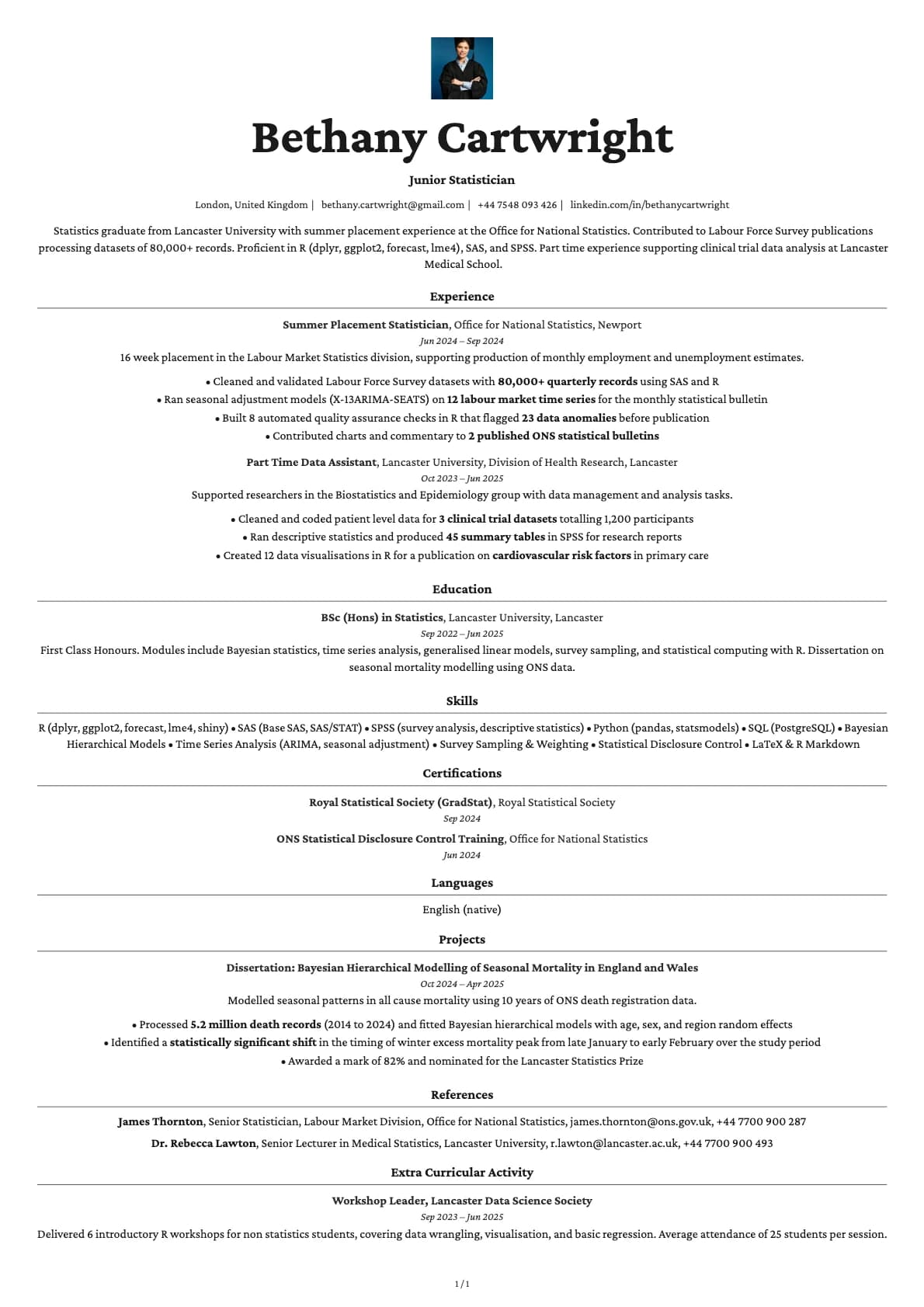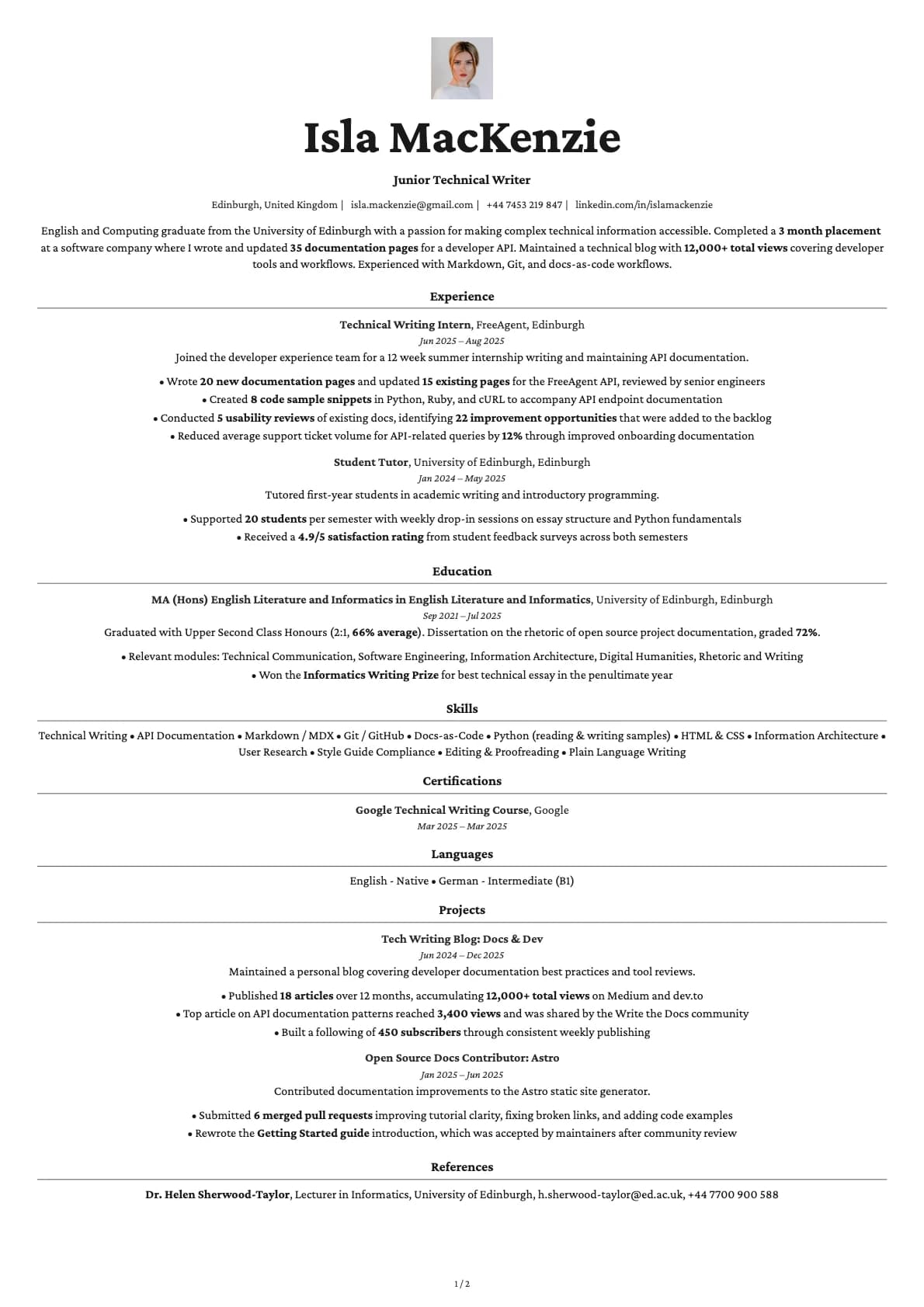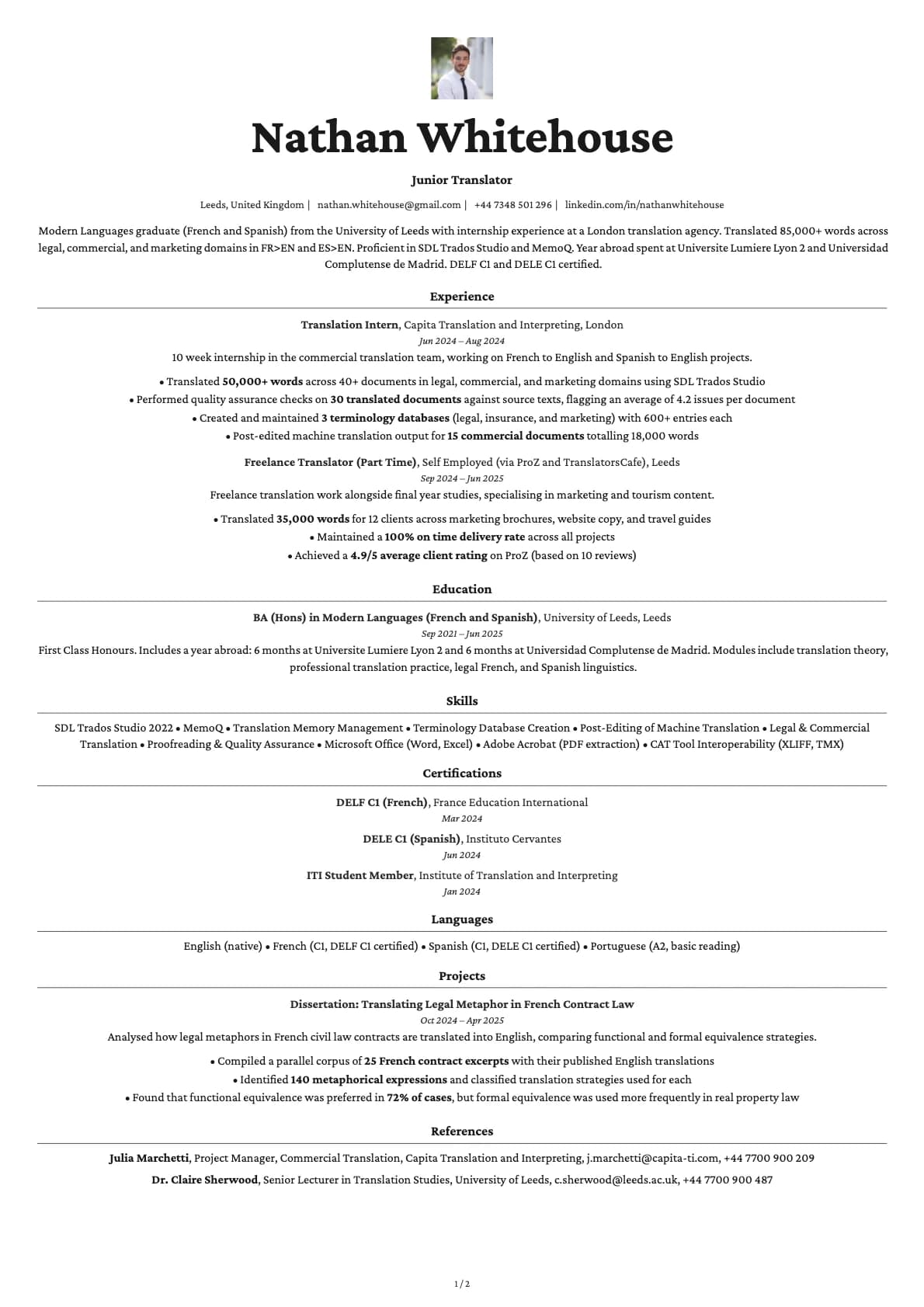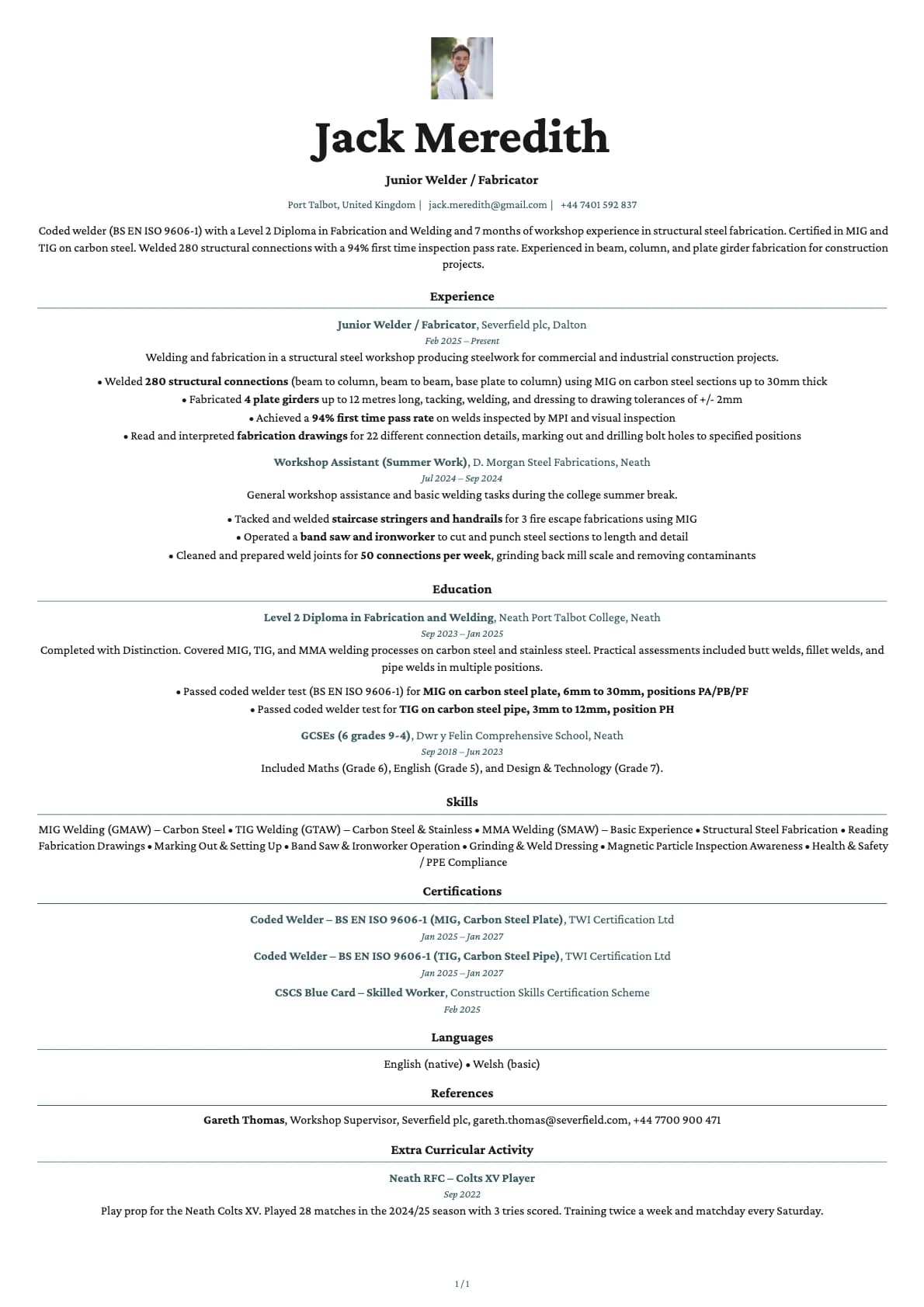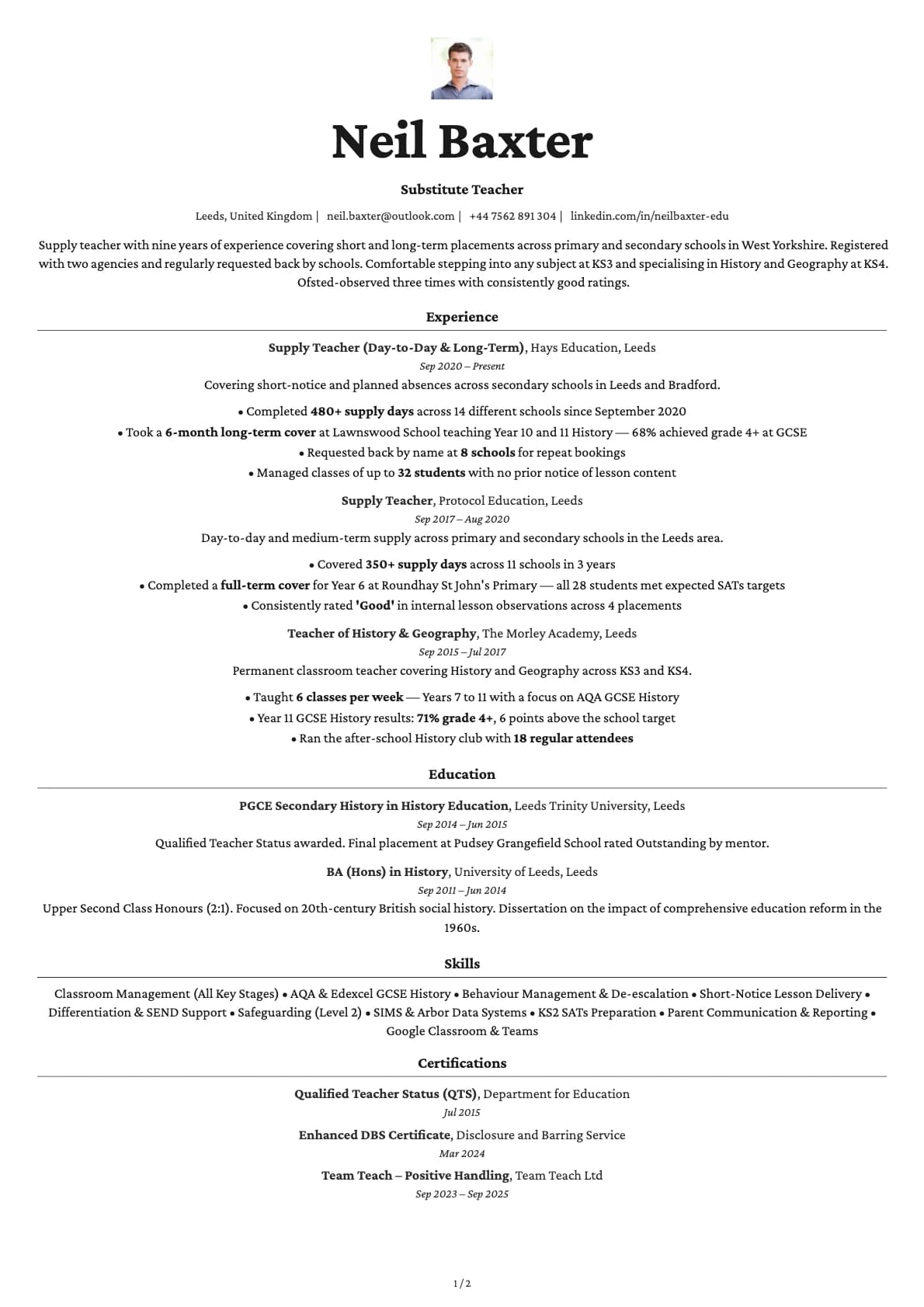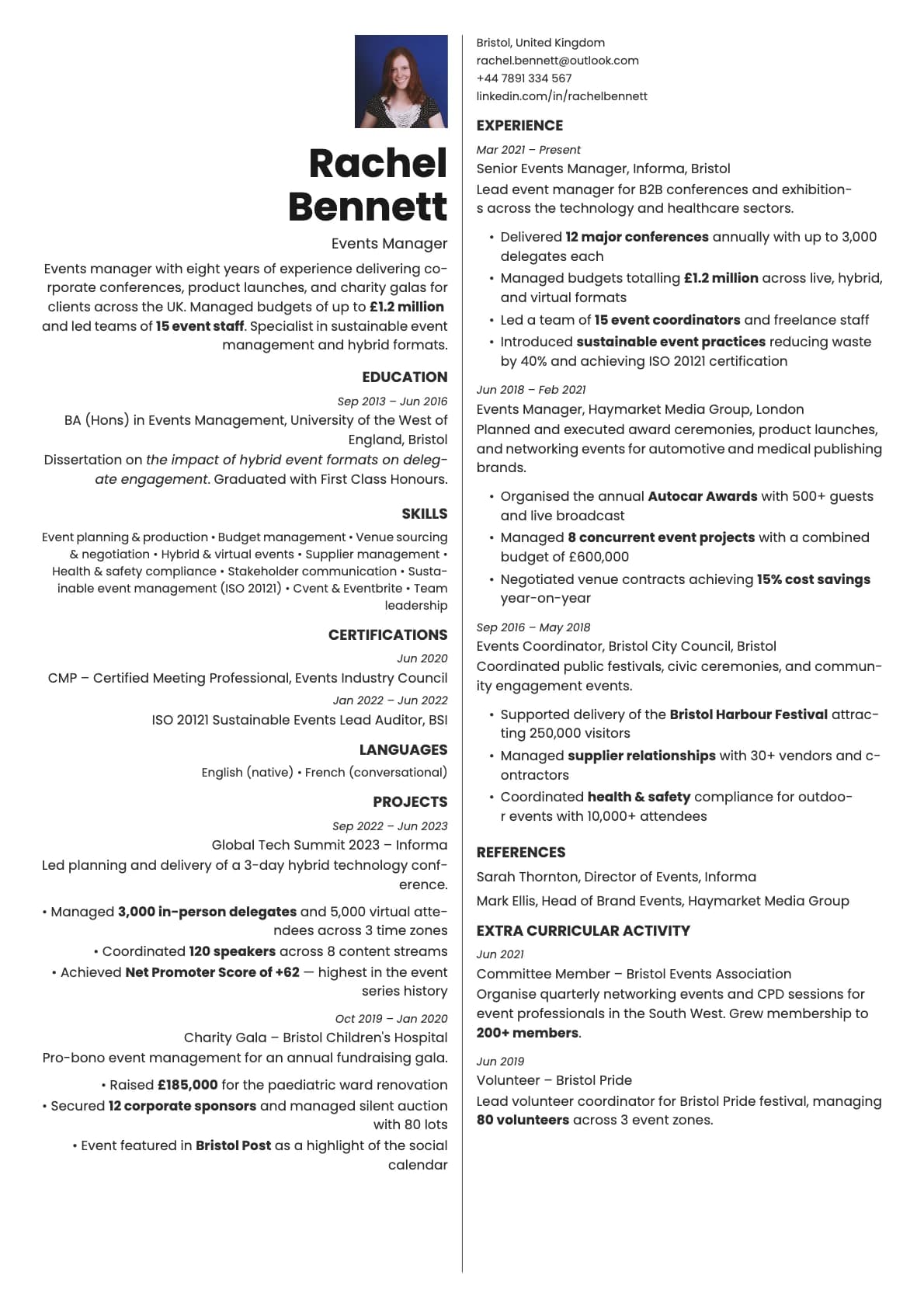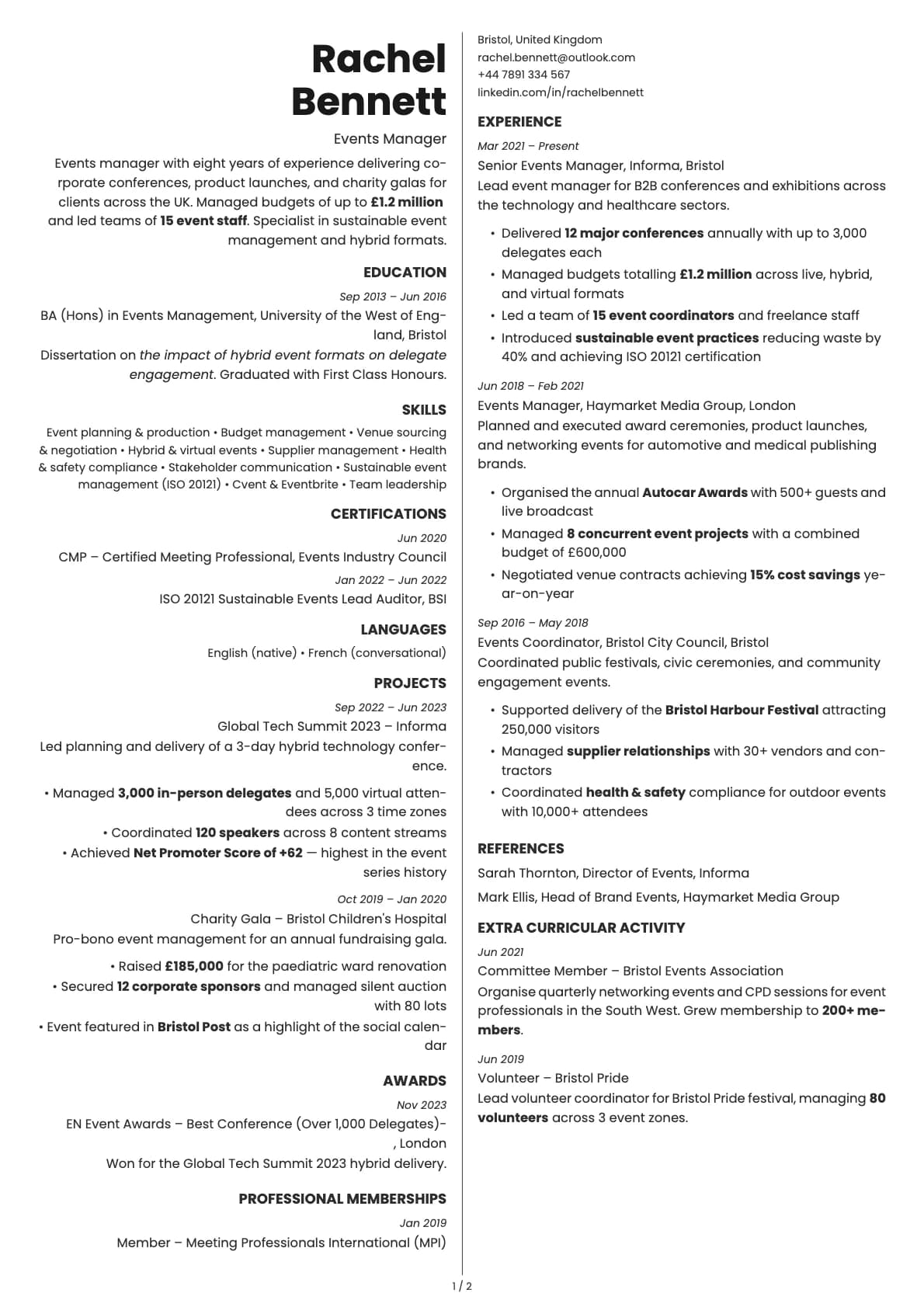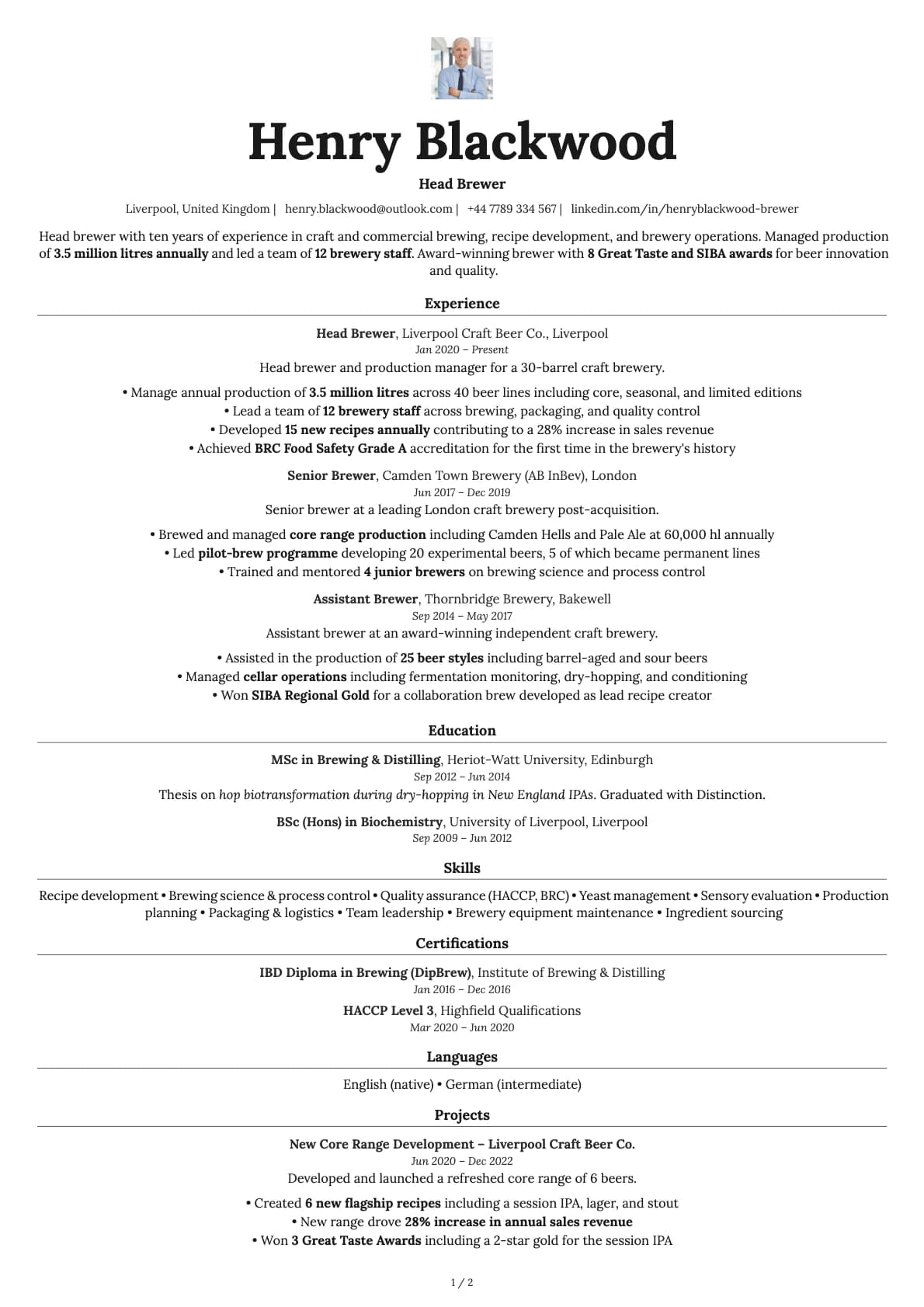
Topaz Photo Resume Template
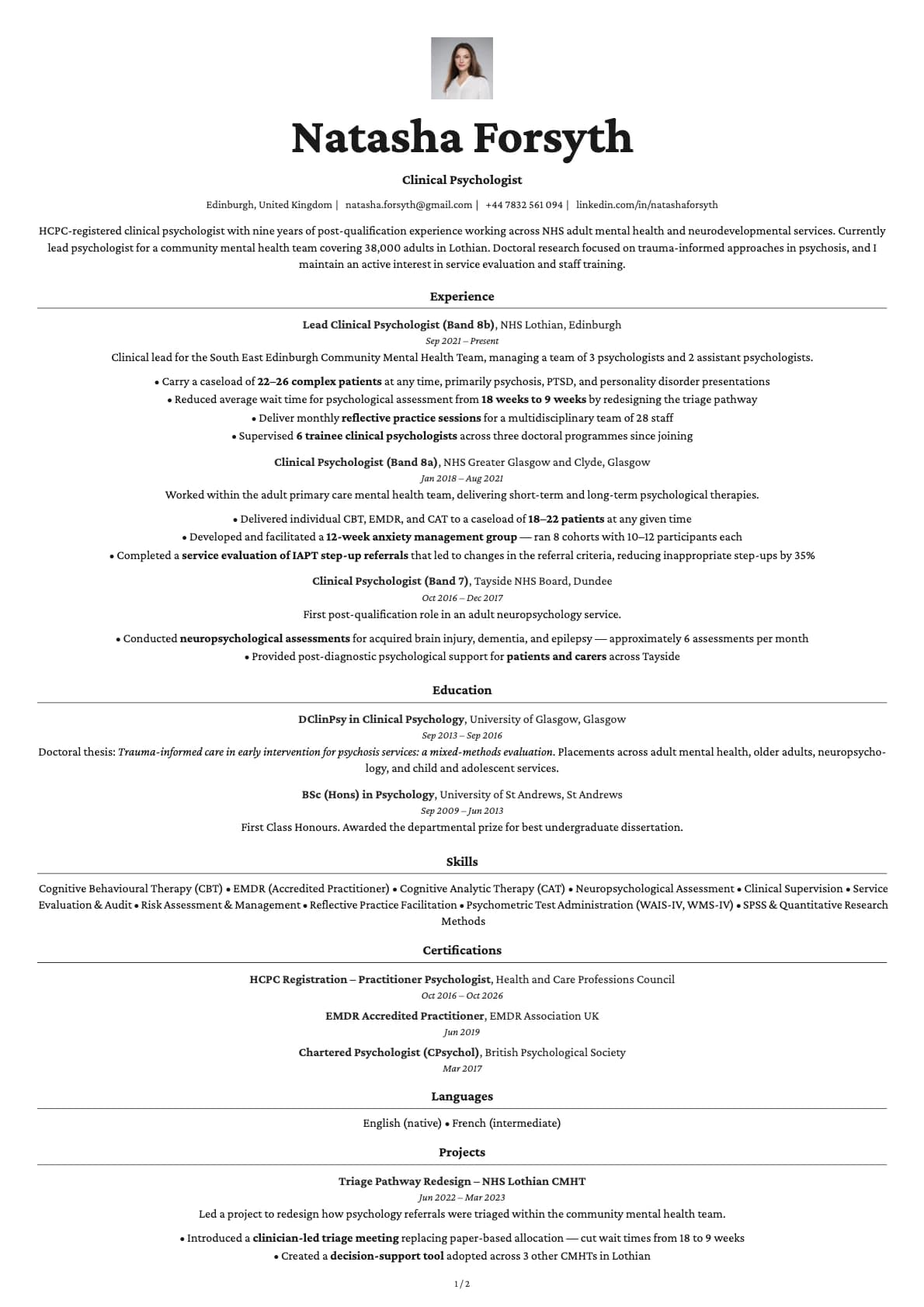
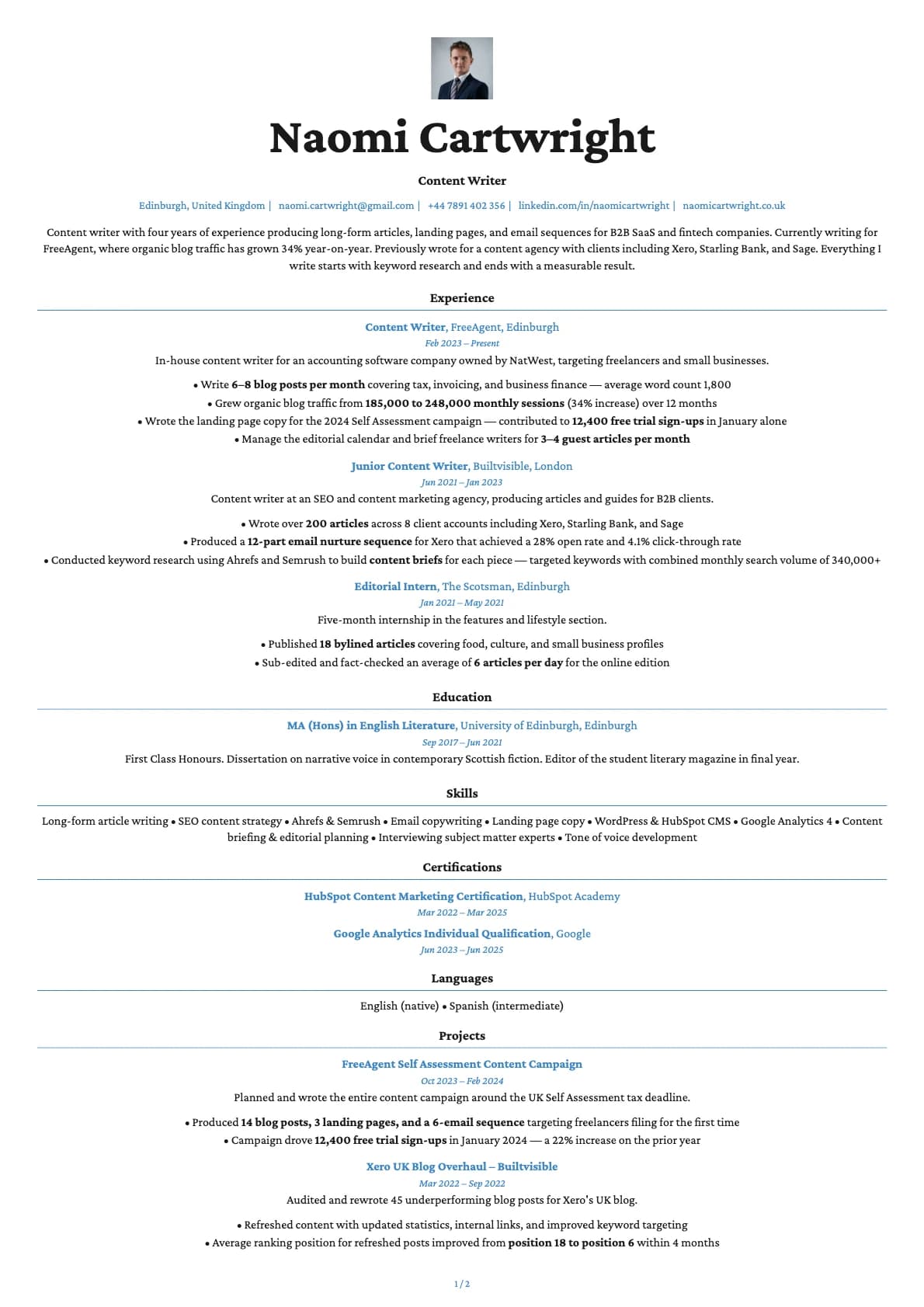
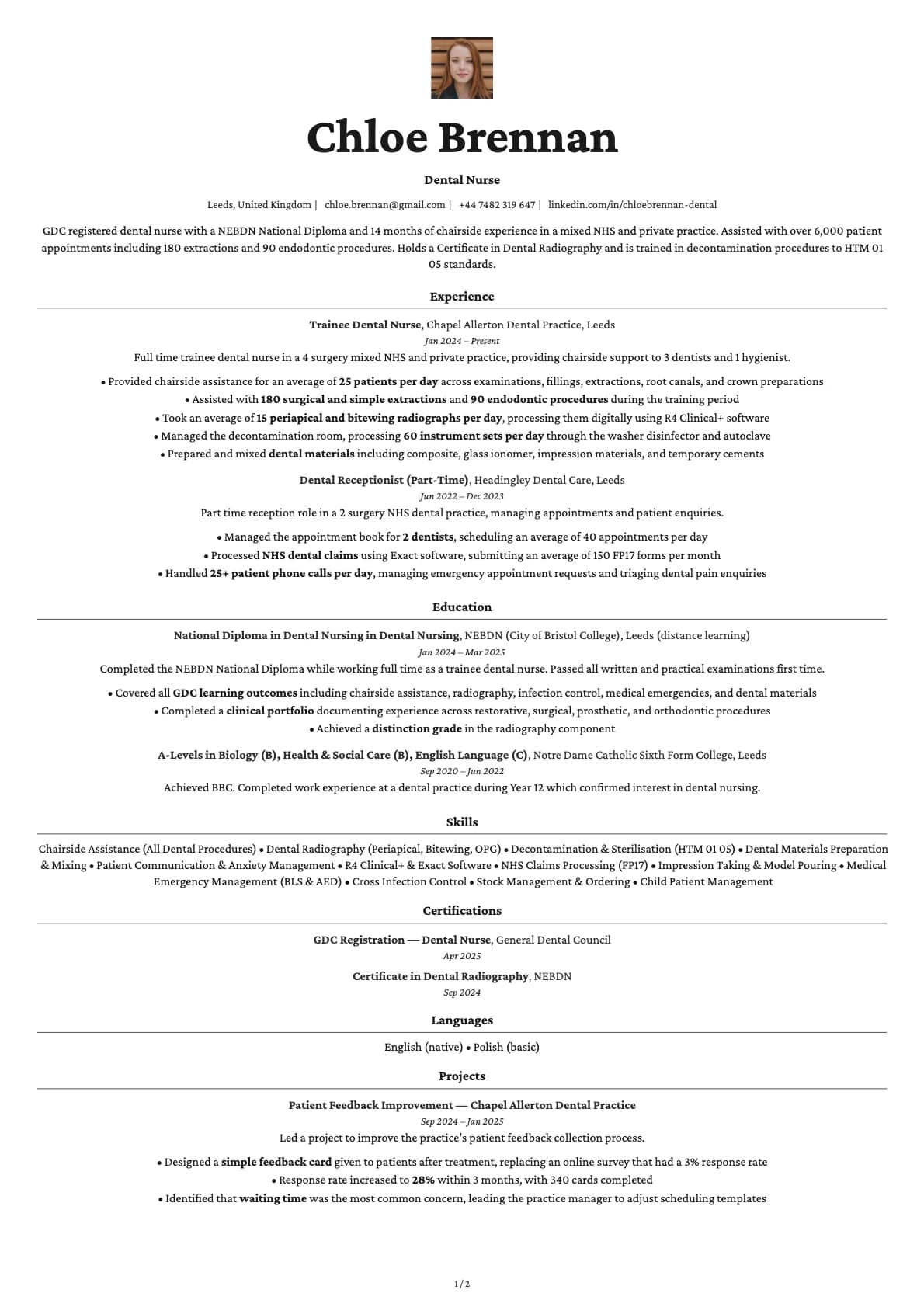
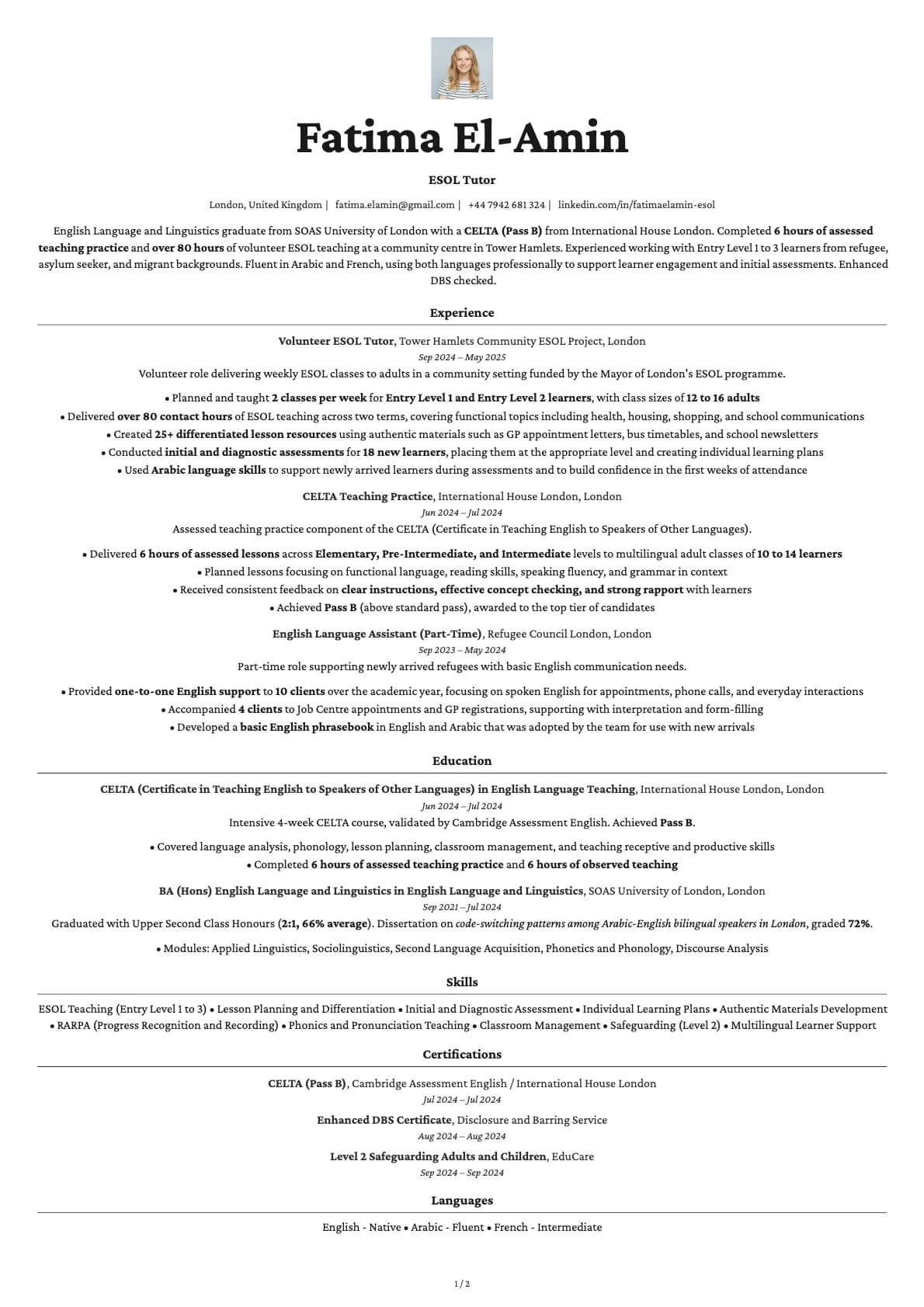
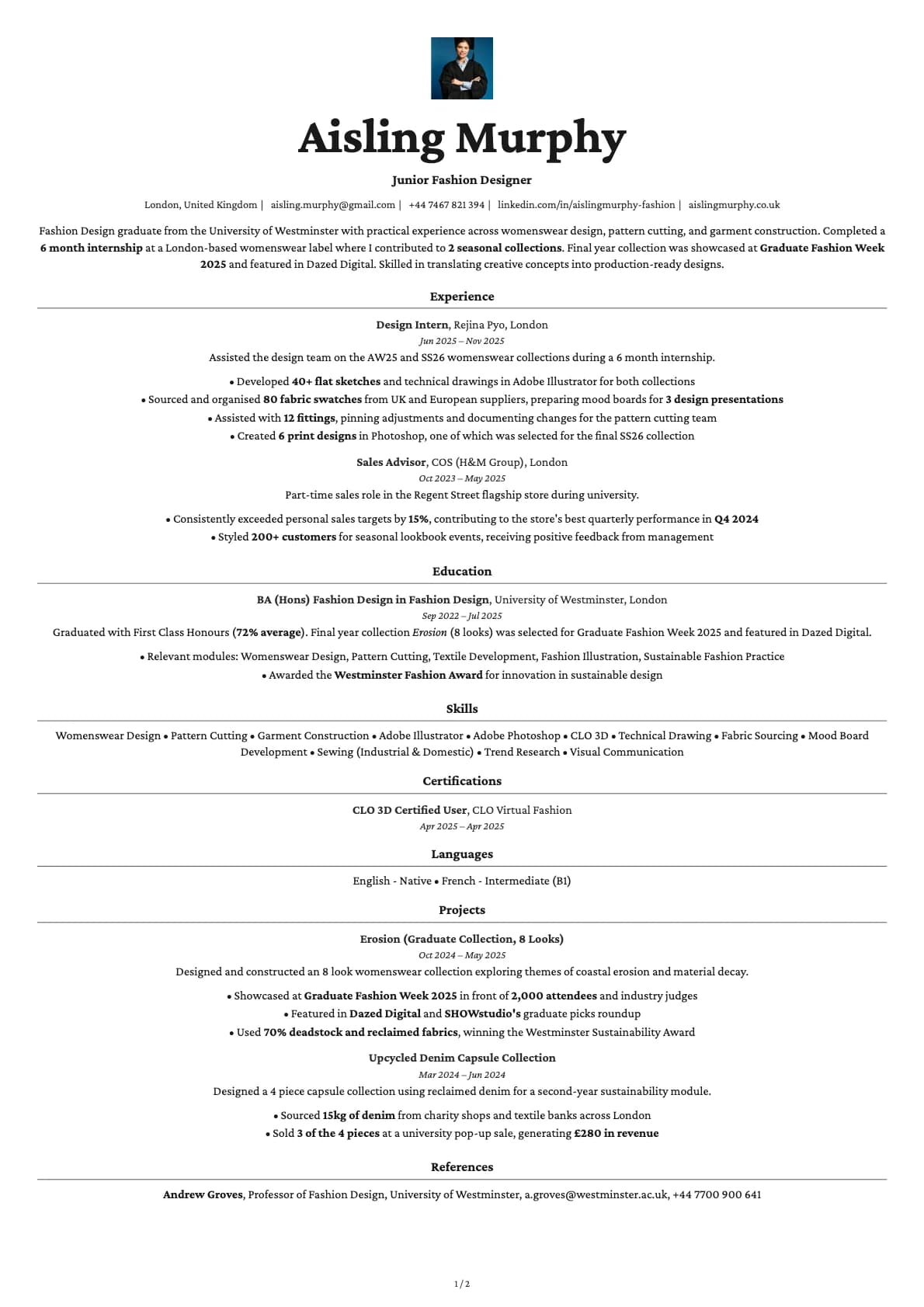
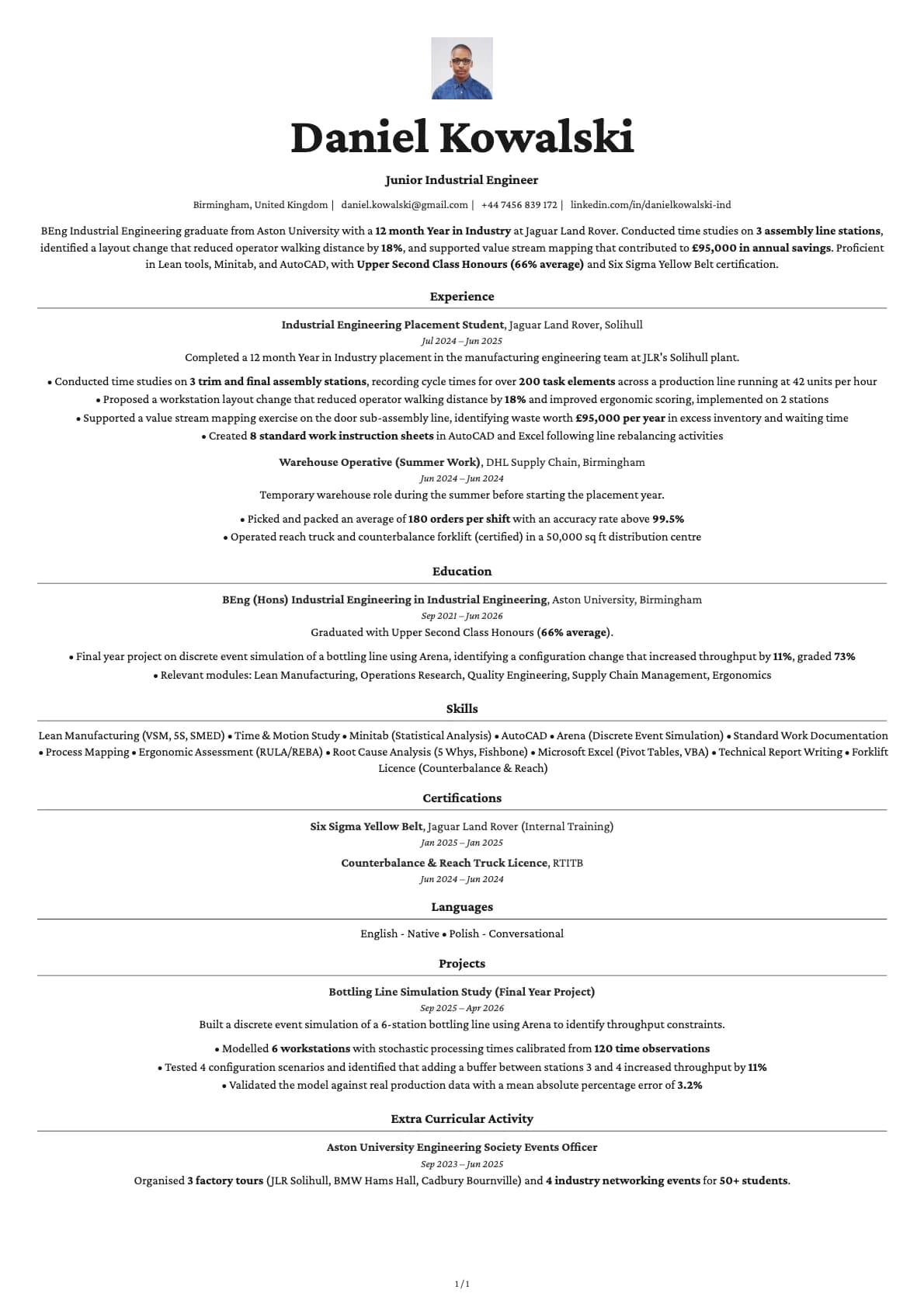
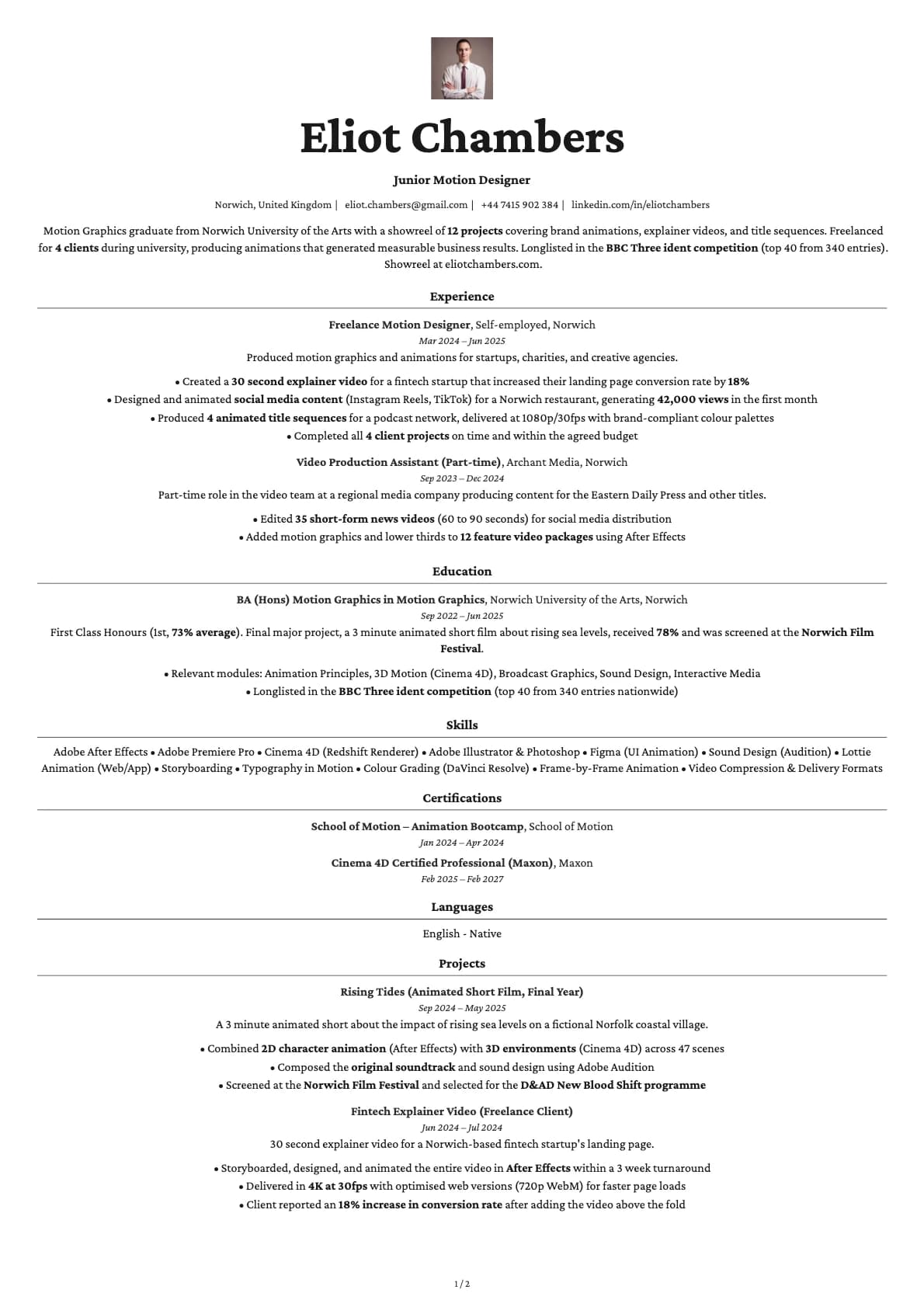
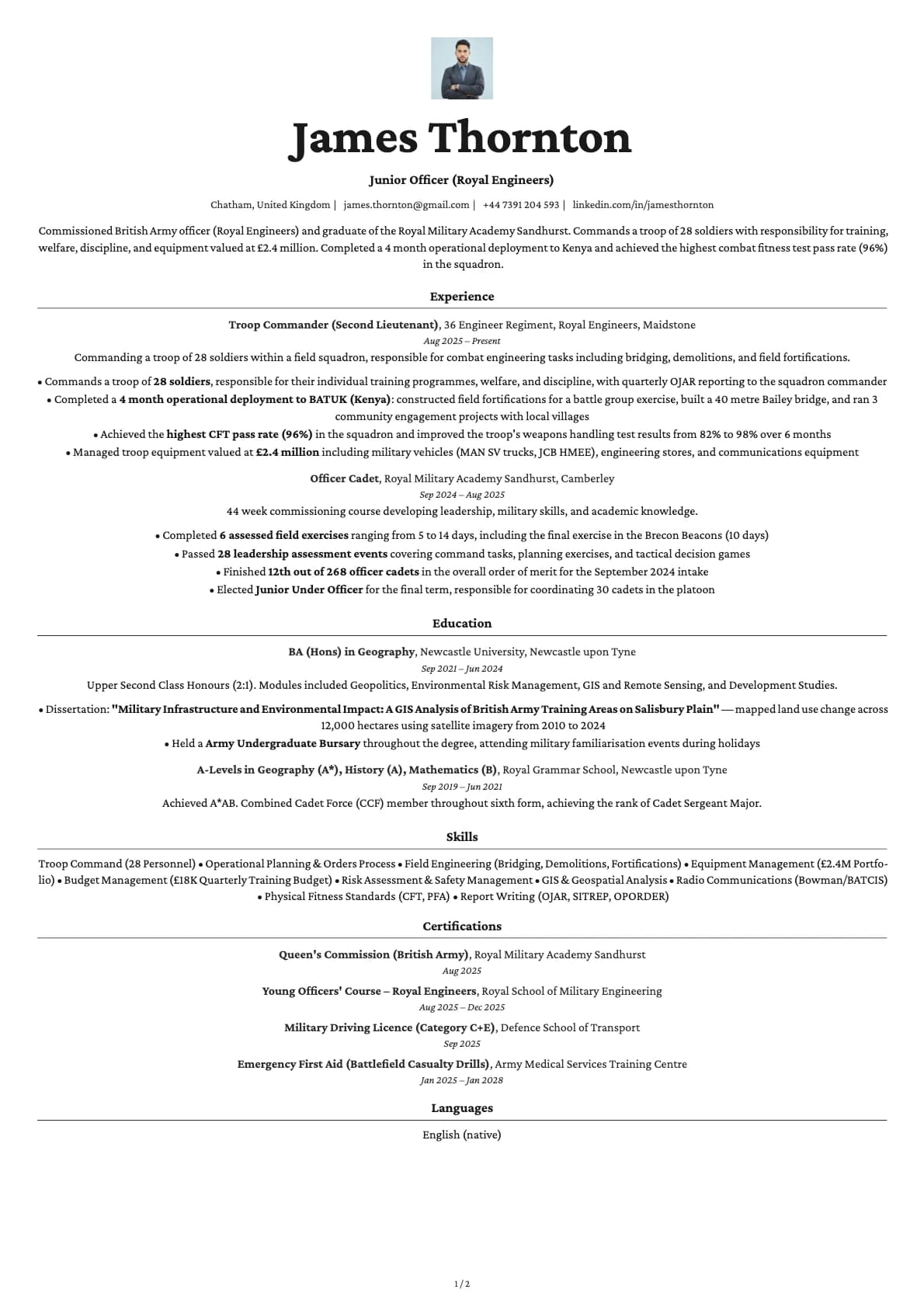
A modern creative resume template with profile photo, 7 colour options, and a 9.5/10 ATS score. Works across all industries. Build yours free on Laddro.
Free to use. No account needed to start.
Why Topaz Photo?
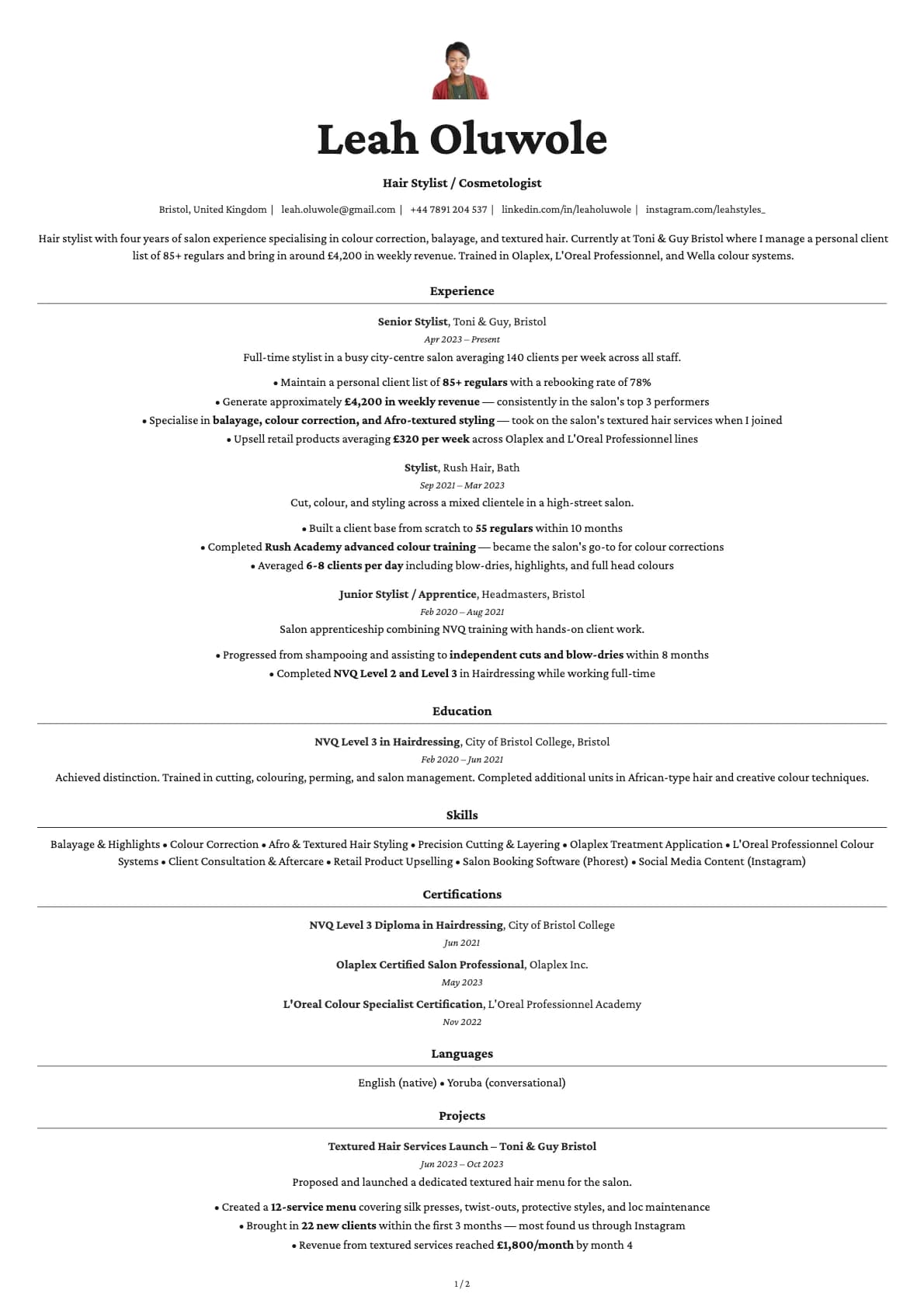
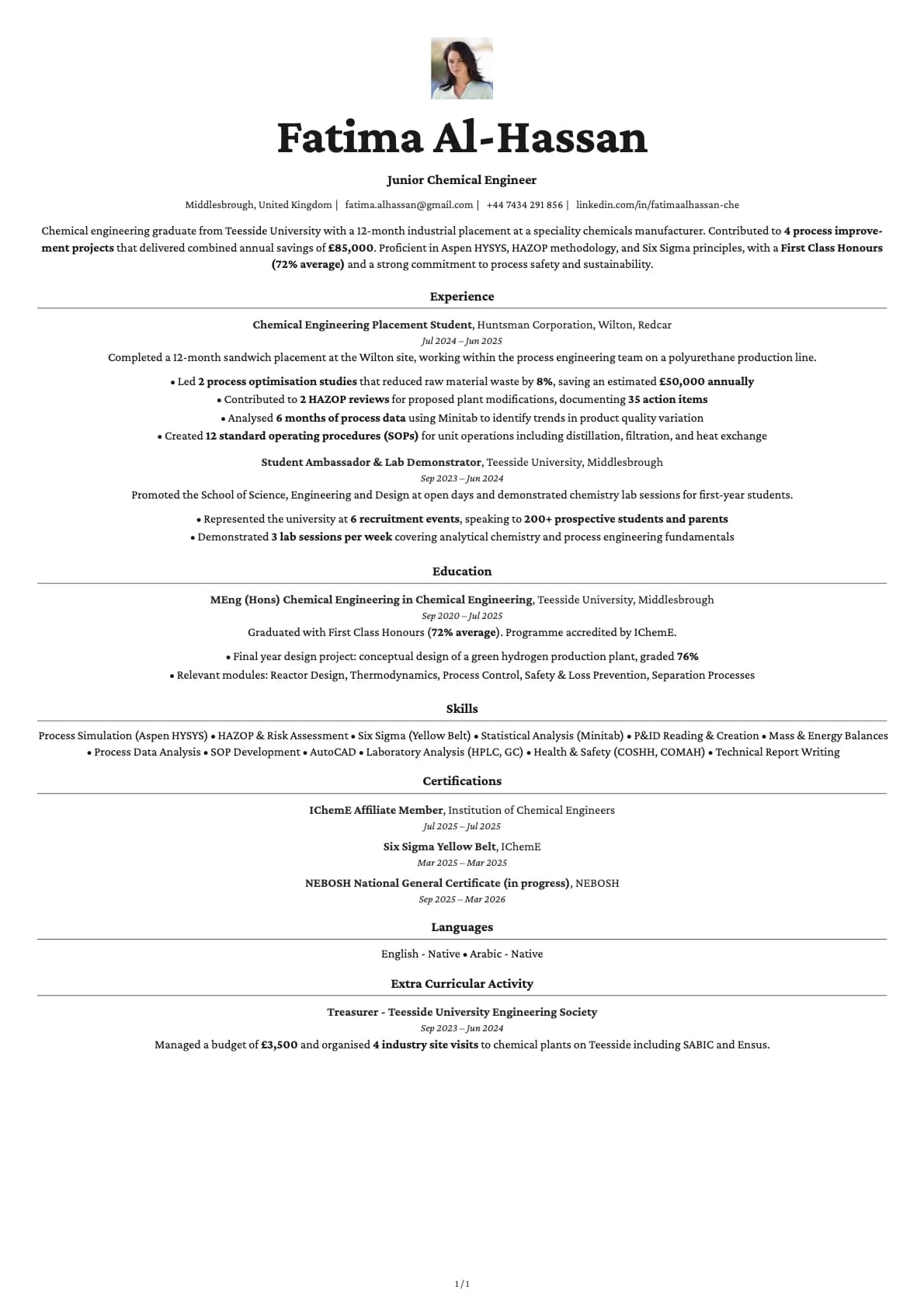
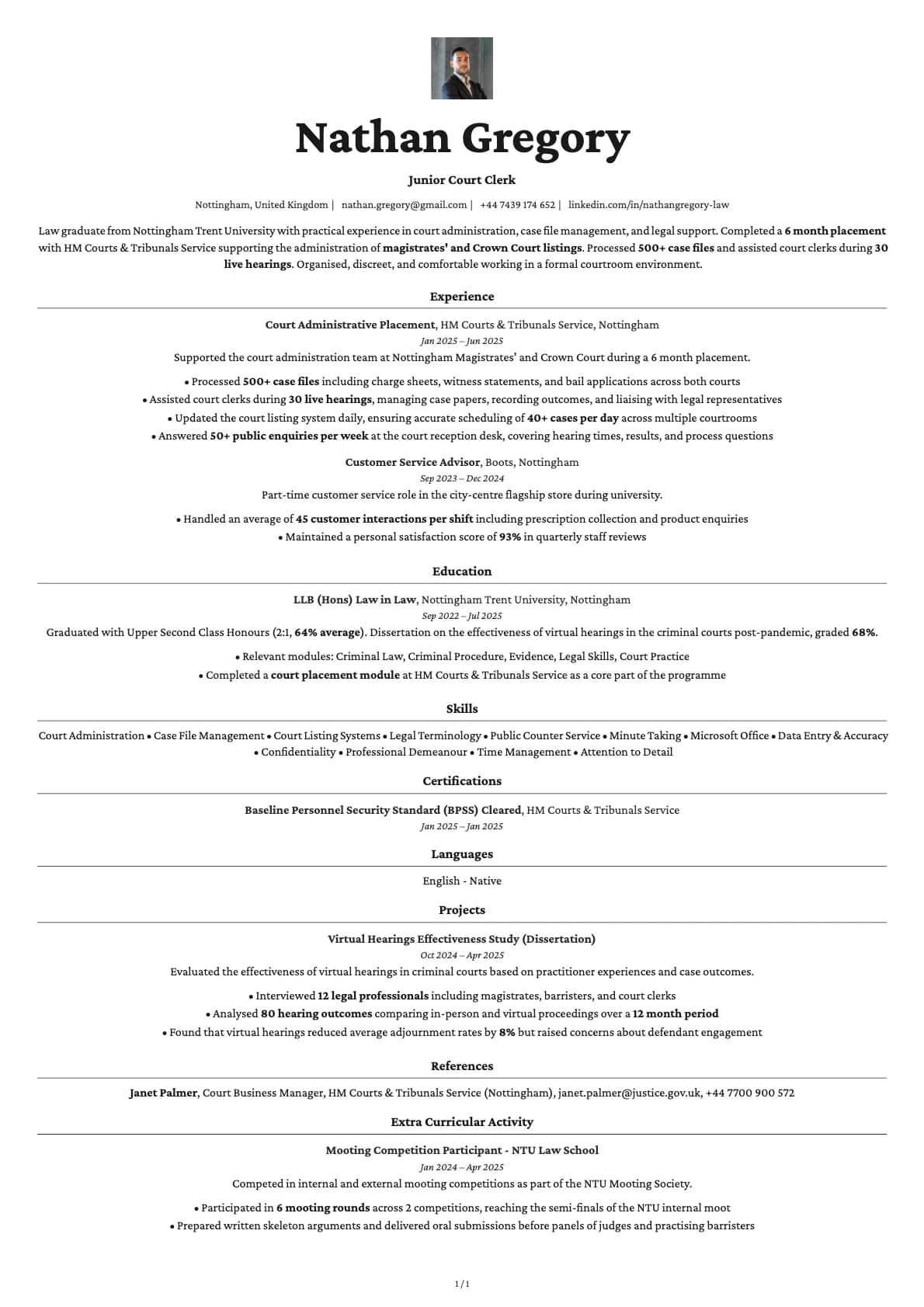
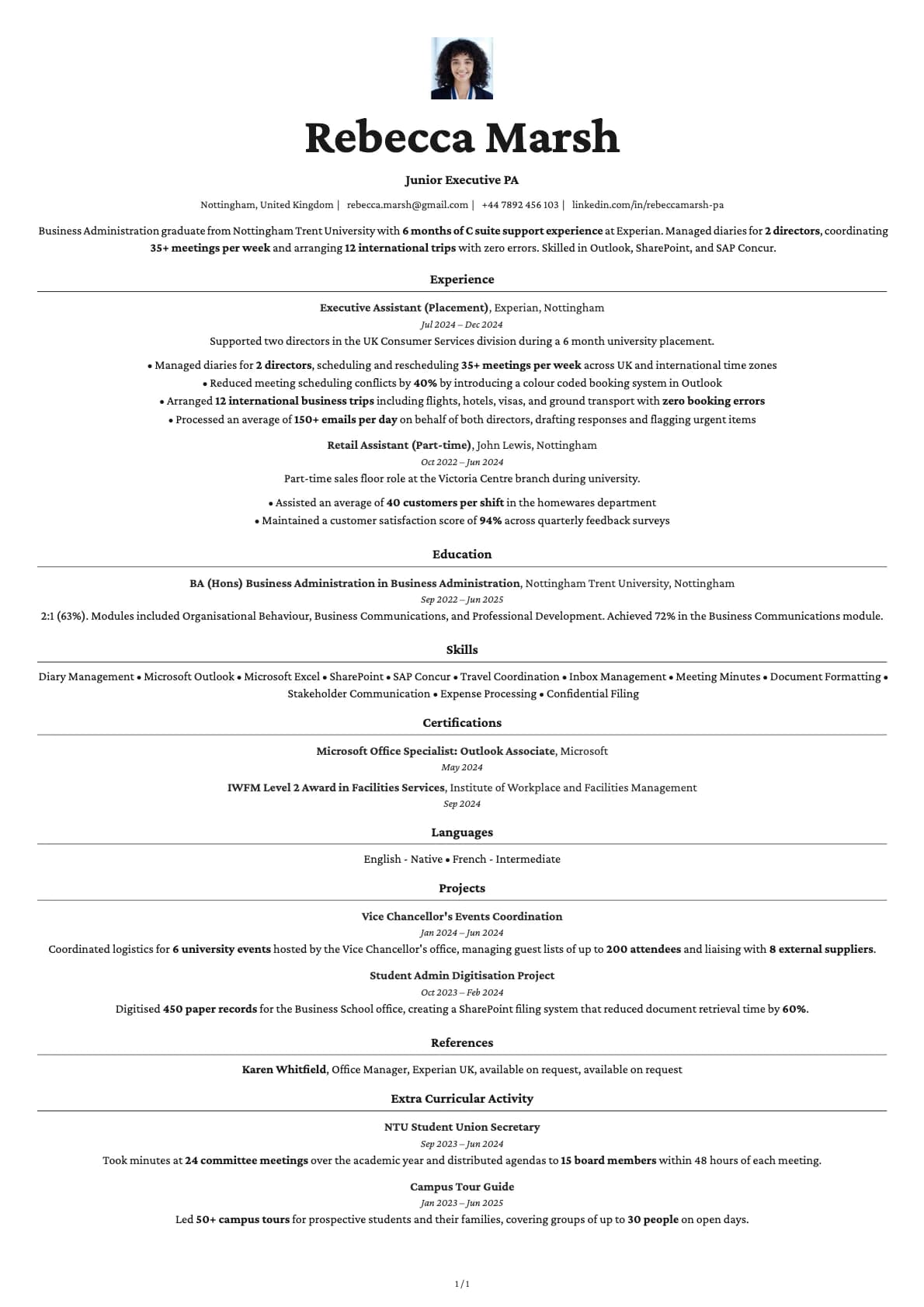
Topaz sits at the intersection of creative and professional. It has enough colour and visual interest to stand out, but the layout stays clean enough for corporate applications. The photo variant adds a headshot to this balanced approach, which makes it one of the most versatile photo templates in the collection.
The 7 colour themes range from warm gold to soft red to classic teal, and each one changes the feel of the template significantly. Pair the right colour with your headshot and you have a resume that looks like it was custom designed.
When a photo makes sense
Topaz Photo works across a wide range of roles because the template itself is not locked into one industry. Marketing managers, project leads, product managers, business development, HR professionals, and operations managers all fit here. It is especially useful when you are applying to mid-size companies or agencies where a bit of personality in your application is welcome rather than risky.
Also a strong pick for career changers. The photo humanizes your application when your work history might not tell the full story yet.
When to skip the photo
Large enterprise ATS pipelines in the US or UK, public sector applications, and any posting that specifically requests no photos. Use the base Topaz template for those.
What you get
- Everything from the base Topaz template: creative-meets-professional layout, 9.5/10 ATS score, multi-page support
- A headshot area integrated into the header
- Photo on the first page only
- 7 colour themes that shift the template's mood to match your target industry
- Avrile Sans as the default font, swappable in the builder
Photo tips
Pick a photo that matches the colour theme you choose. Warm themes (gold, red) pair well with warm lighting in your headshot. Cool themes (blue, teal) work better with neutral tones. This small detail makes the whole page feel cohesive.
ATS compatibility
The photo has no impact on how ATS systems read your resume. The text content is parsed identically to the base Topaz template. Both versions score 9.5/10.
Build your resume with Topaz Photo on Laddro
Start building with Topaz Photo. Choose a colour, upload your photo, and build everything in the live editor. Preview, adjust, and download as PDF when it is ready. No account needed to start.
How would you rate this template?
Your rating helps others pick the right template for their resume.
Make this template yours
Pick a colour, add your details, and download your resume. No design skills needed.
Free to use. No account needed to start.
Resumes built with Topaz Photo