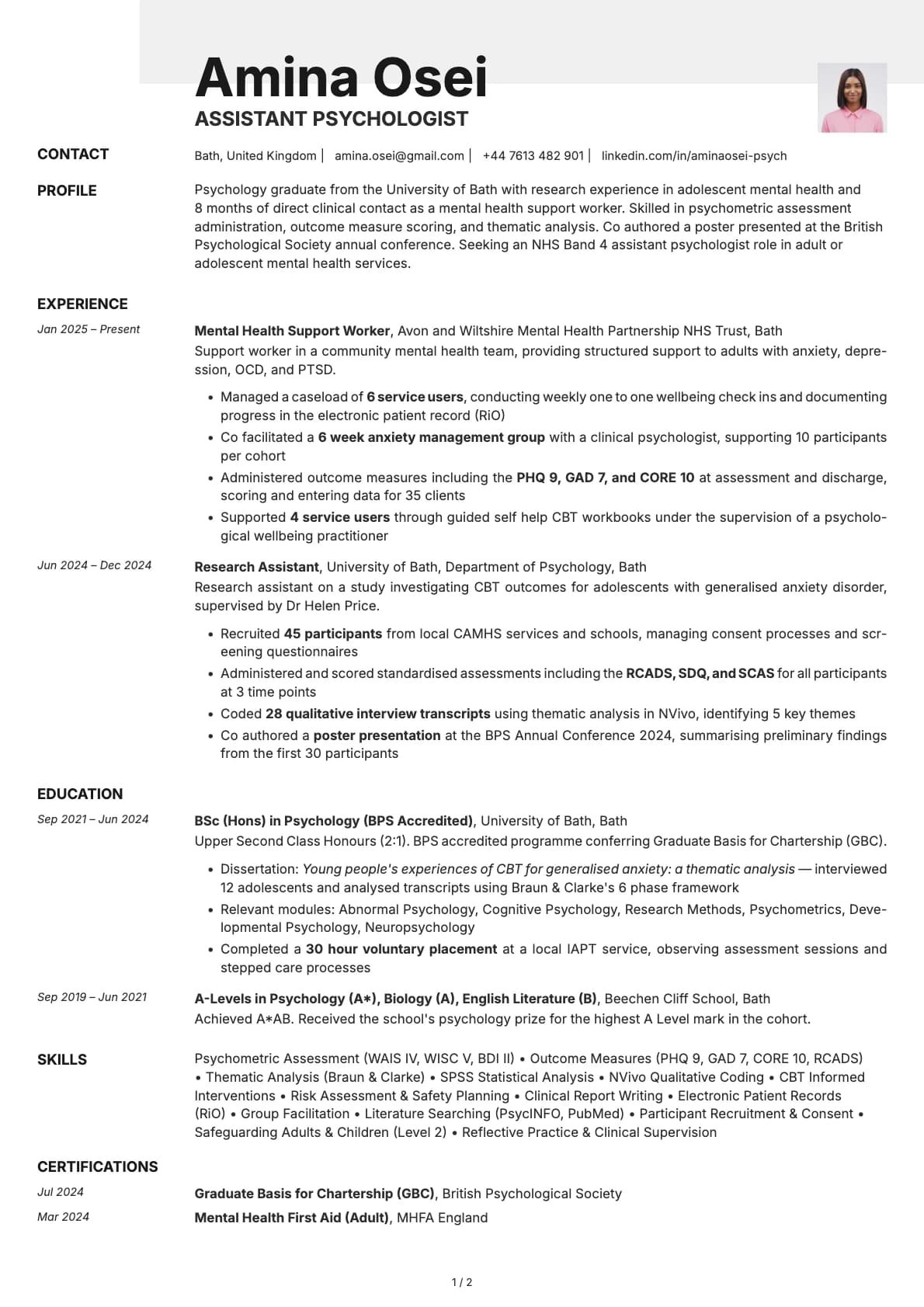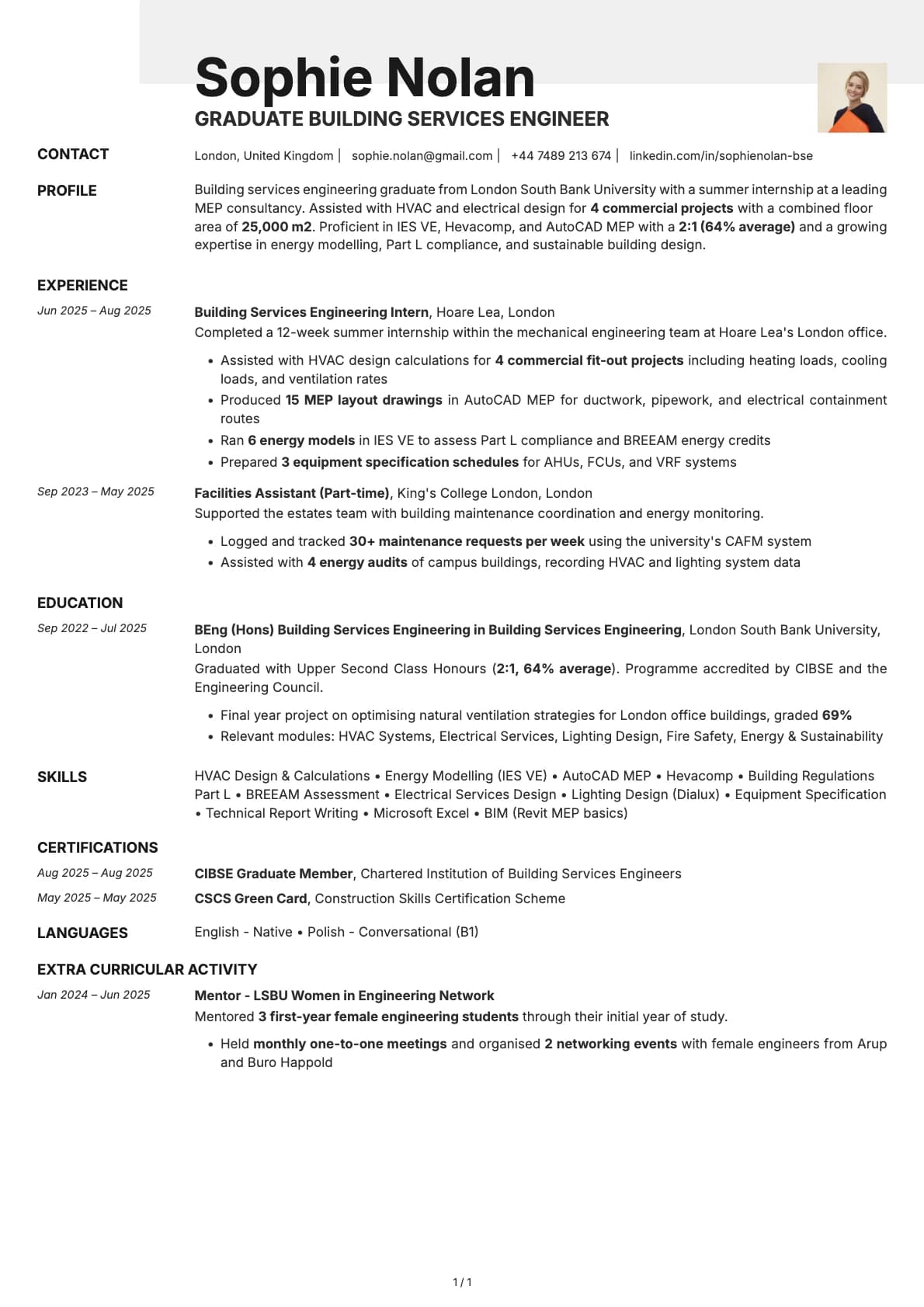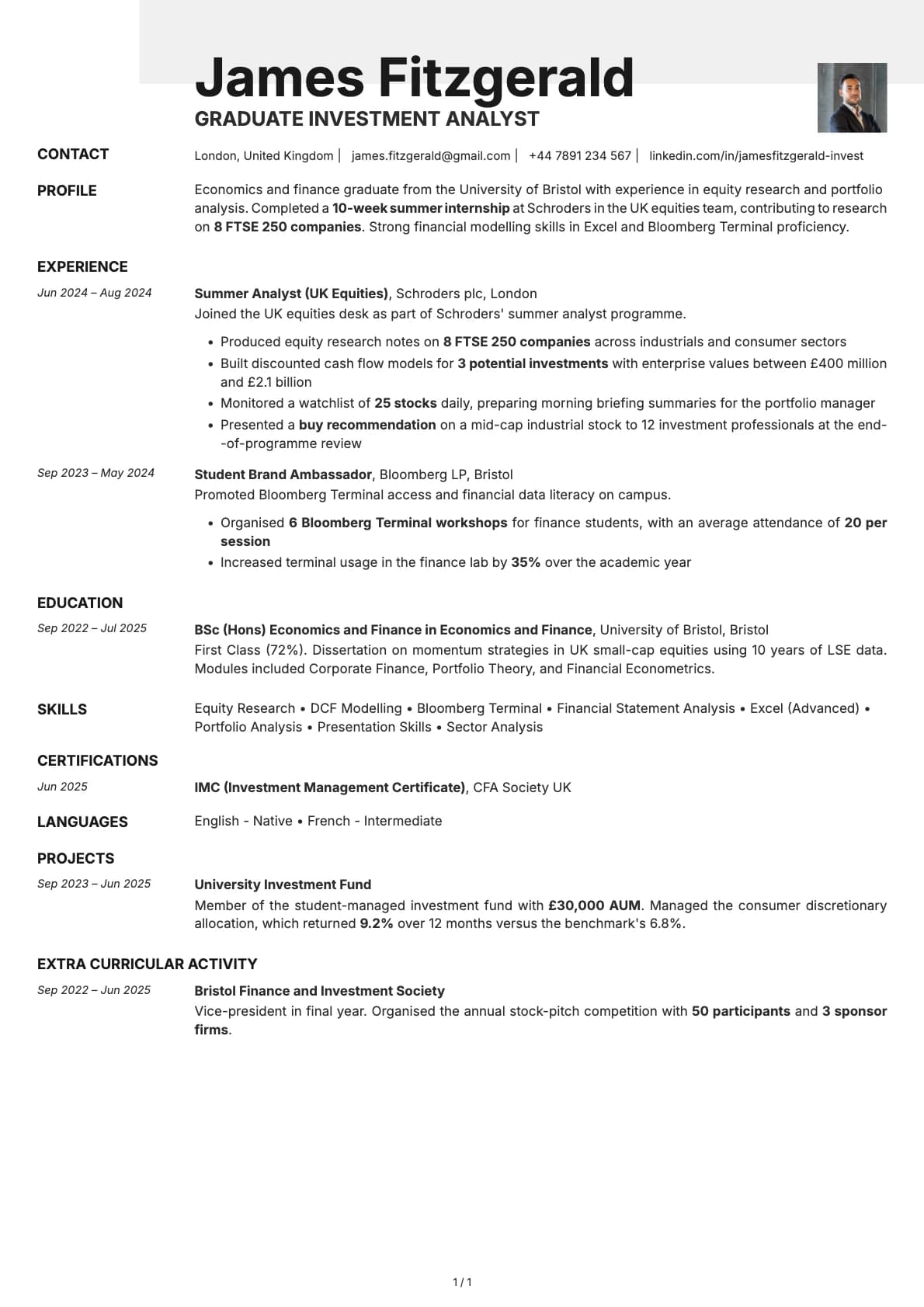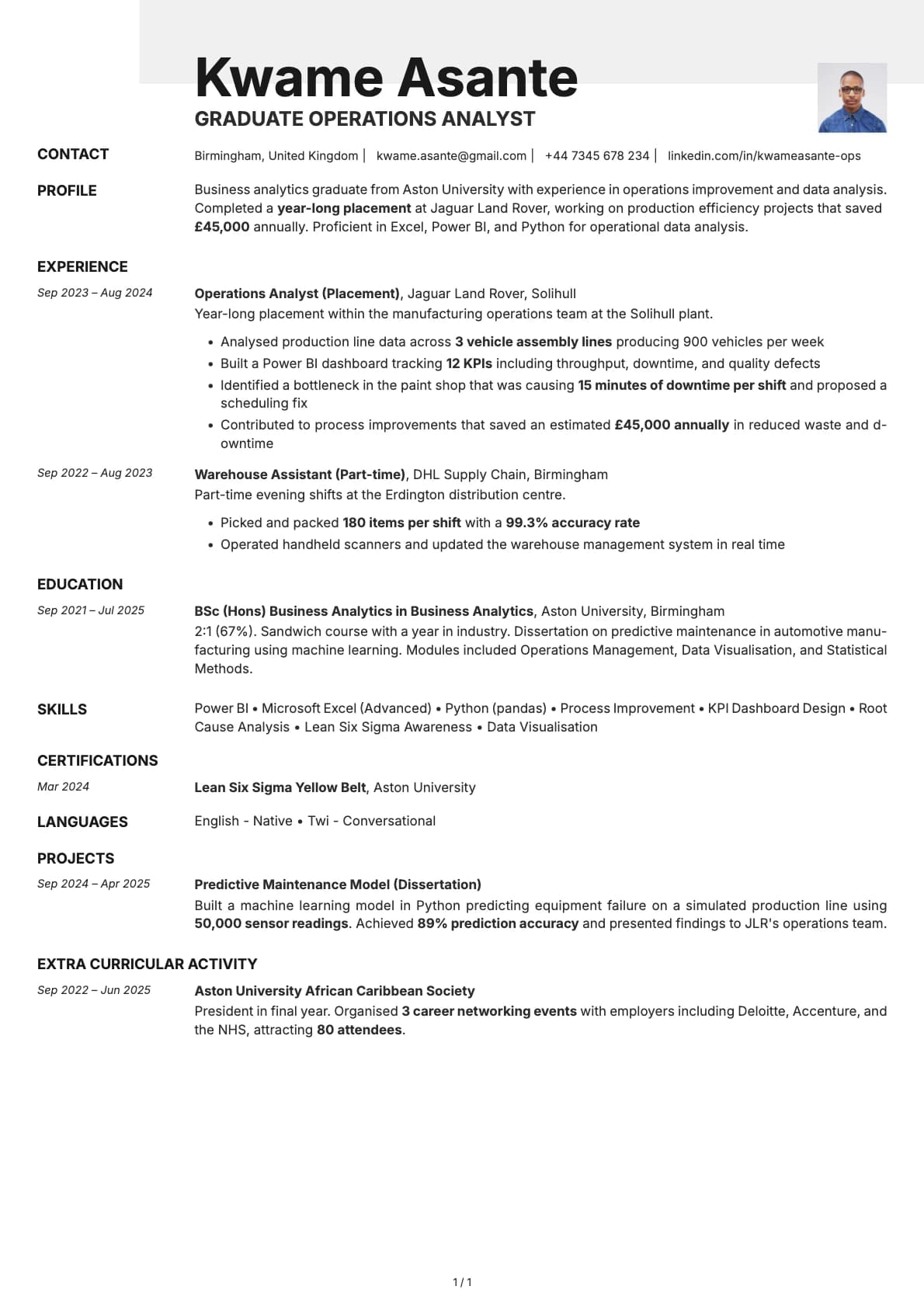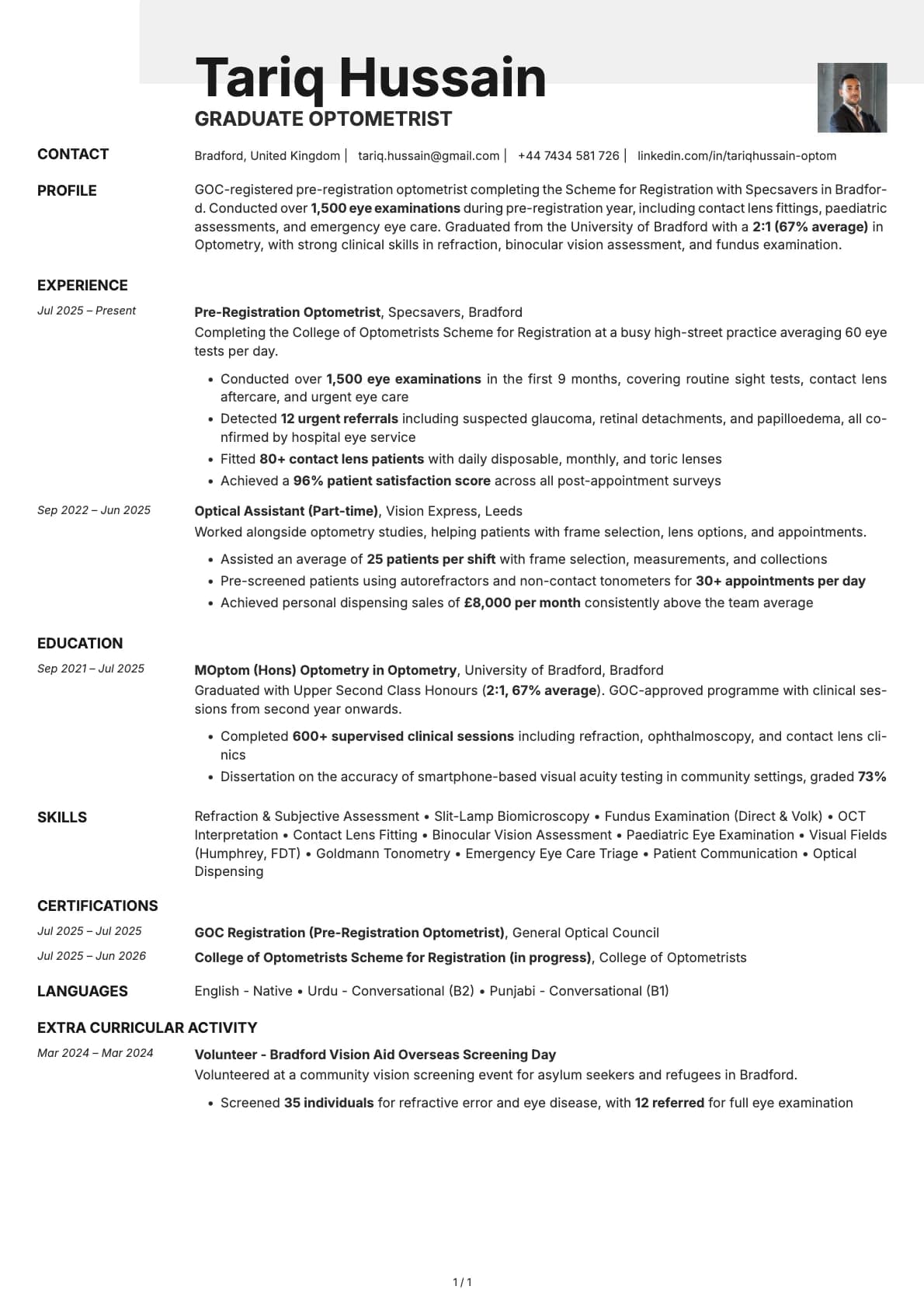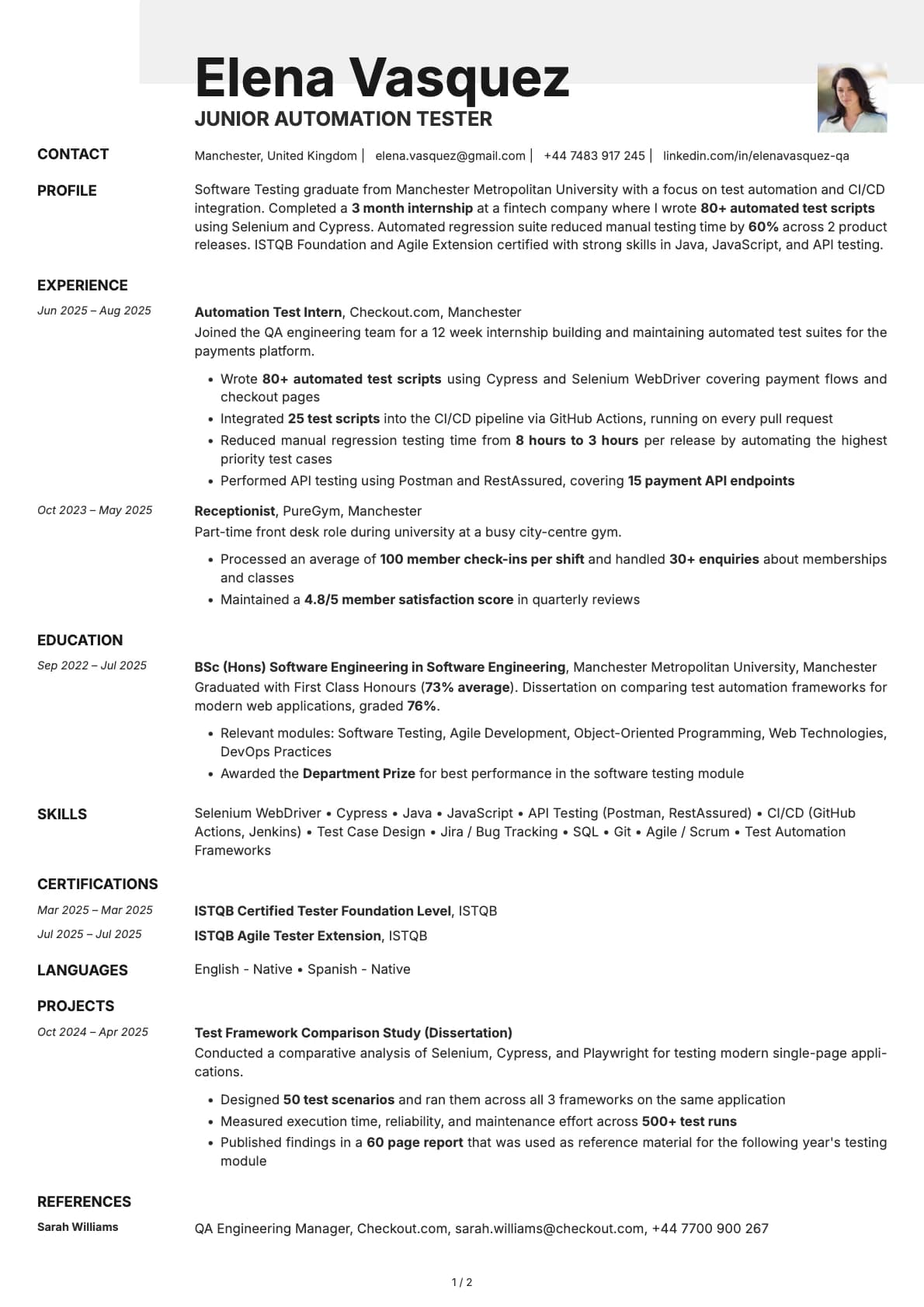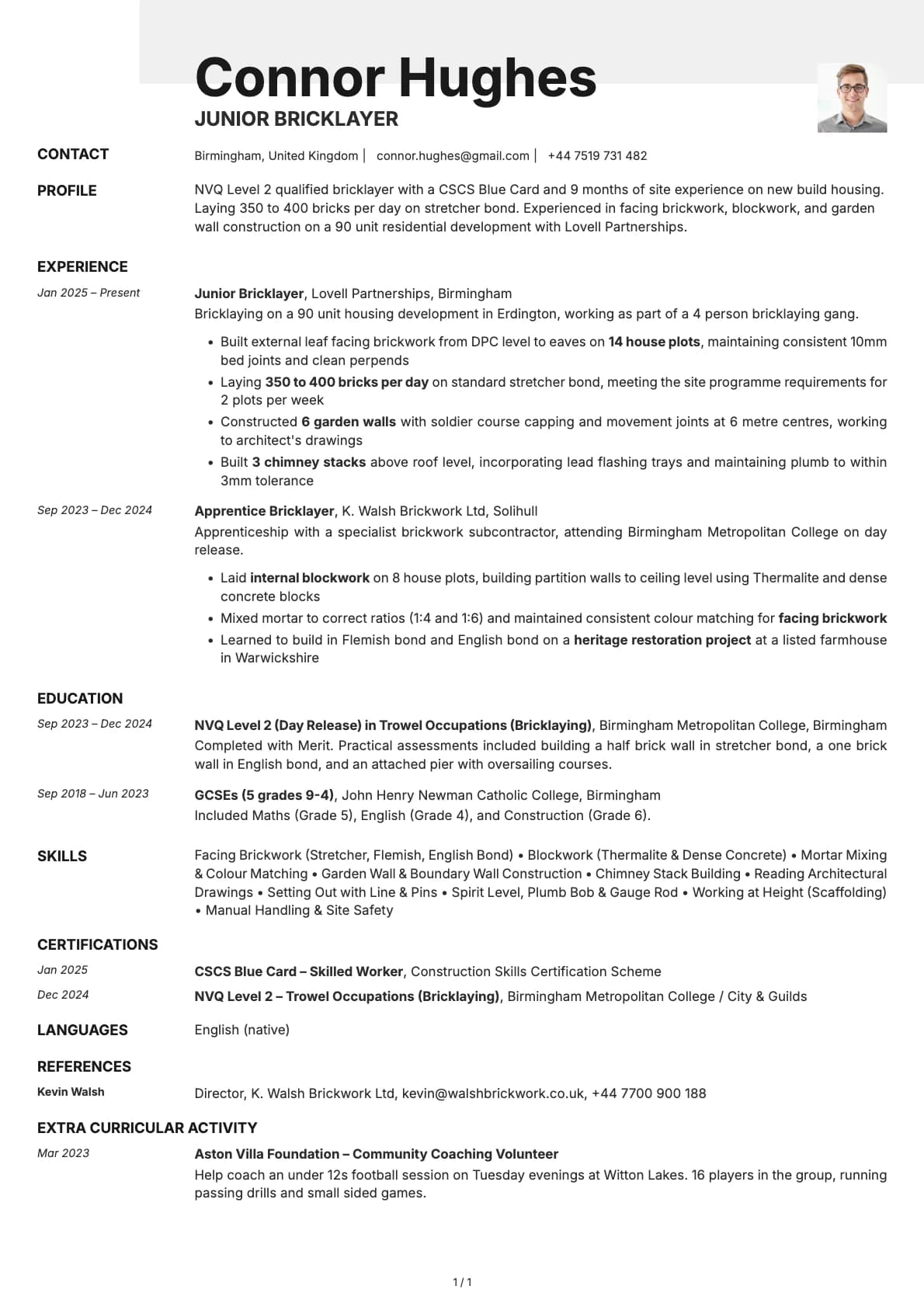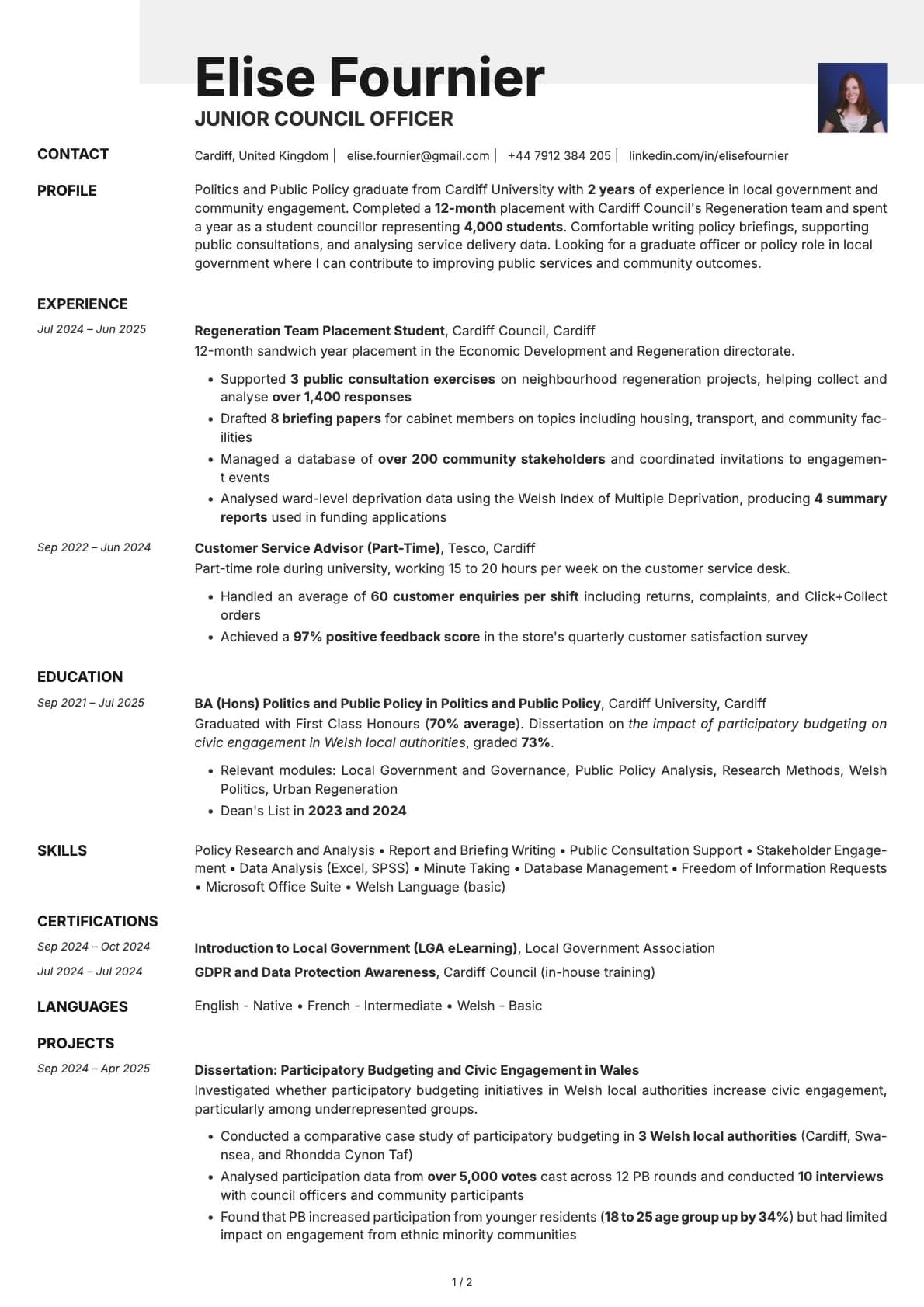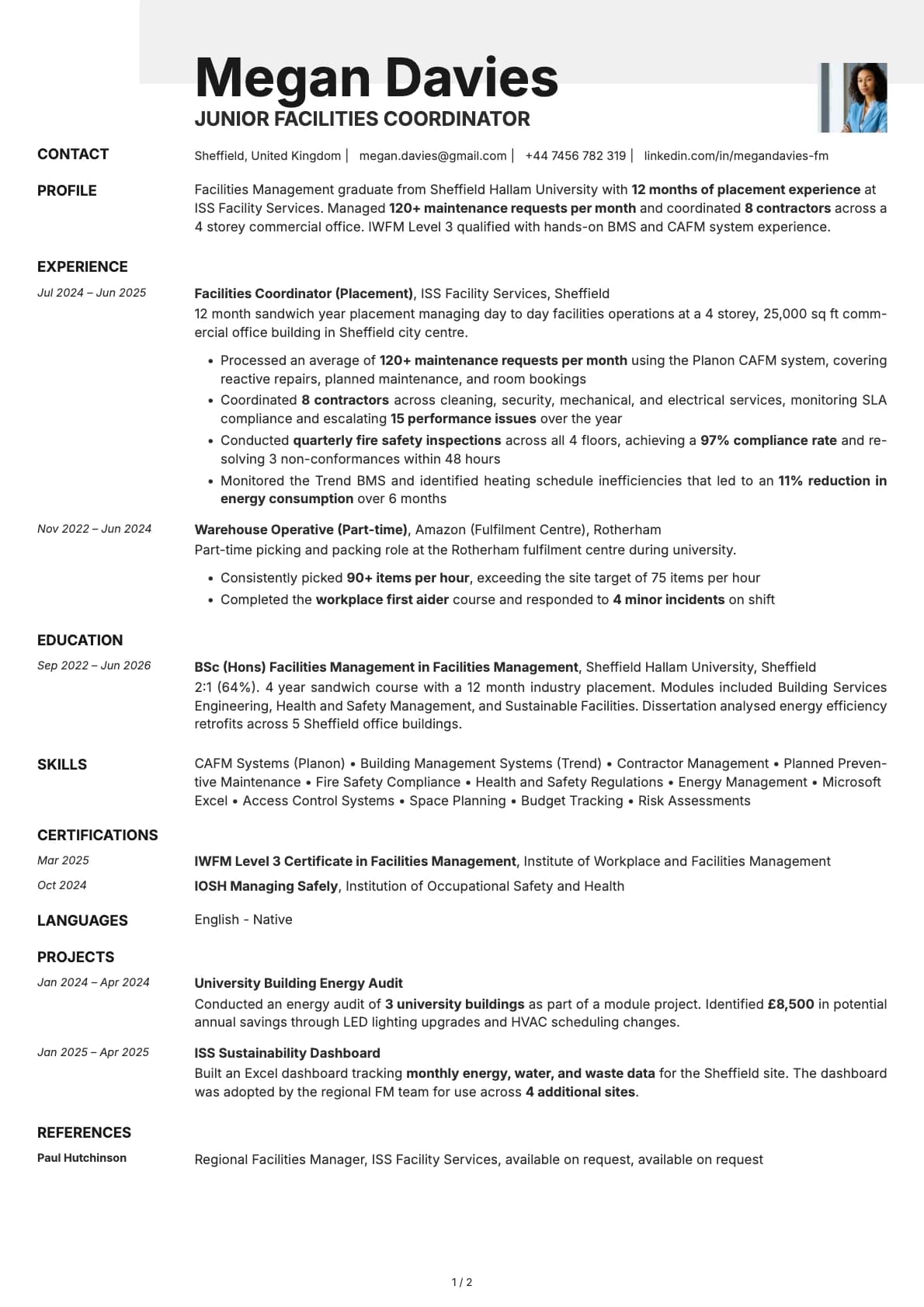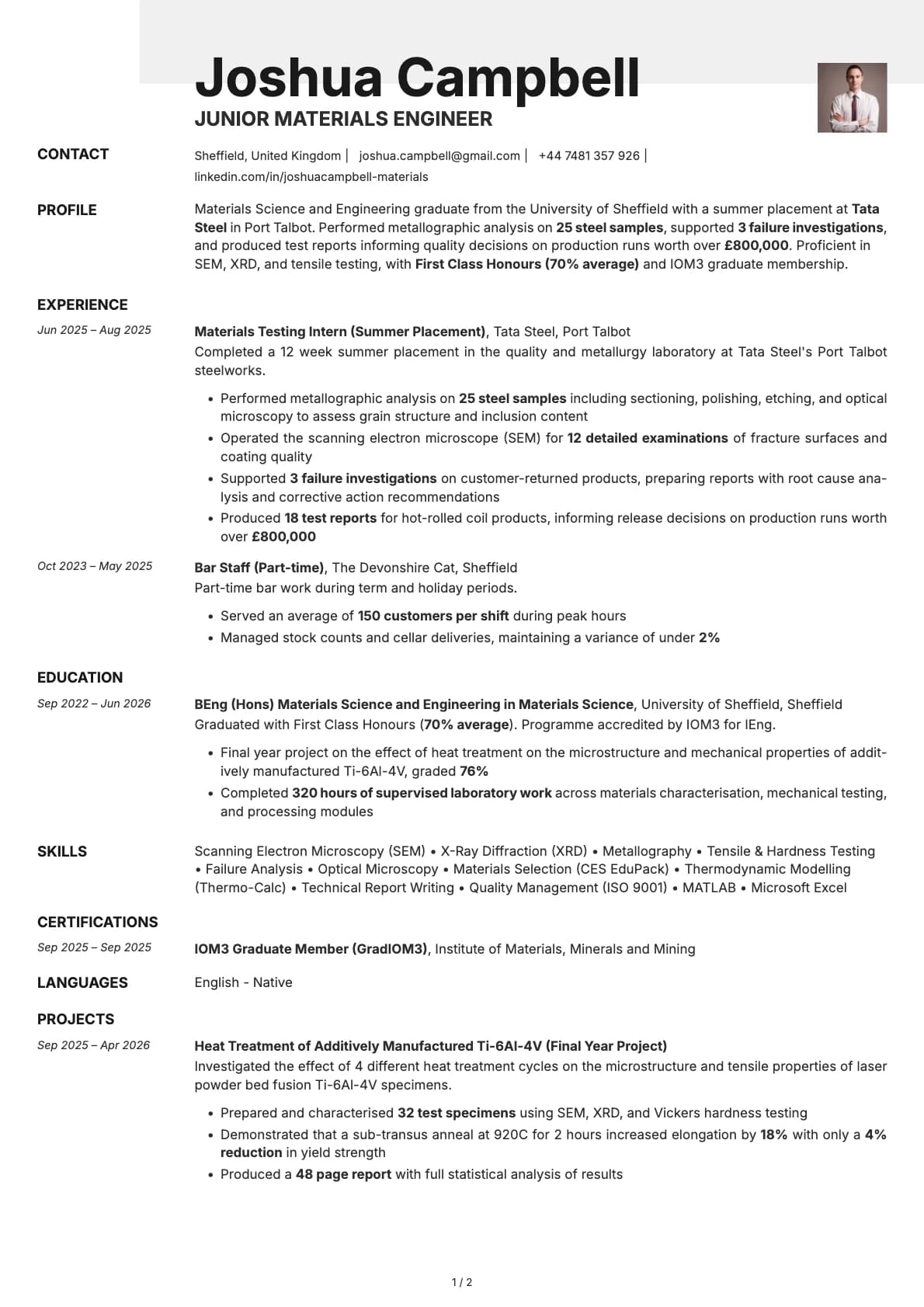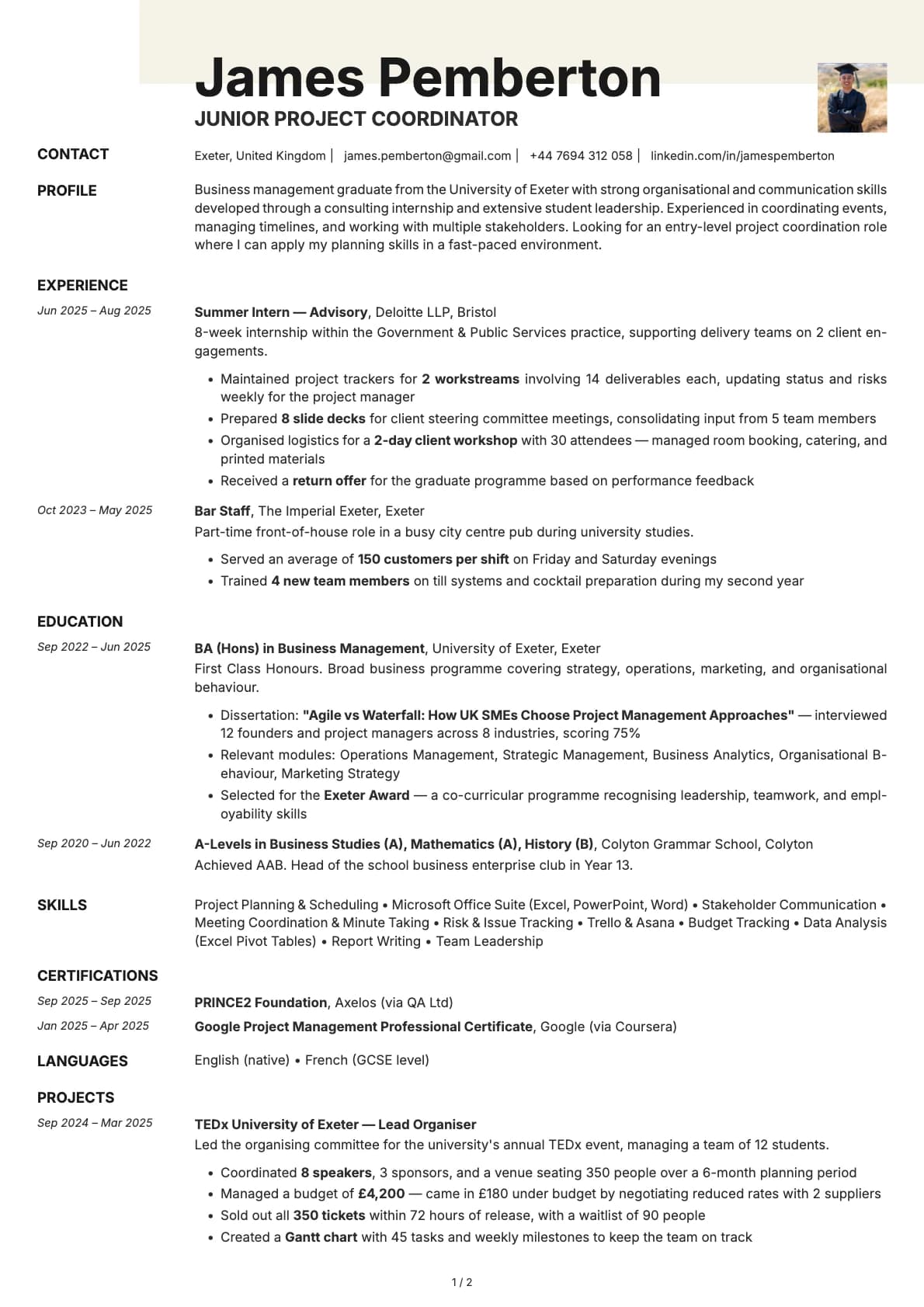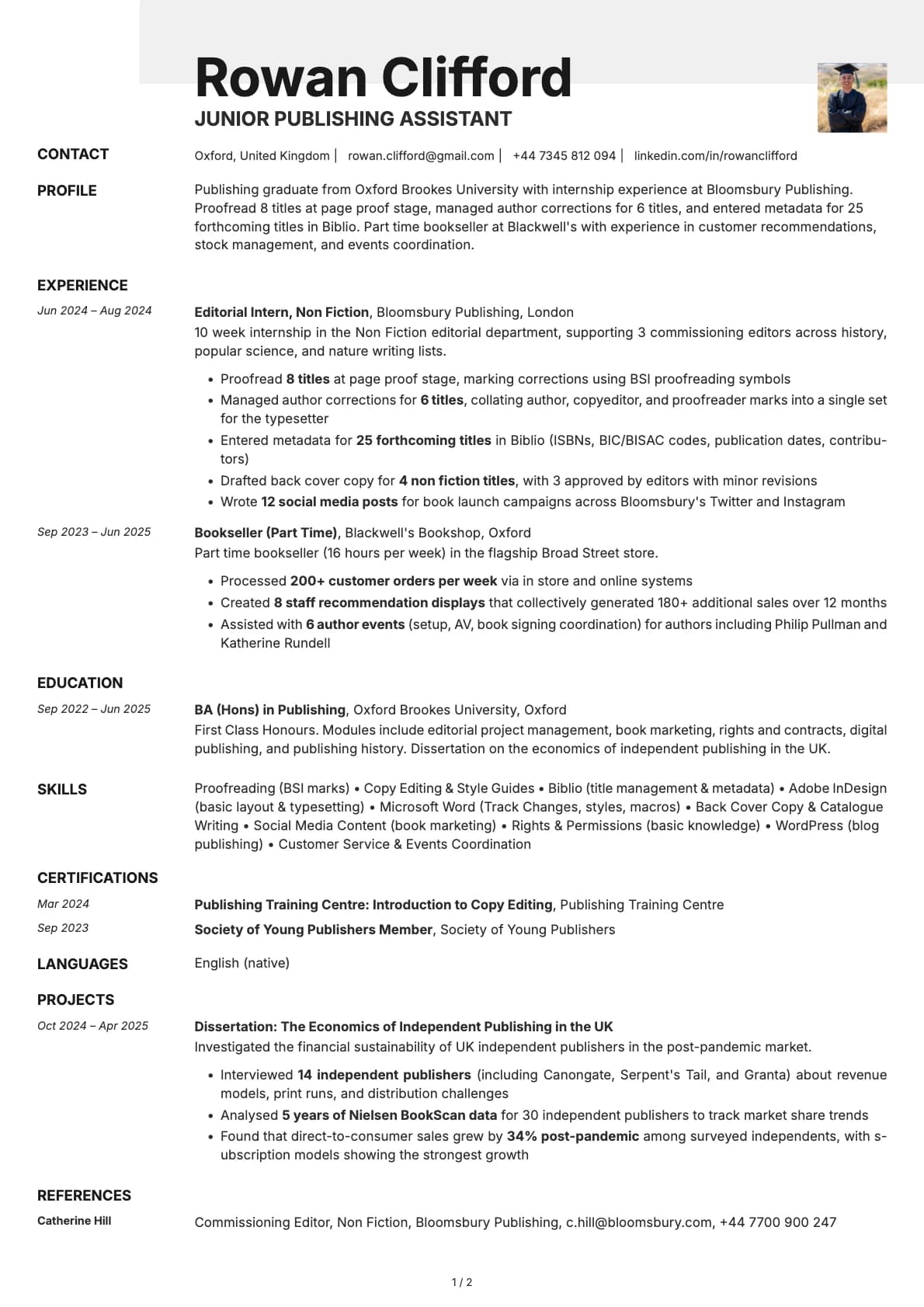
Ivory Photo Resume Template
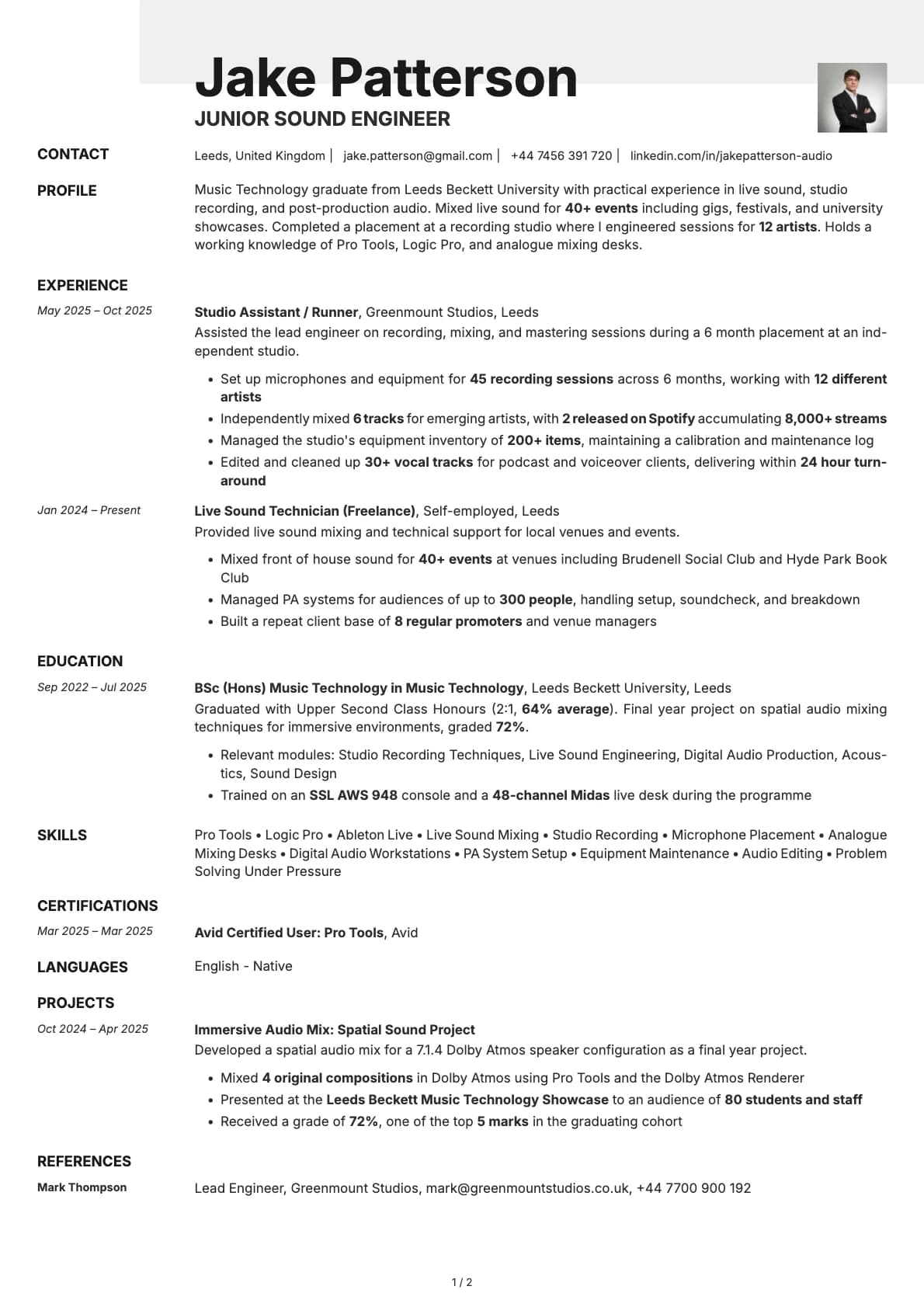
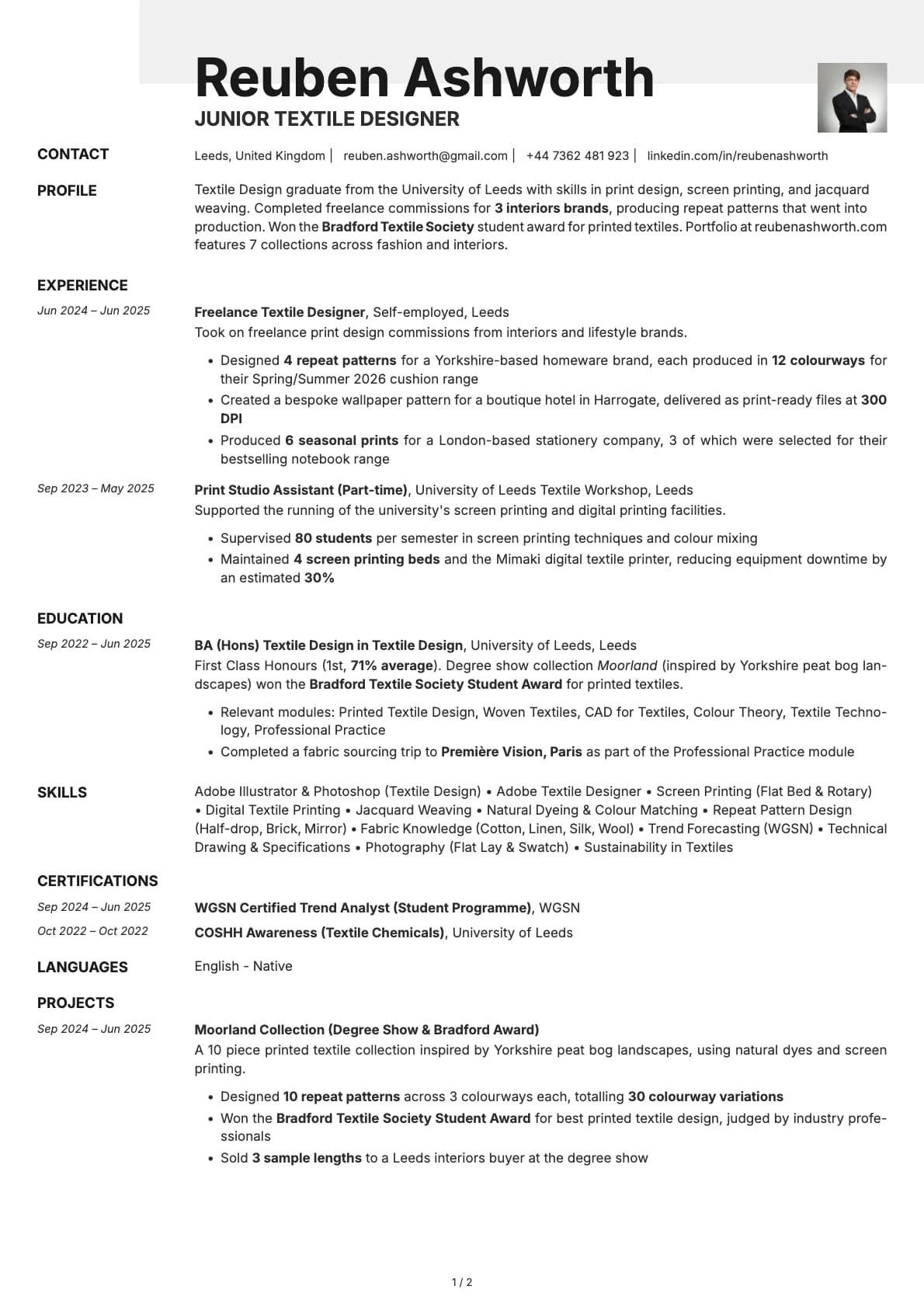
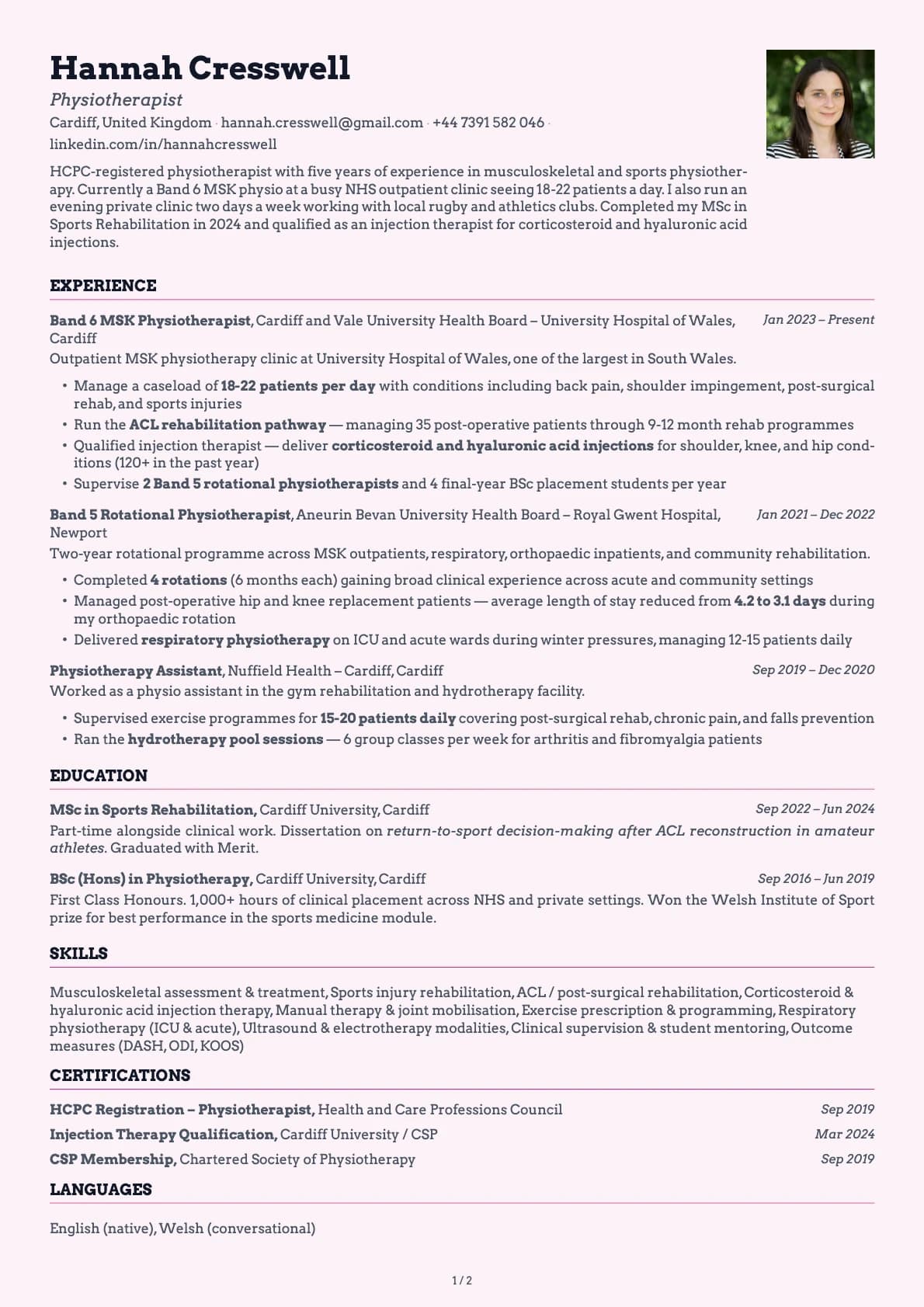
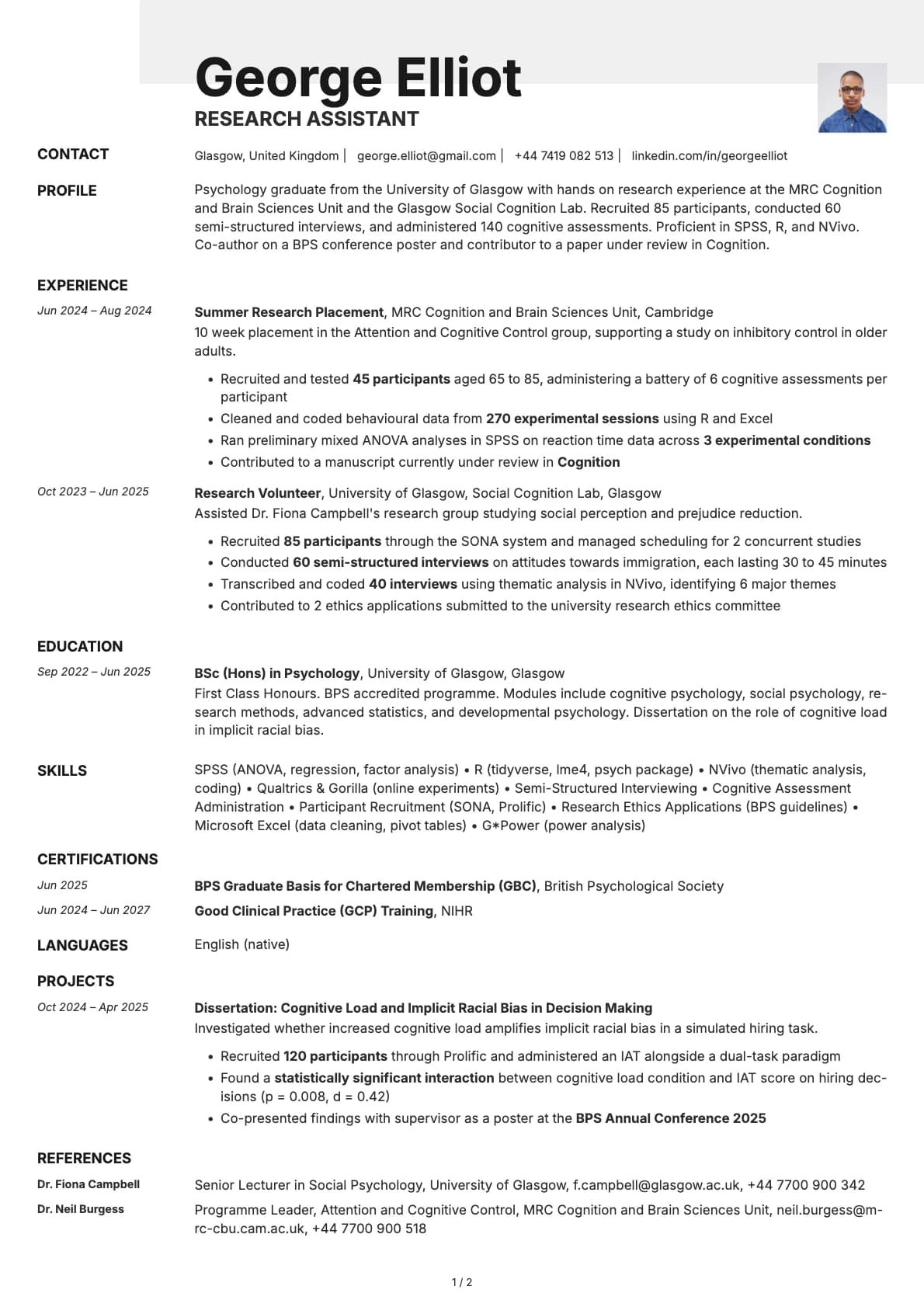
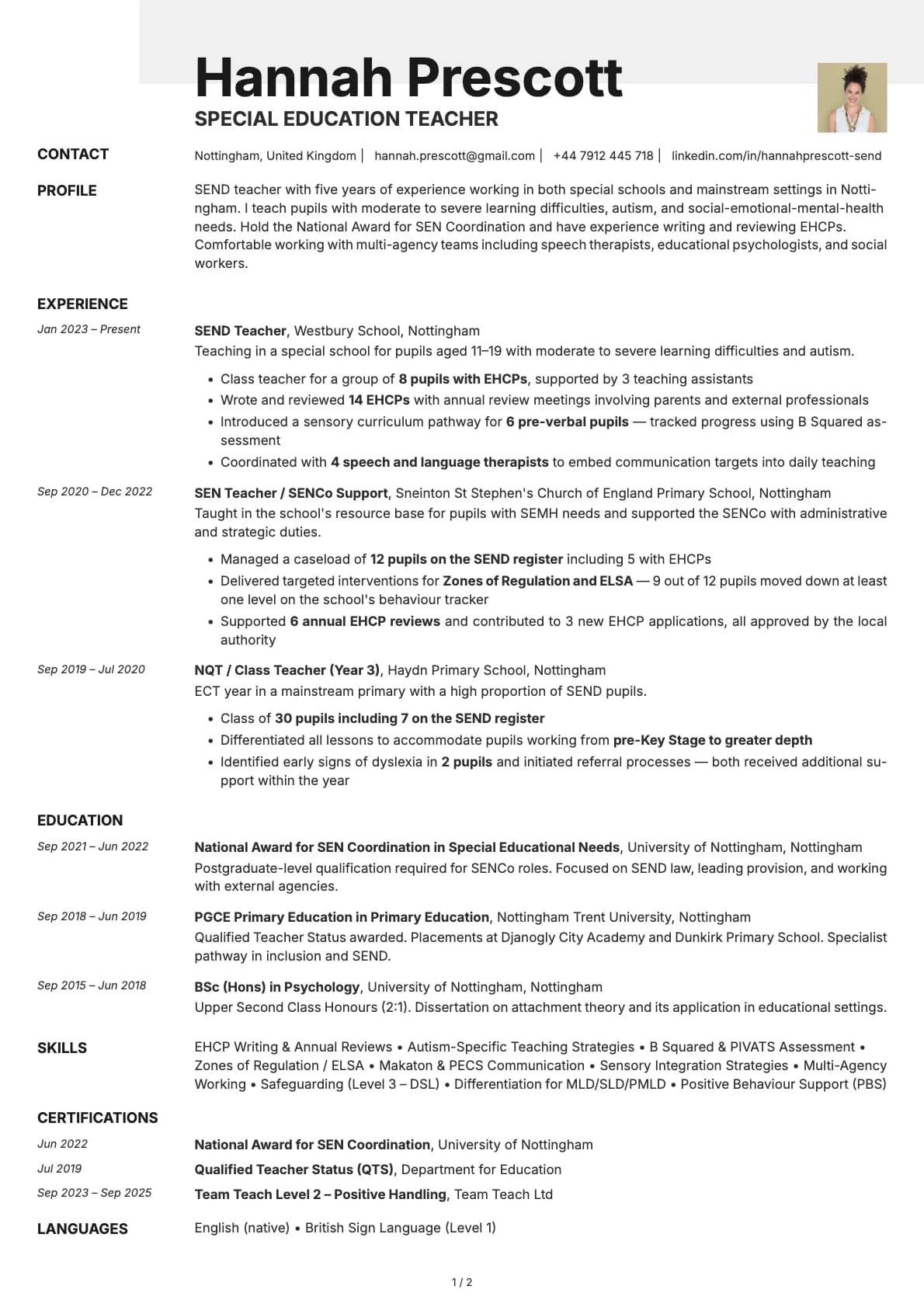
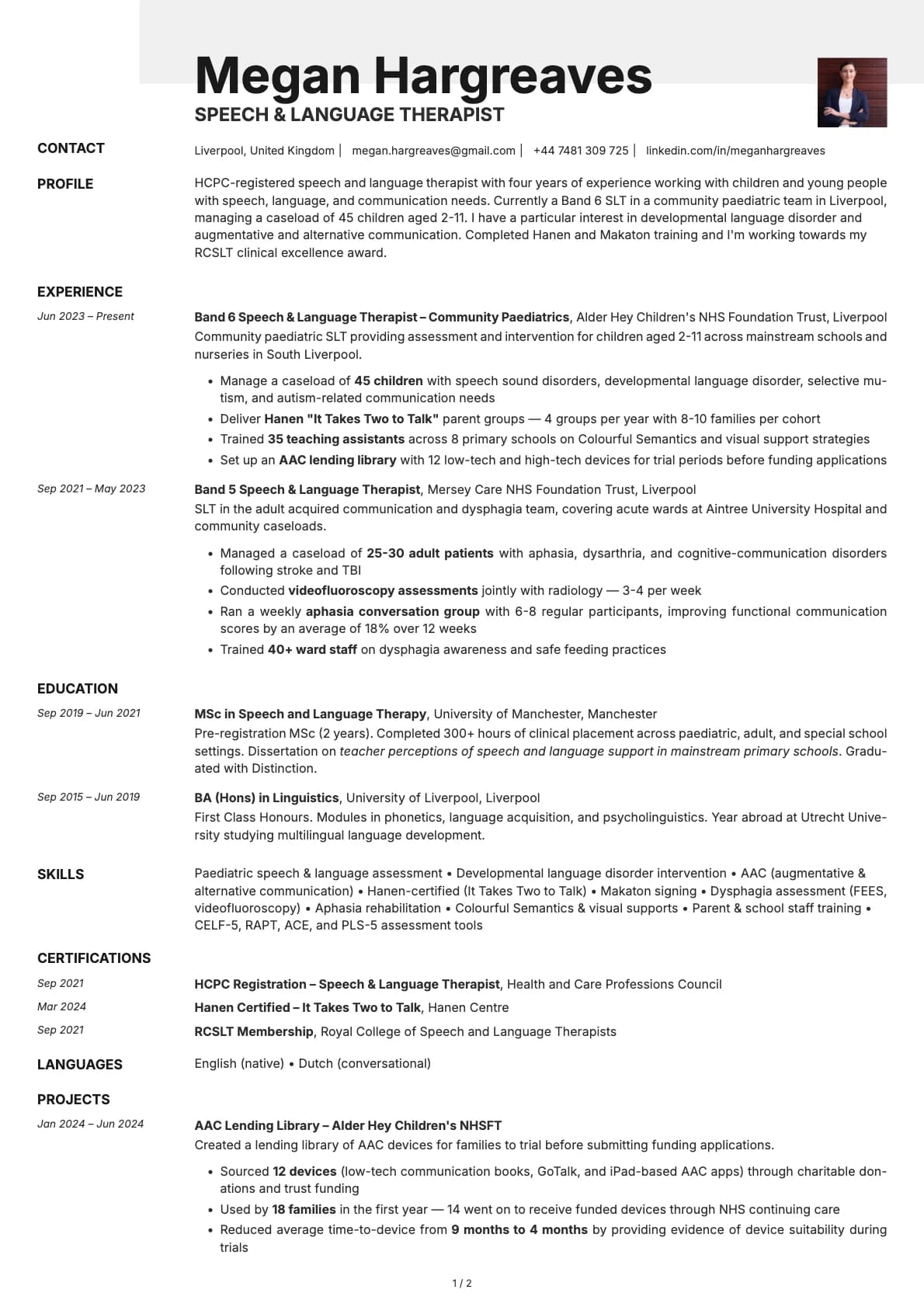
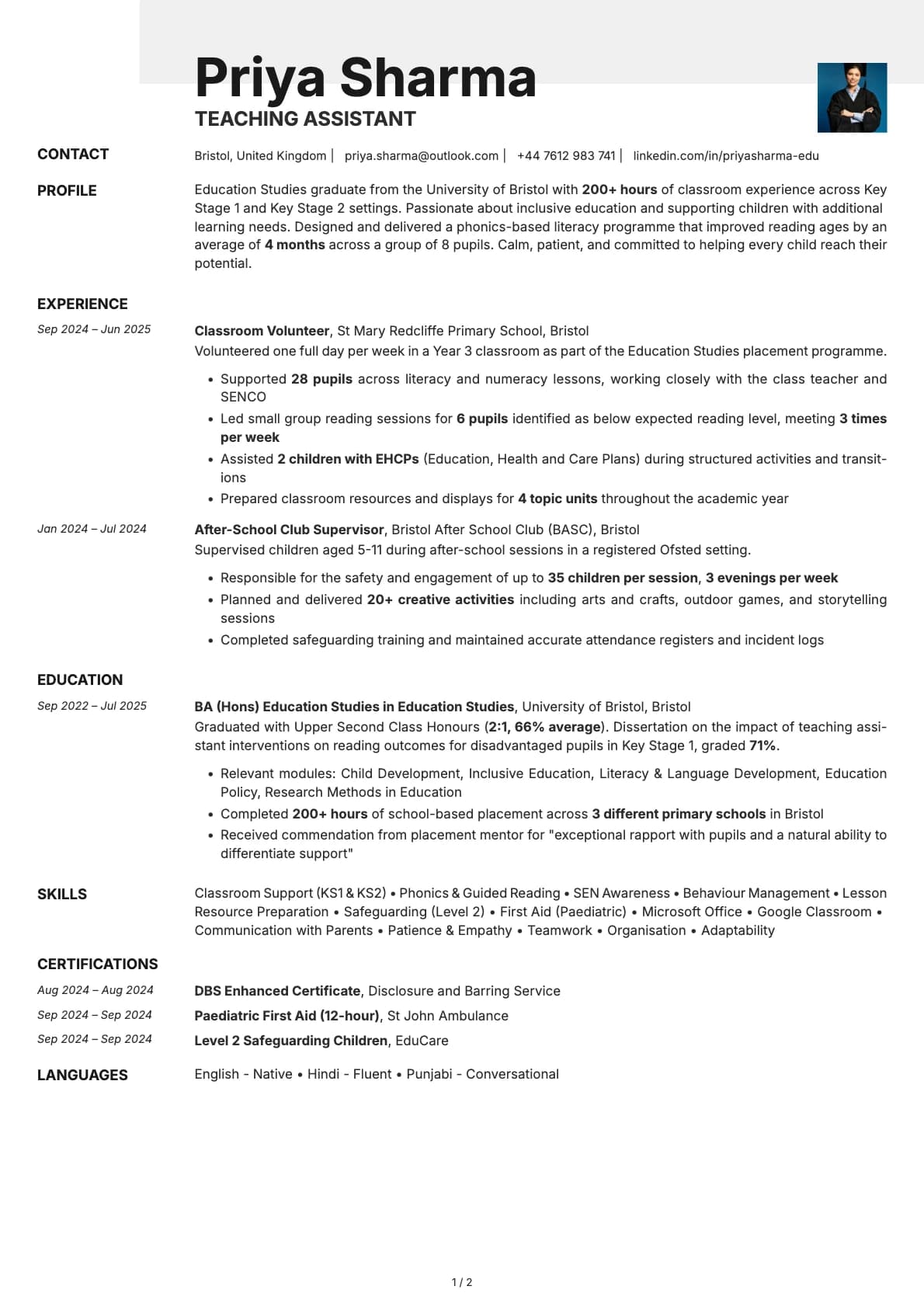
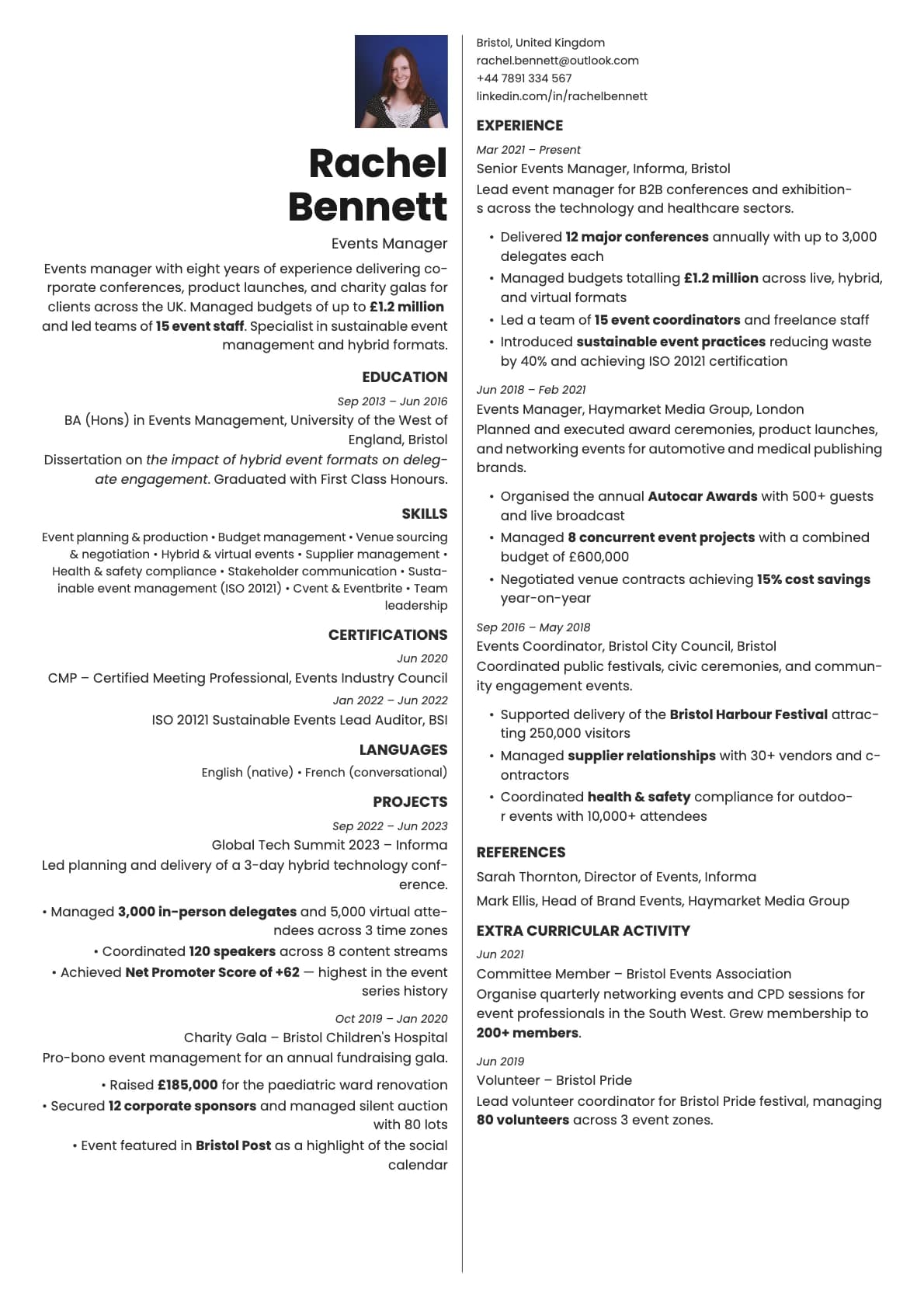
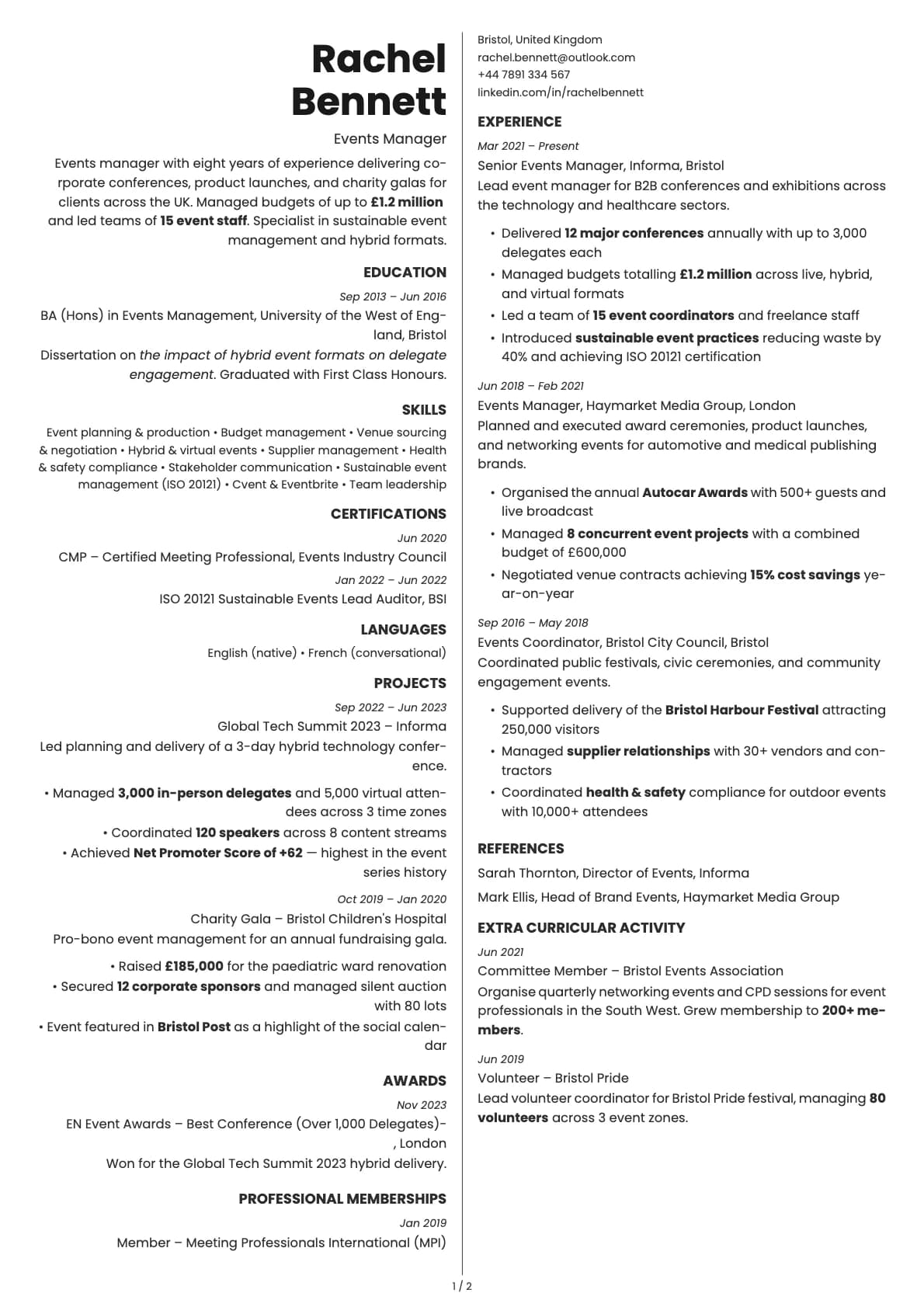
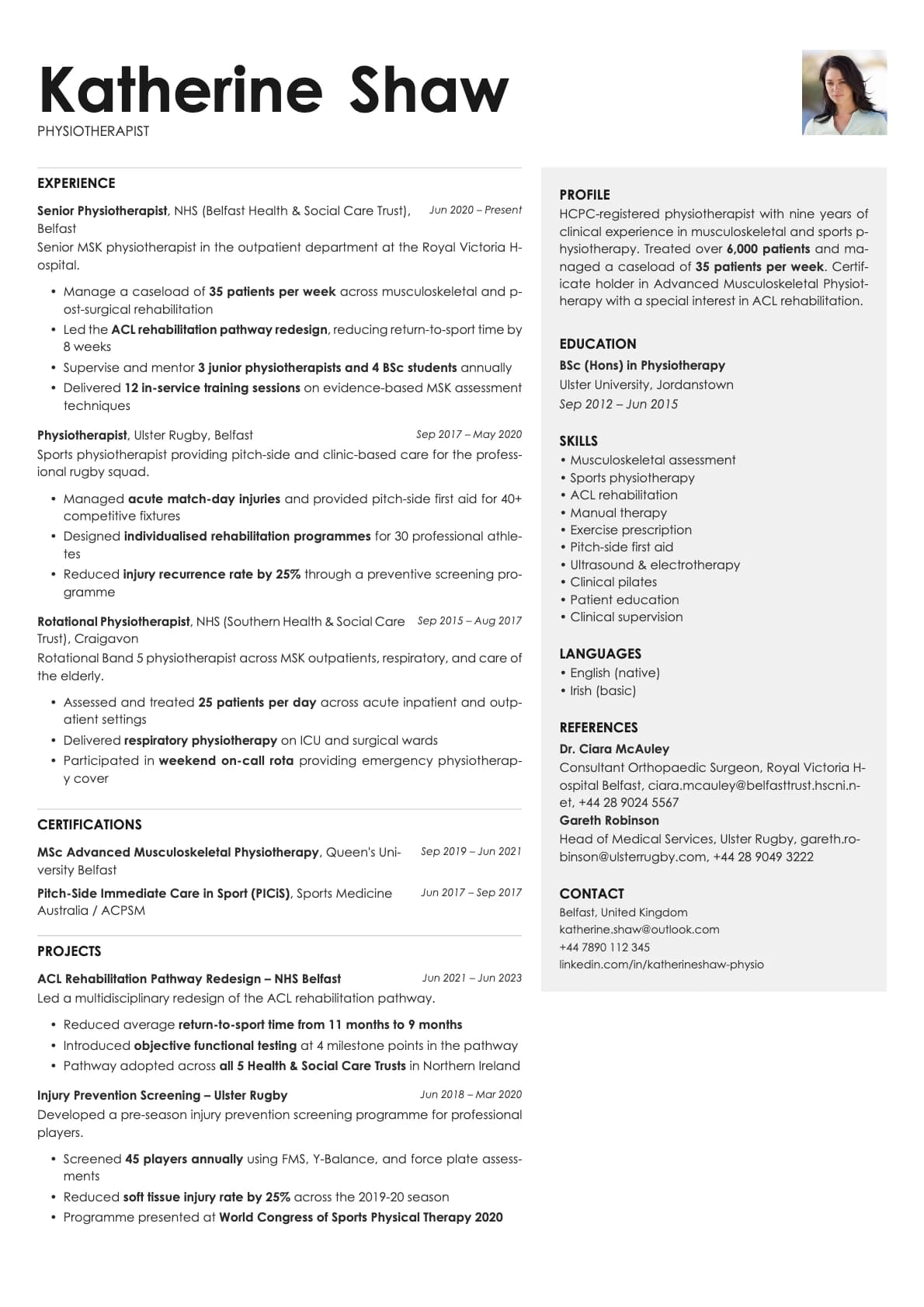
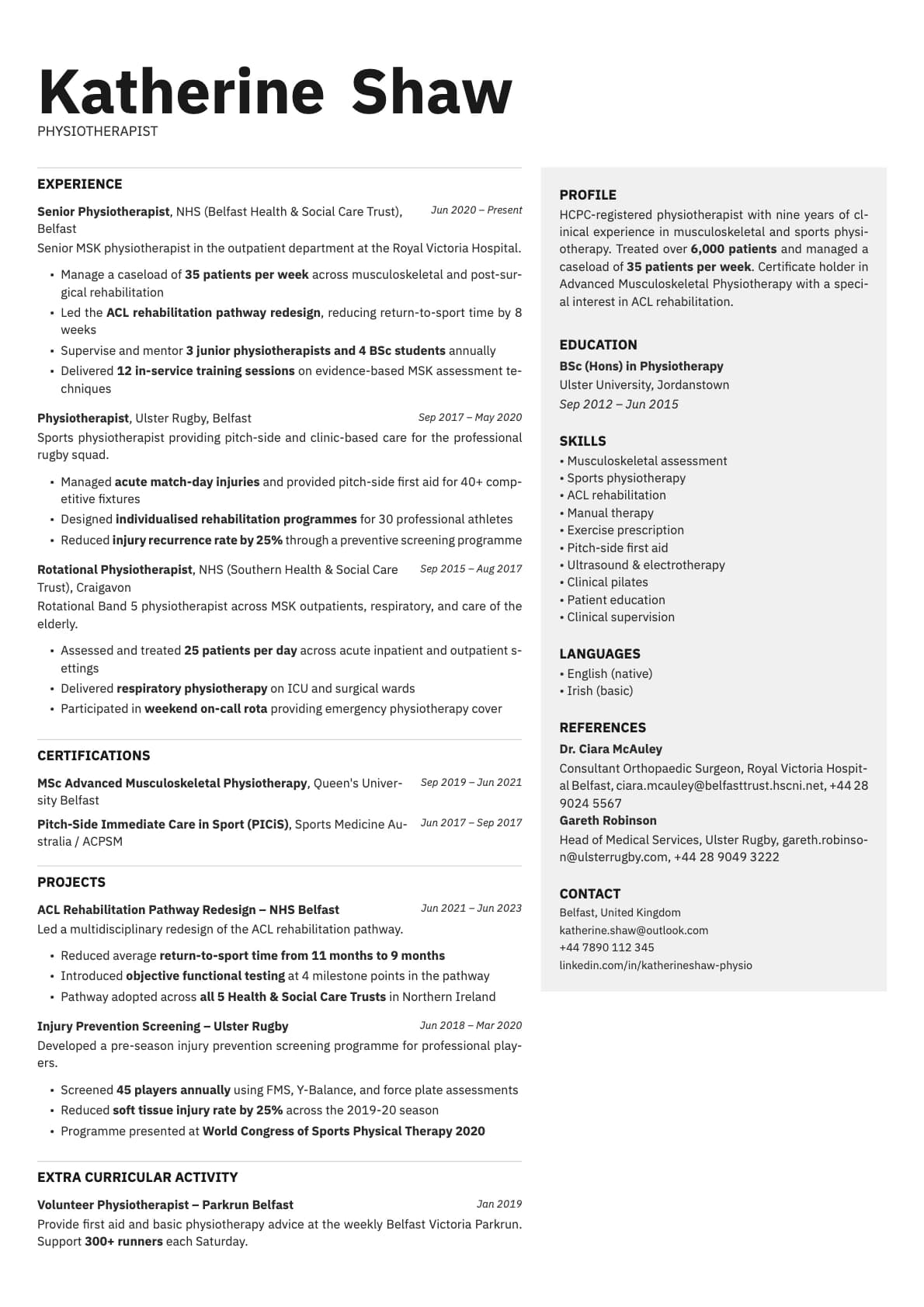
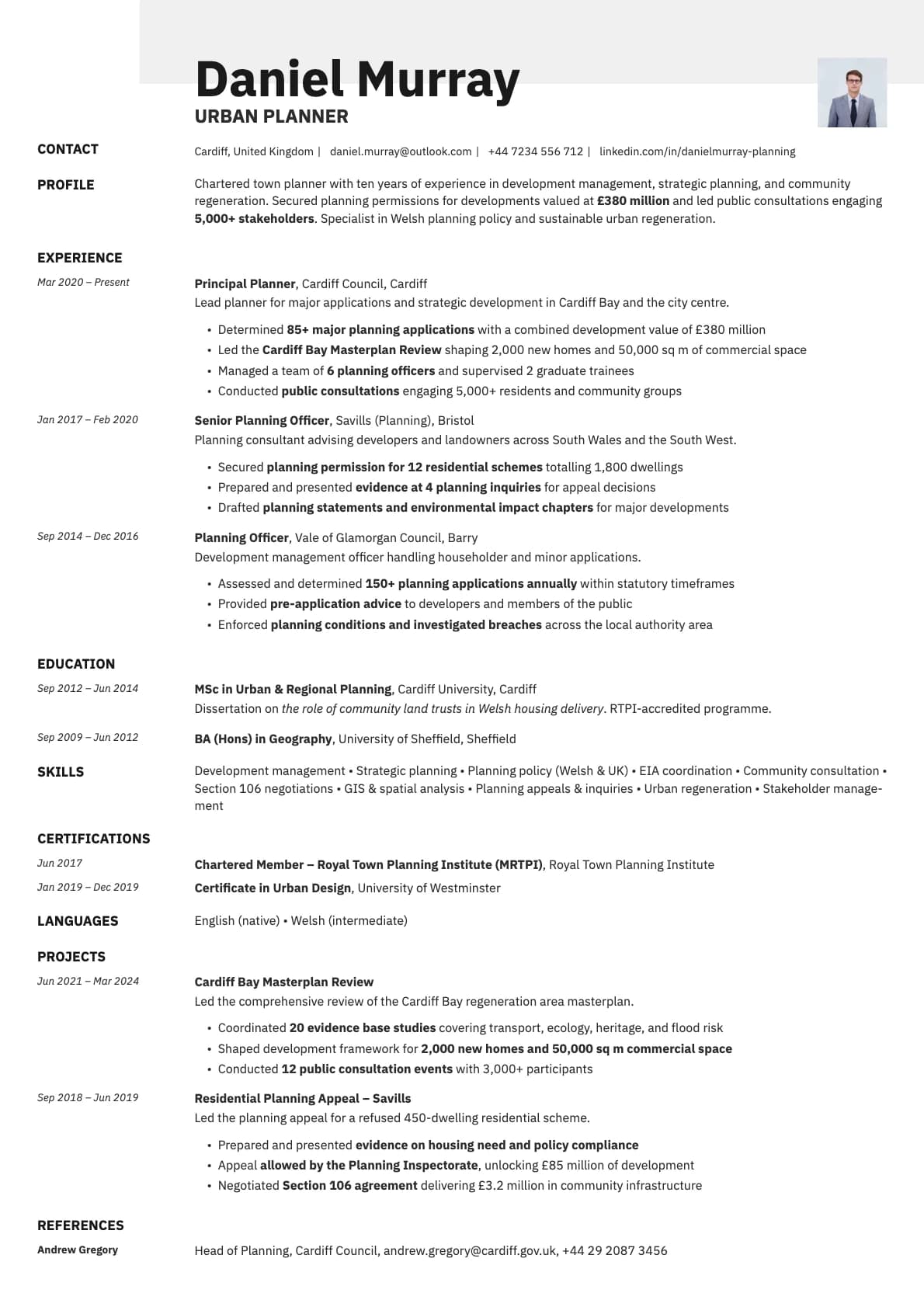
A classic minimalist resume template with profile photo section. 7 colour options, ATS score 9.5/10, suitable for corporate and all industries.
Free to use. No account needed to start.
Why Ivory Photo?
Ivory is the most restrained template in the collection. Soft grey dividers, muted tones, nothing that draws attention away from your content. That restraint is exactly what makes the photo variant work so well. When the rest of the page is this quiet, the headshot becomes the one visual focal point. It draws the eye without competing with anything.
This is the resume equivalent of a well-tailored suit. Nothing flashy, everything in the right place, and the person wearing it is the focus.
When a photo makes sense
Corporate roles where you want to look established and trustworthy. Banking, finance, insurance, consulting, law firms, and professional services. Also strong for senior professionals and executives who want a resume that matches the gravitas of their experience level. Ivory Photo works particularly well in European and Middle Eastern markets where a photo on a CV with classic styling signals professionalism.
When to skip the photo
US and UK corporate hiring, especially in regulated industries like government contracting where photos are actively unwanted. For those, the base Ivory template gives you the same understated look without the headshot.
What you get
- Everything from the base Ivory template: minimalist layout, soft dividers, 9.5/10 ATS score, multi-page support
- A profile photo integrated into the clean header
- Photo on the first page only
- 7 muted colour themes that pair naturally with a professional headshot
- Avrile Sans as the default font, changeable in the builder
Photo tips
Ivory's minimalist palette means your photo sets the tone for the whole page. Go with a traditional business headshot. Solid background, professional attire, even lighting. This is not the template for a casual photo.
ATS compatibility
The photo is a visual-only element that ATS systems skip during parsing. Text content is identical to the base Ivory template, so both score 9.5/10.
Build your resume with Ivory Photo on Laddro
Start building with Ivory Photo. Upload a professional headshot, fill in your details, and preview the result live. Adjust colours and fonts, then download as PDF. No account needed to start.
How would you rate this template?
Your rating helps others pick the right template for their resume.
Make this template yours
Pick a colour, add your details, and download your resume. No design skills needed.
Free to use. No account needed to start.
Resumes built with Ivory Photo