Junior Sysadmin Resume Example
A junior sysadmin resume example with Linux server management, Active Directory experience, and CompTIA certifications from an IT graduate entering systems administration.

Laddro Team
Free to use. No account needed to start.
Free to use. No account needed to start.
Overview
Systems administration is the backbone of IT infrastructure. Junior sysadmin roles require someone who can manage servers, configure networks, maintain Active Directory, and respond to outages with a clear head. Employers at this level value certifications (CompTIA A+, Network+, or Linux+), home lab experience, and any exposure to real production environments.
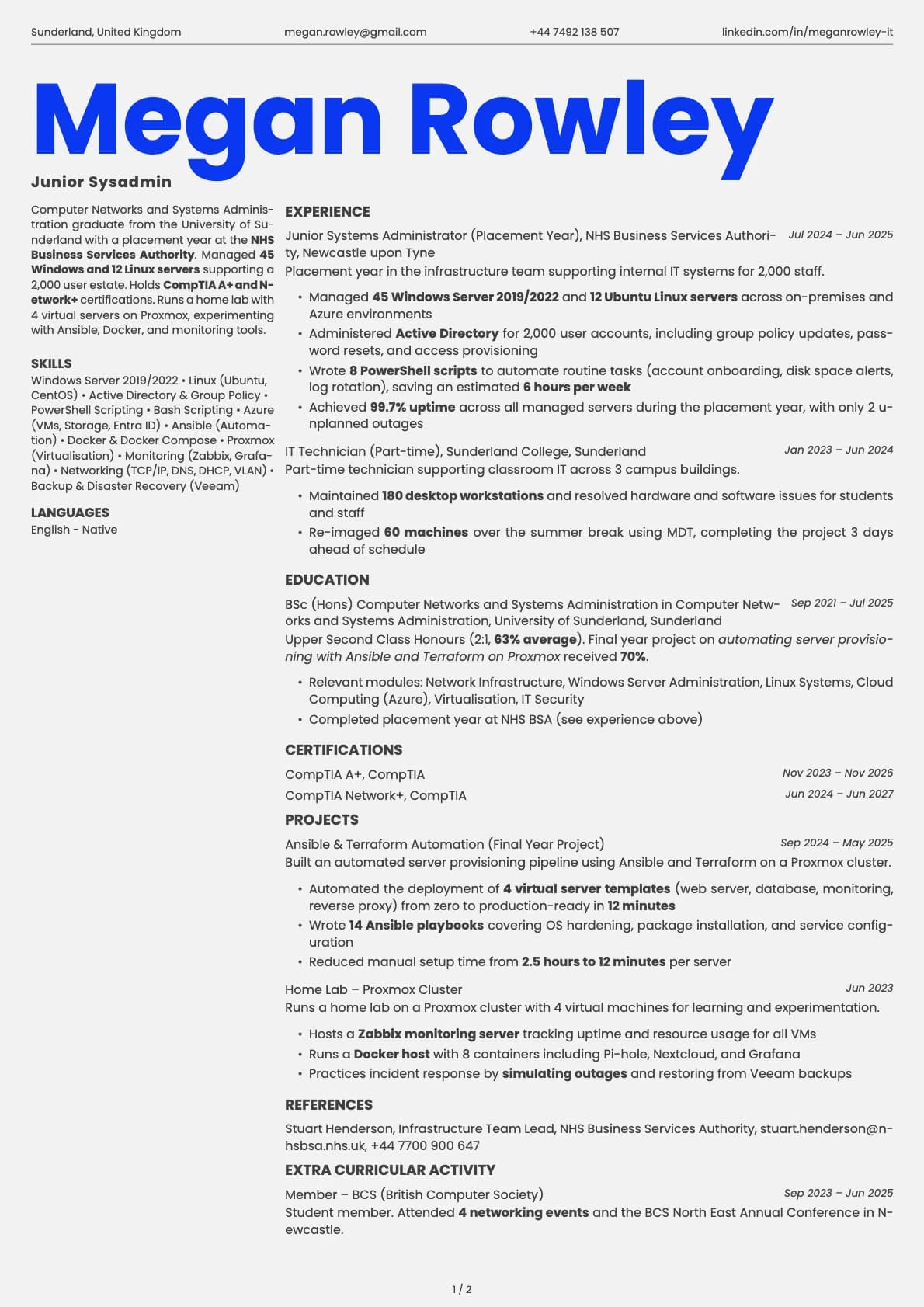
This resume belongs to Megan Rowley, a Computer Networks and Systems Administration graduate from the University of Sunderland. She completed a placement year at the NHS Business Services Authority, managing Windows and Linux servers across a 2,000 user estate. She holds CompTIA A+ and Network+ certifications and runs a home lab with 4 virtual servers. Her resume works because it describes infrastructure responsibilities with server counts, user numbers, and uptime figures.
What Makes This Resume Work
The NHS placement provides real infrastructure experience. Managing servers in an organisation with 2,000 users and strict data handling requirements (NHS Data Security and Protection Toolkit) gives Megan credibility that lab environments alone cannot provide.
CompTIA certifications are listed together for impact. A+ and Network+ appearing alongside each other signals a solid foundation in both hardware/software support and networking fundamentals. These are the two most requested certifications for junior sysadmin roles in the UK.
The home lab demonstrates genuine enthusiasm. Running 4 virtual servers on Proxmox, experimenting with Ansible automation and Docker containers, shows Megan spends time outside of work building practical skills. Hiring managers love this.
Server and user counts provide scale. Managing 45 Windows servers and 12 Linux servers across a 2,000 user estate tells the reader exactly what scope of infrastructure Megan has handled.
Key Takeaways
Junior sysadmin resumes must specify the operating systems, server counts, and user base sizes you have supported. Name your certifications (CompTIA A+, Network+, Linux+) and the tools you use (Active Directory, Group Policy, Ansible, Docker). If you run a home lab, describe it with the same specificity as your work experience. Uptime figures, ticket resolution rates, and automation scripts are all valuable metrics to include.
Build your own version
Open this layout in the builder and swap in your own details. It takes a few minutes.
Free to use. No account needed to start.
Was this resume example helpful?
Rate this example to help us create better content for you.
4.8 average from 98 ratingsRelated resume examples
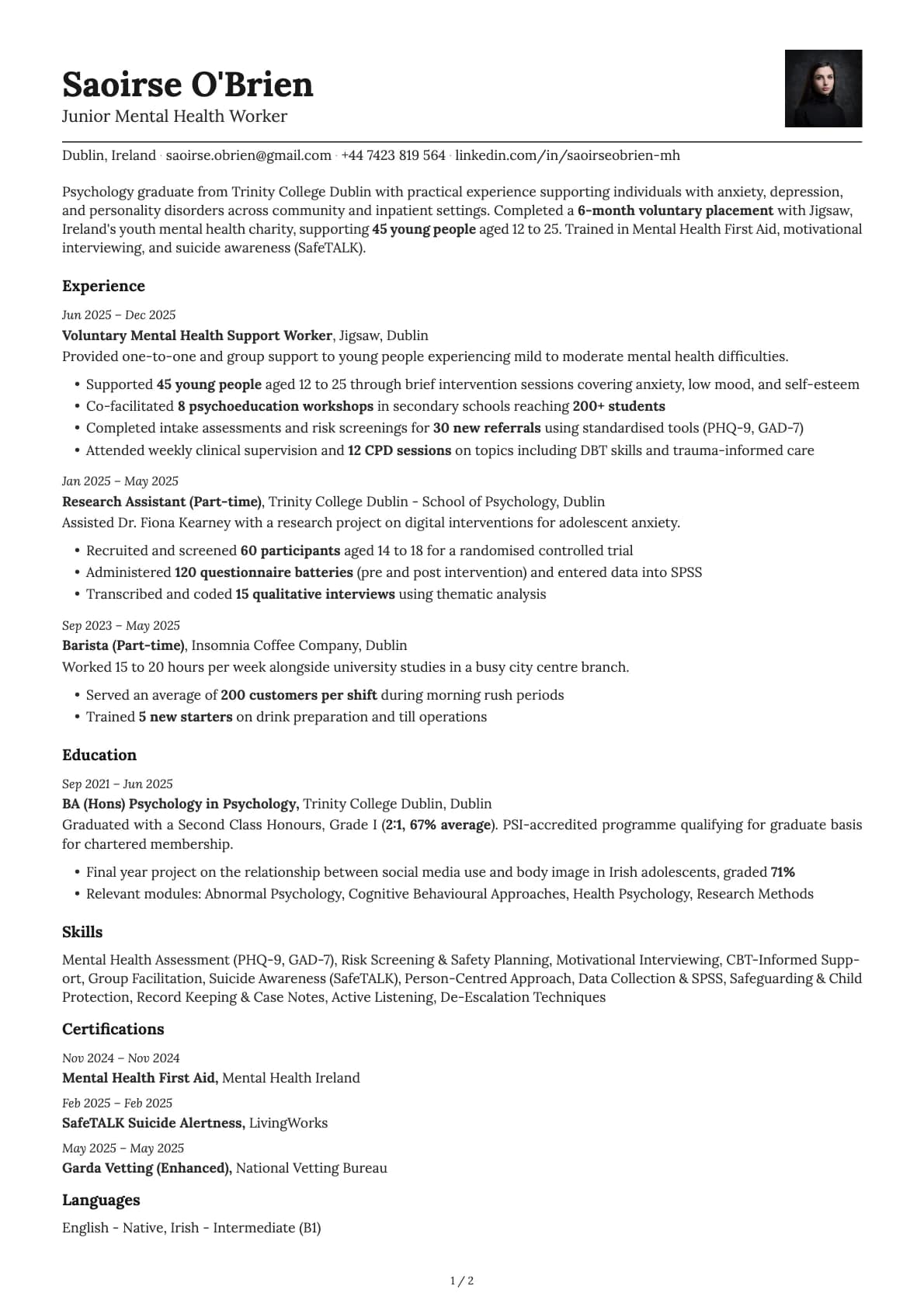
Junior Mental Health Worker
A junior mental health worker resume example with voluntary placement experience, assessment tools, and youth support numbers for psychology graduates.
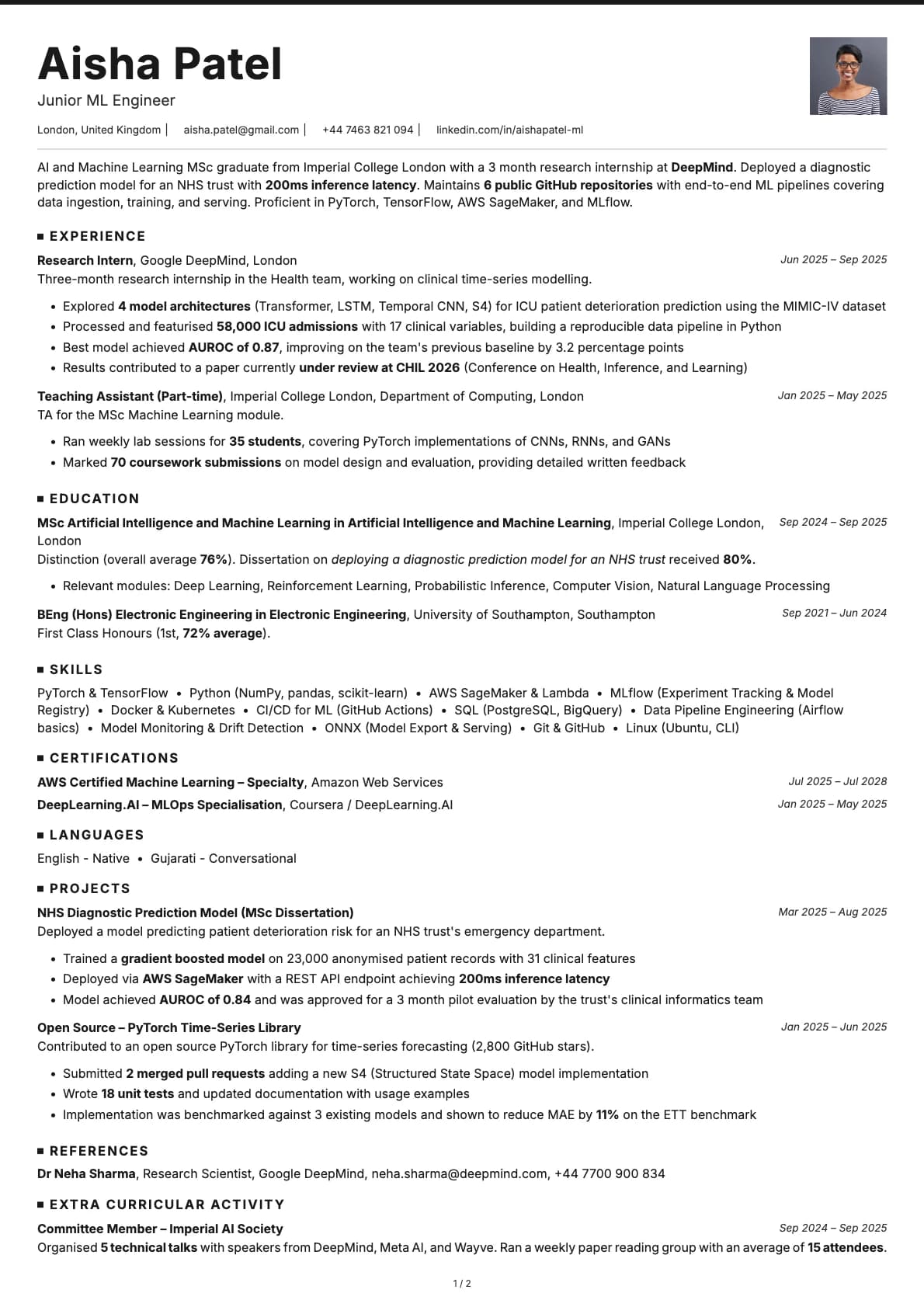
Junior ML Engineer
A junior ML engineer resume example with deployed models, TensorFlow projects, and AWS SageMaker experience from an AI and ML MSc graduate starting their career.
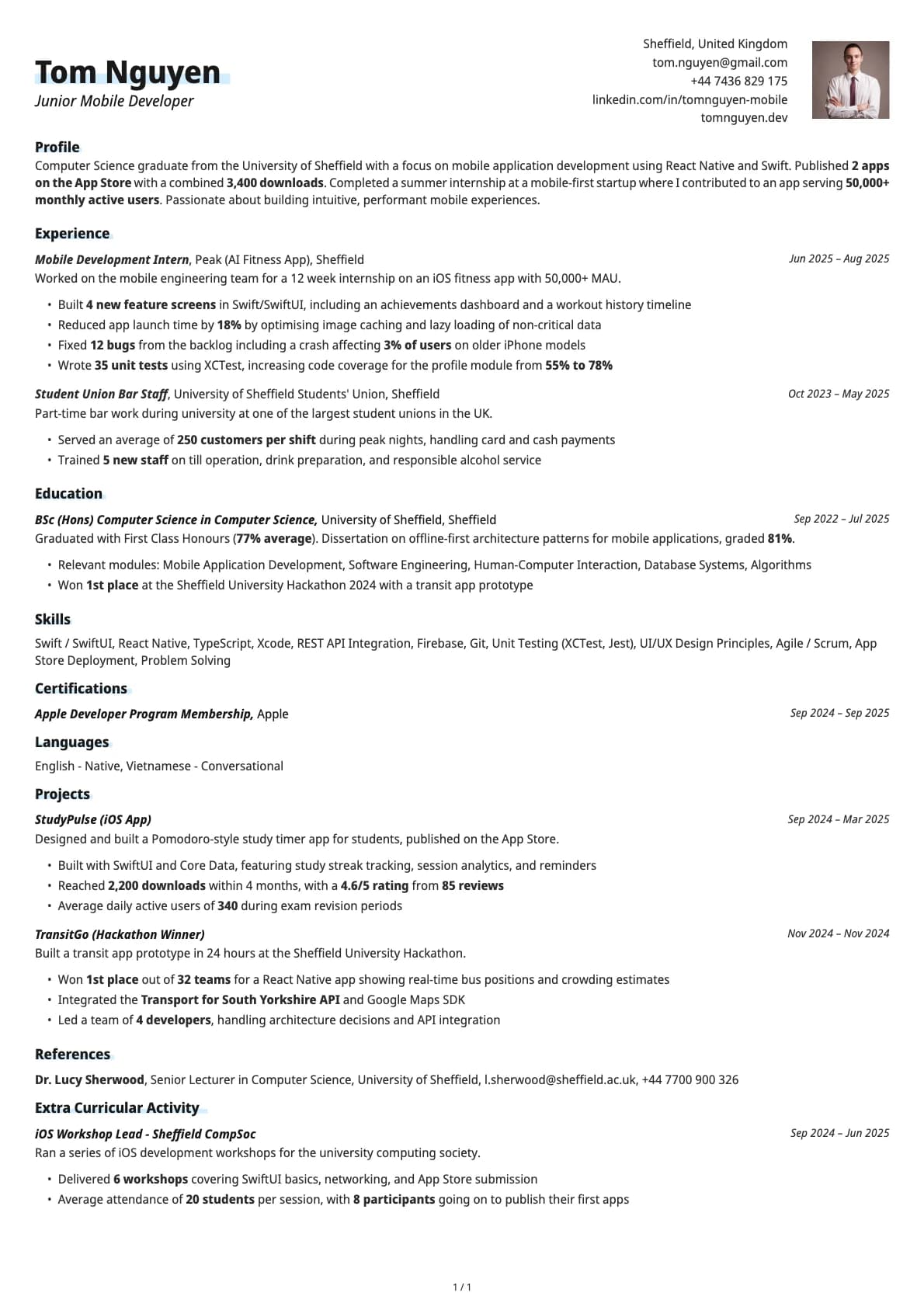
Junior Mobile Developer
A junior mobile developer resume example for graduates. See how to present published apps, App Store downloads, and mobile internship experience to land your first mobile dev role.
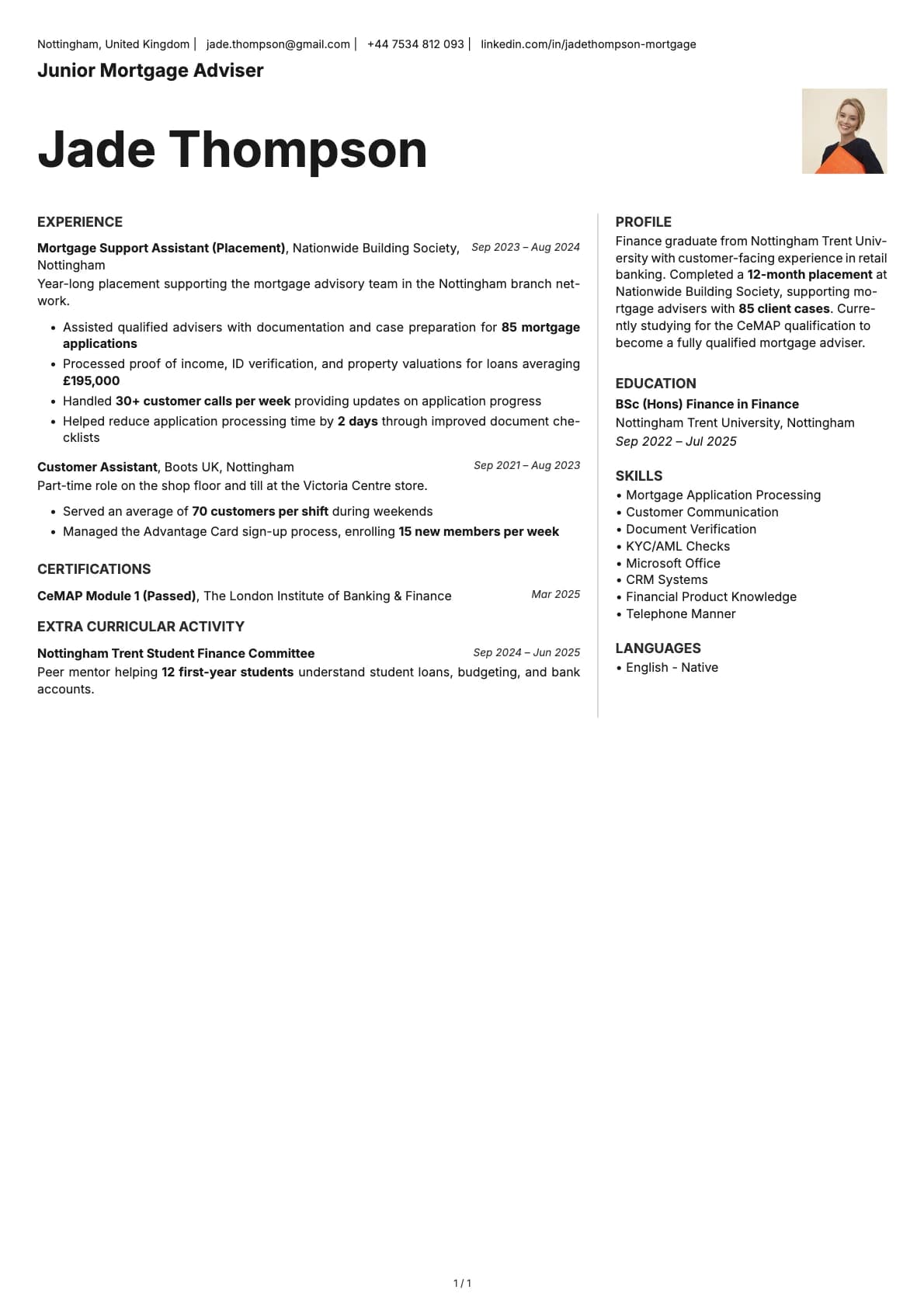
Junior Mortgage Adviser
A junior mortgage adviser resume example with Nationwide placement experience and CeMAP qualification in progress.
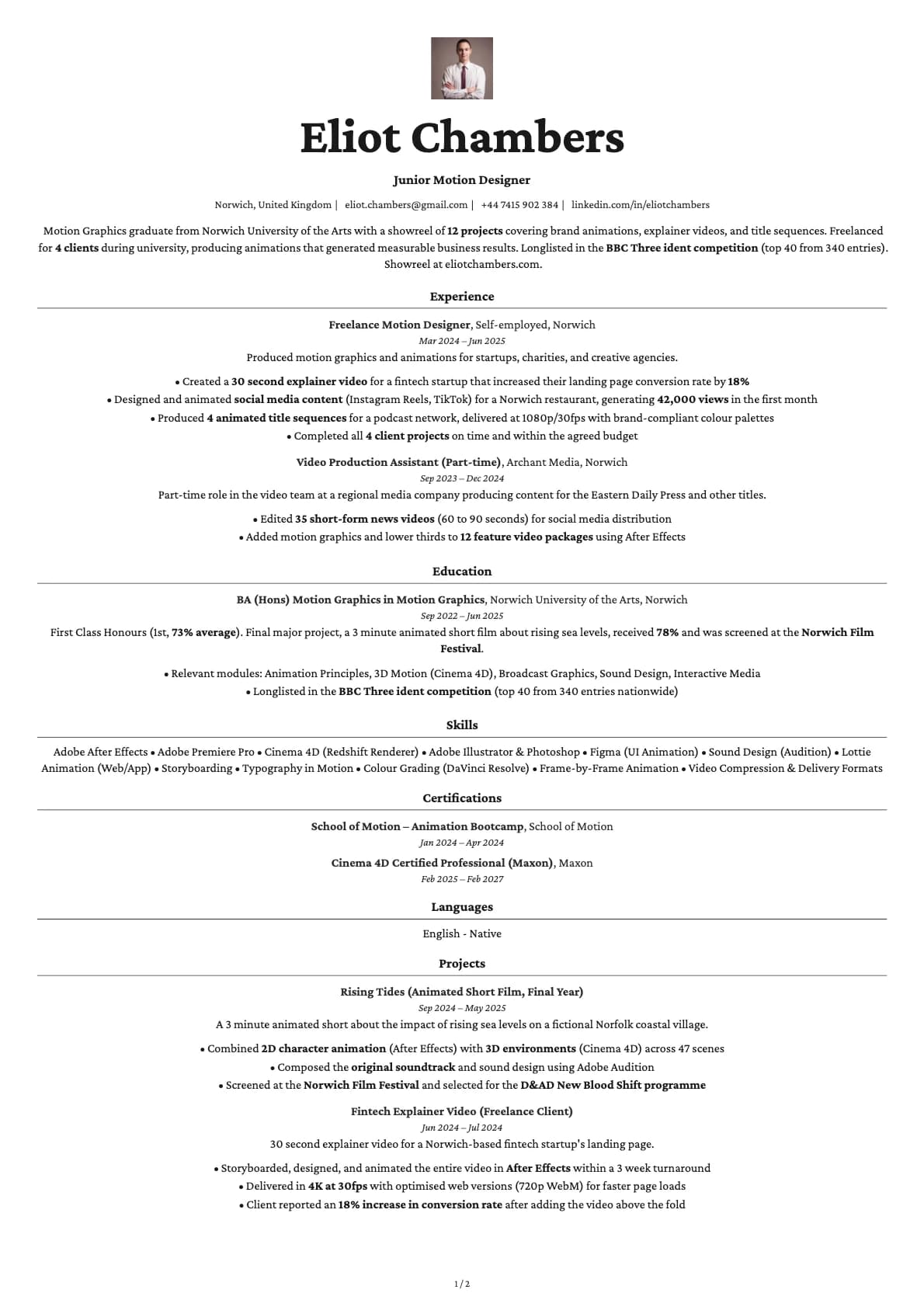
Junior Motion Designer
A junior motion designer resume example with After Effects projects, client animations, and showreel details from a Motion Graphics BA graduate entering the field.

Junior Network Engineer
A junior network engineer resume example with CCNA, an MSP apprenticeship, and a home lab. See how to present networking skills and certifications for your first engineering role.
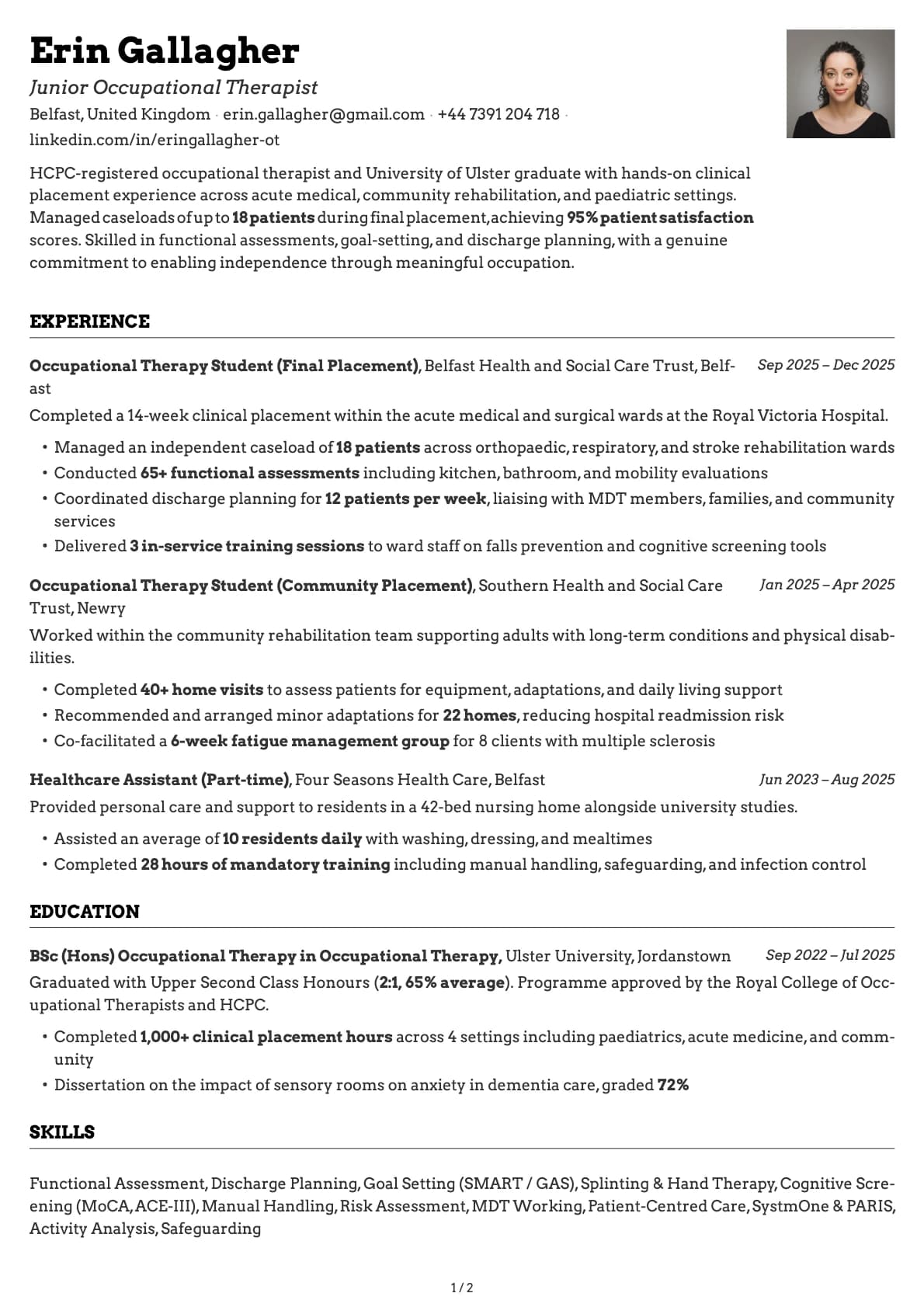
Junior Occupational Therapist
A junior occupational therapist resume example with clinical placement experience, HCPC registration, and real patient outcome numbers for new graduates.
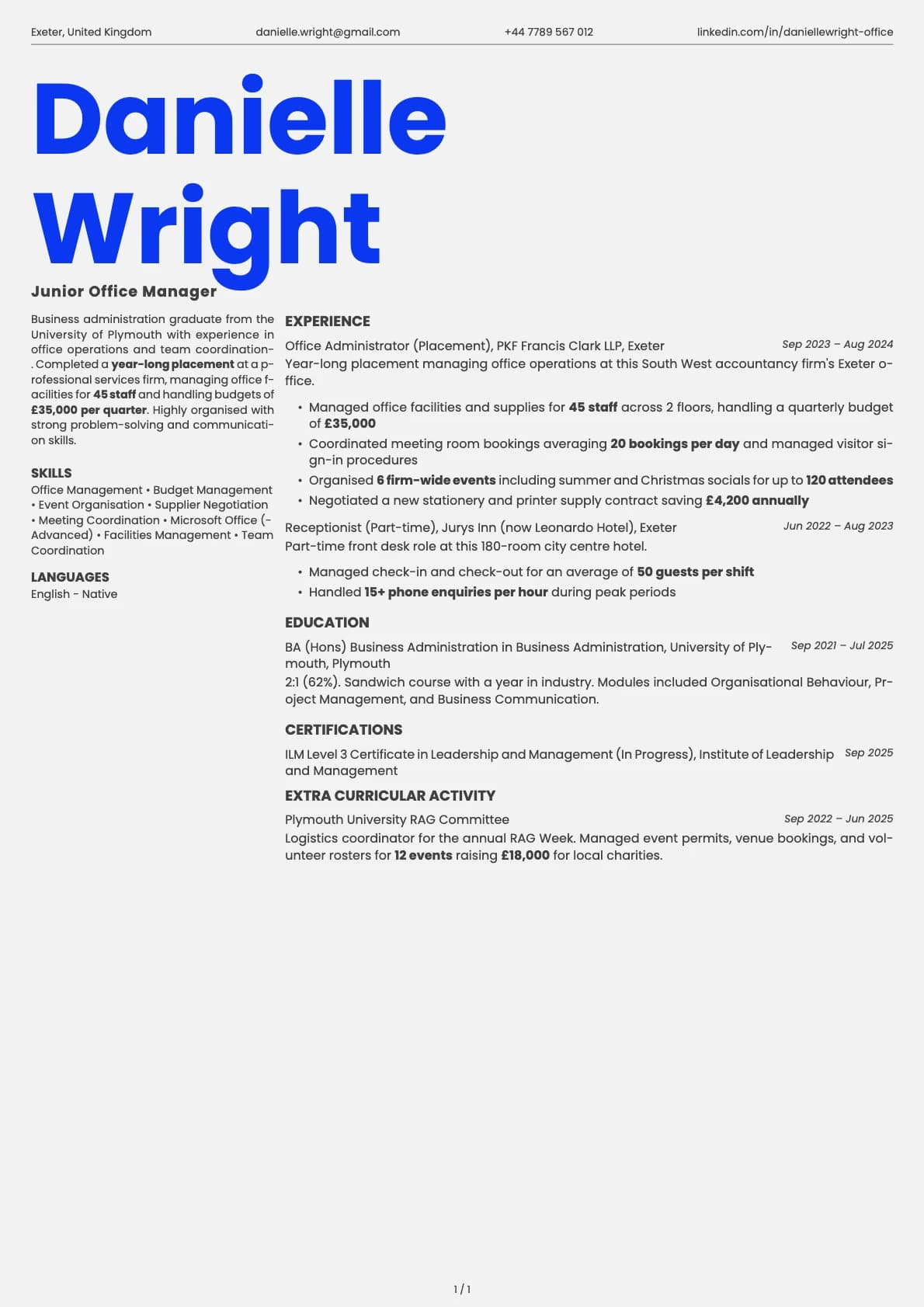
Junior Office Manager
A junior office manager resume example with professional services placement and facilities management experience.
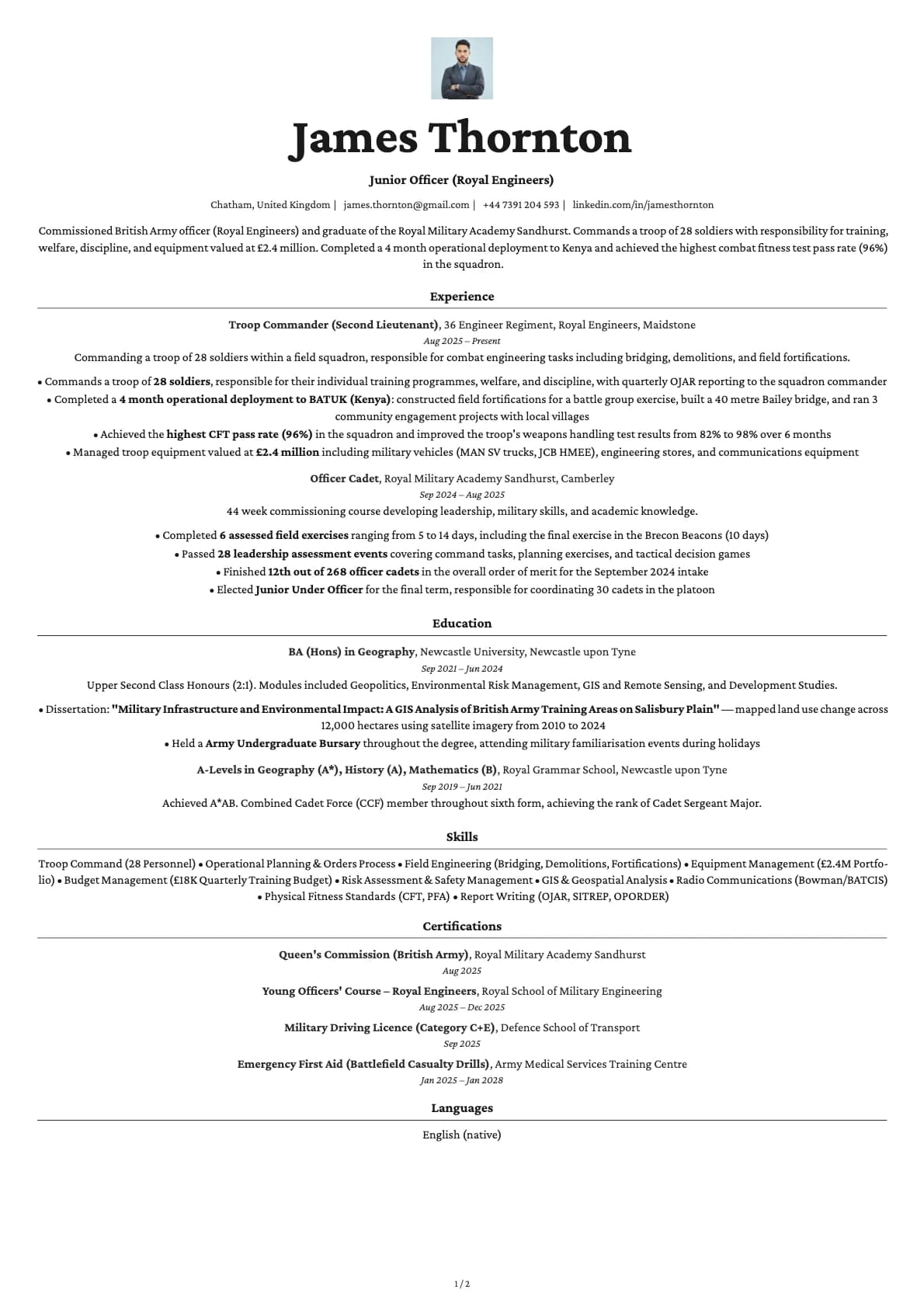
Junior Officer (Armed Forces)
A junior officer resume example for armed forces graduates transitioning from Sandhurst or the commissioning course. See how to present your military leadership, operational deployments, and command experience.
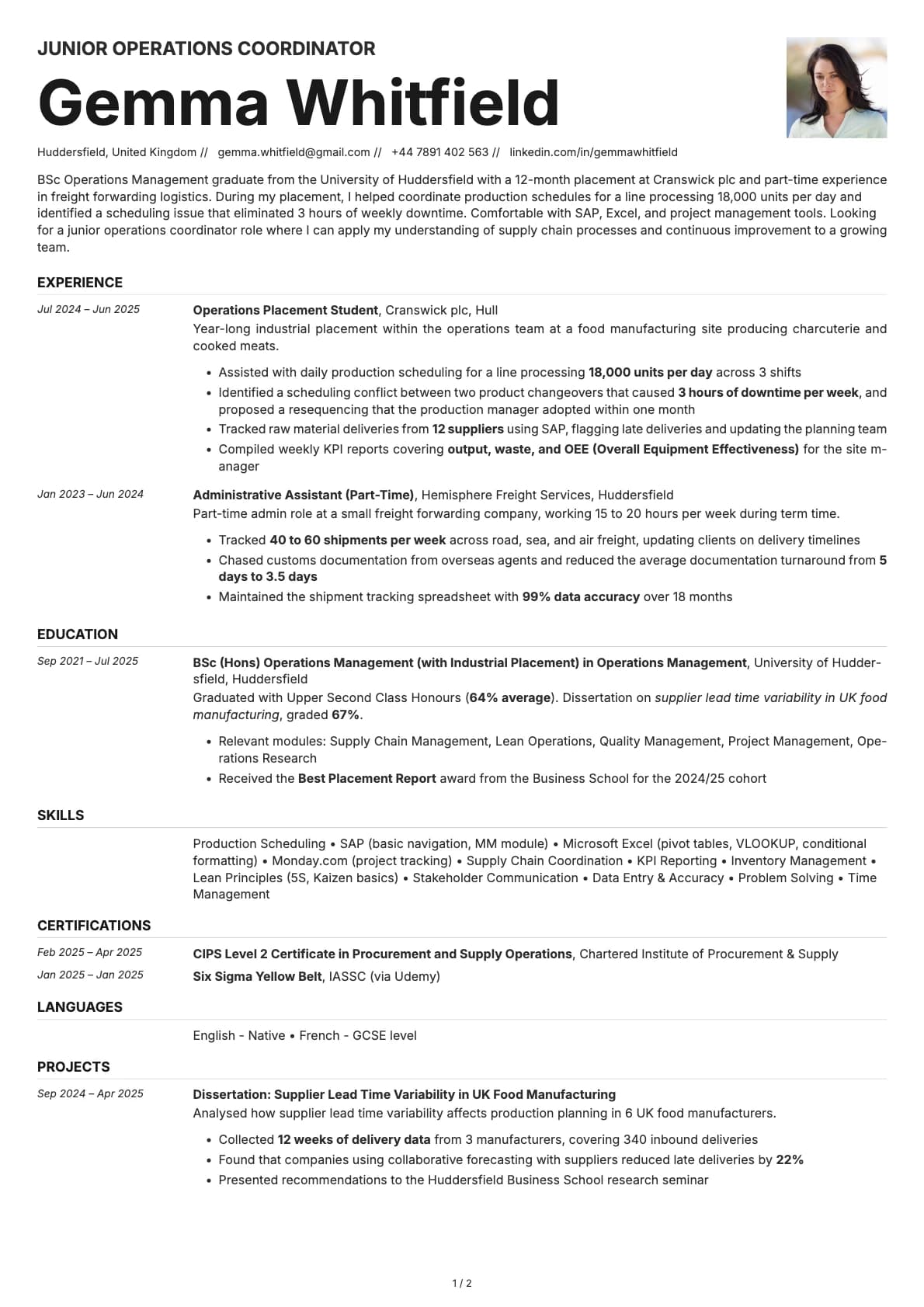
Junior Operations Coordinator
A junior operations coordinator resume example for operations management graduates. See how logistics experience and process improvements impress employers.
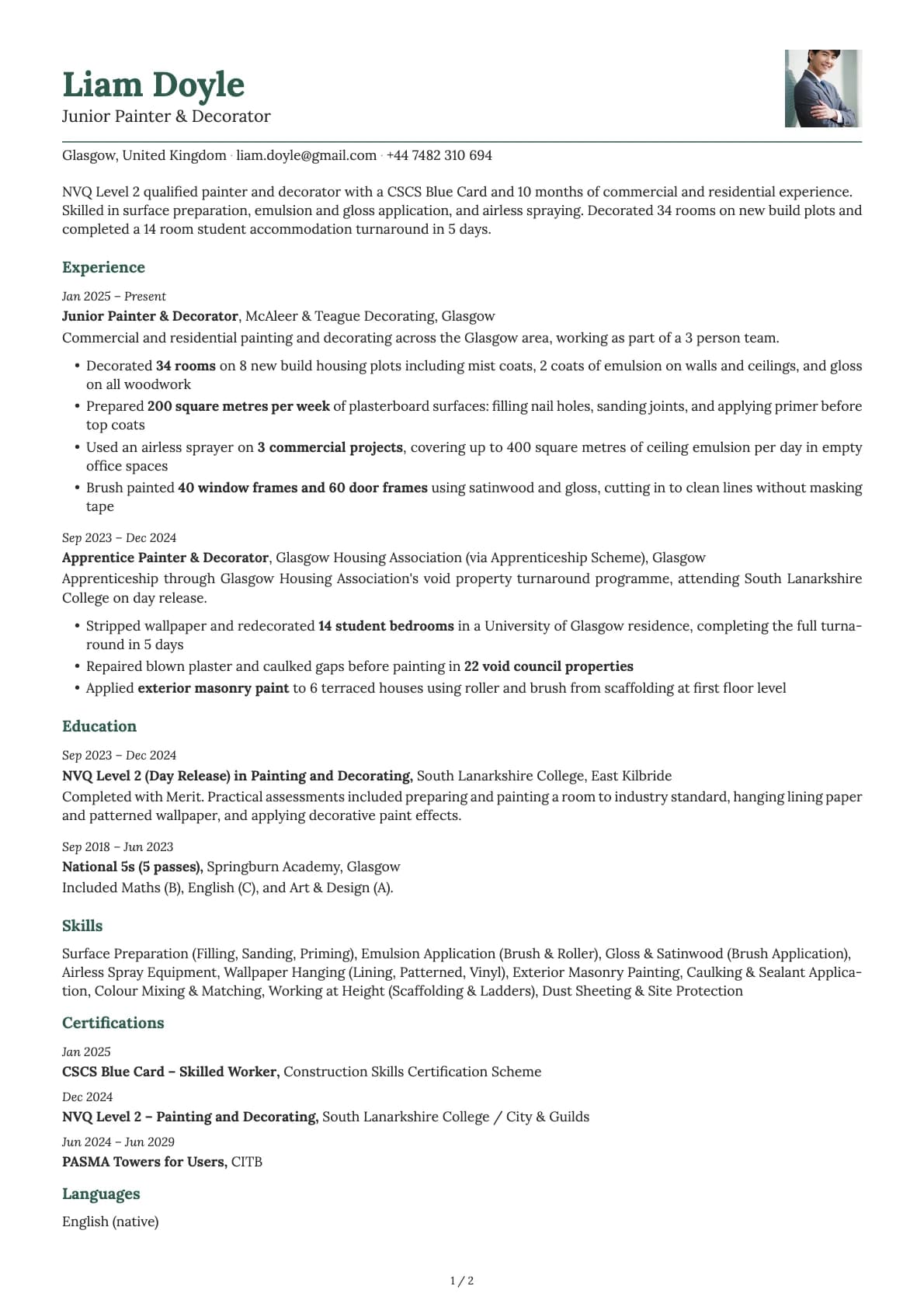
Junior Painter & Decorator
A junior painter and decorator resume example for NVQ qualified painters. See how to present your decorating skills, site experience, and CSCS card details.
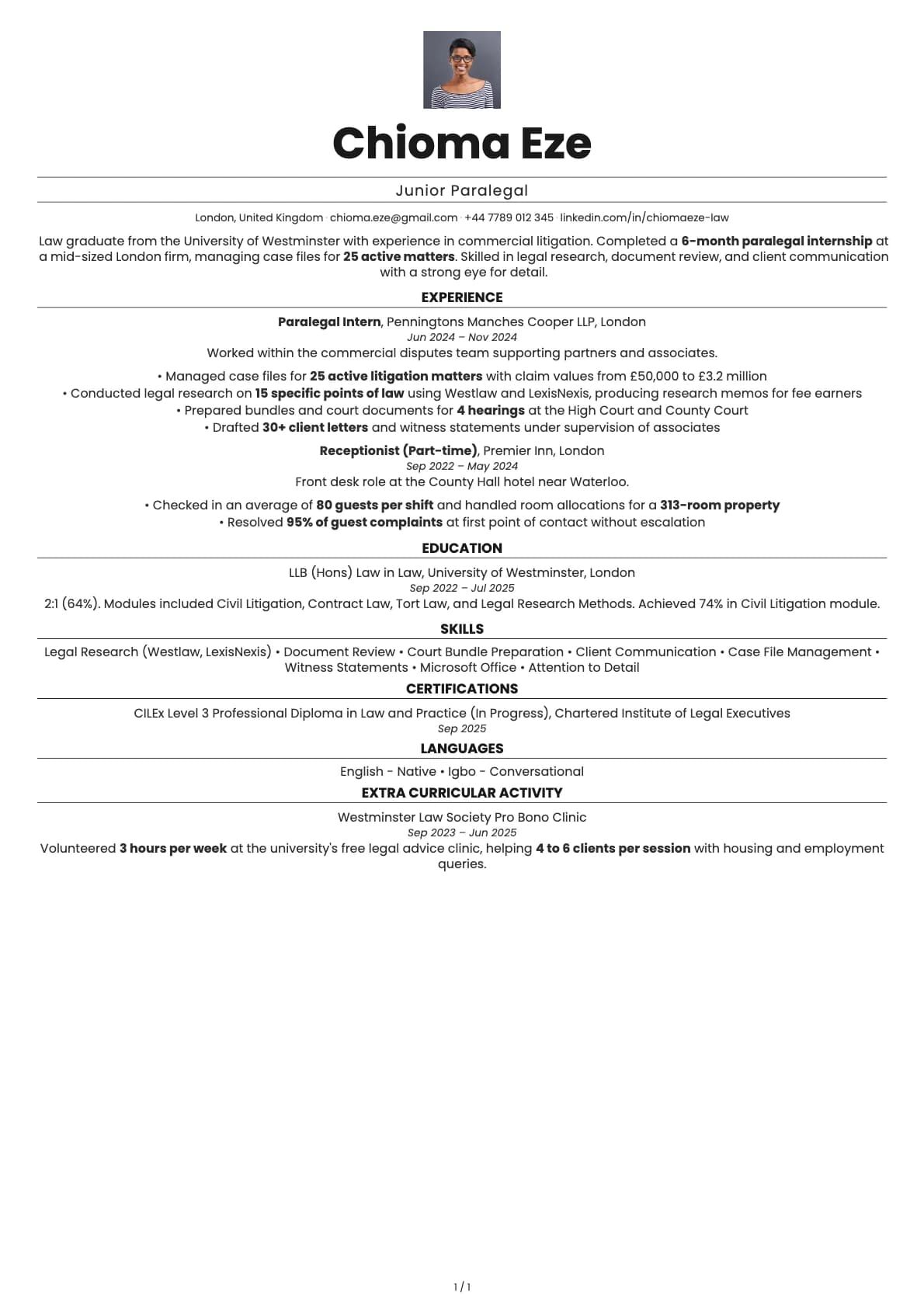
Junior Paralegal
A junior paralegal resume example with litigation internship experience and legal research skills.