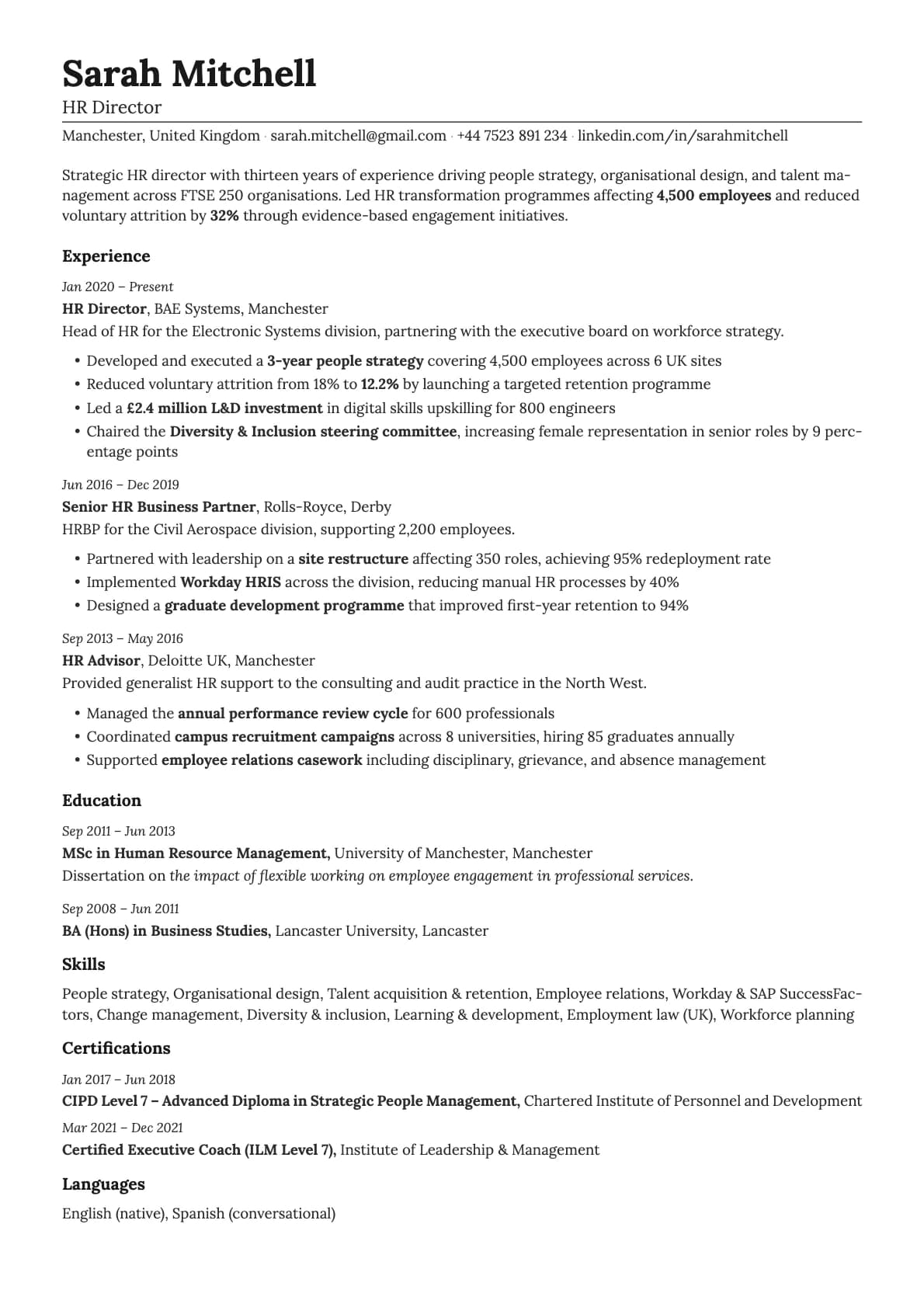
Nickel Resume Template
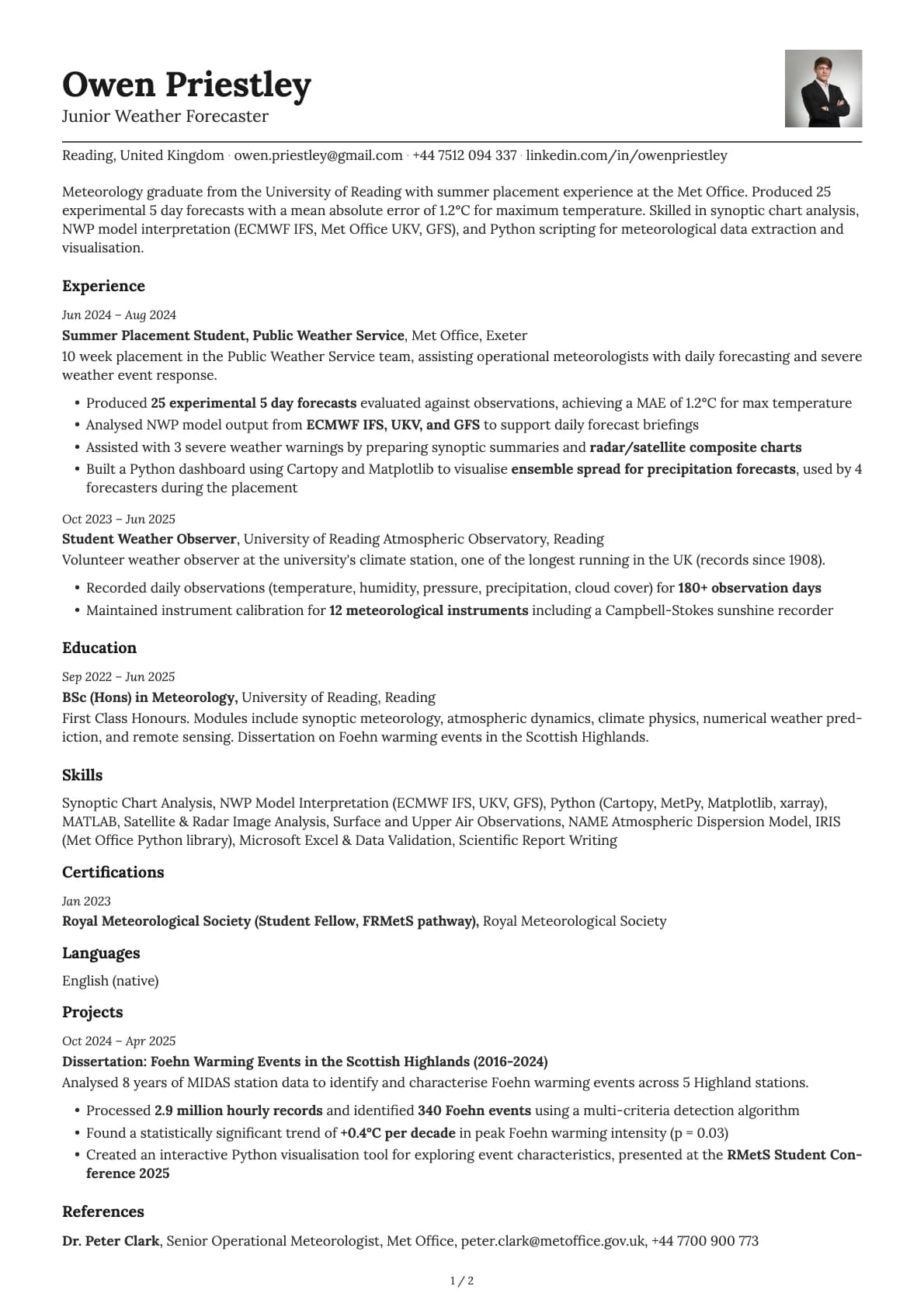
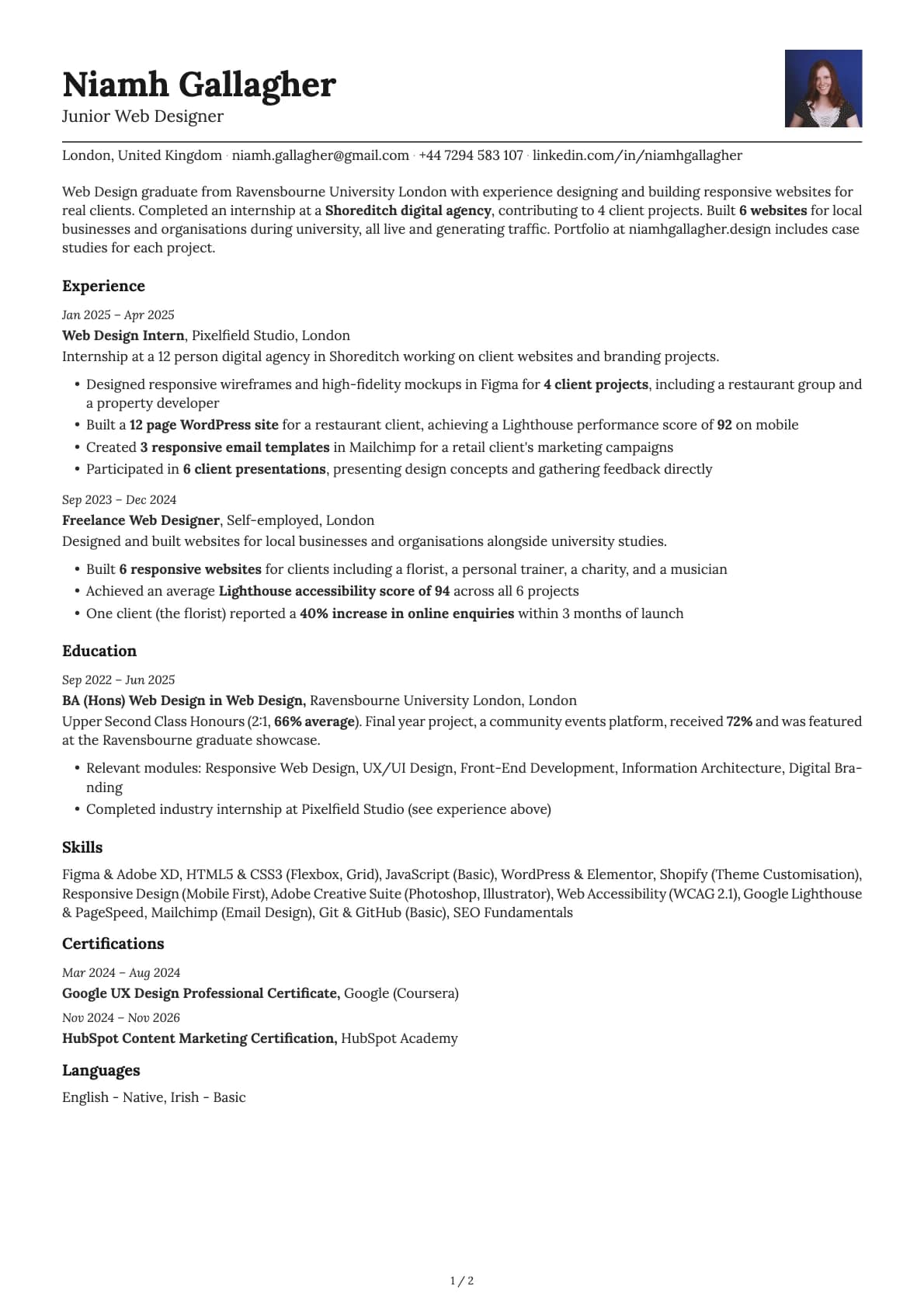
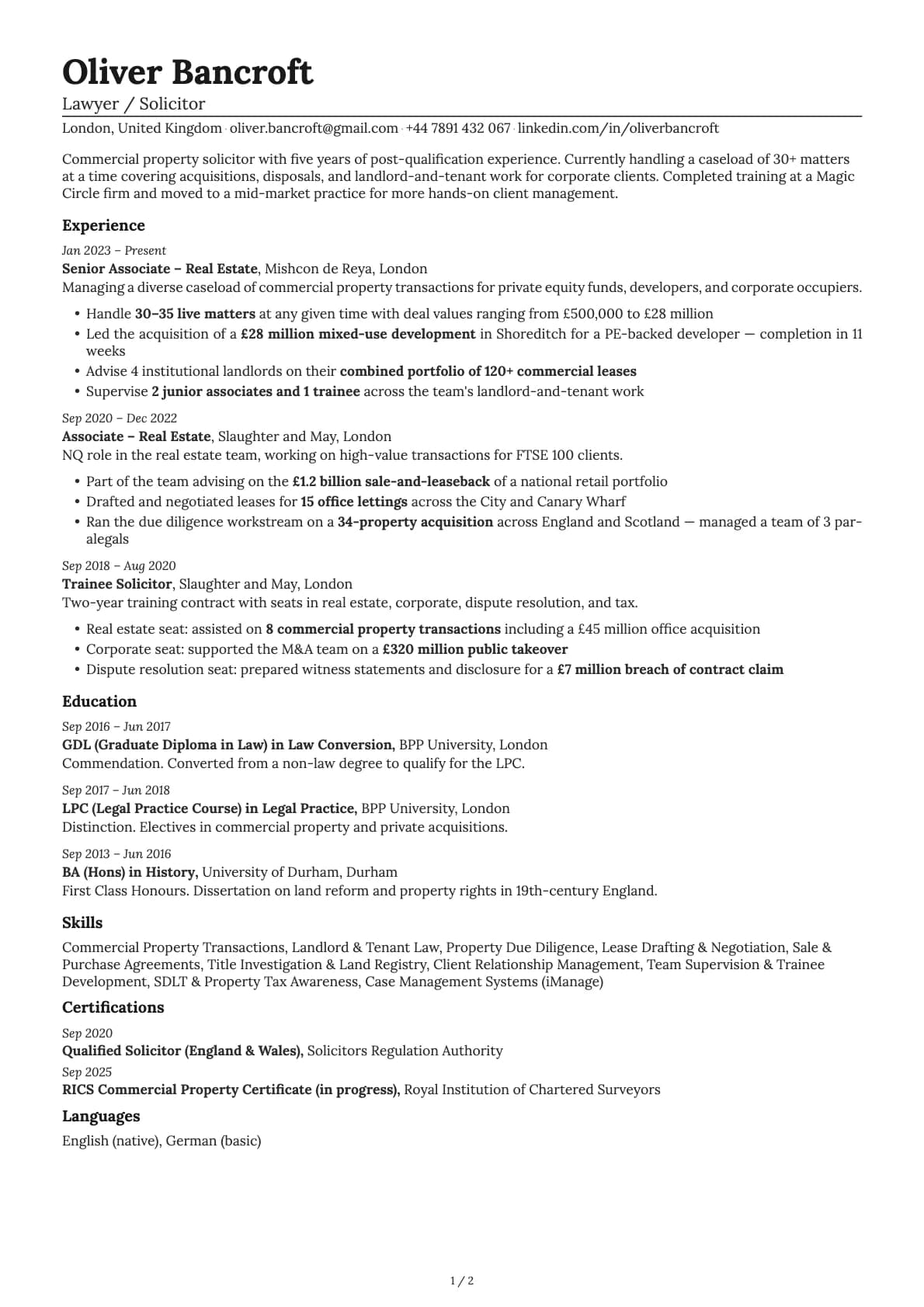
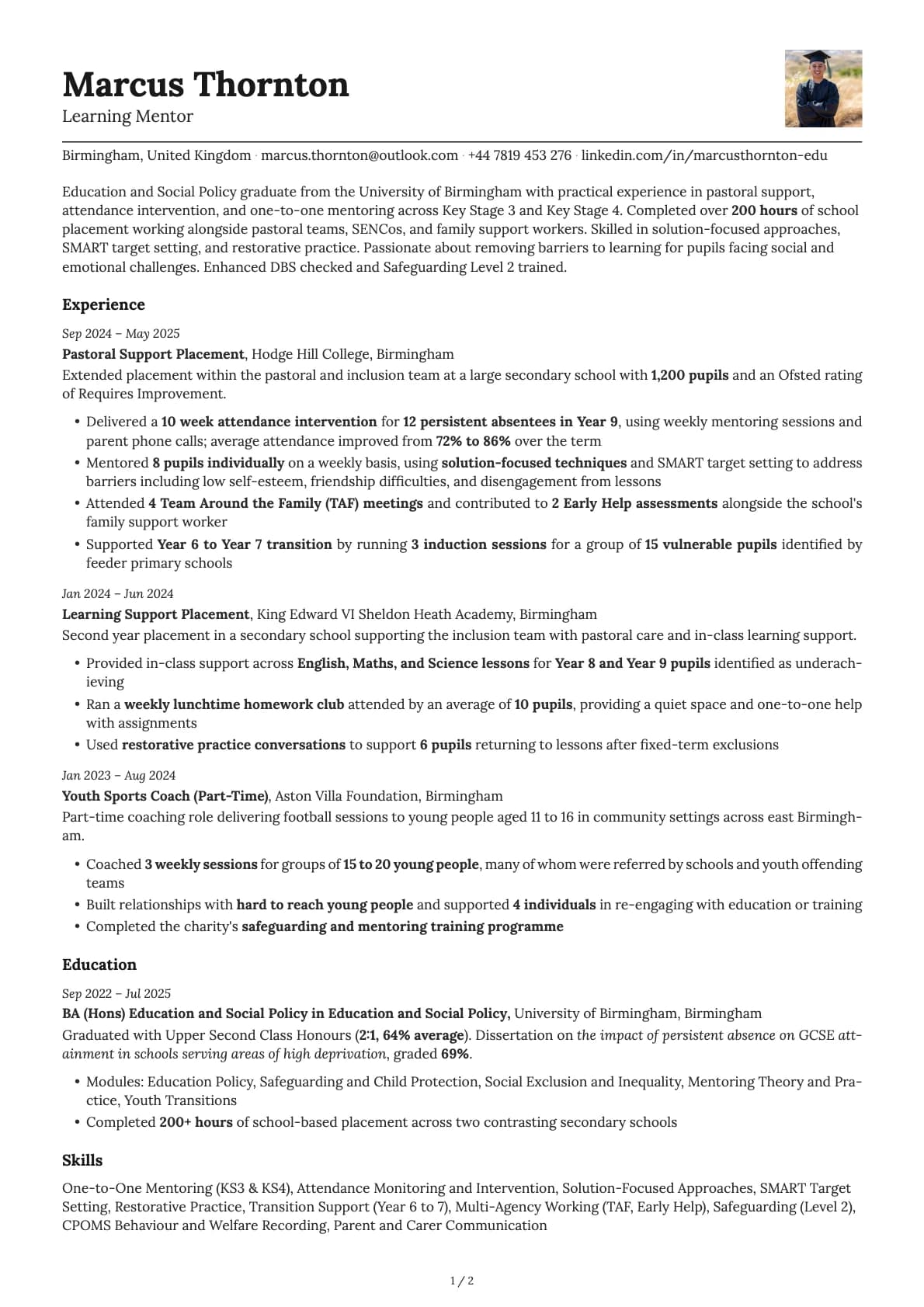
A clean single-column resume template with an inline contact layout, 11 colour options, and a 9.5/10 ATS score.
Free to use. No account needed to start.
Why Nickel?
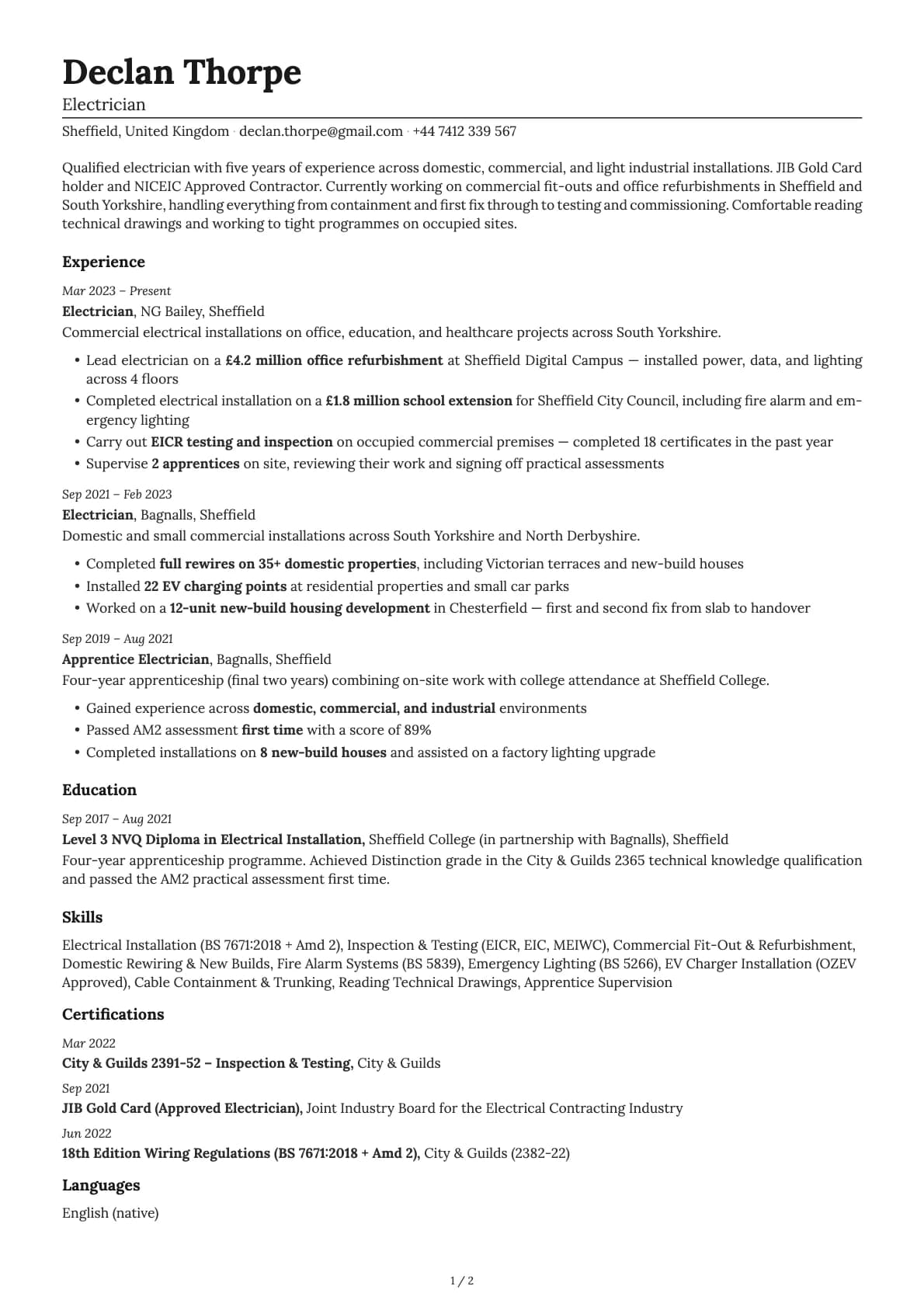
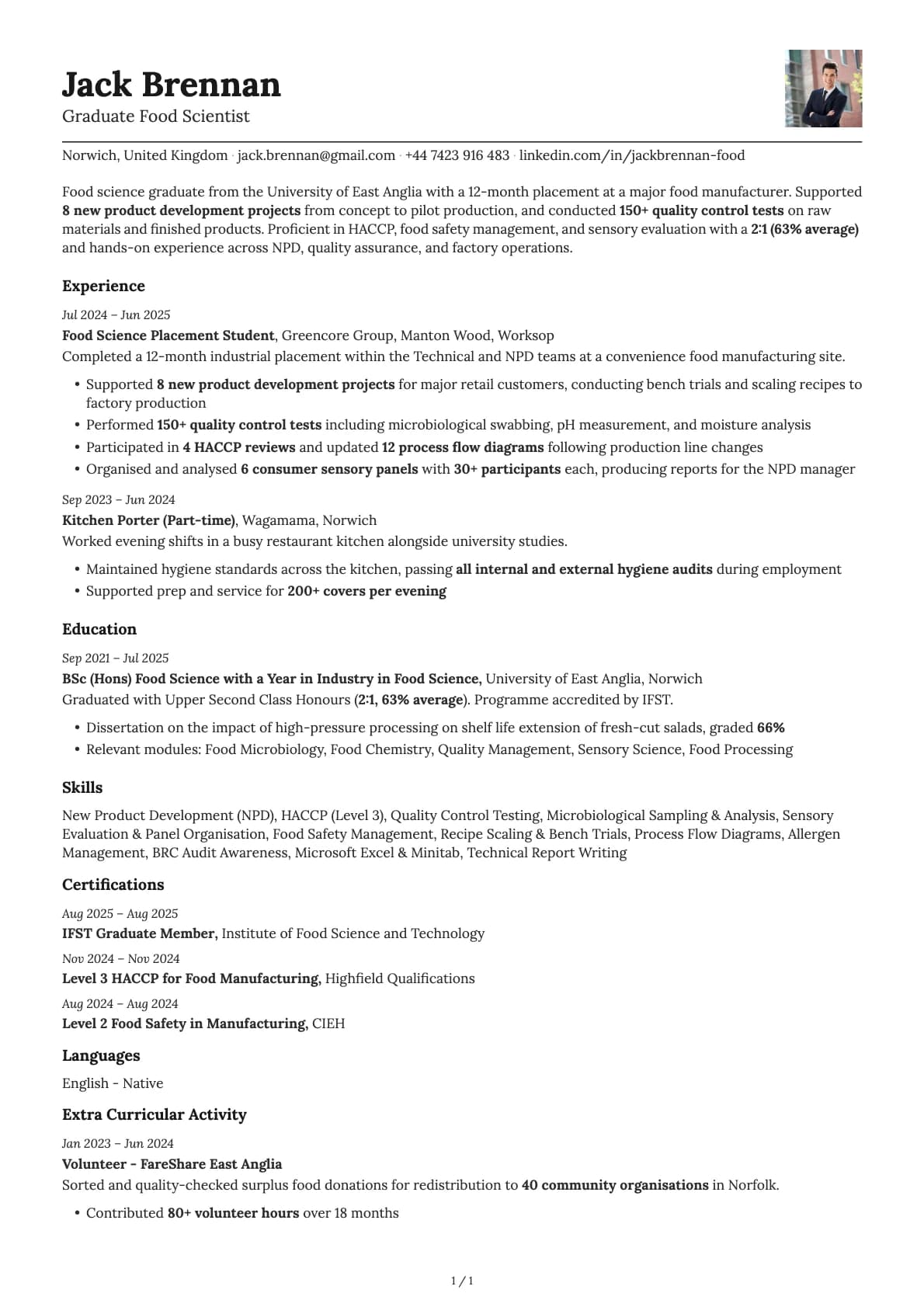
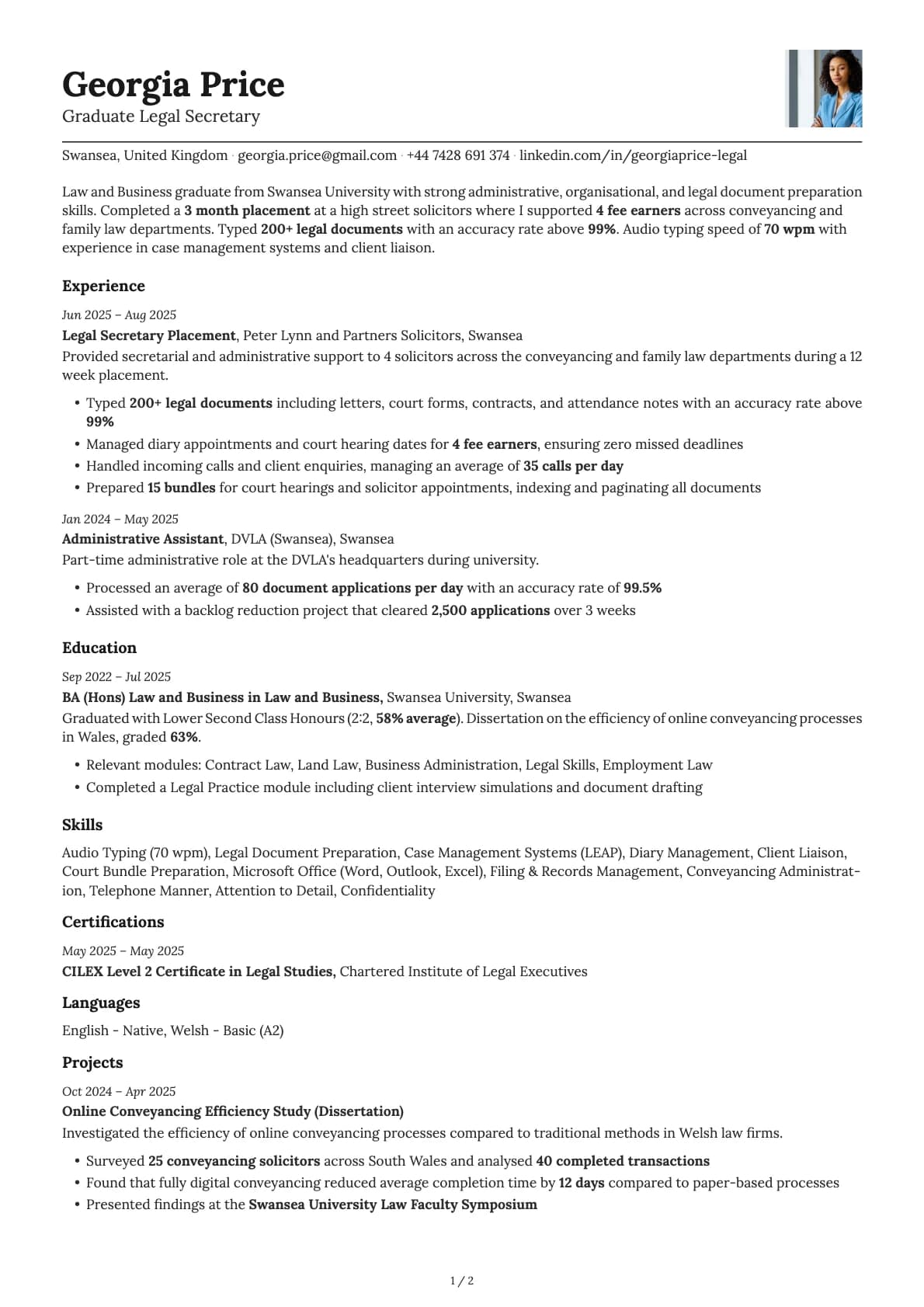
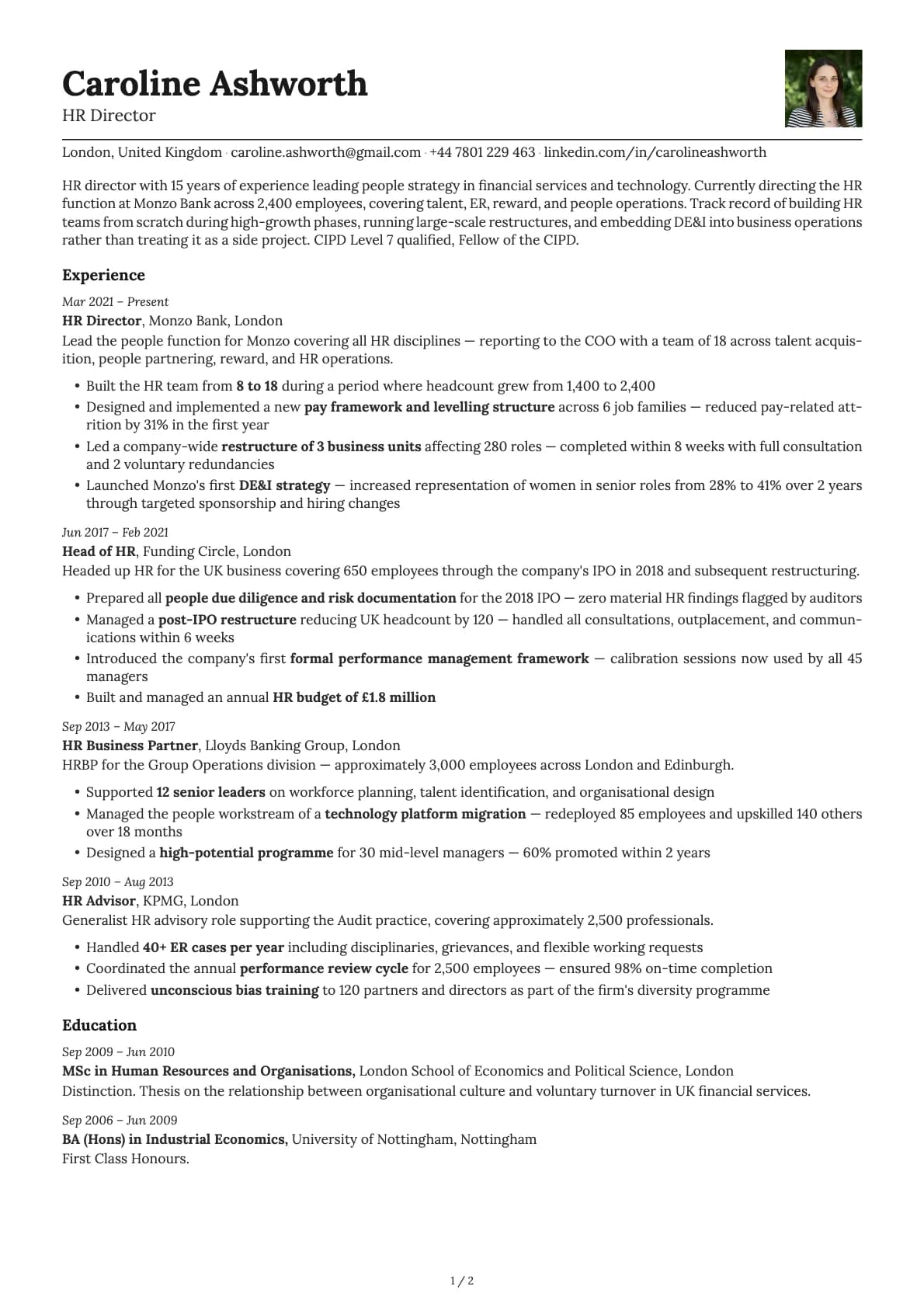
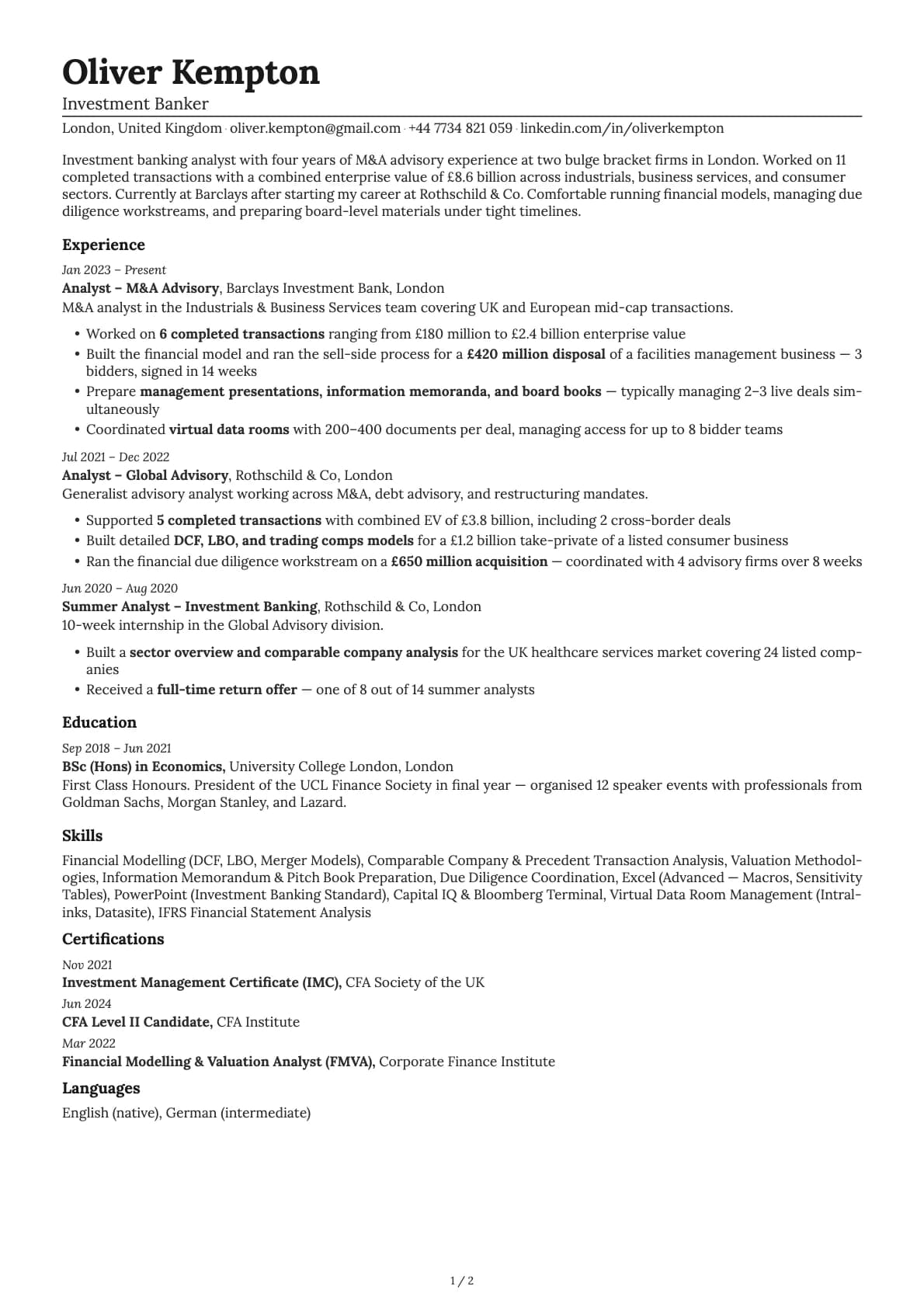
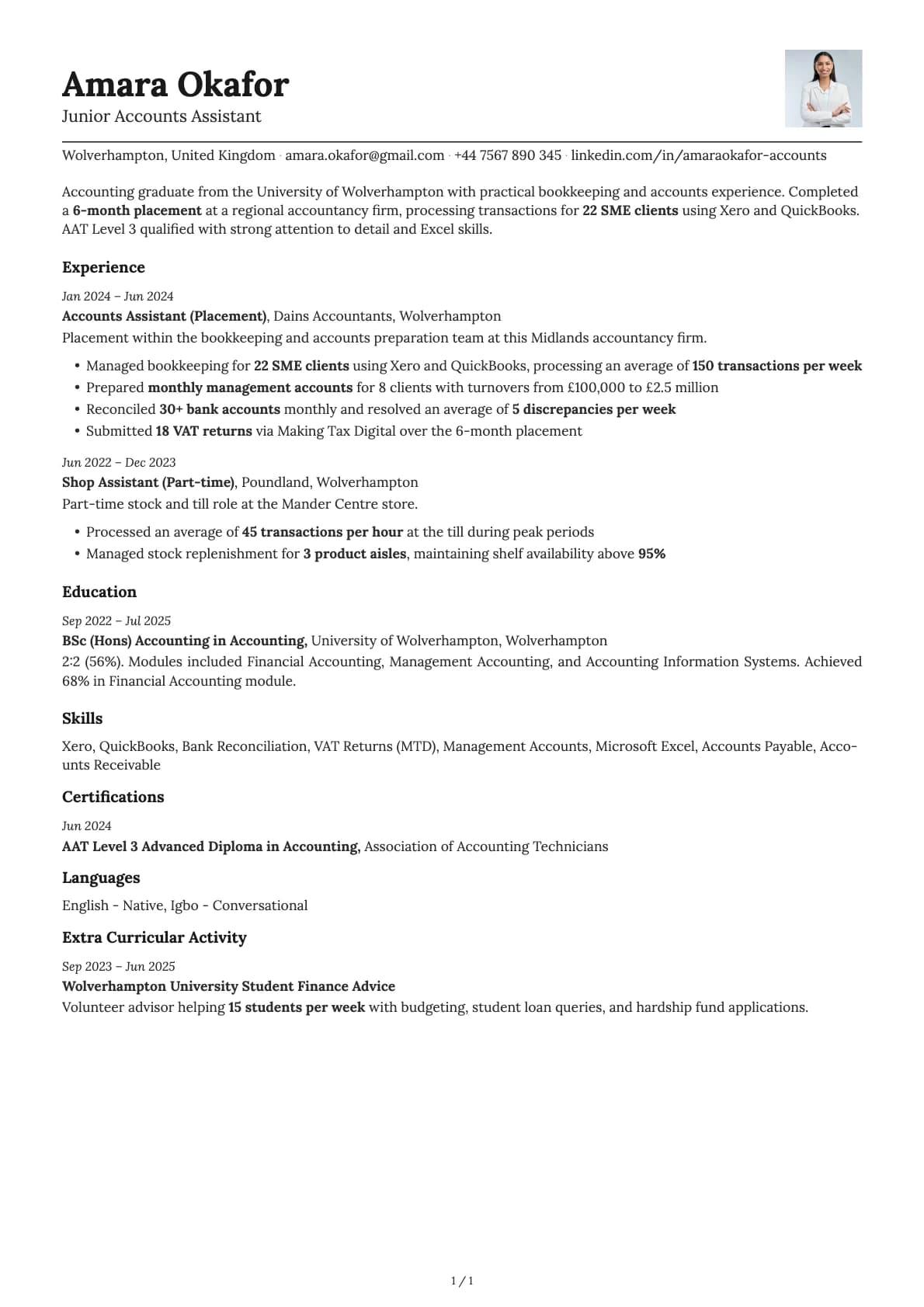
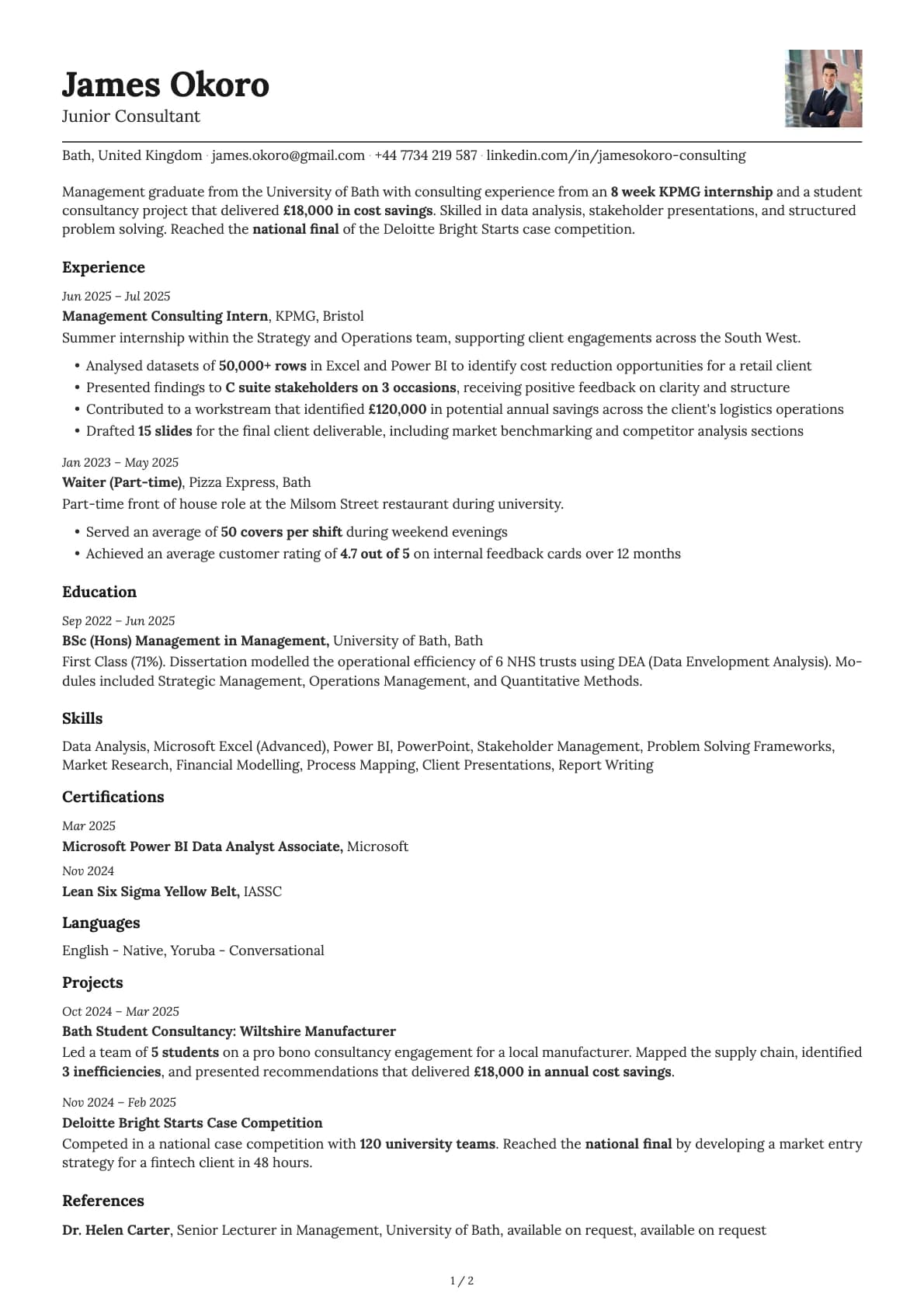
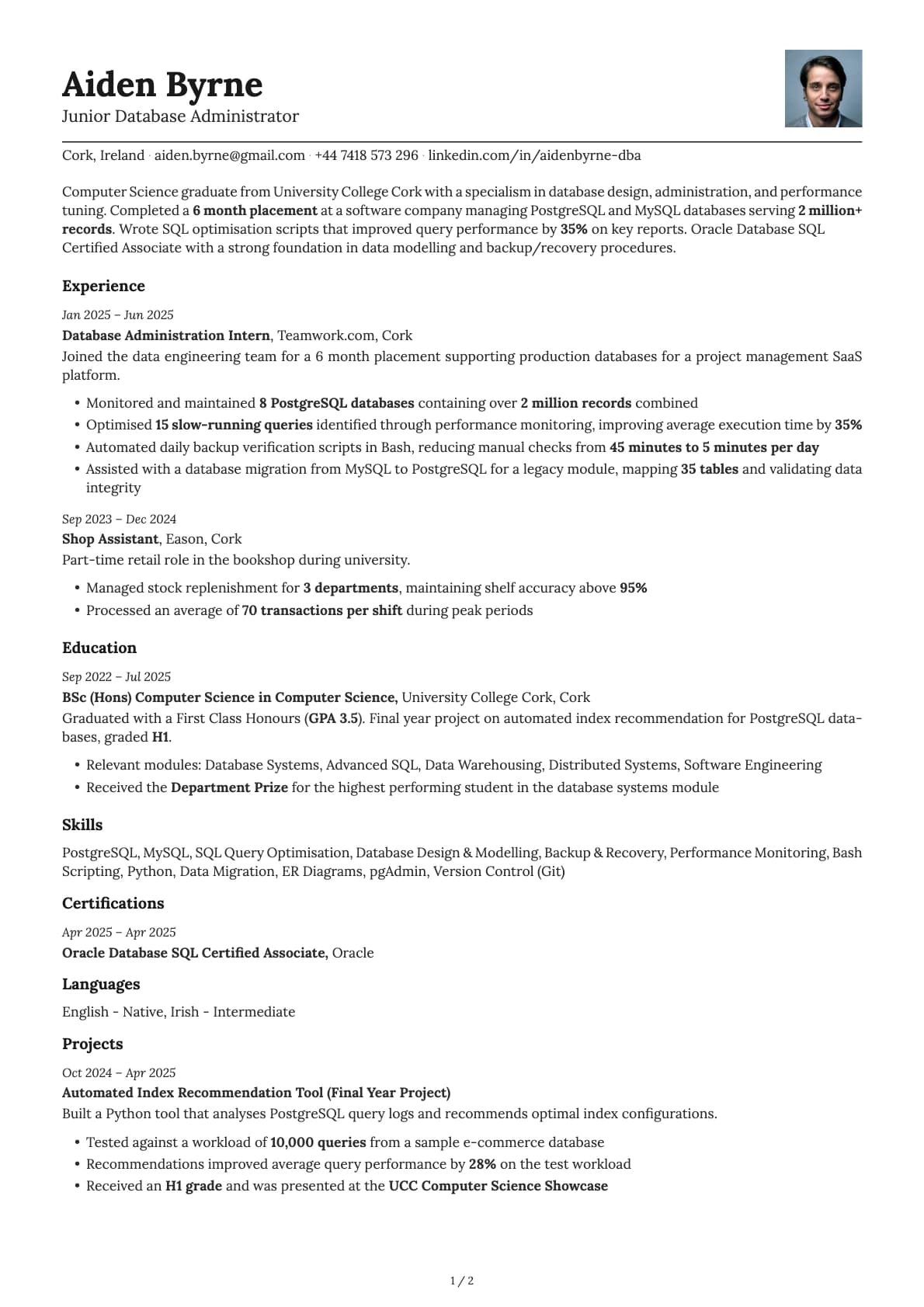
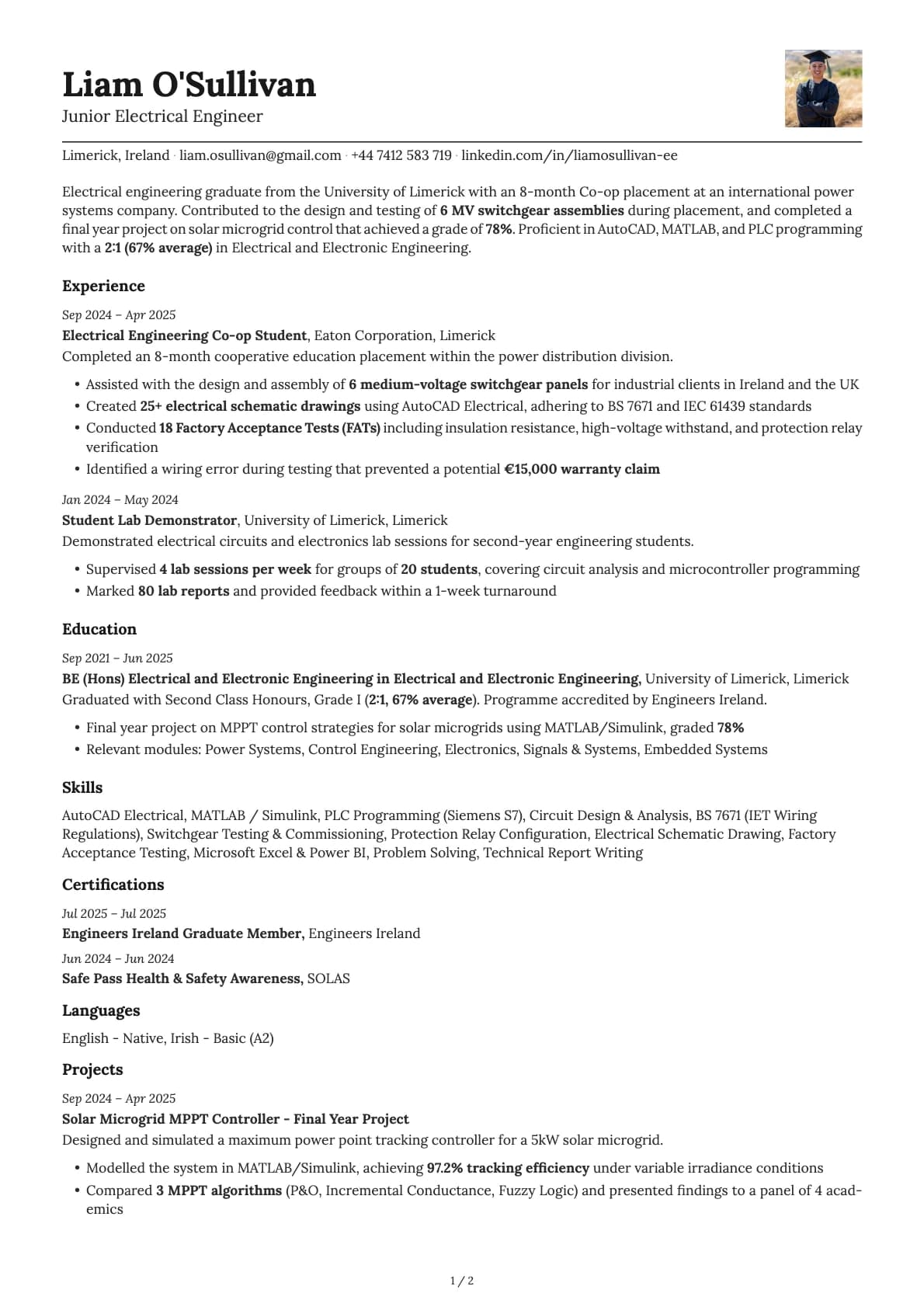
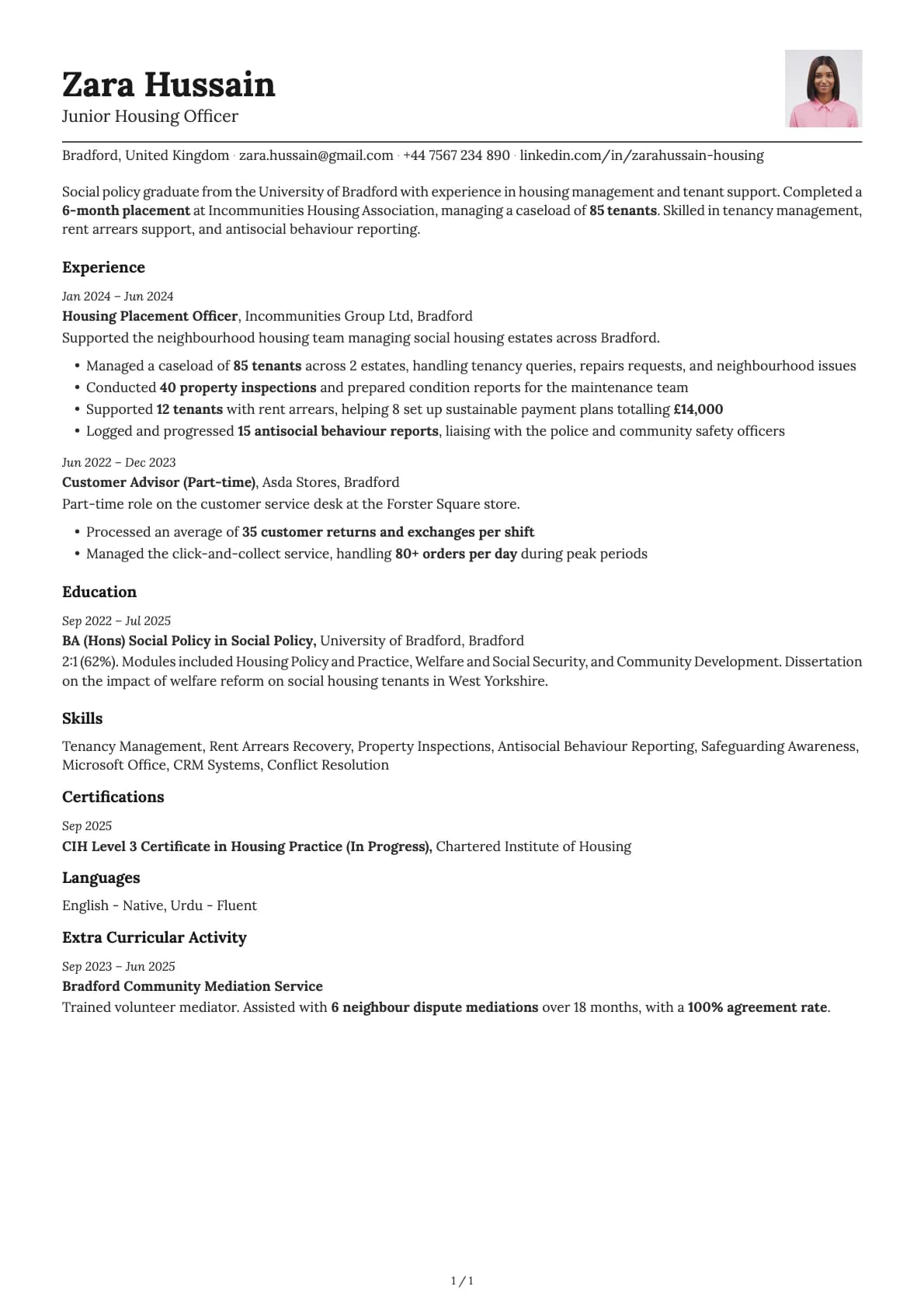
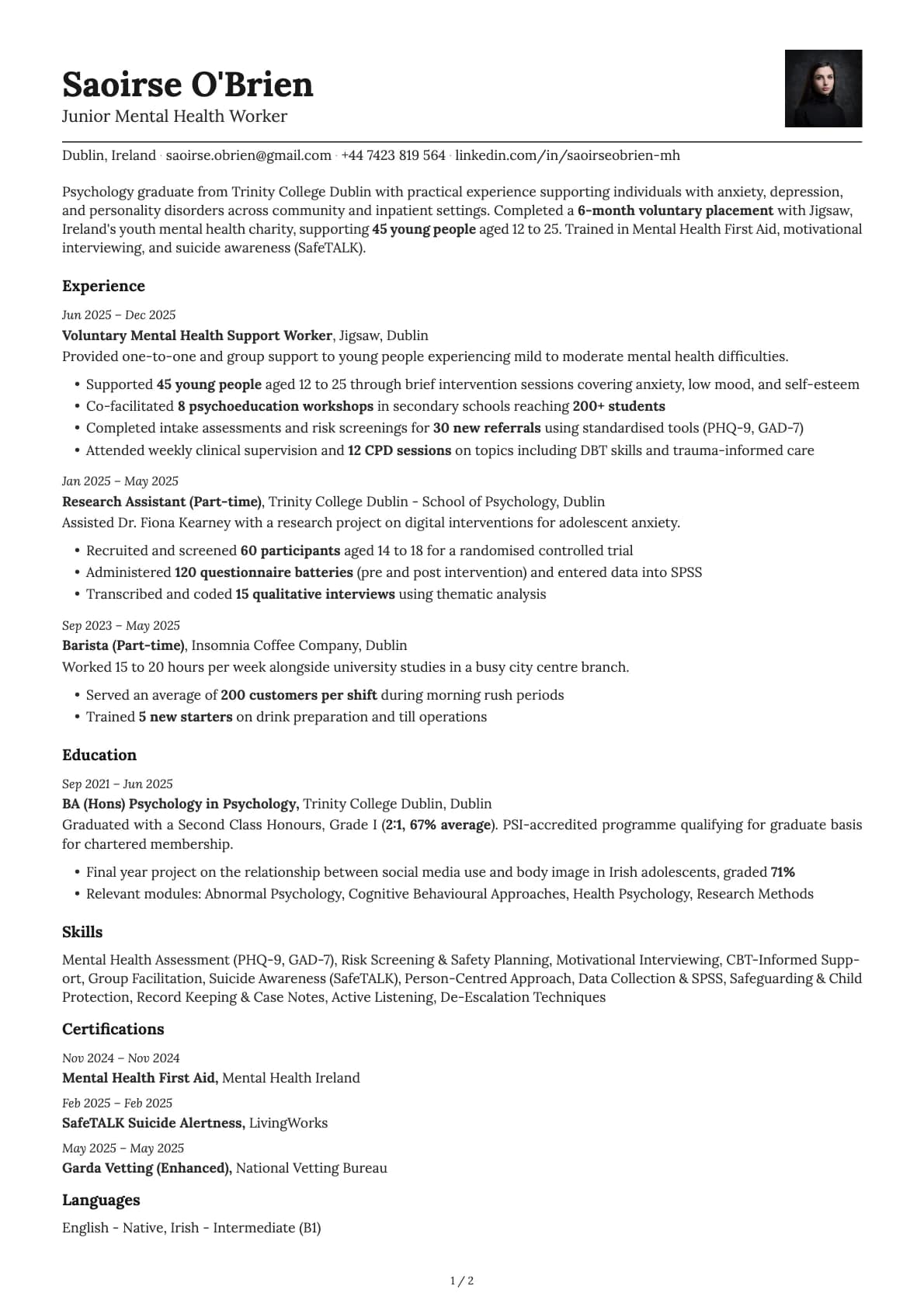
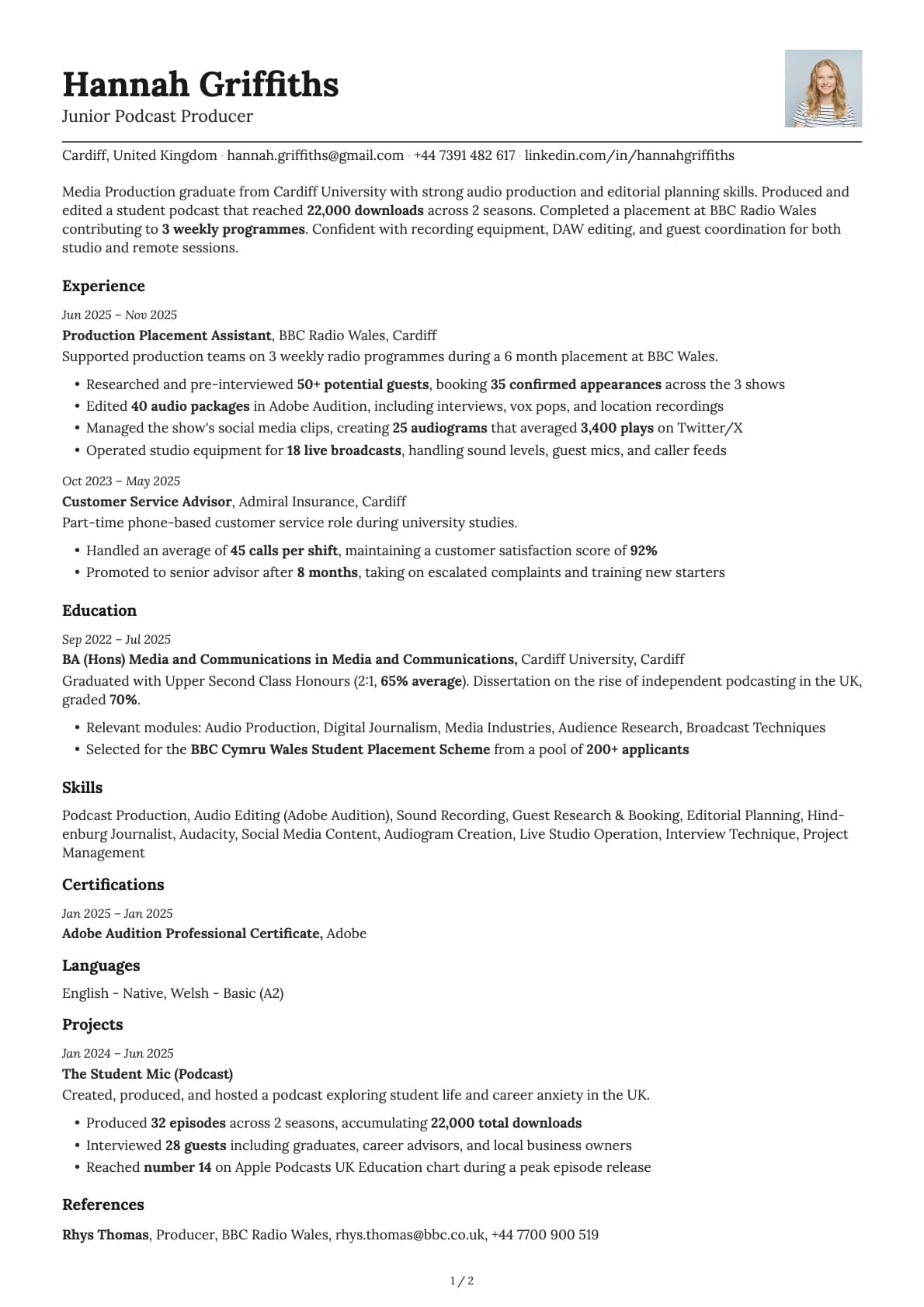
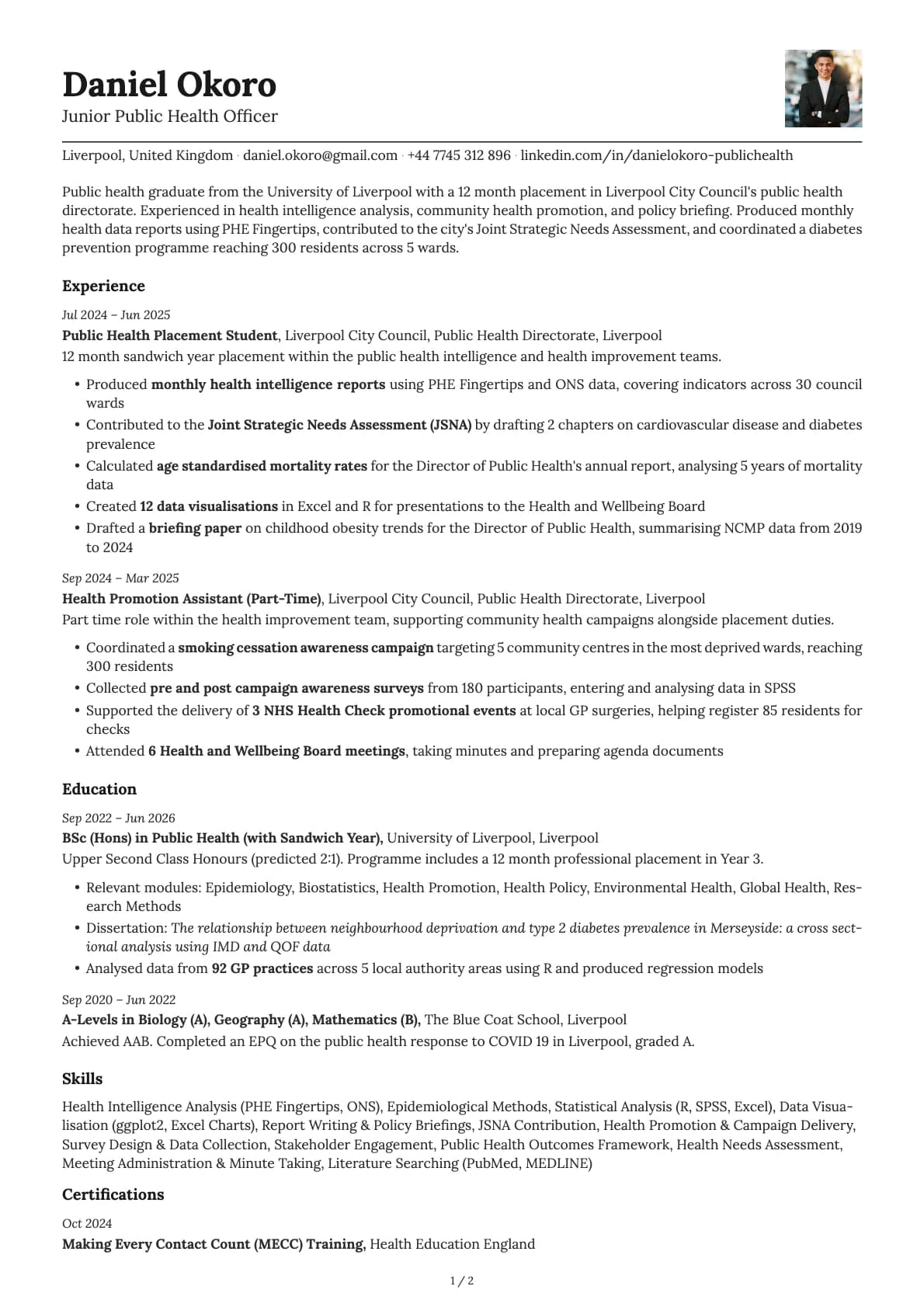
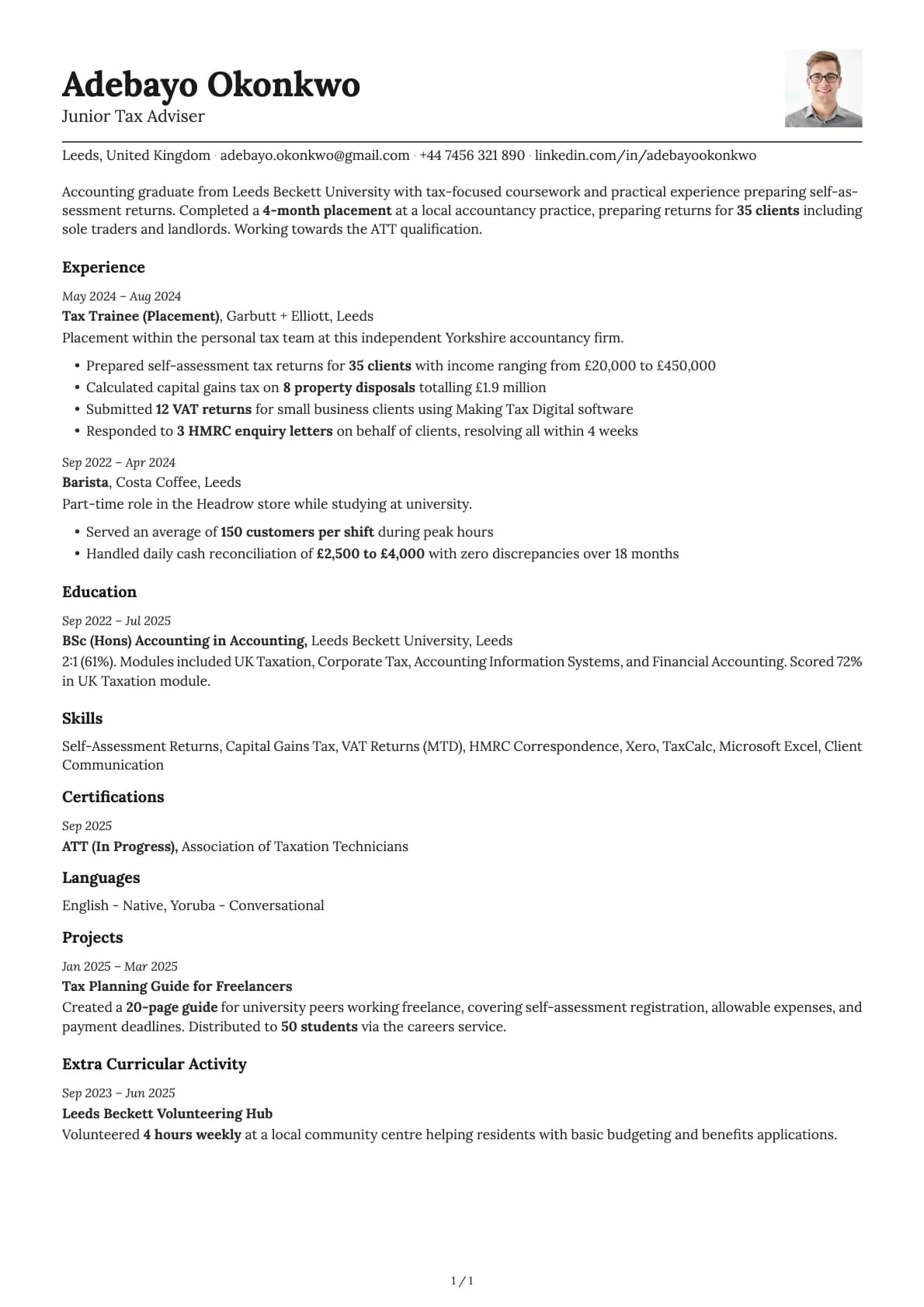
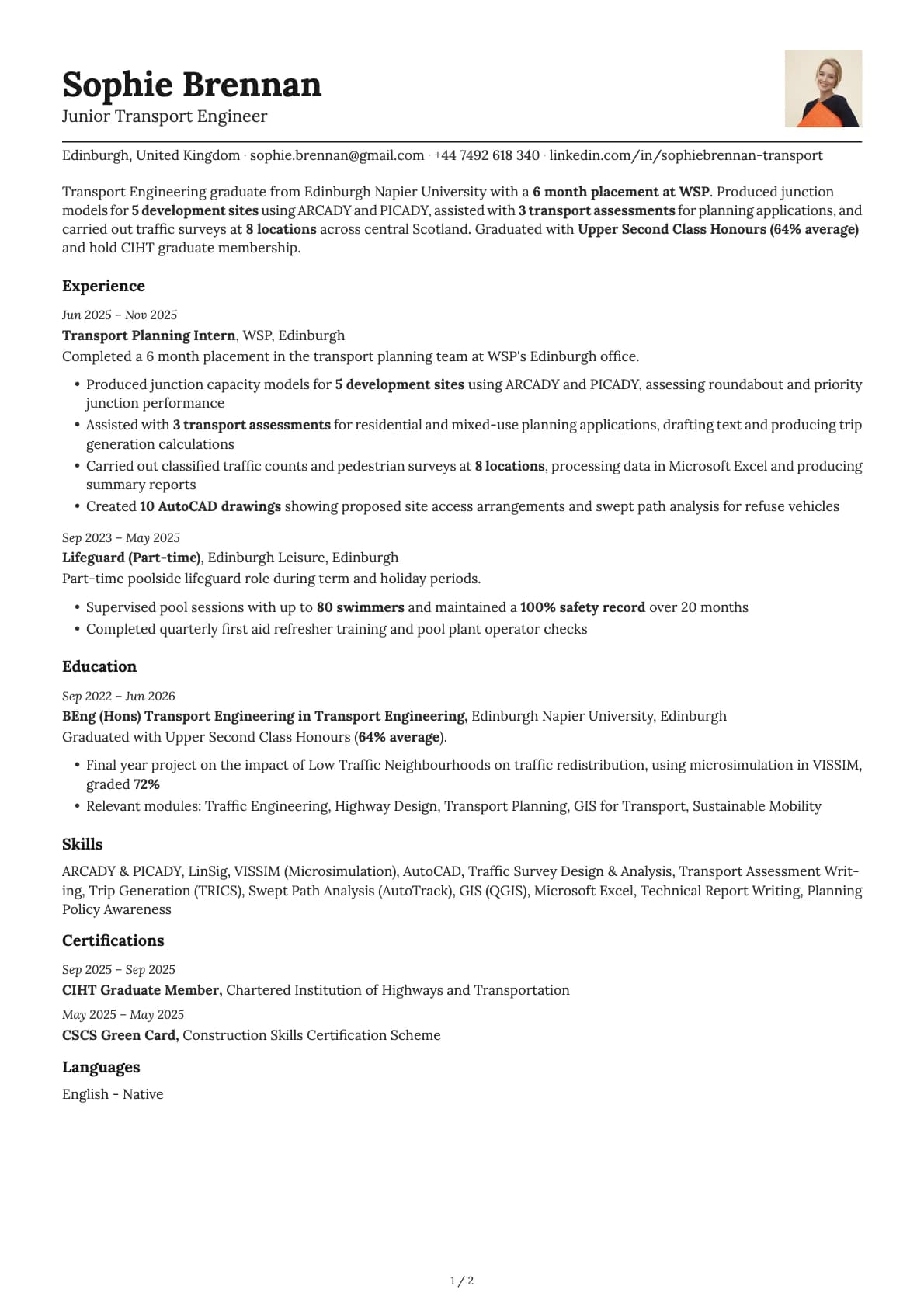
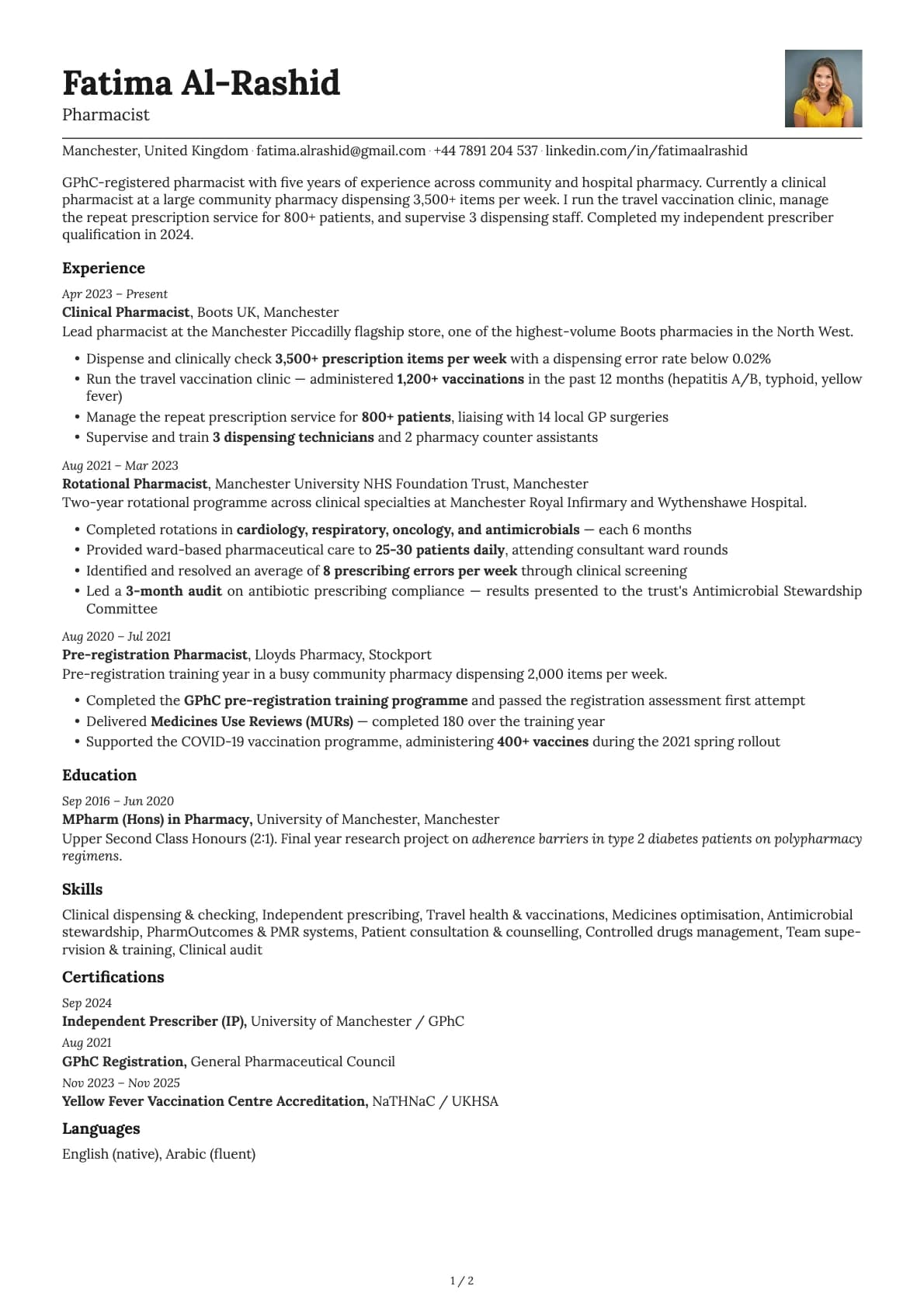
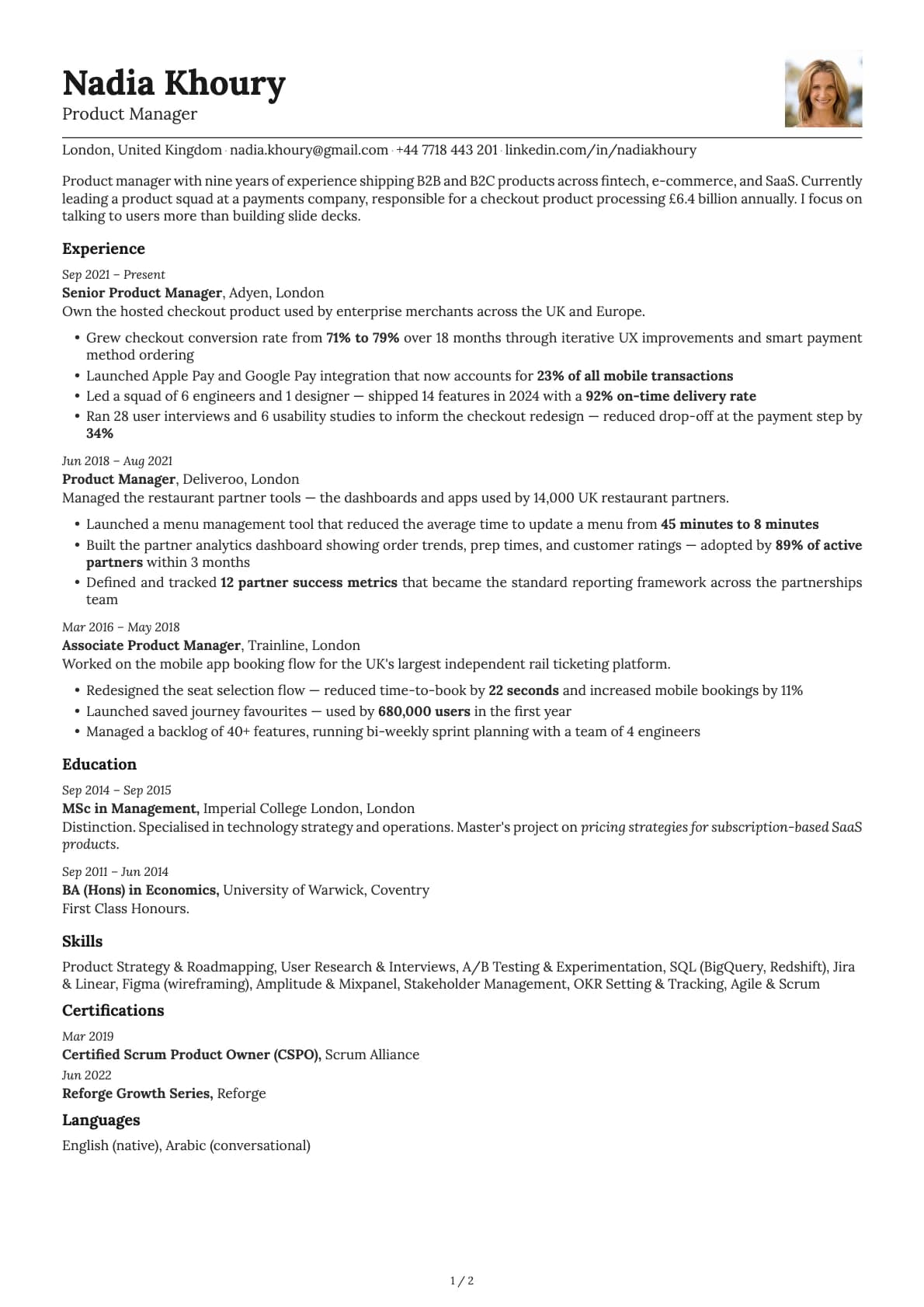
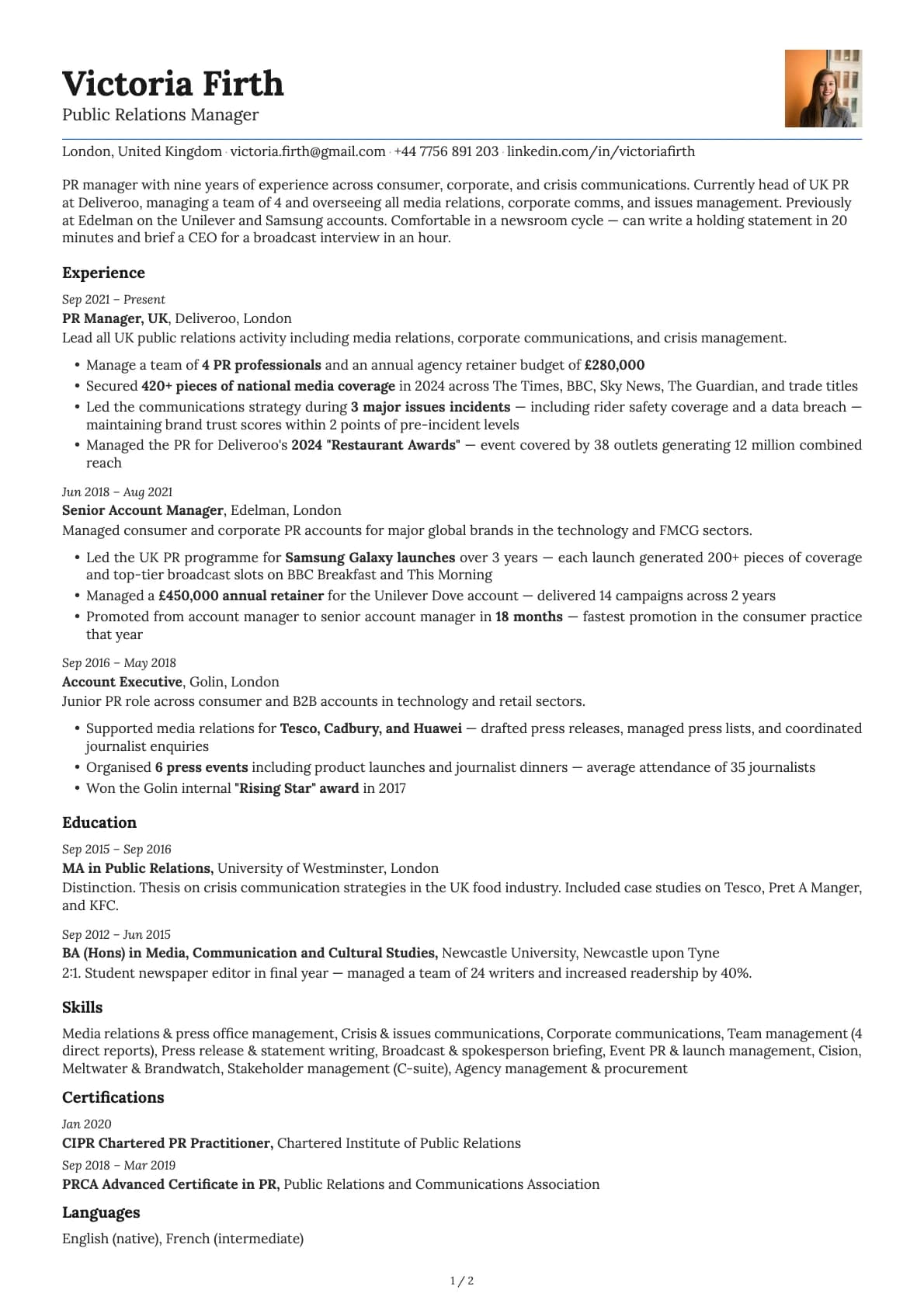
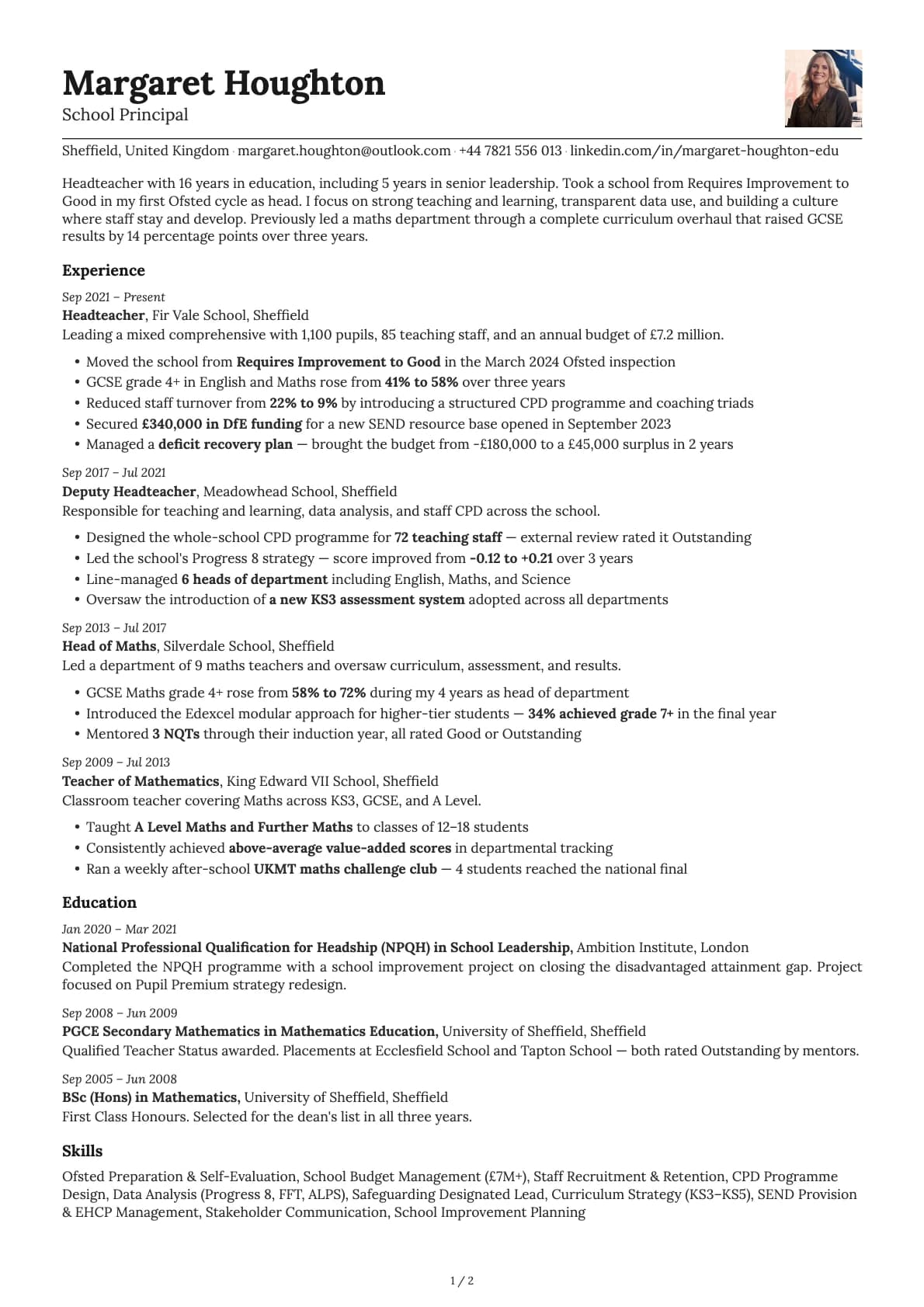
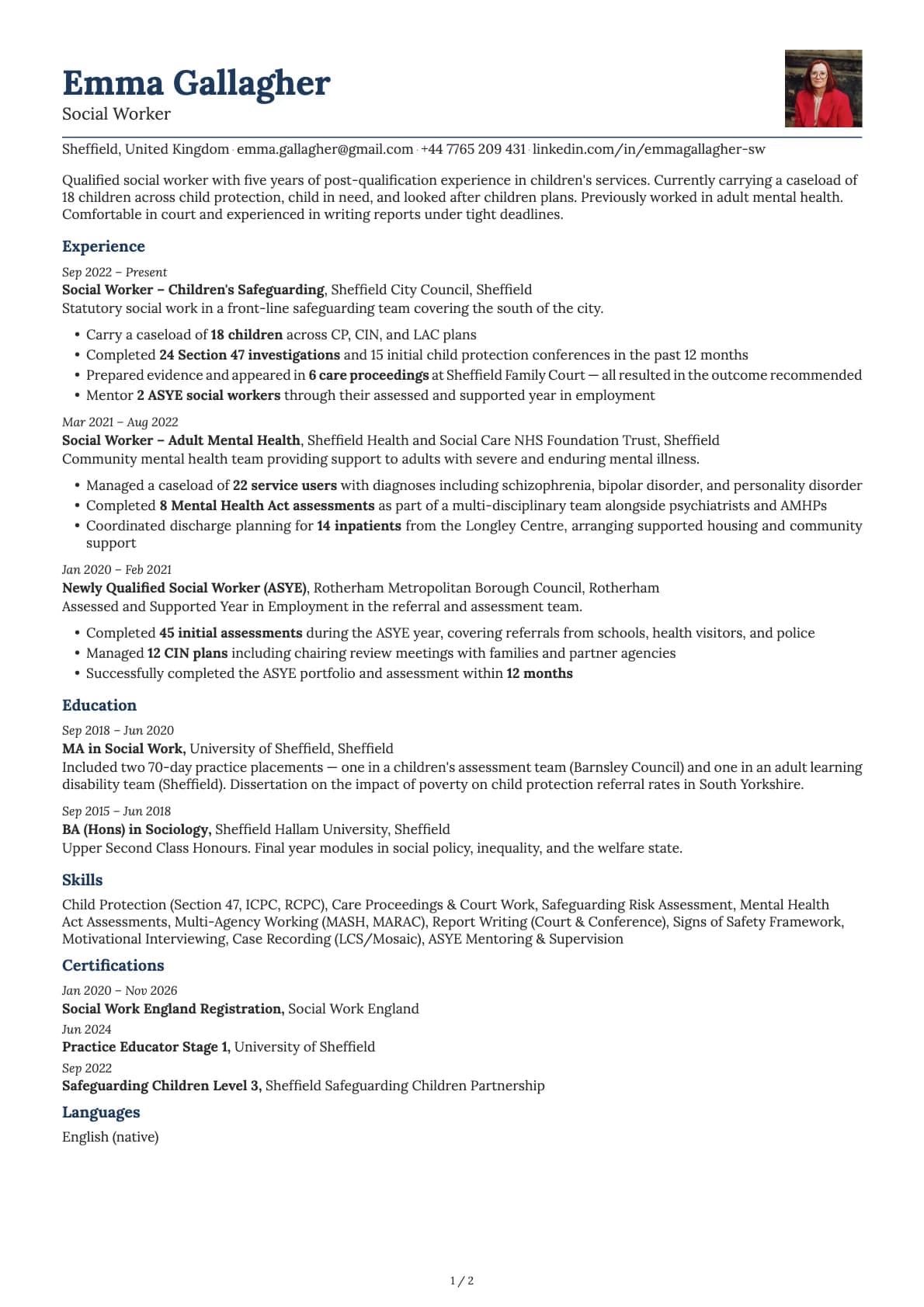
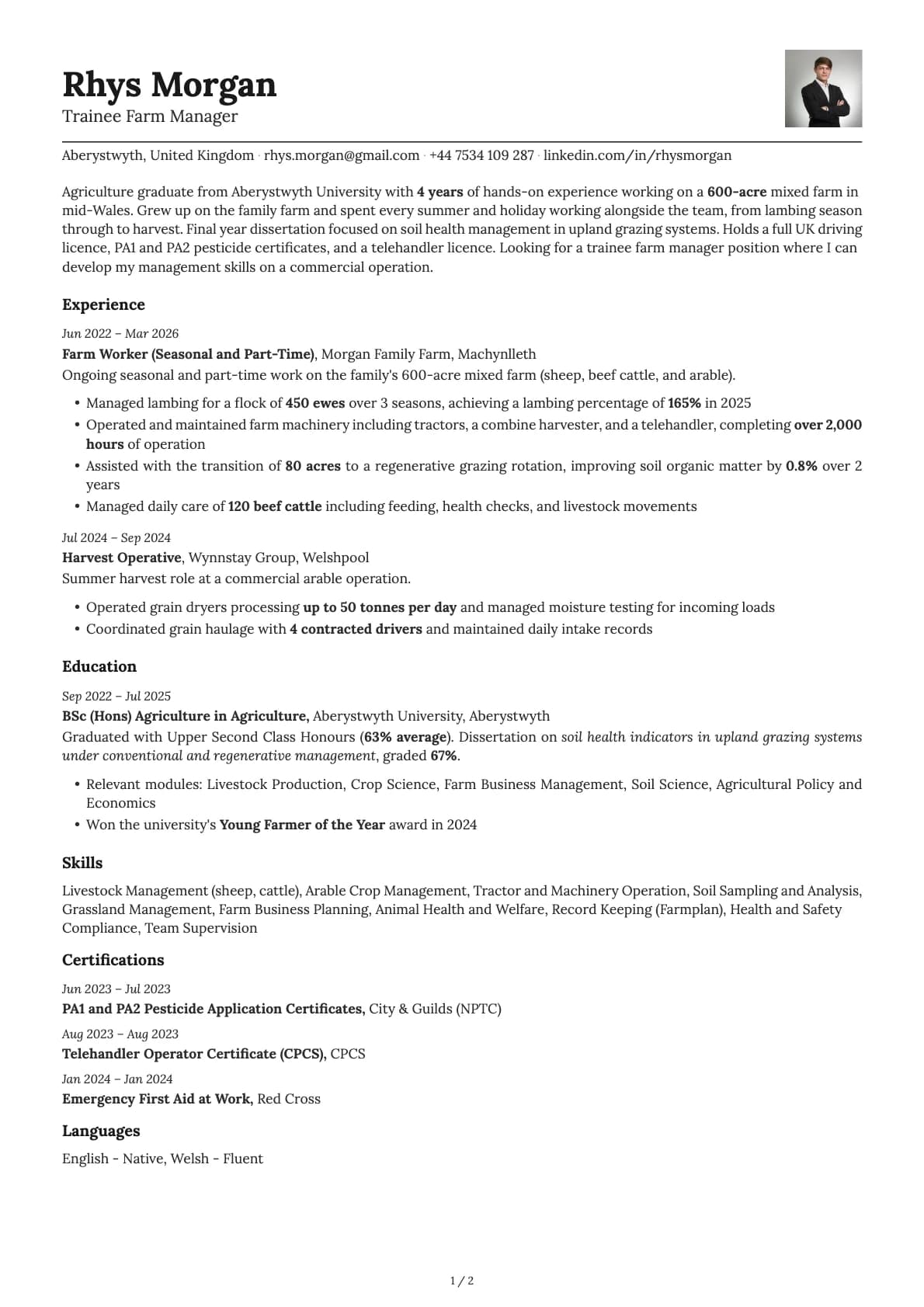
Nickel takes the same approach as other high-scoring single-column templates but makes one smart change: it puts your contact information on a single line, separated by pipes. Email | Phone | LinkedIn | Portfolio, all in one row. That saves vertical space and keeps the top of your resume compact, so your summary and experience start higher on the page.
It scores 9.5/10 on ATS compatibility, meaning every major applicant tracking system will read it correctly. The layout is linear, the headings are standard, and nothing about the formatting will cause parsing errors.
Who should use this template?
Nickel fits engineers, developers, analysts, and technical professionals who want a resume that looks sharp without any visual fuss. The serif default font (Lora) gives it a slightly more refined feel than a typical tech resume, which also makes it work for roles where you want to look both technical and polished: engineering management, technical consulting, solutions architecture.
If you have a compact career history (under 10 years), Nickel makes good use of the page. The inline contact layout means less wasted space at the top, so more room for what actually matters.
If you prefer the contact details stacked vertically instead, Copper has a similar tech focus with that layout. For something bolder and more creative, Cobalt adds vibrant colour options while keeping the same ATS score. And if you want a timeline-based layout that still parses well, Zinc is worth a look.
What you get
- A single-column layout with a 9.5/10 ATS score
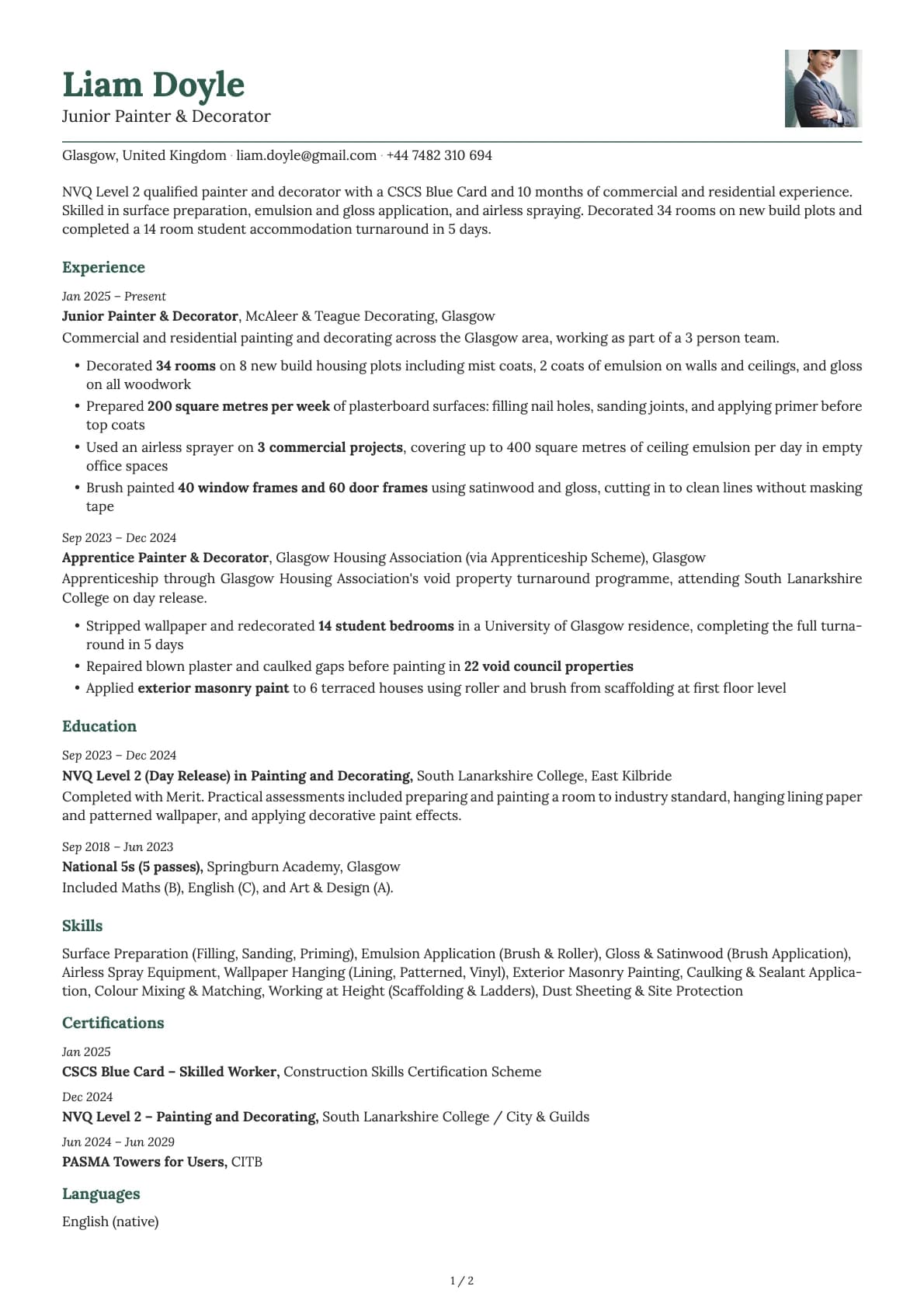
- 11 colour themes ranging from classic black-on-white to teal, blue, and muted grey-green tones
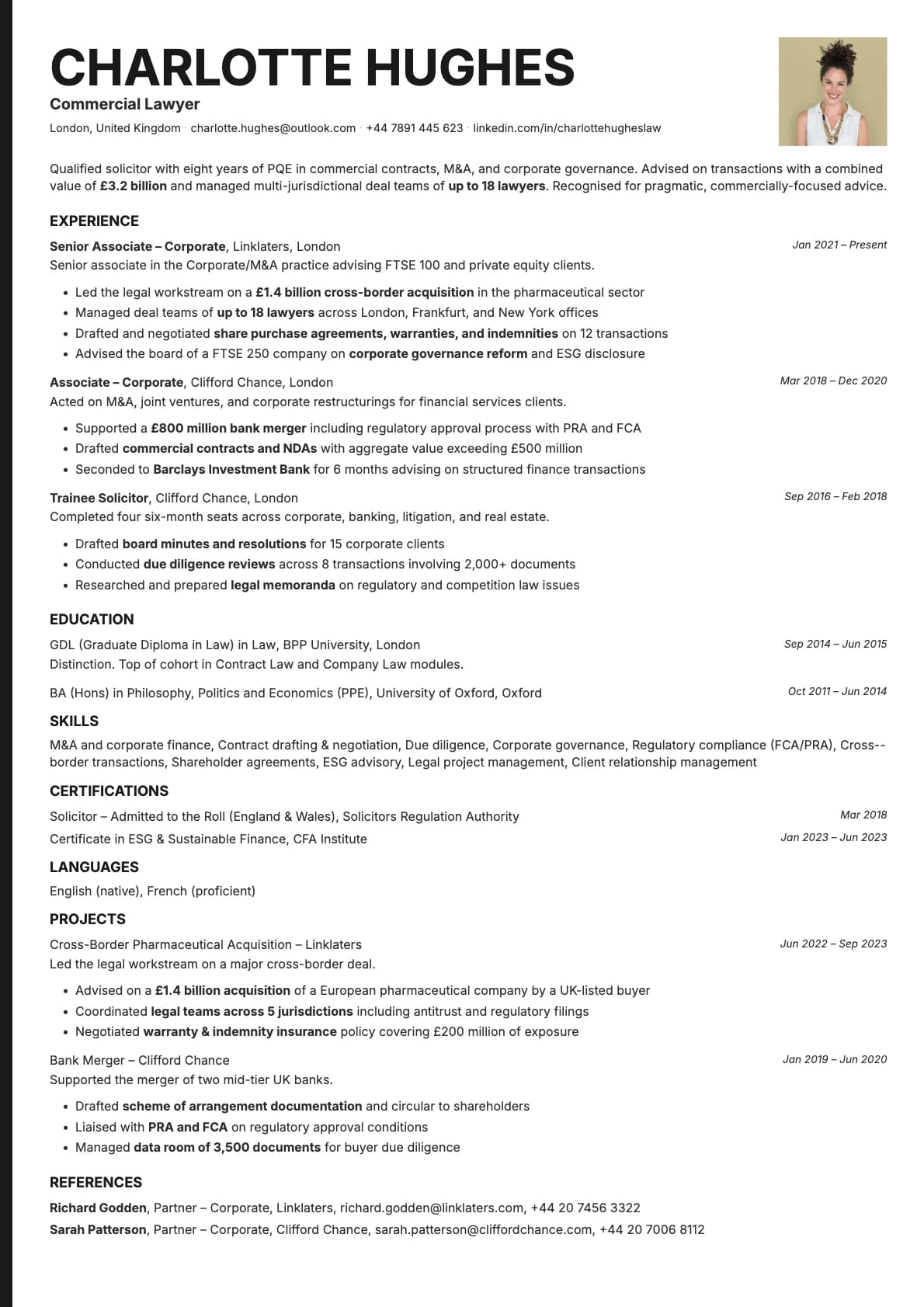
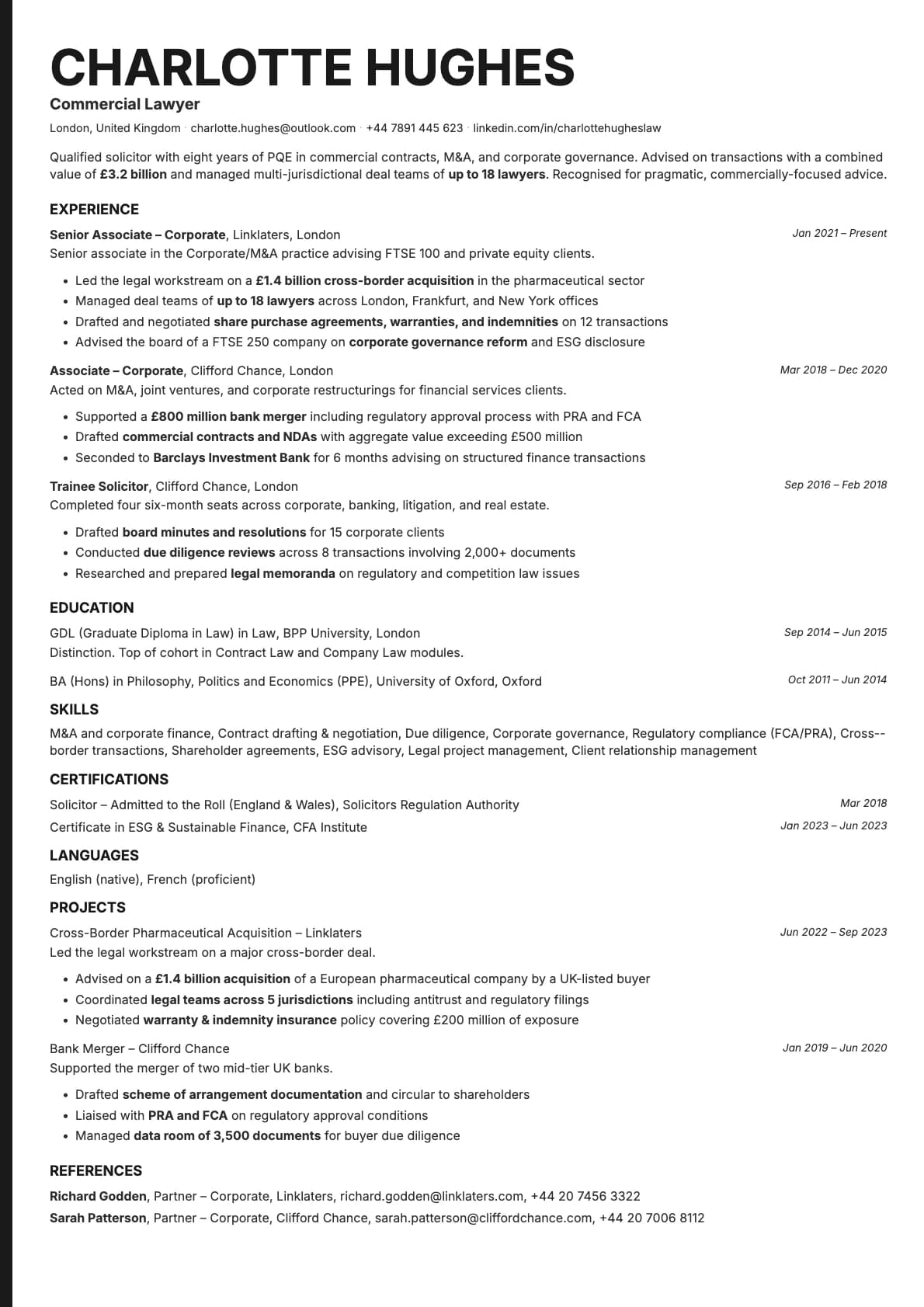
- The default font is Lora, a serif typeface that pairs readability with a touch of character. You can switch to any available font (Inter, Poppins, Lora, Century Gothic, and more) in Laddro
- An inline pipe-separated contact section that keeps your header tight
- Multi-page support for detailed career histories
ATS compatibility
Nickel scores 9.5/10 for the same reasons that make any single-column template ATS-friendly:
- One column of content, read top to bottom. No tables, no sidebars.
- All text is real text. Nothing sits inside images or graphics.
- Section headings use standard labels that every major ATS recognises: Employment History, Education, Skills, and so on.
Upload it to LinkedIn, Indeed, Workday, or email it directly. It will parse correctly everywhere.
Colour options
Nickel comes with 11 colour variations:
- Classic white background with black text for the most universal look
- A bright blue accent option that adds energy without being loud
- Navy and deep teal options for a more grounded, professional feel
- Muted grey and sage tones for a subtle, understated look
Every variation looks good on screen and prints cleanly. Preview them all in the builder before you commit.
Tips for getting the most out of Nickel
- Use the space you save with the inline contact layout to write a strong 2-3 sentence summary. Front-load it with your most relevant qualification.
- Keep bullet points tight. One to two lines each. The clean layout rewards concise writing.
- The serif font (Lora) pairs well with the teal and navy colour themes. If you switch to a sans-serif like Inter, the black-on-white or grey themes tend to look better.
- List technical skills in a scannable format: group them by category (Languages, Frameworks, Tools) rather than dumping everything in one list.
Build your resume with Nickel on Laddro
Start building with Nickel. Fill in your details, switch colours and fonts in real time, and download a PDF when you are ready. No account needed to start.
How would you rate this template?
Your rating helps others pick the right template for their resume.
Make this template yours
Pick a colour, add your details, and download your resume. No design skills needed.
Free to use. No account needed to start.
Resumes built with Nickel