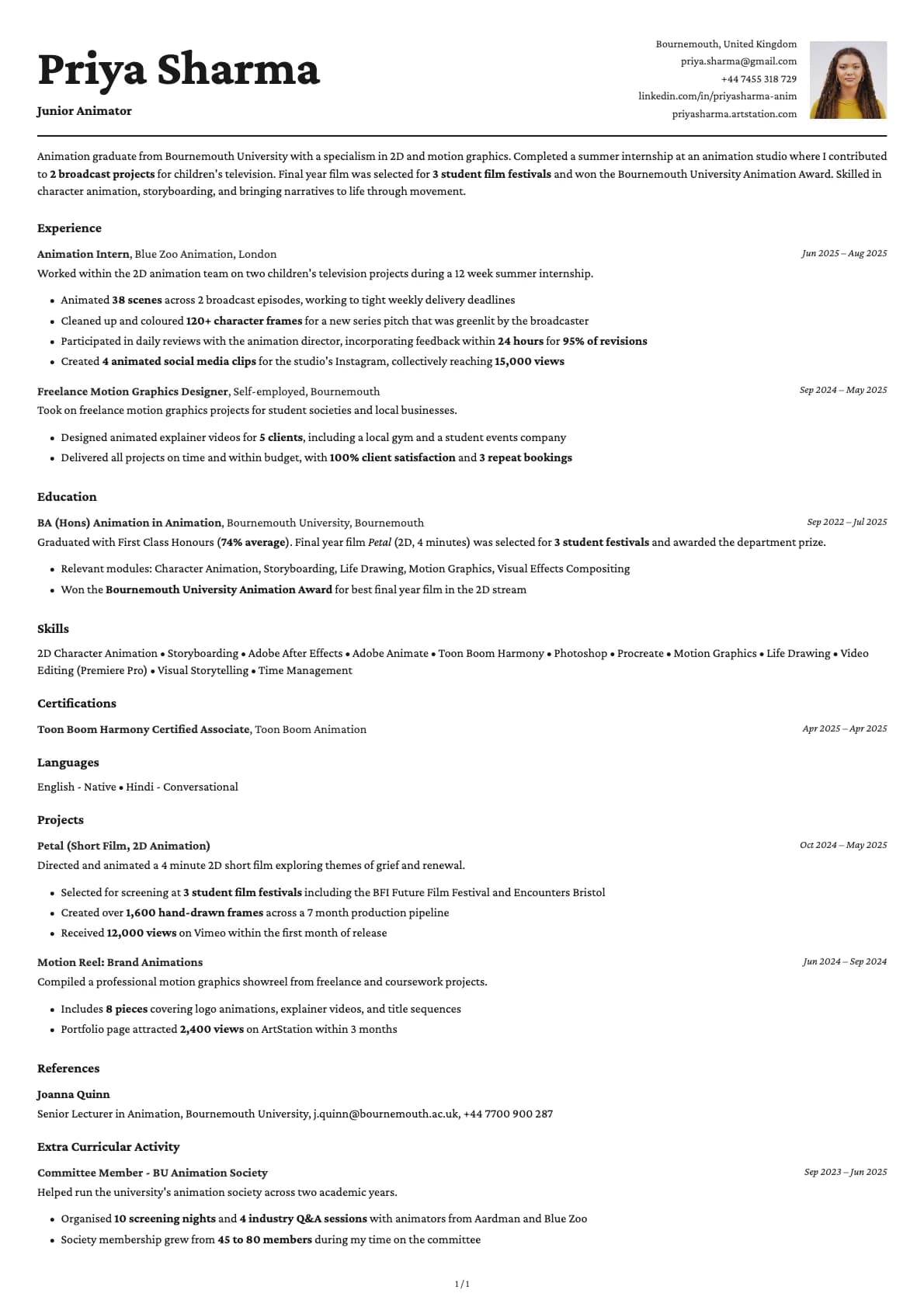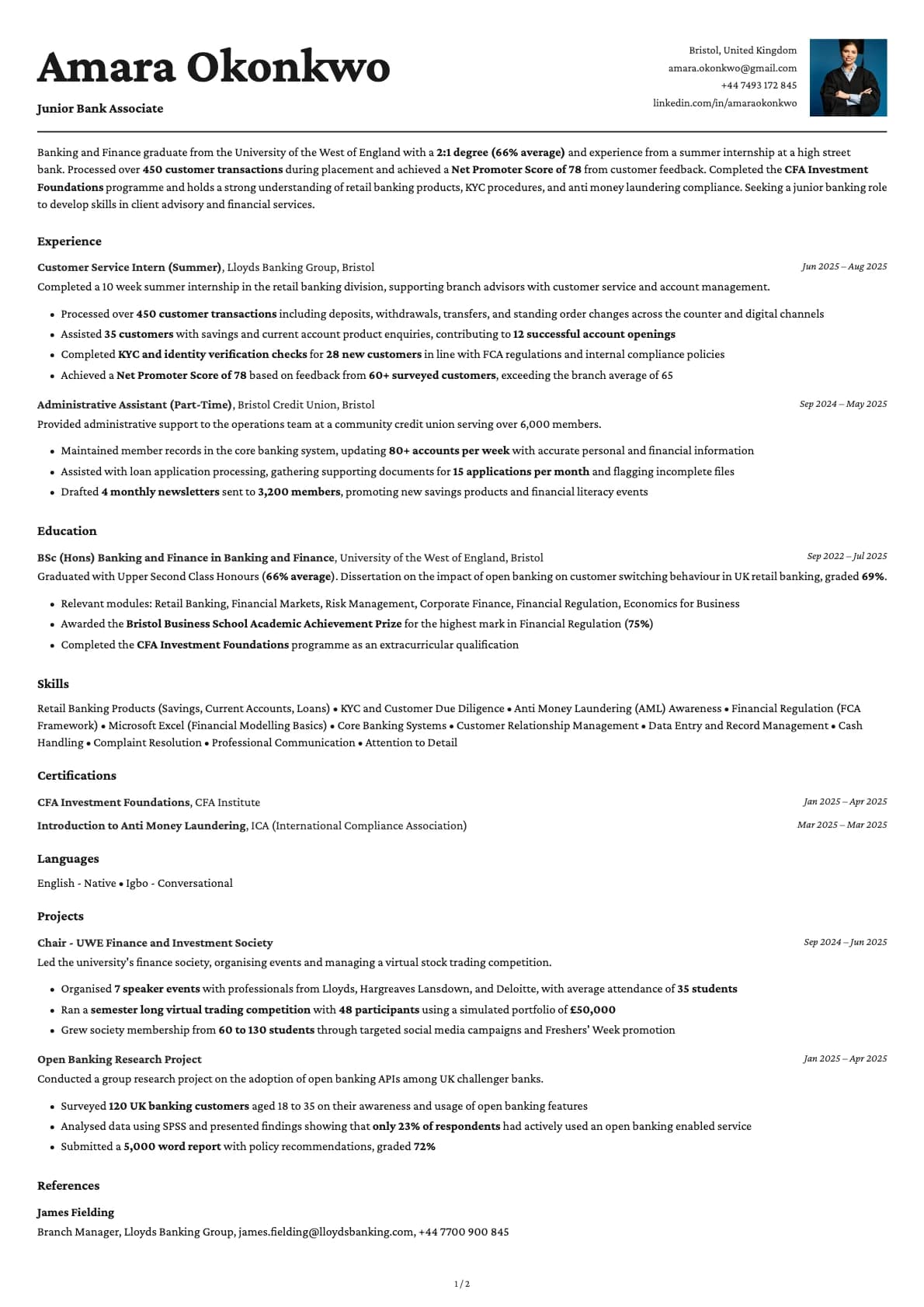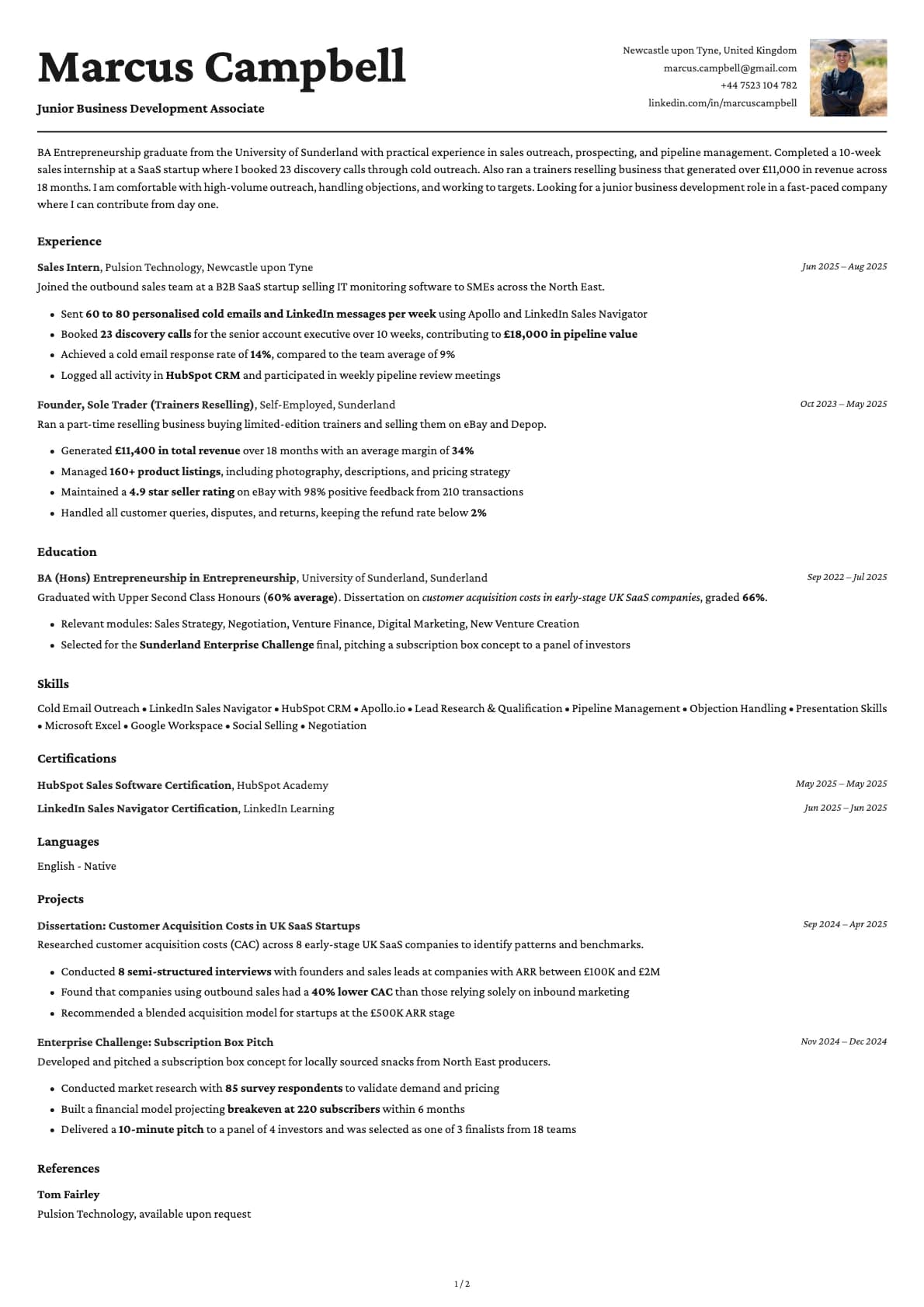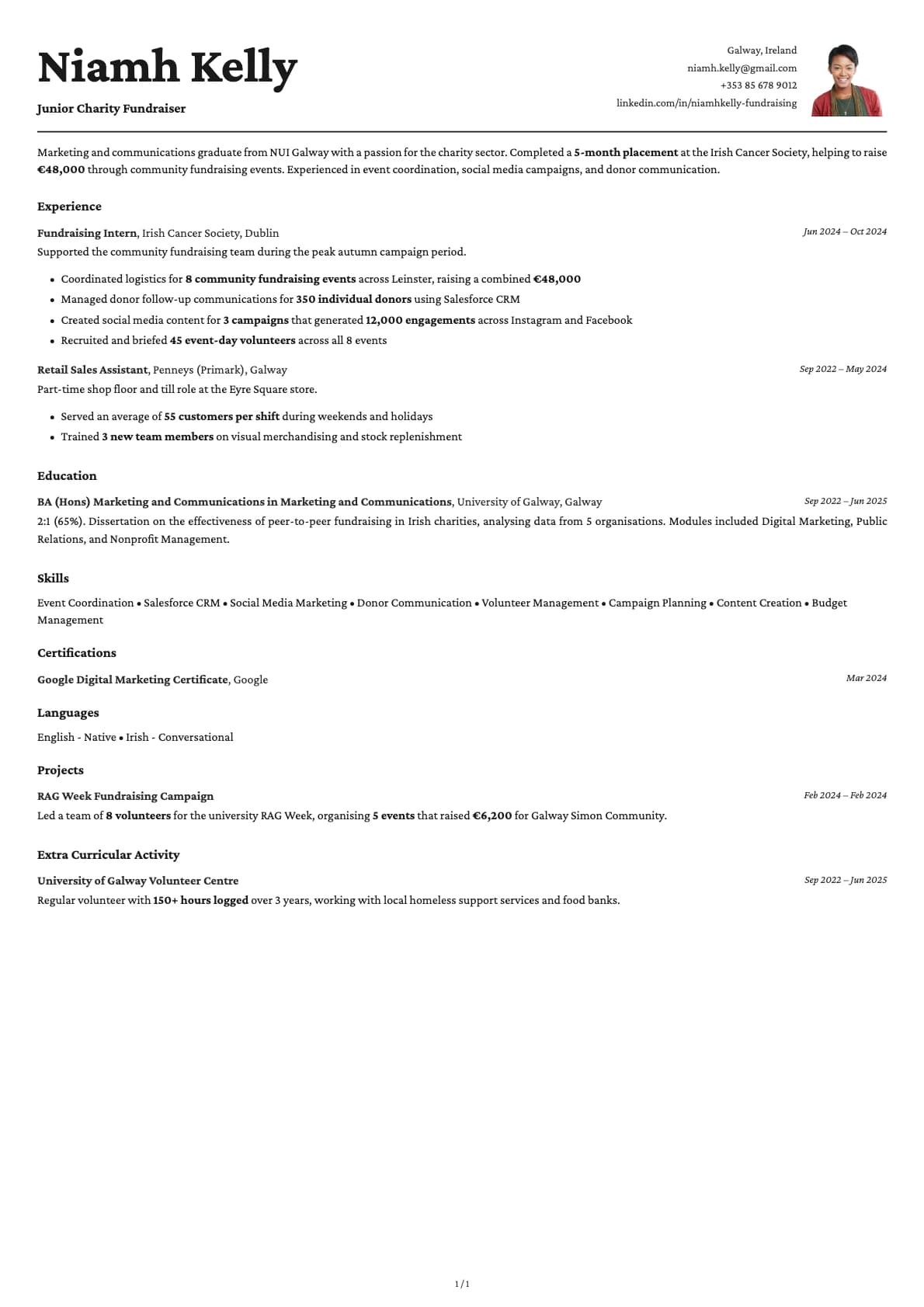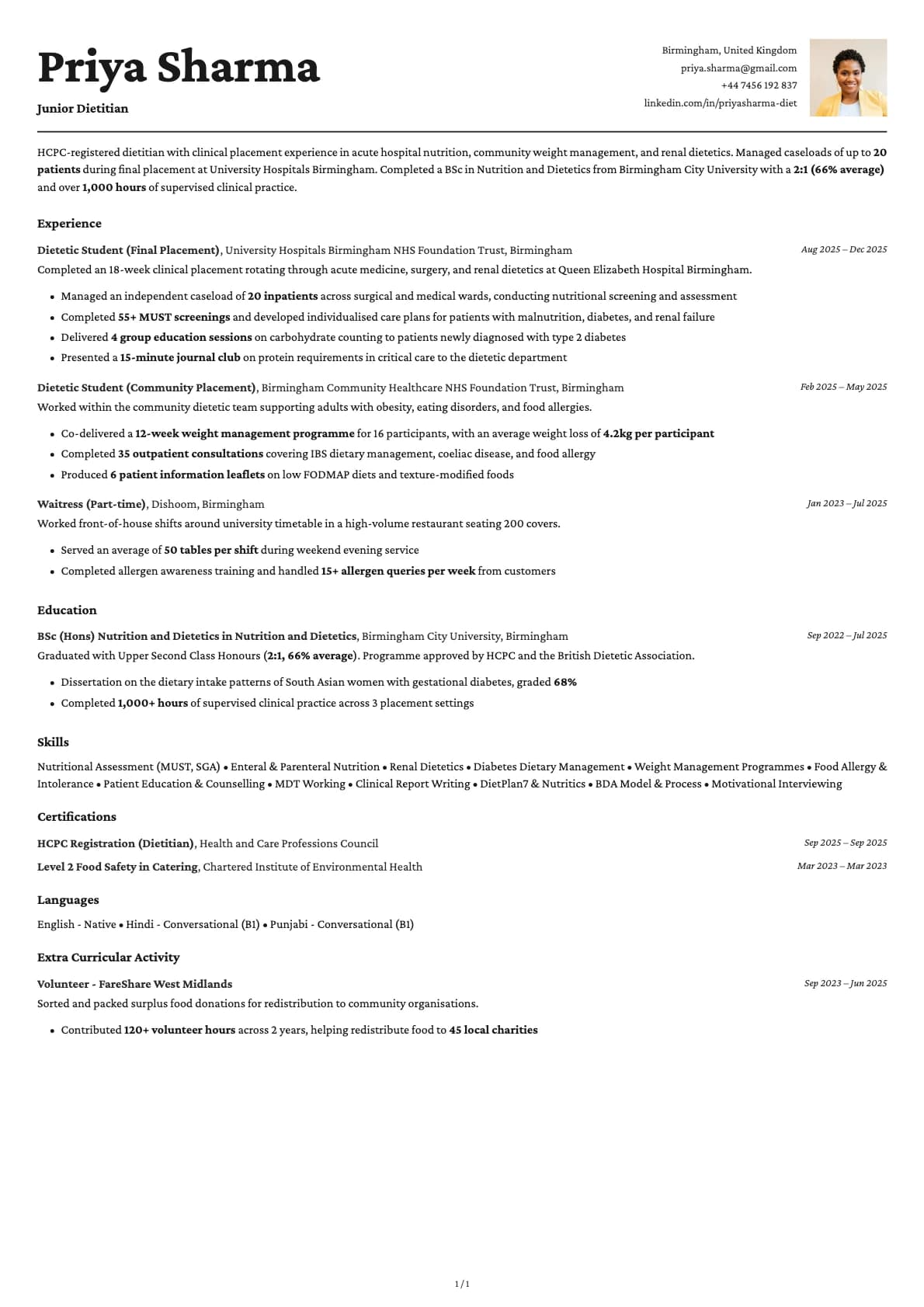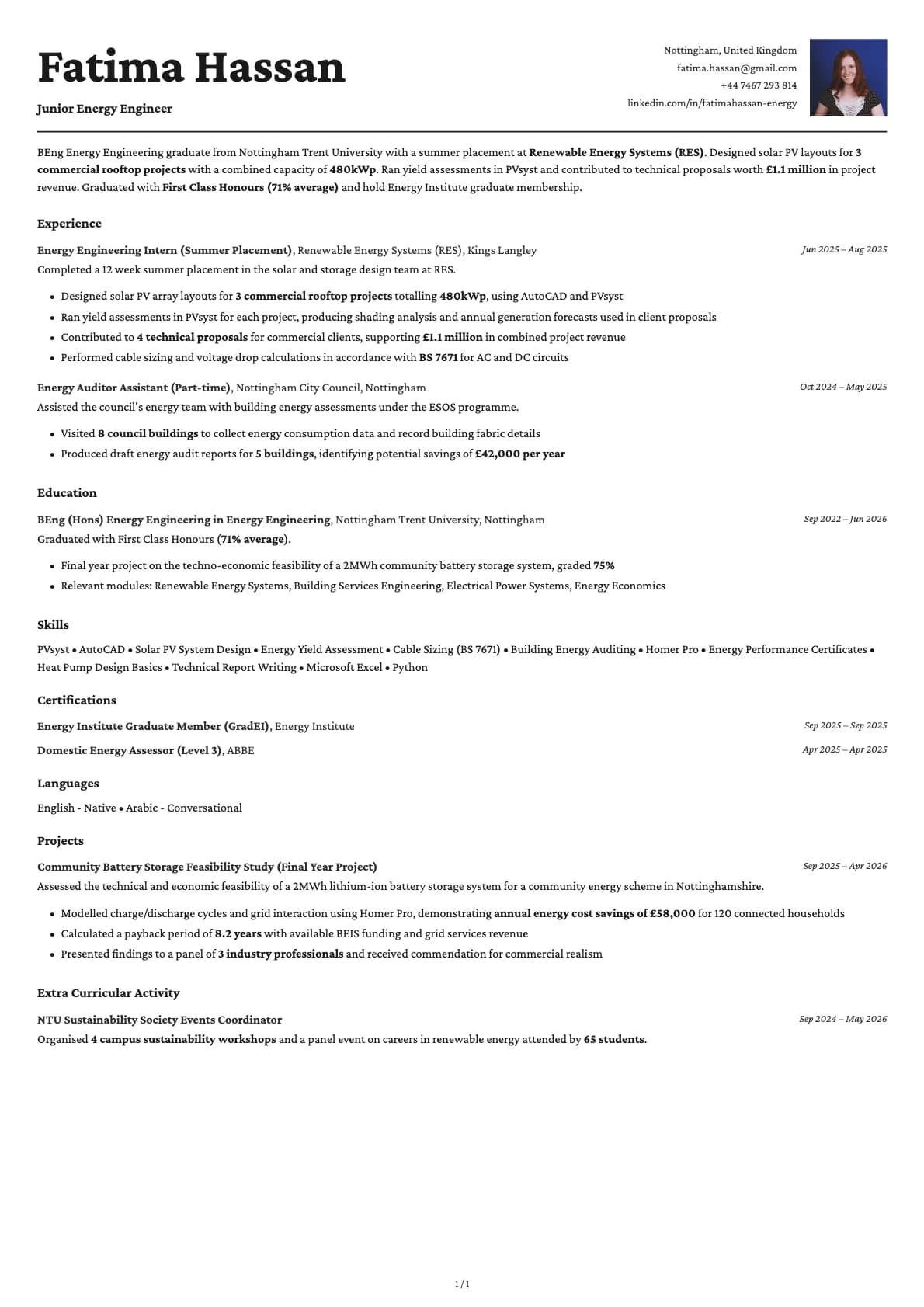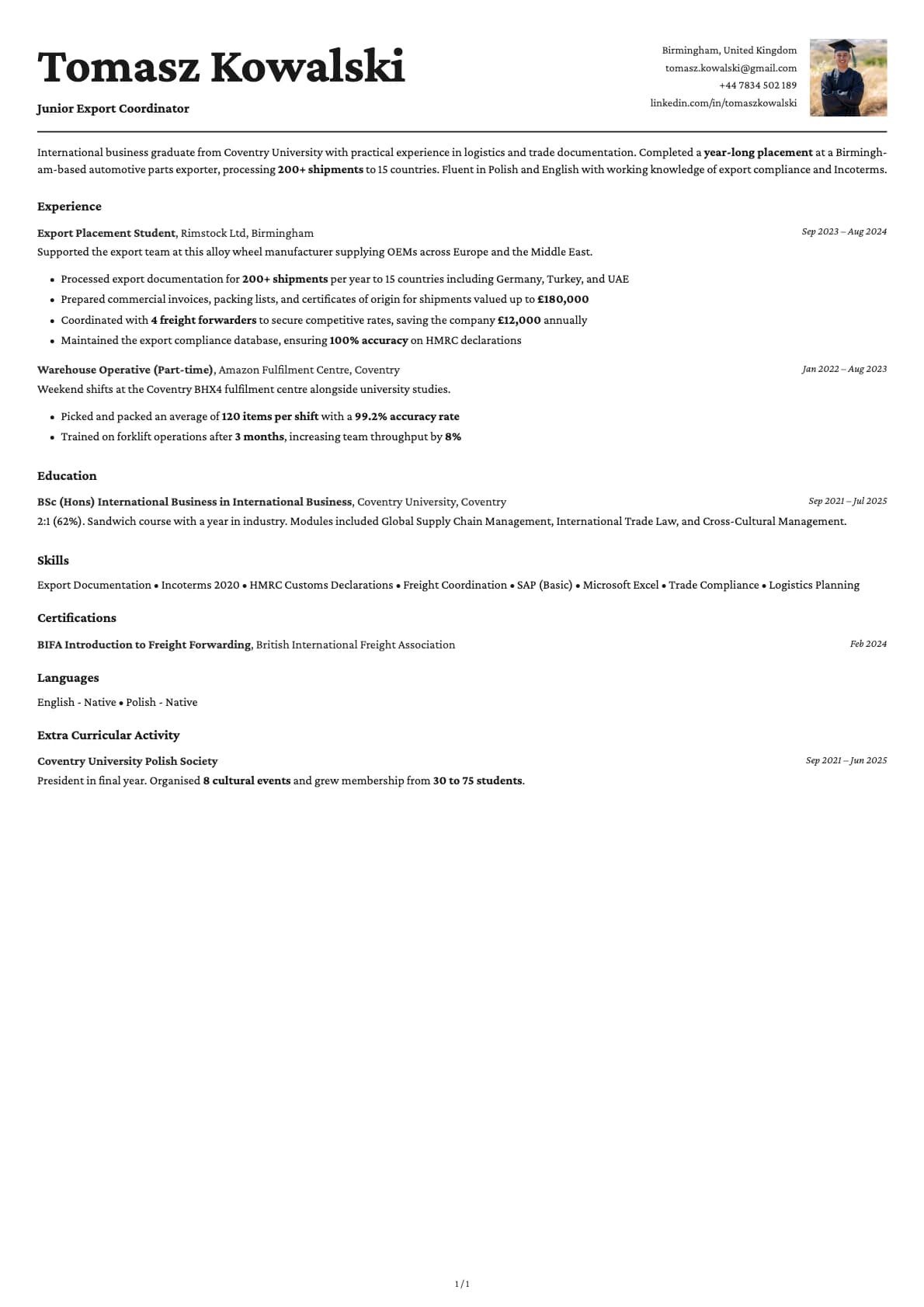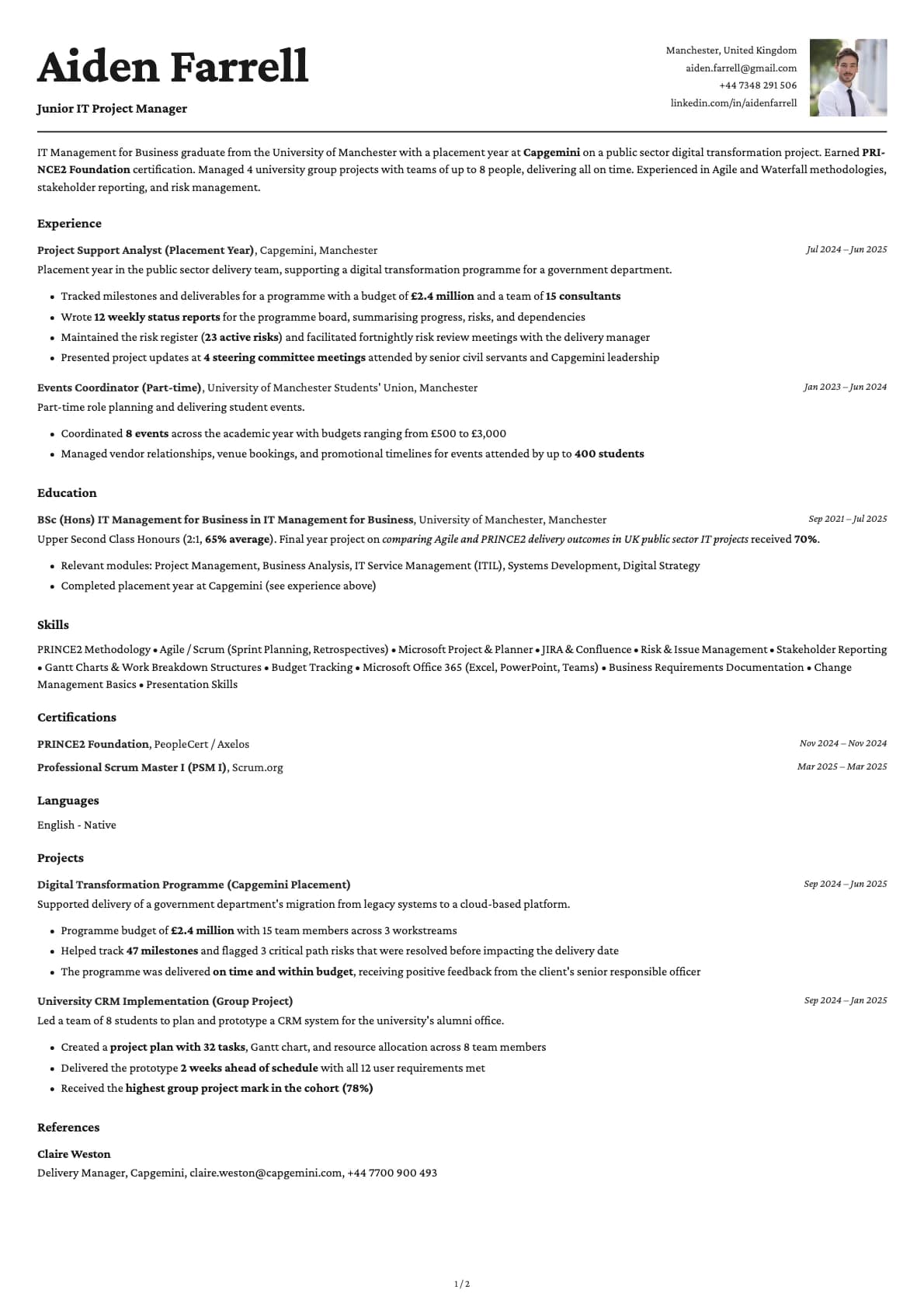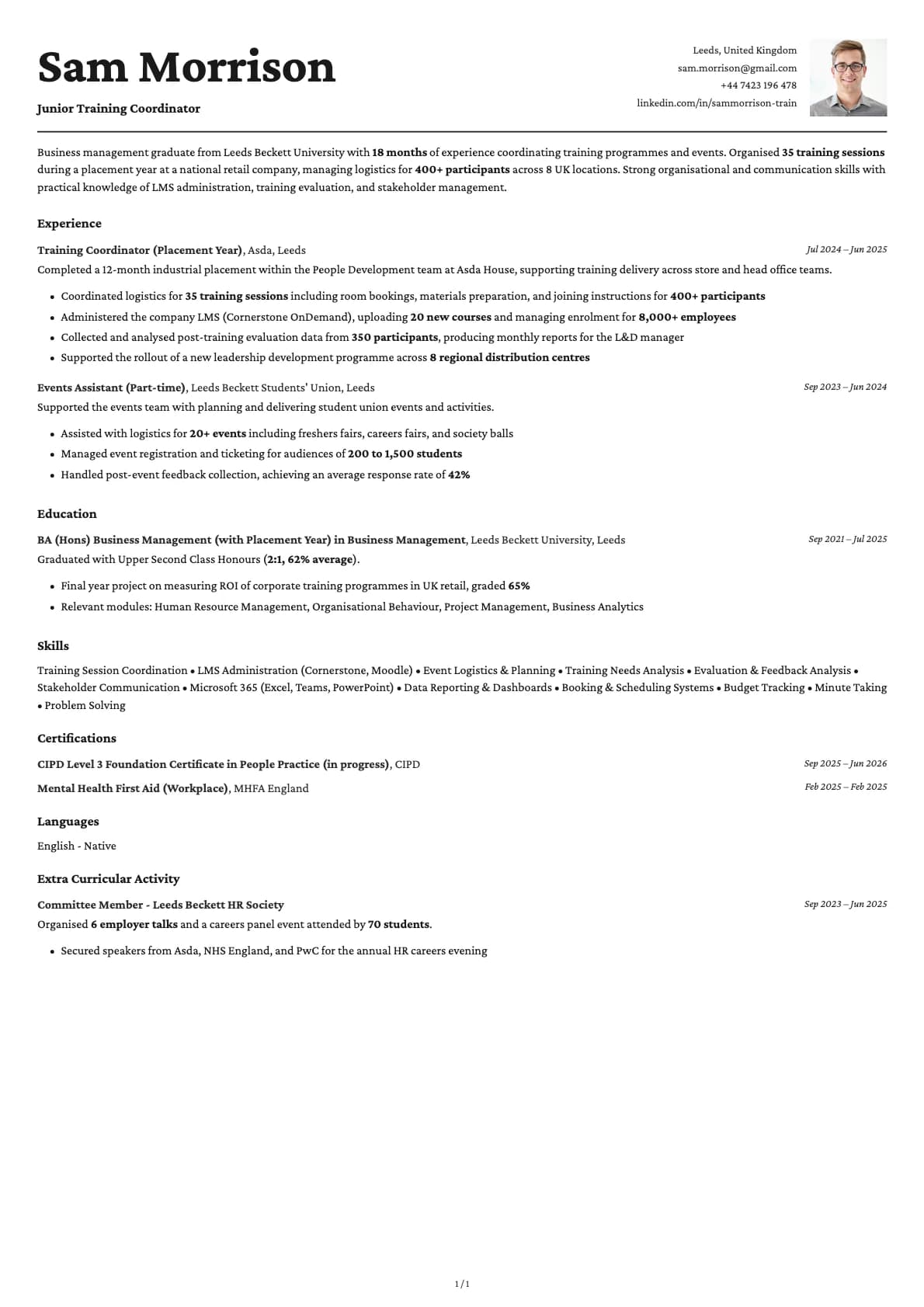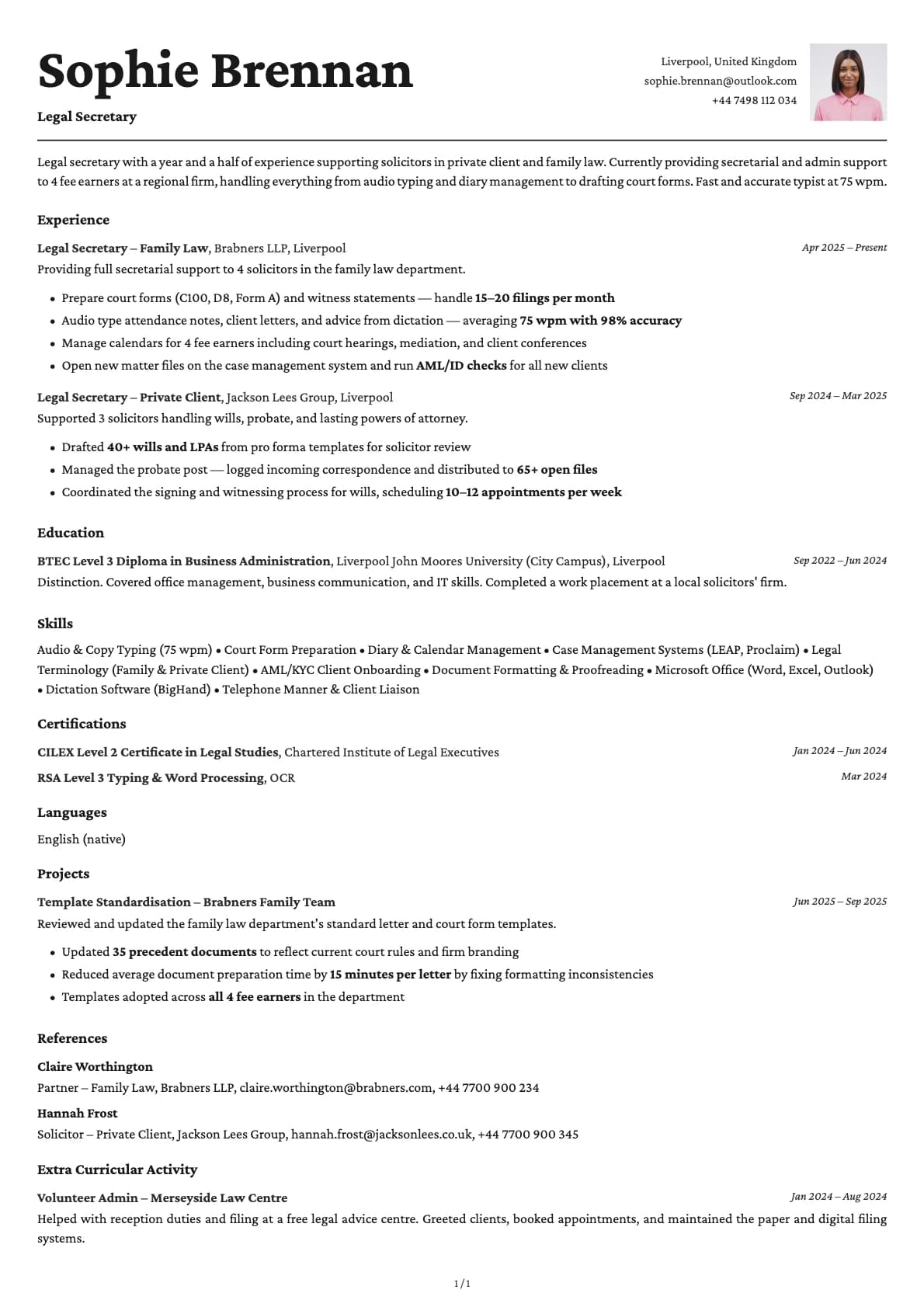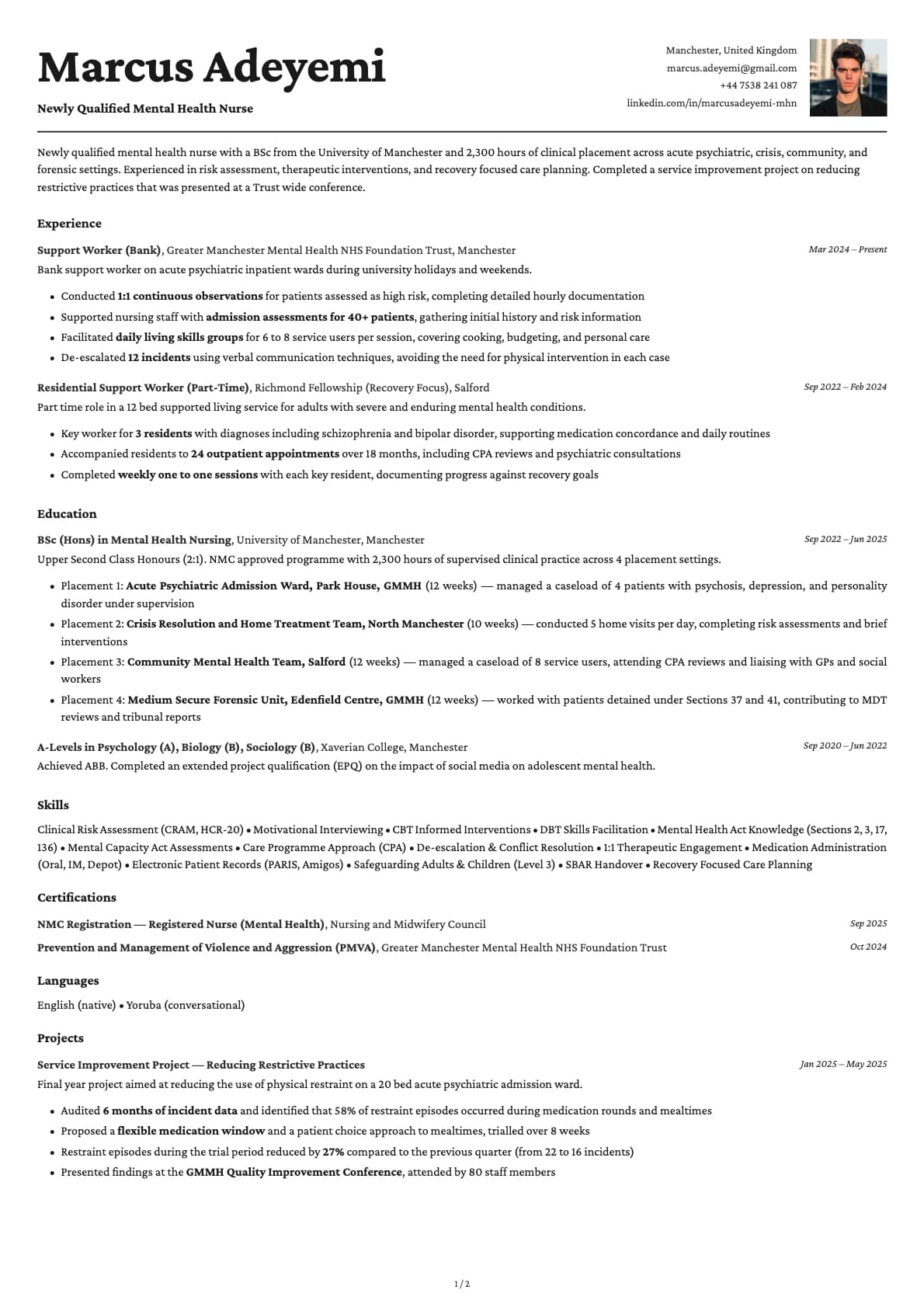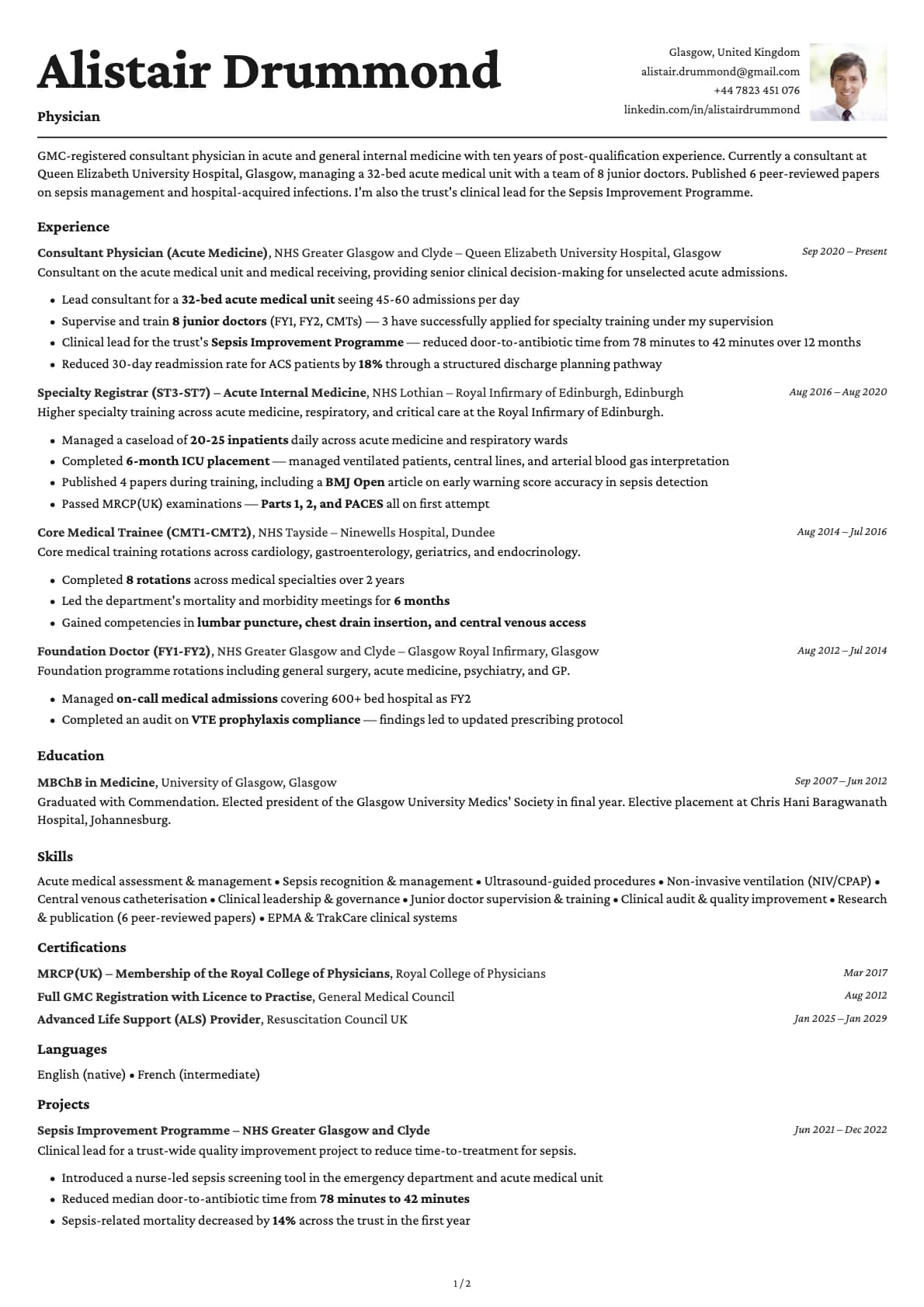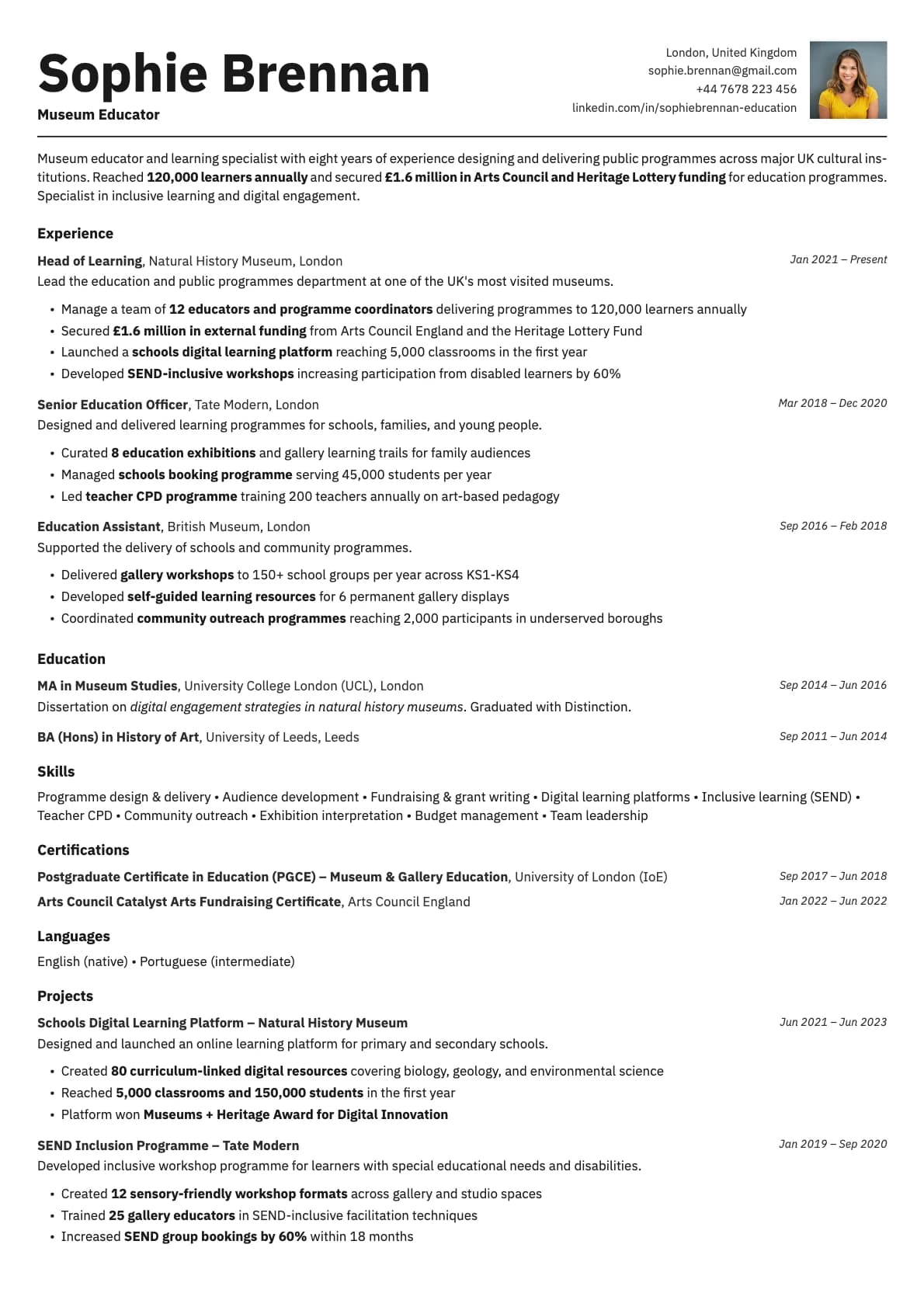
Cobalt Photo Resume Template
A bold single-column resume template with profile photo, vibrant colour options, and a 9.5/10 ATS score. Built for tech and creative roles.
Free to use. No account needed to start.
Why Cobalt Photo?
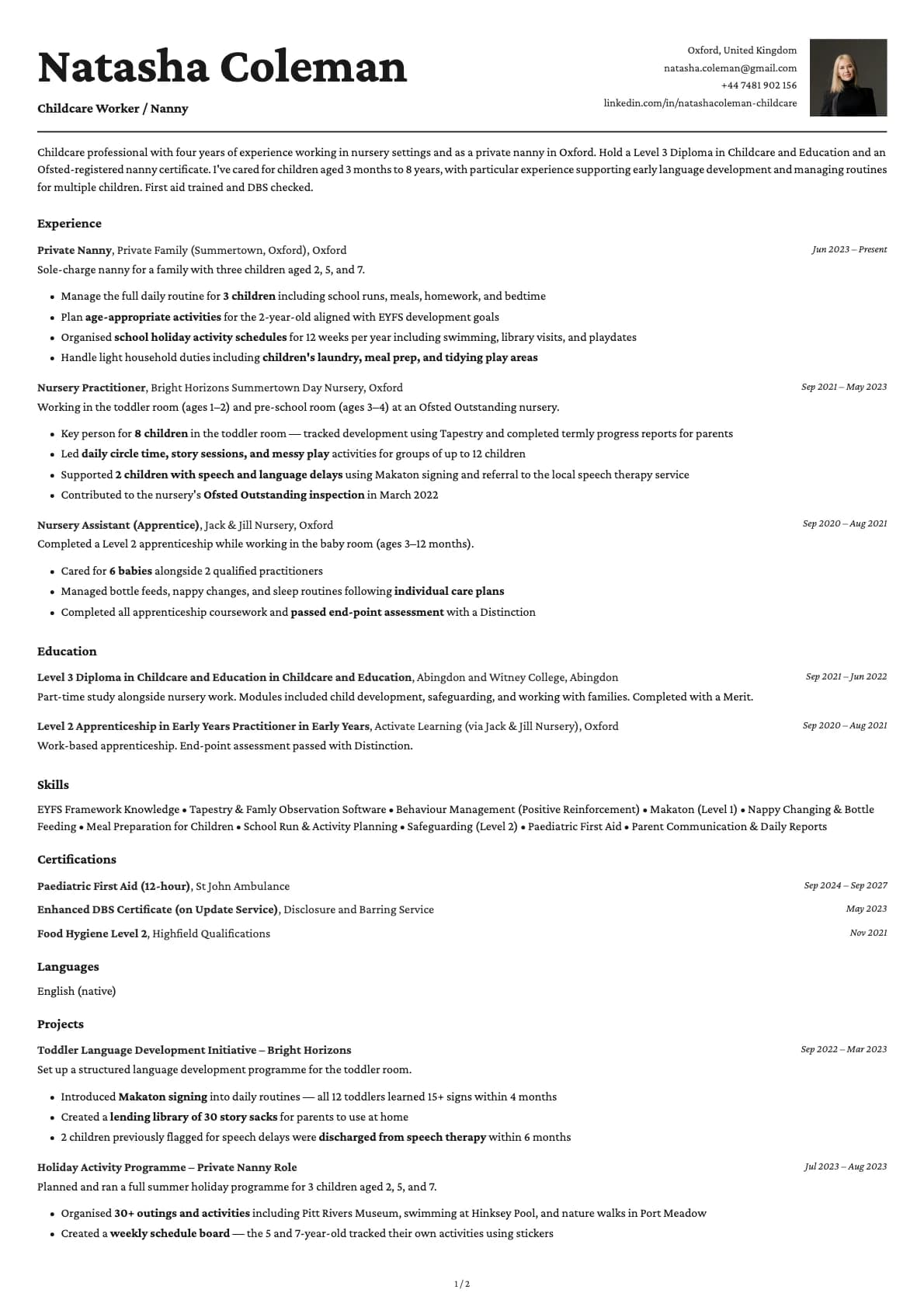
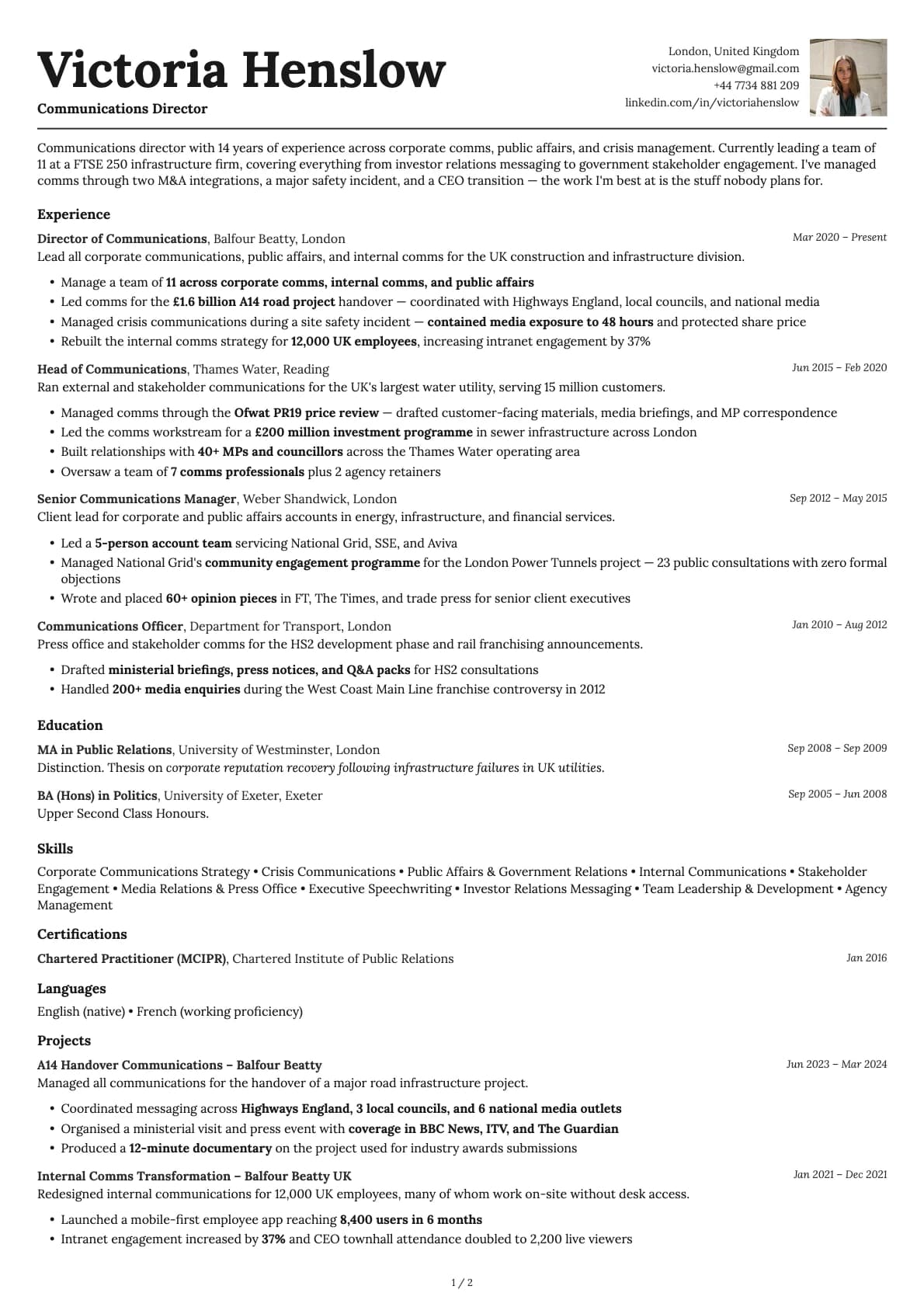
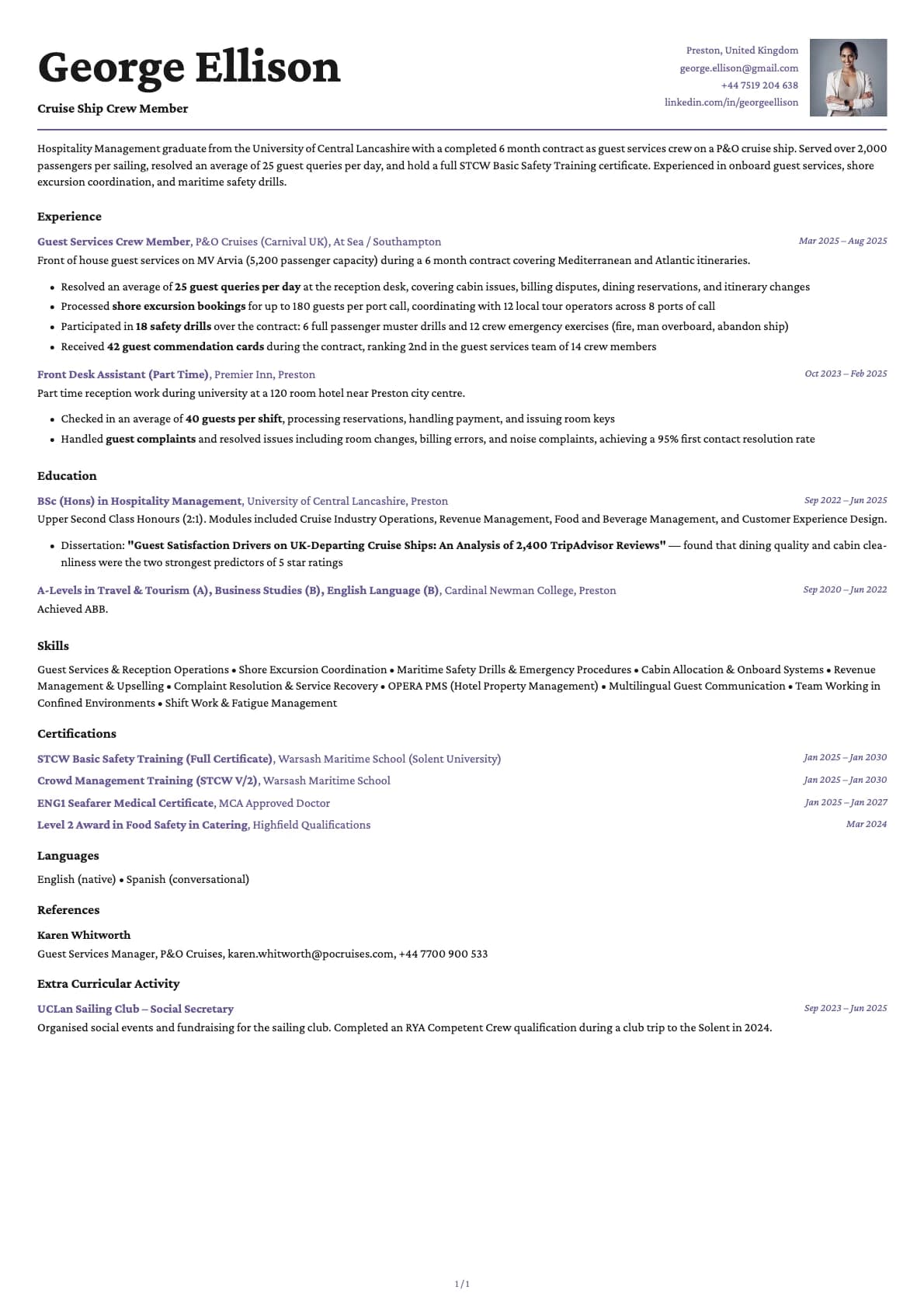
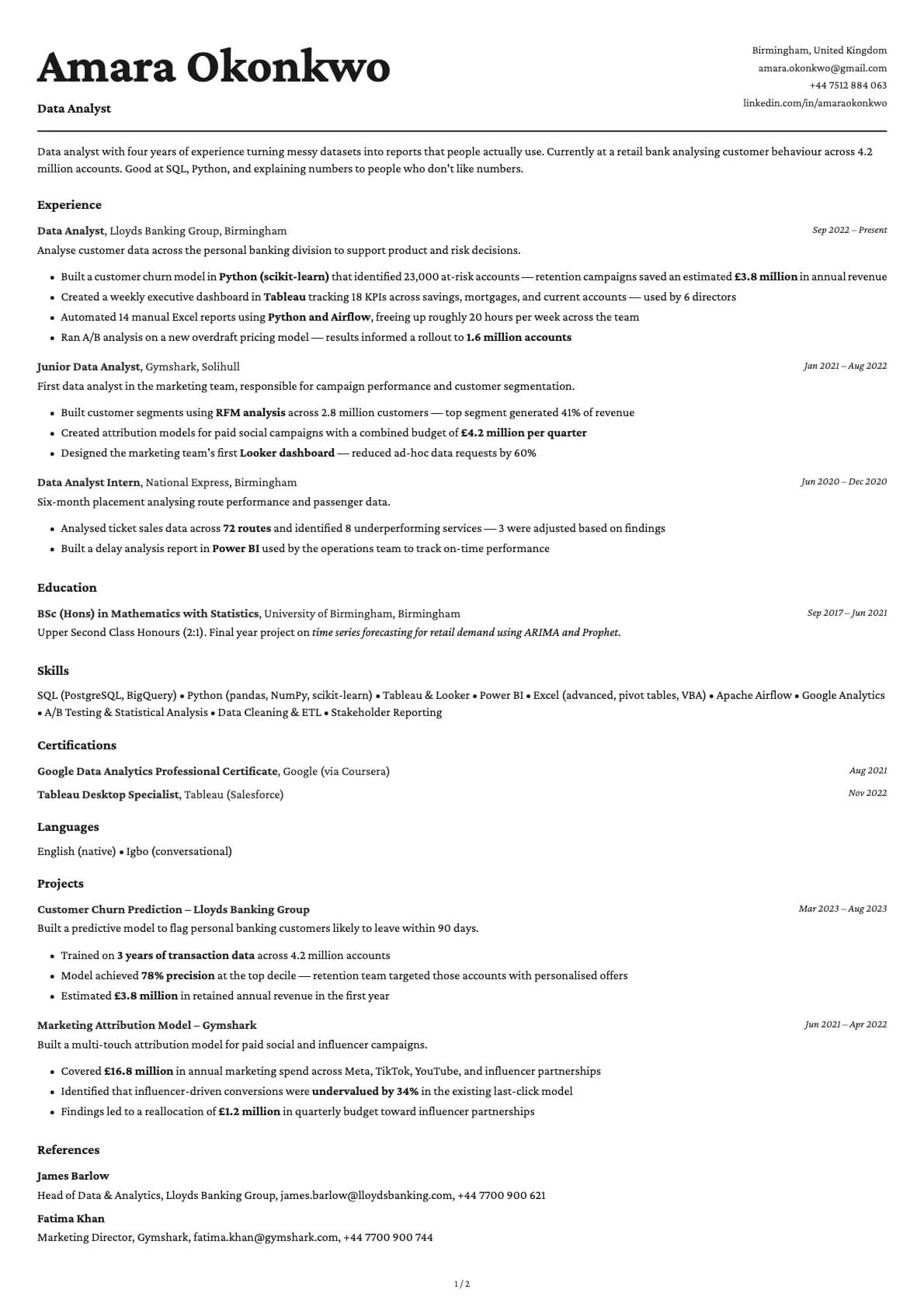
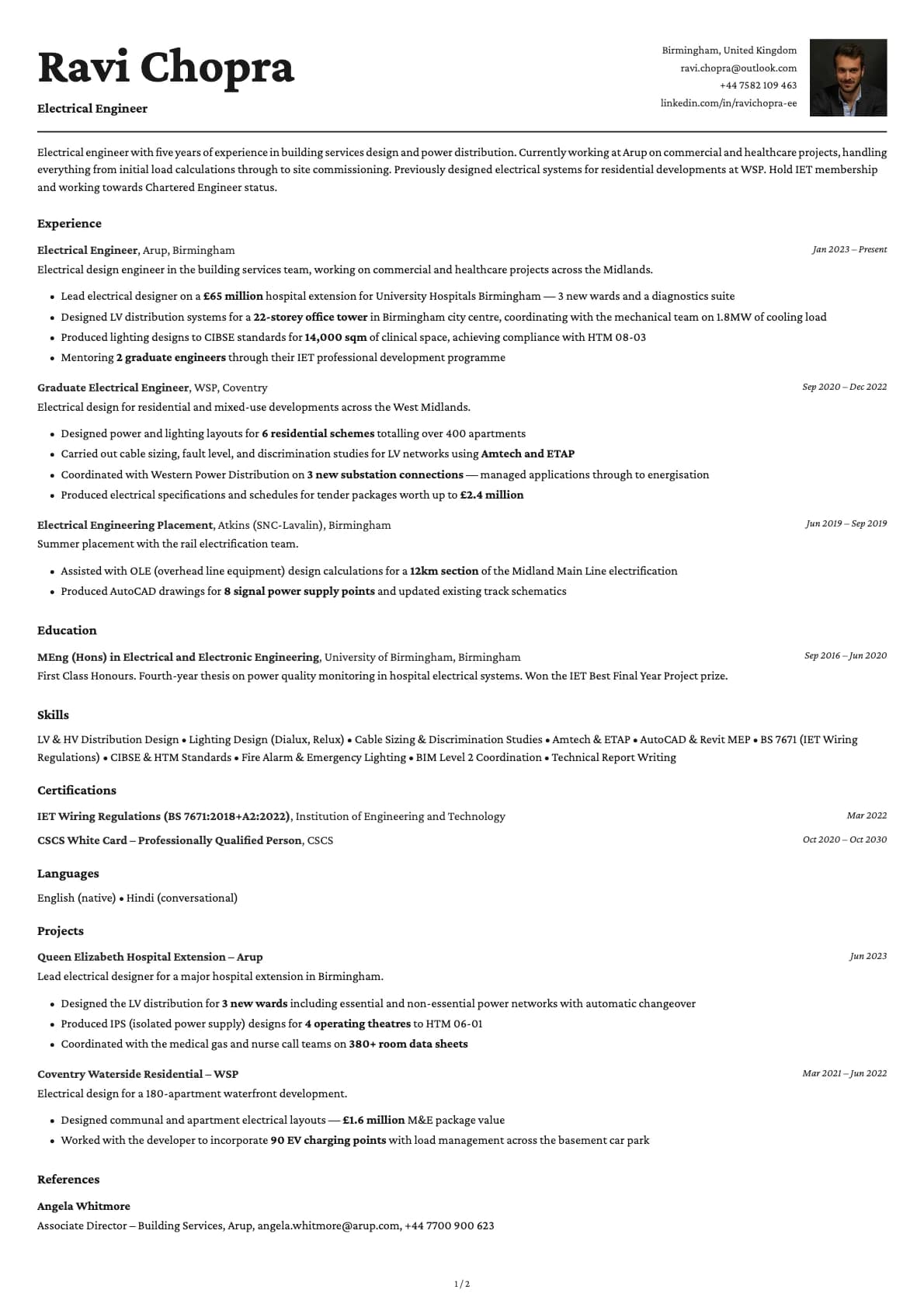
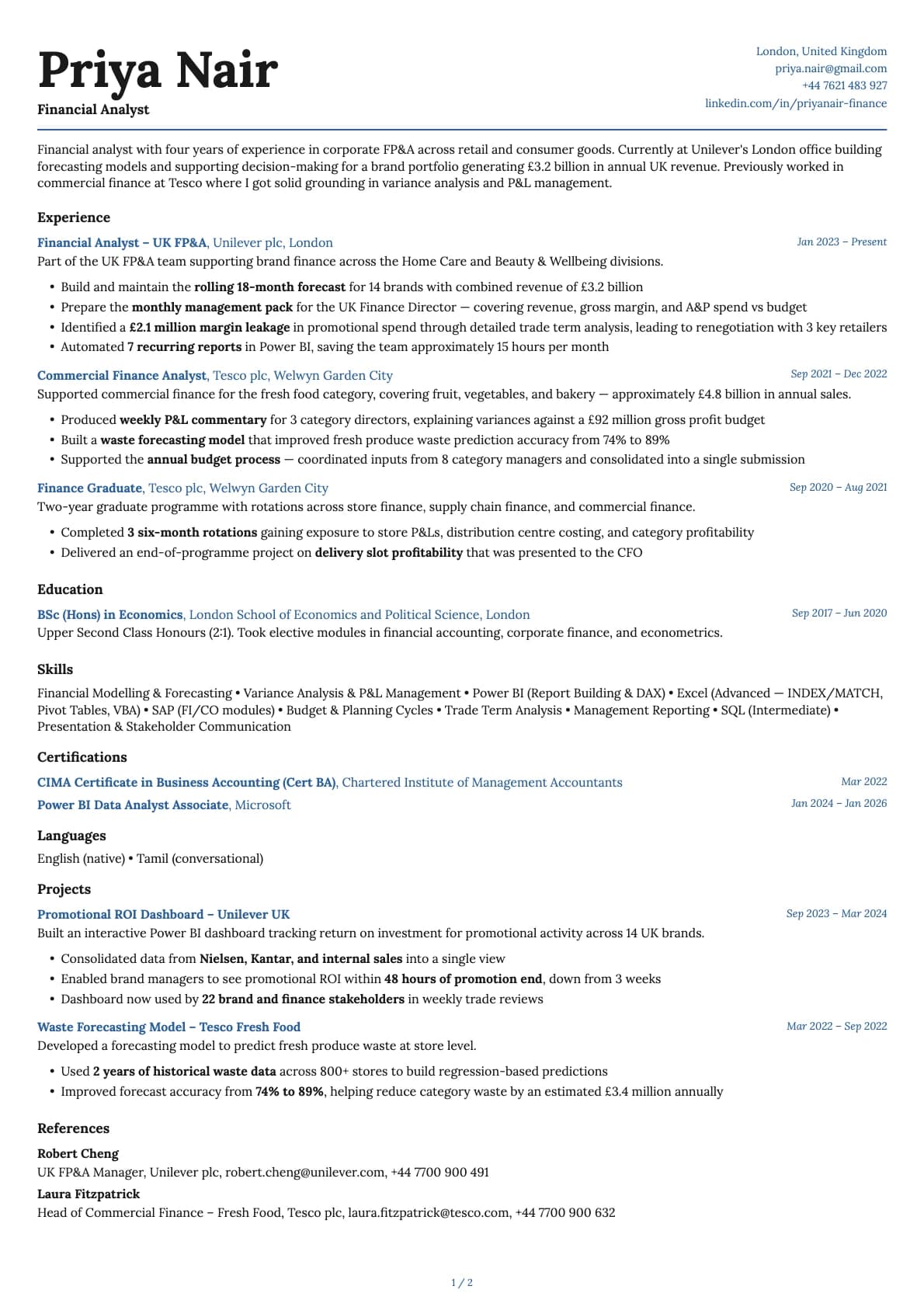
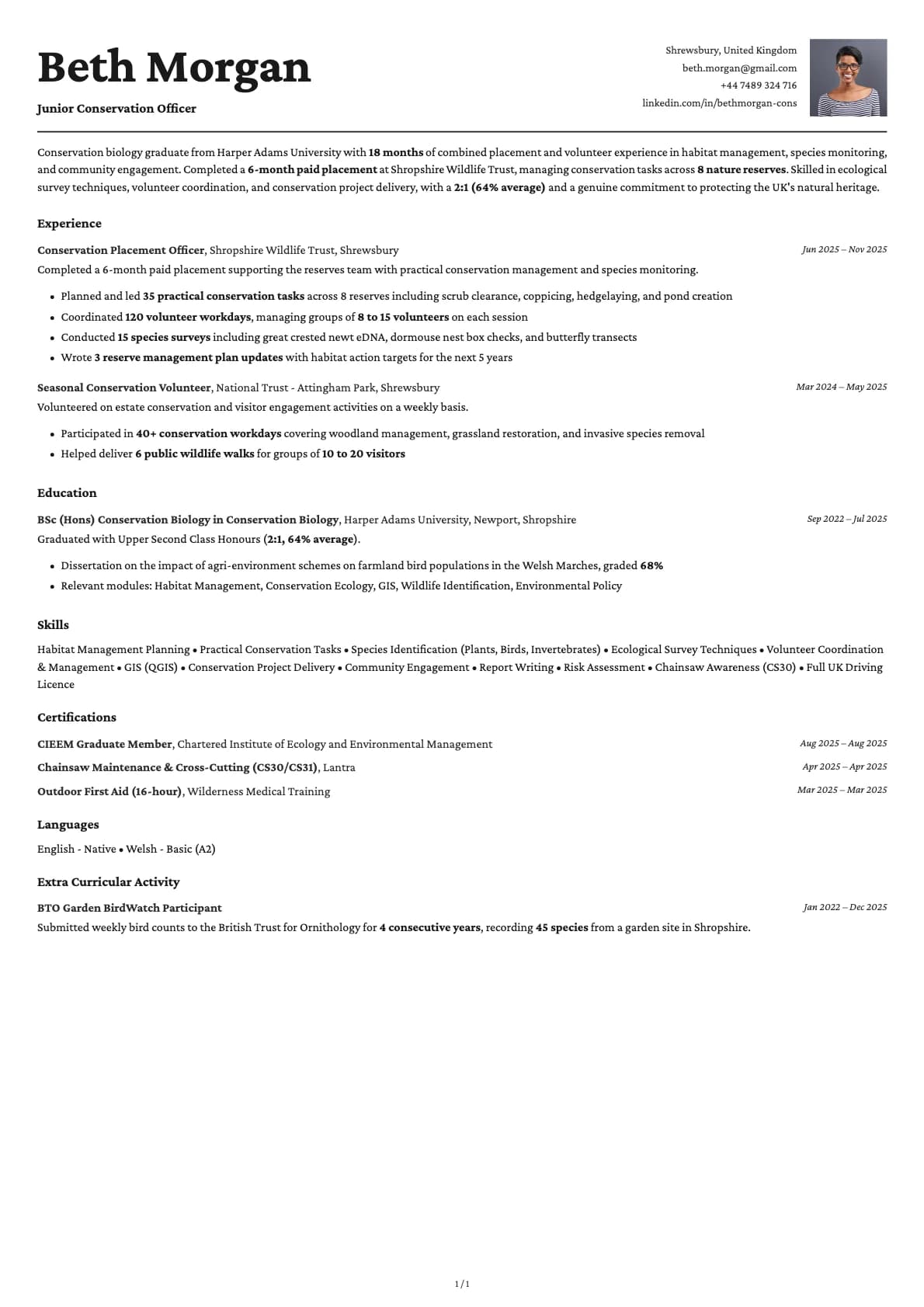
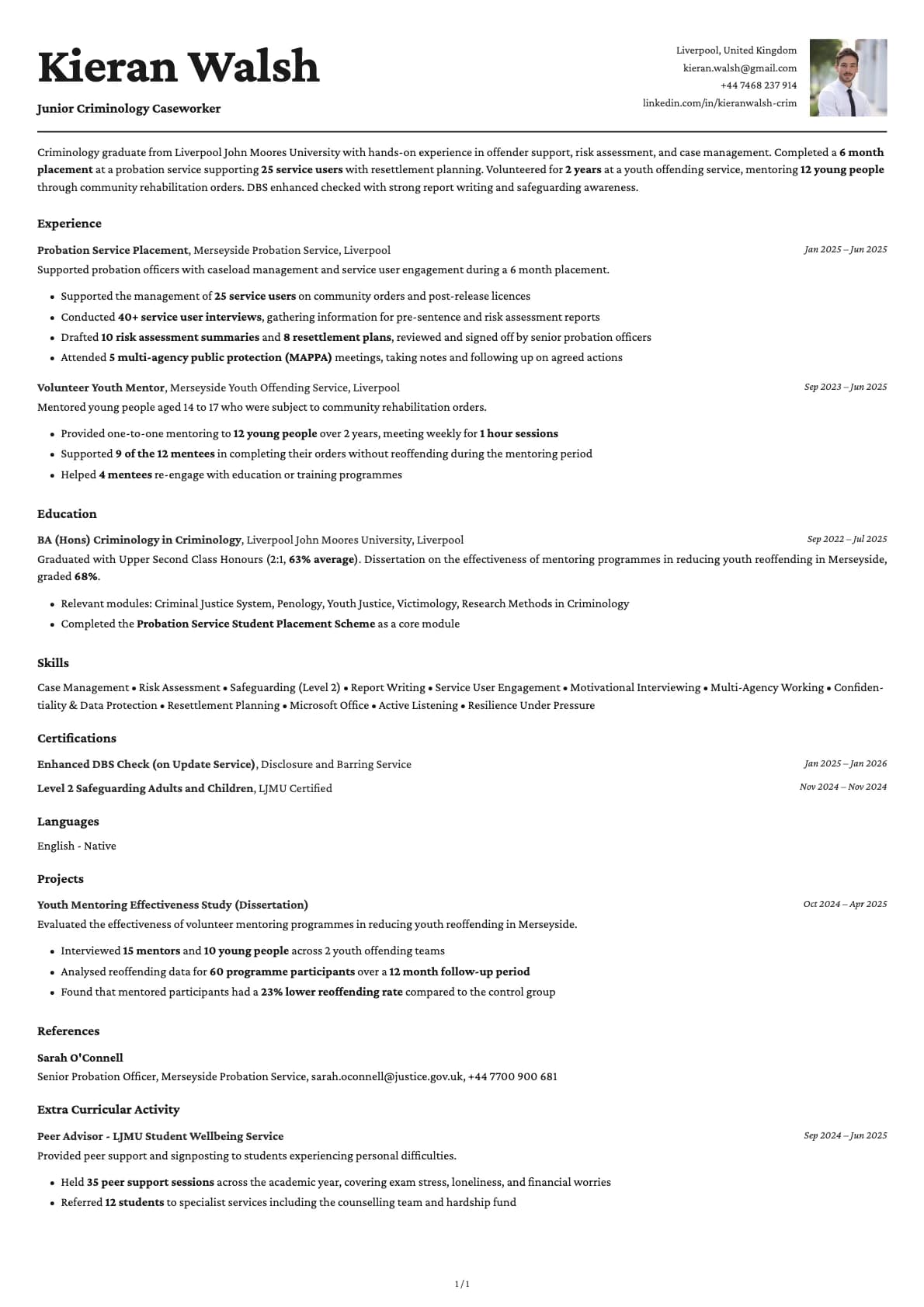
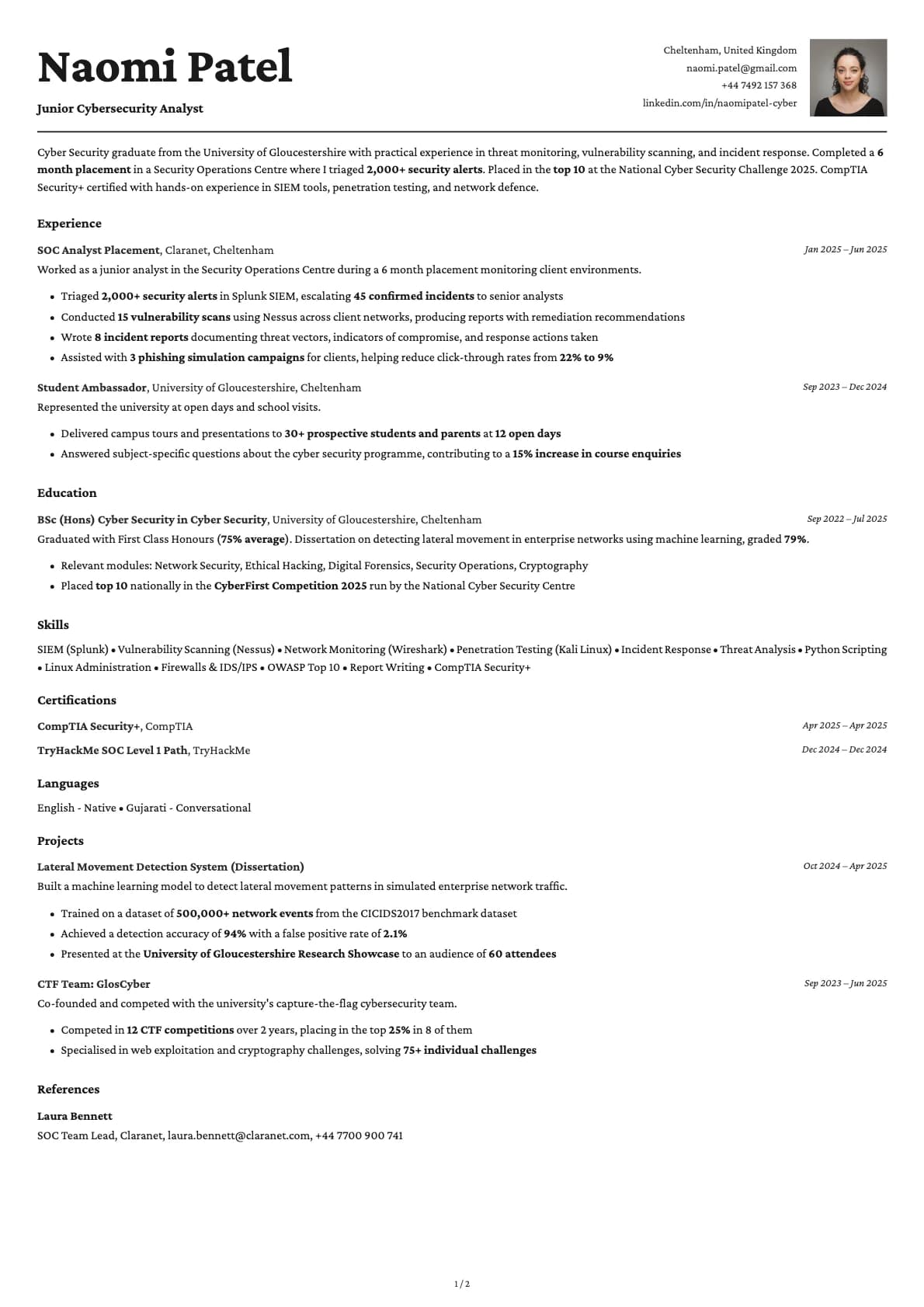
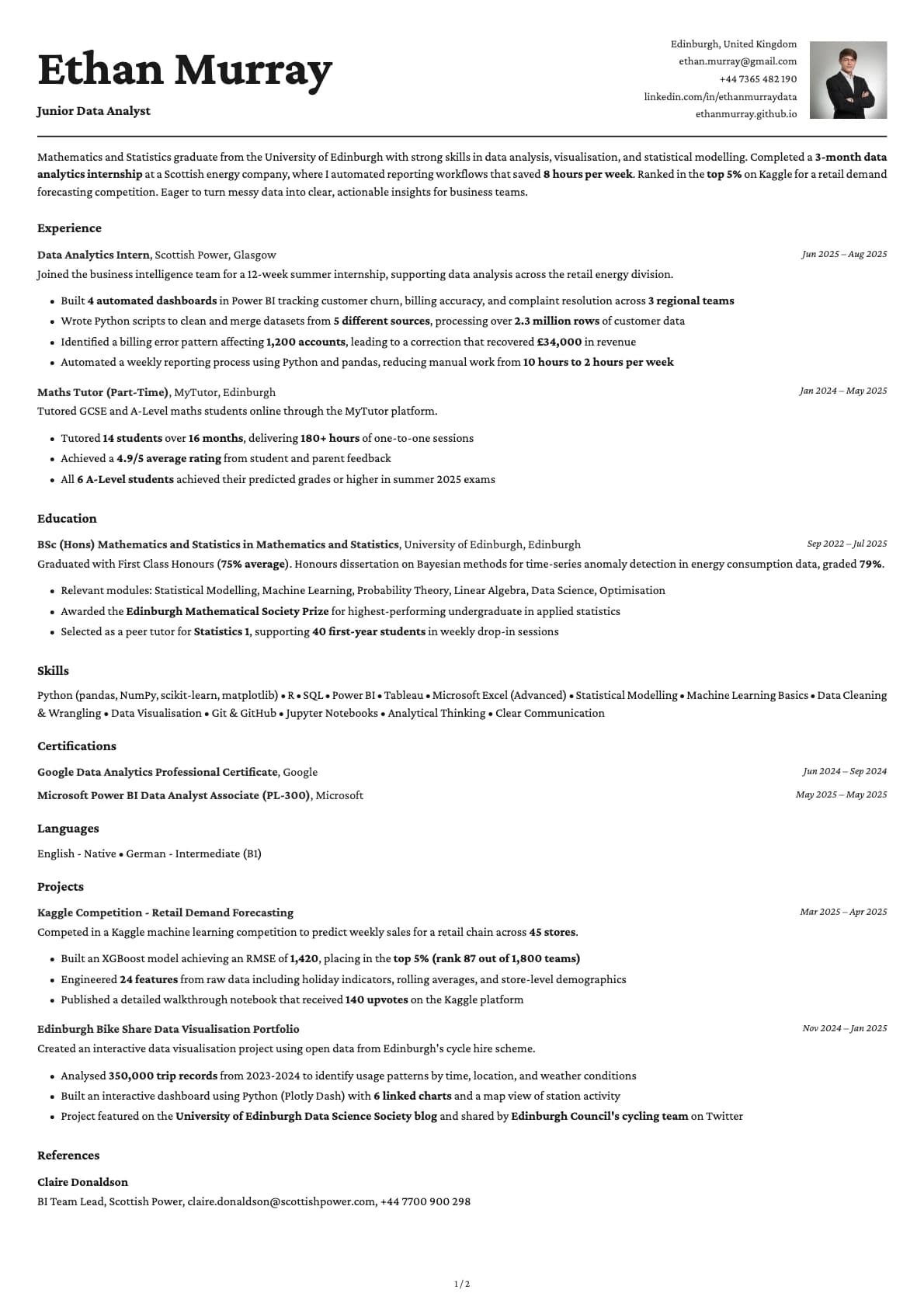
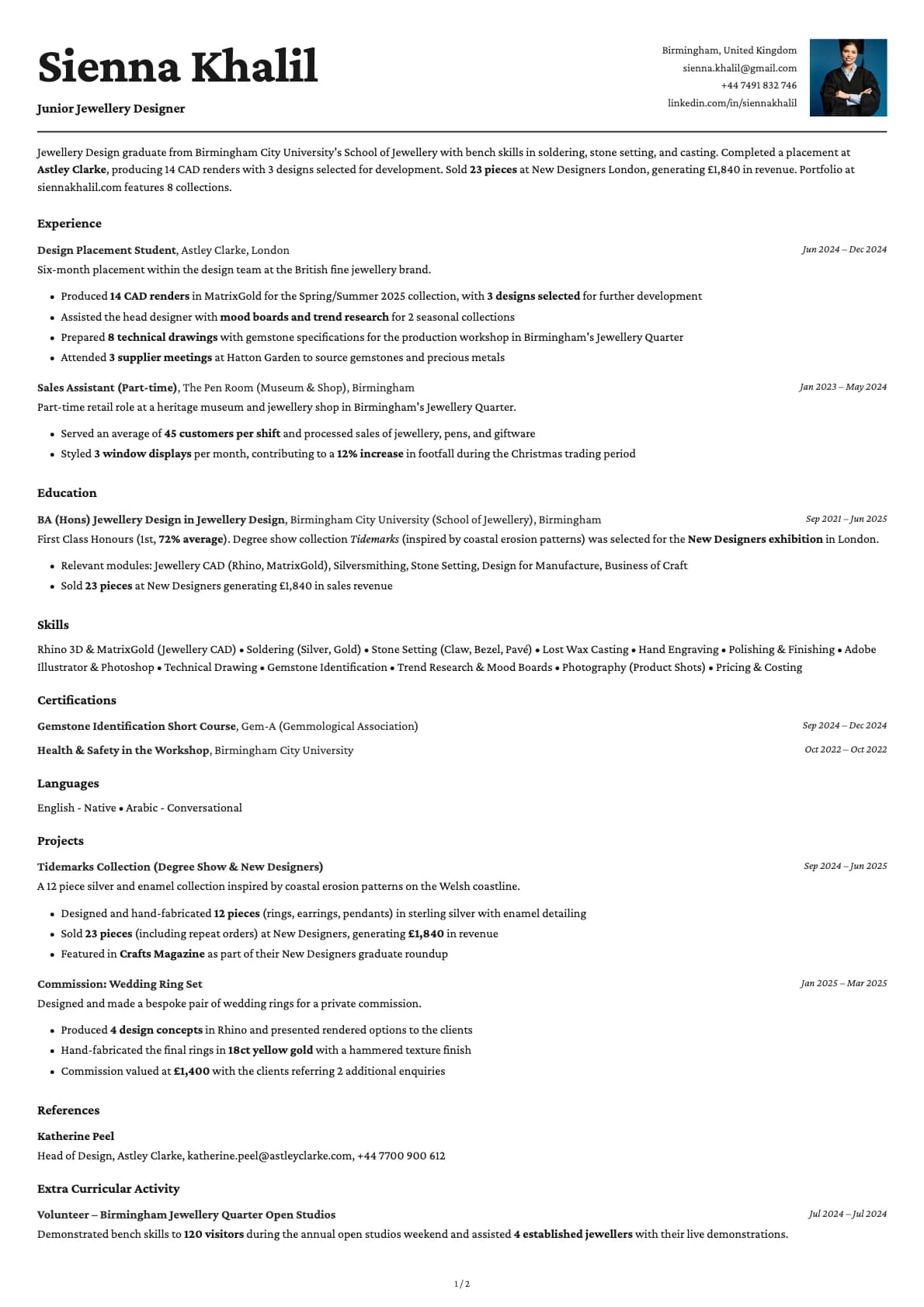
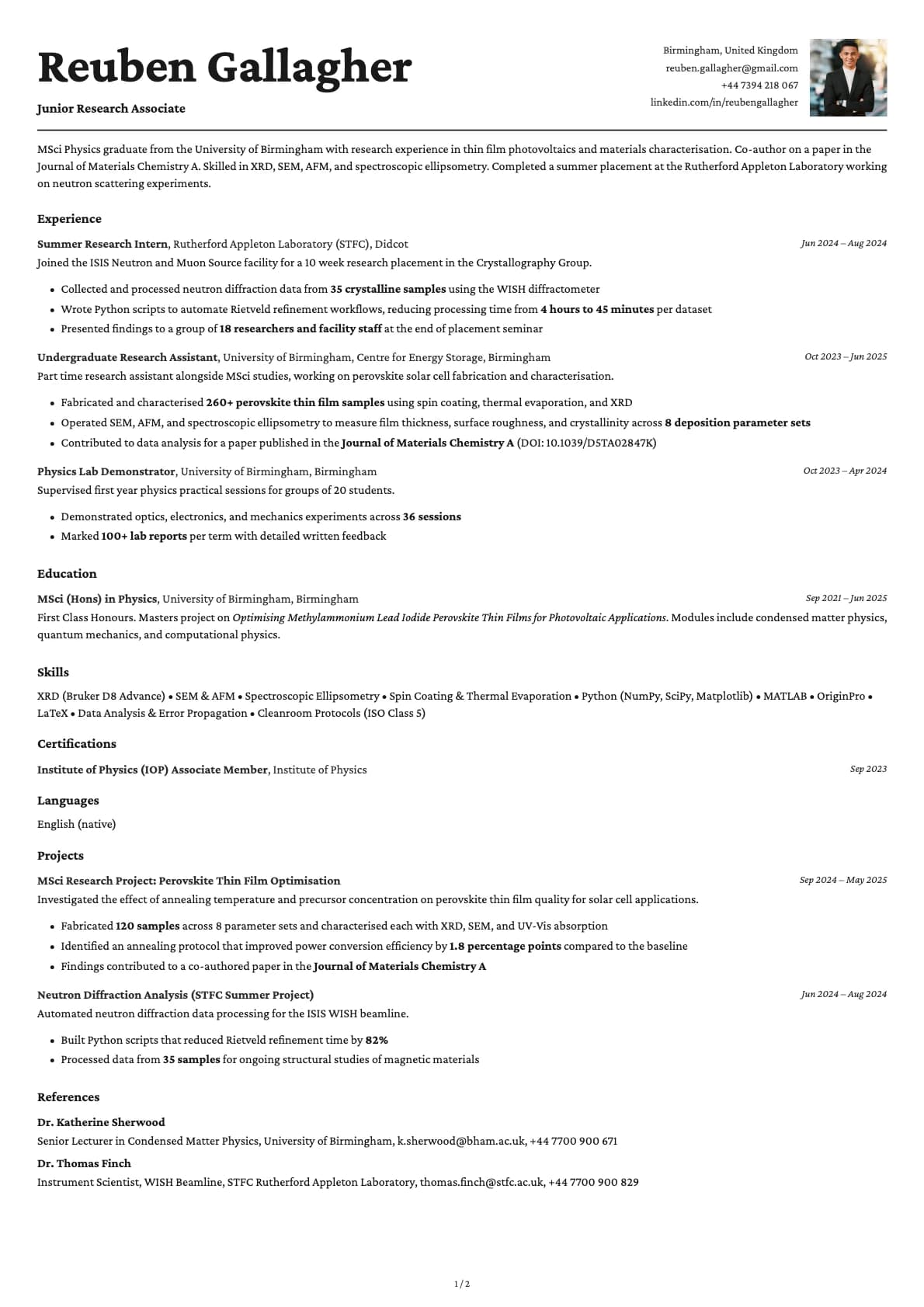
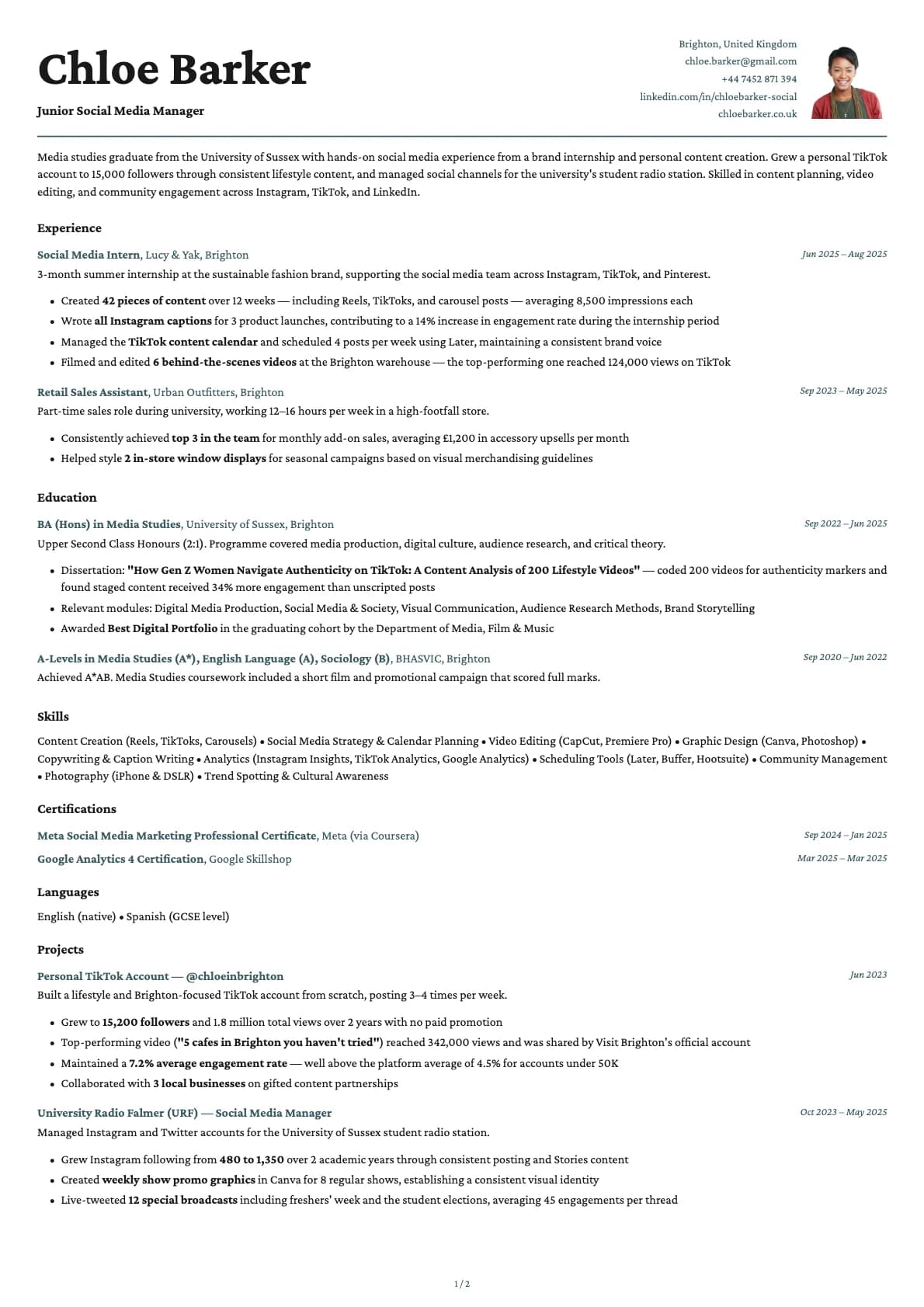
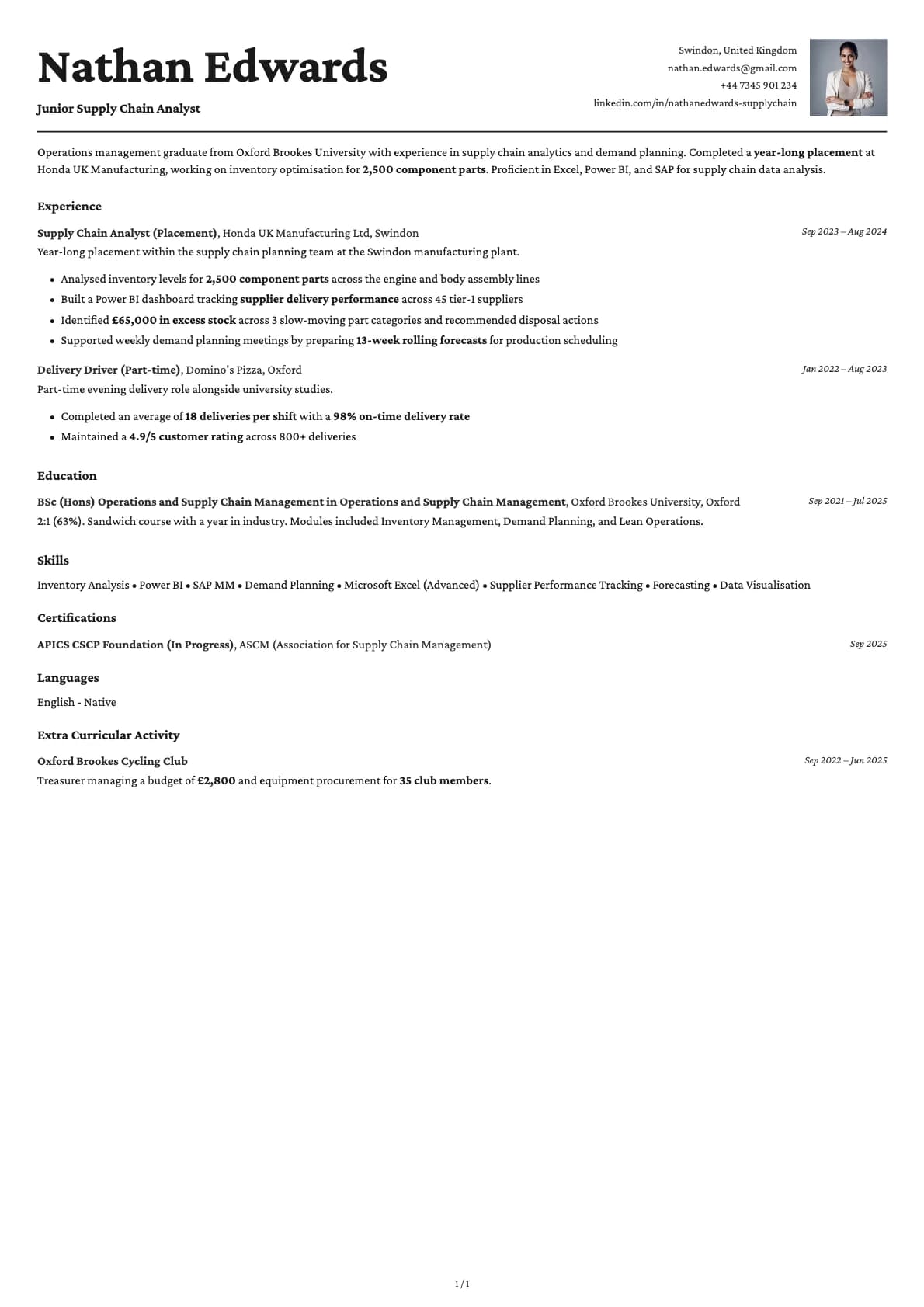
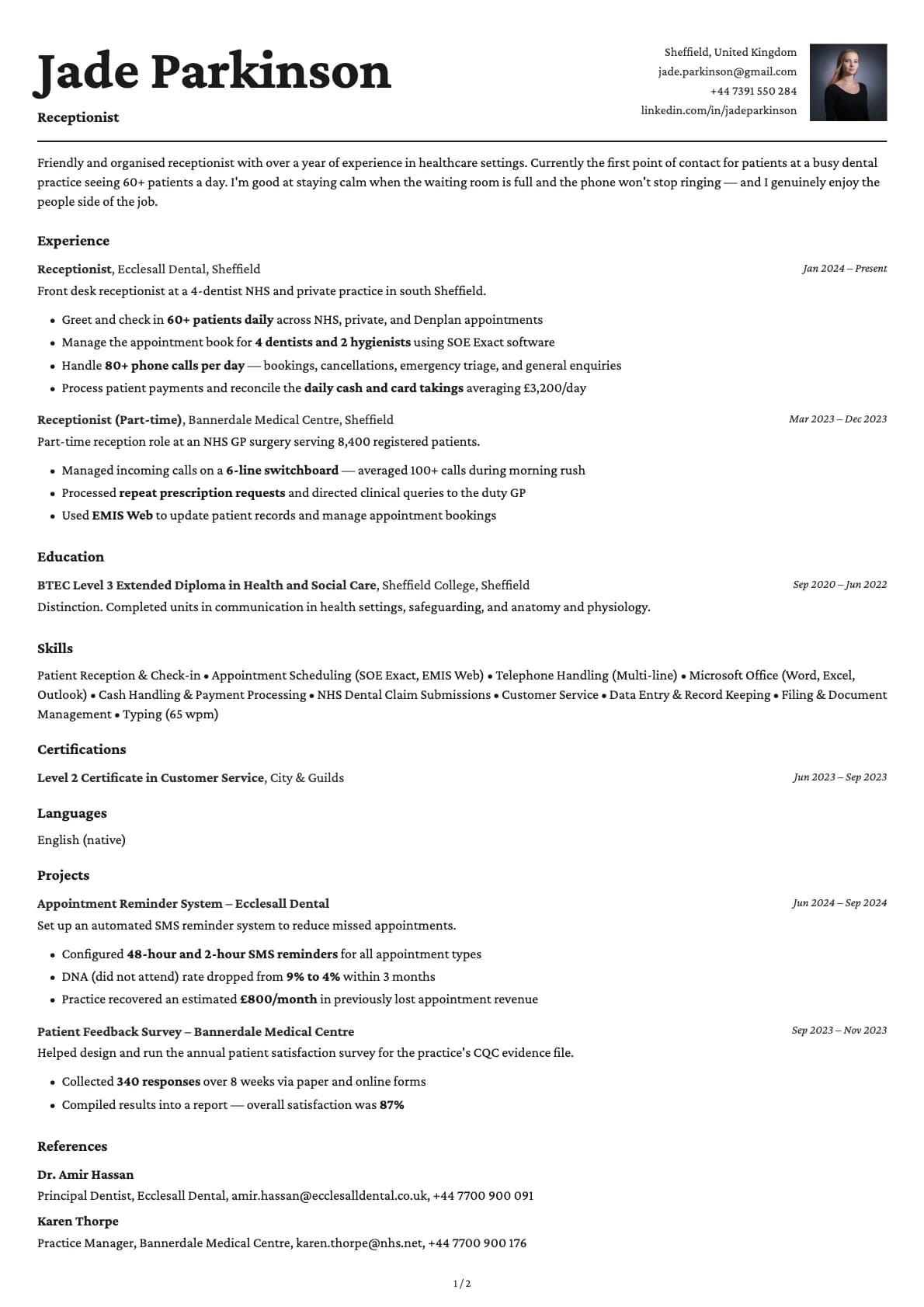
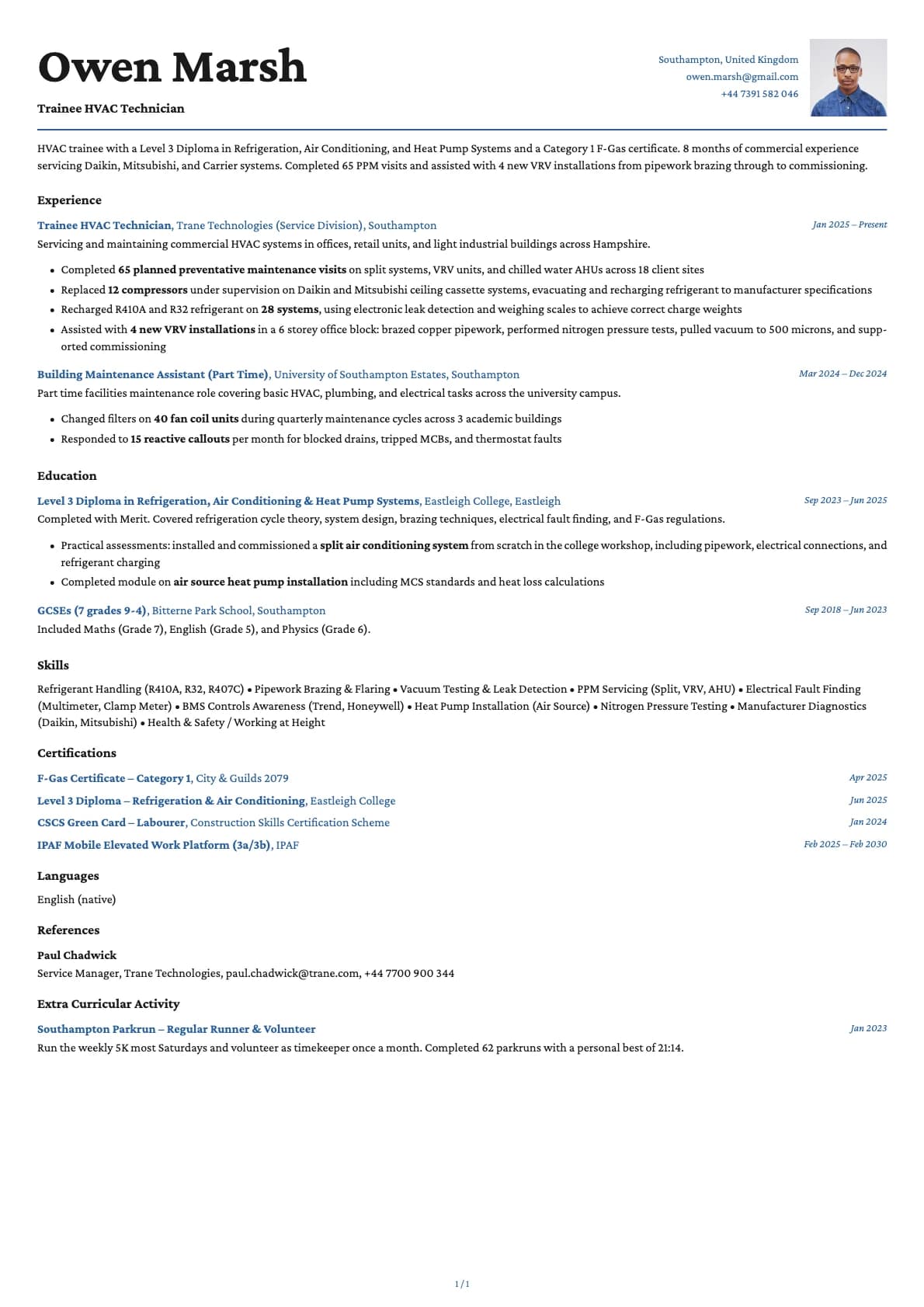
Cobalt is the template you pick when you want colour that actually means something, not just decoration. The 6 themes range from deep blue to muted purple to warm gold, and each one sets a different mood. Adding a photo to this template makes it feel like a personal brand piece rather than a standard resume. If you are in a field where your personality is part of what you are selling, Cobalt Photo is built for that.
The vibrant accent colours pair well with a headshot because they frame the photo without overwhelming it. The result looks intentional, not like someone pasted a photo into a template that was not designed for one.
When a photo makes sense
Creative technologists, UX designers who also code, product designers, front-end developers with a portfolio, brand strategists, and marketing professionals in tech. Any role where showing personality is an advantage, not a risk. Also strong for freelancers sending proposals where the resume doubles as a personal introduction.
When to skip the photo
If the job posting emphasizes anonymous review or you are applying to a large US corporation with structured hiring, go with the base Cobalt template. Same bold colours, no photo.
What you get
- Everything from the base Cobalt template: vibrant colour themes, single-column layout, 9.5/10 ATS score, multi-page support
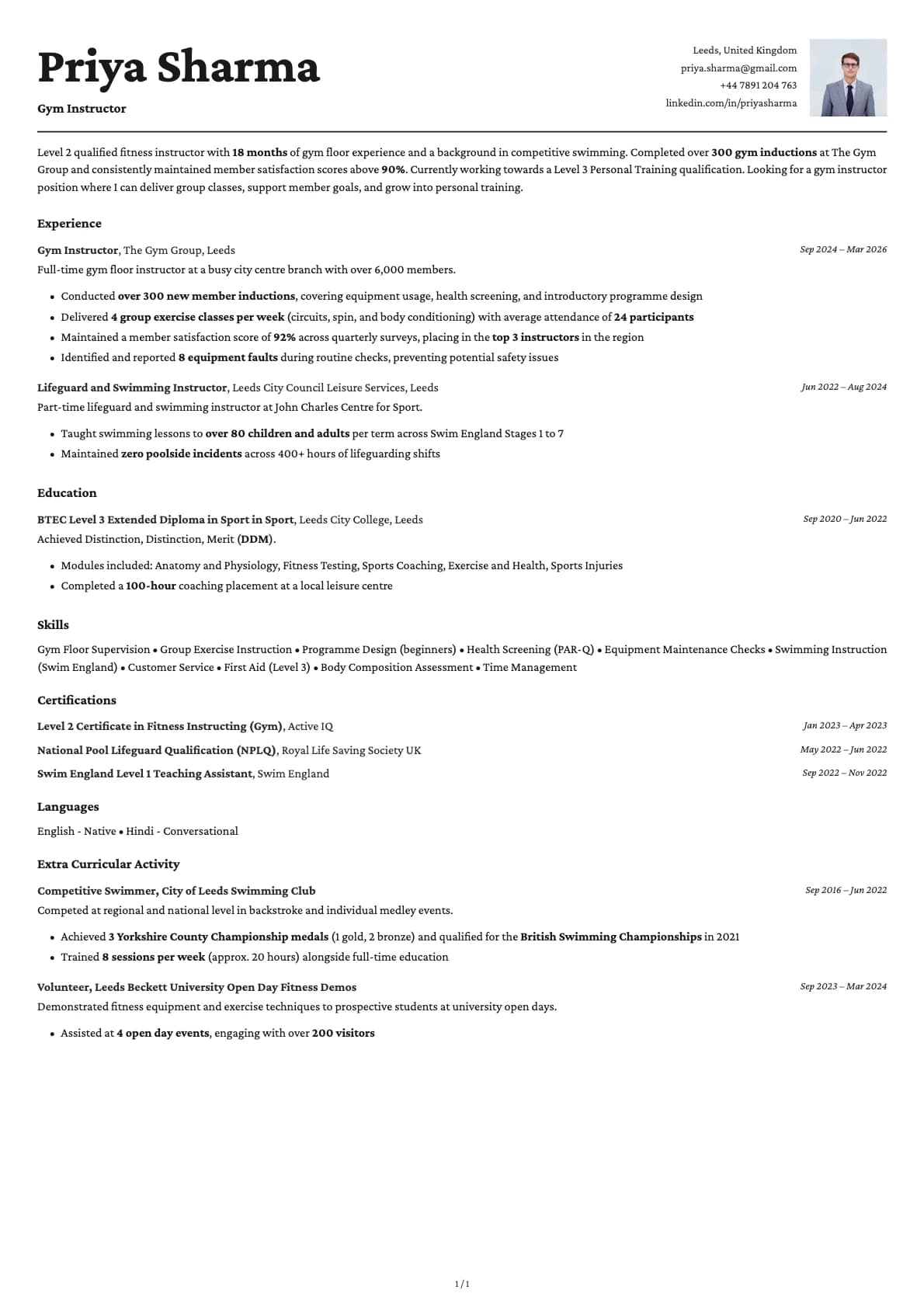
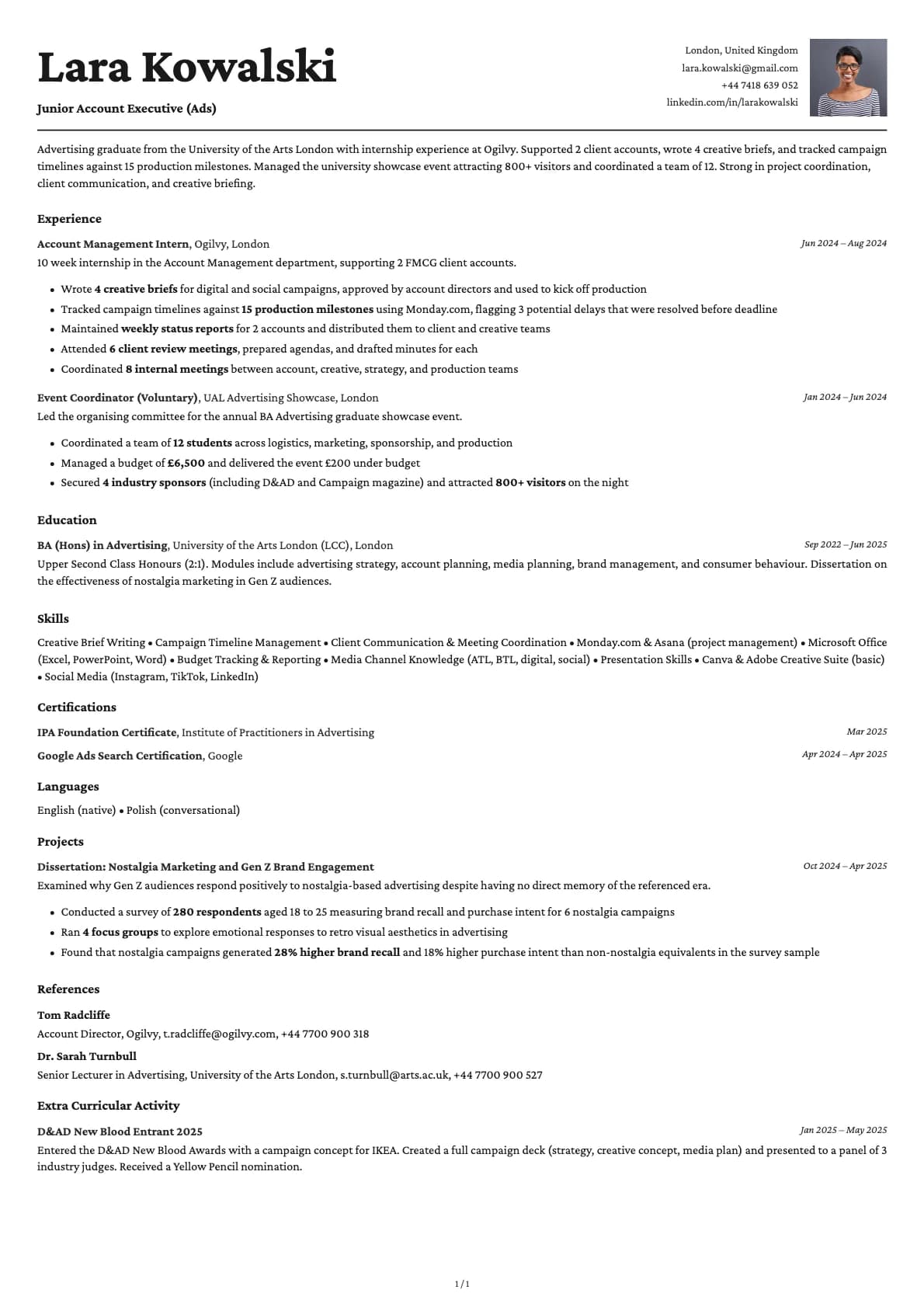
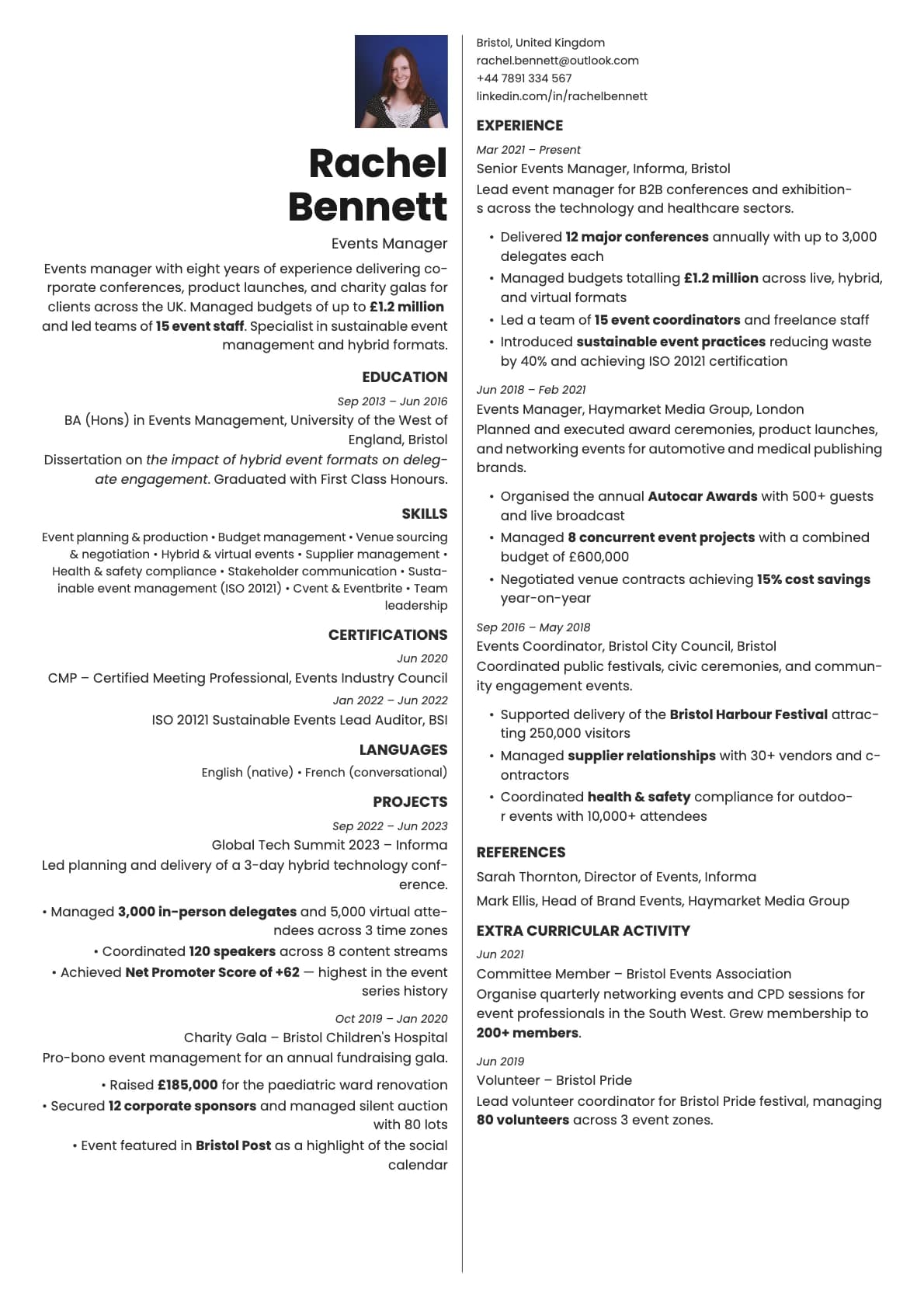
- A photo area that integrates with the header
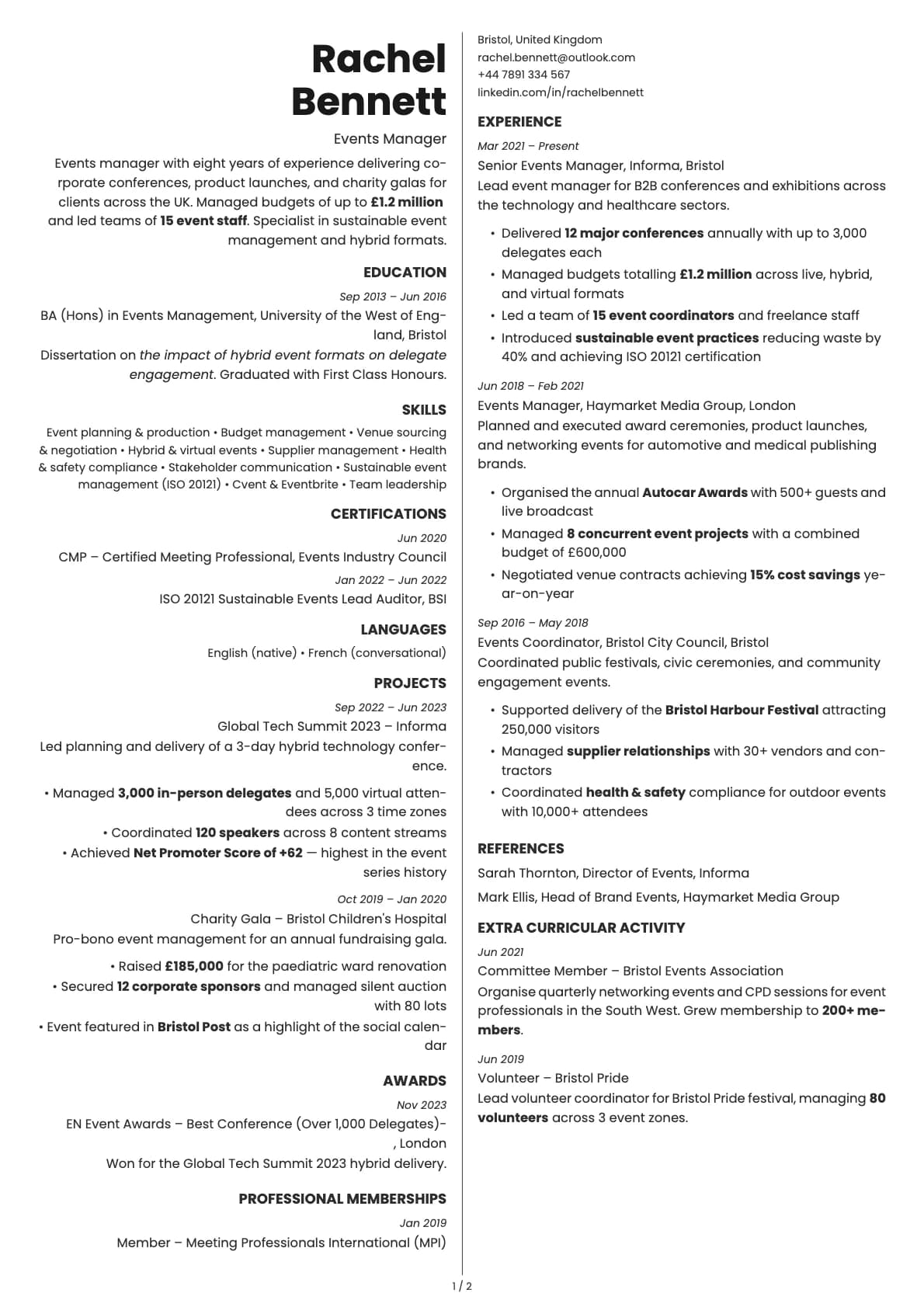
- Photo on the first page only
- 6 colour themes designed to complement a headshot
- Avrile Sans as the default font, with other options available in the builder
Photo tips
With Cobalt's bolder colours, keep your photo clean and simple. Neutral background, no competing colours in your clothing. Let the template's accent colour do the visual work.
ATS compatibility
The photo does not interfere with parsing. ATS systems read the text content only, which is the same as the base Cobalt template. Both score 9.5/10.
Build your resume with Cobalt Photo on Laddro
Start building with Cobalt Photo. Pick a colour theme, upload your photo, and build your resume in the live editor. Download as PDF when it looks right. No account needed to start.
How would you rate this template?
Your rating helps others pick the right template for their resume.
Make this template yours
Pick a colour, add your details, and download your resume. No design skills needed.
Free to use. No account needed to start.
Resumes built with Cobalt Photo